SE365 · Annotated SlidesLecture 1 — Introduction to Human–Computer Interaction
Lecture 1 · Annotated slides

Introduction to Human–Computer Interaction

Good and bad design, what HCI and interaction design are and how they relate to UX, accessibility and inclusiveness, the process of interaction design, usability and user-experience goals, and Norman’s design principles (visibility, feedback, constraints, consistency, affordance).
Slide text Study notes Highlight: key words Tips, tricks & traps Seen again elsewhere How it can come up
Slide 1: Slide 1
Exam weight Low

    Overview

    • Introduction
    • Human Computer Interaction (HCI) definition
    • The importance and scope of HCI
    • The evolution of HCI
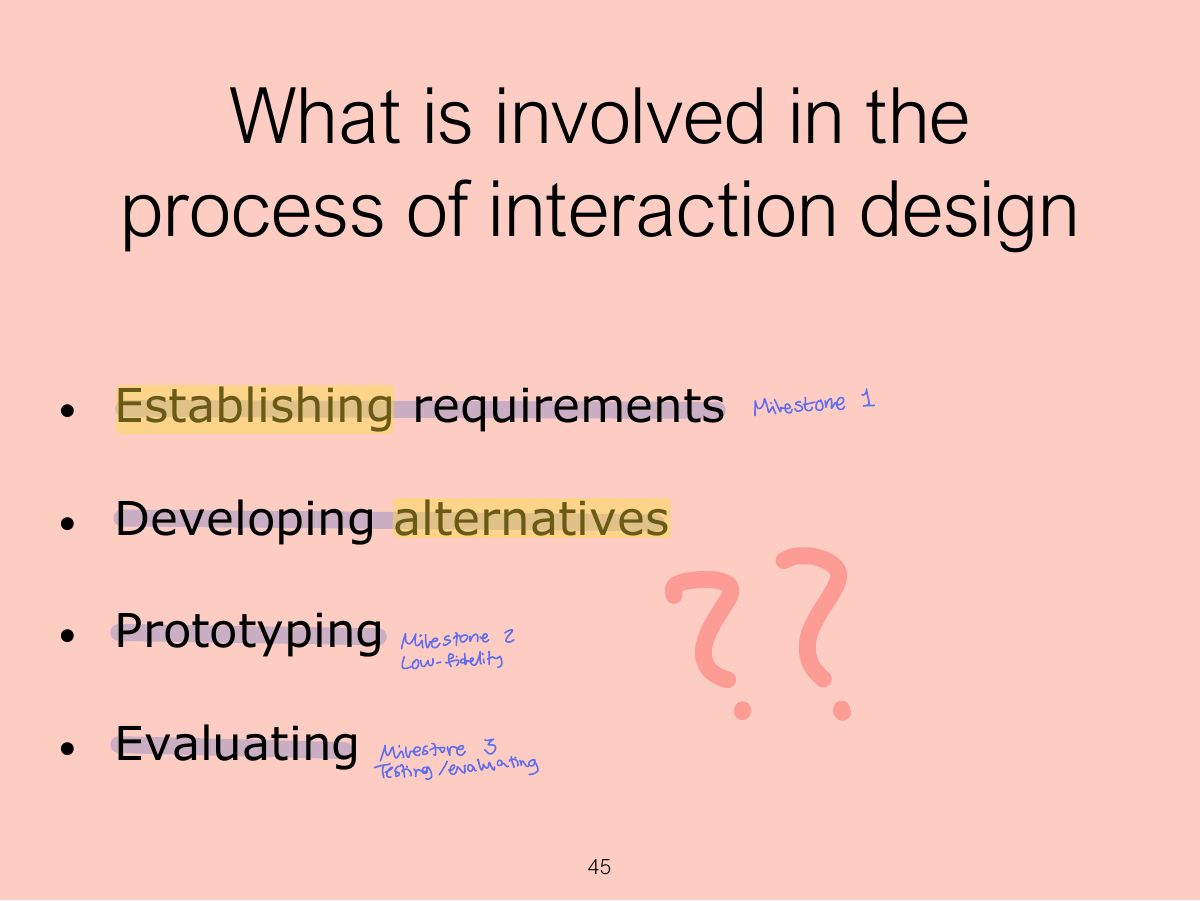
    • The process of Interaction Design
    • Usability
    • User experience (UX)
    • Design principles

    Based on material from:

    Sharp, H., Preece, J. and Rogers, Y.(2019). Interaction Design Beyond Human-Computer Interaction. 5th Ed. Sussex: John Wiley & Sons Ltd.

    2
    Exam weight Low

      Learning Outcomes

      • Define HCI
      • Explain the importance and scope of HCI
      • Discuss the evolution of HCI
      • Describe usability in HCI
      • Explain the process of interaction design, design principles
      3
      Exam weight Low

        Introduction

        How many interactive products are there in

        everyday use?

        (Think for a minute about what you use in a typical day)

        How many are actually easy, effortless and

        enjoyable to use?

        4
        Exam weight Low
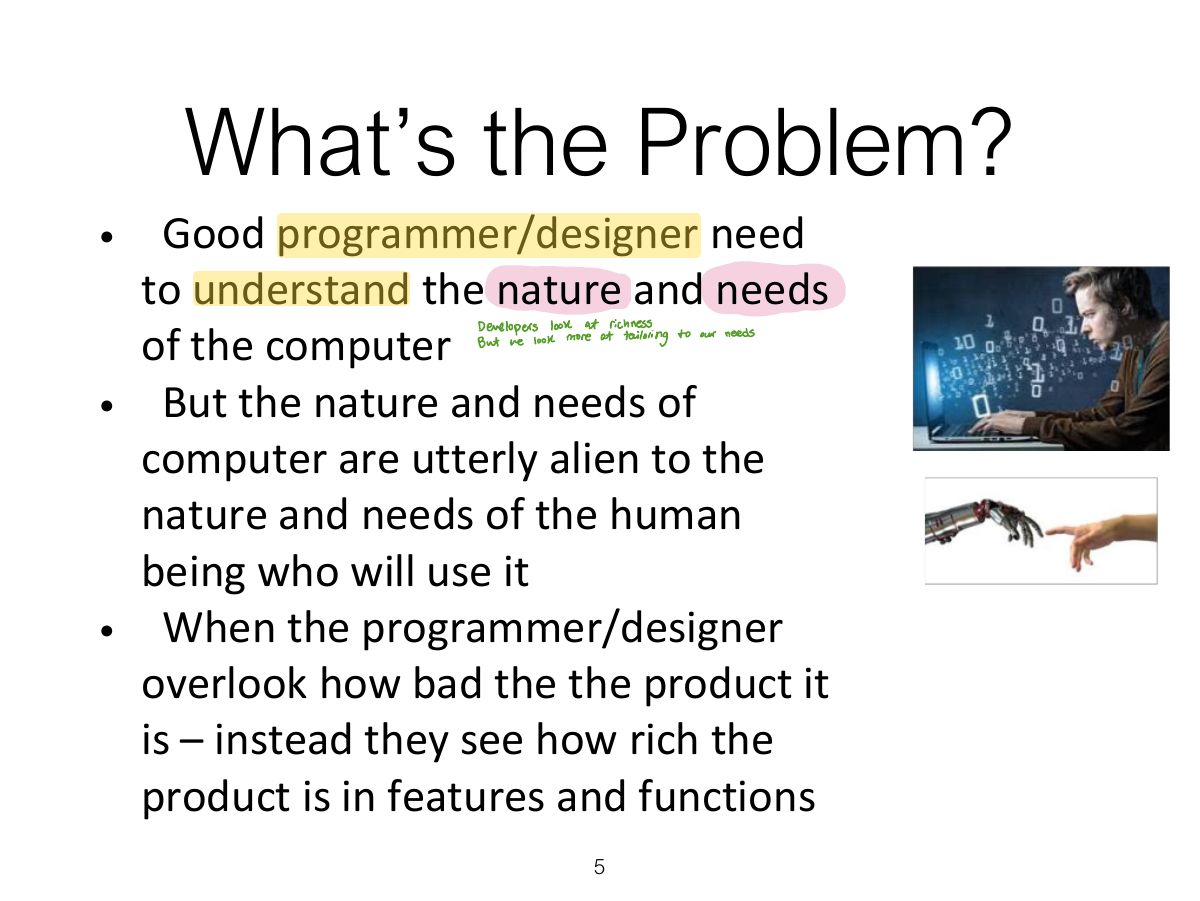
          Slide 5: What’s the Problem?
          Exam weight Low
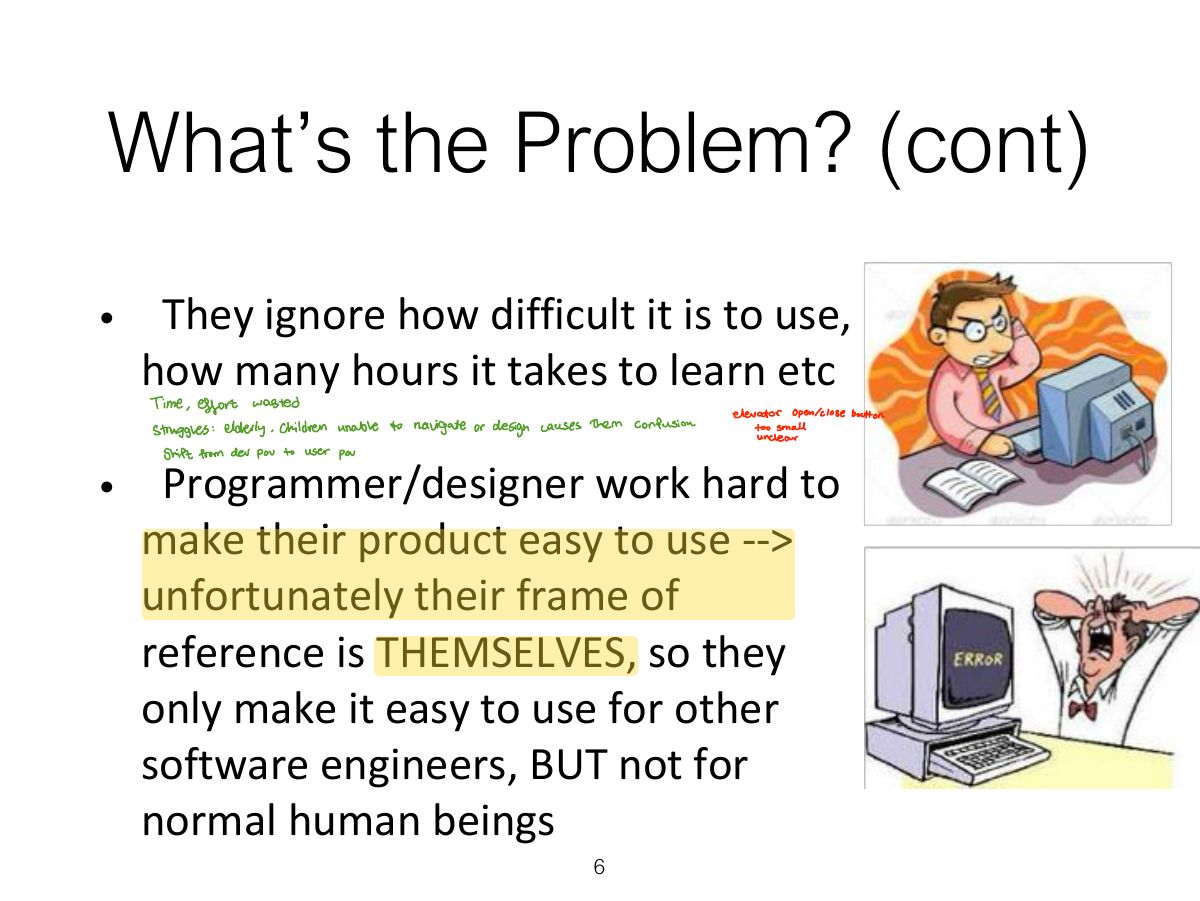
            Slide 6: What’s the Problem? (cont)
            Exam weight Low
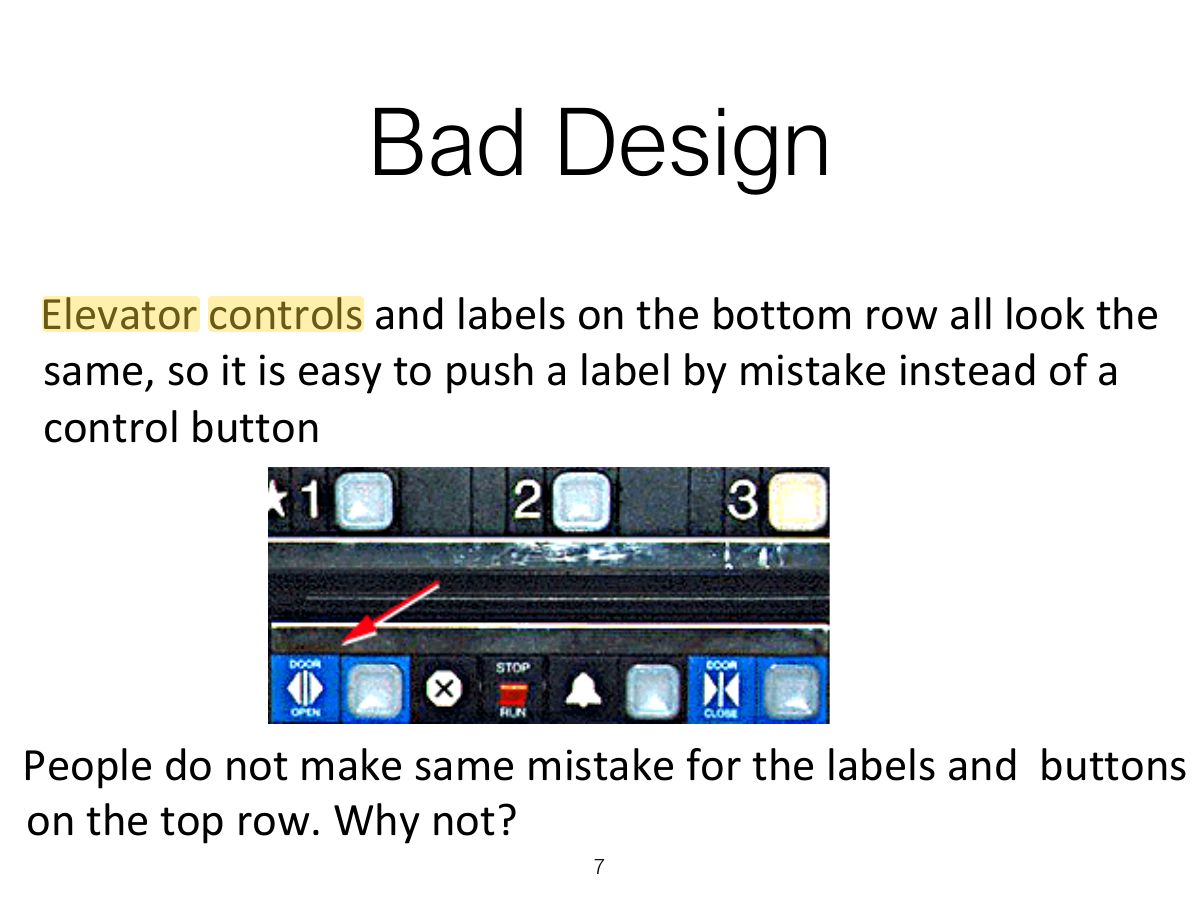
              Slide 7: Bad Design
              Exam weight Low
              1. Bad design ignores how people actually use things (the confusing vending machine, voice-mail system).

              Why is this vending machine so bad?

              • Need to push button first to activate reader
              • Normally insert bill first before making selection
              • Contravenes well known convention
              8
              Exam weight Low
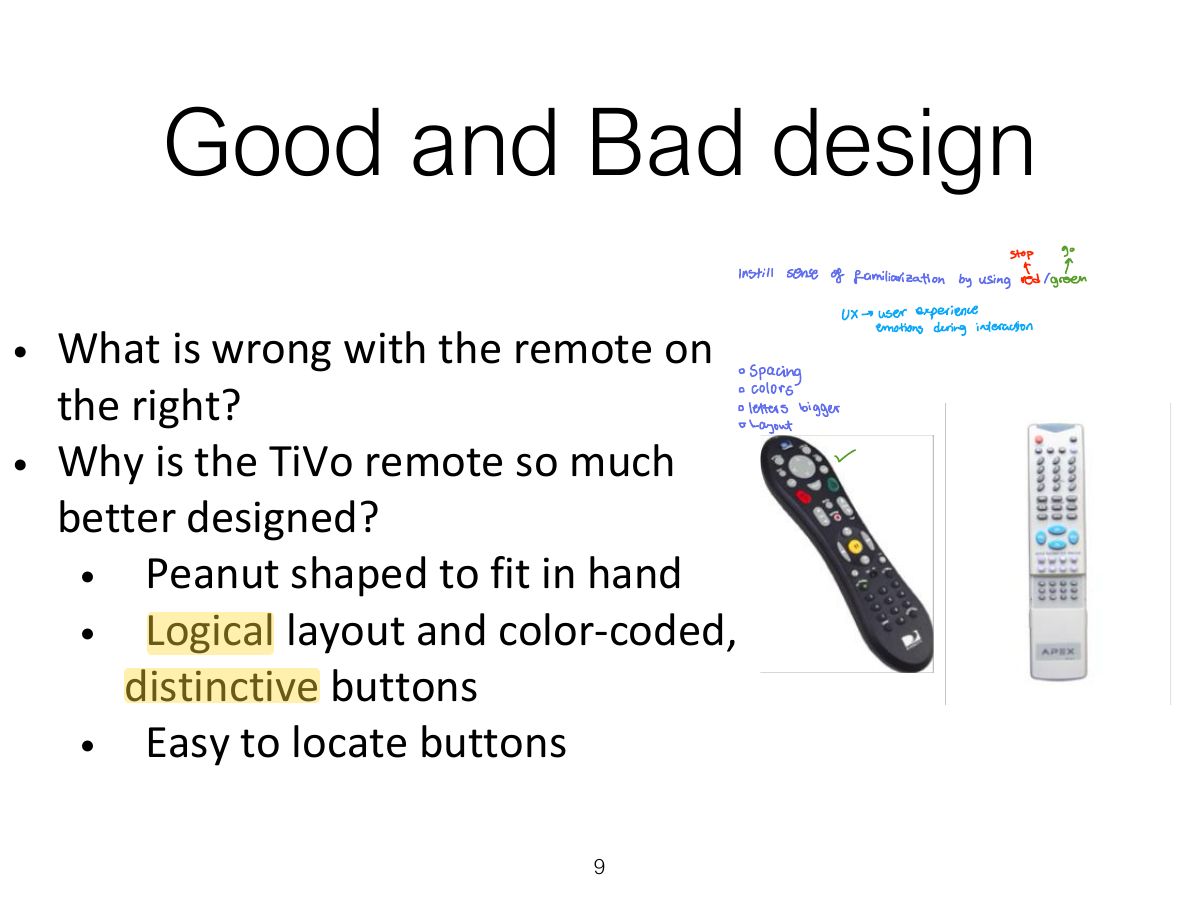
                Slide 9: Good and Bad design
                Exam weight Low
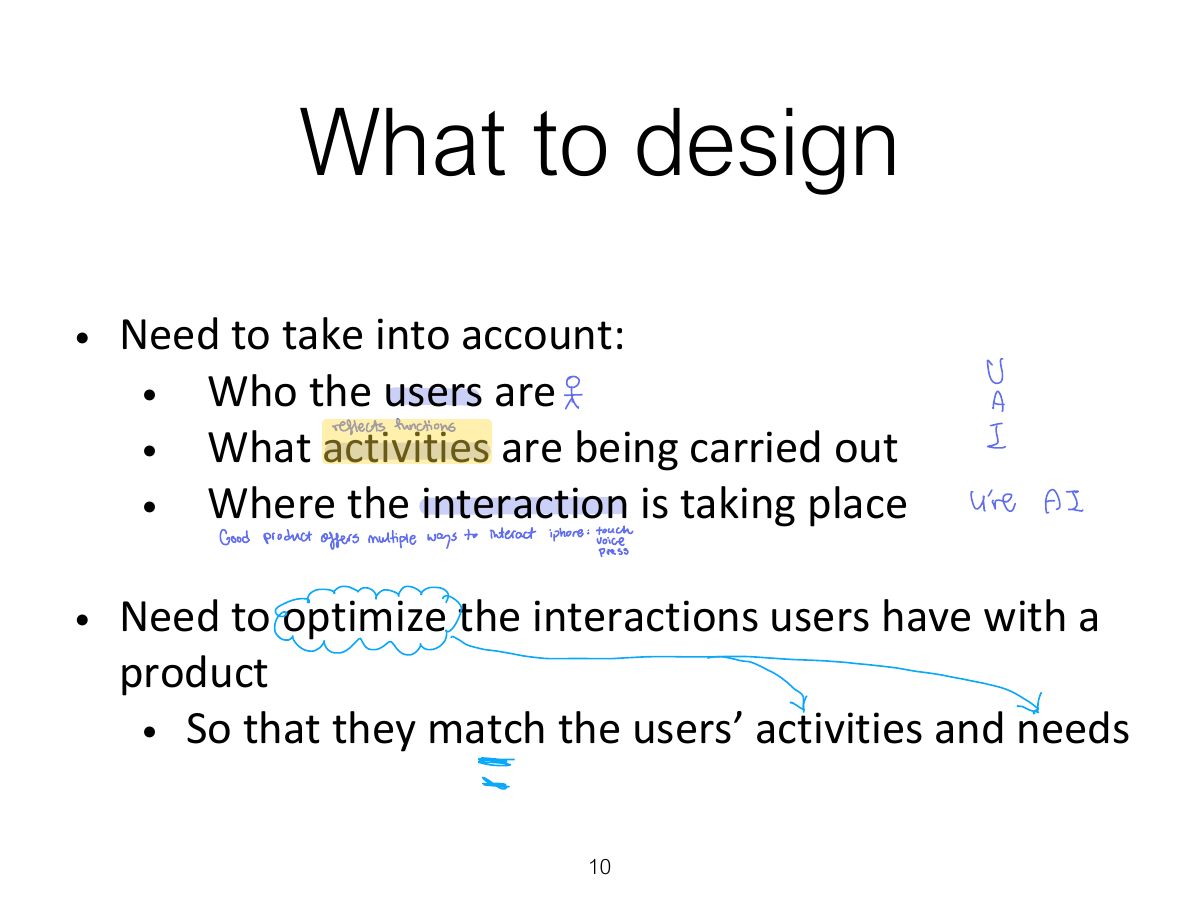
                  Slide 10: What to design
                  Exam weight Low
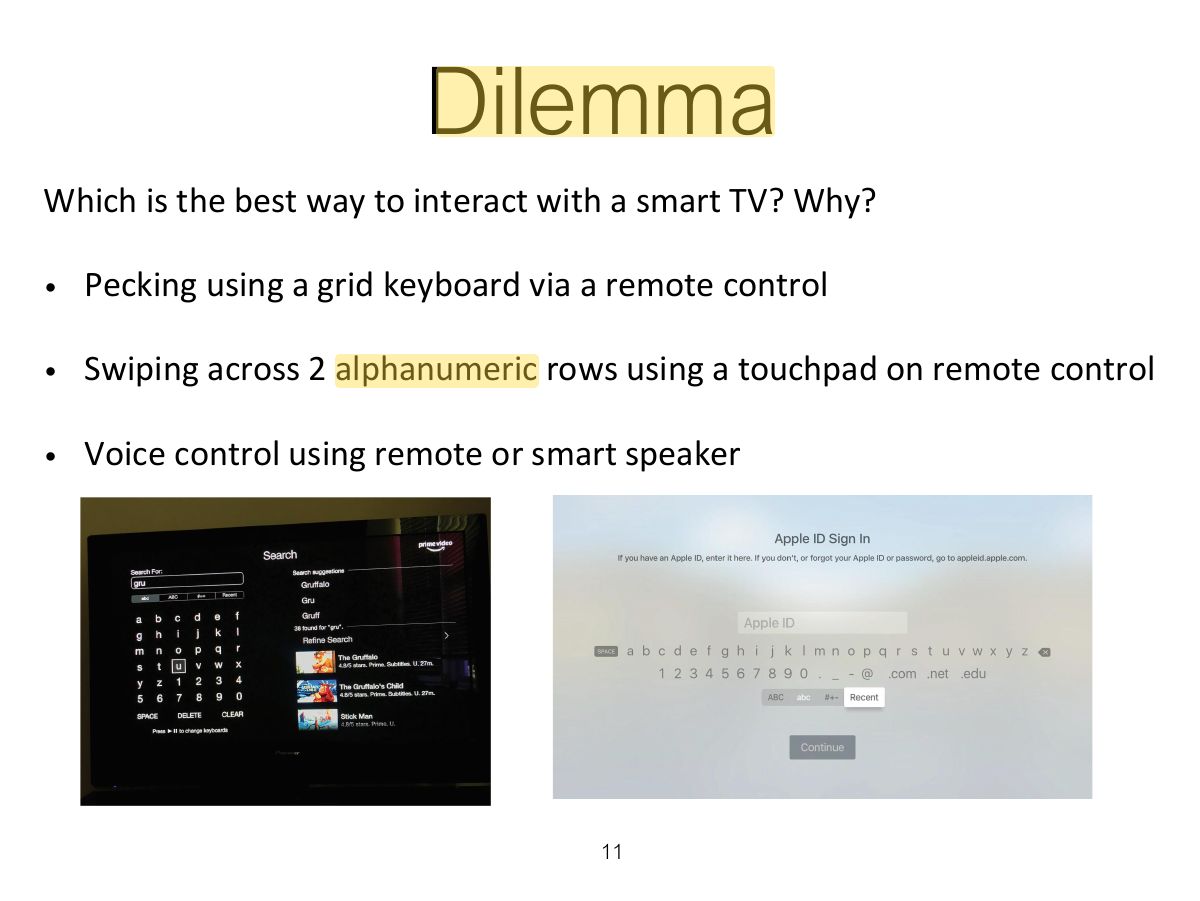
                    Slide 11: Dilemma
                    Exam weight Low
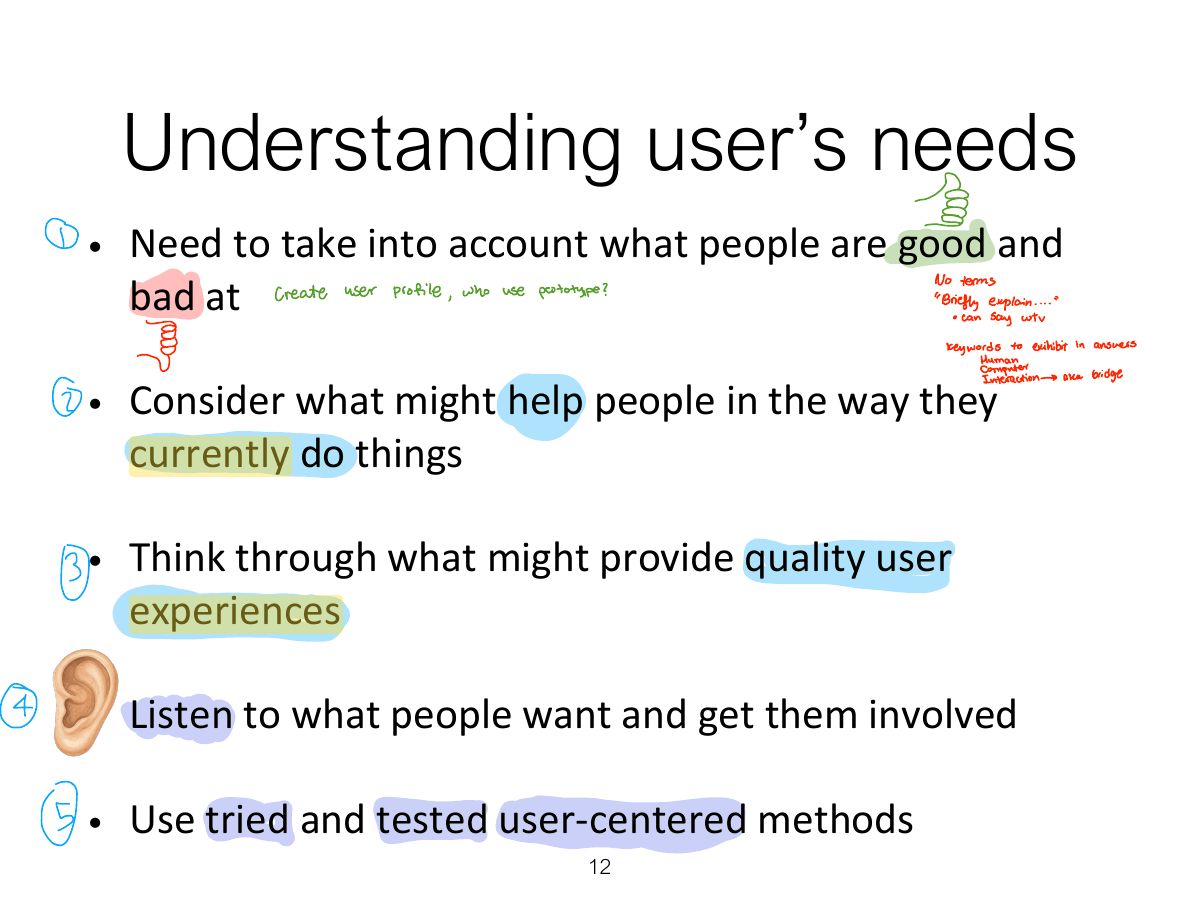
                      Slide 12: Understanding user’s needs
                      Exam weight Low
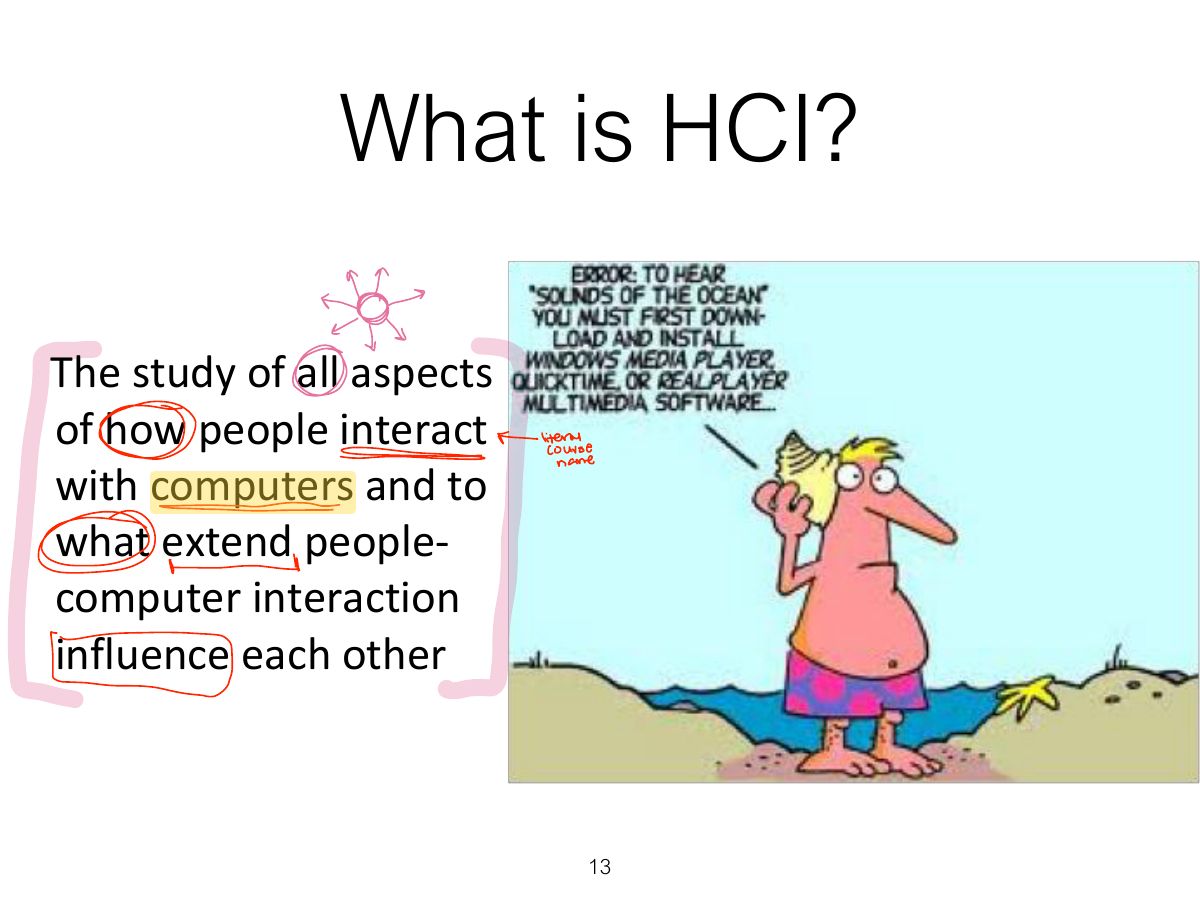
                        Slide 13: What is HCI?
                        Exam weight Low
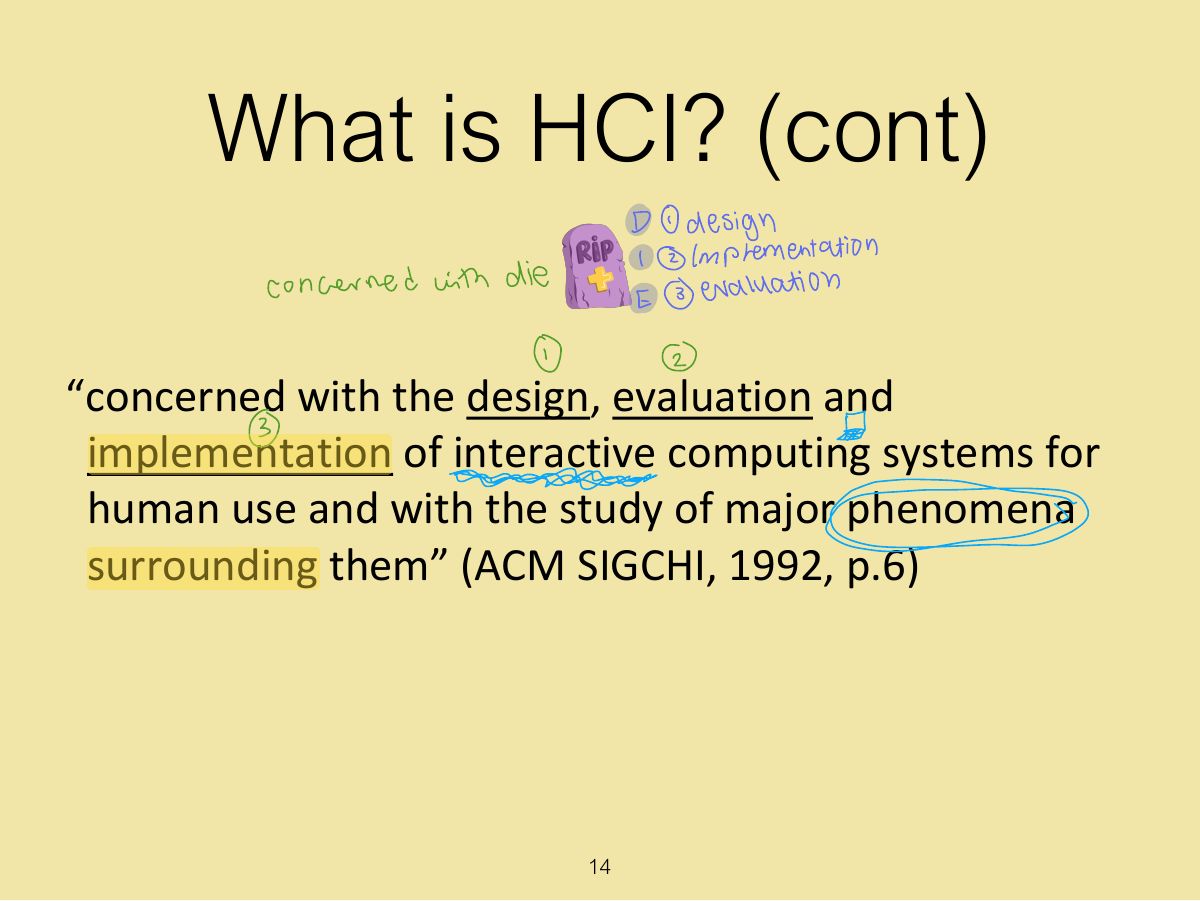
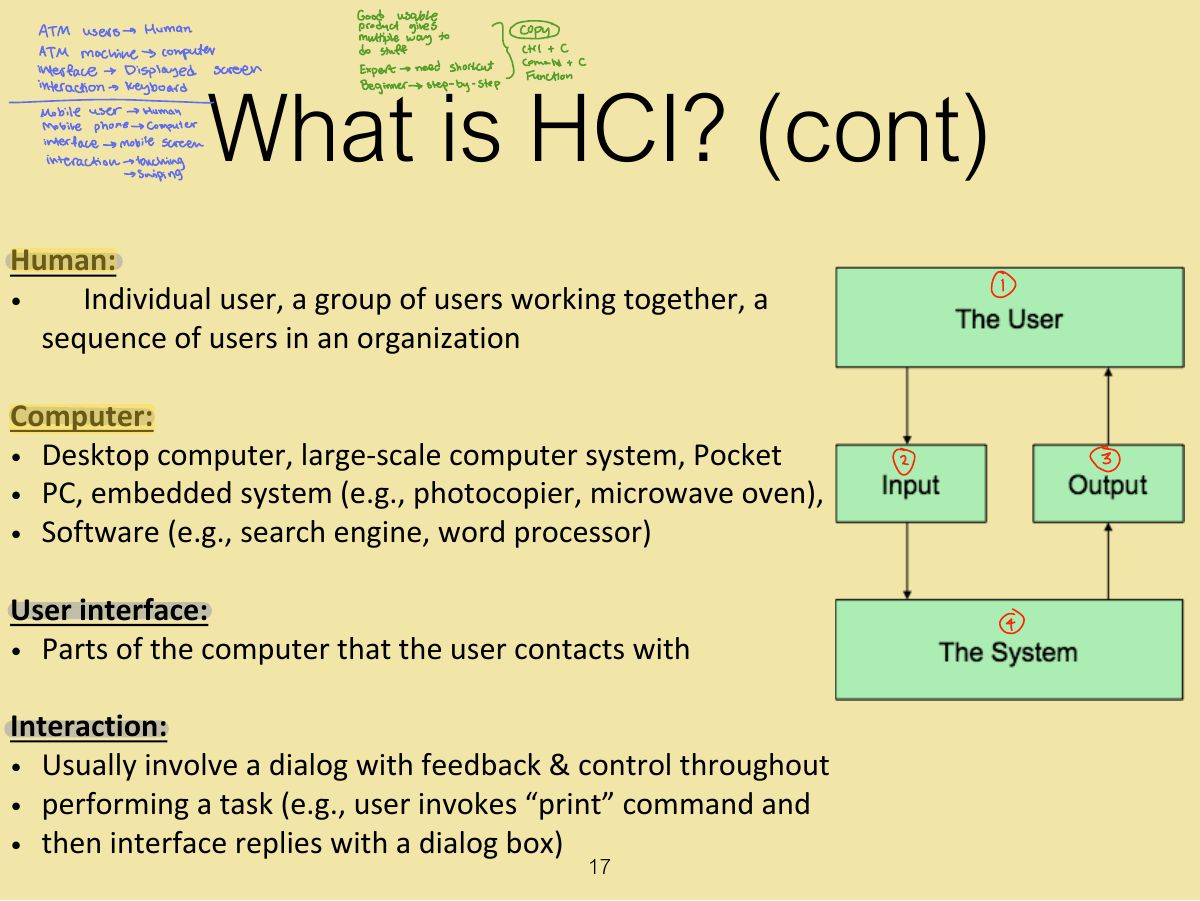
                        1. HCI: the design, evaluation and implementation of interactive computing systems for human use, and the study of the phenomena around them.
                        Slide 14: What is HCI? (cont)
                        Exam weight Low
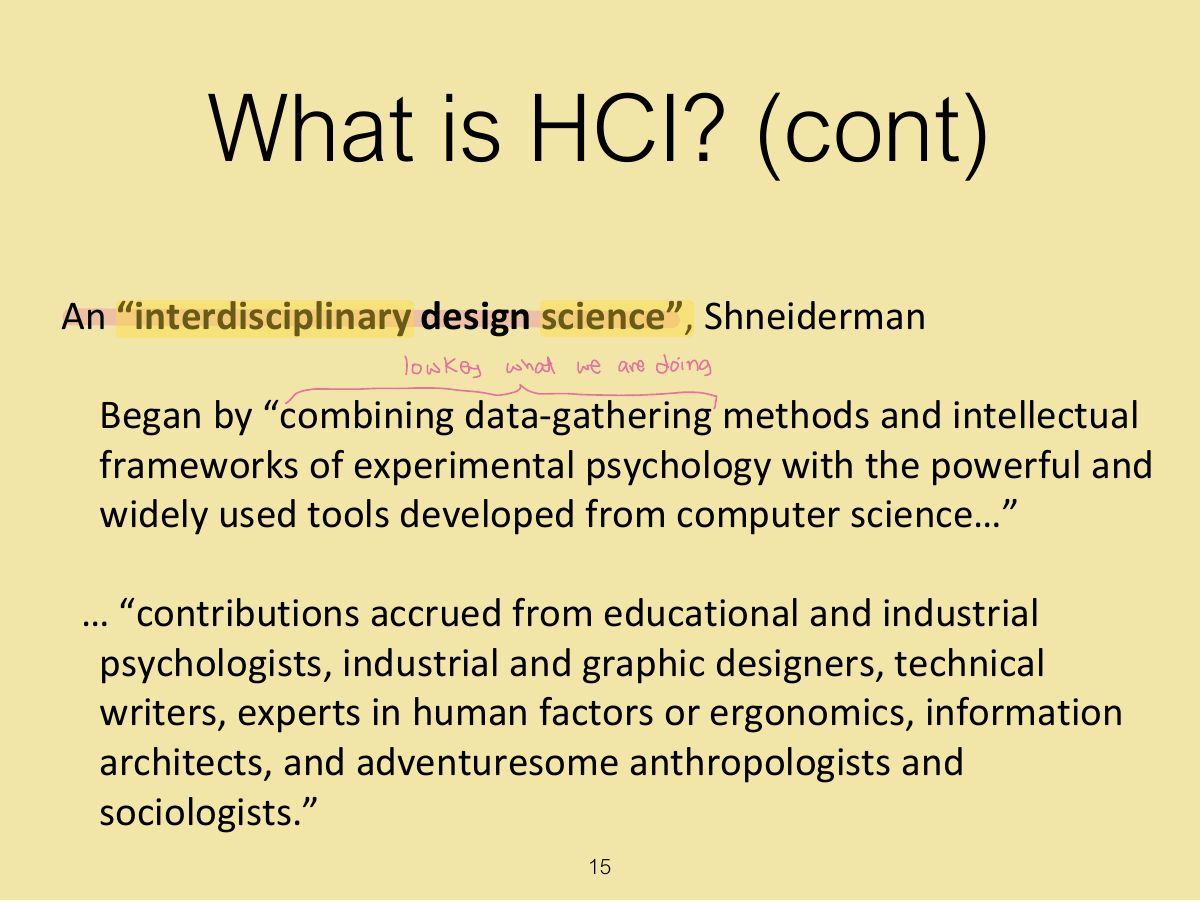
                          Slide 15: What is HCI? (cont)
                          Exam weight Low

                            What is HCI? (cont)

                            Dix: “HCI is study of people, computer technology and the ways these influence each other. We study HCI to determine how we can make this computer technology more usable by people” (1998) Carroll: “HCI is the study and practice of usability. It is about understanding and creating software and other technology that people will want to use, will be able to use, and will find effective when used. ” (2002)

                            16
                            Exam weight Low
                              Slide 17: What is HCI? (cont)
                              Exam weight Low
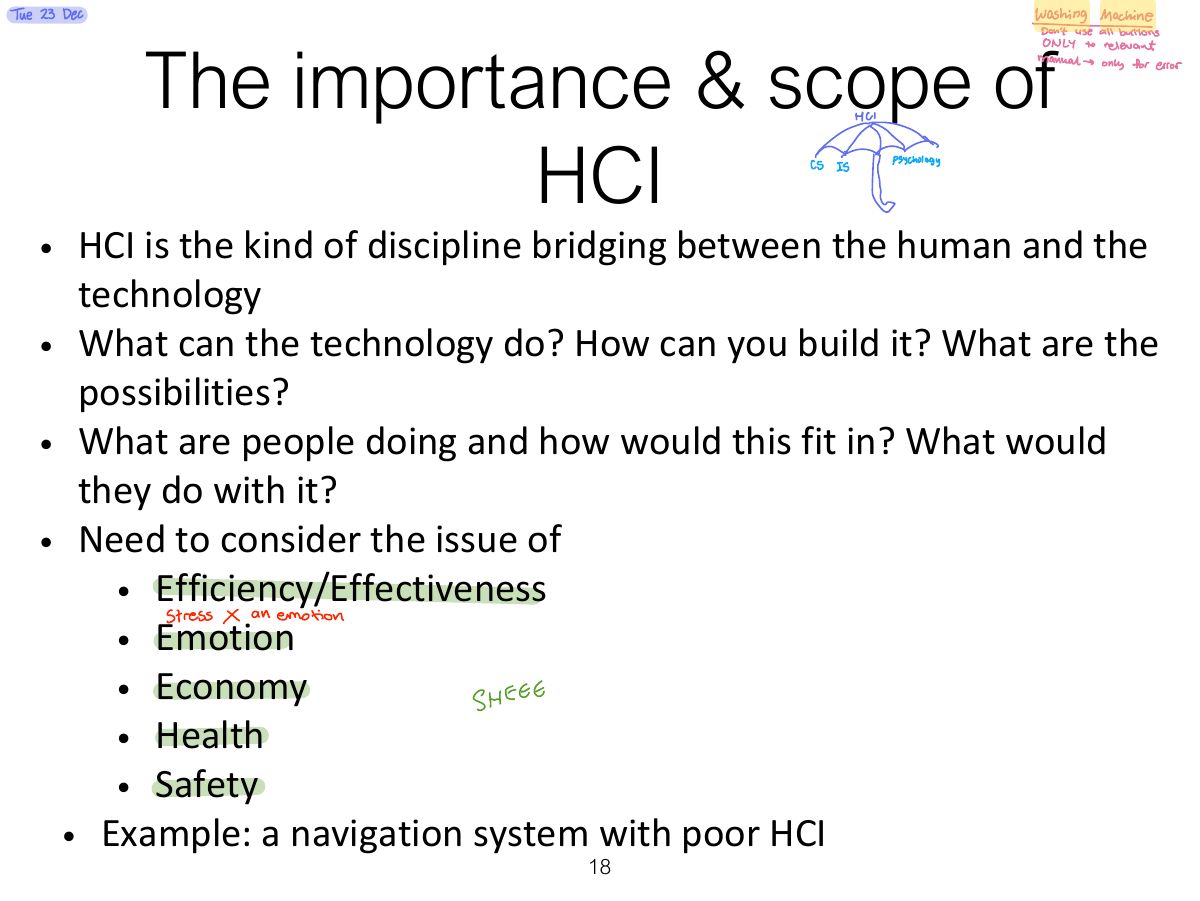
                                Slide 18: The importance & scope of HCI
                                Exam weight Low

                                  Interdisciplinary & scope of HCI

                                  19
                                  Exam weight Low
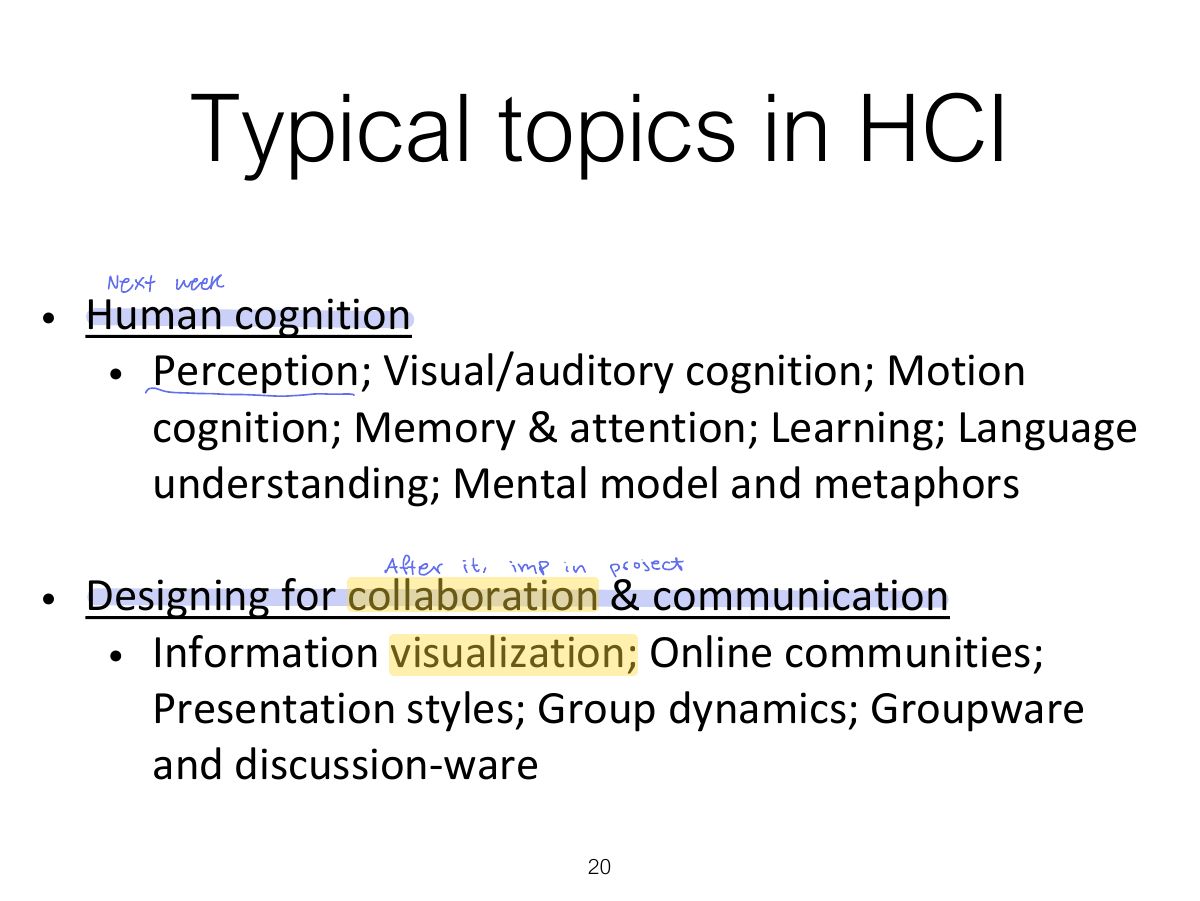
                                    Slide 20: Typical topics in HCI
                                    Exam weight Low
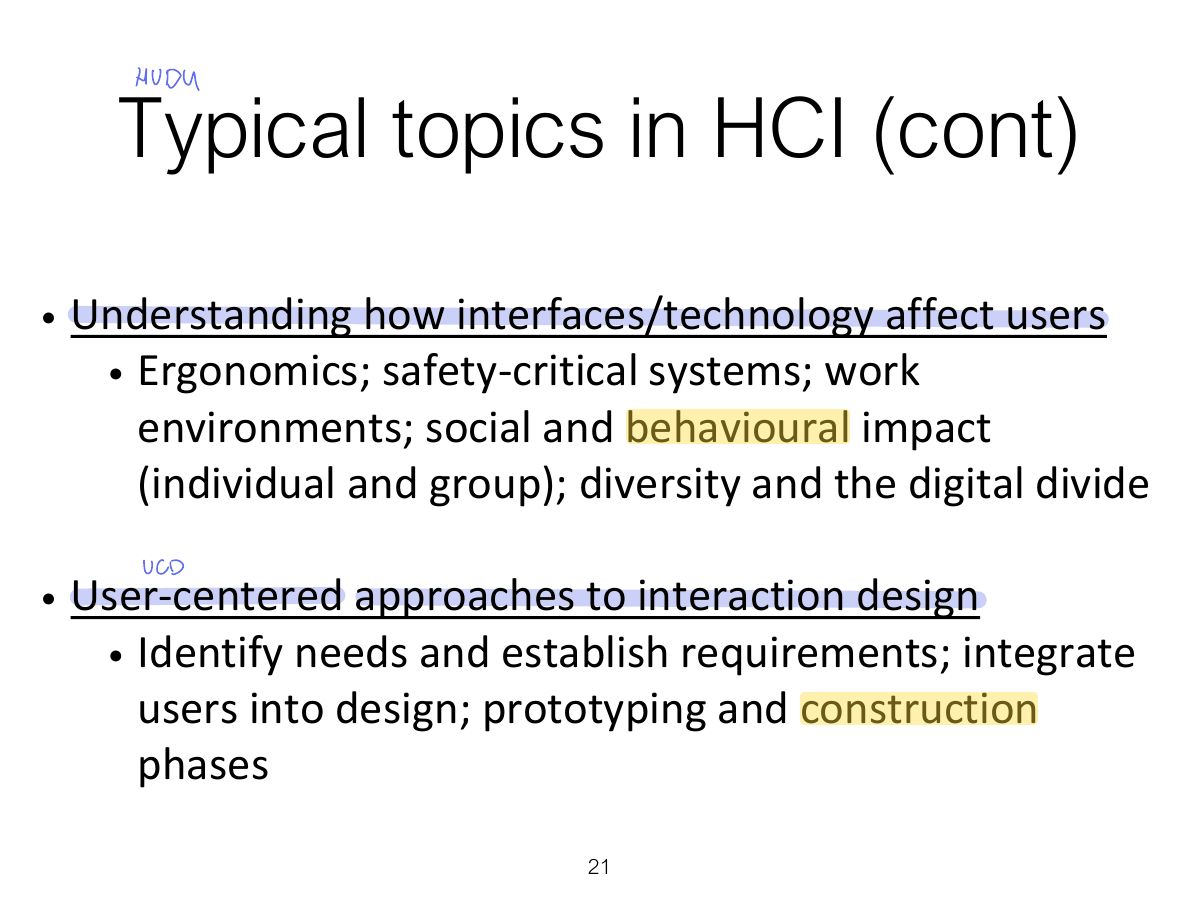
                                      Slide 21: Typical topics in HCI (cont)
                                      Exam weight Low

                                        Typical topics in HCI (cont)

                                        • Usability evaluation
                                          • Observing users; testing and modeling users; expert evaluations
                                        • Interaction styles
                                          • Virtual environments; Menus and forms; Commands and natural language; hands-free input
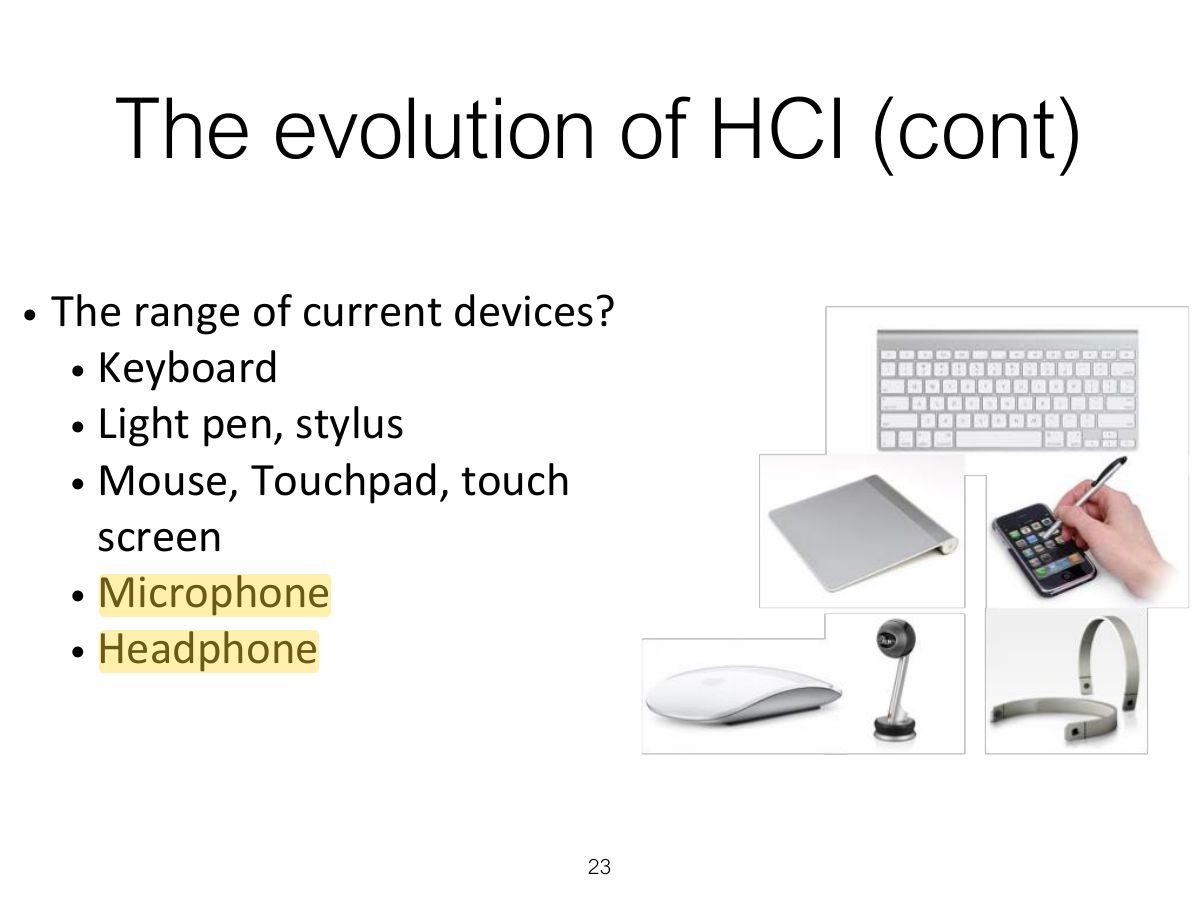
                                        • Interaction devices
                                          • Keyboards; Pointing devices; Speech I/O; Image and video I/O; other sensory devices; Mobile devices
                                        22
                                        Exam weight Low
                                          Slide 23: The evolution of HCI (cont)
                                          Exam weight Low
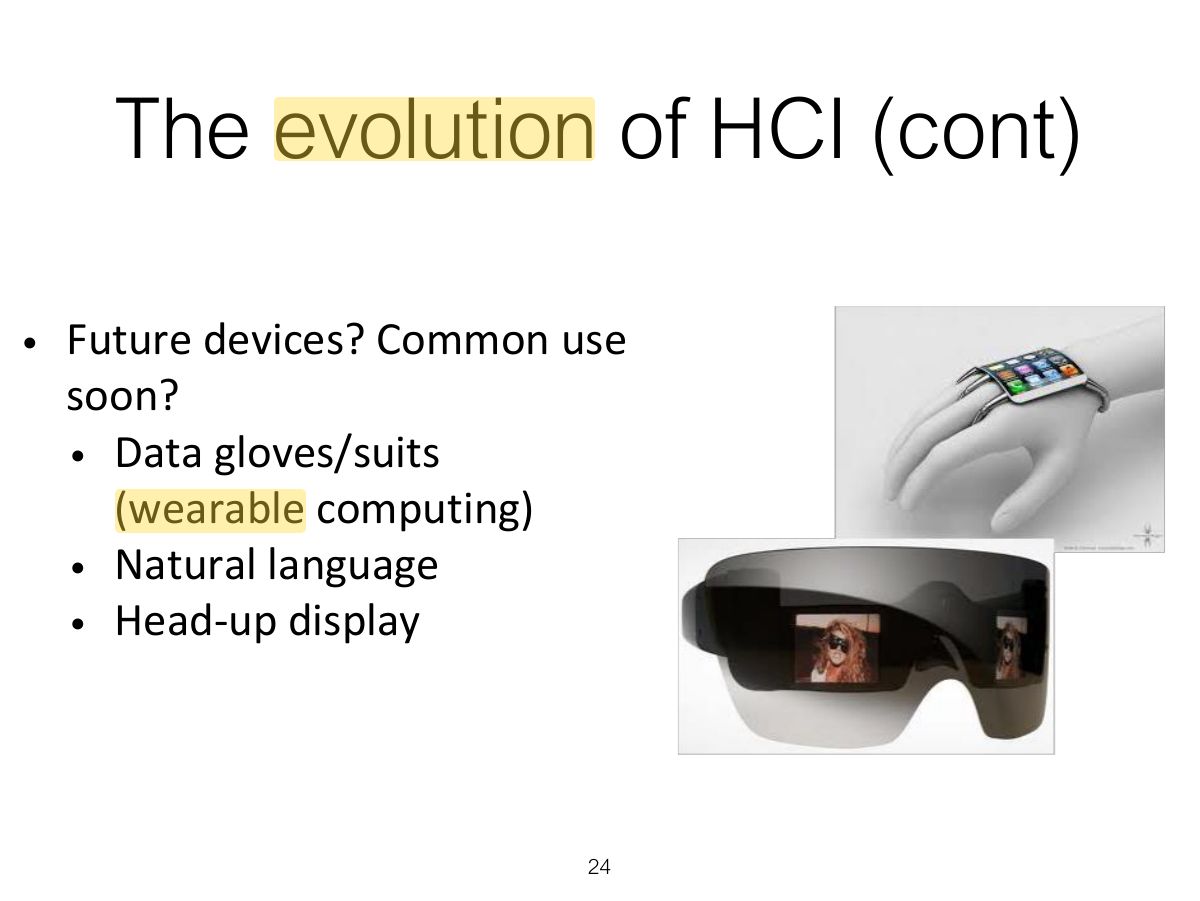
                                            Slide 24: The evolution of HCI (cont)
                                            Exam weight Low
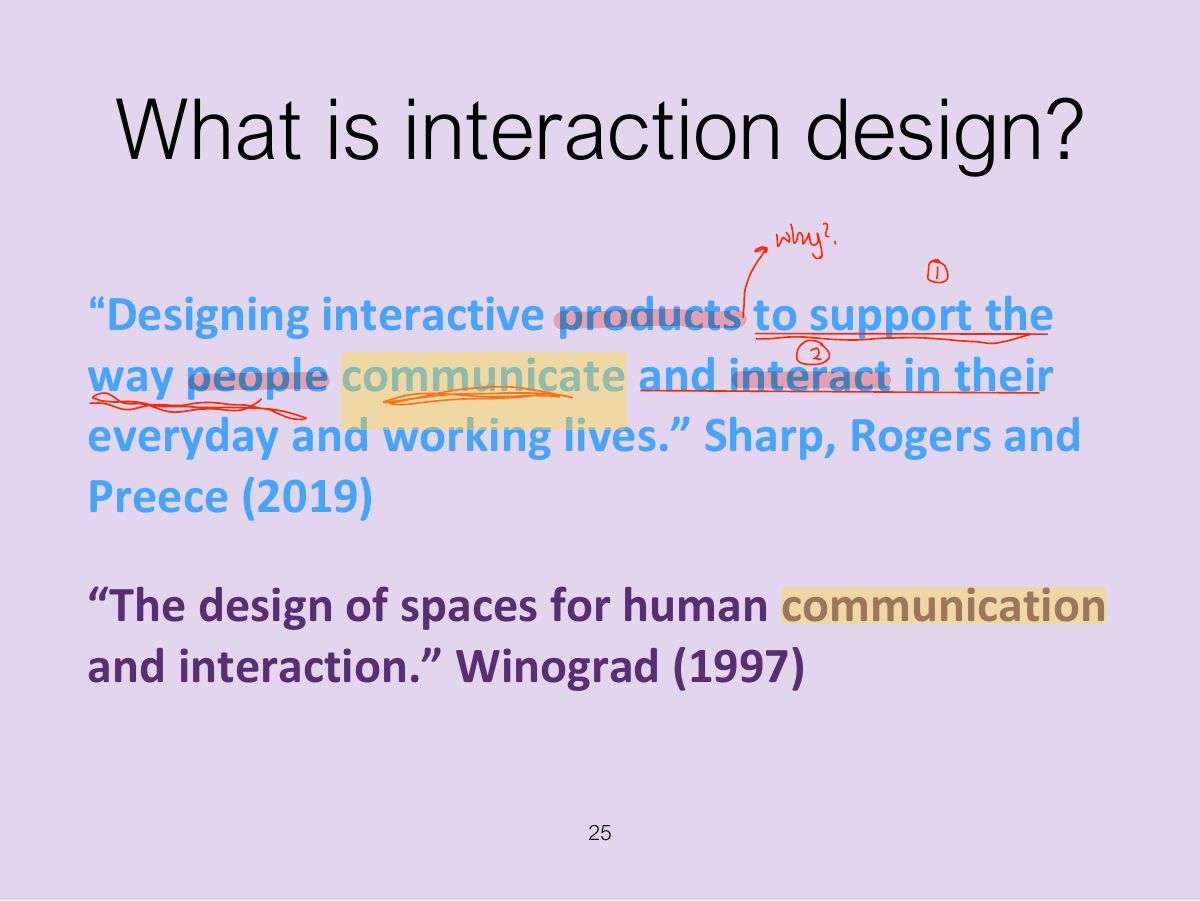
                                              Slide 25: What is interaction design?
                                              Exam weight Low
                                              1. Interaction design: designing interactive products to support the way people communicate and interact in their everyday and working lives.
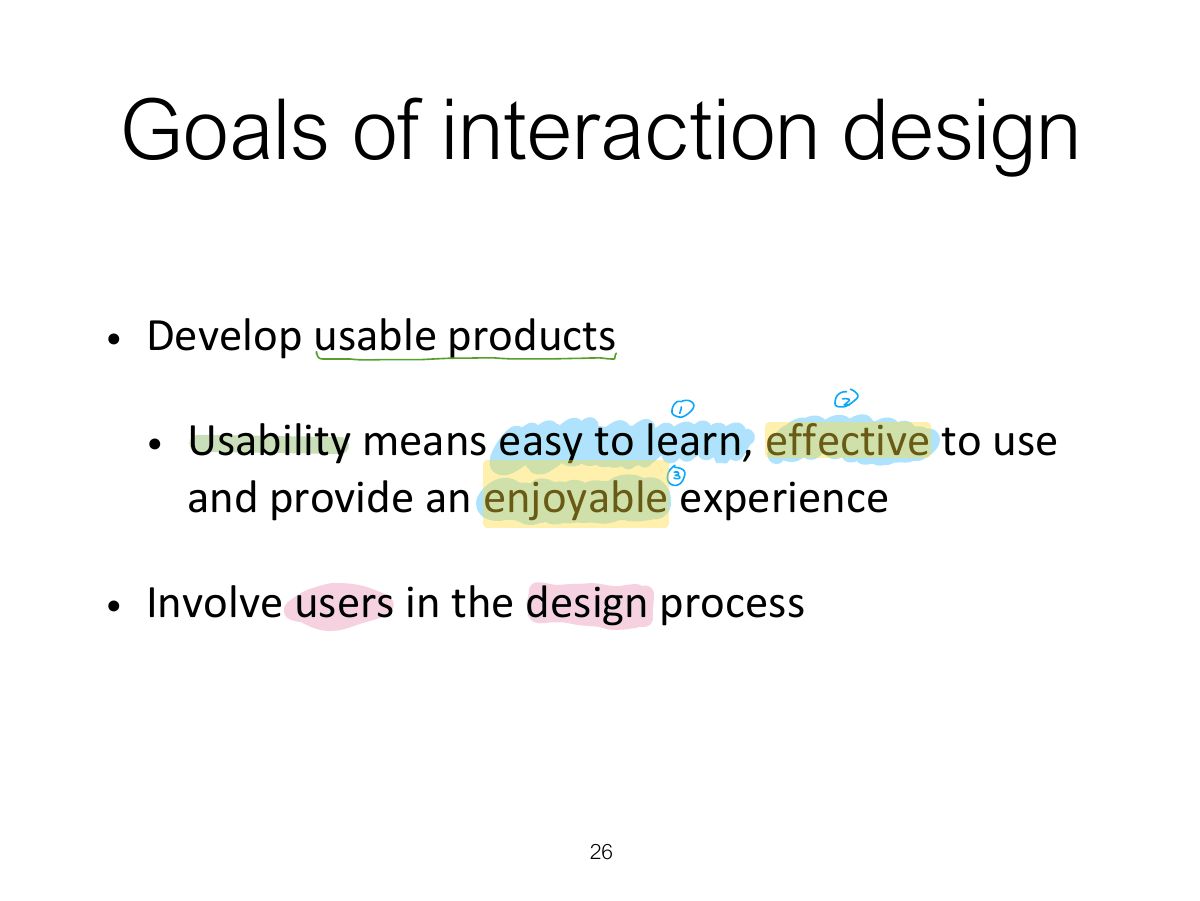
                                              Slide 26: Goals of interaction design
                                              Exam weight Low
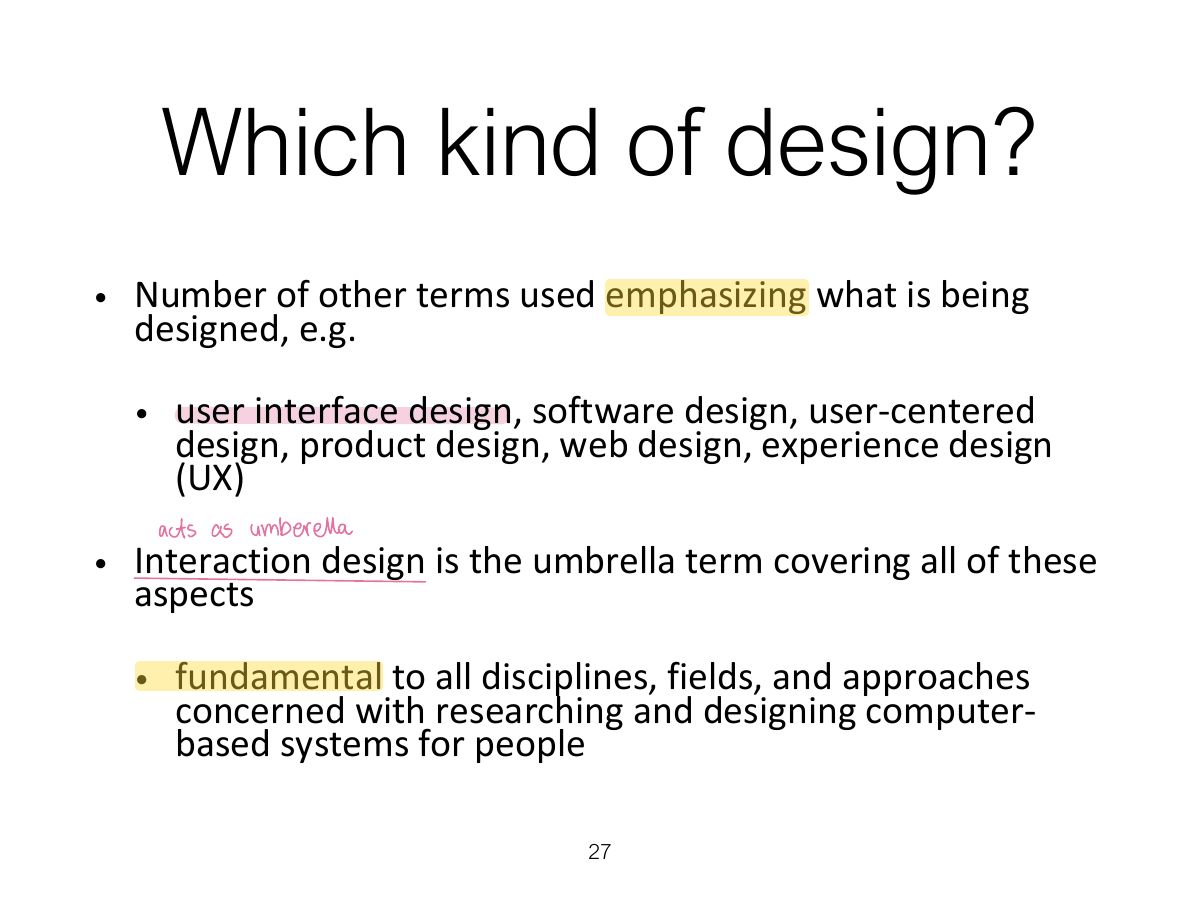
                                                Slide 27: Which kind of design?
                                                Exam weight Low
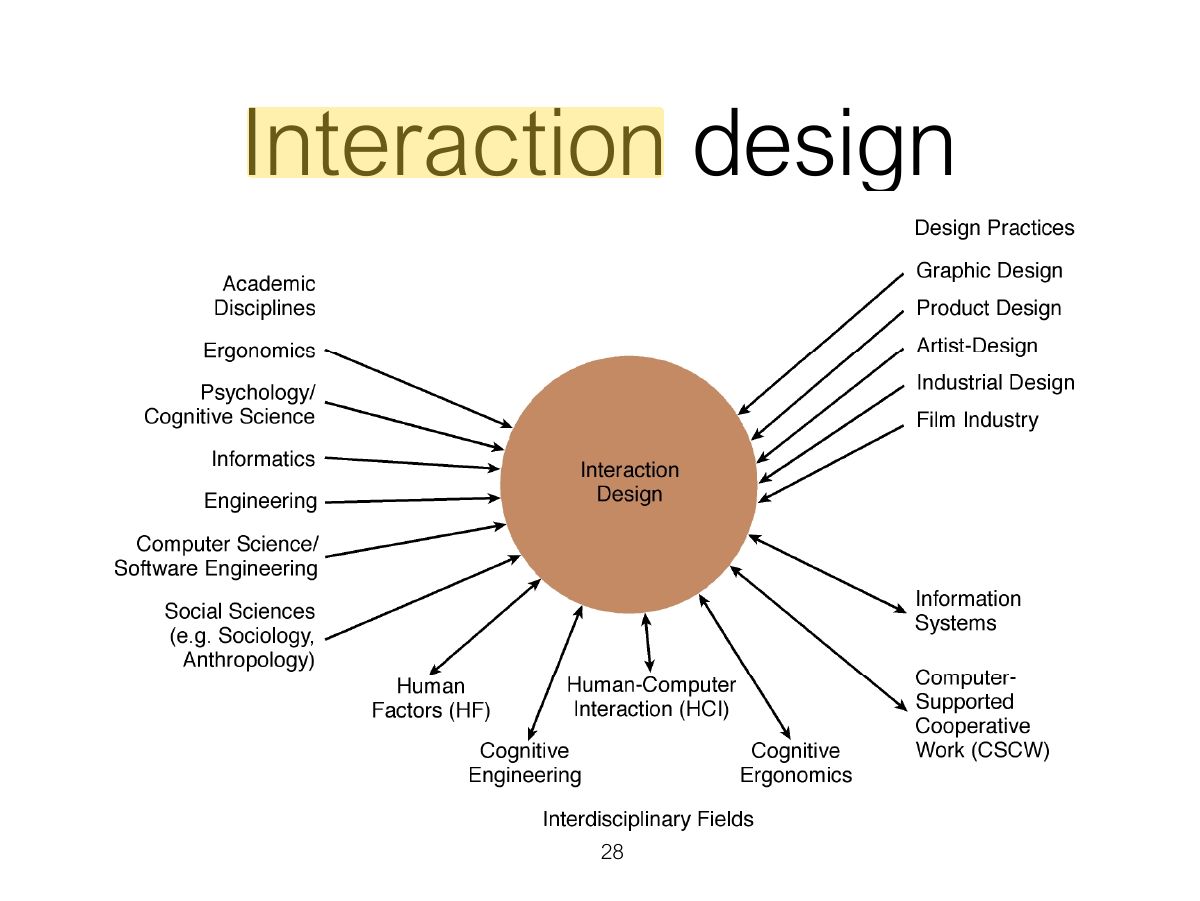
                                                  Slide 28: Interaction design
                                                  Exam weight Low
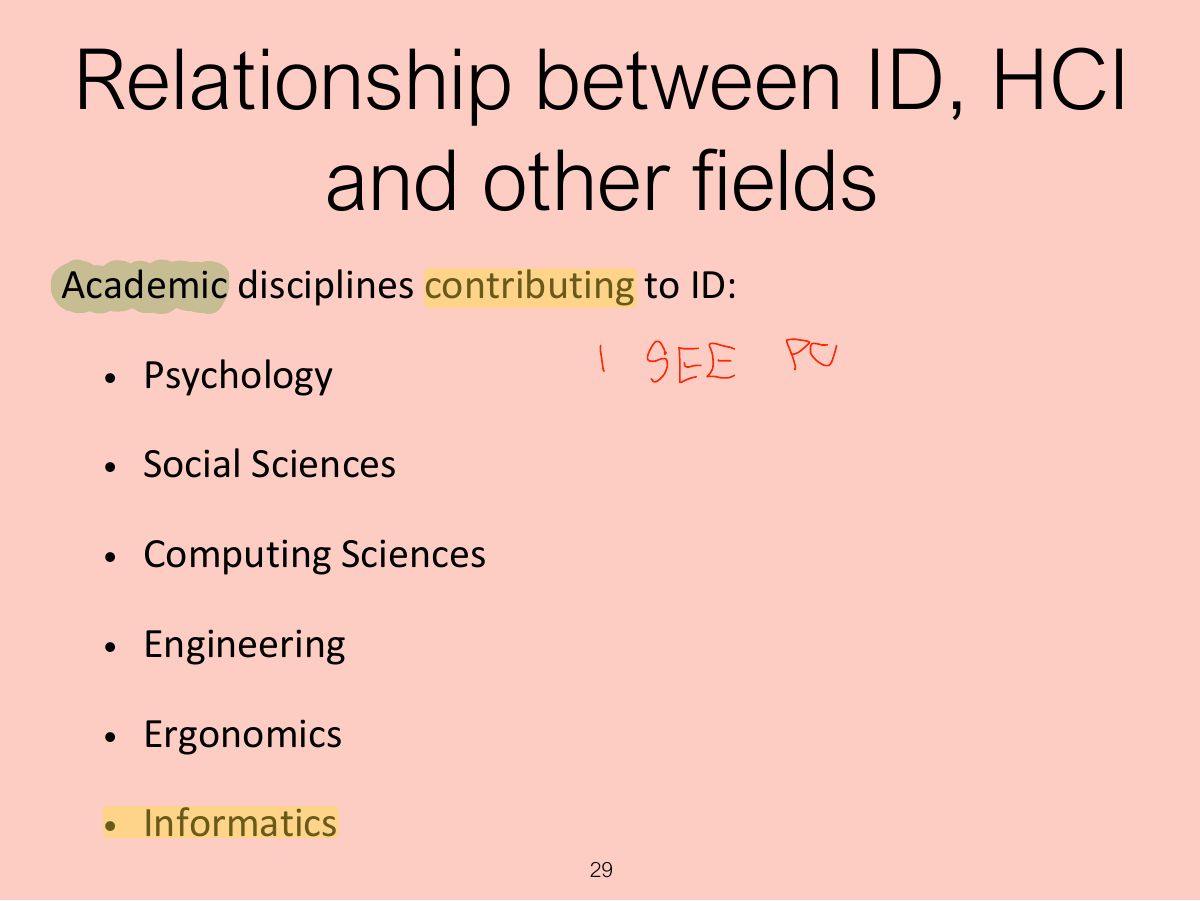
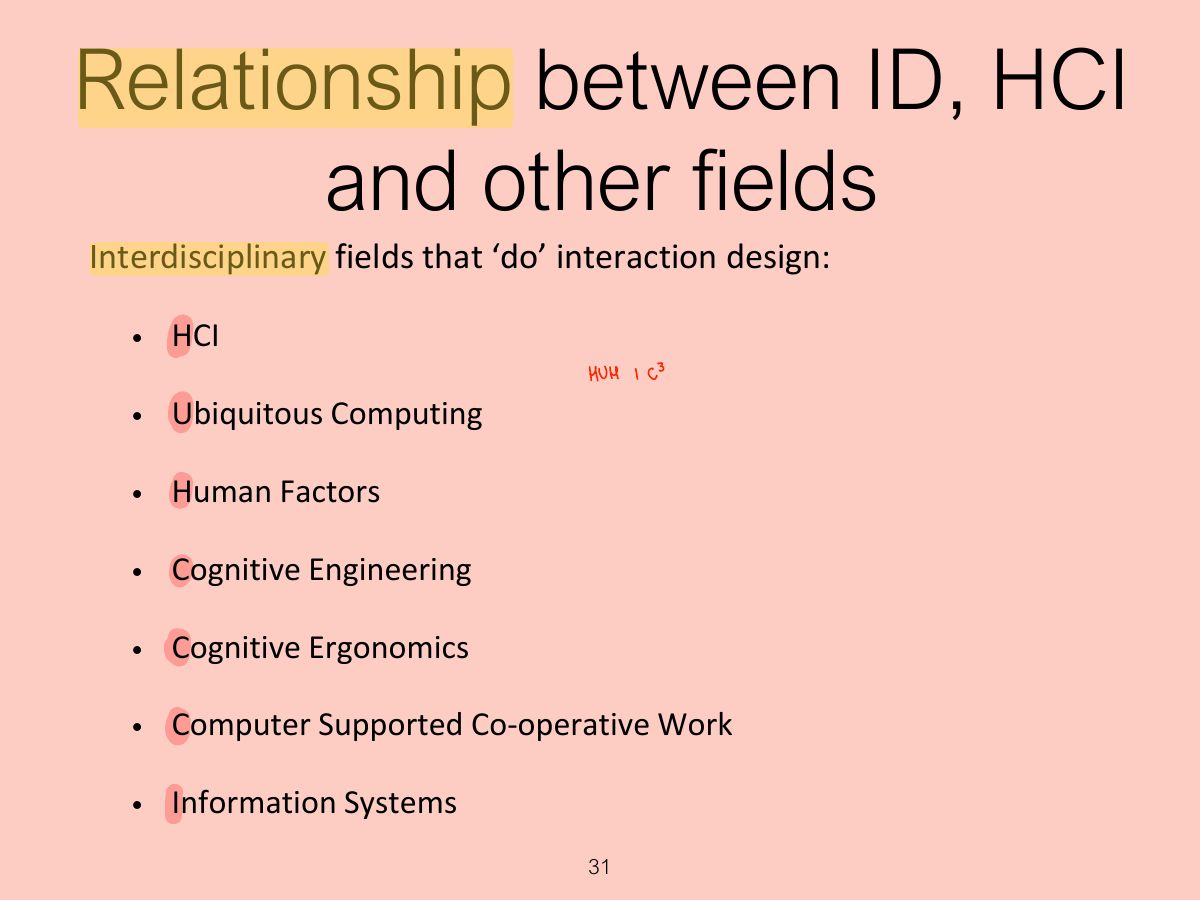
                                                    Slide 29: Relationship between ID, HCI and other fields
                                                    Exam weight Low
                                                    1. Interaction design is the umbrella; HCI, UX, human factors, cognitive ergonomics and others overlap with it.
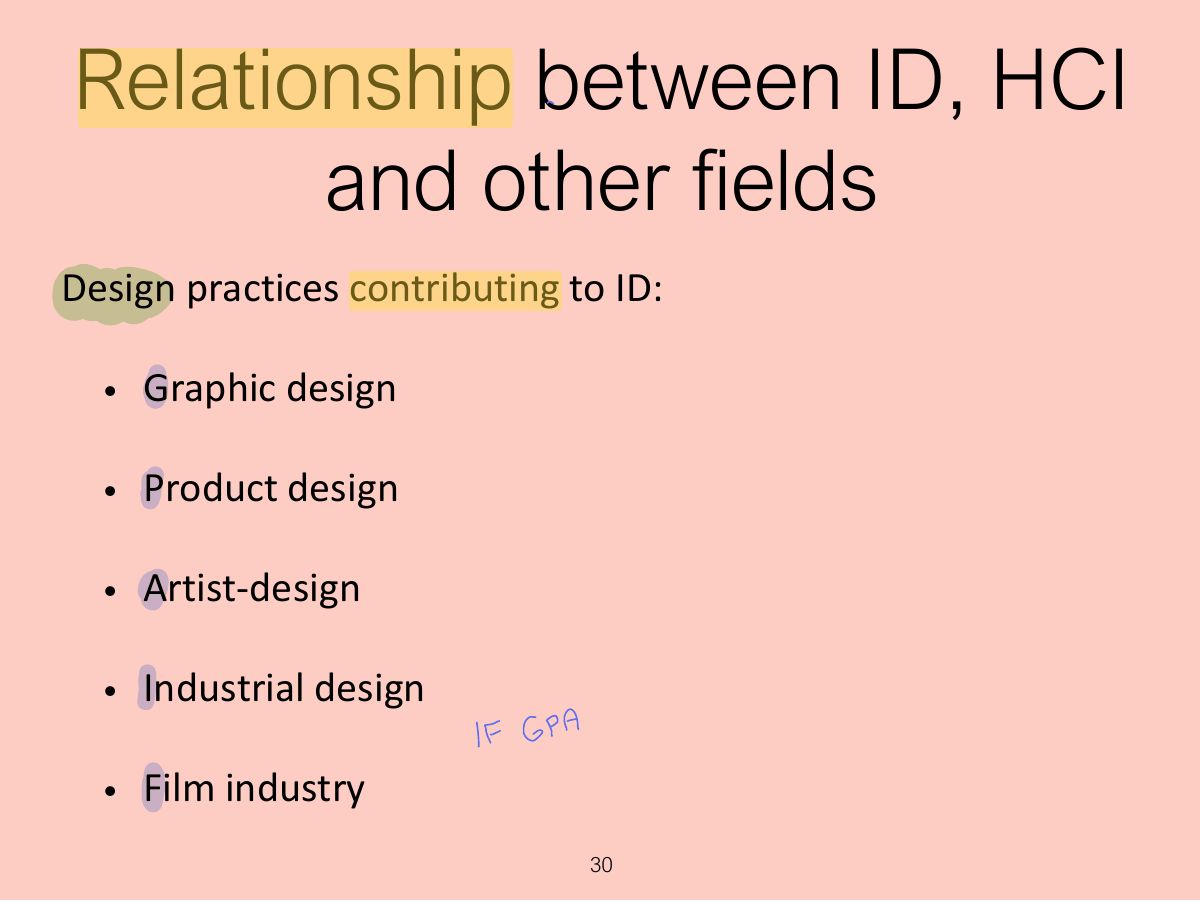
                                                    Slide 30: Relationship between ID, HCI and other fields
                                                    Exam weight Low
                                                      Slide 31: Relationship between ID, HCI and other fields
                                                      Exam weight Low
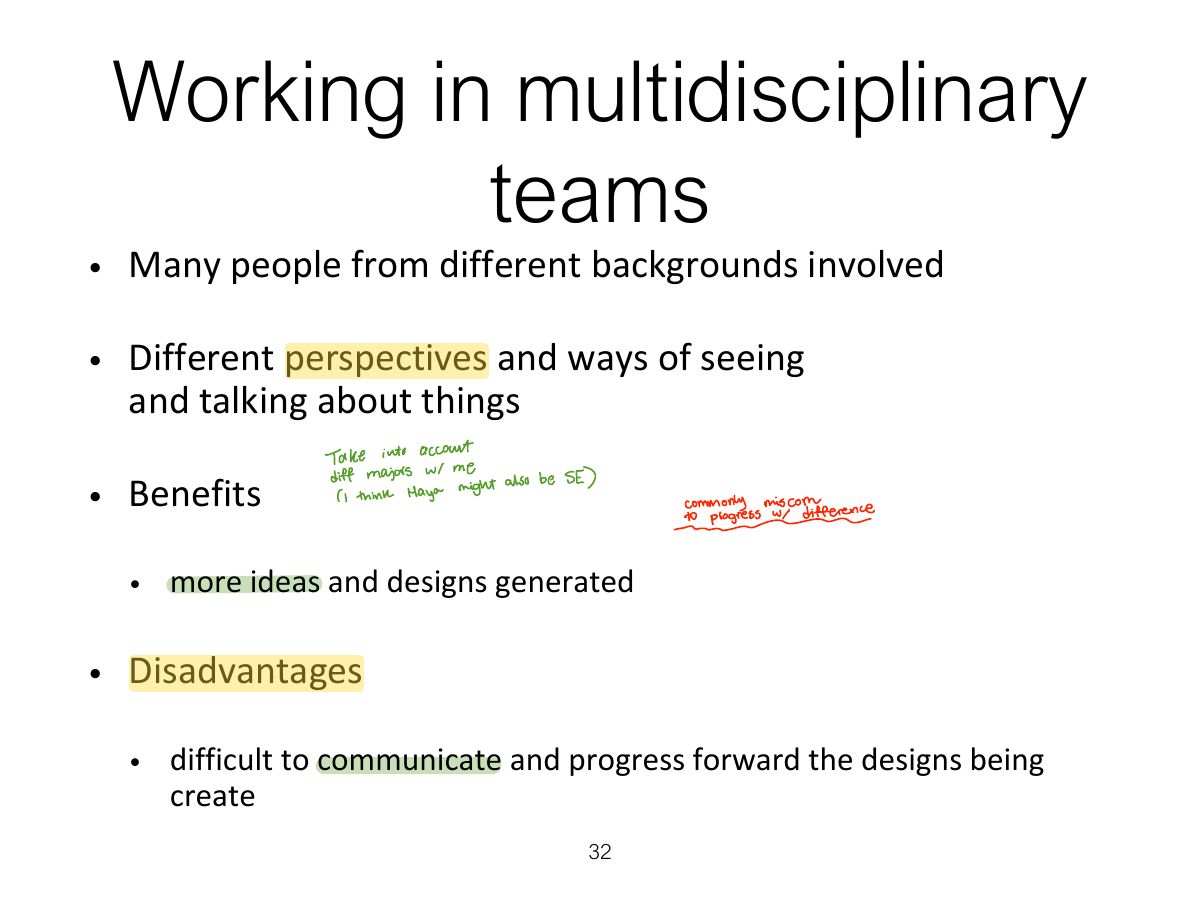
                                                        Slide 32: Working in multidisciplinary teams
                                                        Exam weight Low

                                                          Interaction design in business

                                                          • Large number of ID consultancies, examples of well known ones include:
                                                            • Nielsen Norman Group: “help companies enter the age of the consumer, designing human-centered products and services”
                                                            • Cooper: “From research and product to goal - related design”
                                                            • IDEO: “creates products, services and environments for companies pioneering new ways to provide value to their customers”
                                                          33
                                                          Exam weight Low
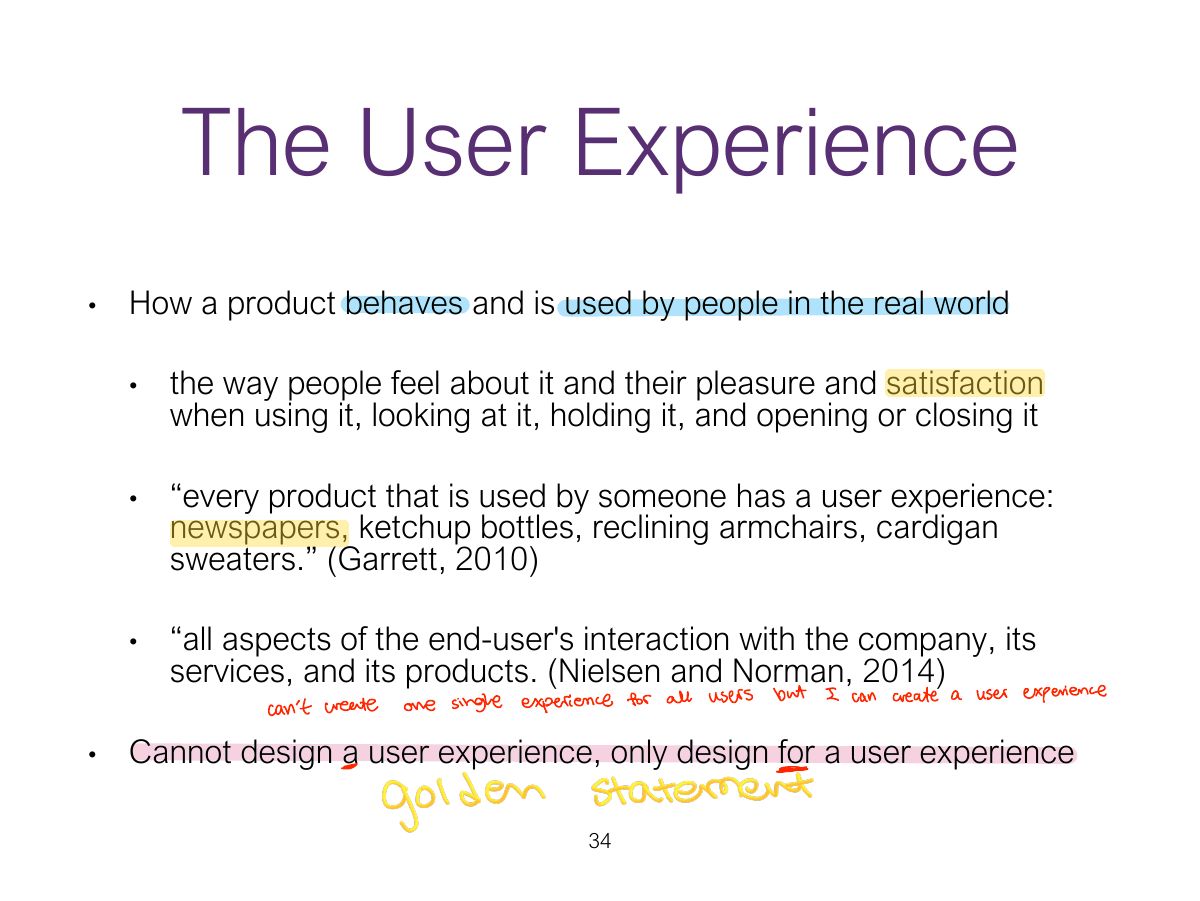
                                                            Slide 34: The User Experience
                                                            Exam weight High
                                                            1. User experience (UX): how a product behaves and is used by people in the real world: how they FEEL about it. You can’t design a UX, only design FOR one.
                                                            🎯 How this can come up · 1 question
                                                            True / False

                                                            Designers can design a user experience directly.

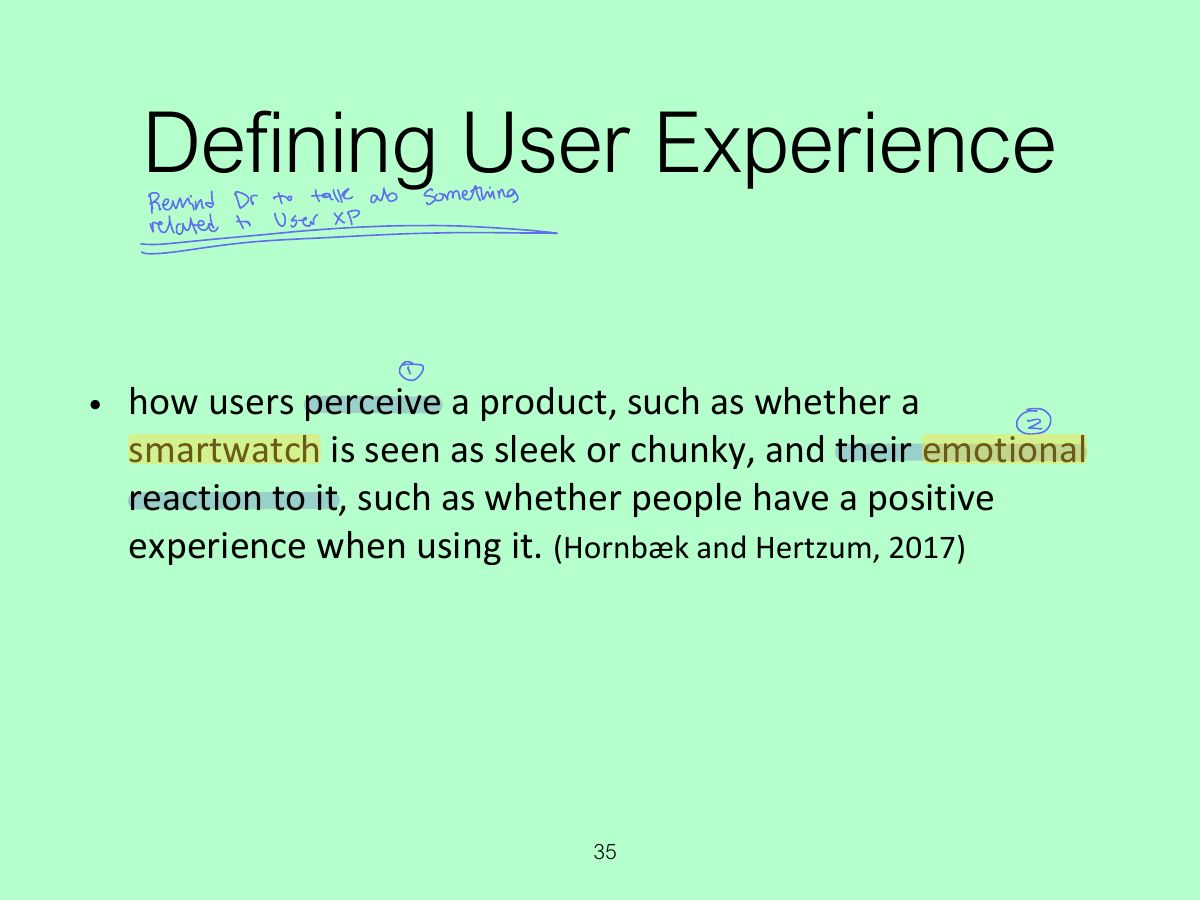
                                                            Slide 35: Defining User Experience
                                                            Exam weight Low
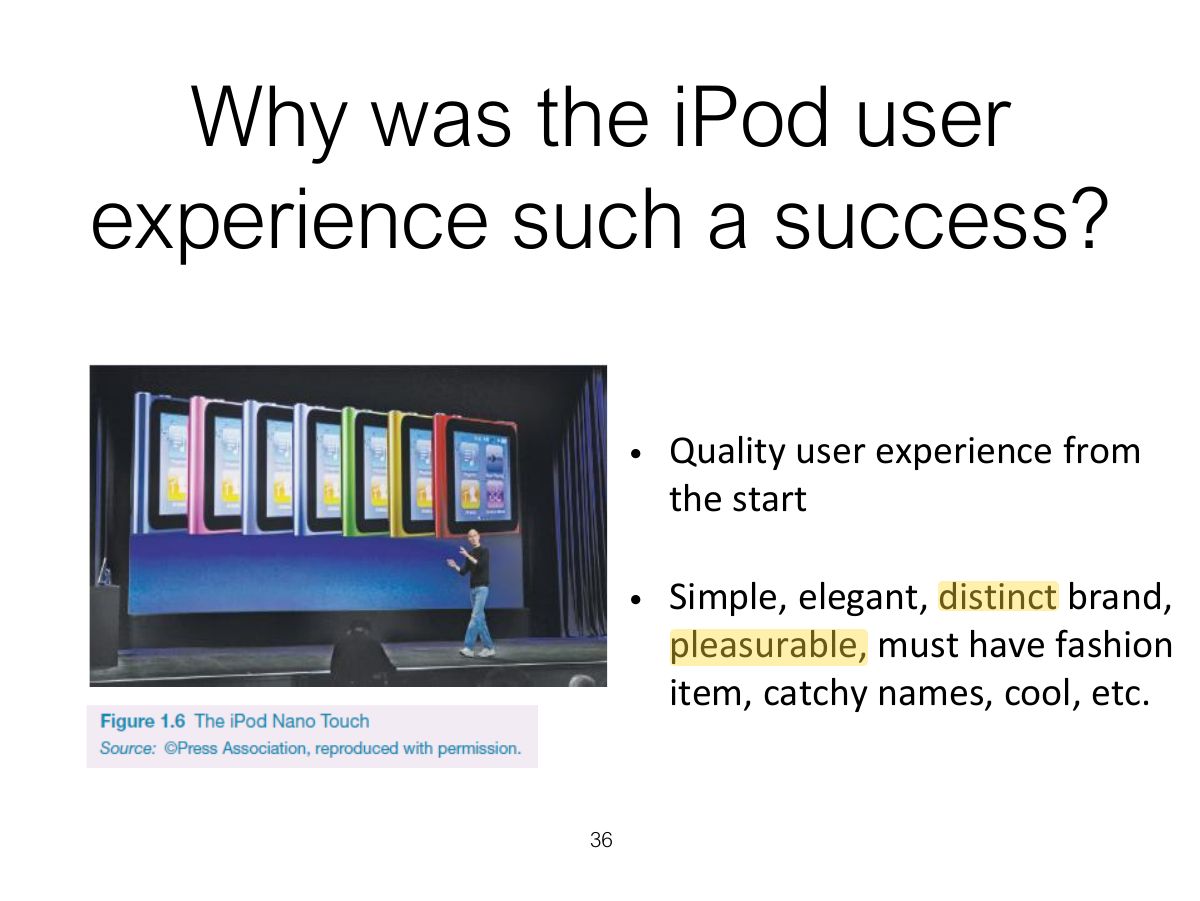
                                                              Slide 36: Why was the iPod user experience such a success?
                                                              Exam weight Low
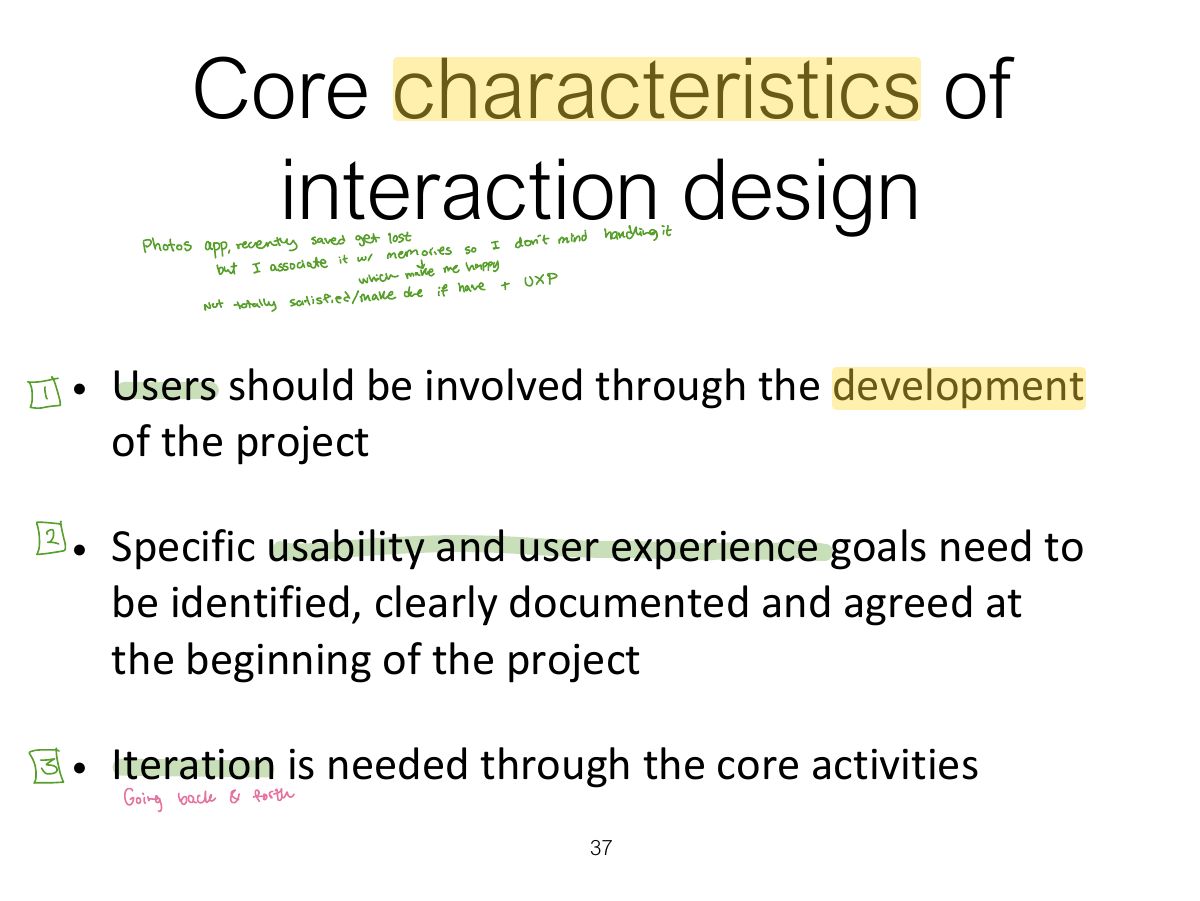
                                                                Slide 37: Core characteristics of interaction design
                                                                Exam weight Low
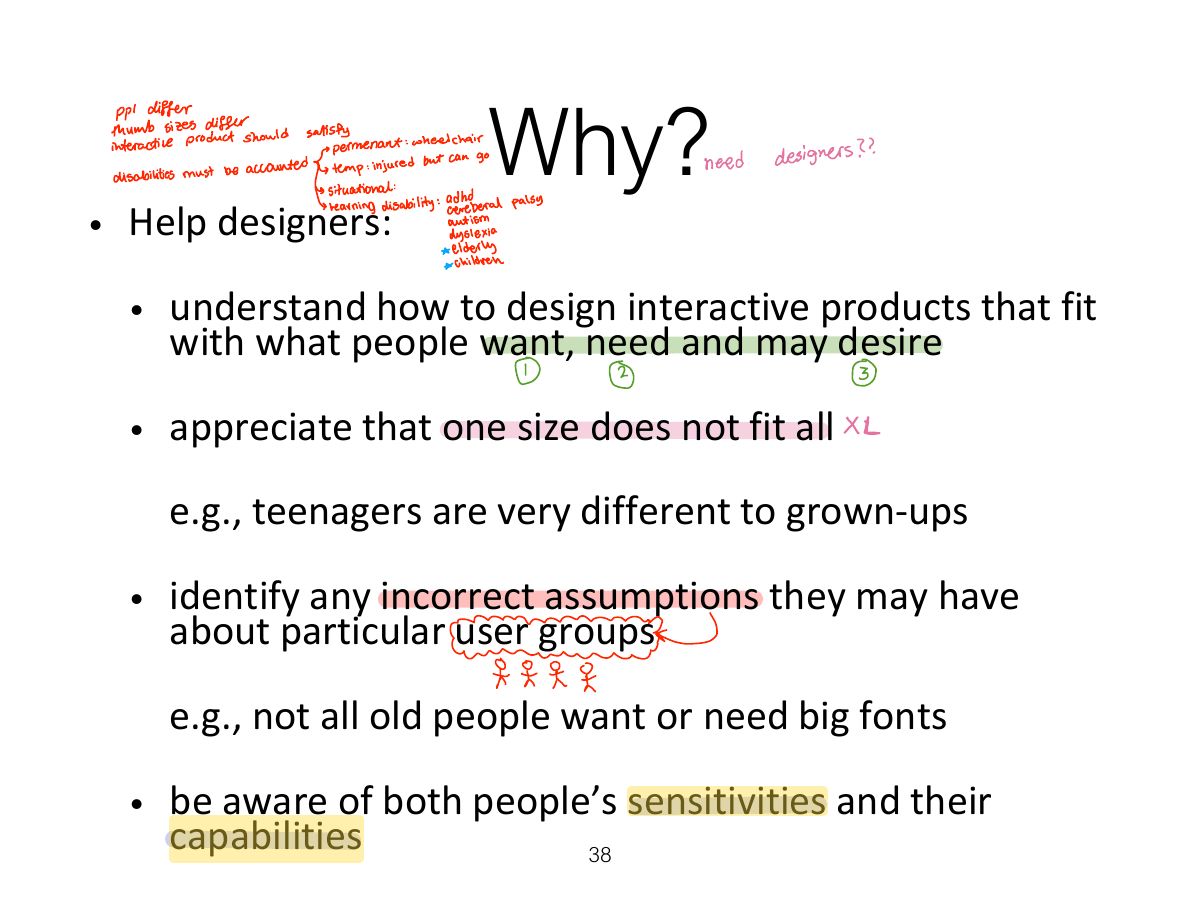
                                                                  Slide 38: Why?
                                                                  Exam weight Low
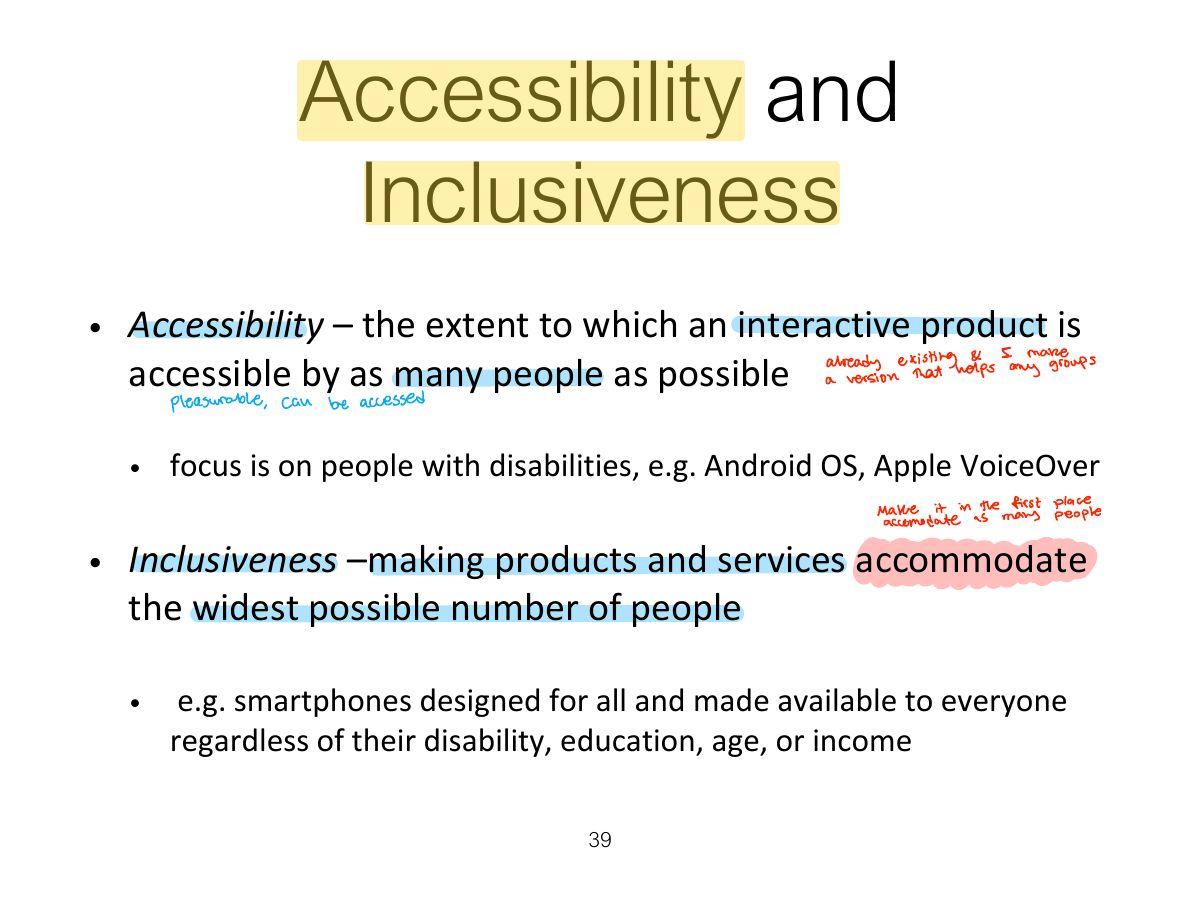
                                                                    Slide 39: Accessibility and Inclusiveness
                                                                    Exam weight Low
                                                                    1. Accessibility: how far a product can be used by as many people as possible (including people with disabilities). Inclusiveness: being fair, open and equal to everyone.

                                                                    Disabilities

                                                                    • Whether someone is disabled changes over time with age, or recovery from an accident
                                                                    • The severity and impact of an impairment can vary over the course of a day or in different environmental conditions
                                                                    • Disabilities can result because technologies are designed to necessitate a certain type of interaction that is impossible for someone with an impairment
                                                                    40
                                                                    Exam weight Low
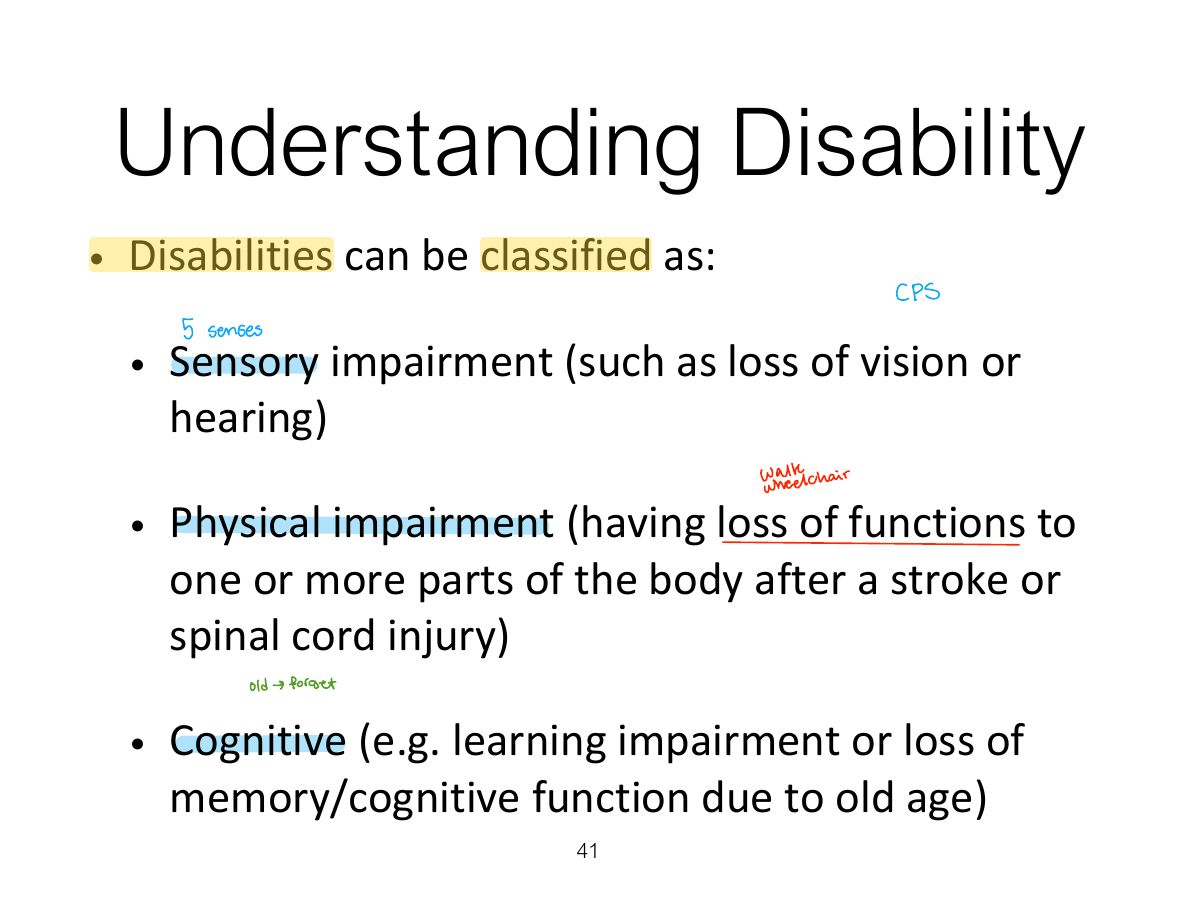
                                                                      Slide 41: Understanding Disability
                                                                      Exam weight Low
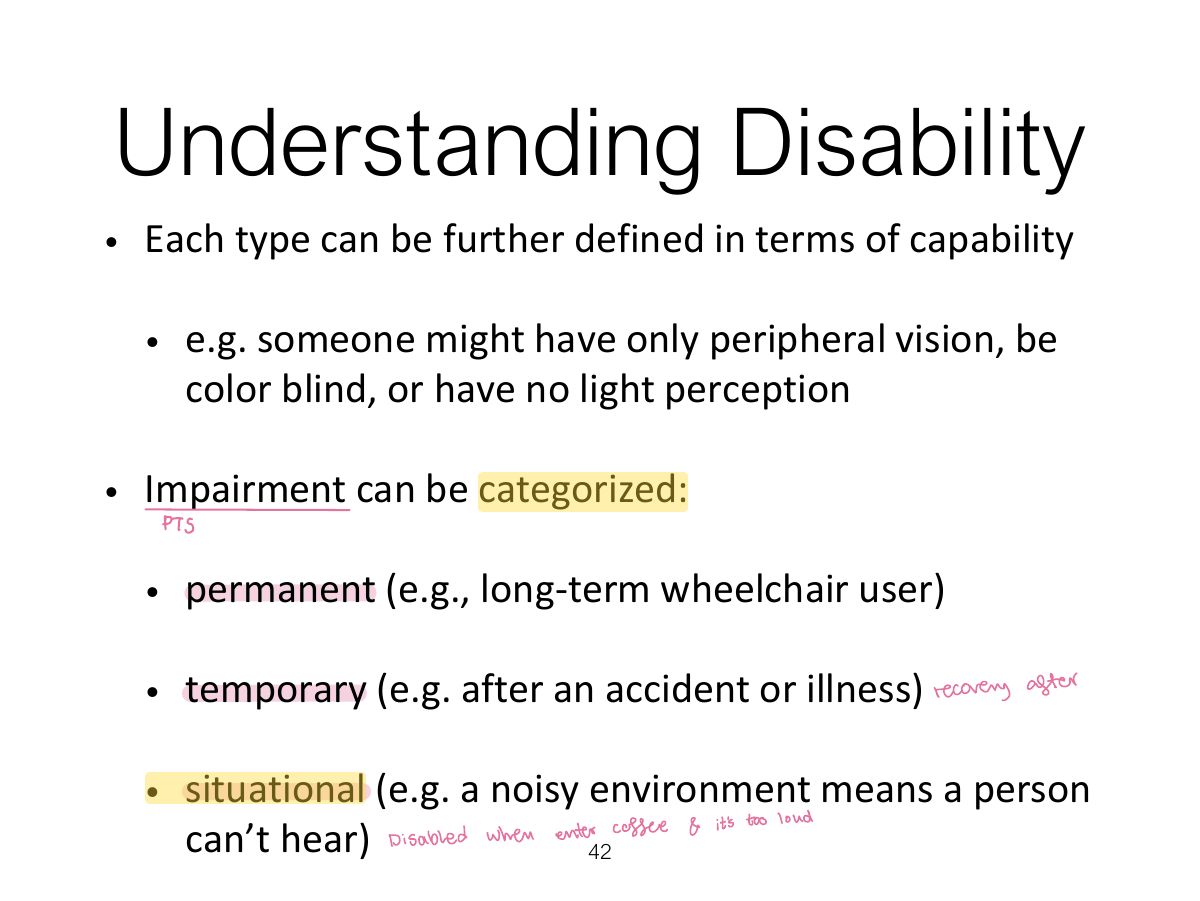
                                                                        Slide 42: Understanding Disability
                                                                        Exam weight Low
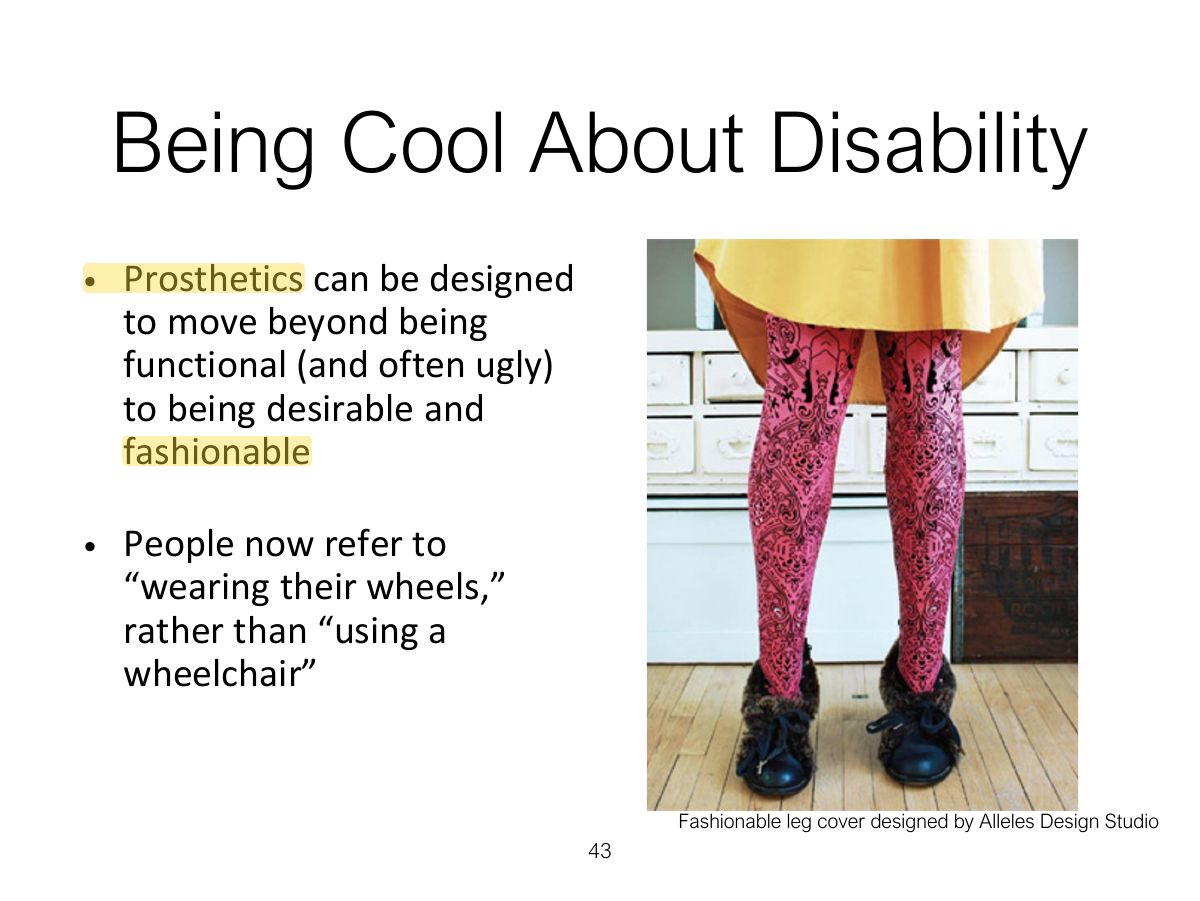
                                                                          Slide 43: Being Cool About Disability
                                                                          Exam weight Low
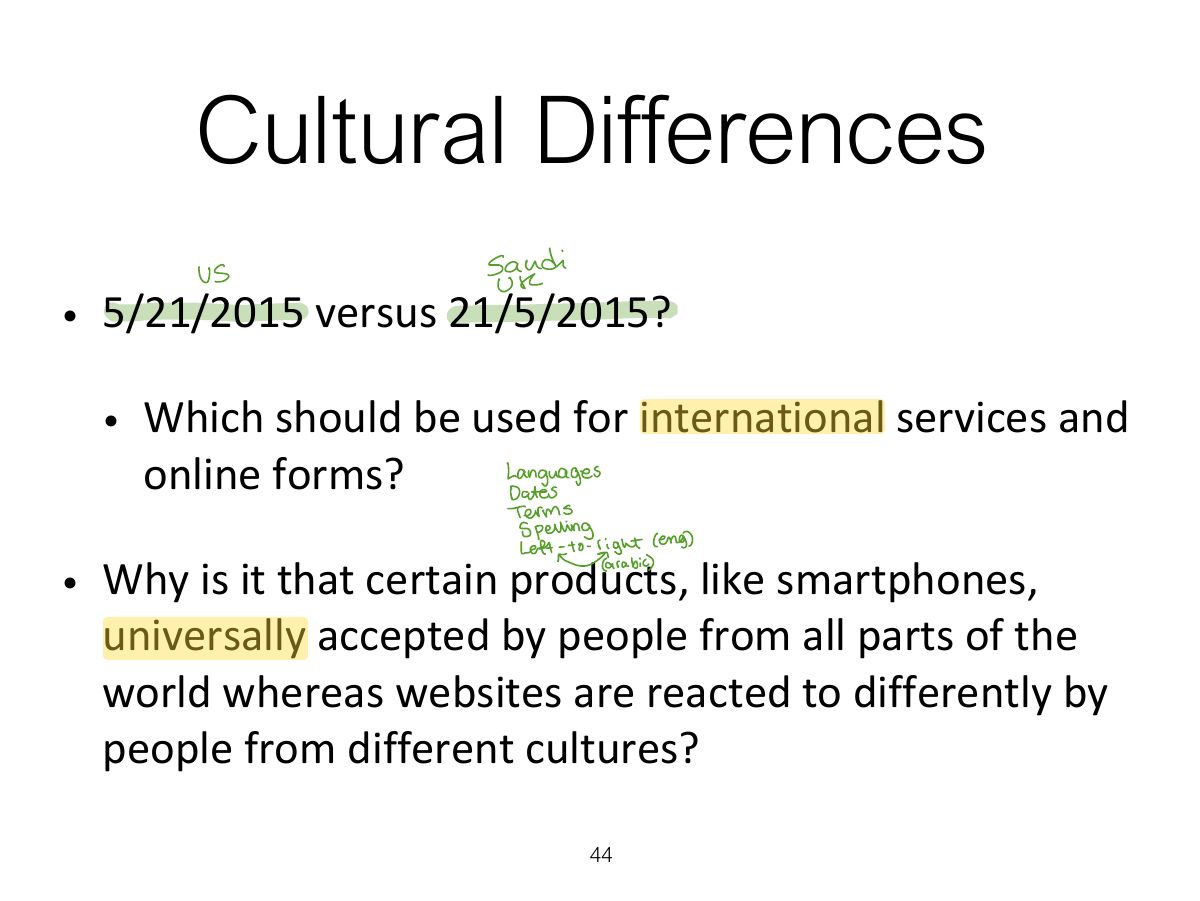
                                                                            Slide 44: Cultural Differences
                                                                            Exam weight Low
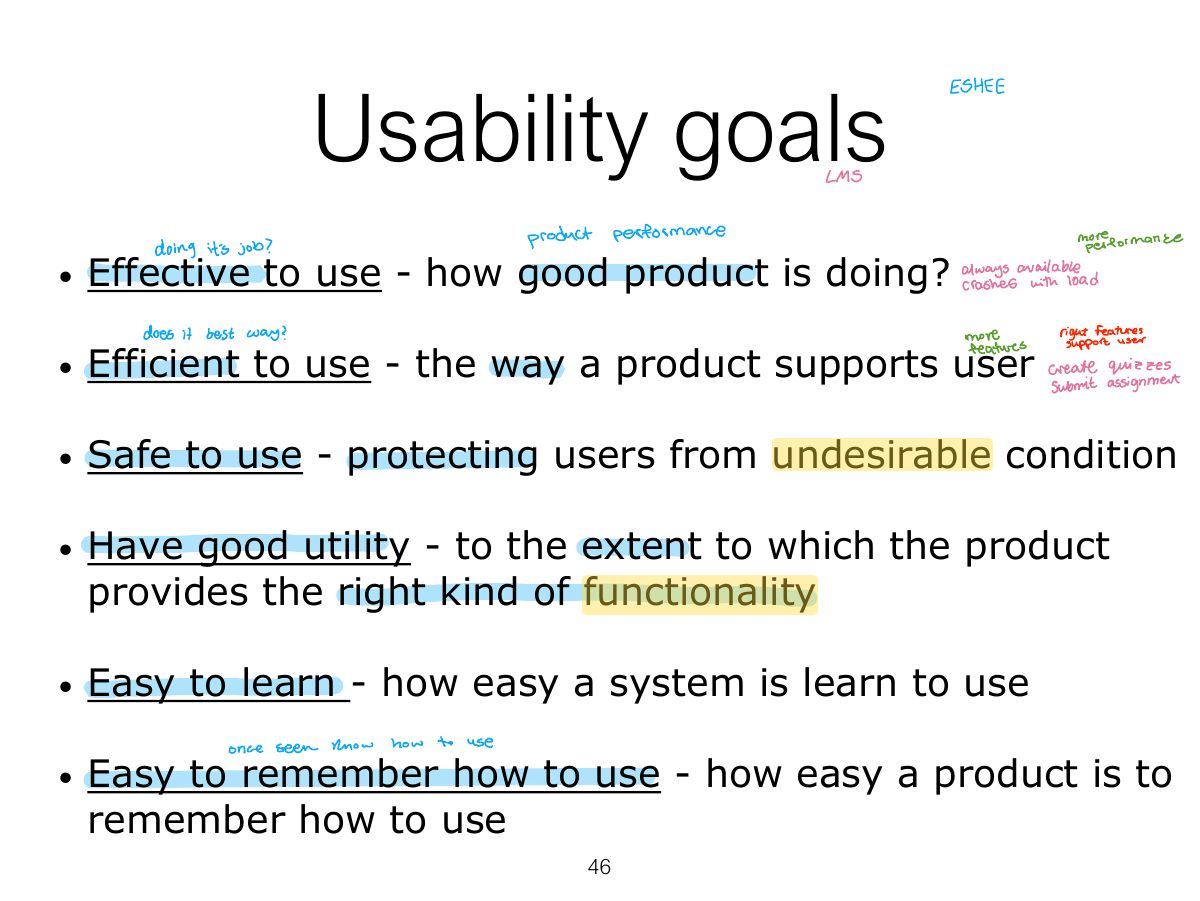
                                                                              Slide 46: Usability goals
                                                                              Exam weight High
                                                                              1. Usability goals: effective, efficient, safe, having good utility, easy to learn (learnability), easy to remember (memorability).
                                                                              TipUsability goals: effective, efficient, safe, having good utility, easy to learn (learnability), easy to remember (memorability).
                                                                              🎯 How this can come up · 2 questions
                                                                              MCQ

                                                                              "How easy is it to remember how to use a system once learned?" is:

                                                                              MCQ

                                                                              Preventing users from making serious errors relates to which usability goal?

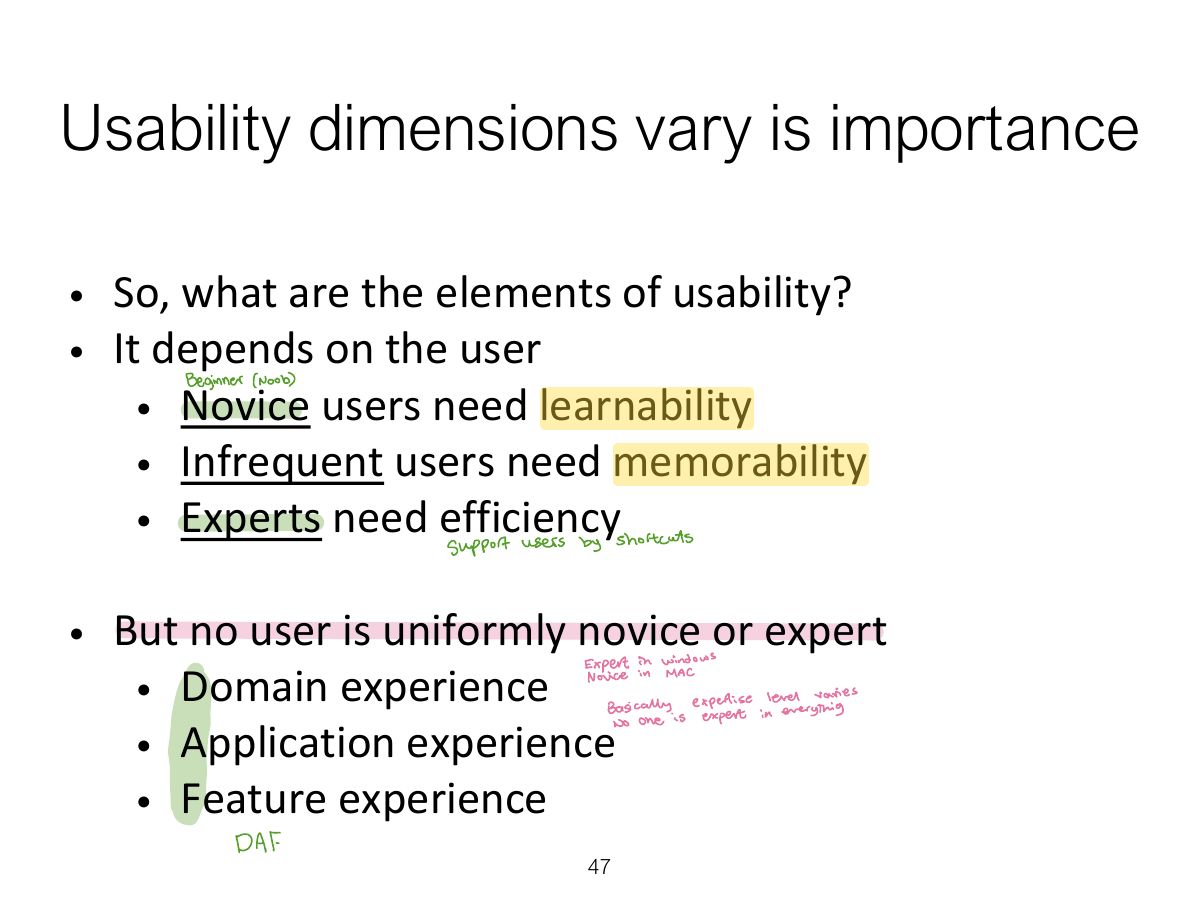
                                                                              Slide 47: Usability dimensions vary is importance
                                                                              Exam weight Low
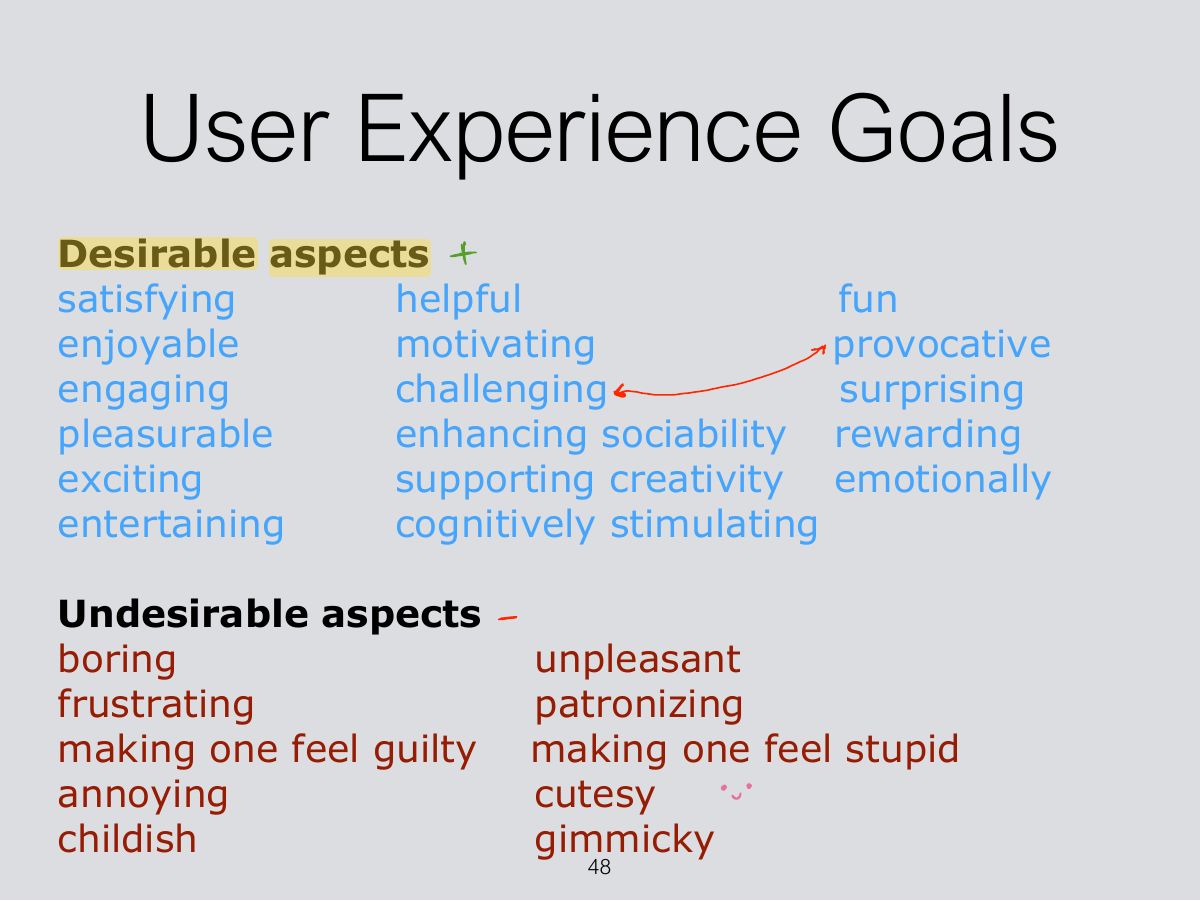
                                                                                Slide 48: User Experience Goals
                                                                                Exam weight Low
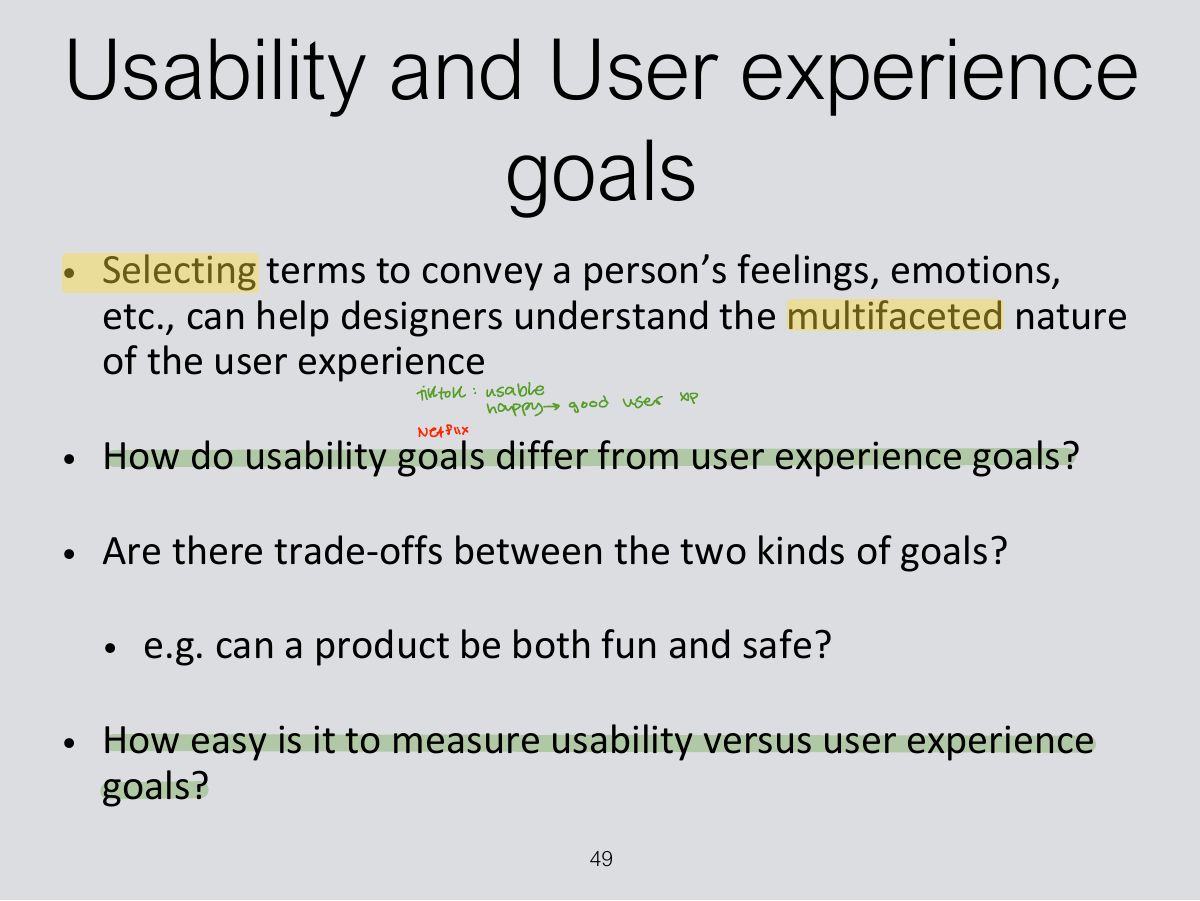
                                                                                1. UX goals are subjective: desirable (fun, satisfying, engaging) and undesirable (boring, frustrating).
                                                                                Slide 49: Usability and User experience goals
                                                                                Exam weight Low

                                                                                  Design principles

                                                                                  • Generalizable abstractions for thinking about different aspects of design
                                                                                  • The do’s and don’ts of interaction design
                                                                                  • What to provide and what not to provide at the interface
                                                                                  • Derived from a mix of theory-based knowledge, experience and common-sense
                                                                                  50
                                                                                  Exam weight High
                                                                                  1. Norman’s design principles: visibility, feedback, constraints, consistency, affordance (and mapping).
                                                                                  TipNorman’s design principles: visibility, feedback, constraints, consistency, affordance (and mapping).
                                                                                  Slide 51: Design principles (cont)
                                                                                  Exam weight Low
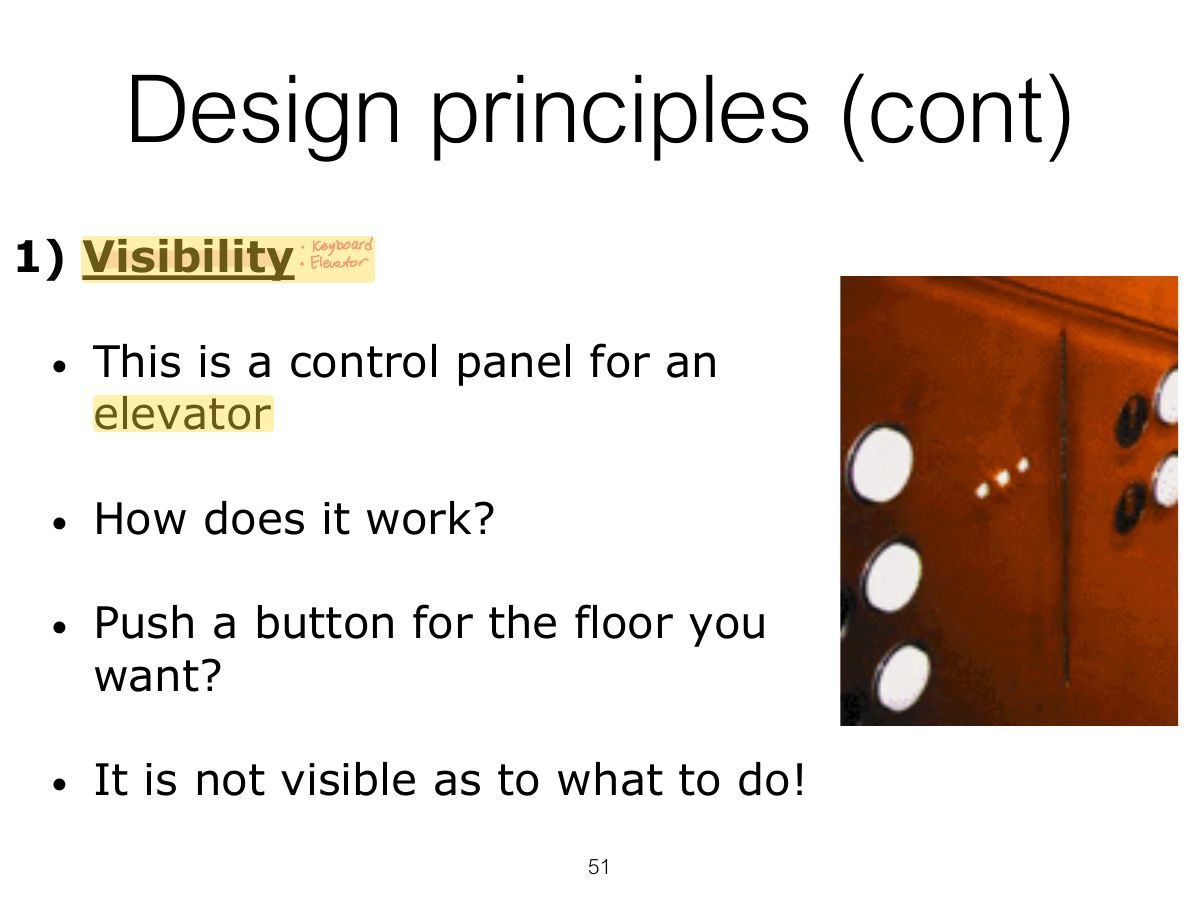
                                                                                  1. Visibility: the more visible functions are, the more likely users will know what to do next.

                                                                                  Design principles (cont)

                                                                                  1. Visibility (cont)
                                                                                  52
                                                                                  Exam weight High
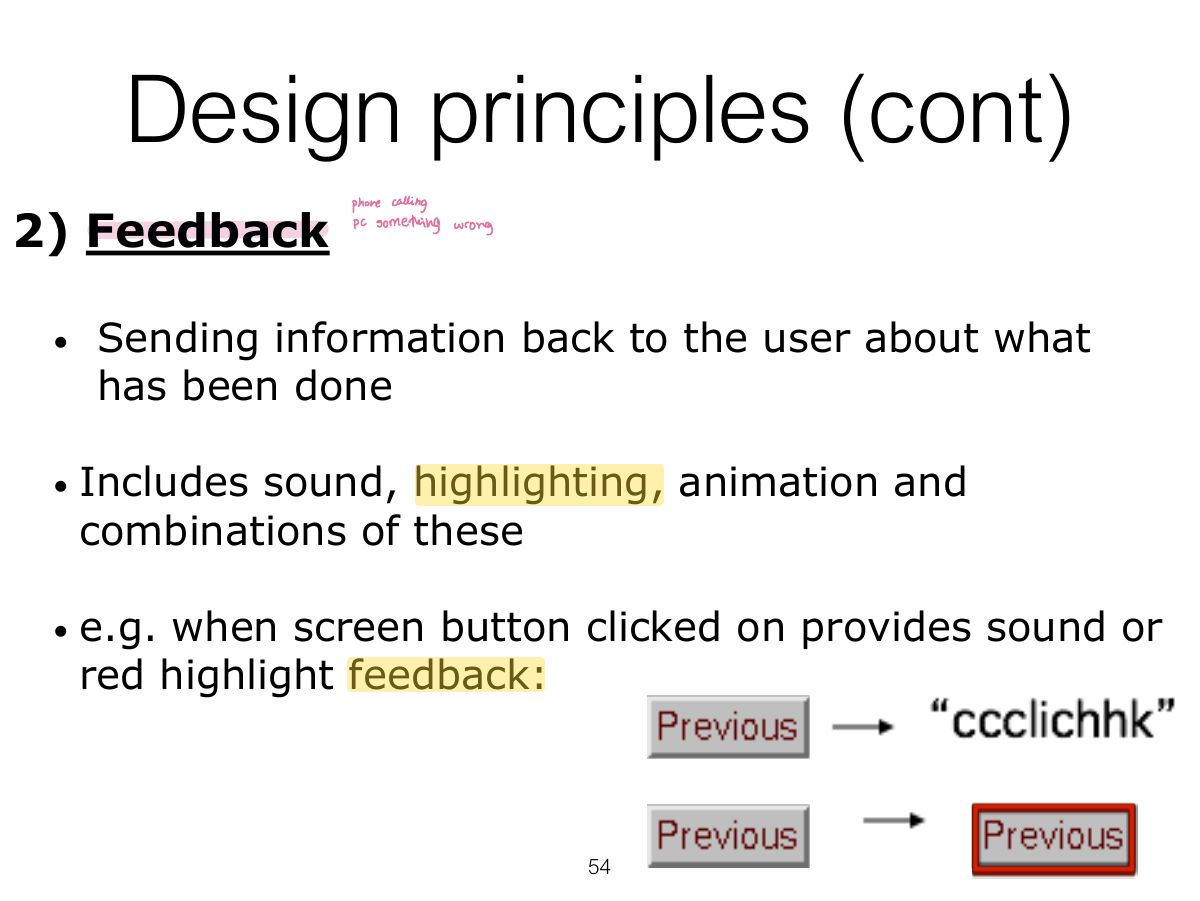
                                                                                  1. Feedback: send back information about what action has been done (sound, highlighting, animation).
                                                                                  🎯 How this can come up · 1 question
                                                                                  MCQ

                                                                                  A button that changes colour and clicks when pressed demonstrates:

                                                                                  Slide 53: What do I do if I am wearing black?
                                                                                  Exam weight Low
                                                                                    Slide 54: Design principles (cont)
                                                                                    Exam weight High
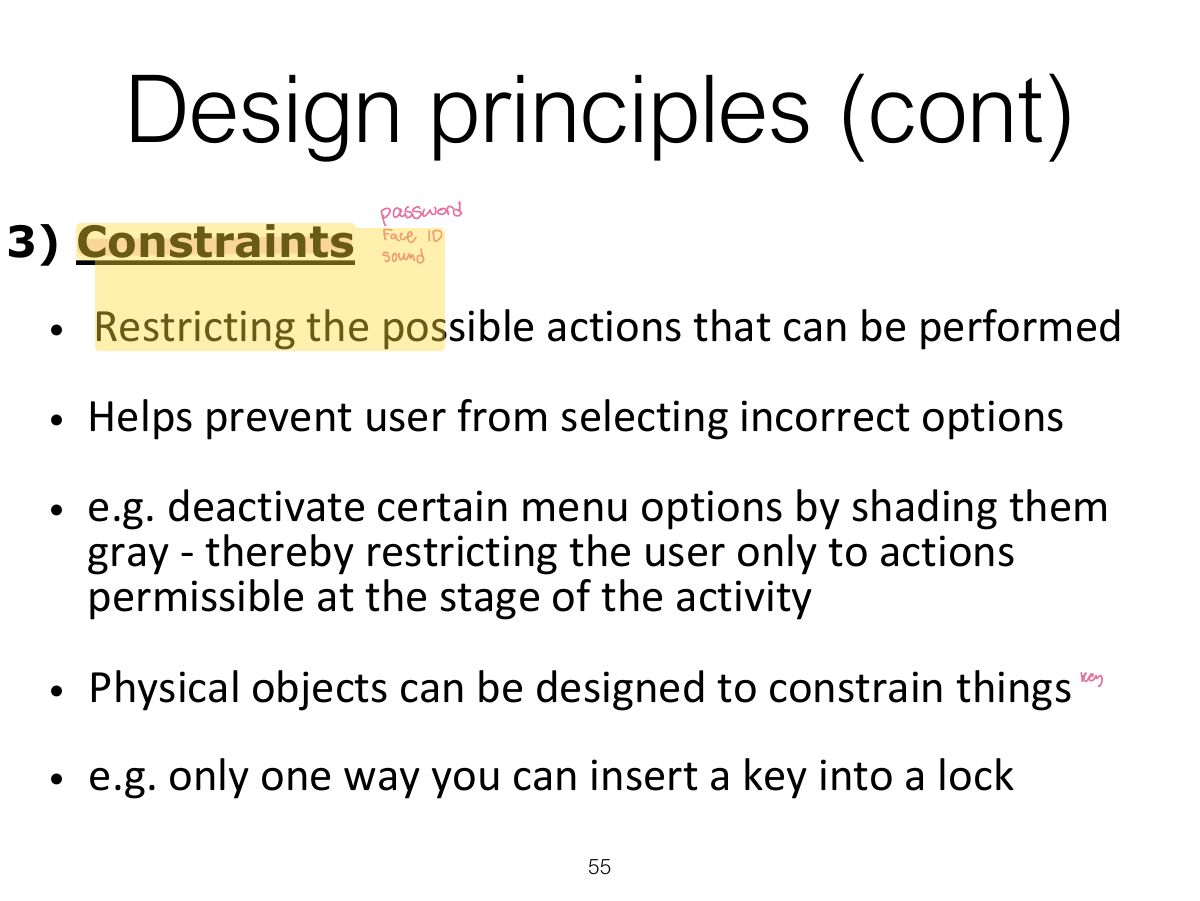
                                                                                    1. Constraints: restrict the actions possible at a given moment (greyed-out menu options; physical shape).
                                                                                    🎯 How this can come up · 1 question
                                                                                    MCQ

                                                                                    Greying out unavailable menu items is an example of:

                                                                                    Slide 55: Design principles (cont)
                                                                                    Exam weight Low
                                                                                      Slide 56: Logical or ambiguous design?
                                                                                      Exam weight Low
                                                                                        Slide 57: How to design them more logically
                                                                                        Exam weight Low
                                                                                          Slide 58: Design principles (cont)
                                                                                          Exam weight Low
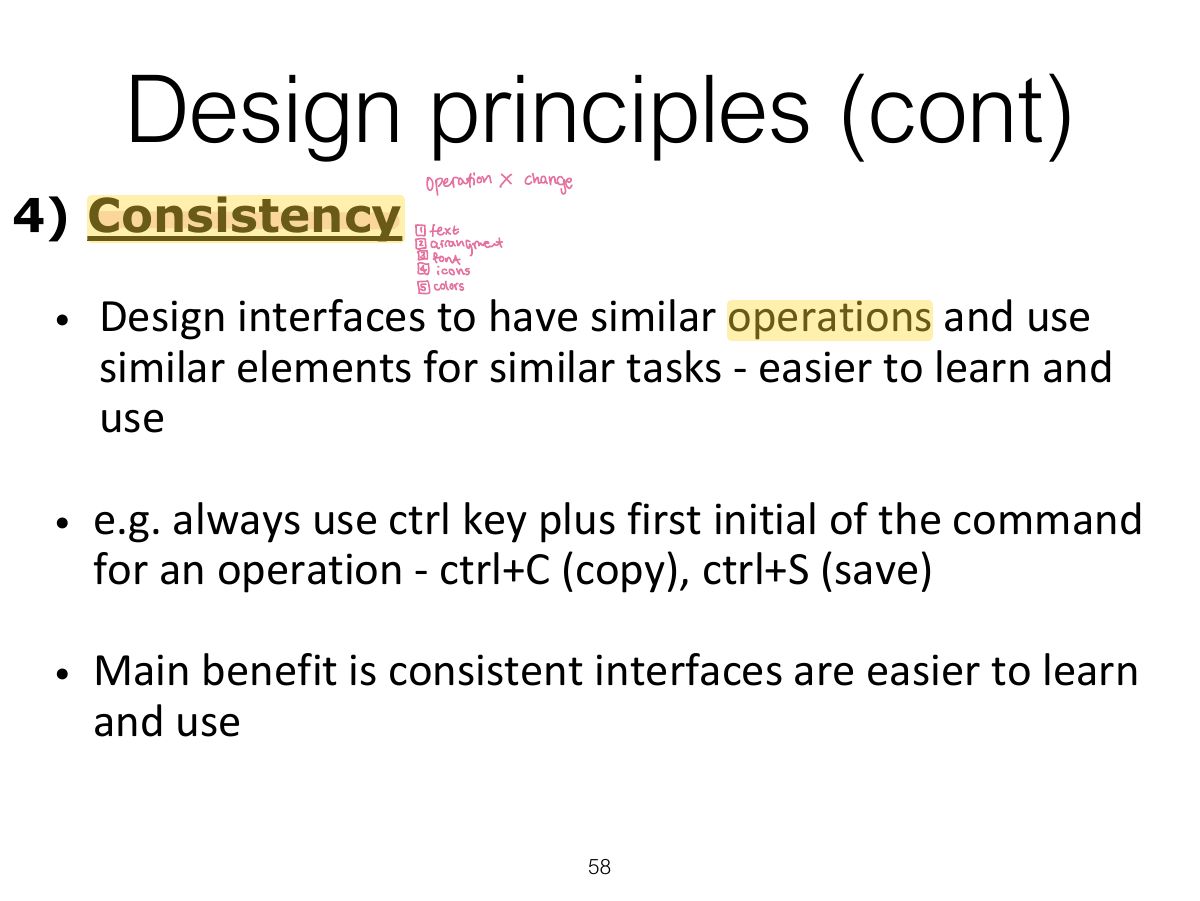
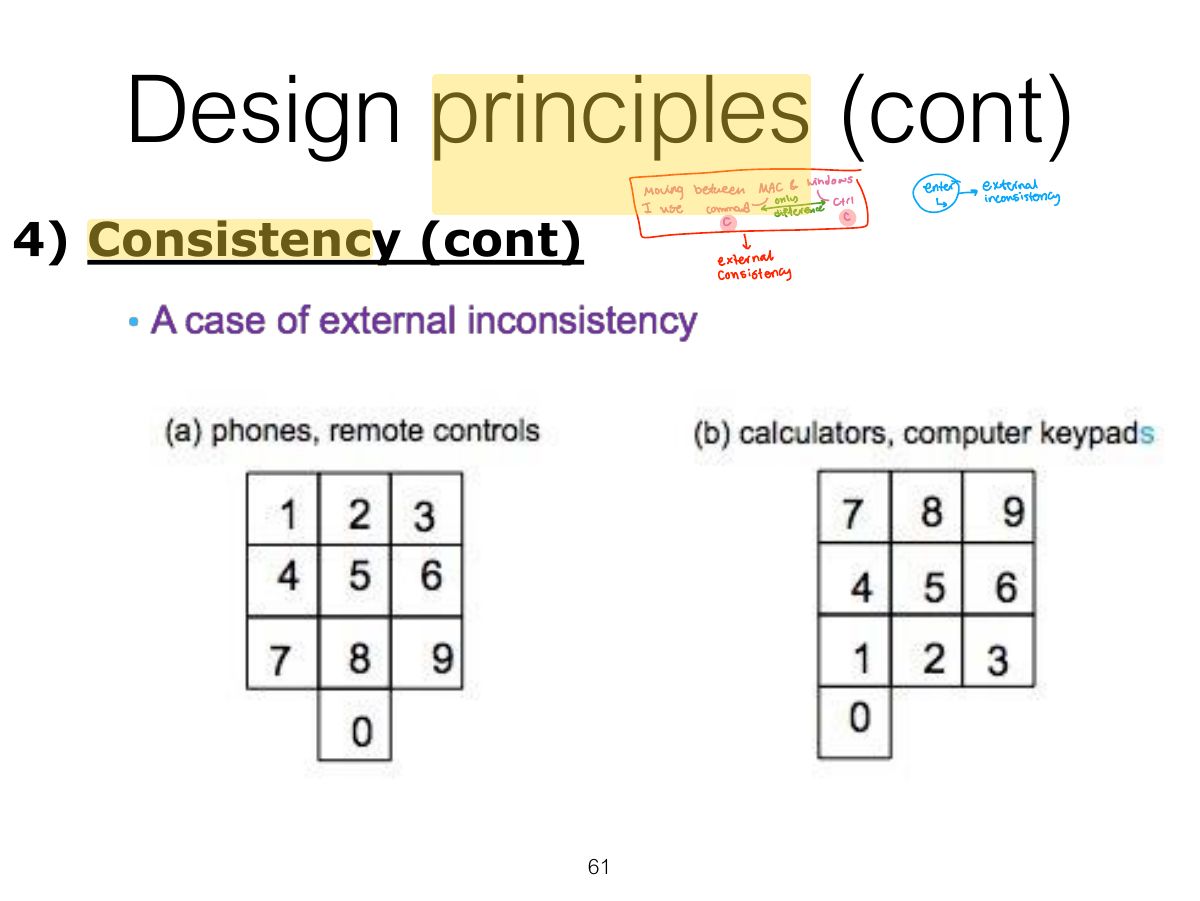
                                                                                          1. Consistency: similar operations and elements for similar tasks (Ctrl+C everywhere). Internal (within an app) vs. external (across apps/devices).

                                                                                          When consistency breaks down

                                                                                          • What happens if there is more than one command starting with the same letter?
                                                                                            • e.g. save, spelling, select, style
                                                                                          • Have to find other initials or combinations of keys, thereby breaking the consistency rule
                                                                                            • e.g. ctrl+S, ctrl+Sp, ctrl+shift+L
                                                                                          • Increases learning burden on user, making them more prone to errors
                                                                                          59
                                                                                          Exam weight Low

                                                                                            Internal and external consistency

                                                                                            • Internal consistency refers to designing operations to behave the same within an application
                                                                                              • Difficult to achieve with complex interfaces
                                                                                            • External consistency refers to designing operations, interfaces, etc., to be the same across applications and devices
                                                                                              • Very rarely the case, based on different designer’s preference
                                                                                            60
                                                                                            Exam weight Low
                                                                                              Slide 61: Design principles (cont)
                                                                                              Exam weight High
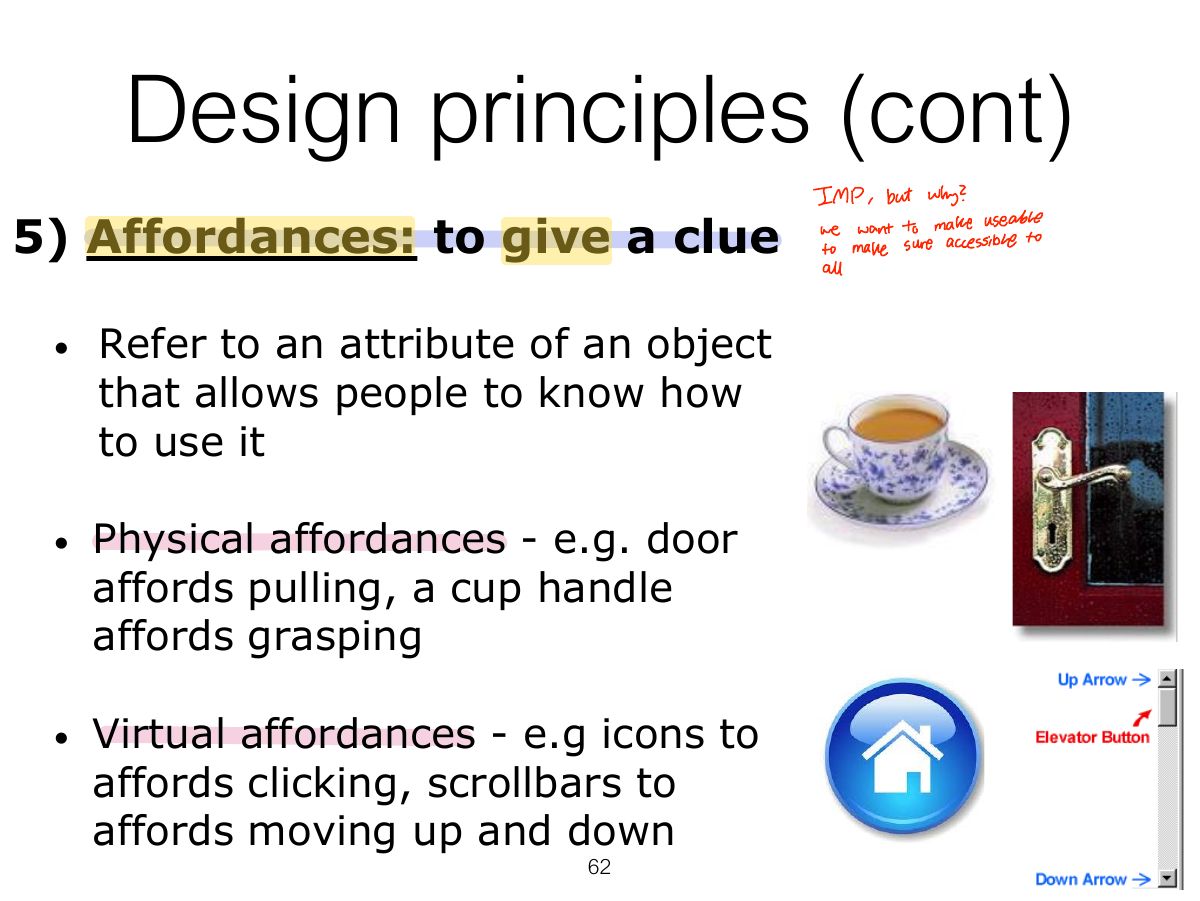
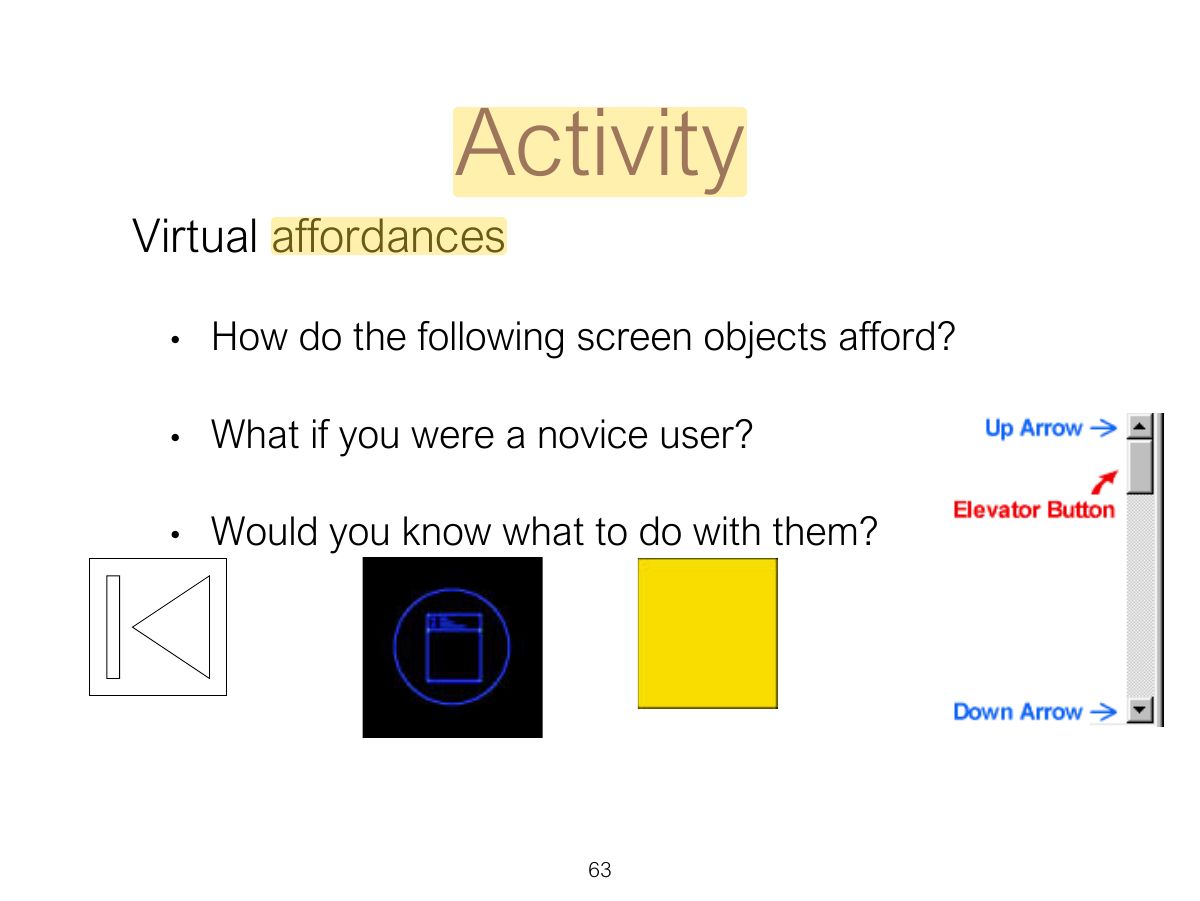
                                                                                              1. Affordance: an attribute of an object that tells people how to use it (a button invites pushing). Real (physical) vs. perceived (on screen).
                                                                                              Exam trapAffordance is about what the object suggests; feedback is about what happens AFTER the action.
                                                                                              🎯 How this can come up · 1 question
                                                                                              MCQ

                                                                                              A door handle that "invites" pulling is an example of:

                                                                                              Slide 62: Design principles (cont)
                                                                                              Exam weight Low
                                                                                                Slide 63: Activity
                                                                                                Exam weight Low

                                                                                                  Key points

                                                                                                  • Interaction design is concerned with designing interactive products to support how people communicate and interact in their everyday and working lives
                                                                                                  • It is concerned with how to create quality user experiences for services, devices and interactive products
                                                                                                  • It is multidisciplinary, involving many inputs from wide-reaching disciplines and fields
                                                                                                  • Optimizing the interaction between users and interactive products requires consideration of a number of interdependent factors, including context of use, types of activity, UX goals, accessibility, cultural differences, and user groups.
                                                                                                  • Design principles, such as feedback and simplicity, are useful heuristics for informing, analyzing, and evaluating aspects of an interactive product.
                                                                                                  64
                                                                                                  Exam weight Low