SE365 · Annotated SlidesLecture 5 — The Process of Interaction Design
Lecture 5 · Annotated slides

The Process of Interaction Design

What interaction design involves, the problem space, degrees of user involvement, the user-centred approach, the four basic activities and lifecycle models (simple, Google design sprint, research and design), three key characteristics, and practical issues: users, needs, alternatives and choosing between them.
Slide text Study notes Highlight: key words Tips, tricks & traps Seen again elsewhere How it can come up
Slide 1: Slide 1
Exam weight Low

    Overview

    • What is Interaction Design?
      • What are the users capabilities?
      • Importance of involving users
      • Degrees of user involvement
      • What is a user-centered approach?
      • Four basic activities
    • Some Practical Issues
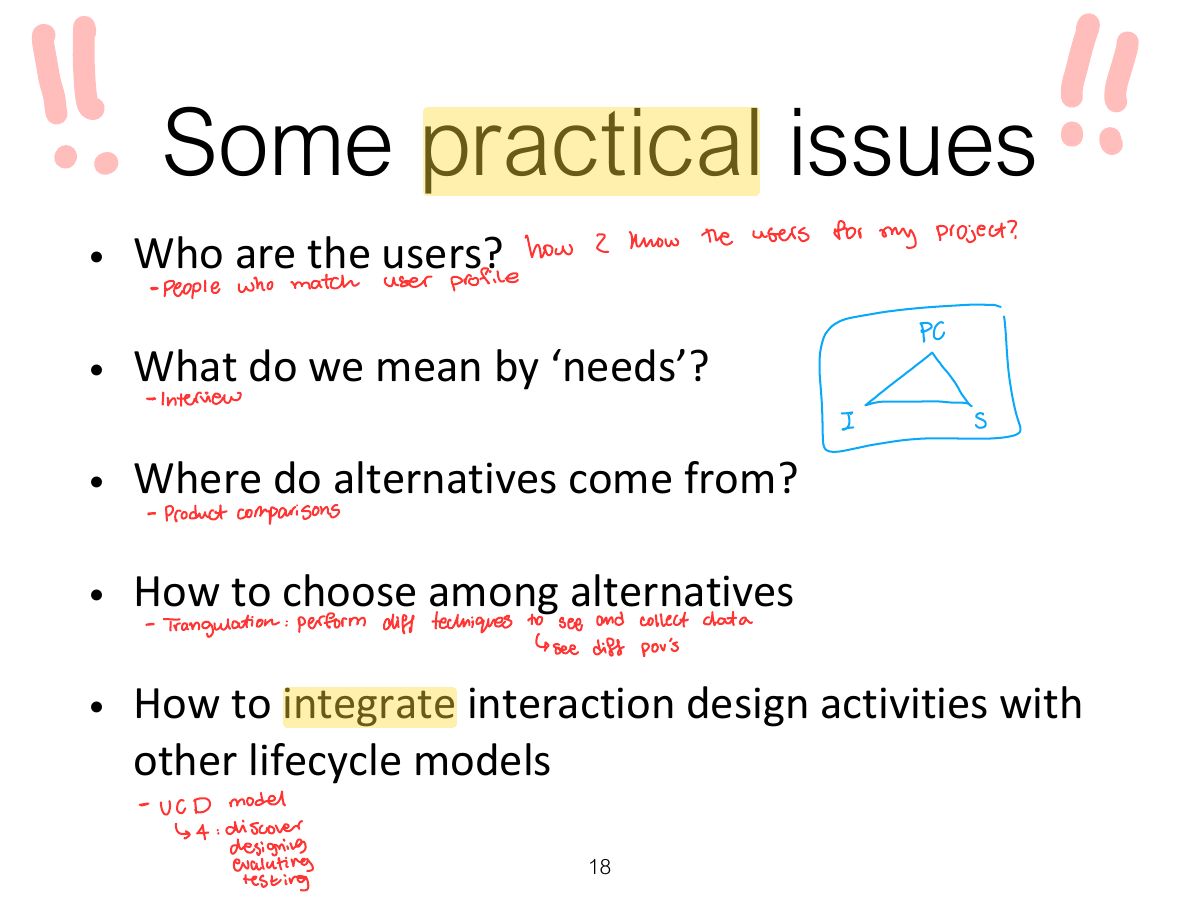
      • Who are the users?
      • What are ‘needs’?
      • Where do alternatives come from?
      • How do you choose among alternatives?
    2
    Exam weight Low

      Learning Outcomes

      • Explain some advantages of involving users in development
      • Explain the main principle of user-centered approach
      • Present a simple lifecycle model of interaction design Based on material from: Sharp, H., Preece, J. and Rogers, Y. (2019). Interaction Design Beyond Human-Computer Interaction. 5th Ed. Sussex: John Wiley & Sons Ltd.
      3
      Exam weight Low

        What is Interaction Design?

        • It is a process:
          • Focused on discovering requirements, designing to fulfil requirements, producing prototypes and evaluating them
          • Focused on users and their goals
          • Involves trade-offs to balance conflicting requirements
        • Generating alternatives and choosing between them is key
        • Four approaches: user-centered design, activity-centered design, systems design, and genius design
        4
        Exam weight Low

          Understanding the Problem Space

          • Explore:
            • What is currently the user experience
            • Why is a change needed
            • How will this change improve the situation
          • Articulating the problem space
            • Team effort
            • Explore different perspectives
            • Avoid incorrect assumptions and unsupported claims
          5
          Exam weight Low

            Degrees of User Involvement

            • Member of the design team
              • Full time: constant input, but lose touch with users
              • Part time: patchy input, and very stressful
              • Short term: inconsistent across project life
              • Long term: consistent, but lose touch with users
            • Face-to-face group individual or activities
            6
            Exam weight Low
            1. User involvement ranges from full-time members of the team to occasional consultation; involvement manages expectations and creates ownership.

            Degrees of User Involvement

            • Online contributions from thousands of users
              • Online Feedback Exchange (OFE) systems
              • Crowdsourcing design ideas
              • Citizen science
            • User involvement after product release
            7
            Exam weight Low
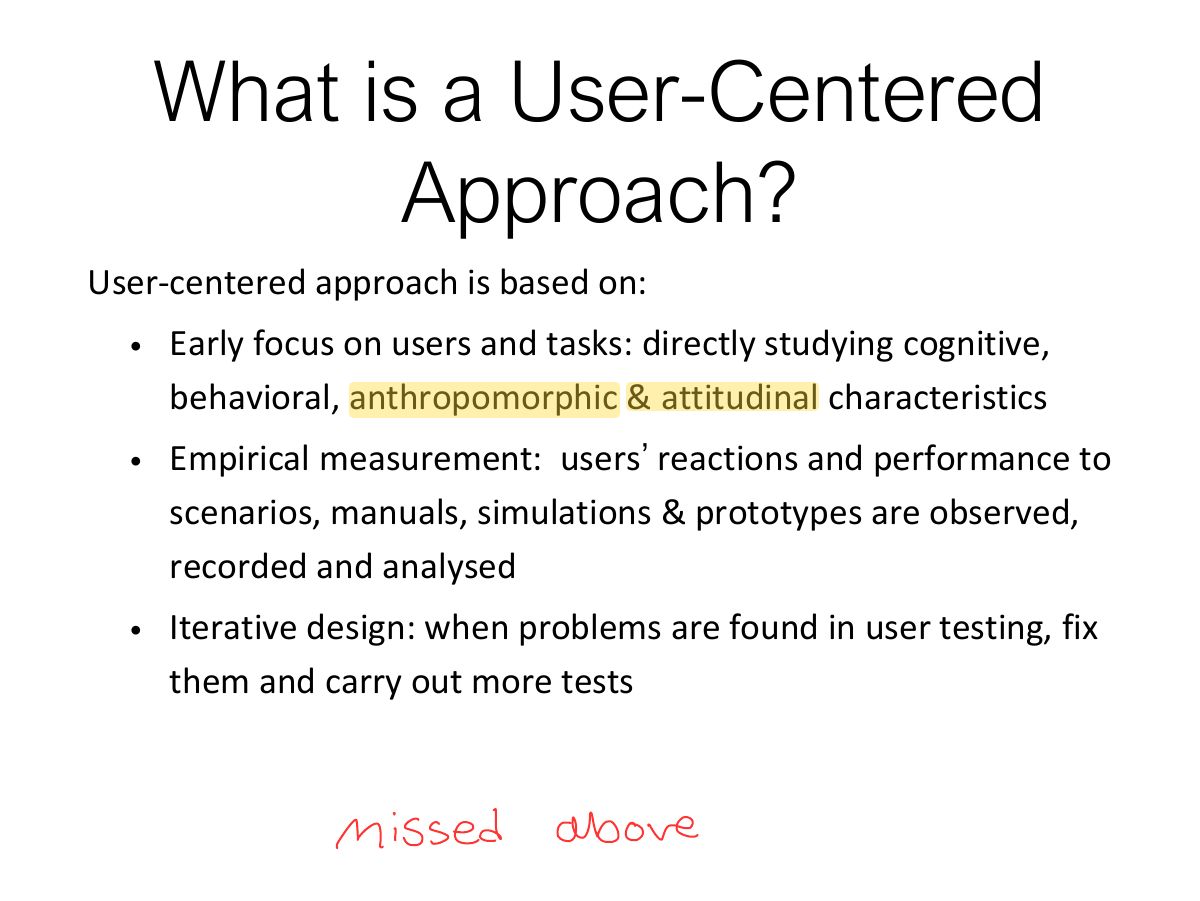
              Slide 8: What is a User-Centered Approach?
              Exam weight High
              1. User-centred approach: early focus on users and tasks, empirical measurement, iterative design.
              🎯 How this can come up · 1 question
              MCQ

              Which is NOT a principle of user-centred design?

              Slide 9: Four basic Activities of Interaction Design
              Exam weight High
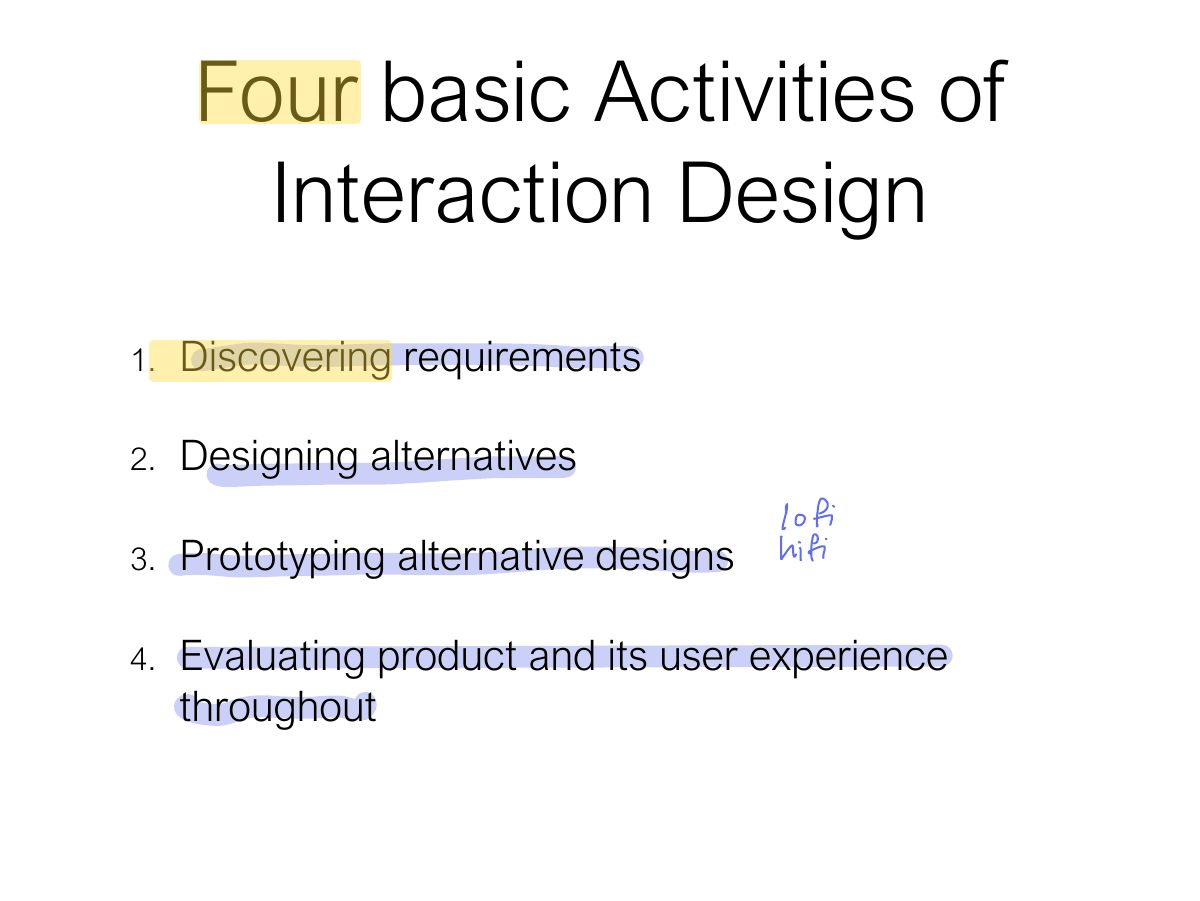
              1. Four activities: 1 discover requirements, 2 design alternatives, 3 prototype, 4 evaluate.
              Memory trickDiscover → Design → Prototype → Evaluate → repeat.

              A simple interaction design lifecycle model

              10
              Exam weight Low
                Slide 11: Another Lifecycle Model: Google Design Sprints
                Exam weight Low
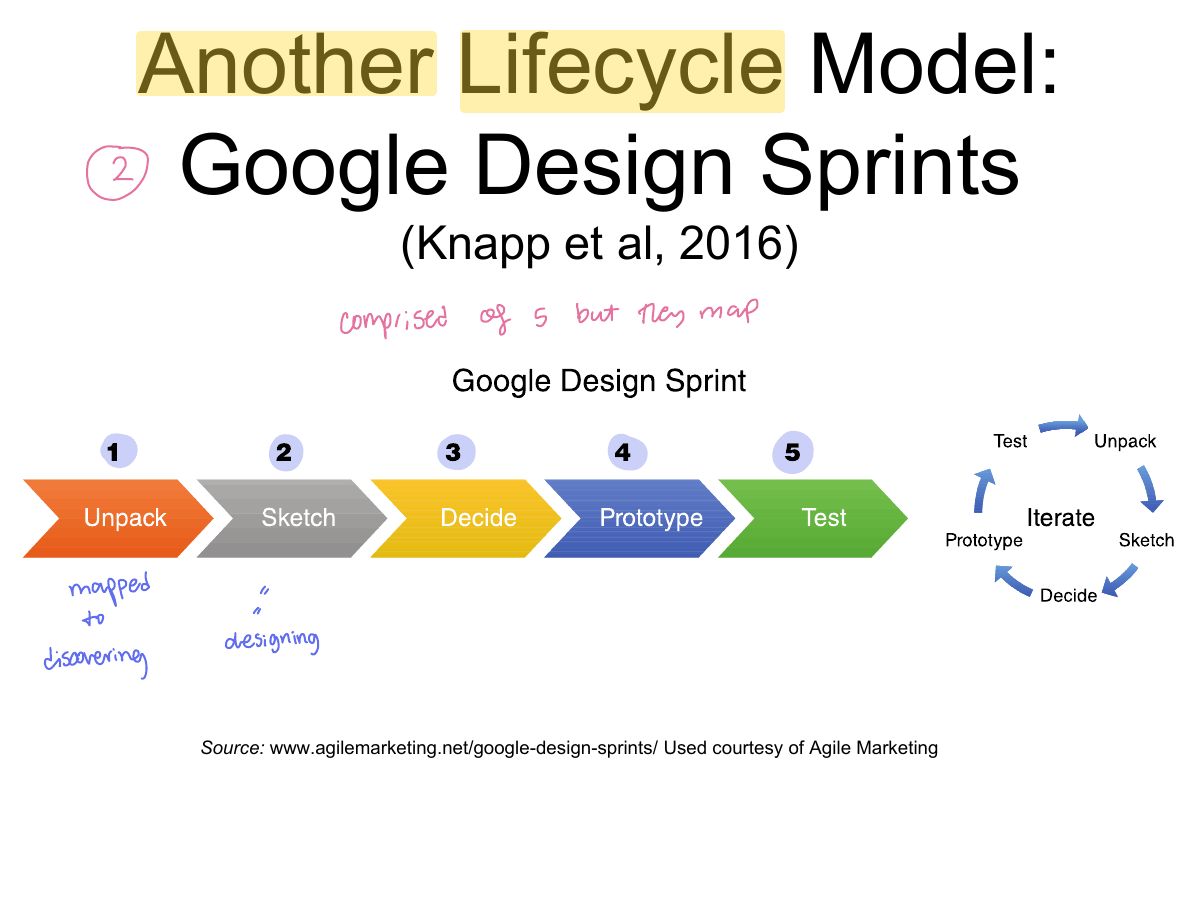
                1. Google Design Sprint (5 days): unpack, sketch, decide, prototype, test.
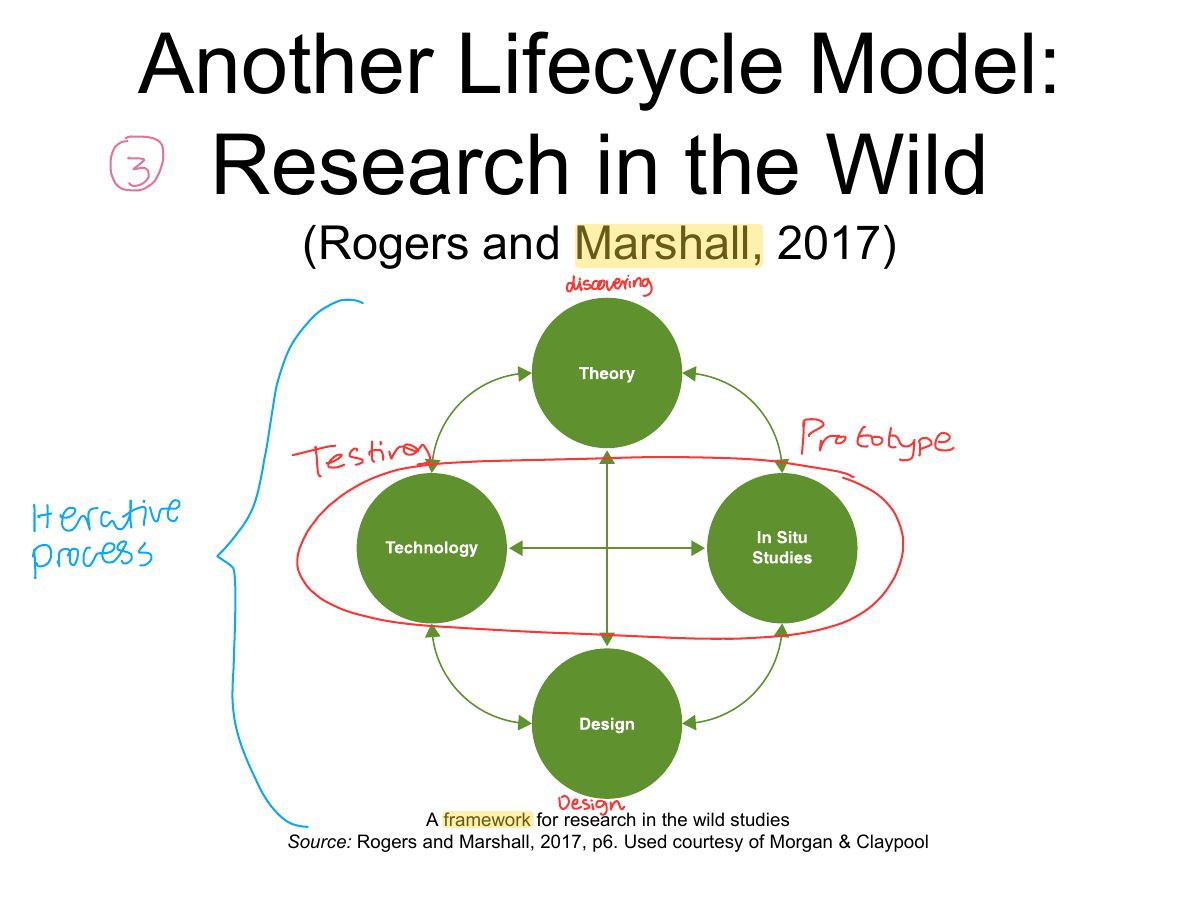
                Slide 12: Another Lifecycle Model: Research in the Wild
                Exam weight Low
                  Slide 13: Four basic activities in Interaction Design
                  Exam weight Low
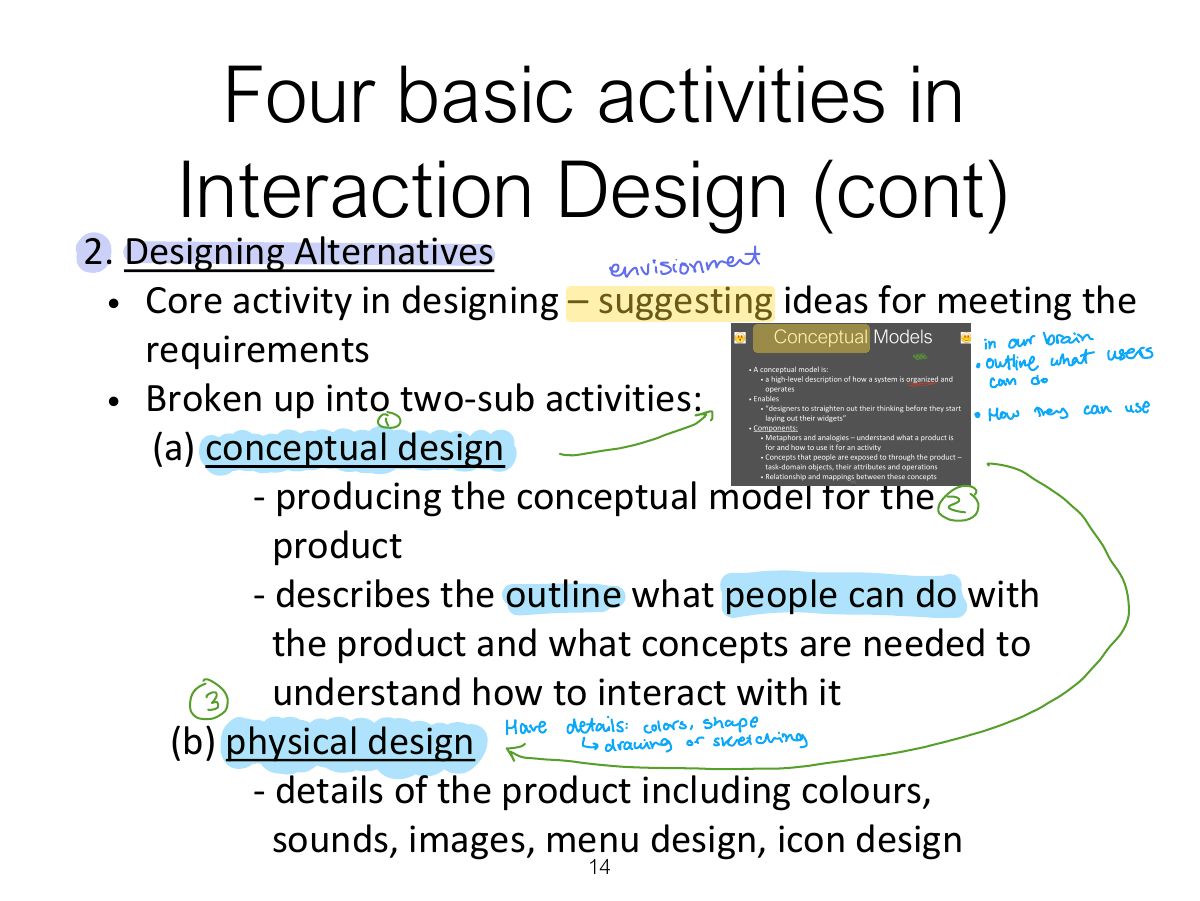
                    Slide 14: Four basic activities in Interaction Design (cont)
                    Exam weight Low
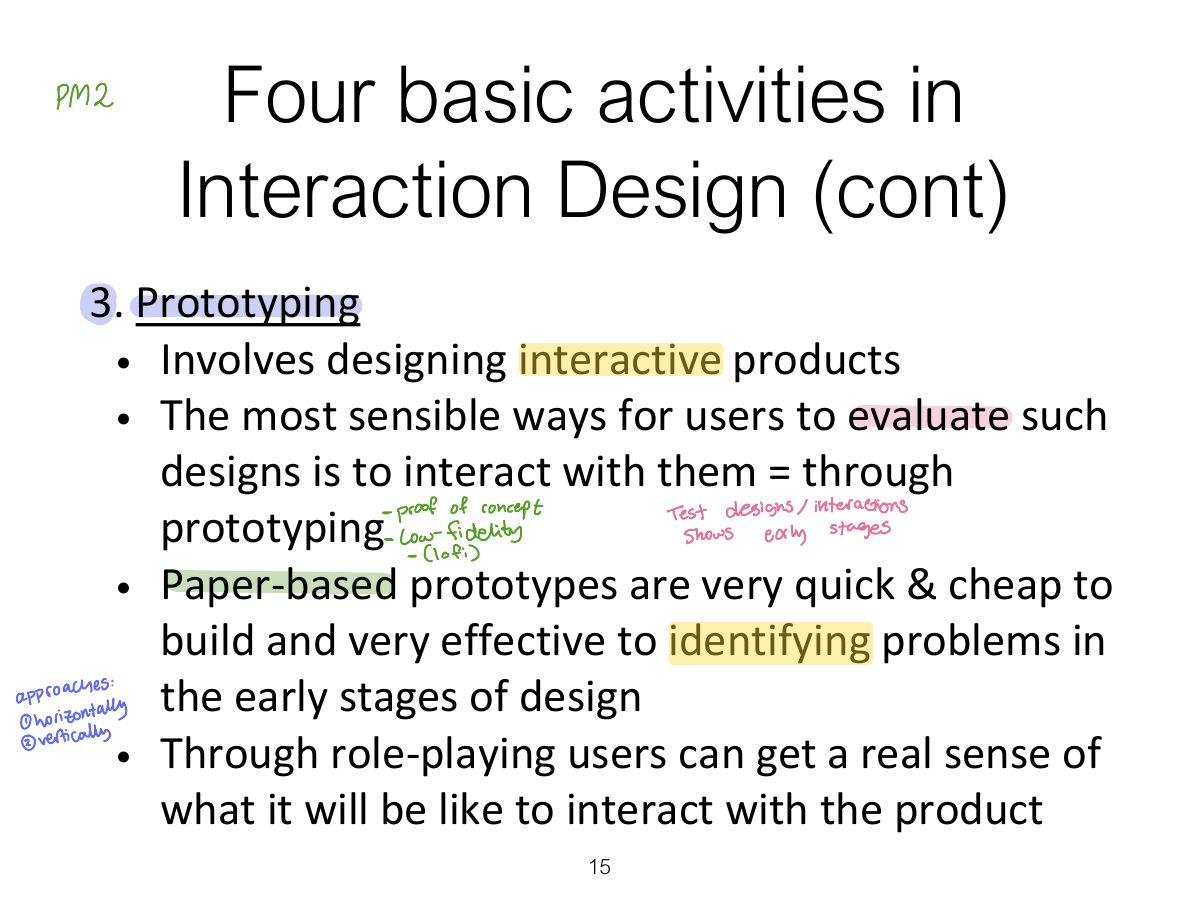
                      Slide 15: Four basic activities in Interaction Design (cont)
                      Exam weight Low
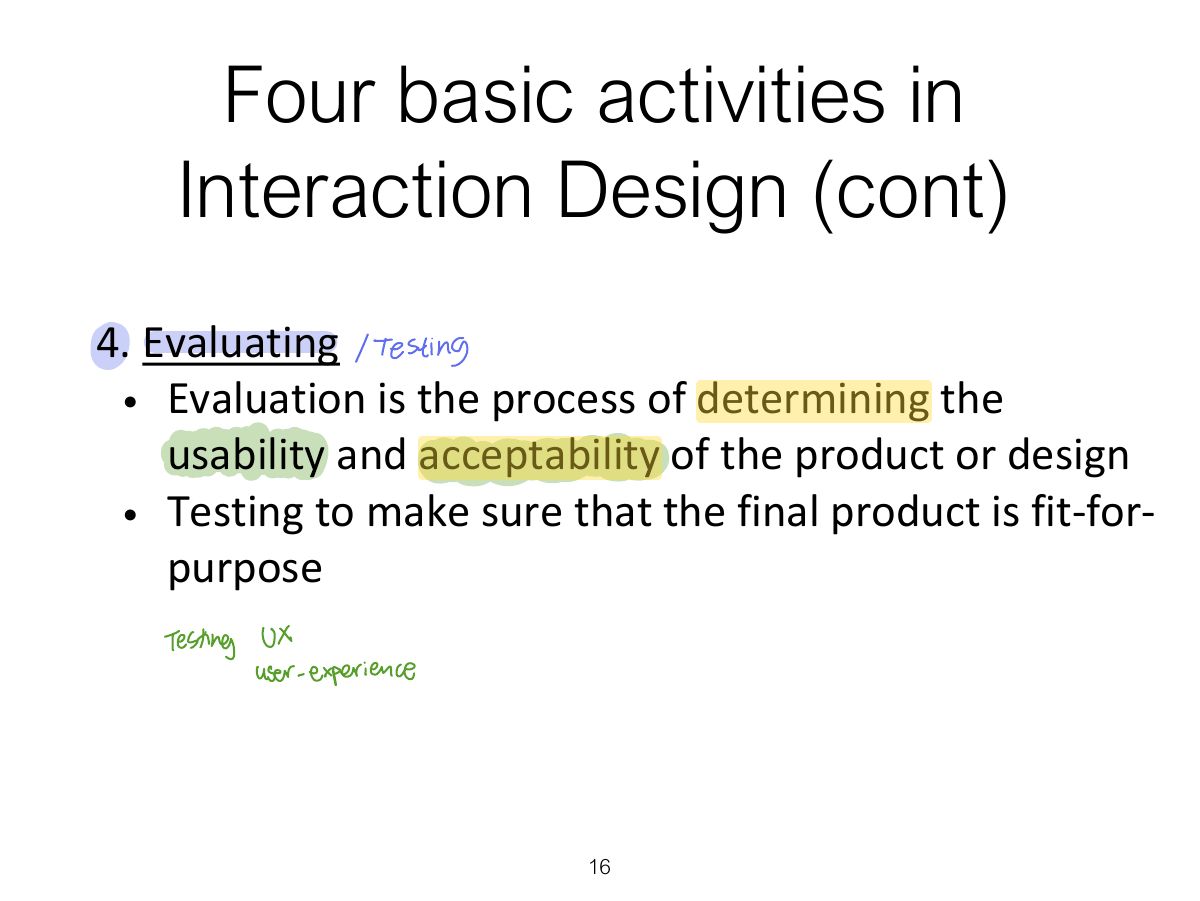
                        Slide 16: Four basic activities in Interaction Design (cont)
                        Exam weight Low
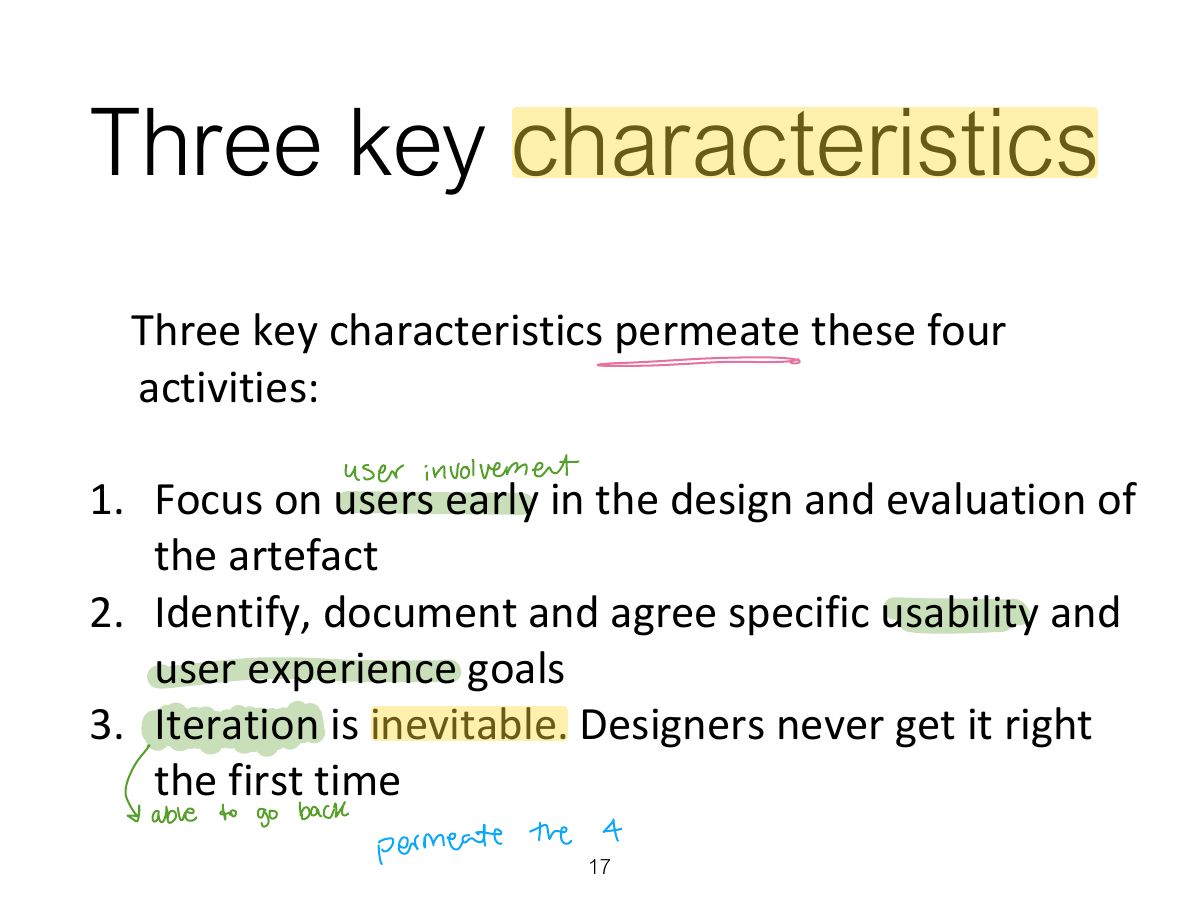
                          Slide 17: Three key characteristics
                          Exam weight Low
                          1. Three key characteristics: focus on users, specific usability and UX goals, iteration.
                          Slide 18: Some practical issues
                          Exam weight Low
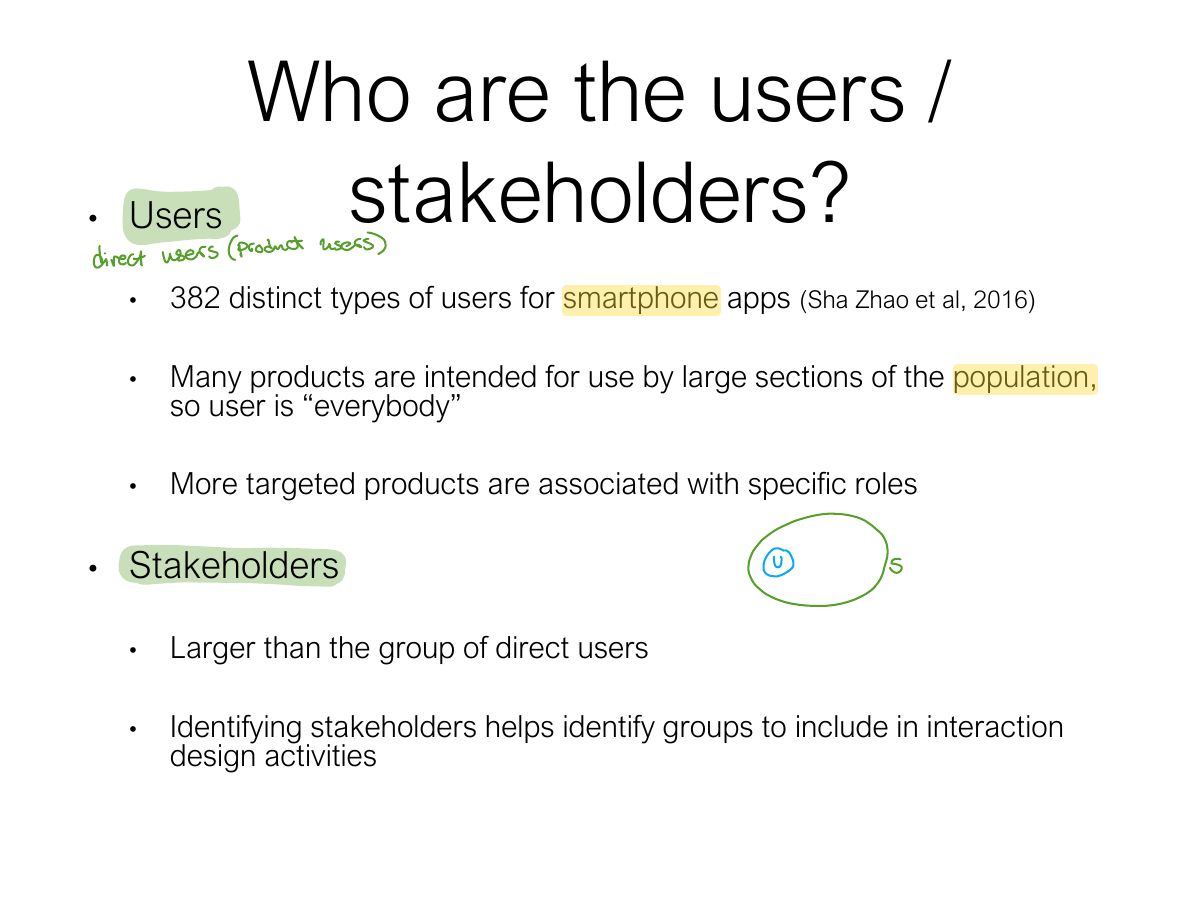
                            Slide 19: Who are the users / stakeholders?
                            Exam weight Low
                            1. Stakeholders: everyone affected by the product’s success or failure, not only the direct users.
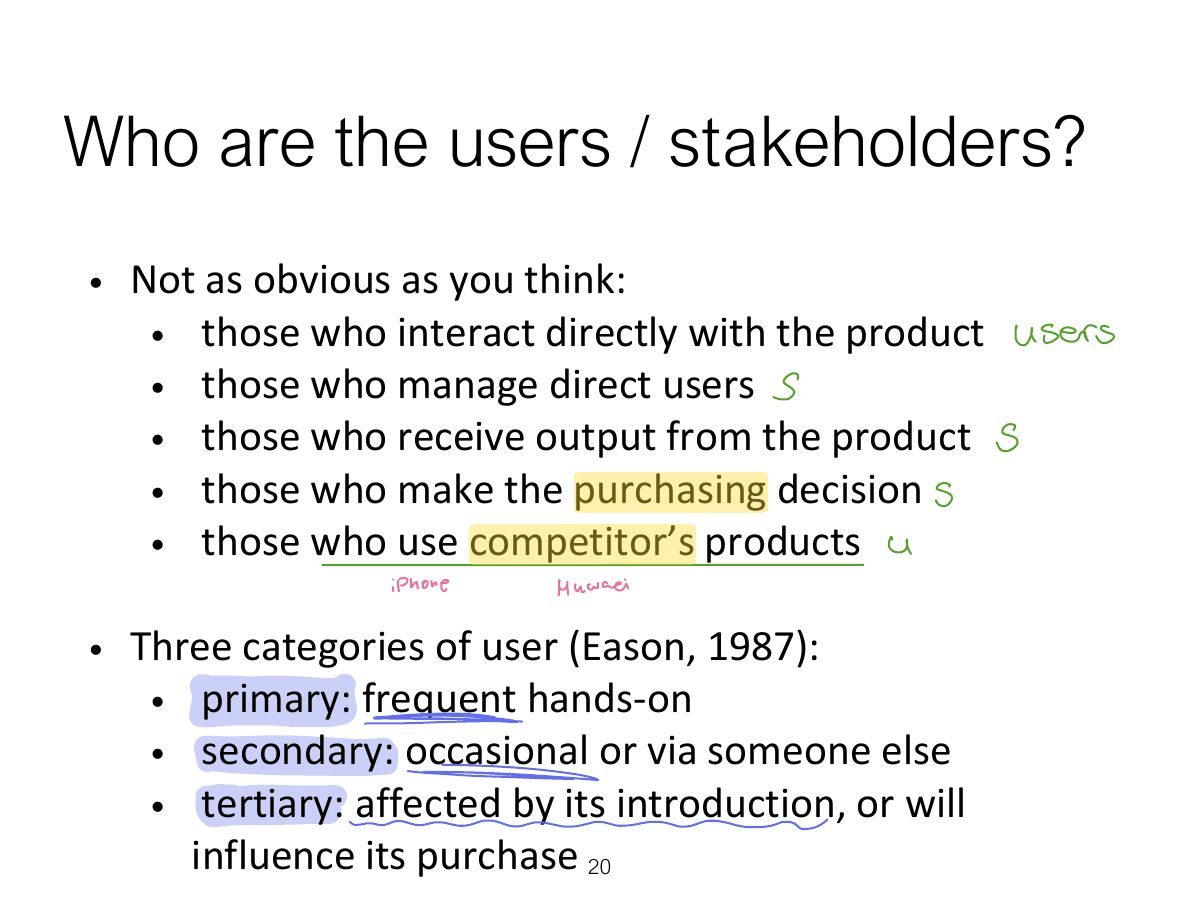
                            Slide 20: Who are the users / stakeholders?
                            Exam weight Low
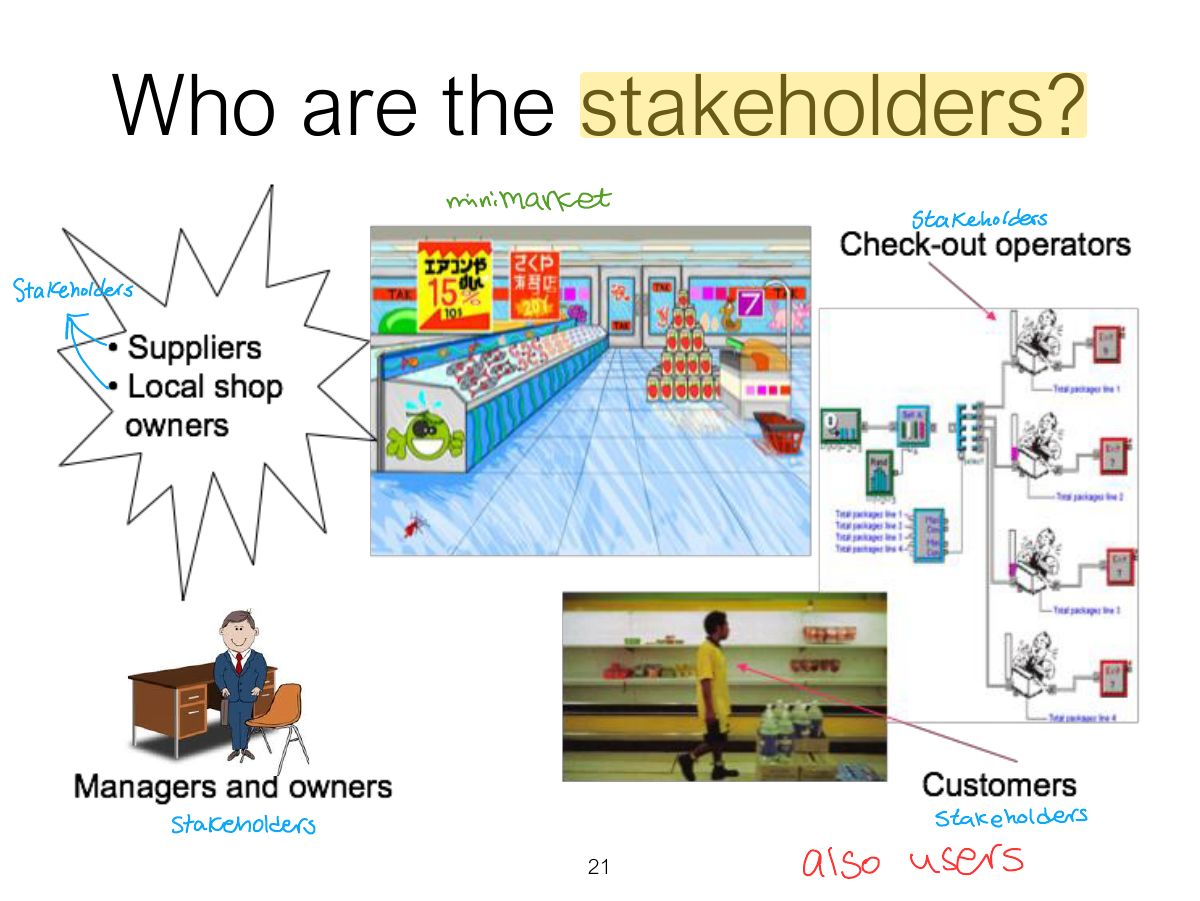
                              Slide 21: Who are the stakeholders?
                              Exam weight Low
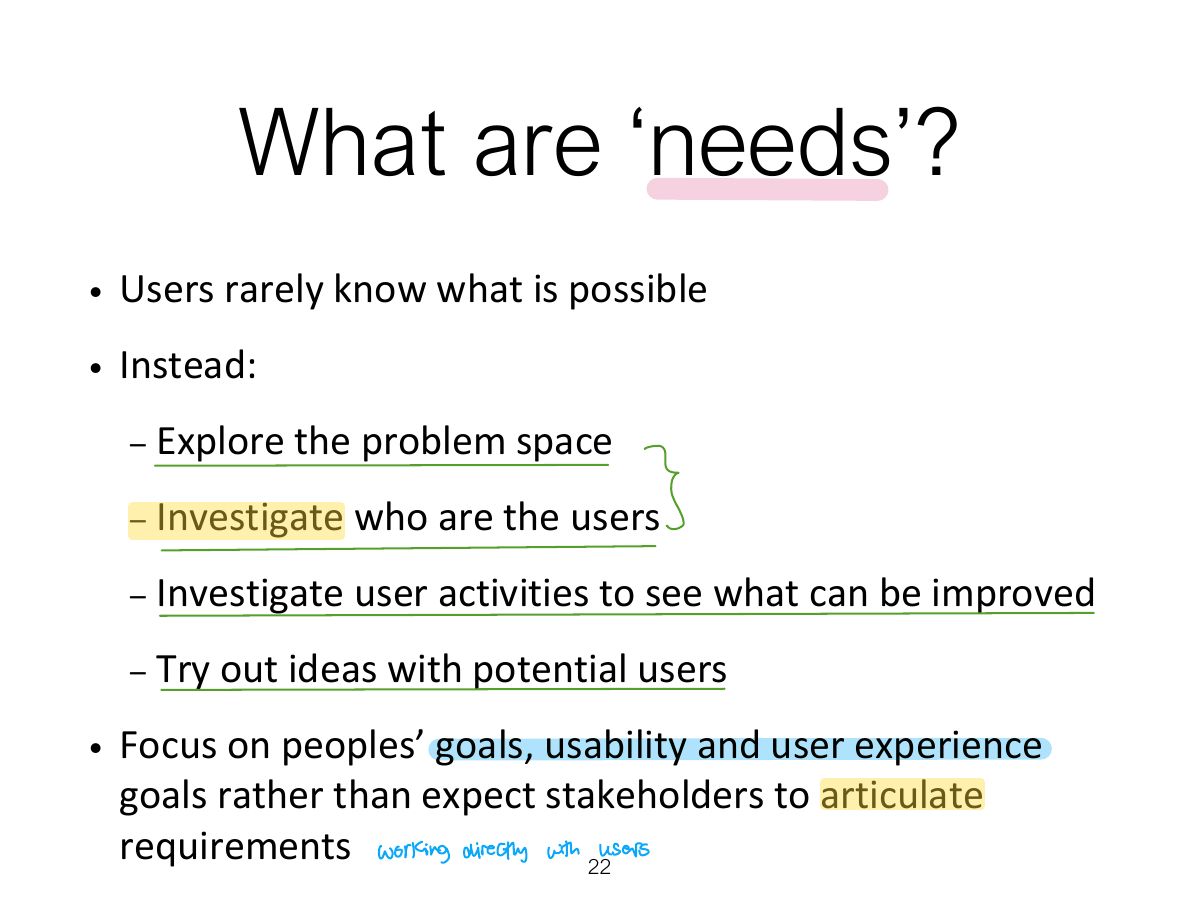
                                Slide 22: What are ‘needs’?
                                Exam weight Low
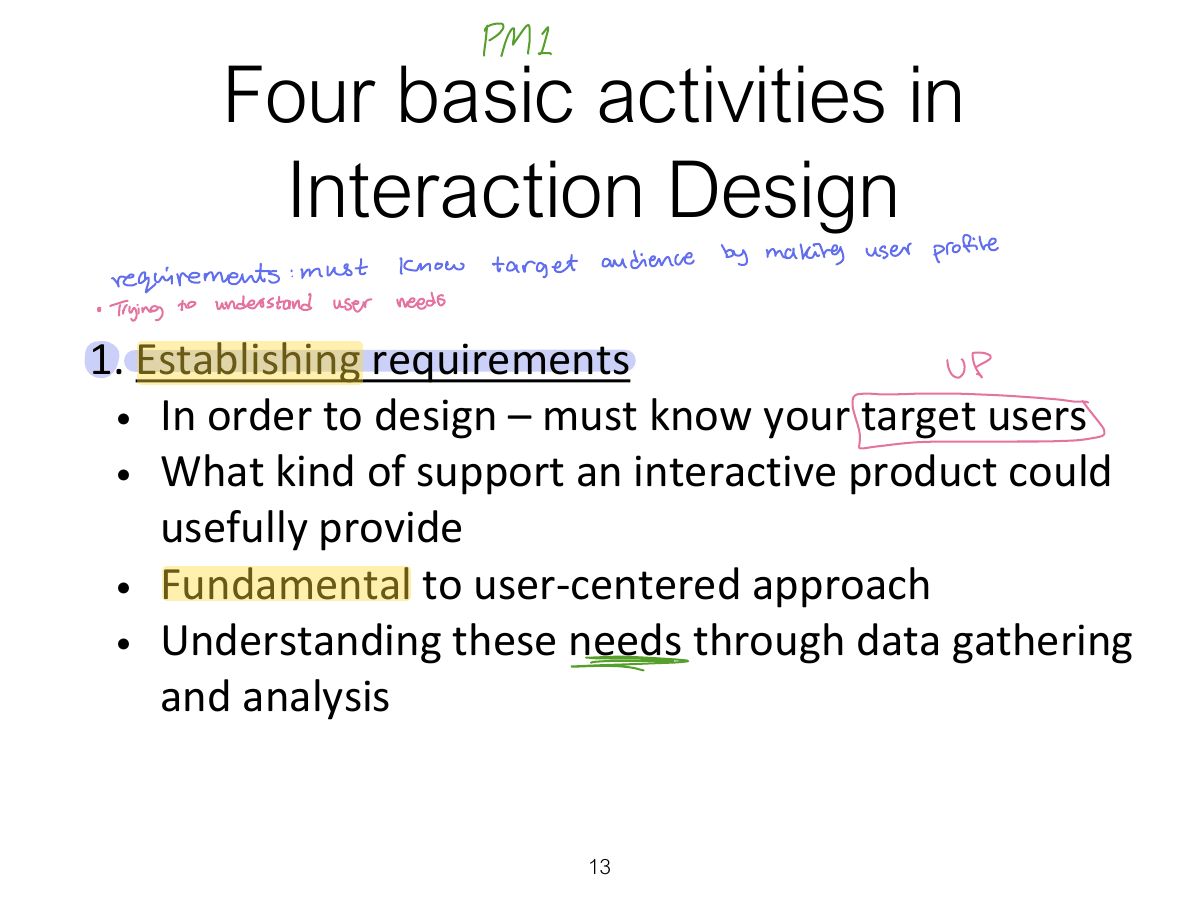
                                1. Users rarely know what is possible; find needs by understanding their characteristics and capabilities, what they want to achieve, and how they do it now.
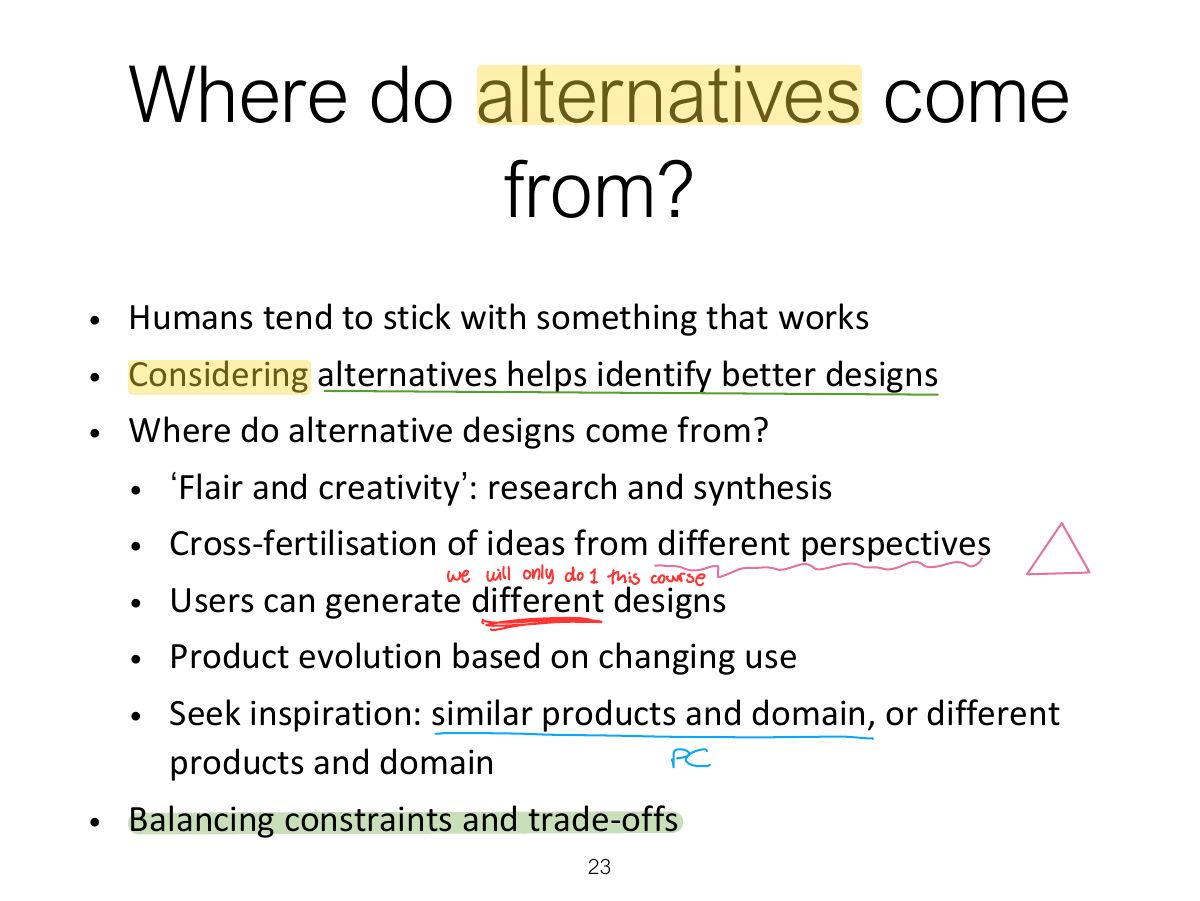
                                Slide 23: Where do alternatives come from?
                                Exam weight Low
                                1. Alternatives come from designers’ creativity, users’ suggestions, other products, other domains.

                                How to choose alternative designs?

                                • Interaction design focuses on externally visible and measurable behaviour
                                • Technical feasibility
                                • Evaluation with users or with peers
                                  • Prototypes not static documentation because behaviour is key
                                • A/B Testing
                                  • Online method to inform choice between alternatives
                                  • Nontrivial to set appropriate metrics and choose user group sets
                                • Quality thresholds:
                                  • Different stakeholder groups have different quality thresholds
                                  • Usability and user experience goals lead to relevant criteria
                                24
                                Exam weight Low
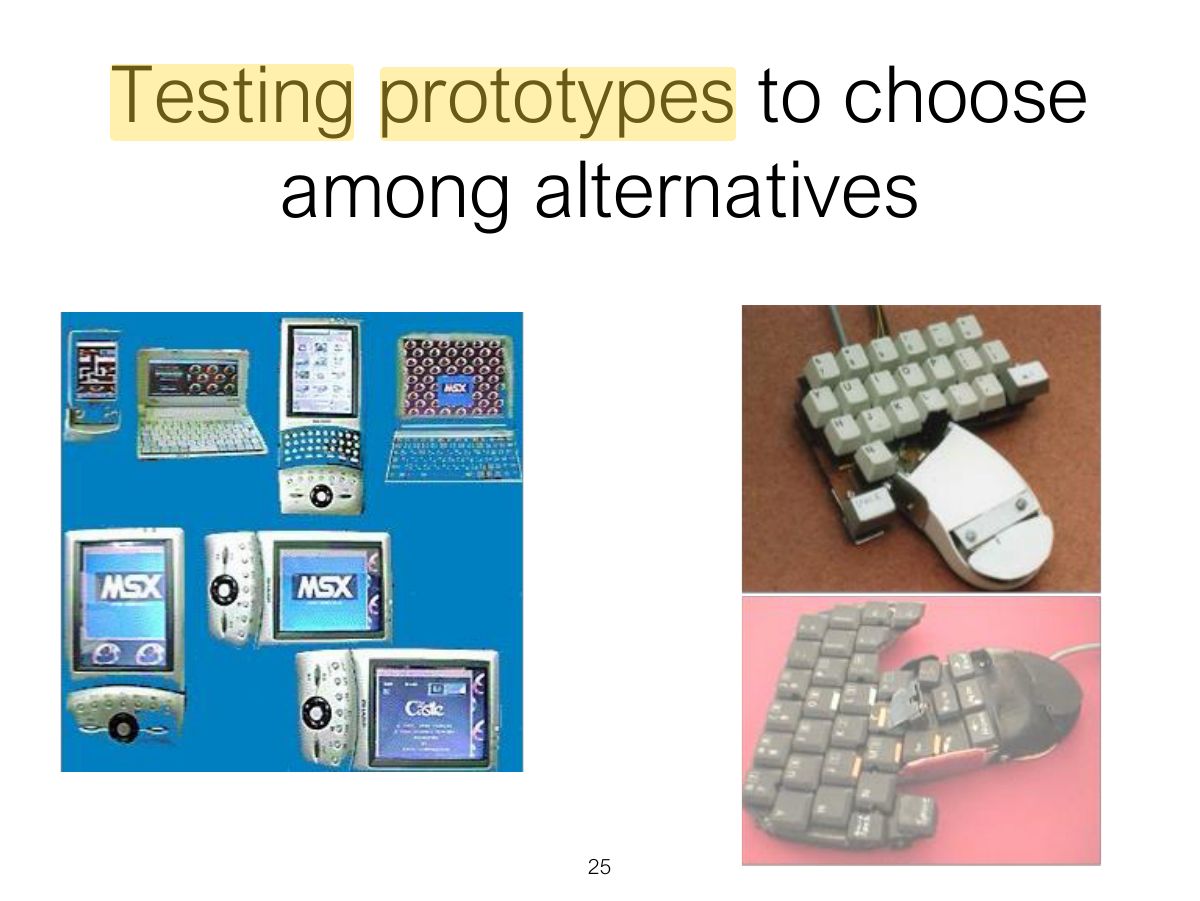
                                1. Choose alternatives with evaluation: prototypes tested with users, and quality thresholds from the usability goals.
                                Slide 25: Testing prototypes to choose among alternatives
                                Exam weight Low

                                  Summary

                                  • Four basic activities in the design process
                                    • Establishing requirements
                                    • Designing alternatives
                                    • Prototyping
                                    • Evaluating
                                  • User-centered design rests on three principles
                                    • Early focus on users and tasks
                                    • Empirical measurement using quantifiable & measurable usability criteria
                                    • Iterative design
                                  26
                                  Exam weight Low