SE365 · Annotated SlidesLecture 13 — Inspections, Heuristics and Walkthroughs
Lecture 13 · Annotated slides

Inspections, Heuristics and Walkthroughs

Inspection methods without users: heuristic evaluation with Nielsen’s revised heuristics, number of evaluators, the three stages, advantages and problems, cognitive and pluralistic walkthroughs, and A/B testing.
Slide text Study notes Highlight: key words Tips, tricks & traps Seen again elsewhere How it can come up
Slide 1: Slide 1
Exam weight Low

    Recap

    • Usability testing
      • direct observation of users
    • Basic experimental design
    2
    Exam weight Low

      Overview

      • Introduction
      • Inspections
      • Heuristic evaluation
      • Cognitive walkthroughs Based on material from: Sharp, H., Preece, J. and Rogers, Y. (2019). Interaction Design Beyond Human-Computer Interaction. 5th Ed. Sussex: John Wiley & Sons Ltd.
      3
      Exam weight Low

        Learning Outcomes

        • Describe the key concepts associated with inspection methods
        • Explain how to do heuristic evaluation and walkthroughs
        4
        Exam weight Low

          Introduction

          • Learn methods that are based on understanding users through knowledge codified in heuristics, or models that predict users’ performance
          • Not requires users to be present during the evaluation
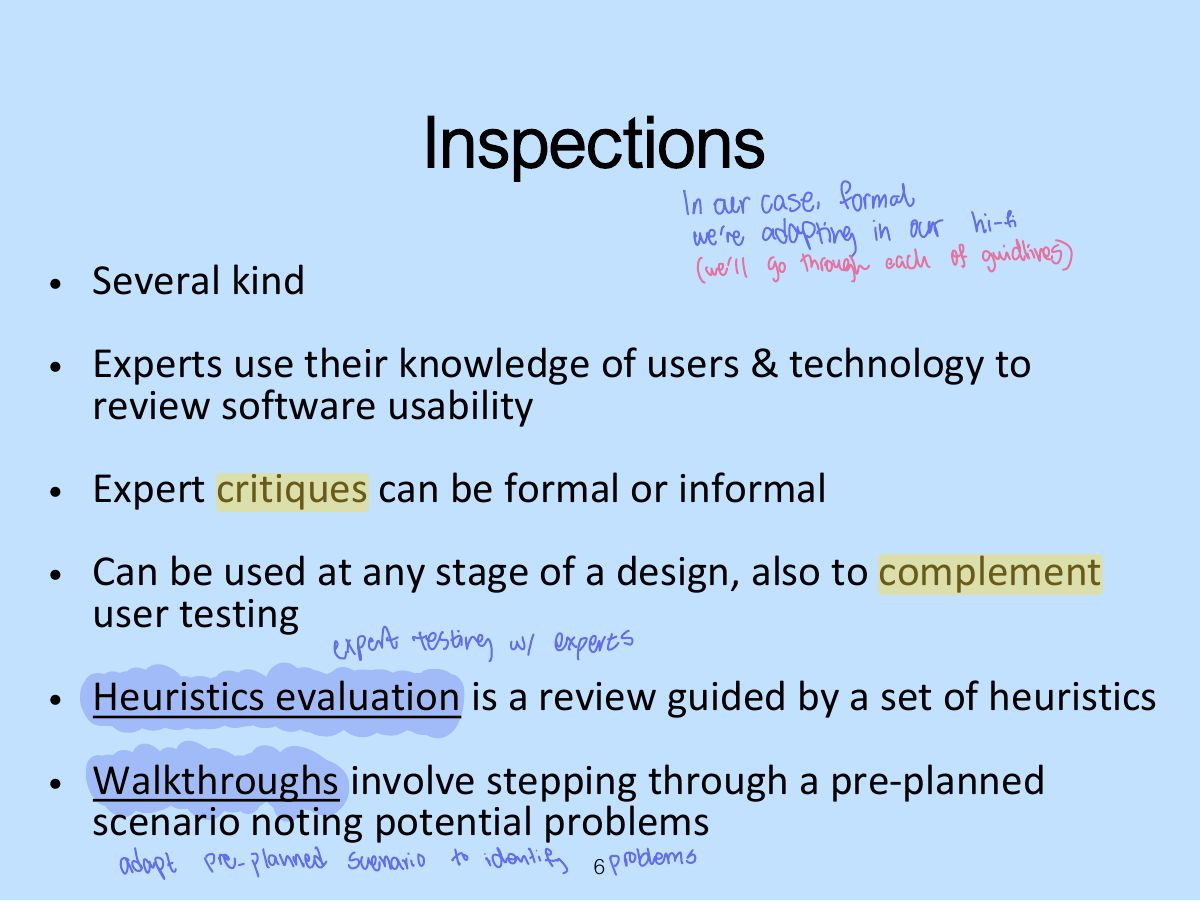
          • Inspection methods - typically involved an expert role playing the users for whom the product is designed, and identifying any potential usability problems by using a set of guidelines
          5
          Exam weight Low
            Slide 6: Inspections
            Exam weight Low
            1. Inspections: experts role-play users to find problems (no users needed).

            Heuristic evaluation

            • A usability inspection method developed by Jacob Nielsen in the early 1990s
            • Derived empirically from an analysis of 249 usability problems
            • These heuristics have been revised for current technology by Nielsen and others for:
              • mobile devices
              • wearables
              • virtual worlds, etc
            7
            Exam weight Low
            1. Heuristic evaluation: experts check the interface against usability principles (heuristics).

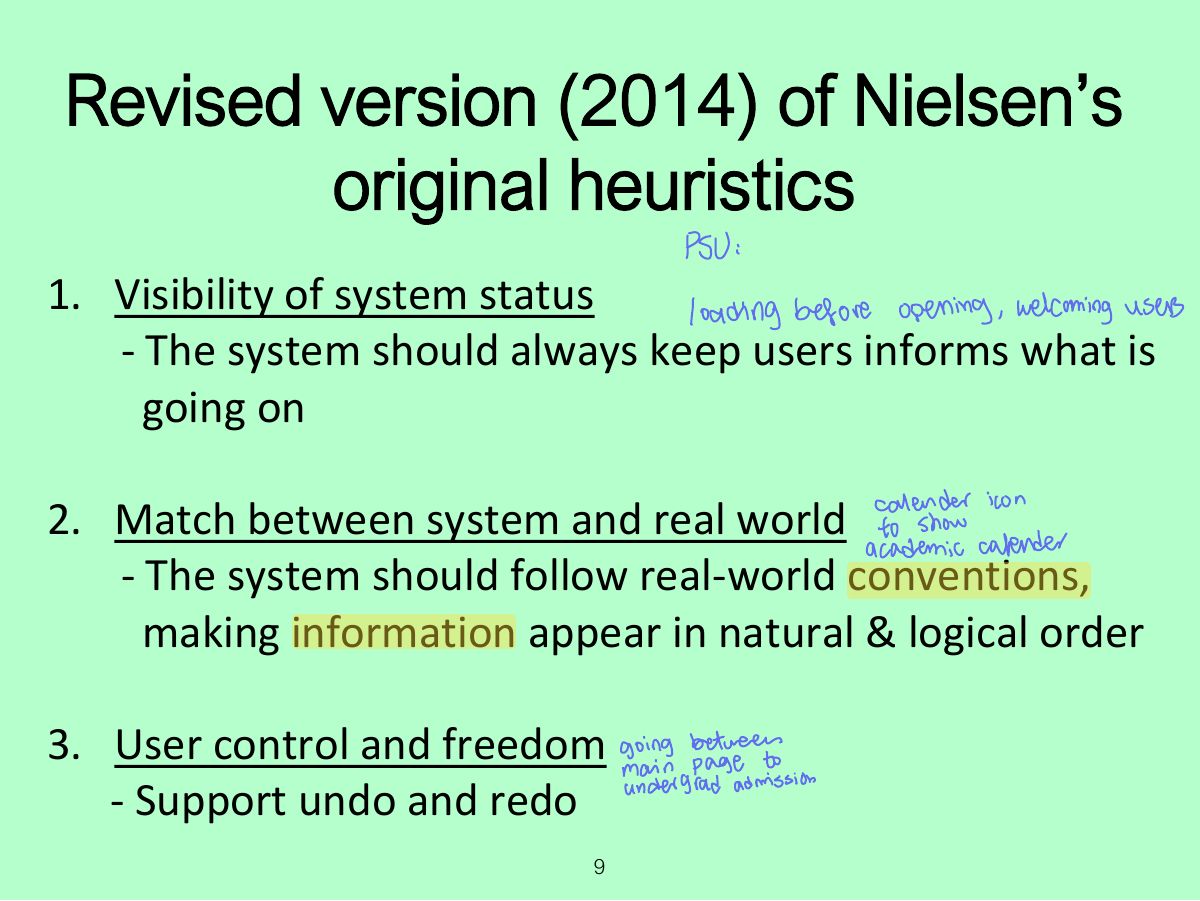
            Revised version (2014) of Nielsen’s original heuristics

            Visibility of system status

            1.

            Match between system and real world

            2.

            User control and freedom

            3.

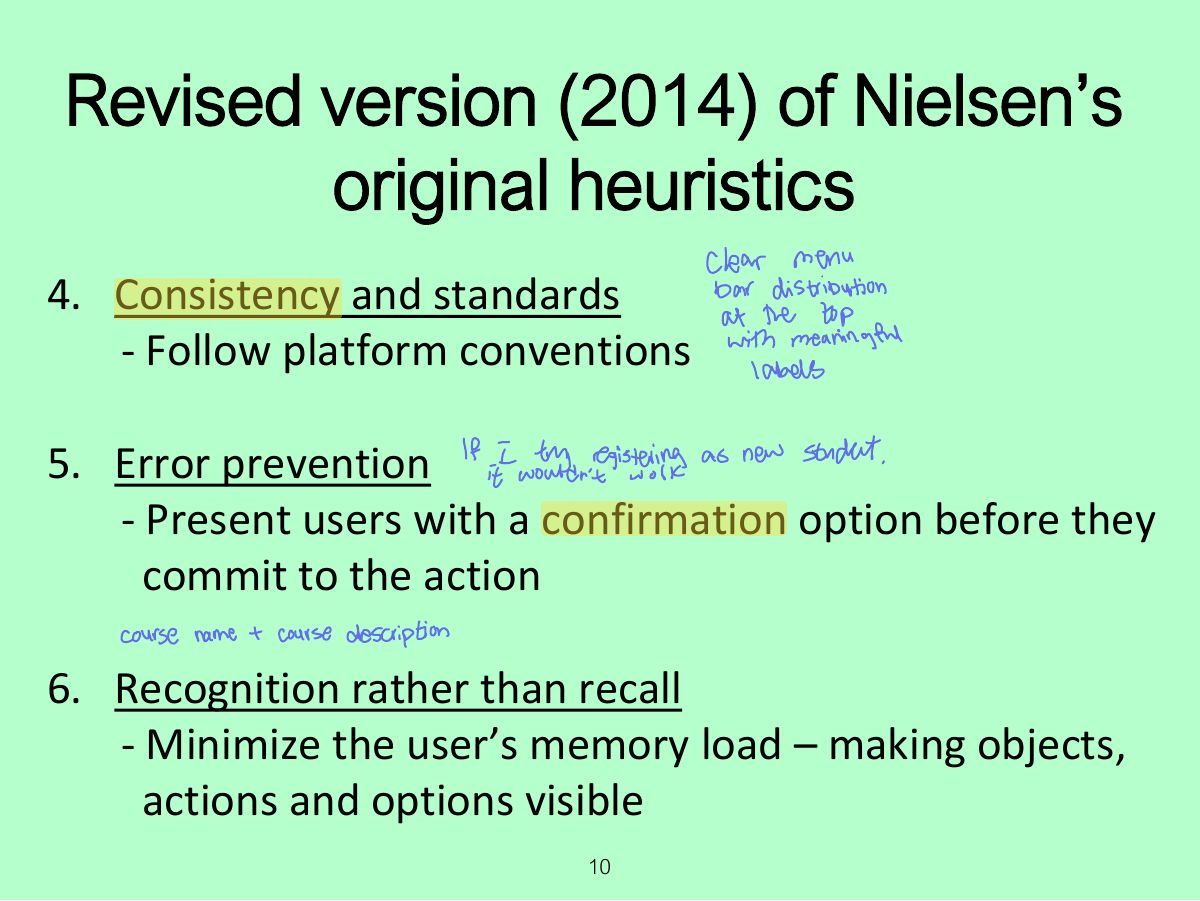
            Consistency and standards

            4.

            Error prevention

            5.

            Recognition rather than recall

            6.

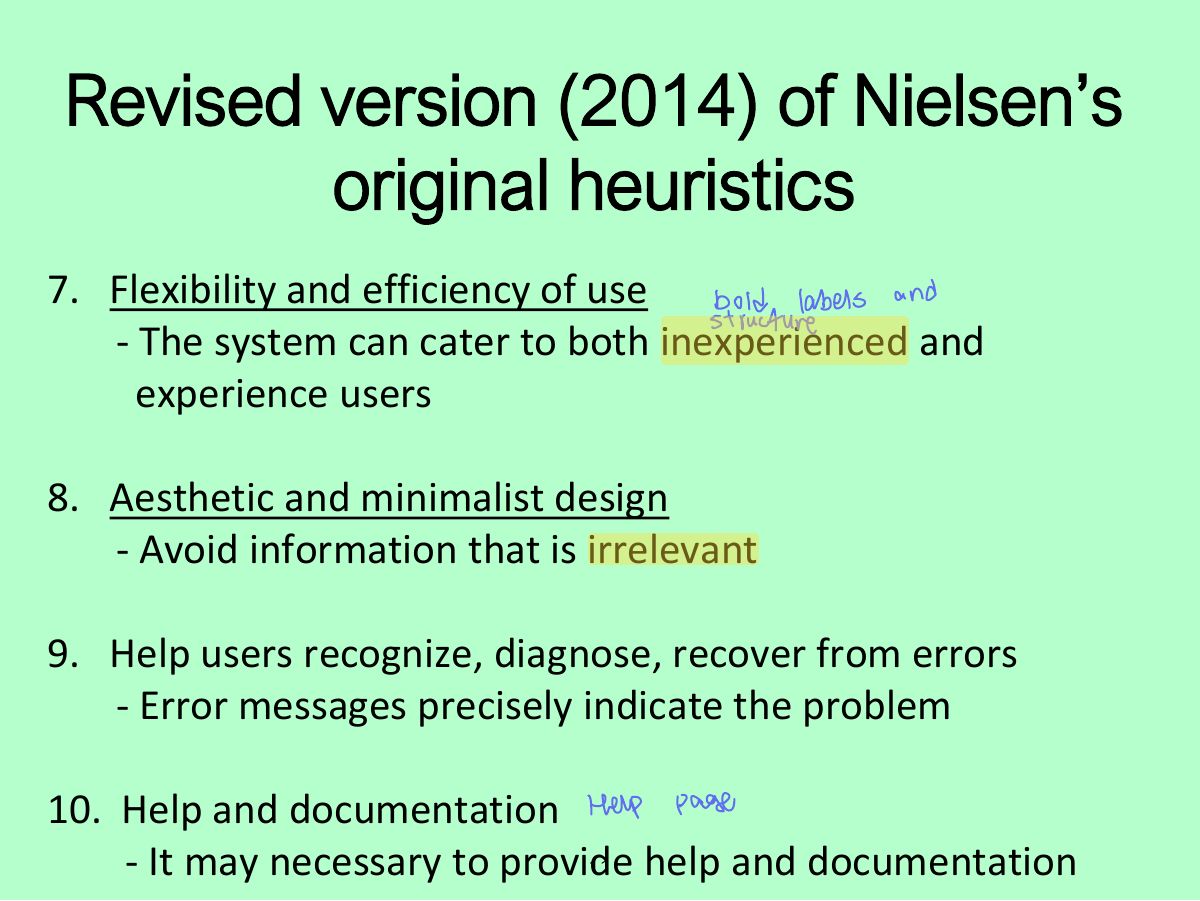
            Flexibility and efficiency of use

            7.

            Aesthetic and minimalist design

            8.

            Help users recognize, diagnose, recover from errors

            9.

            Help and documentation

            10.

            8
            Exam weight High
            1. Nielsen’s 10: visibility of system status · match with the real world · user control and freedom · consistency and standards · error prevention · recognition rather than recall · flexibility and efficiency · aesthetic and minimalist design · help users recognize, diagnose and recover from errors · help and documentation.
            TipNielsen’s 10: visibility of system status · match with the real world · user control and freedom · consistency and standards · error prevention · recognition rather than recall · flexibility and efficiency · aesthetic and minimalist design · help users recognize, diagnose and recover from errors · help and documentation.
            🎯 How this can come up · 2 questions
            MCQ

            A progress bar while uploading supports which heuristic?

            MCQ

            An "Undo" button supports:

            Slide 9: Revised version (2014) of Nielsen’s original heuristics
            Exam weight Low
              Slide 10: Revised version (2014) of Nielsen’s original heuristics
              Exam weight Low
                Slide 11: Revised version (2014) of Nielsen’s original heuristics
                Exam weight Low

                  No. of evaluators & problems

                  12
                  Exam weight High
                  1. One evaluator finds ~35% of problems; 3–5 evaluators find ~75%.
                  🎯 How this can come up · 1 question
                  MCQ

                  How many evaluators are typically recommended for heuristic evaluation?

                  Heuristics for websites focus on key criteria (Budd, 2007)

                  • Clarity
                  • Minimize unnecessary complexity & cognitive load
                  • Provide users with context
                  • Promote positive & pleasurable user experience
                  13
                  Exam weight Low

                    3 stages for doing heuristic evaluation

                    • Briefing session to tell experts what to do
                    • Evaluation period of 1-2 hours in which:
                      • each expert works separately
                      • take one pass to get a feel for the product
                      • take a second pass to focus on specific features
                    • Debriefing session in which experts work together to prioritize problems
                    14
                    Exam weight Low
                    1. Three stages: briefing session → evaluation period (each expert alone, two passes) → debriefing session (prioritize problems).

                    Activity

                    • Look at the Nielsen heuristics and consider how you would use them to evaluate a website
                    15
                    Exam weight Low

                      Discussion

                      • Do the heuristics help you to focus on the website more intently than if you were not using them?
                      • If you did this activity using smartphone, were all the heuristics relevant & useful?
                      16
                      Exam weight Low

                        Advantages and problems

                        • Few ethical & practical issues to consider because users not involved
                        • Can be difficult & expensive to find experts
                        • Best experts have knowledge of application domain & users
                        • Biggest problems:
                          • It requires knowledge & experience to apply heuristics
                          • Sometimes hard to find trained usability experts & can be expensive
                          • Should use multiple experts & aggregate their results
                        17
                        Exam weight Low
                        1. Advantages: cheap, quick, no users. Problems: false alarms, misses, experts aren’t real users.

                        Turning design guidelines and golden rules into heuristics

                        Ask questions like the following:

                        “Does the application include a visible title page, section or site? Does the user always know where they are located?

                        Does the user always know what the system or application is doing? Are the links clearly defined? Can all actions be visualized directly (i.e., no other actions are required)?”

                        Granollers, 2018, p. 62

                        18
                        Exam weight Low
                          Slide 19: Cognitive walkthroughs
                          Exam weight High
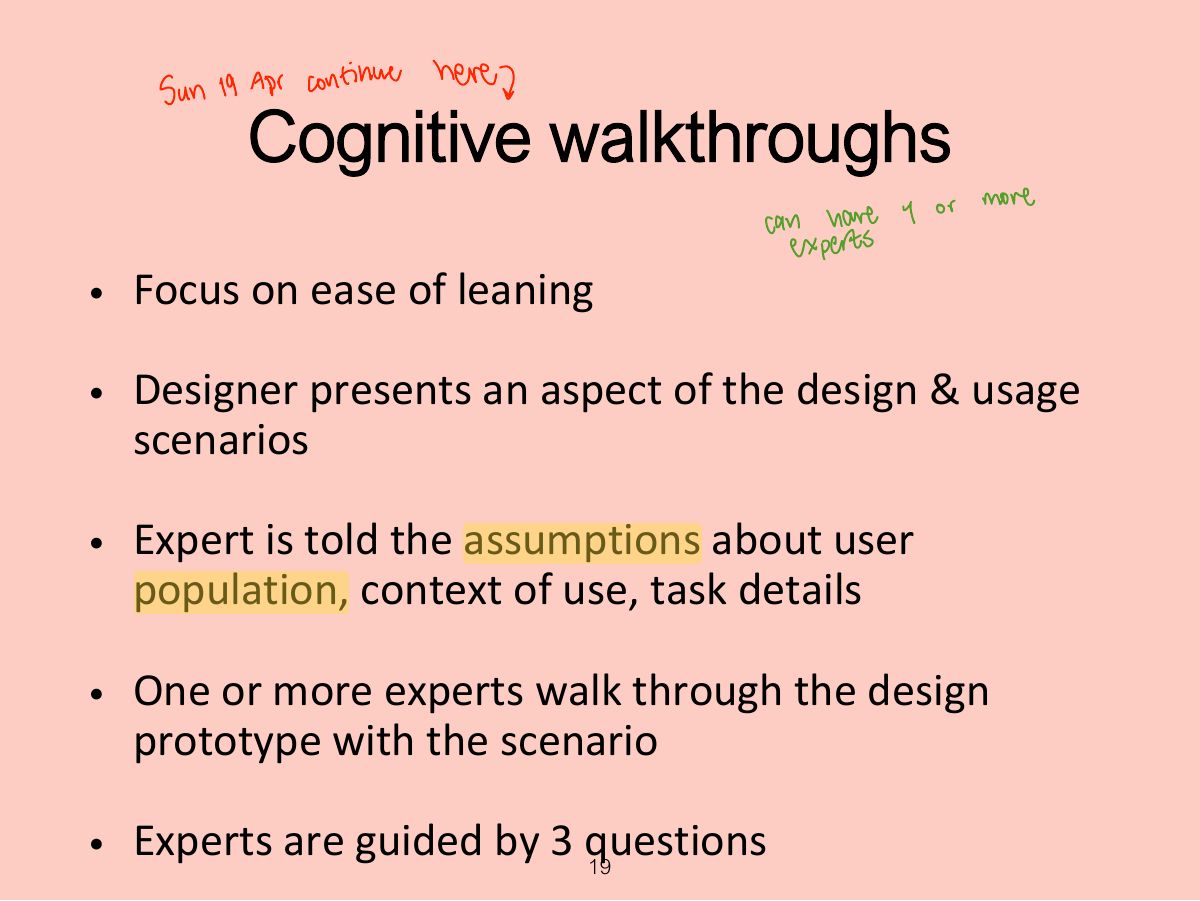
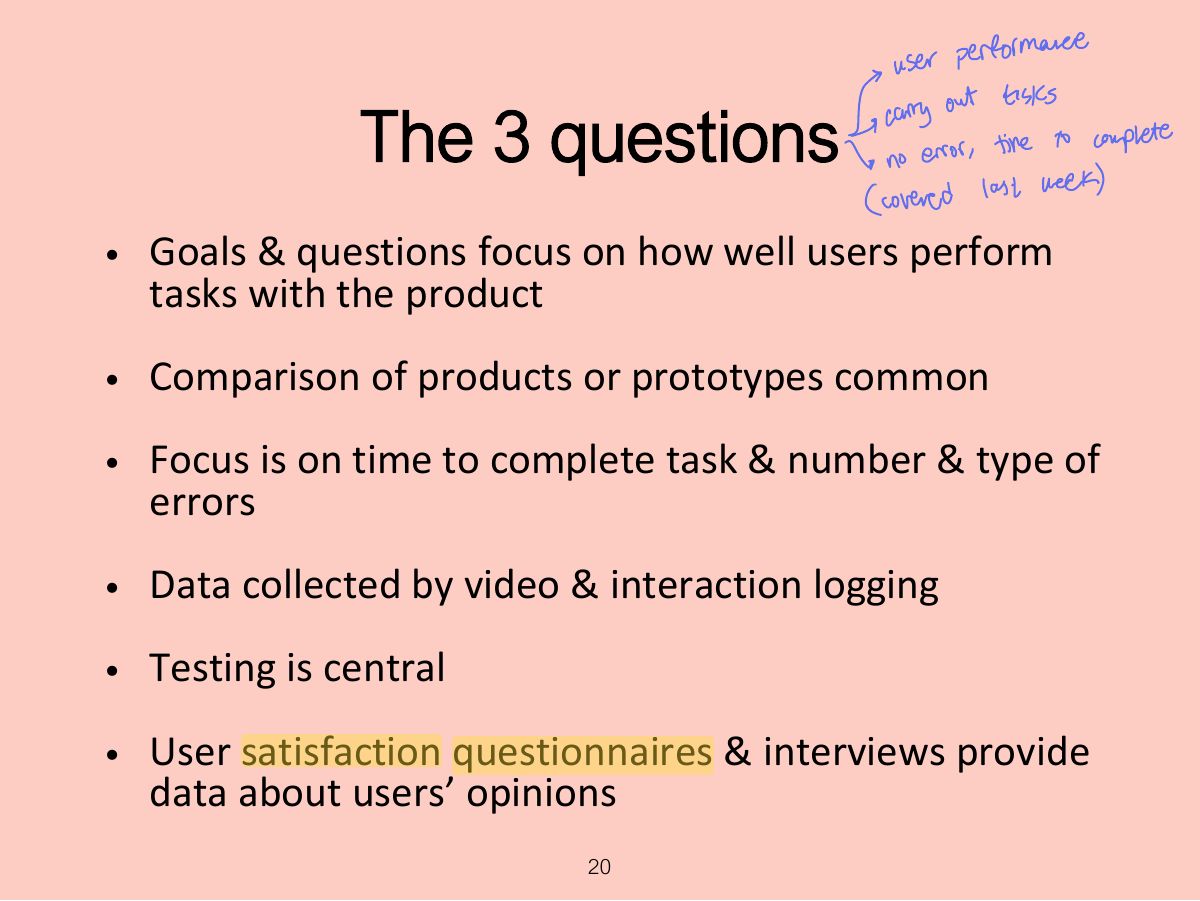
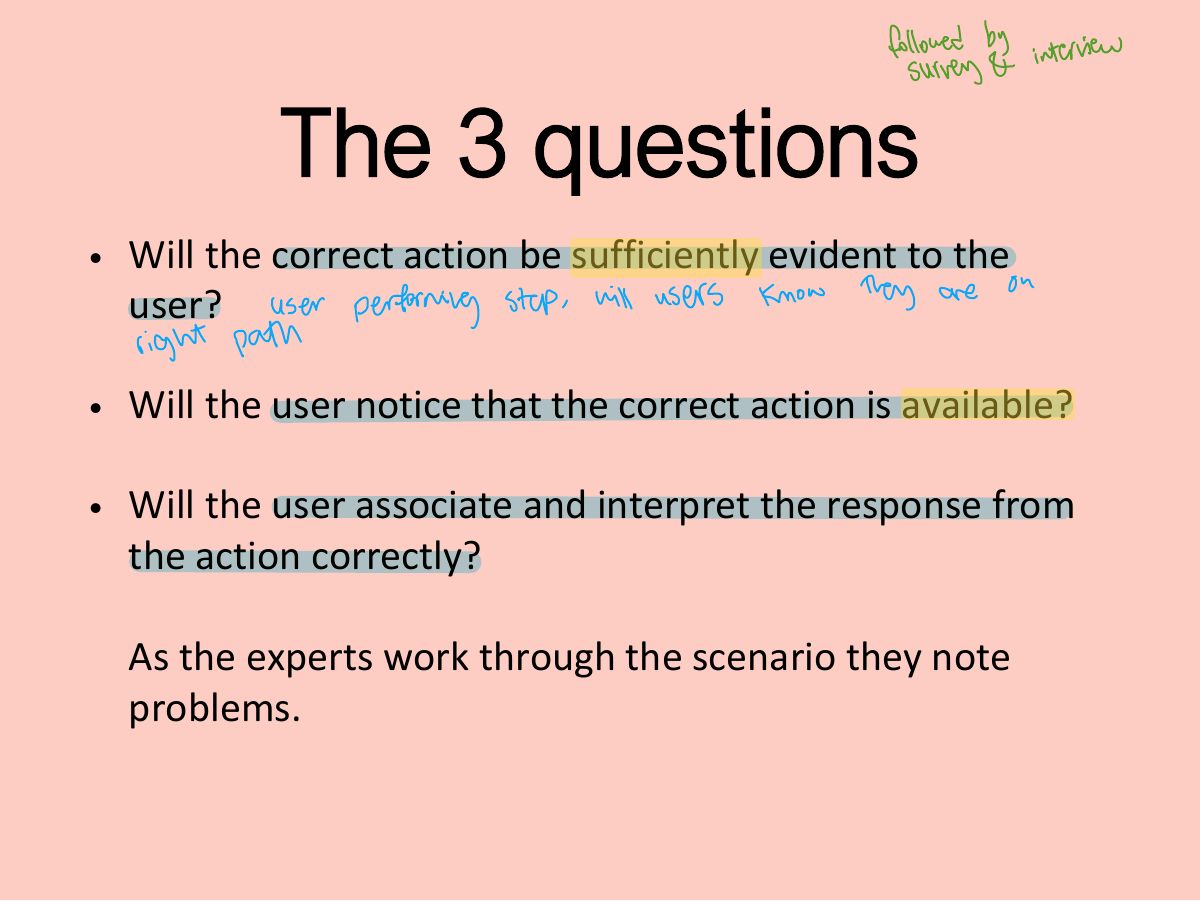
                          1. Cognitive walkthrough: simulate a user’s problem solving step by step; focuses on LEARNABILITY (ease of learning).
                          Memory trickThree questions: Will the user know what to do? Will they see how to do it? Will they understand from the feedback whether it worked?
                          🎯 How this can come up · 1 question
                          MCQ

                          Cognitive walkthroughs mainly evaluate:

                          Slide 20: The 3 questions
                          Exam weight Low
                            Slide 21: The 3 questions
                            Exam weight Low
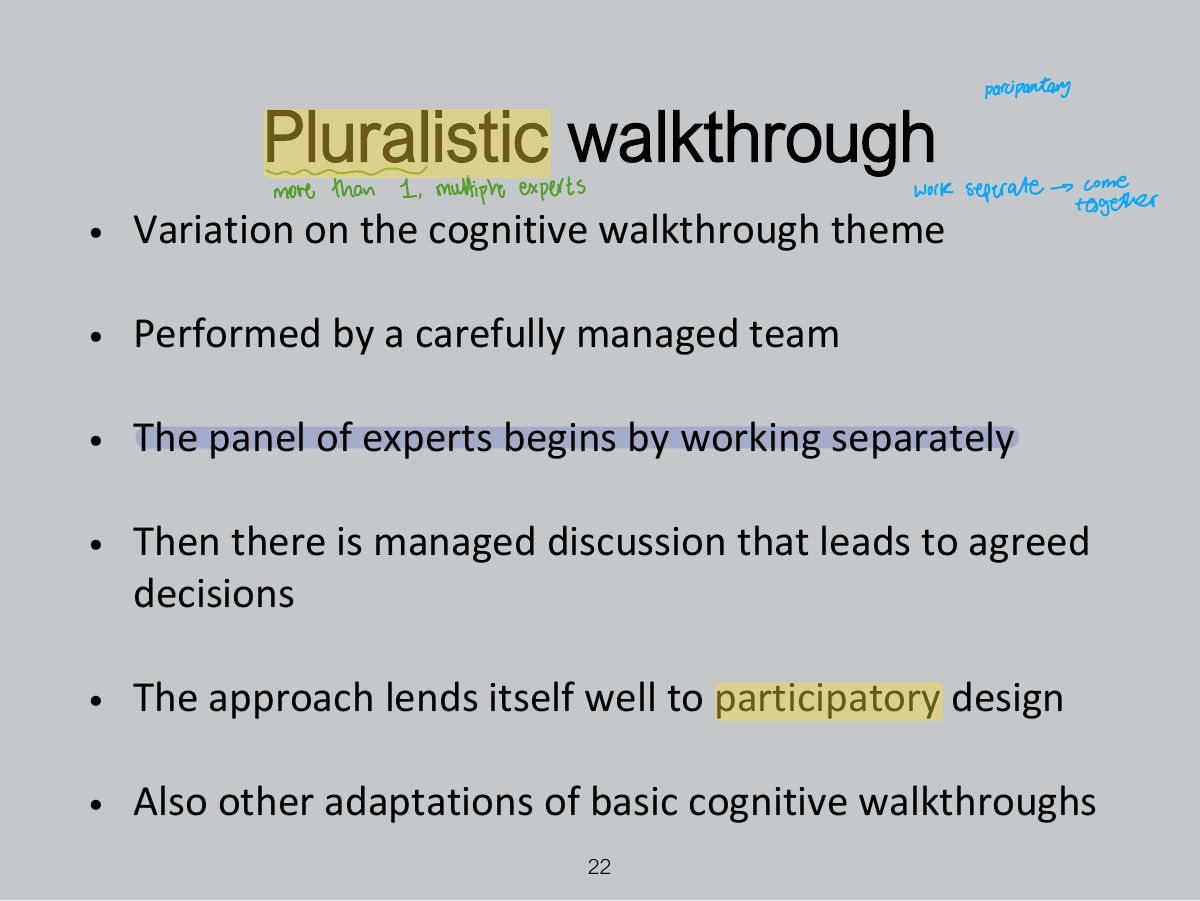
                              Slide 22: Pluralistic walkthrough
                              Exam weight Low
                              1. Pluralistic walkthrough: users, developers and usability experts step through a scenario together.
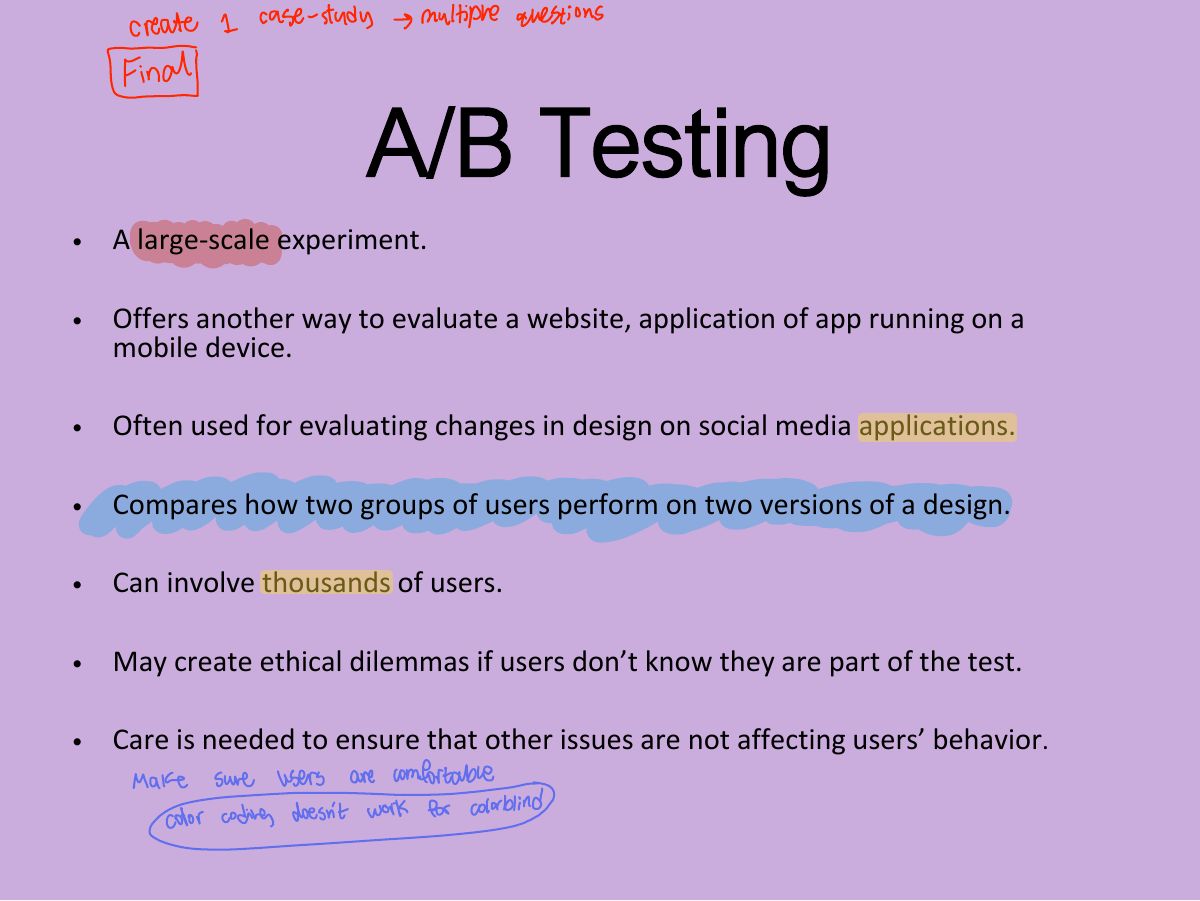
                              Slide 23: A/B Testing
                              Exam weight High
                              1. A/B testing: show two versions to different groups of real users online and compare a metric (clicks, conversions).
                              🎯 How this can come up · 1 question
                              MCQ

                              Showing half of visitors a green button and half a blue one, then comparing clicks, is:

                              Key points

                              • Inspections can be used to evaluate requirements, mockups, functional prototypes, or systems
                              • User testing & heuristic evaluation may reveal different usability problems
                              • Design guidelines can be used to develop heuristics
                              • Walkthroughs are focused so are suitable for evaluating small parts of a product
                              • A/B testing a form of large-scale experiment.
                              24
                              Exam weight Low