SE365 · Annotated SlidesLecture 4 — Interaction and Interfaces
Lecture 4 · Annotated slides

Interaction and Interfaces

Understanding the problem space (assumptions and claims), conceptual models and interface metaphors, the interaction types (instructing, conversing, manipulating, exploring, responding) and direct manipulation, then a tour of 20 interface types from command-based and WIMP to VR, mobile, speech, touch, tangible, wearable and brain–computer interfaces.
Slide text Study notes Highlight: key words Tips, tricks & traps Seen again elsewhere How it can come up
Slide 1: Slide 1
Exam weight Low

    Overview

    • Understanding the problem space & conceptualizing design
    • Conceptual models
    • Interfaces metaphors
    • Interaction types
    • Interface types
    • Natural user interfaces (NUIs)
    • Which interface? Based on material from: Sharp, H., Preece, J. and Rogers, Y. (2019). Interaction Design Beyond Human-Computer Interaction. 5th Ed. Sussex: John Wiley & Sons Ltd.
    2
    Exam weight Low

      Learning Outcomes

      • Explain what is meant by the problem space
      • Explain how to conceptualize interaction
      • Discuss the use of interface metaphors as part of conceptual model
      • Explain types of interfaces
      • Discuss other advance interfaces
      3
      Exam weight Low

        Recap

        • HCI has moved beyond designing interfaces for desktop machines
        • About extending and supporting all manner of human activities in all manner of places
        • Facilitating user experiences through designing interactions
          • Make work effective, efficient and safer
          • Improve and enhance learning and training
          • Provide enjoyable and exciting entertainment
          • Enhance communication and understanding
          • Support new forms of creativity and expression
        4
        Exam weight Low
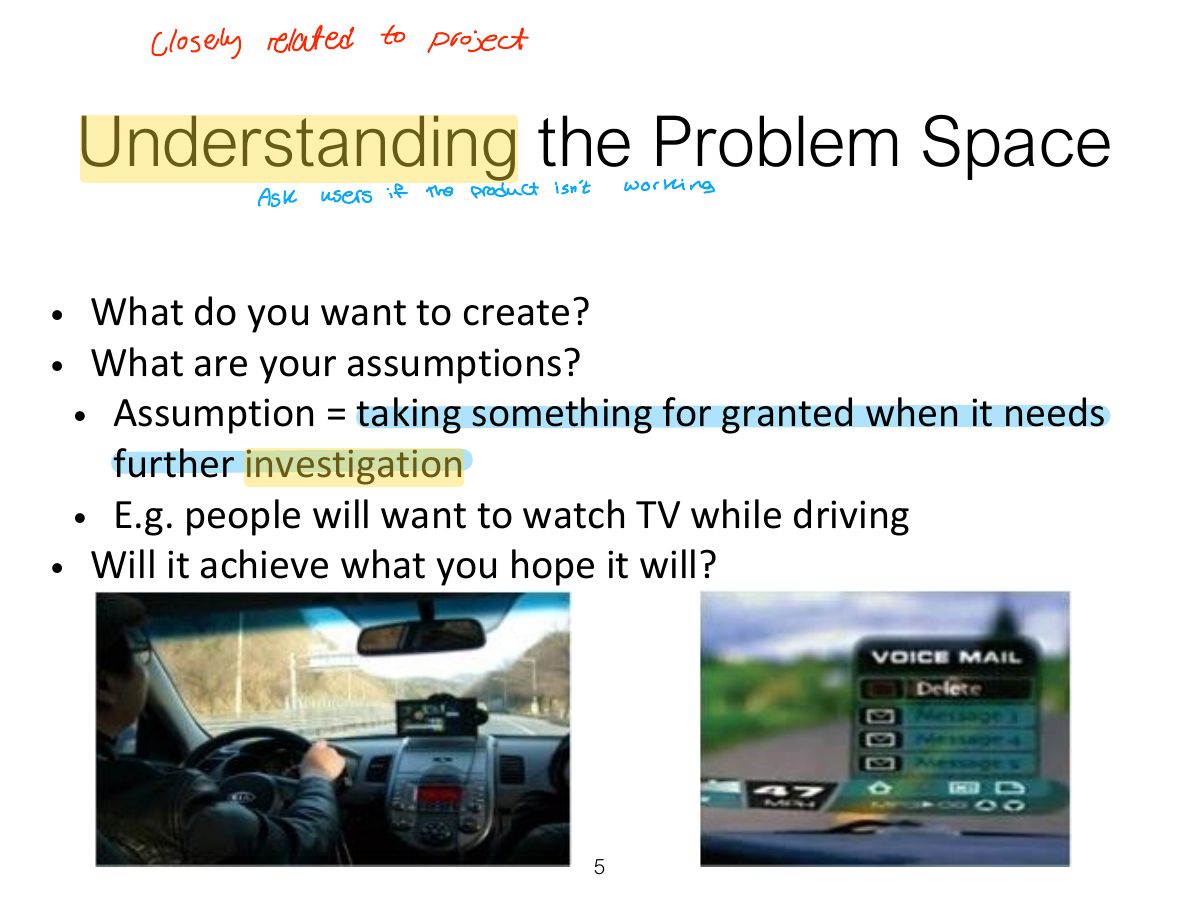
          Slide 5: Understanding the Problem Space
          Exam weight Low
          1. Problem space: understand what you are designing and why before how; make assumptions and claims explicit.

          What is a Claim?

          • Stating something to be true when it is still open to question
            • e.g. “a multimodal style of interaction for controlling one that involves speaking while driving — is GPS — safe”
          6
          Exam weight Low
          1. Assumption: something taken for granted that needs checking. Claim: something stated as true that is open to question.
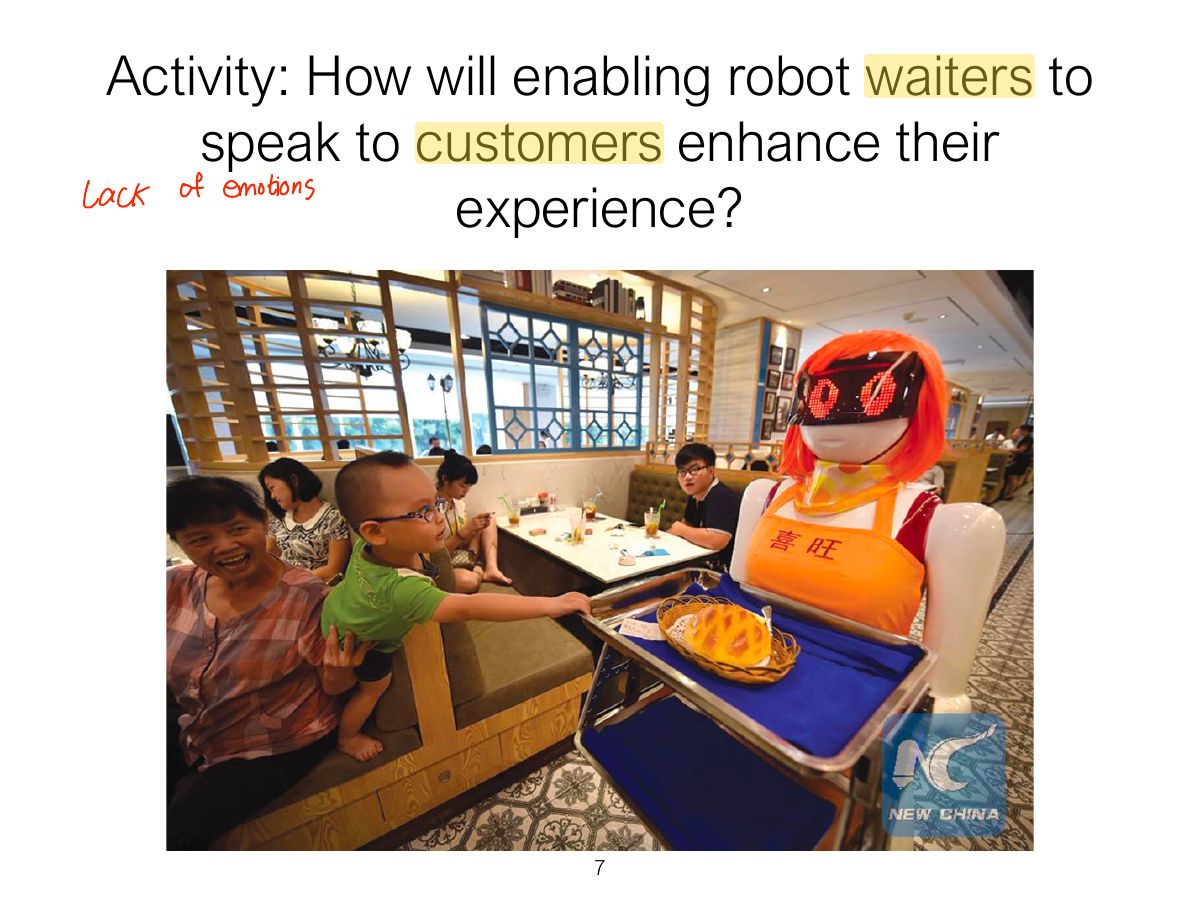
          Slide 7: Activity: How will enabling robot waiters to speak to customers enhance their
          Exam weight Low
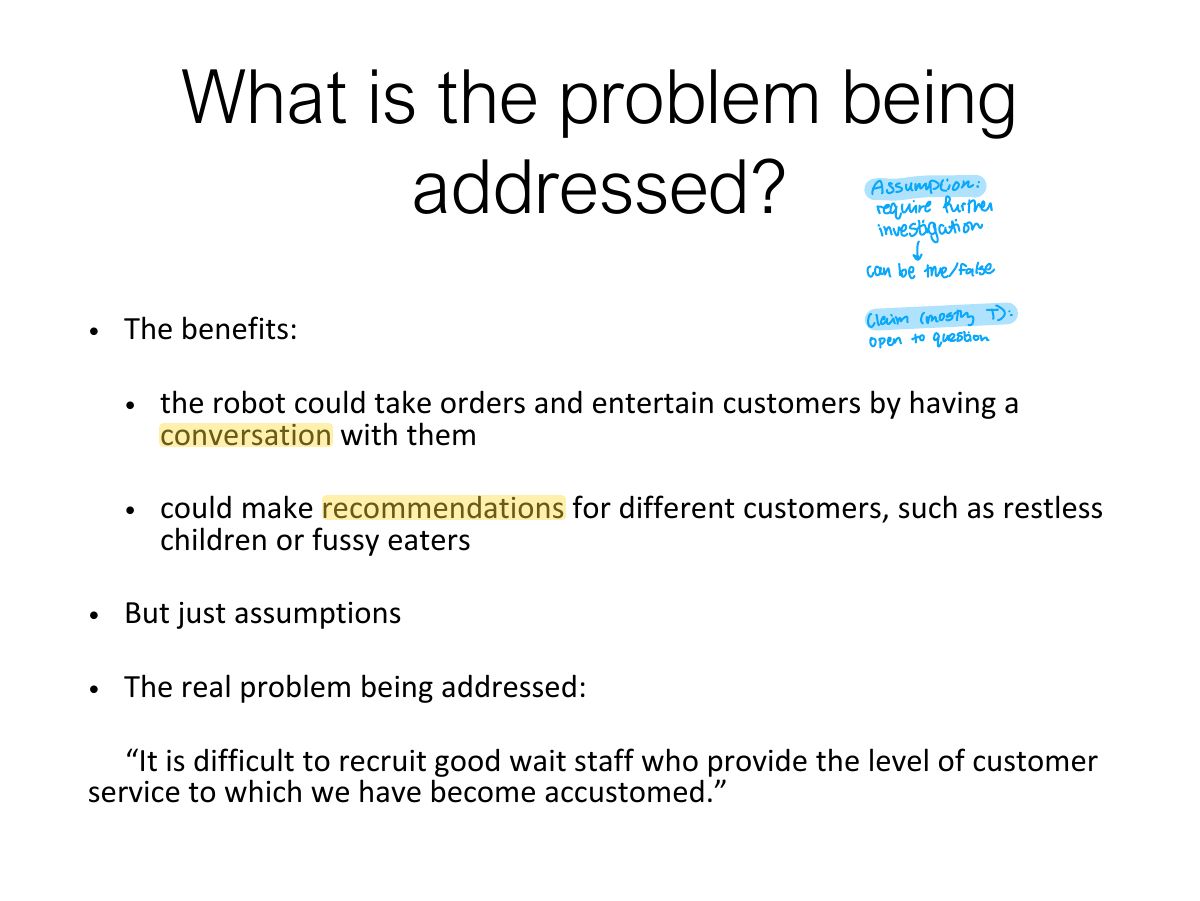
            Slide 8: What is the problem being addressed?
            Exam weight Low
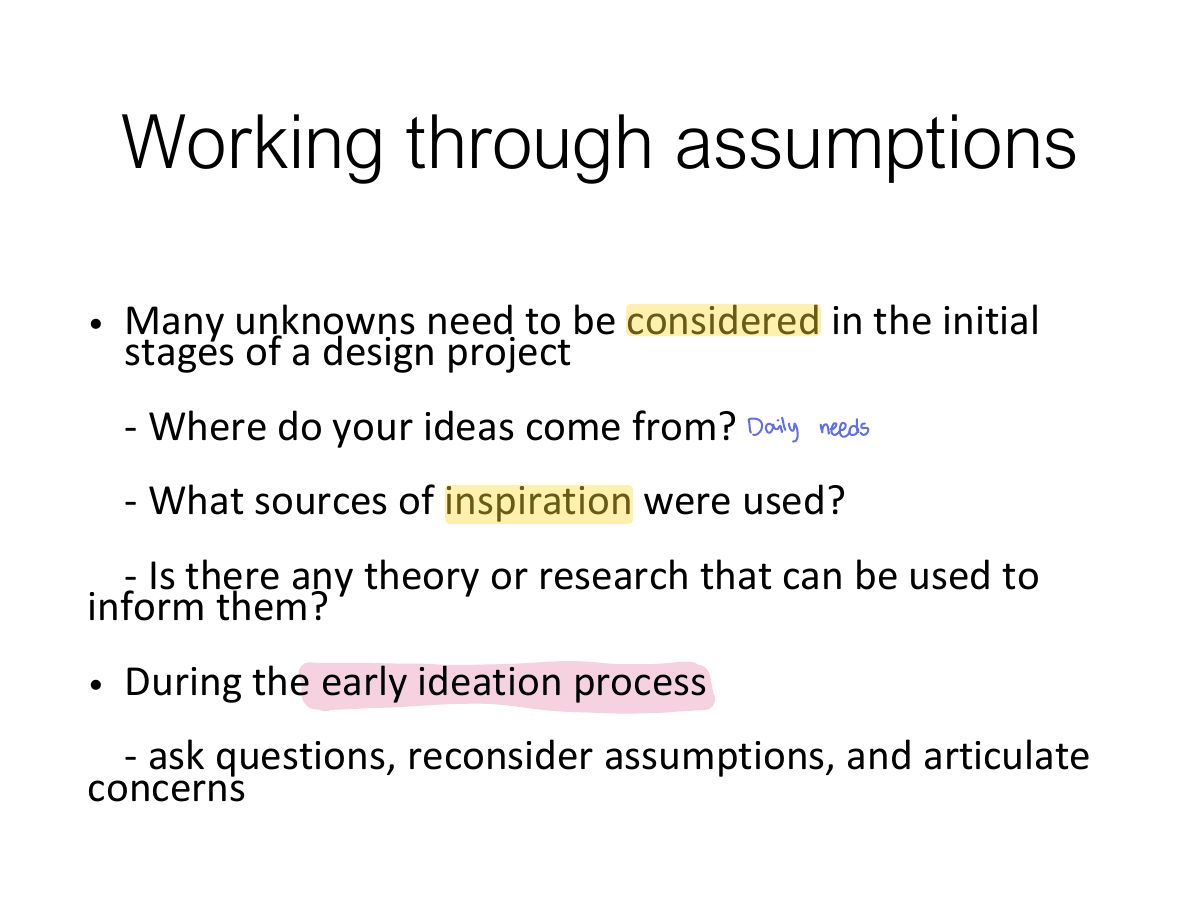
              Slide 9: Working through assumptions
              Exam weight Low
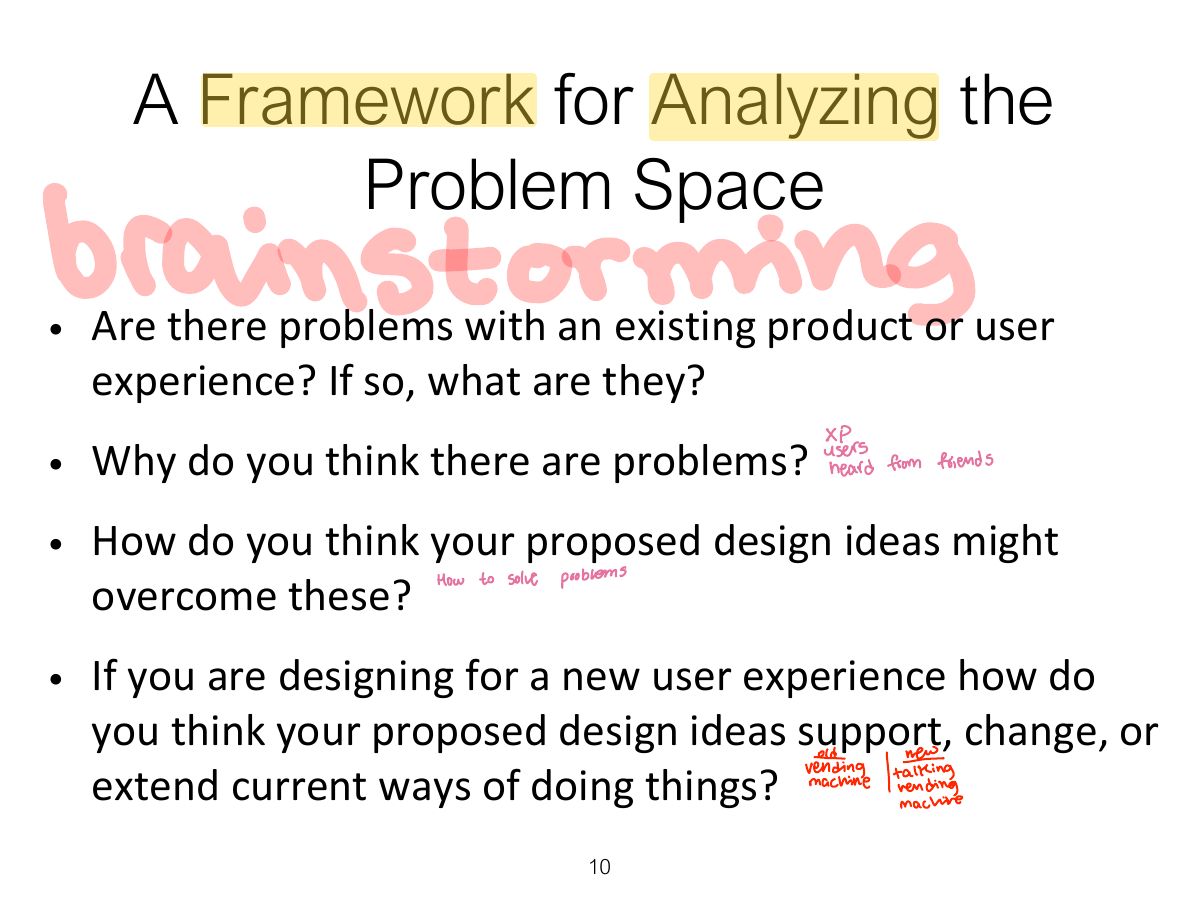
                Slide 10: A Framework for Analyzing the Problem Space
                Exam weight Low
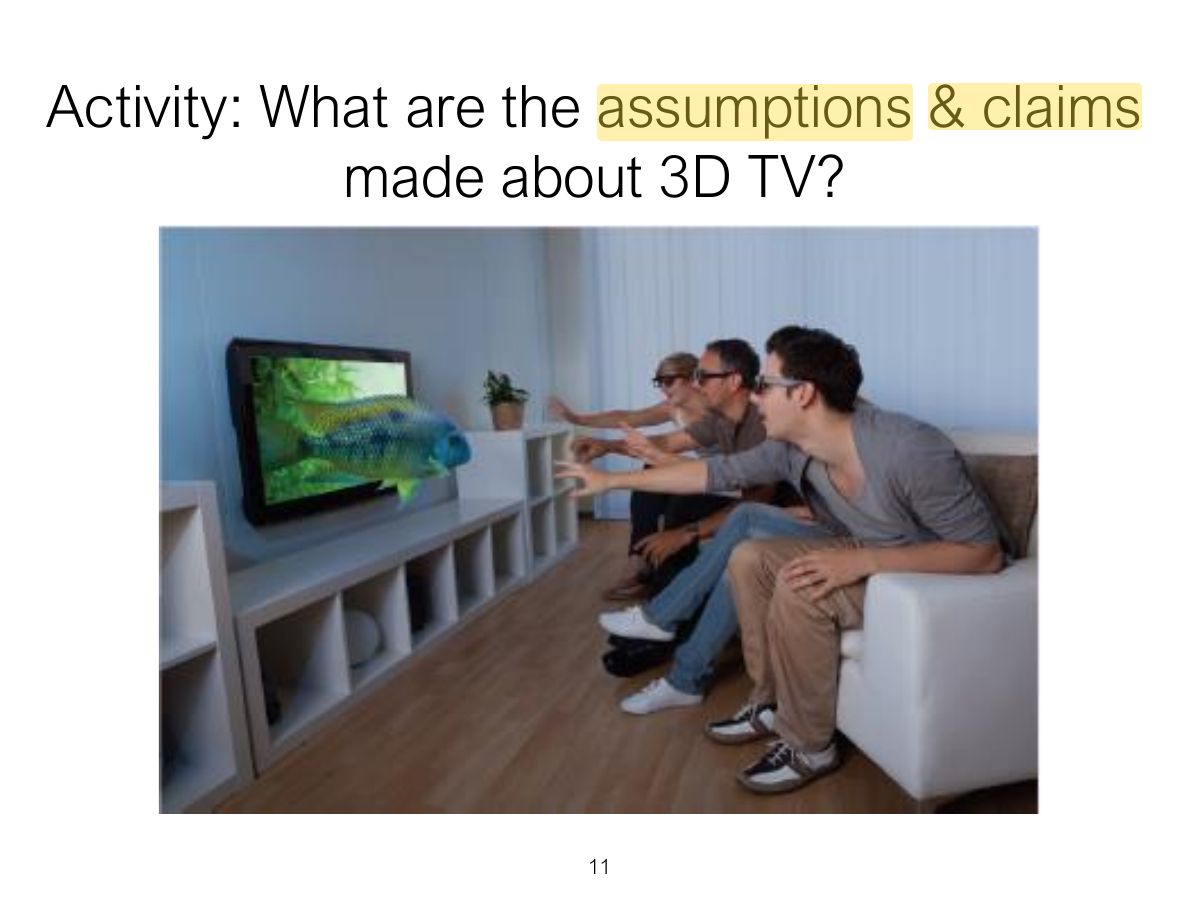
                  Slide 11: Activity: What are the assumptions & claims made about 3D TV?
                  Exam weight Low

                    Assumptions and claims: how realistic?

                    • There was no existing problem to overcome
                      • what was being proposed was a new way of experiencing TV
                    • An assumption
                      • People would really enjoy the enhanced clarity and color detail provided by 3D
                    • A claim
                      • People would not mind paying a lot more for a new

                    3D-enabled TV screen because of the new experience

                    12
                    Exam weight Low
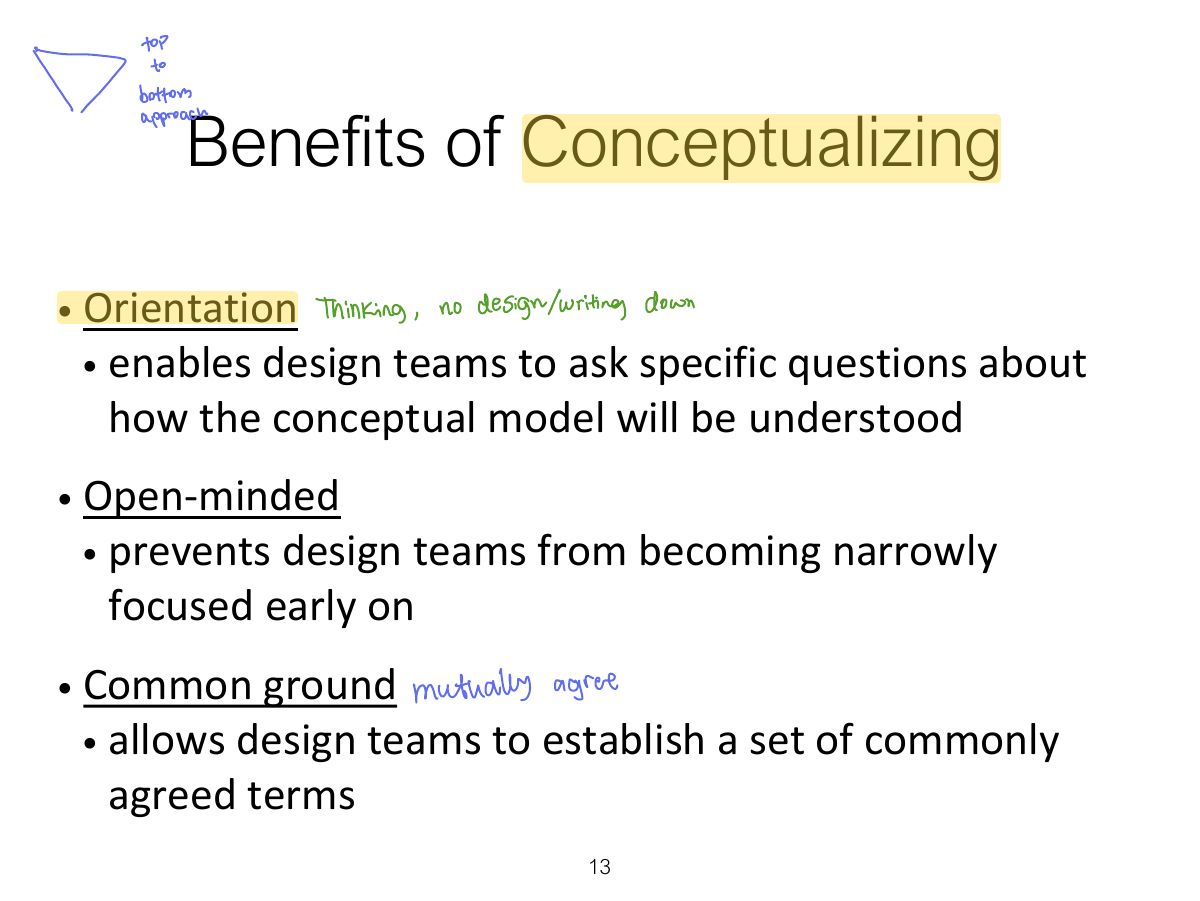
                      Slide 13: Benefits of Conceptualizing
                      Exam weight Low

                        From Problem Space to Design Space

                        • Having a good understanding of the problem space can help inform the design space
                          • e.g. what kind of interface, behaviour, functionality to provide
                        • But before deciding upon these it is important to develop a conceptual model
                        14
                        Exam weight Low
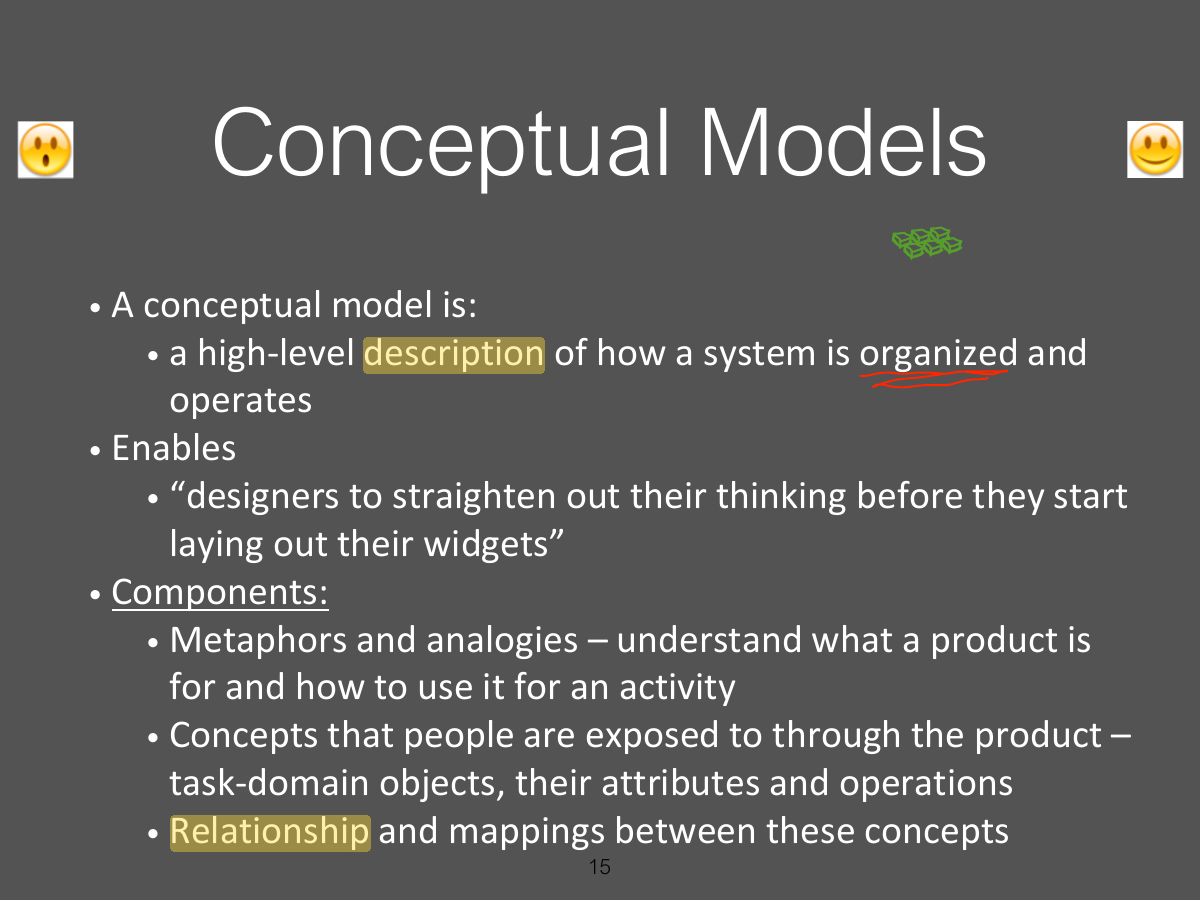
                          Slide 15: Conceptual Models
                          Exam weight Low
                          1. Conceptual model: a high-level description of how a system is organized and operates: metaphors, concepts, relationships, mappings.

                          First Steps in Formulating a

                          Conceptual Model

                          • What will the users be doing when carrying out their tasks?
                          • How will the system support these?
                          • What kind of interface metaphor, if any, will be appropriate?
                          • What kinds of interaction modes and styles to use?
                            • always keep in mind when making design decisions how the user will understand the underlying conceptual model
                          16
                          Exam weight Low

                            Conceptual models

                            • Many kinds and ways of classifying them
                            • The best conceptual models are often those that appear
                              • obvious and simple
                              • the operations they support are intuitive to use
                            17
                            Exam weight Low

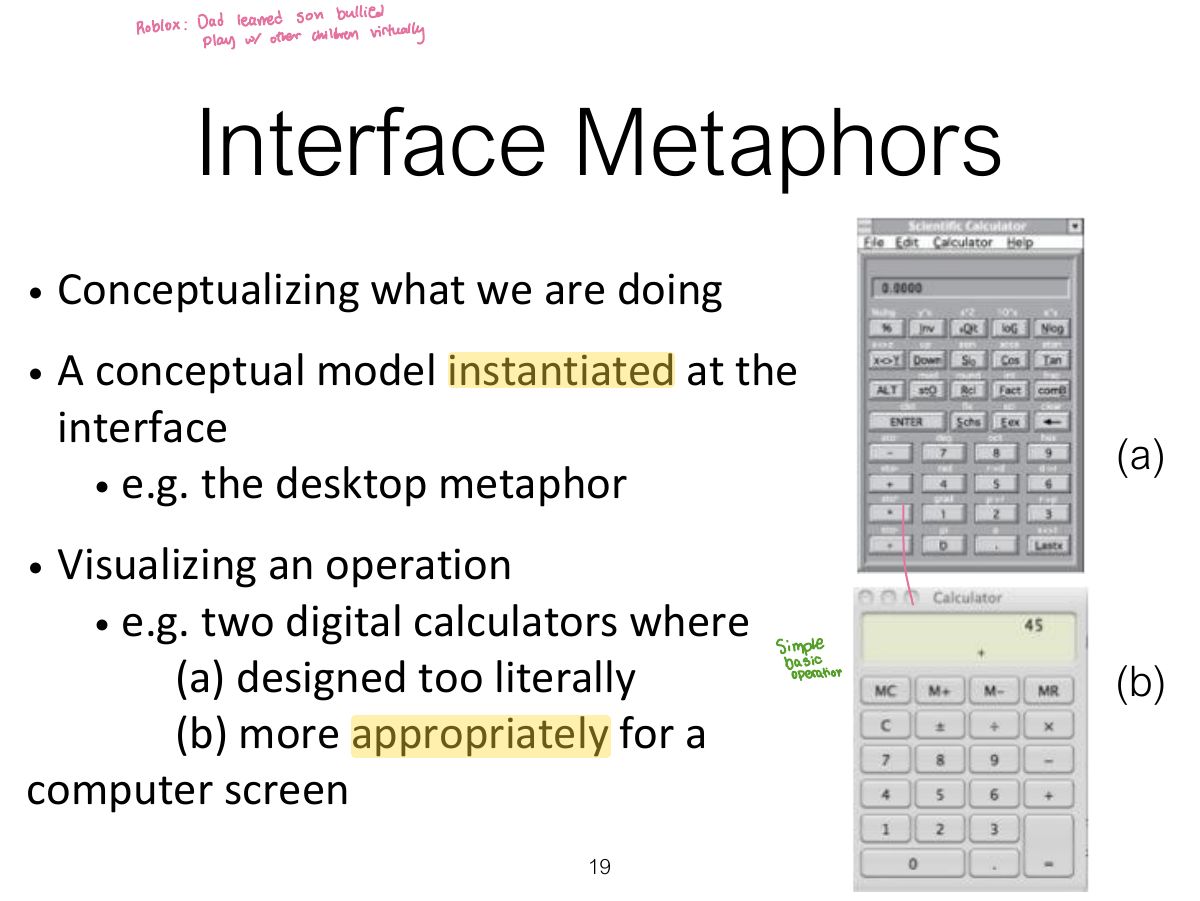
                              Interface metaphors

                              • Interface designed to be similar to a physical entity but also has own properties
                                • e.g. desktop metaphor, web portals
                              • Can be based on activity, object or a combination of both
                              • Exploit user’s familiar knowledge, helping them to understand ‘the unfamiliar’
                              • Conjures up the essence of the unfamiliar activity, enabling users to leverage this to understand more aspects of the unfamiliar functionality
                              18
                              Exam weight High
                              1. Interface metaphor: uses familiar knowledge (desktop, shopping cart, cards) to help users understand.
                              🎯 How this can come up · 1 question
                              MCQ

                              An online "shopping cart" is an example of:

                              Slide 19: Interface Metaphors
                              Exam weight Low
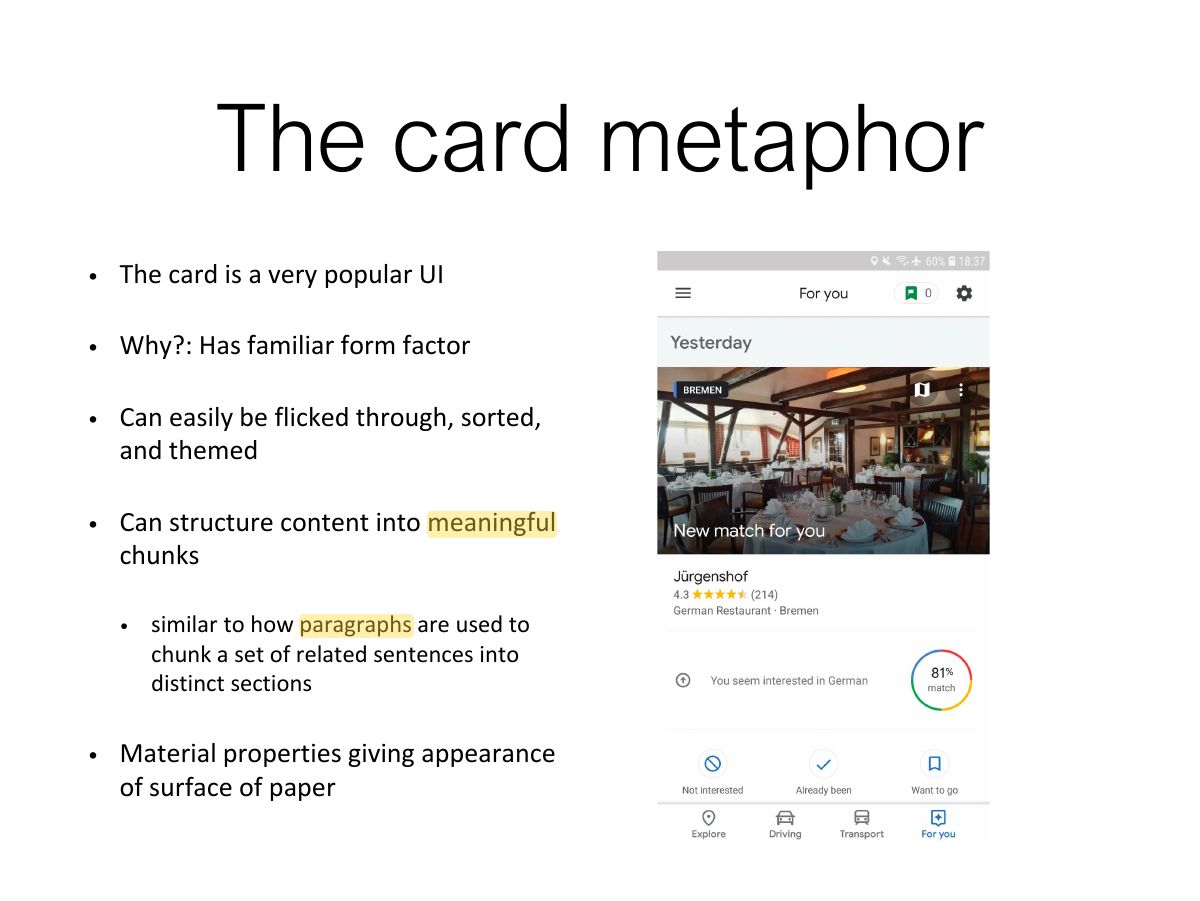
                                Slide 20: The card metaphor
                                Exam weight Low
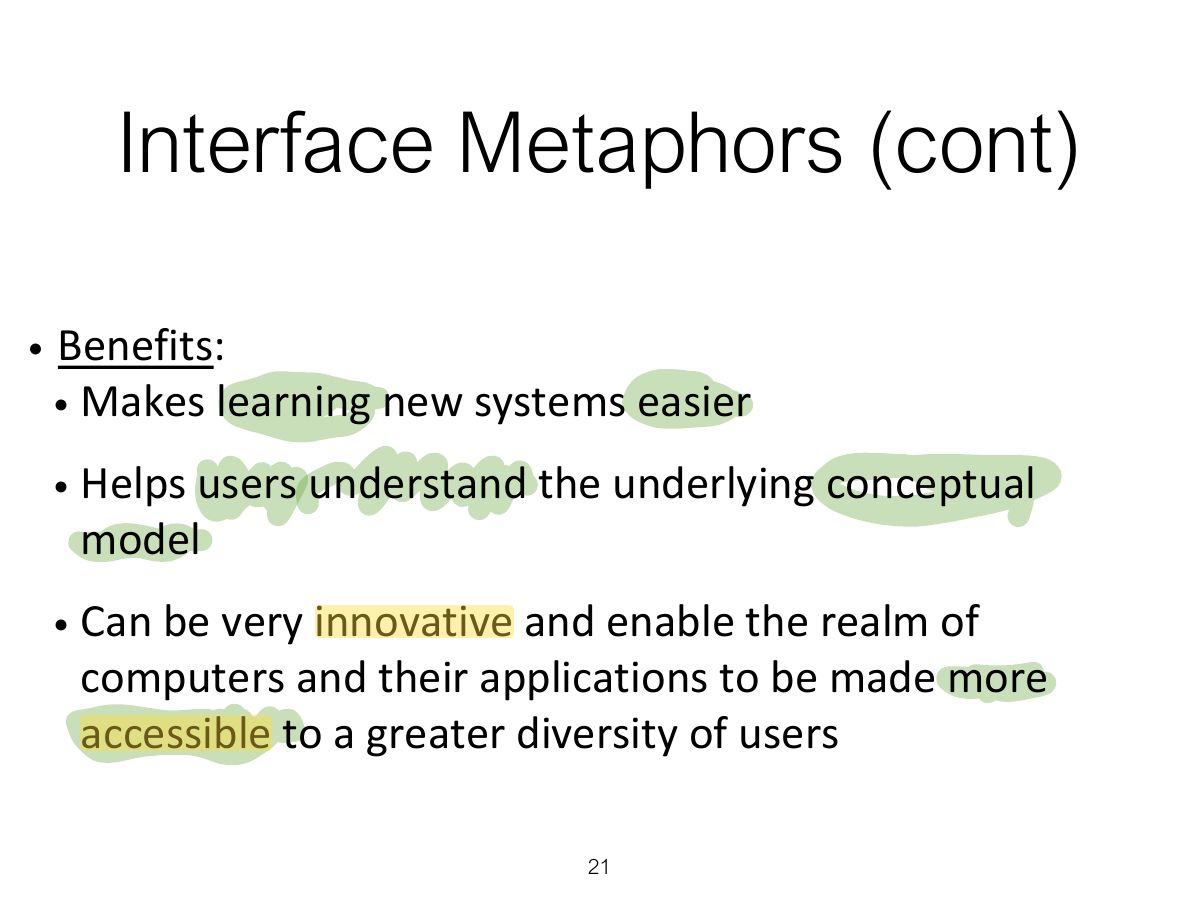
                                  Slide 21: Interface Metaphors (cont)
                                  Exam weight Low
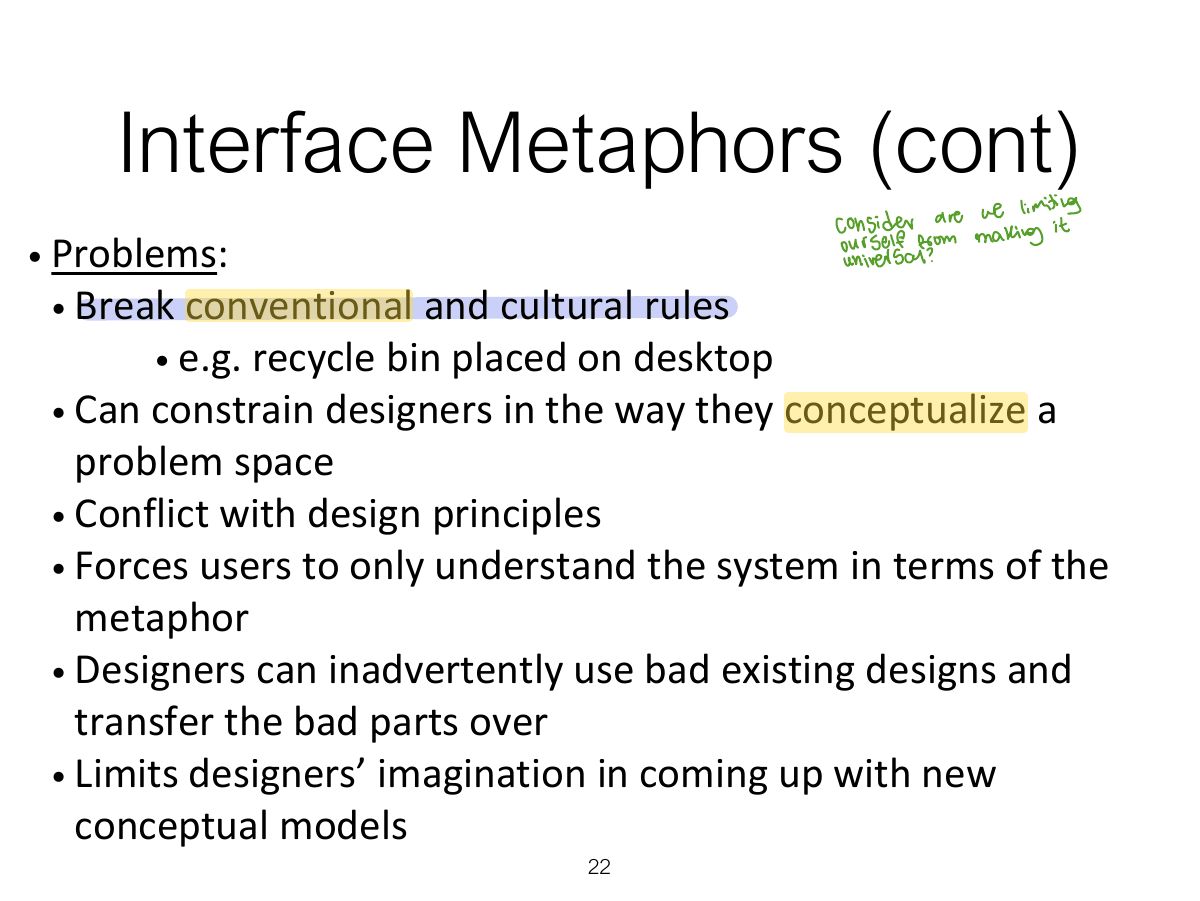
                                    Slide 22: Interface Metaphors (cont)
                                    Exam weight Low

                                      Activity

                                      • Describe the components of the conceptual model underlying most online shopping websites, e.g.
                                        • Shopping cart
                                        • Proceeding to check-out
                                        • 1-click
                                        • Gift wrapping
                                        • Cash till
                                      23
                                      Exam weight Low
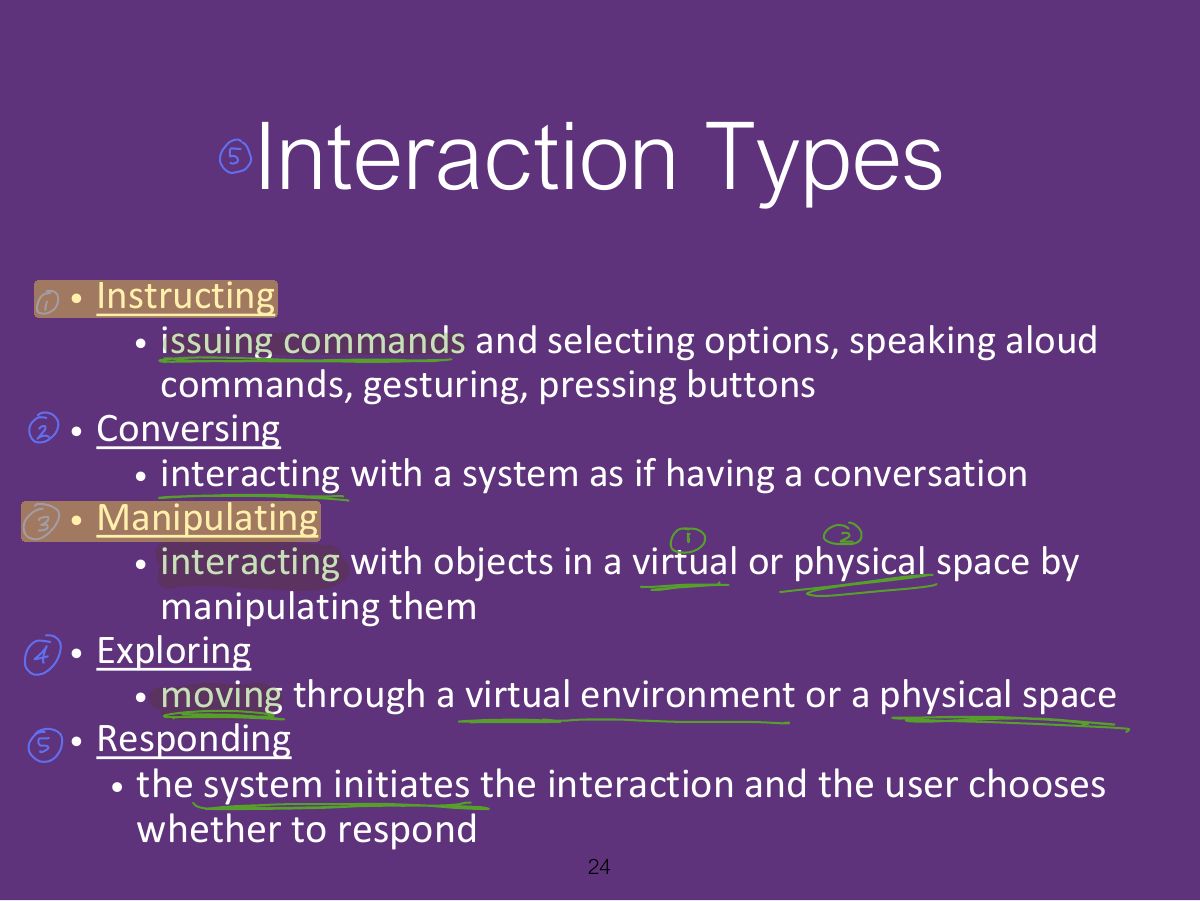
                                        Slide 24: Interaction Types
                                        Exam weight High
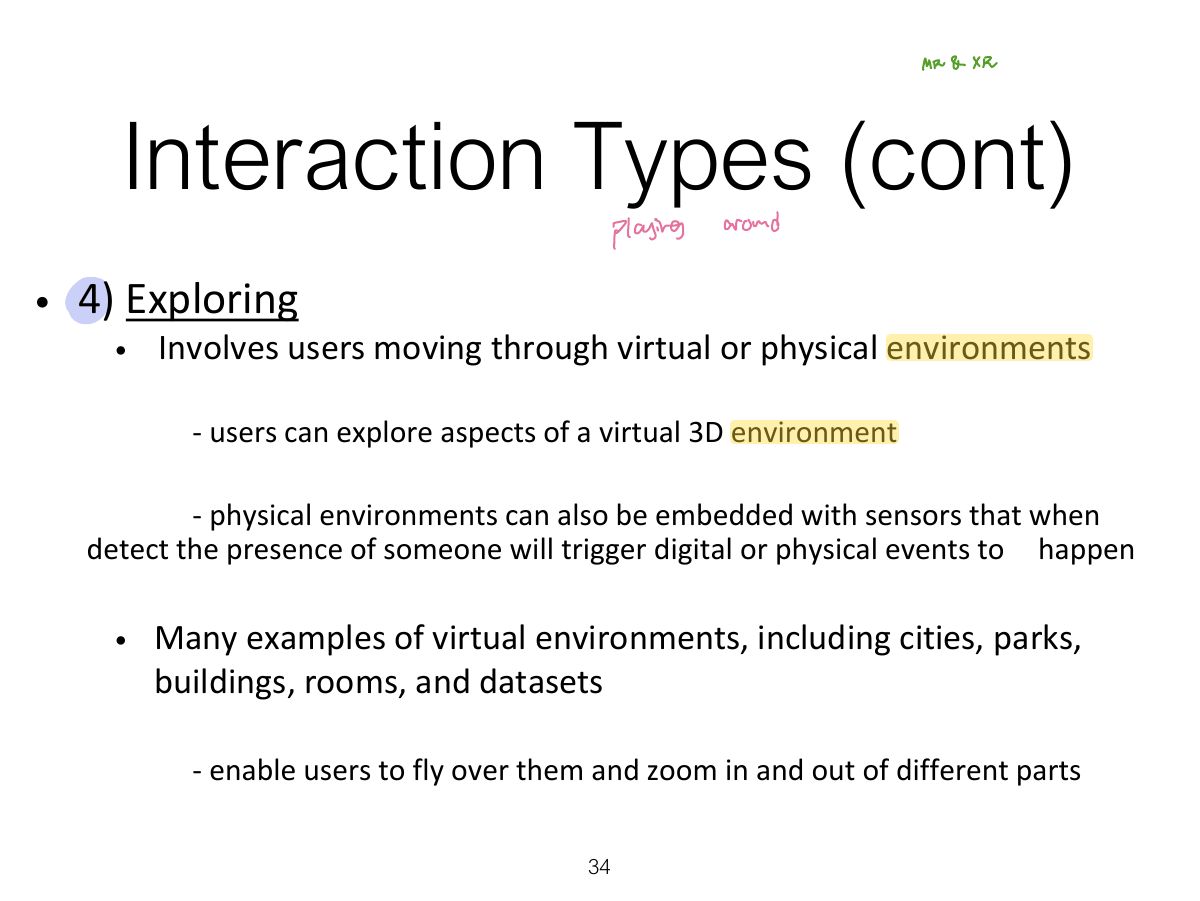
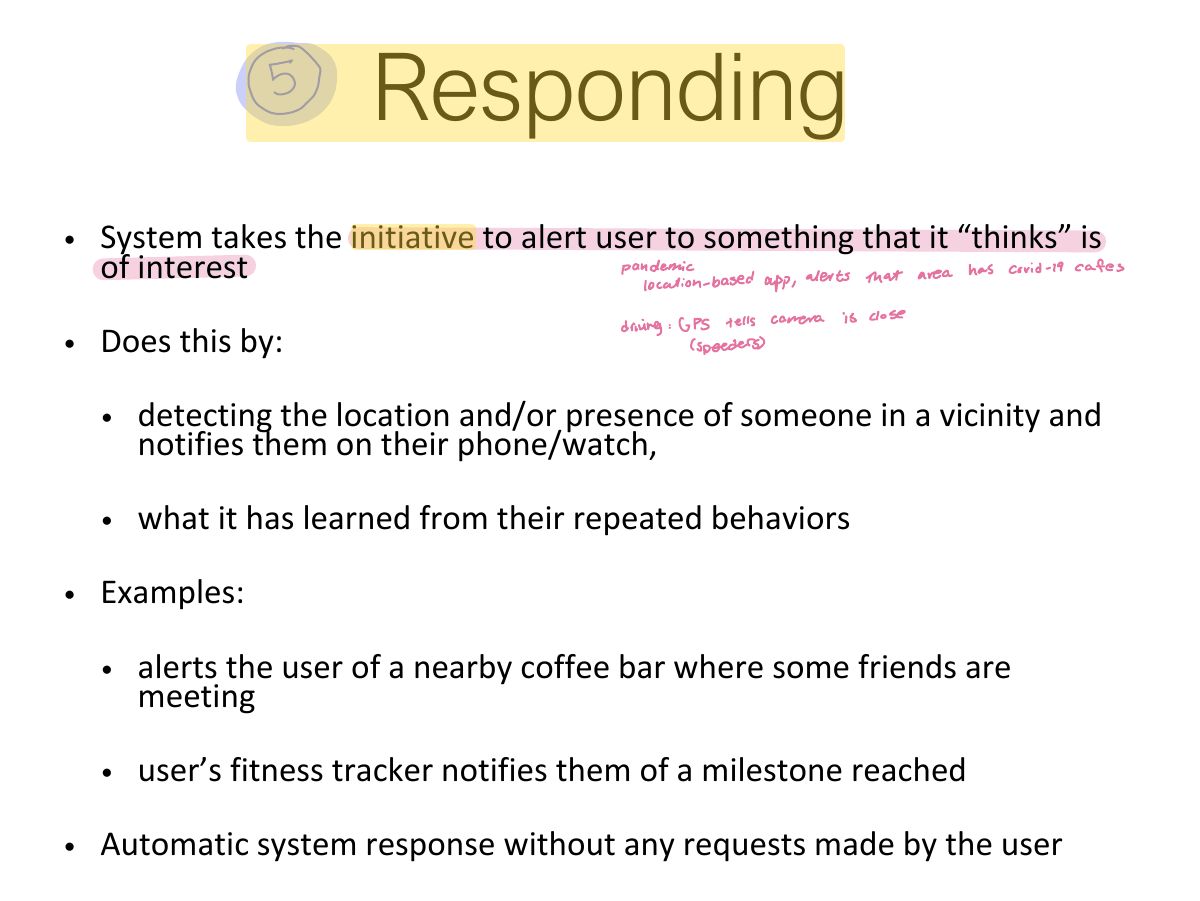
                                        1. Interaction types: instructing (commands), conversing (dialog), manipulating (direct manipulation), exploring (moving through space), responding (system takes the initiative).
                                        🎯 How this can come up · 2 questions
                                        MCQ

                                        Asking a voice assistant "What’s the weather?" is which interaction type?

                                        MCQ

                                        Dragging a file to the trash is:

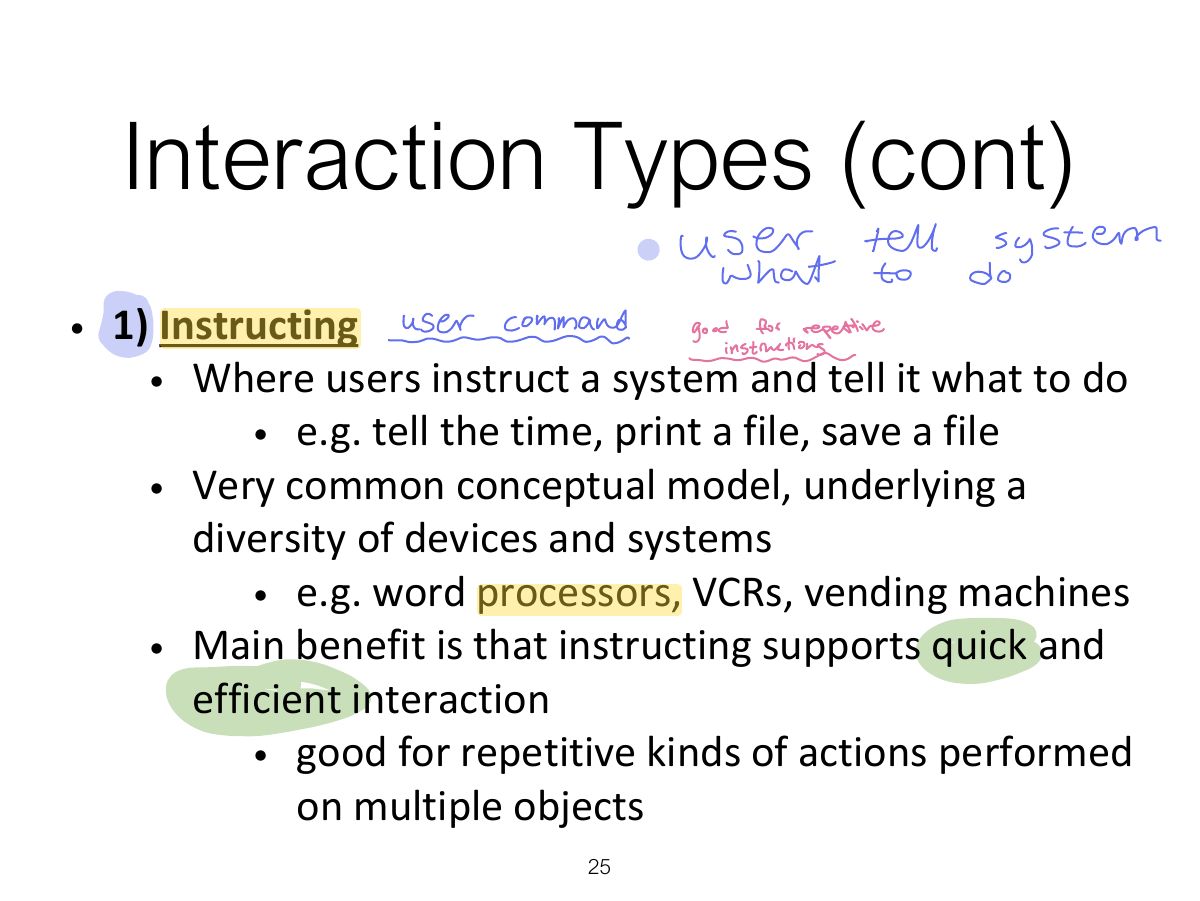
                                        Slide 25: Interaction Types (cont)
                                        Exam weight Low
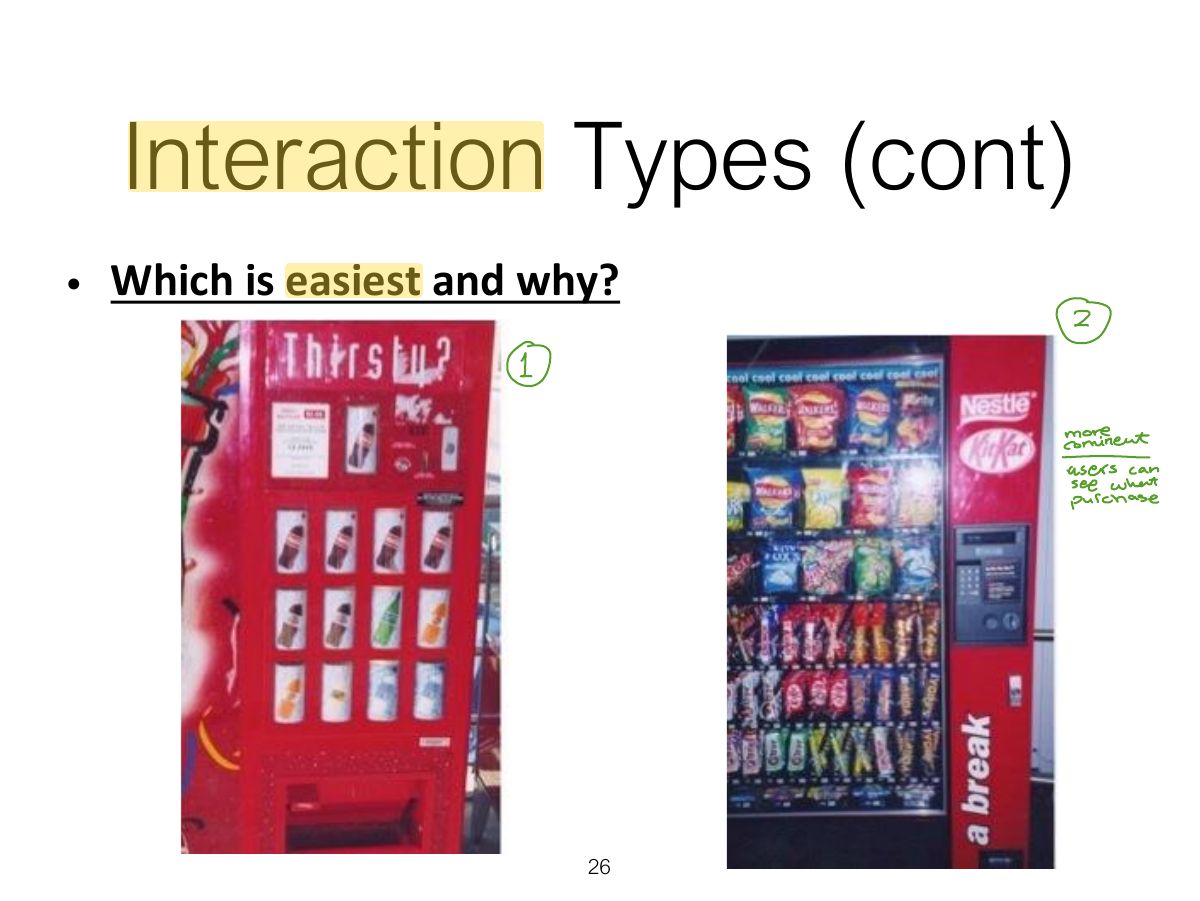
                                          Slide 26: Interaction Types (cont)
                                          Exam weight Low
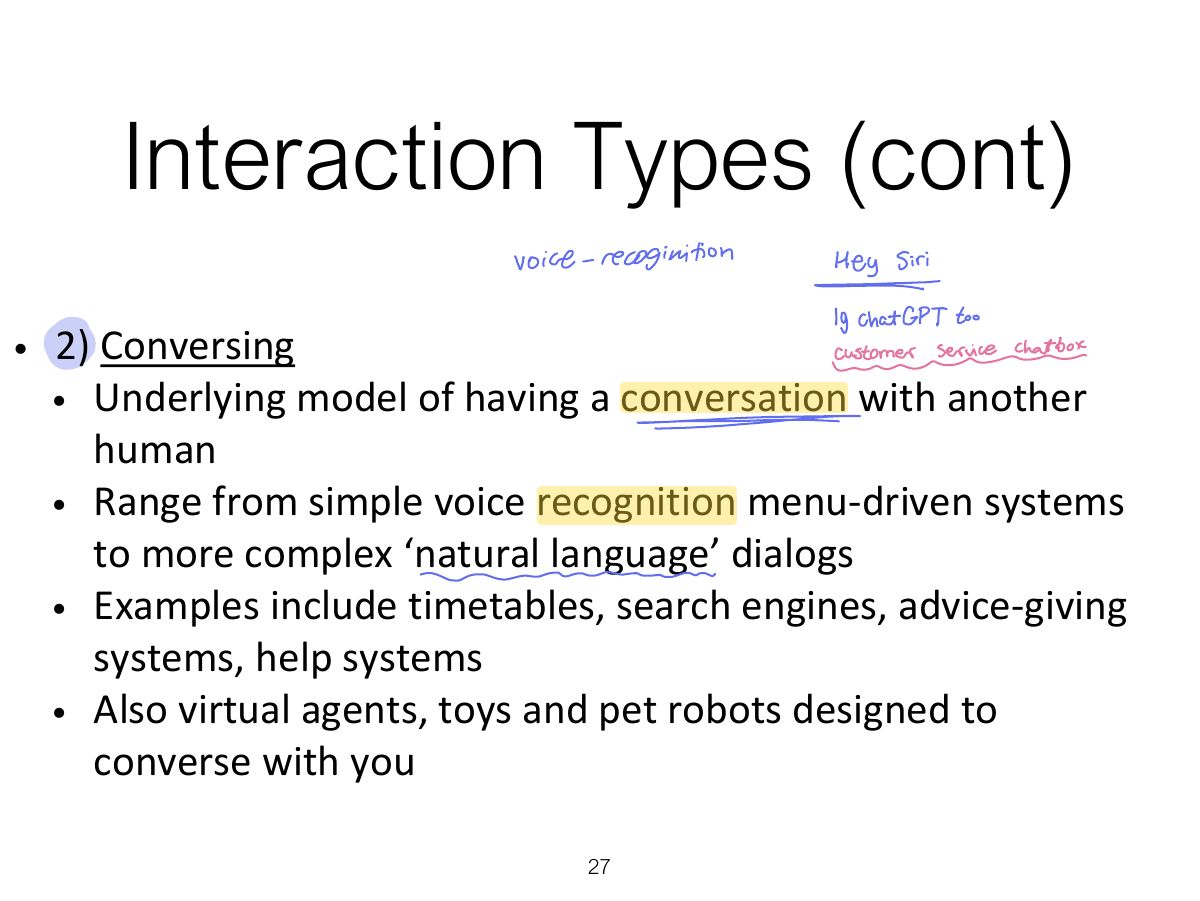
                                            Slide 27: Interaction Types (cont)
                                            Exam weight Low
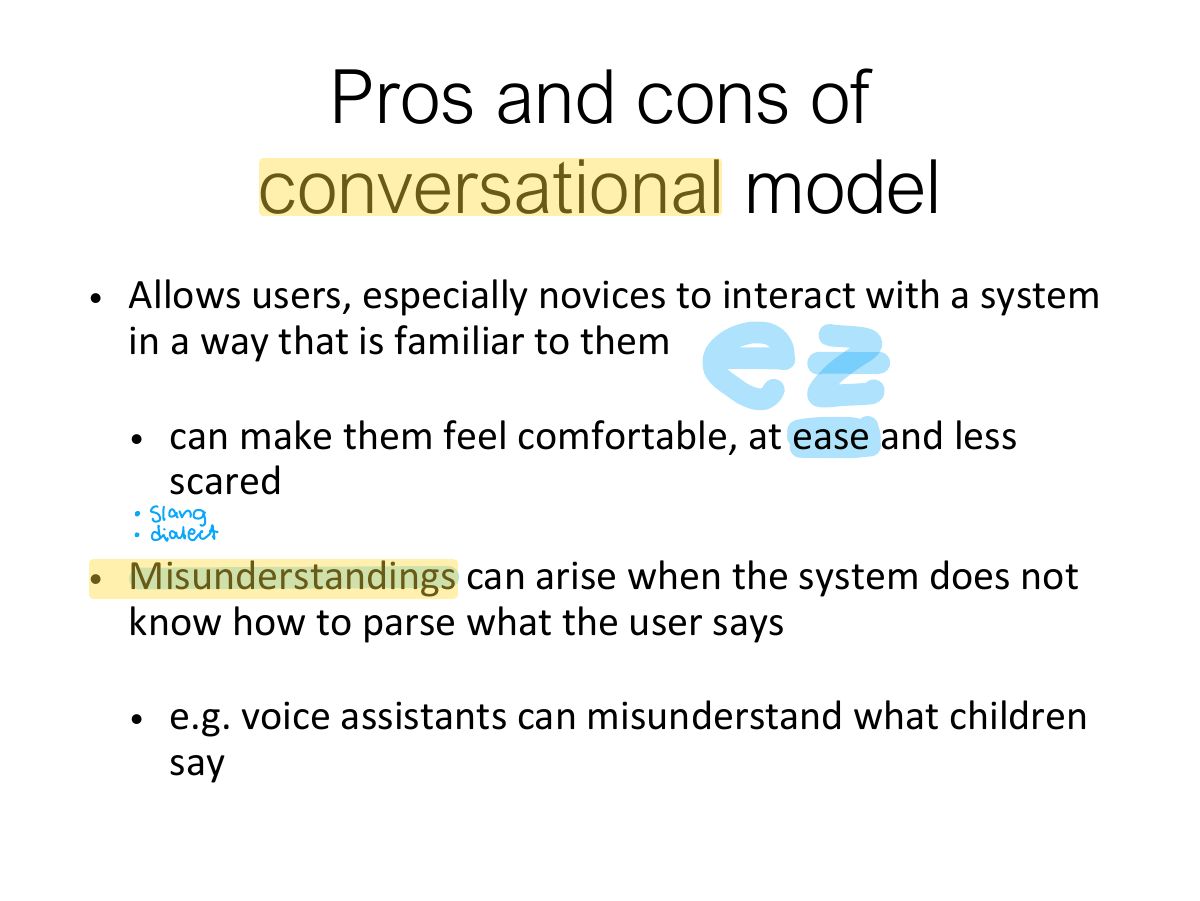
                                              Slide 28: Pros and cons of conversational model
                                              Exam weight Low
                                                Slide 29: Slide 29
                                                Exam weight Low

                                                  Interaction Types (cont)

                                                  • 3) Manipulating
                                                    • Involves dragging, selecting, opening, closing and zooming actions on virtual objects
                                                    • Exploit’s users’ knowledge of how they move and manipulate in the physical world
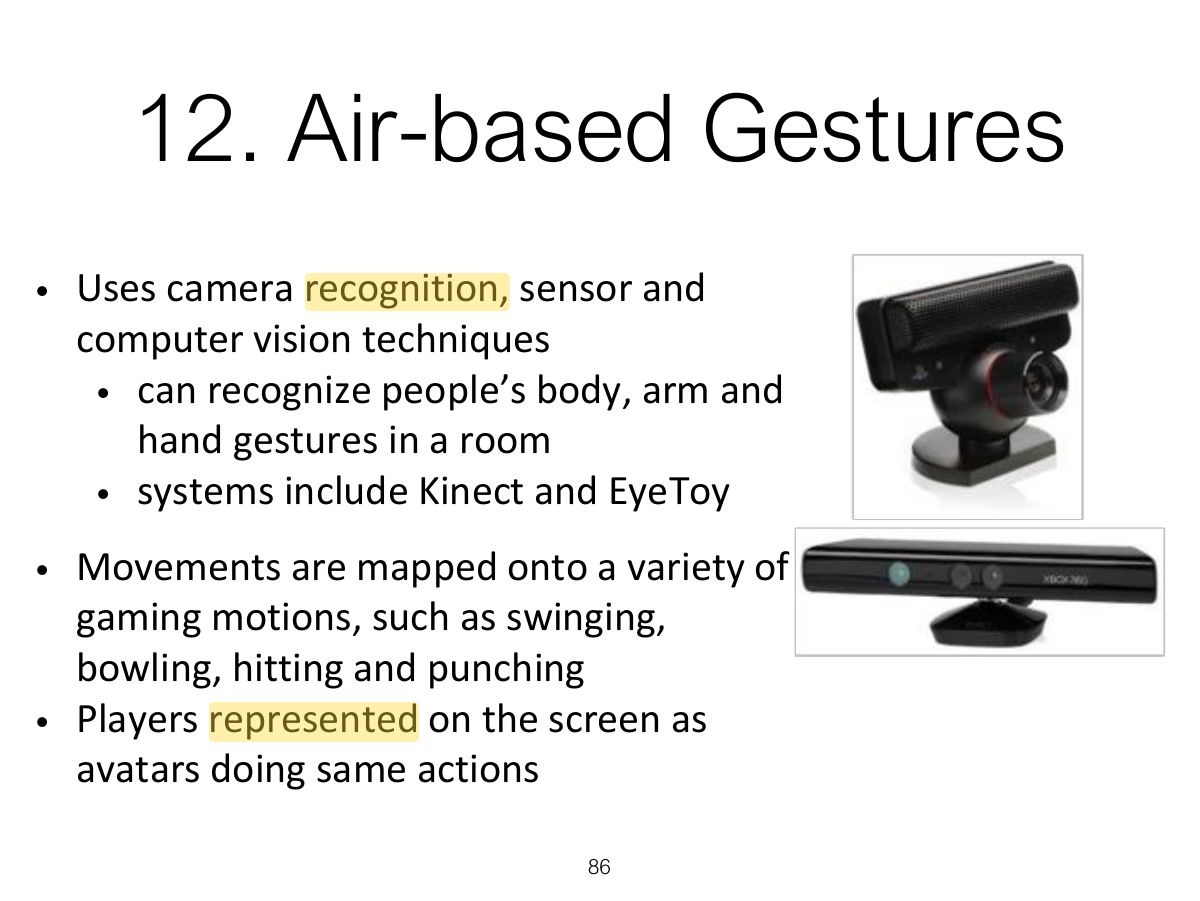
                                                    • Can involve actions using physical controllers (e.g. Wii) or air gestures (e.g. Kinect) to control the movements of an on screen avatar
                                                    • Tagged physical objects (e.g. balls) that are manipulated in a physical world result in physical/digital events (e.g. animation)
                                                  30
                                                  Exam weight Low
                                                    Slide 31: Interaction Types (cont)
                                                    Exam weight Low
                                                      Slide 32: Benefits of Direct Manipulation
                                                      Exam weight Low
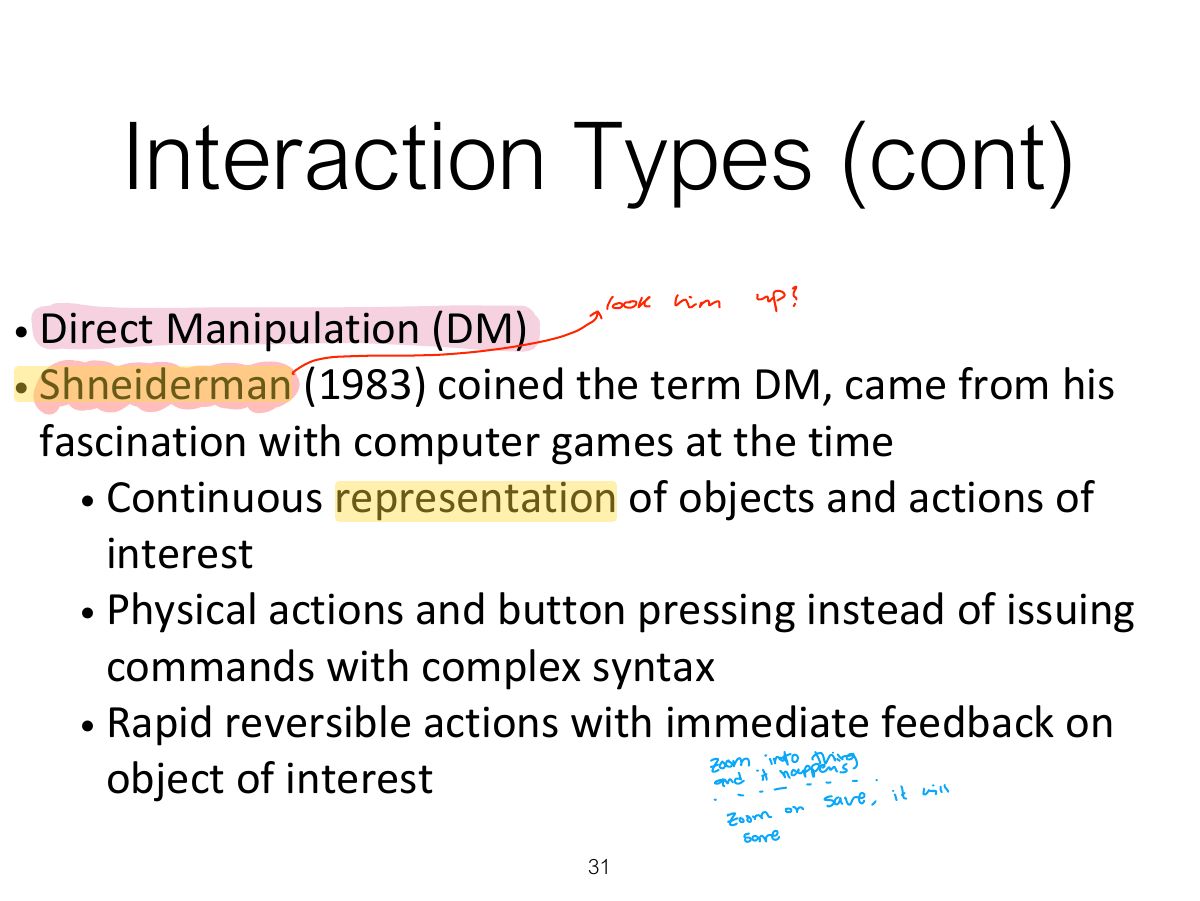
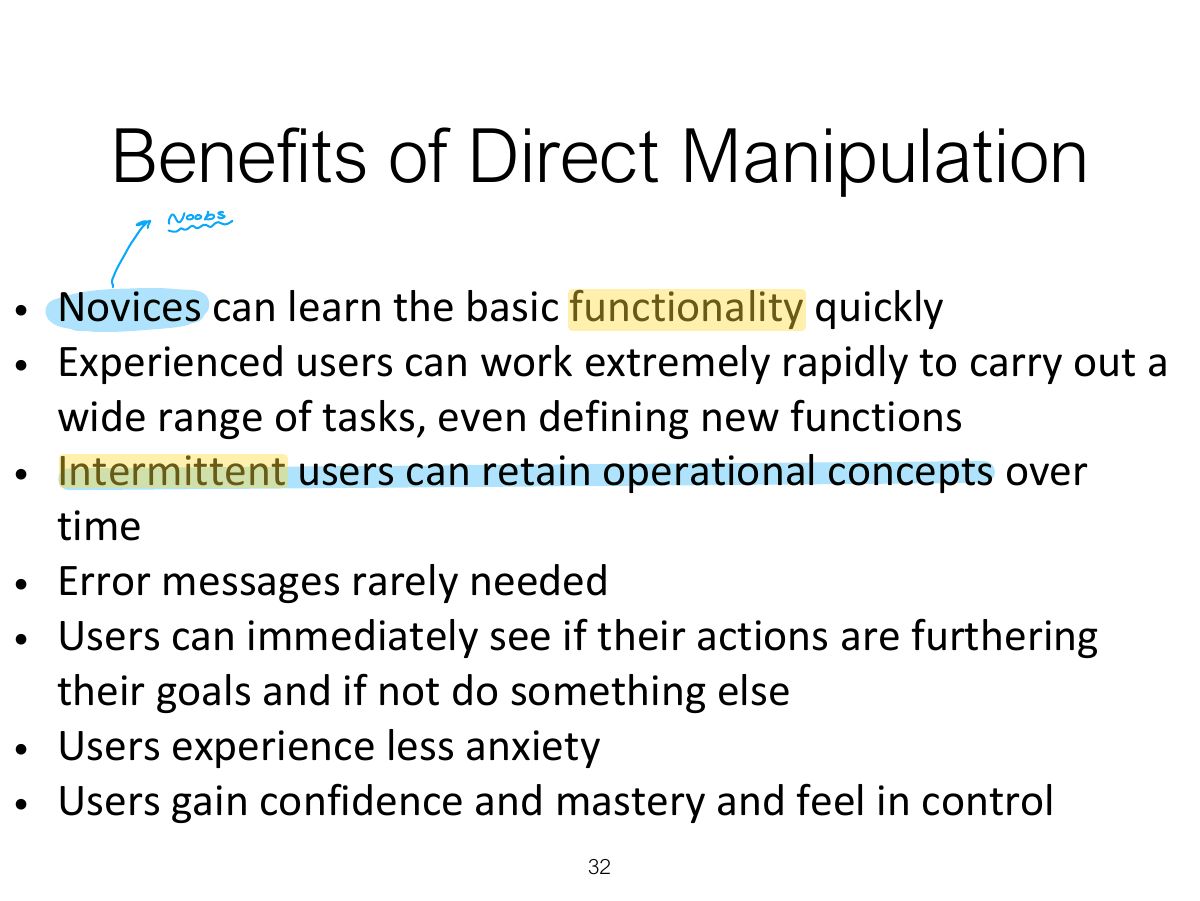
                                                      1. Direct manipulation (Shneiderman): visible objects, rapid reversible incremental actions, physical actions instead of commands. Easy to learn; can be slow for experts.

                                                      Disadvantages of Direct

                                                      Manipulation

                                                      • What are the disadvantages with DM?
                                                      • Some people take the metaphor of direct manipulation too literally
                                                      • Not all tasks can be described by objects and not all actions can be done directly
                                                      • Some tasks are better achieved through delegating
                                                        • e.g. spell checking
                                                      • Can become screen space ‘gobblers’
                                                      • Moving a mouse around the screen can be slower than pressing function keys to do same actions
                                                      33
                                                      Exam weight Low
                                                        Slide 34: Interaction Types (cont)
                                                        Exam weight Low
                                                          Slide 35: Slide 35
                                                          Exam weight Low
                                                            Slide 36: Responding
                                                            Exam weight Low

                                                              Which Conceptual Model is

                                                              Best?

                                                              • Direct manipulation is good for ‘doing’ types of tasks, e.g. designing, drawing, flying, driving, sizing windows
                                                              • Issuing instructions is good for repetitive tasks, e.g. spell-checking, file management
                                                              • Having a conversation is good for children, computer-phobic, disabled users and specialised applications (e.g. phone services)
                                                              • Hybrid conceptual models are often employed, where different ways of carrying out the same actions is supported at the interface - but can take longer to learn
                                                              37
                                                              Exam weight Low

                                                                Conceptual Models:

                                                                Interaction and Interface

                                                                • Interaction type:
                                                                  • what the user is doing when interacting with a system, e.g. instructing, talking, browsing or other
                                                                • Interface type:
                                                                  • the kind of interface used to support the mode, e.g. speech, menu-based, gesture
                                                                38
                                                                Exam weight Low
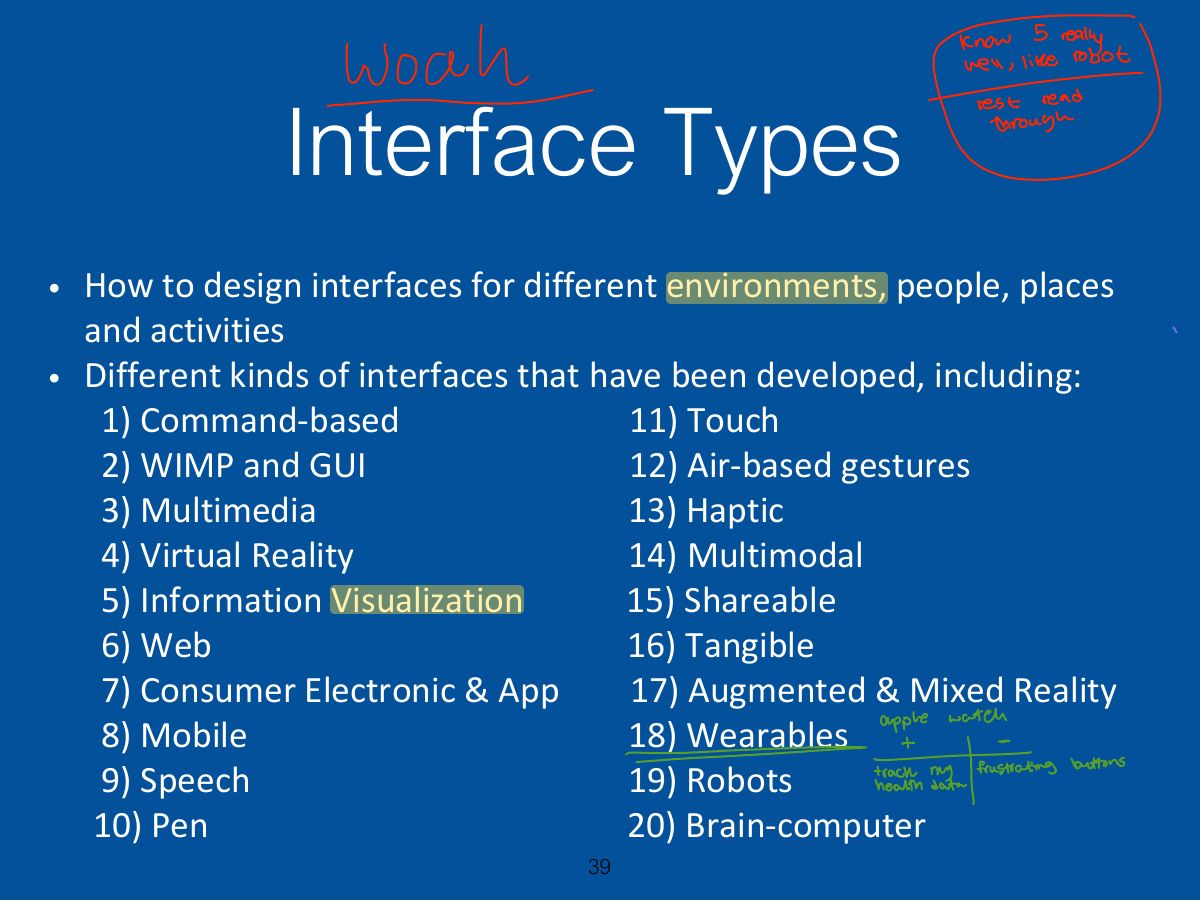
                                                                  Slide 39: Interface Types
                                                                  Exam weight Low

                                                                    1. Command-based

                                                                    • Early interfaces required the user to type in commands such as abbreviations (e.g. ls) typed in at the prompt to which the system responds (e.g. listing current files using a keyboard)
                                                                    • Some are hard wired at keyboard (e.g. delete, enter, undo); others can be assigned to keys (e.g. F11=print)
                                                                    • Efficient, precise, and fast
                                                                    • Large overhead to learning set of commands
                                                                    40
                                                                    Exam weight Low
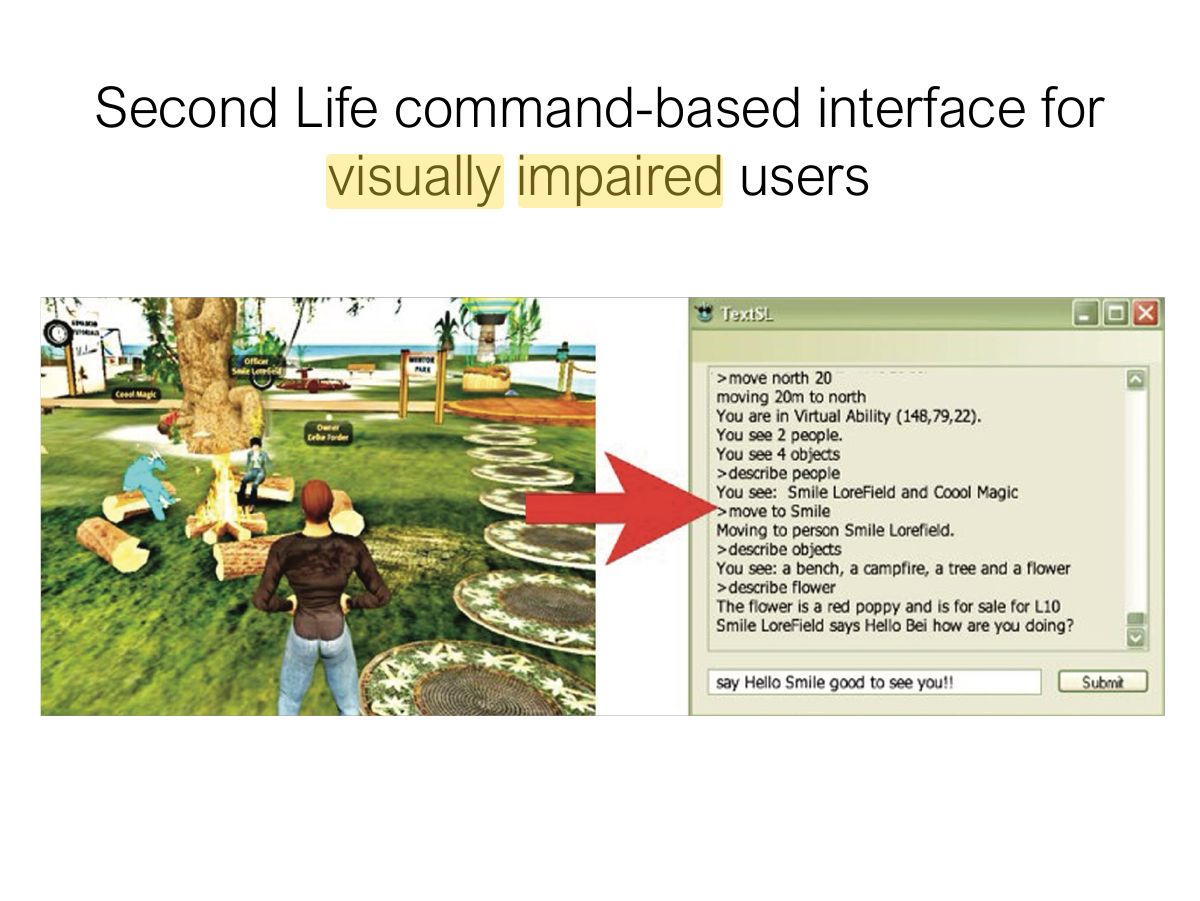
                                                                    1. Command-based: powerful and fast for experts; hard to learn (recall).
                                                                    Slide 41: Second Life command-based interface for visually impaired users
                                                                    Exam weight Low

                                                                      Research & design issues

                                                                      • Form, name types and structure are key research questions
                                                                      • Consistency is most important design principle
                                                                        • e.g. always use first letter of command
                                                                      • Command interfaces popular for web scripting
                                                                      42
                                                                      Exam weight Low

                                                                        2a. WIMP

                                                                        • Xerox Star first WIMP -> rise to GUIs
                                                                        • Windows
                                                                          • could be scrolled, stretched, overlapped, opened, closed, and moved around the screen using the mouse
                                                                        • Icons
                                                                          • represented applications, objects, commands, and tools that were opened when clicked on
                                                                        • Menus
                                                                          • offering lists of options that could be scrolled through and selected
                                                                        • Pointing device
                                                                          • a mouse controlling the cursor as a point of entry to the windows, menus, and icons on the screen
                                                                        43
                                                                        Exam weight Low
                                                                        1. WIMP: Windows, Icons, Menus, Pointer. GUI extends it with toolbars, dialog boxes, etc.
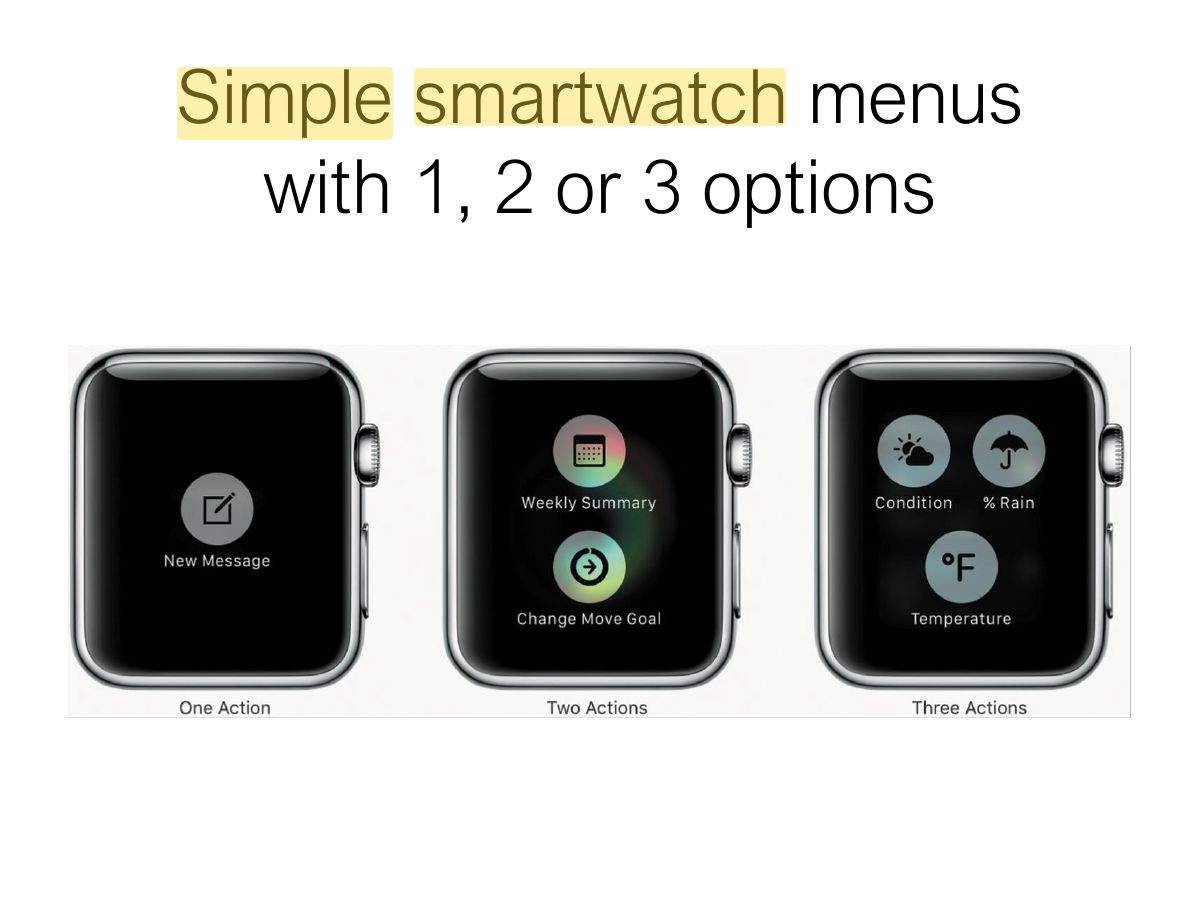
                                                                        Slide 44: Simple smartwatch menus with 1, 2 or 3 options
                                                                        Exam weight Low
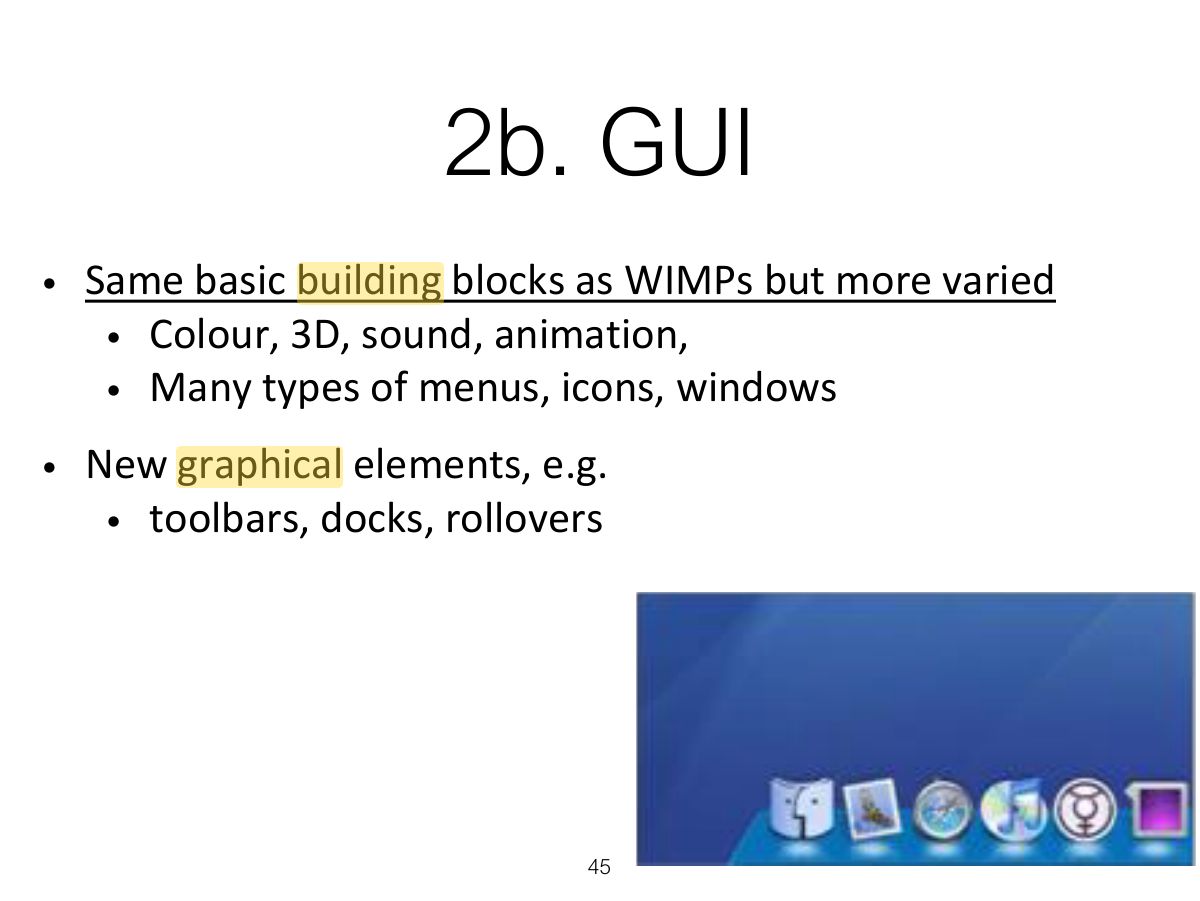
                                                                          Slide 45: 2b. GUI
                                                                          Exam weight Low

                                                                            i - Window design

                                                                            • Windows were invented to overcome physical constraints of a computer display
                                                                              • enable more information to be viewed and tasks to be performed
                                                                            • Scroll bars within windows also enable more information to be viewed
                                                                            • Multiple windows can make it difficult to find desired one
                                                                              • listing, tabbing, iconizing, shrinking and thumbnails are techniques that help
                                                                            46
                                                                            Exam weight Low

                                                                              Apple shrinking windows

                                                                              47
                                                                              Exam weight Low

                                                                                Safari panorama window view

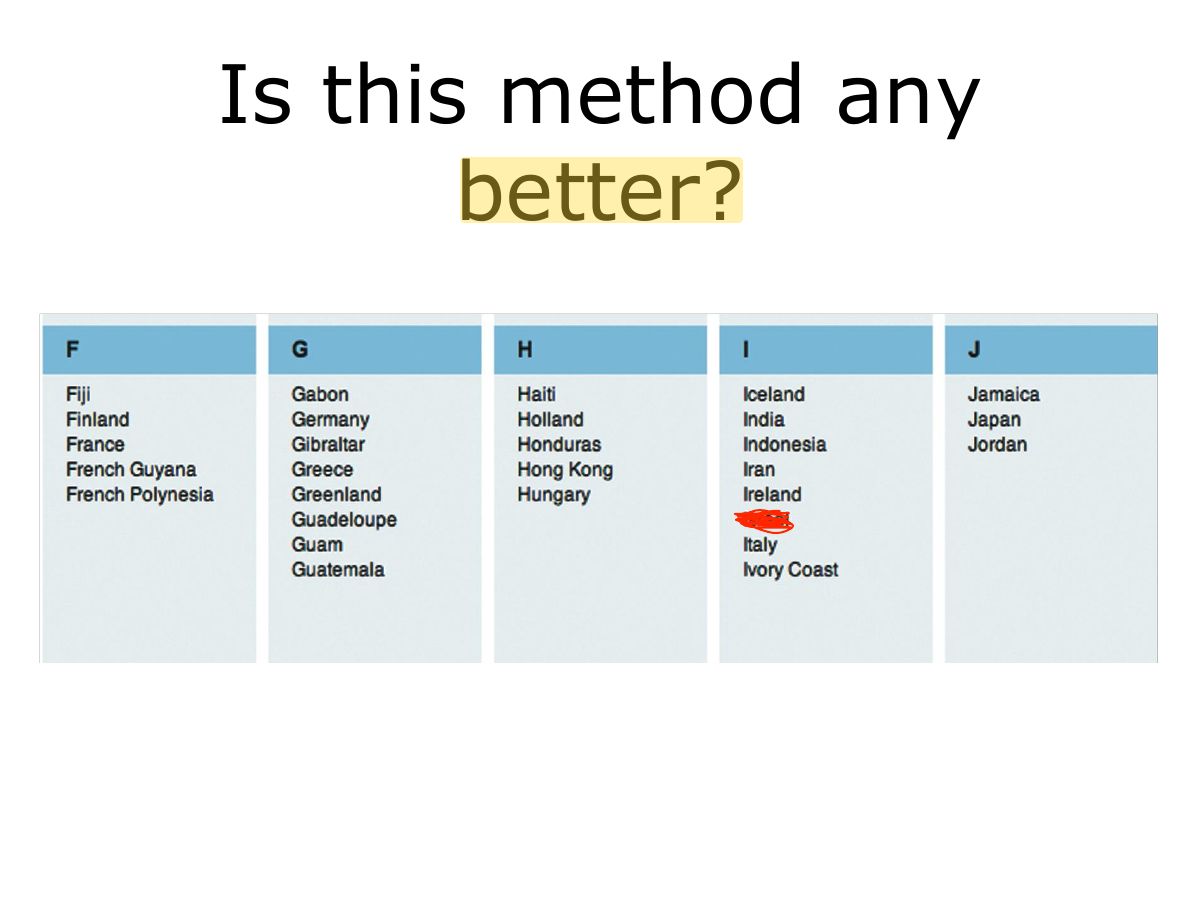
                                                                                Selecting a country from a scrolling window

                                                                                48
                                                                                Exam weight Low
                                                                                  Slide 49: Is this method any better?
                                                                                  Exam weight Low

                                                                                    Research & design issues

                                                                                    • Window management
                                                                                      • enables users to move fluidly between different windows (and monitors)
                                                                                    • How to switch attention between windows without getting distracted
                                                                                    • Design principles of spacing, grouping, and simplicity should be used
                                                                                    • Which terms to use for menu options (e.g. “Front” versus “bring to front”
                                                                                    • Mega menus easier to navigate than drop-down ones
                                                                                    50
                                                                                    Exam weight Low

                                                                                      ii- Menus design

                                                                                      • Flat list - good for showing large number of options at the same time when display is small
                                                                                      • Drop down – show more options on same screen
                                                                                        • e.g. cascading
                                                                                      • Pop-up – when press command key for relevant options
                                                                                      • Contextual – provide access to often used commands associated with a particular item
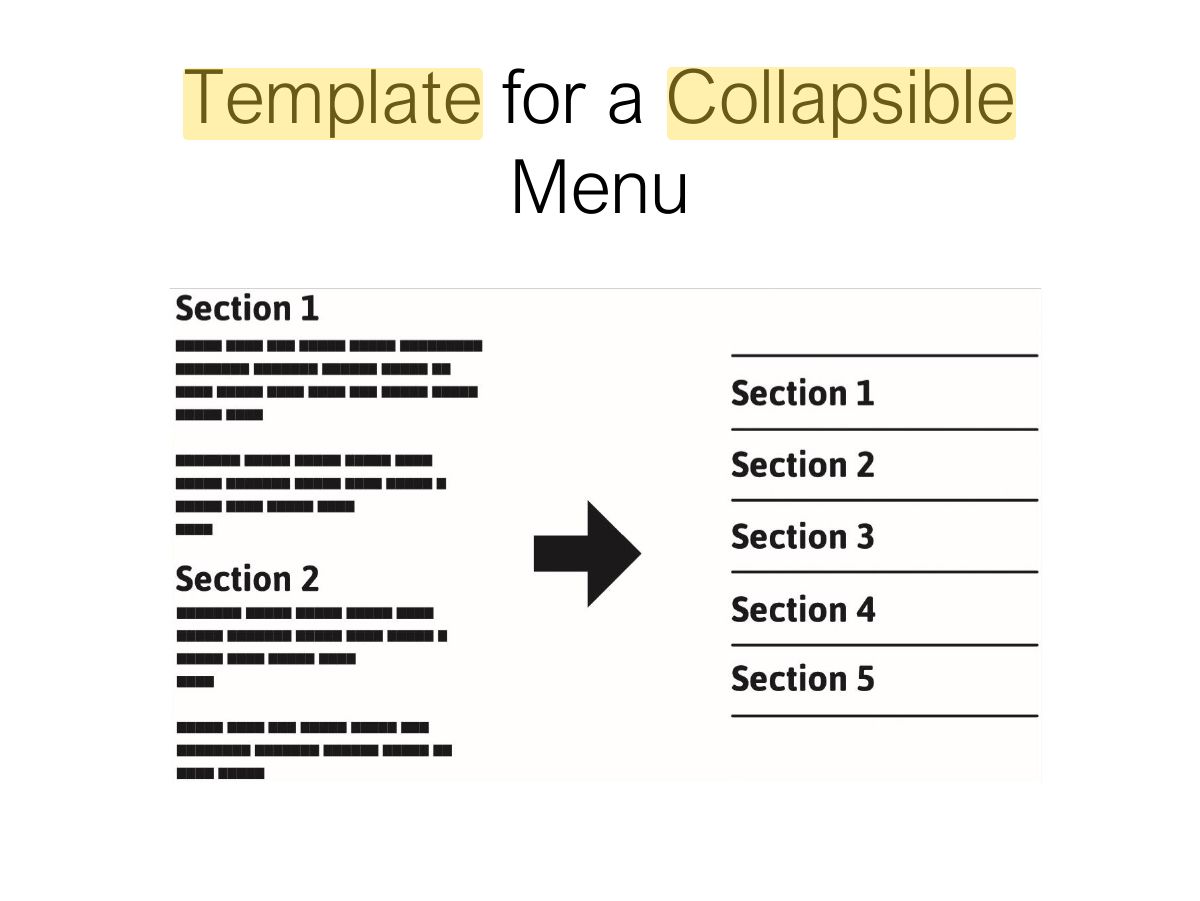
                                                                                      • Collapsible – toggle between + and - icons on a header to expand or contract its contents
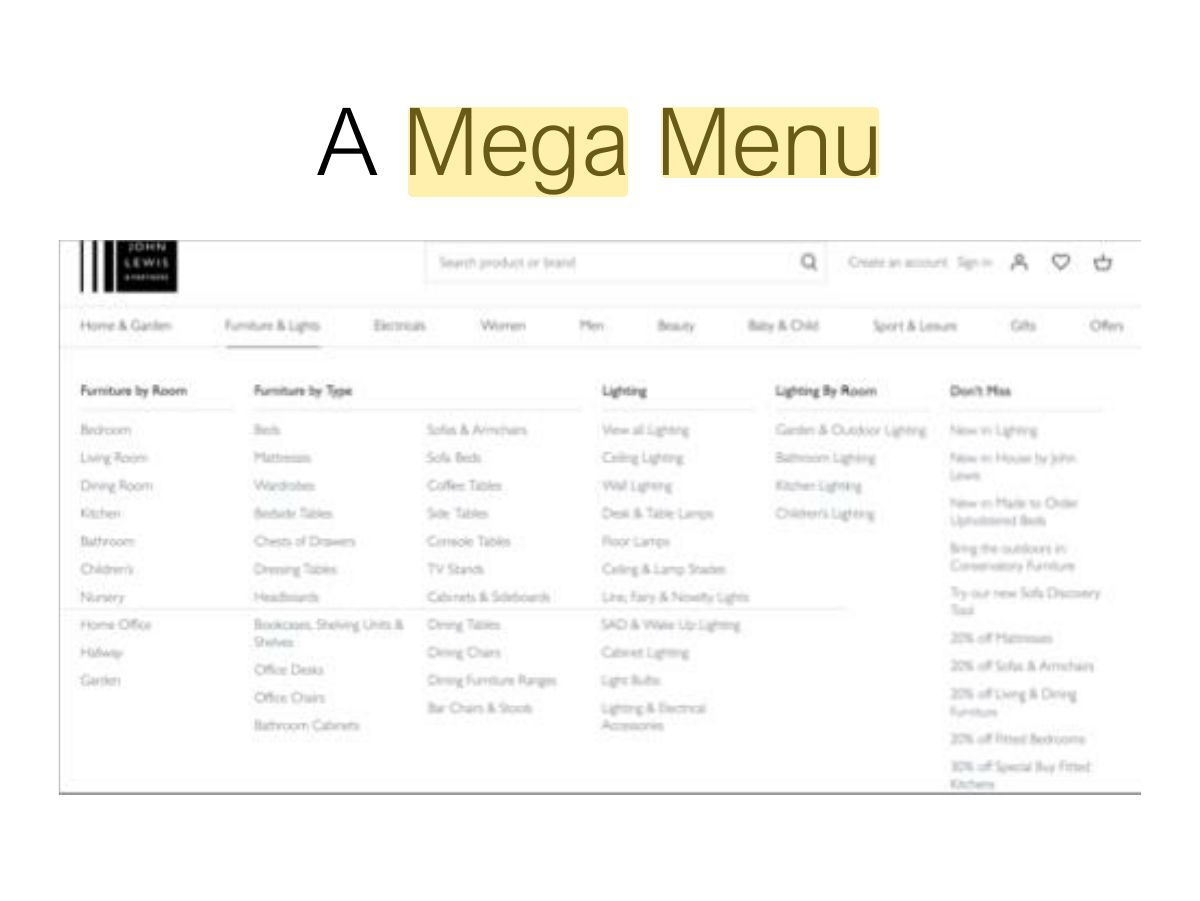
                                                                                      • Mega – all options shown using 2D drop-down layout
                                                                                      51
                                                                                      Exam weight Low
                                                                                        Slide 52: Template for a Collapsible Menu
                                                                                        Exam weight Low
                                                                                          Slide 53: A Mega Menu
                                                                                          Exam weight Low

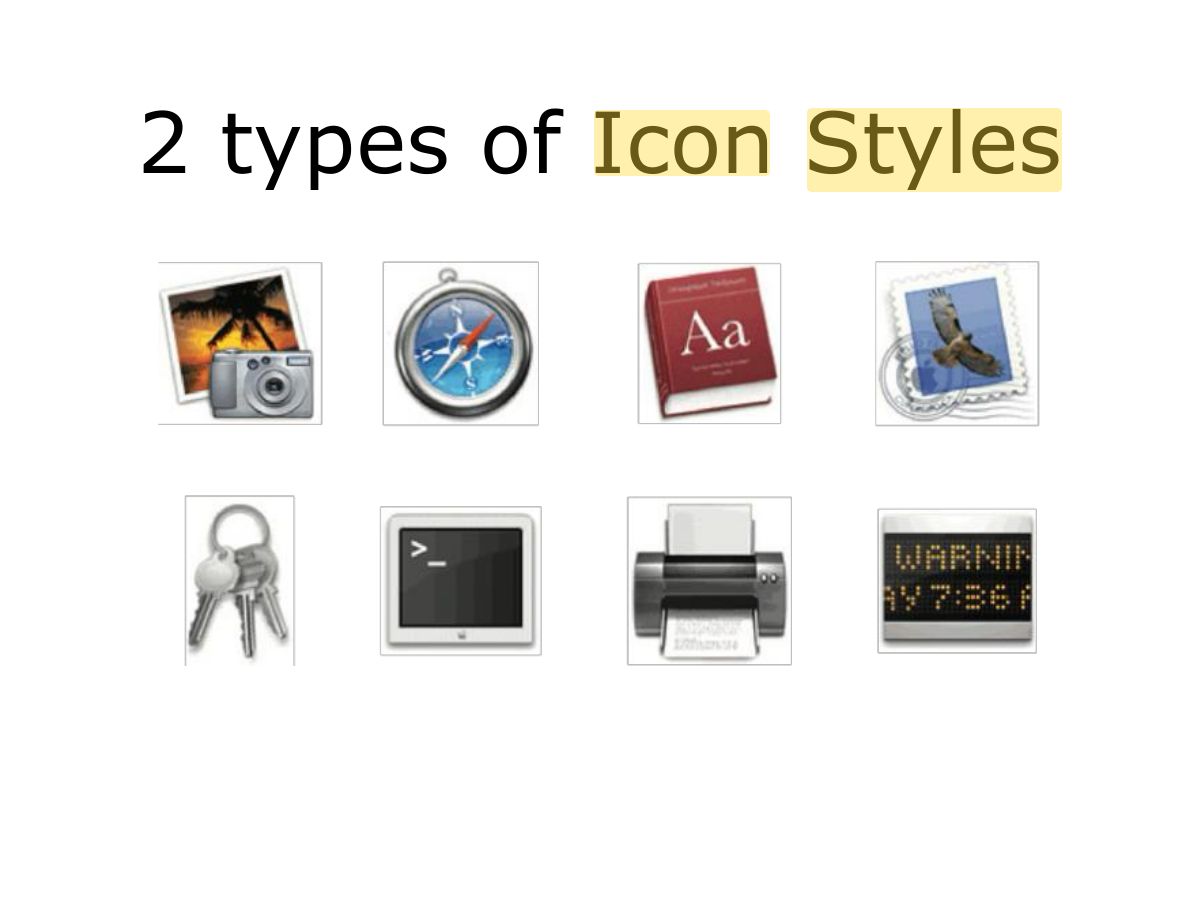
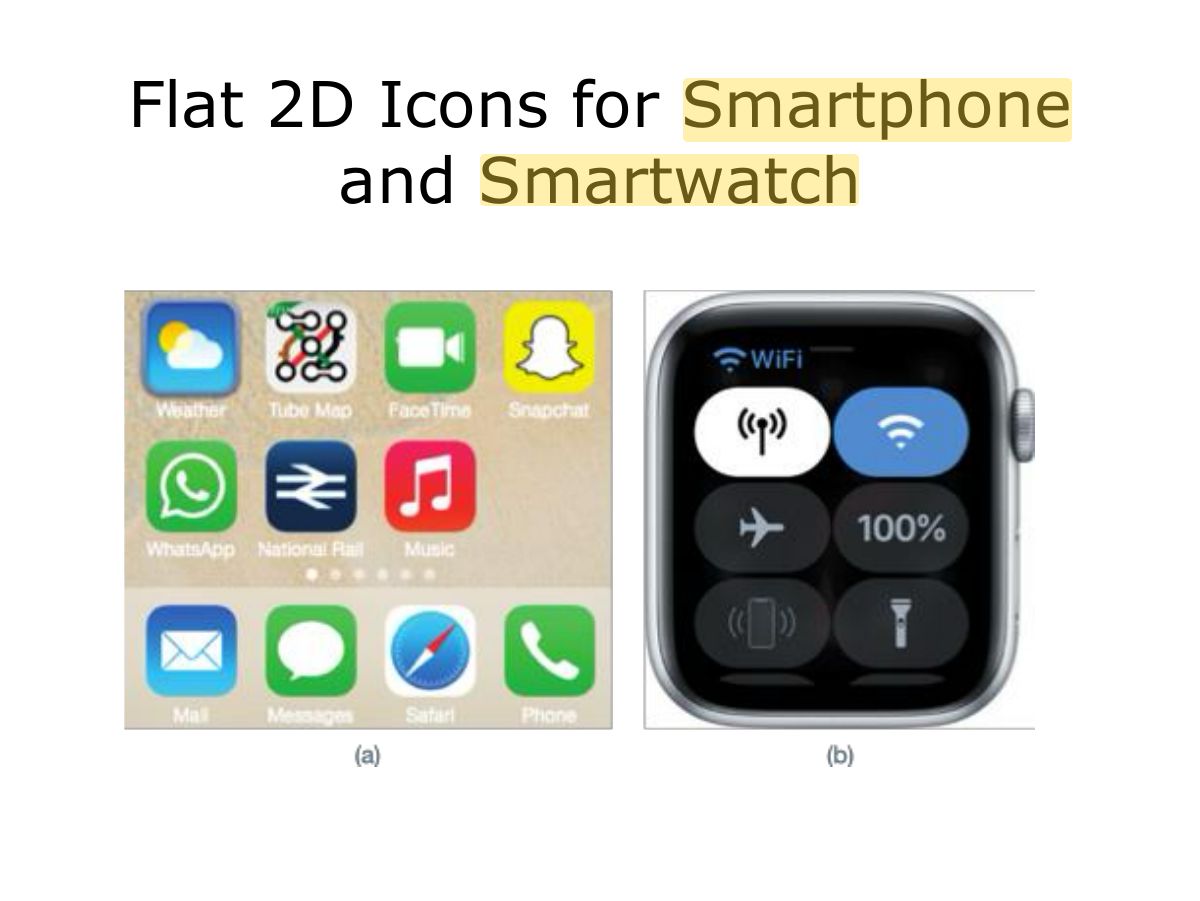
                                                                                            iii – Icon design

                                                                                            • Icons are assumed to be easier to learn and remember than commands
                                                                                            • Can be designed to be compact and variably positioned on a screen
                                                                                            • Now pervasive in every interface
                                                                                              • e.g. represent desktop objects, tools (e.g. paintbrush), applications (e.g. web browser), and operations (e.g. cut, paste, next, accept, change)
                                                                                            • GUIs now highly inviting, emotionally appealing and feel alive
                                                                                            54
                                                                                            Exam weight Low

                                                                                              Icon Forms

                                                                                              • The mapping between the representation and underlying referent can be:
                                                                                                • similar (e.g., a picture of a file to represent the object file)
                                                                                                • analogical (e.g., a picture of a pair of scissors to represent ‘cut)
                                                                                                • arbitrary (e.g., the use of an X to represent ‘delete’)
                                                                                              • Most effective icons are similar ones
                                                                                              • Many operations are actions making it more difficult to represent them
                                                                                                • use a combination of objects and symbols that capture the salient part of an action
                                                                                              55
                                                                                              Exam weight Low
                                                                                                Slide 56: 2 types of Icon Styles
                                                                                                Exam weight Low
                                                                                                  Slide 57: Flat 2D Icons for Smartphone and Smartwatch
                                                                                                  Exam weight Low

                                                                                                    Research & design issues

                                                                                                    • There is a wealth of resources for creating icons
                                                                                                      • guidelines, style guides, icon builders, libraries, online tutorials
                                                                                                    • Text labels can be used alongside icons to help identification for small icon sets
                                                                                                    • For large icon sets (e.g. photo editing or word processing) can use the hover function
                                                                                                    58
                                                                                                    Exam weight Low

                                                                                                      3. Multimedia

                                                                                                      • Combines different media within a single interface with various forms of interactivity
                                                                                                        • graphics, text, video, sound, and animations
                                                                                                      • Users click on links in an image or text -> another part of the program -> an animation or a video clip is played -> can return to where they were or move on to another place
                                                                                                      59
                                                                                                      Exam weight Low

                                                                                                        3. Multimedia (cont)

                                                                                                        • Pros and Cons
                                                                                                          • Facilitates rapid access to multiple representations of information
                                                                                                          • Can provide better ways of presenting information than can any media alone
                                                                                                          • Can enable easier learning, better understanding, more engagement, and more pleasure
                                                                                                          • Can encourage users to explore different parts of a game or story
                                                                                                          • Tendency to play video clips and animations, while skimming through accompanying text or diagrams
                                                                                                        60
                                                                                                        Exam weight Low

                                                                                                          Research & design issues

                                                                                                          • How to design multimedia to help users explore, keep track of, and integrate the multiple representations
                                                                                                            • provide hands-on interactivities and simulations that the user has to complete to solve a task
                                                                                                            • provide quizzes, electronic notebooks, and games
                                                                                                          • Several guidelines that recommend how to combine multiple media for different kinds of task
                                                                                                          61
                                                                                                          Exam weight Low
                                                                                                            Slide 62: 4. Virtual Reality
                                                                                                            Exam weight Low
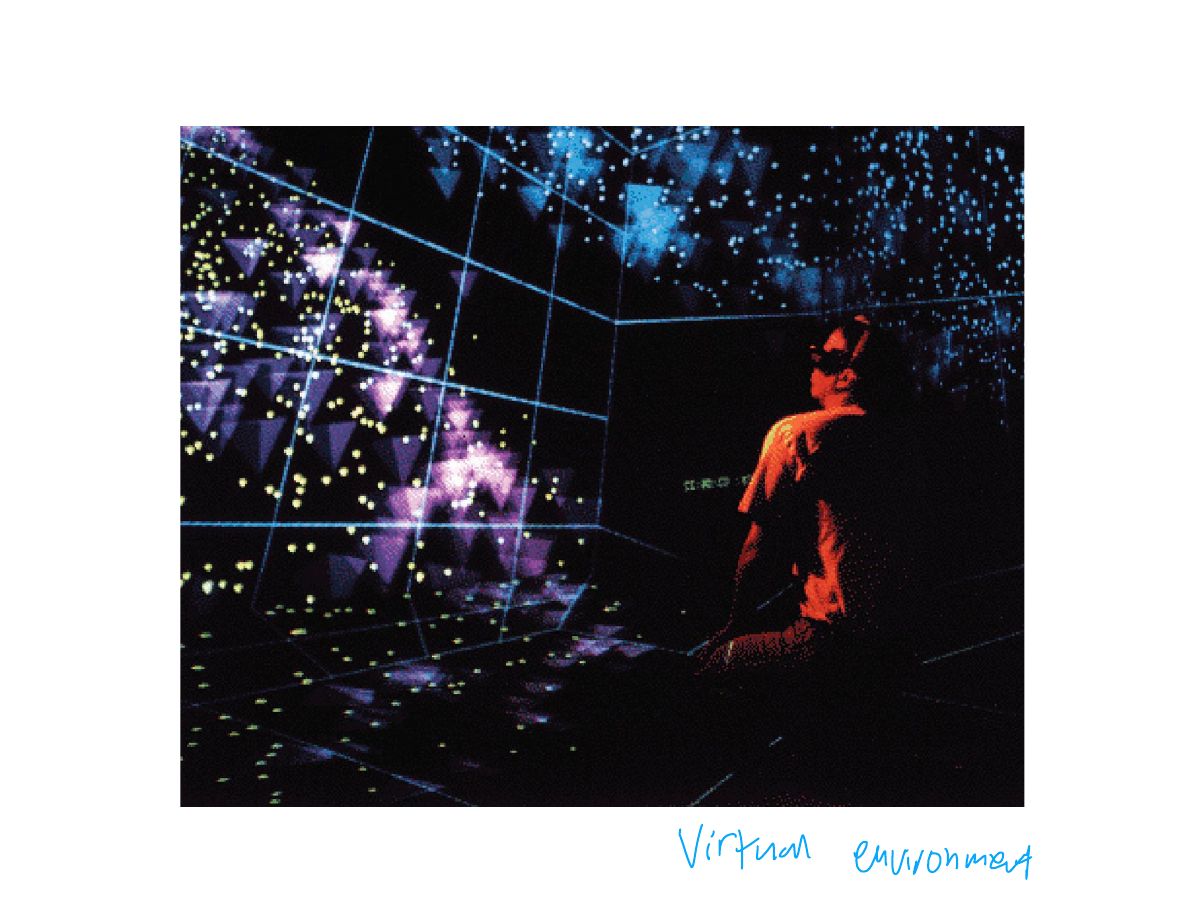
                                                                                                            1. VR: computer-generated immersive environments; presence; risk of motion sickness.

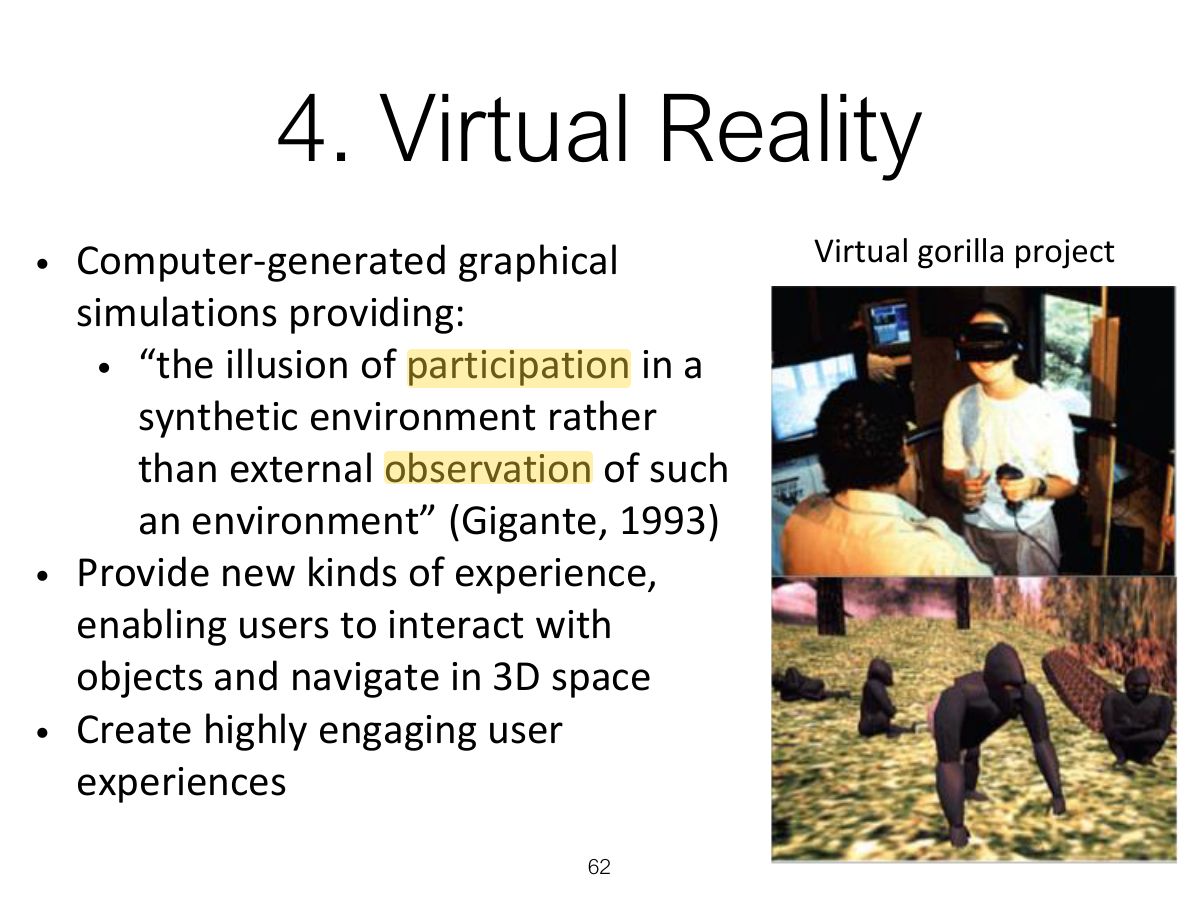
                                                                                                            4. Virtual Reality (cont)

                                                                                                            • Pros and Cons
                                                                                                              • Can have a higher level of fidelity with objects they represent compared to multimedia
                                                                                                              • Induces a sense of presence where someone is totally engrossed by the experience
                                                                                                                • “a state of consciousness, the (psychological) sense of being in the virtual environment” (Slater and Wilbur, 1999)
                                                                                                              • Provides different viewpoints: 1st and 3rd person
                                                                                                              • Head-mounted displays are uncomfortable to wear, and can cause motion sickness and disorientation
                                                                                                              • Lighter VR headsets now available (e.g. HTC Vive) with more accurate head tracking
                                                                                                            63
                                                                                                            Exam weight Low

                                                                                                              Research & design issues

                                                                                                              • Much research on how to design safe and realistic VRs to facilitate training
                                                                                                                • e.g. flying simulators
                                                                                                                • help people overcome phobias (e.g. spiders, talking in public)
                                                                                                              • Design issues
                                                                                                                • how best to navigate through them (e.g. first versus third person)
                                                                                                                • how to control interactions and movements (e.g. use of head and body movements)
                                                                                                                • how best to interact with information (e.g. use of keypads, pointing, joystick buttons);
                                                                                                                • level of realism to aim for to engender a sense of presence
                                                                                                              64
                                                                                                              Exam weight Low

                                                                                                                5. Information Visualization

                                                                                                                • Computer-generated interactive graphics of complex data
                                                                                                                • Amplify human cognition, enabling users to see patterns, trends, and anomalies in the visualization (Card et al, 1999)
                                                                                                                • Aim is to enhance discovery, decision-making, and explanation of phenomena
                                                                                                                • Techniques include:
                                                                                                                  • 3D interactive maps that can be zoomed in and out of and which present data via webs, trees, clusters, scatterplot diagrams, and interconnected nodes
                                                                                                                65
                                                                                                                Exam weight Low

                                                                                                                  Research & design issues

                                                                                                                  • whether to use animation and/or interactivity
                                                                                                                  • what form of coding to use, e.g. color or text labels
                                                                                                                  • whether to use a 2D or 3D representational format
                                                                                                                  • what forms of navigation, e.g. zooming or panning,
                                                                                                                  • what kinds and how much additional information to provide, e.g. rollovers or tables of text
                                                                                                                  • what navigational metaphor to use
                                                                                                                  66
                                                                                                                  Exam weight Low
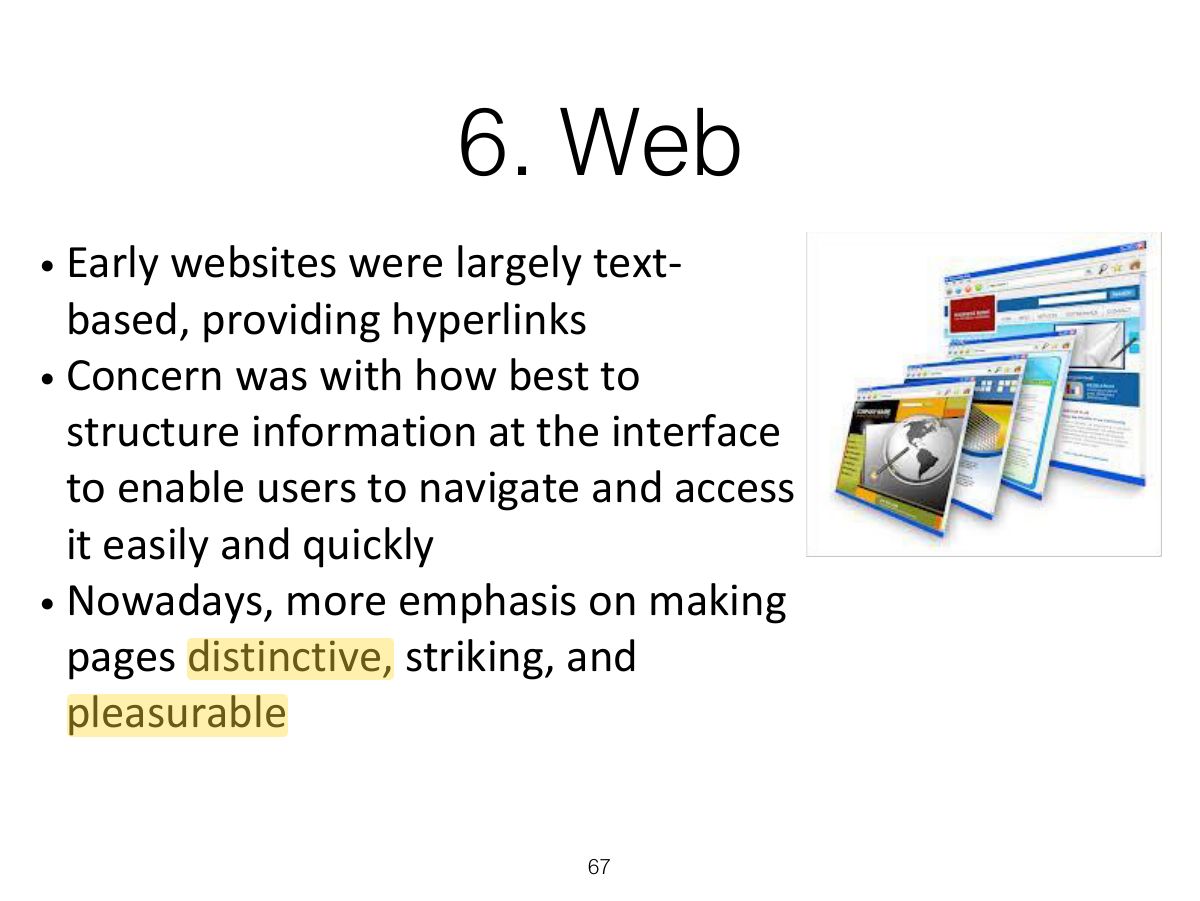
                                                                                                                    Slide 67: 6. Web
                                                                                                                    Exam weight Low

                                                                                                                      Usability VS Attractive?

                                                                                                                      • Vanilla or multi-flavor design?
                                                                                                                        • Ease of finding something versus aesthetic and enjoyable experience
                                                                                                                      • In your face ads
                                                                                                                        • Web advertising is often intrusive and pervasive
                                                                                                                        • Flashing, aggressive, persistent, annoying
                                                                                                                        • What is the alternative?
                                                                                                                      68
                                                                                                                      Exam weight Low
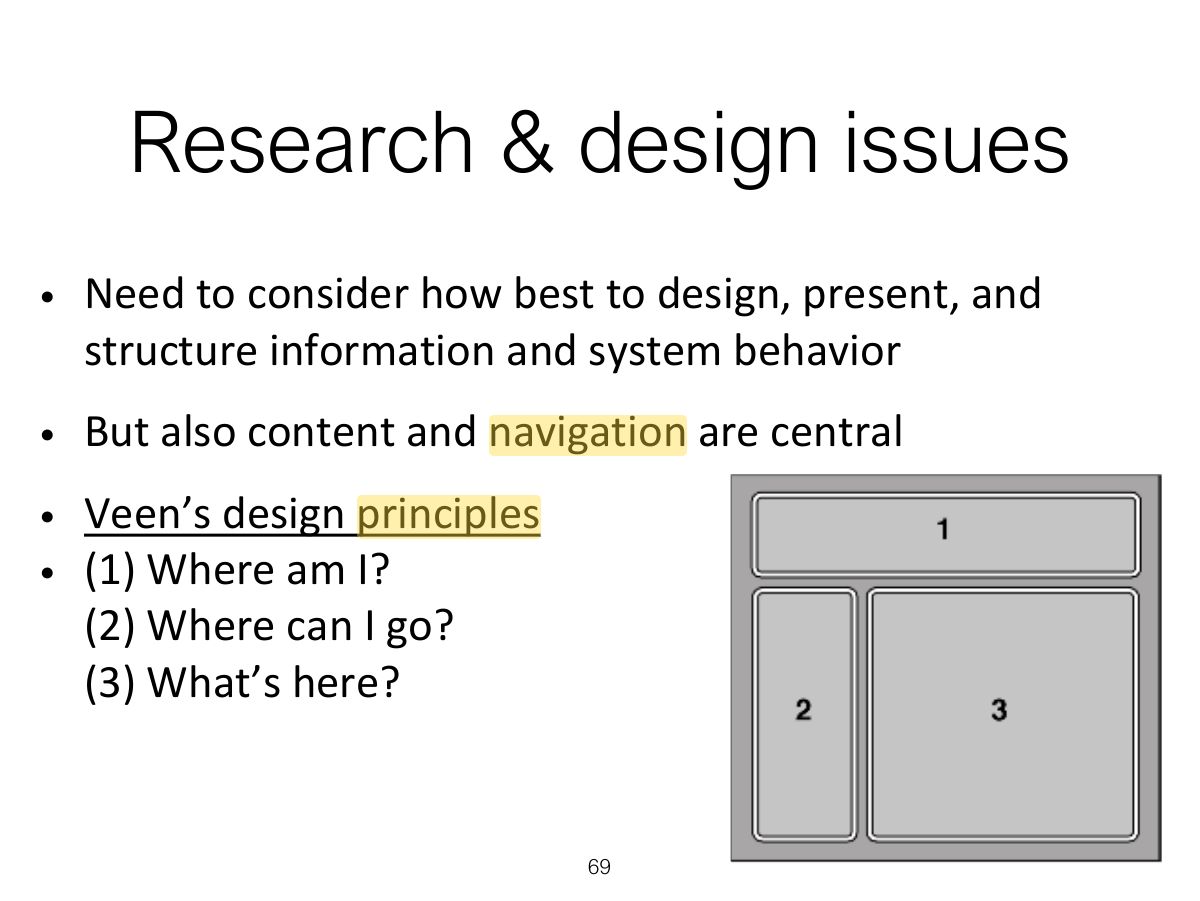
                                                                                                                        Slide 69: Research & design issues
                                                                                                                        Exam weight Low

                                                                                                                          Activity

                                                                                                                          • Look at the ballwatch.com website
                                                                                                                          • What kind of website is it?
                                                                                                                          • How does it contravene the design principles outlined by Veen?
                                                                                                                          • Does it matter?
                                                                                                                          • What kind of user experience is it providing for?
                                                                                                                          • What was your experience of engaging with it?
                                                                                                                          70
                                                                                                                          Exam weight Low

                                                                                                                            7. Consumer electronics &

                                                                                                                            Appliances

                                                                                                                            • Everyday devices in home, public place, or car
                                                                                                                              • e.g. washing machines, remotes, photocopiers, printers and navigation systems)
                                                                                                                            • And personal devices
                                                                                                                              • e.g. MP3 player, digital clock and digital camera
                                                                                                                            • Used for short periods
                                                                                                                              • e.g. putting the washing on, watching a program, buying a ticket, changing the time, taking a snapshot
                                                                                                                            • Need to be usable with minimal, if any, learning
                                                                                                                            71
                                                                                                                            Exam weight Low

                                                                                                                              Research & design issues

                                                                                                                              • Need to design as transient interfaces with short interactions
                                                                                                                              • Simple interfaces
                                                                                                                              • Consider trade-off between soft and hard controls
                                                                                                                                • e.g. buttons or keys, dials or scrolling
                                                                                                                              72
                                                                                                                              Exam weight Low
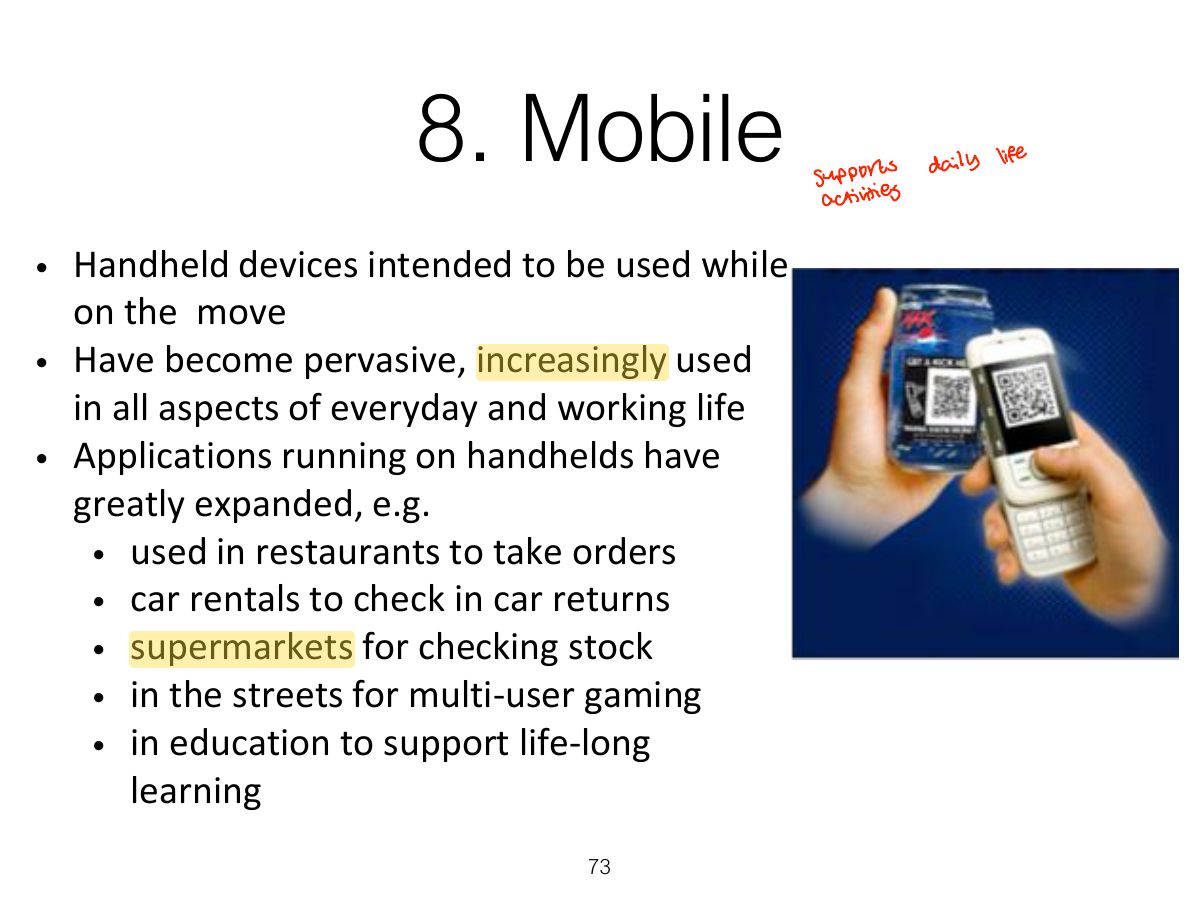
                                                                                                                                Slide 73: 8. Mobile
                                                                                                                                Exam weight Low
                                                                                                                                1. Mobile: small screens, touch, context of use; keep it simple, big targets.
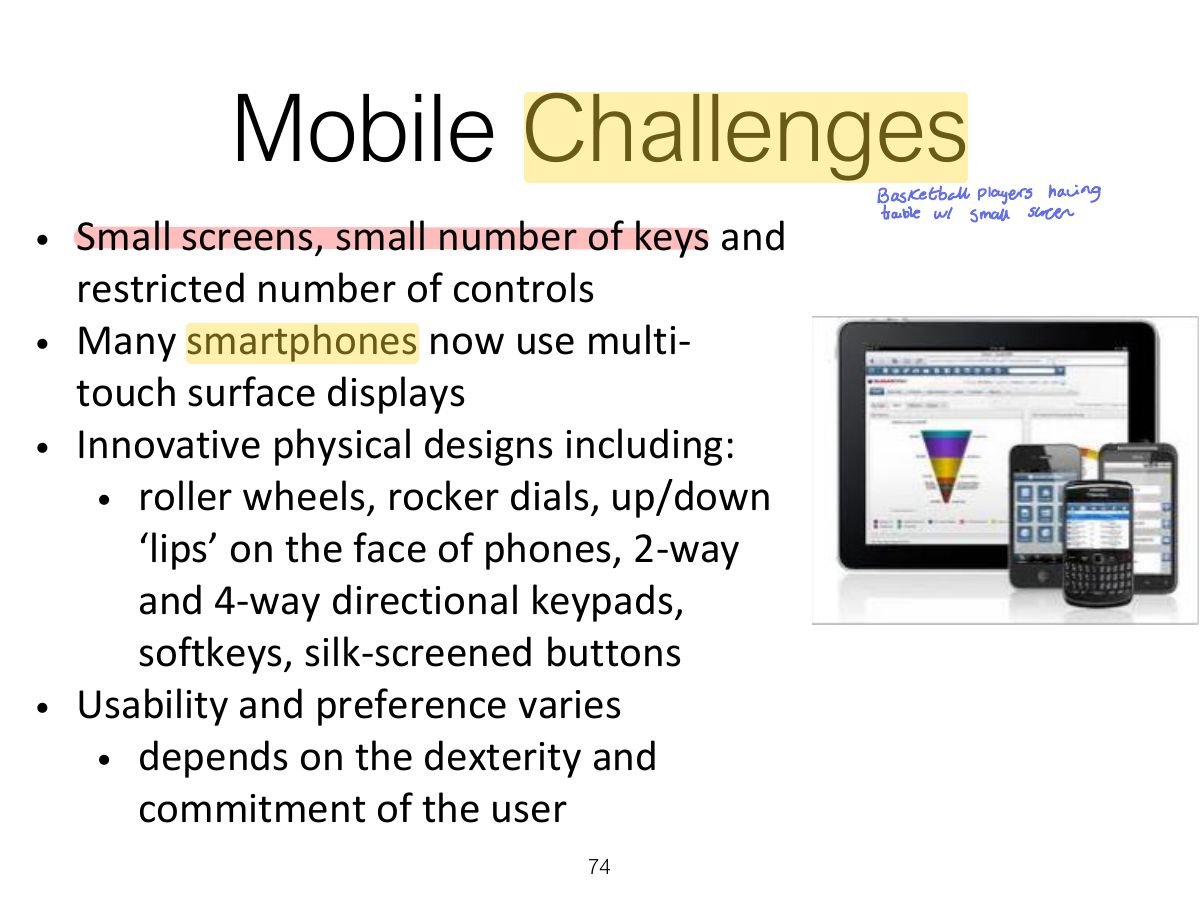
                                                                                                                                Slide 74: Mobile Challenges
                                                                                                                                Exam weight Low
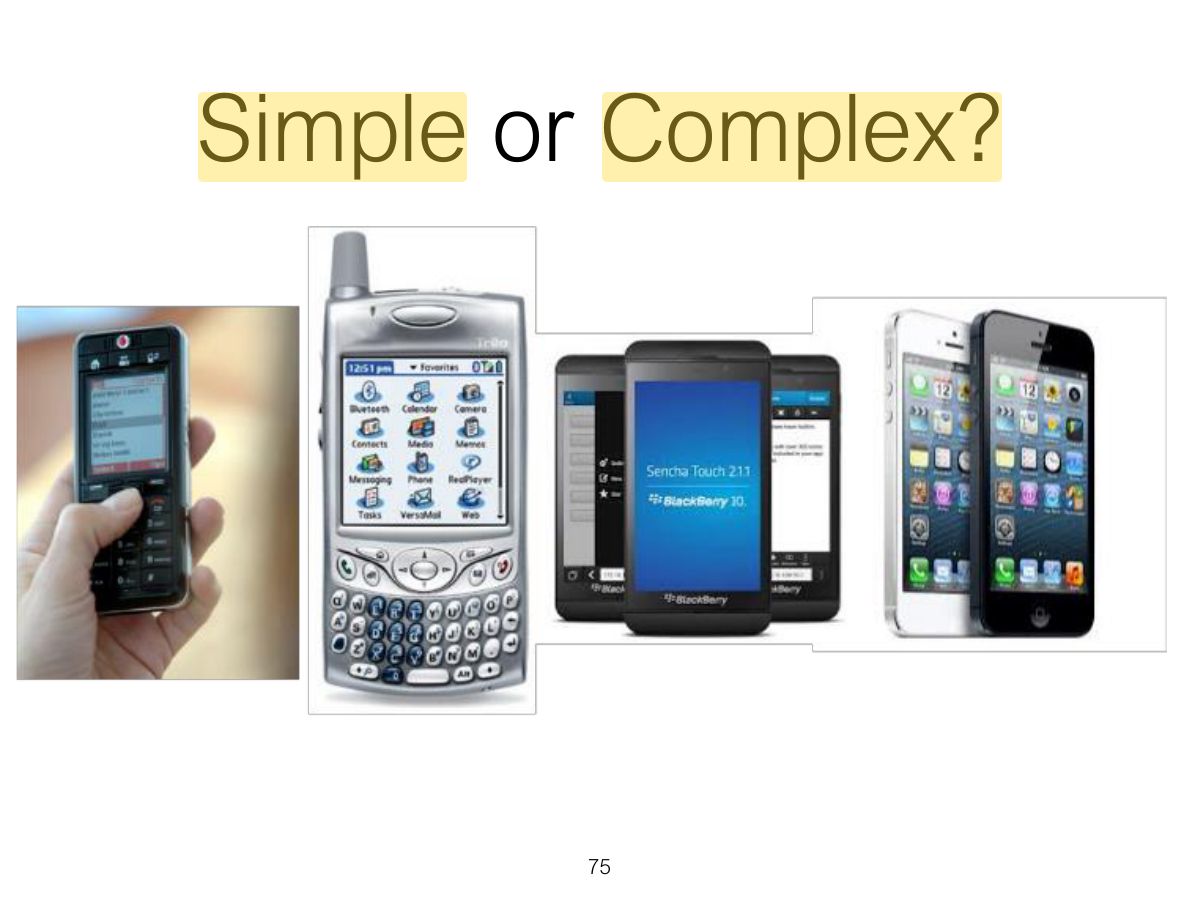
                                                                                                                                  Slide 75: Simple or Complex?
                                                                                                                                  Exam weight Low

                                                                                                                                    Research & design issues

                                                                                                                                    • Mobile interfaces can be tricky and cumbersome to use for those with poor manual dexterity or ‘fat’ fingers
                                                                                                                                    • Key concern is designing for small screen real estate and limited control space
                                                                                                                                      • e.g. mobile browsers allow users to view and navigate the internet, magazines etc., in a more streamlined way compared with PC web browsers
                                                                                                                                    76
                                                                                                                                    Exam weight Low

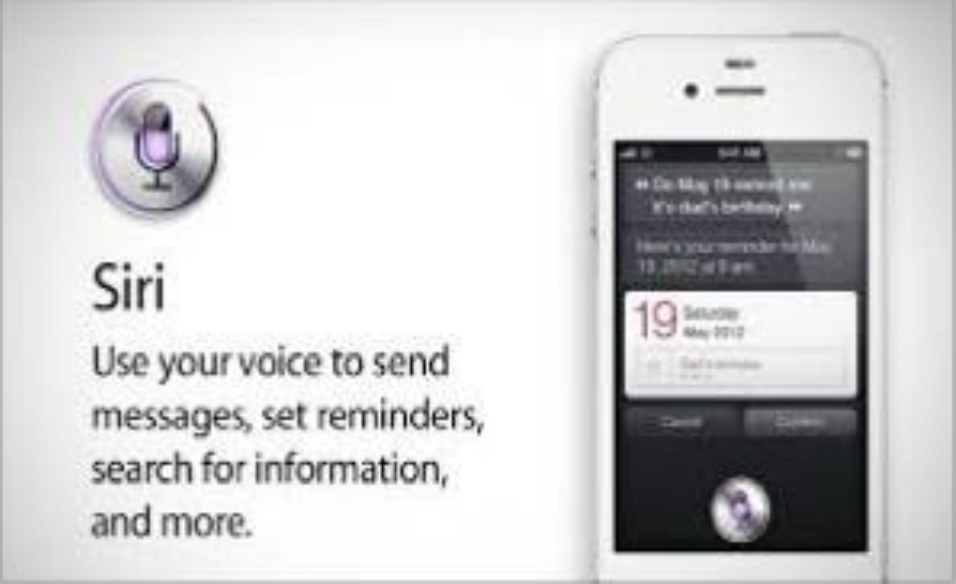
                                                                                                                                      9. Speech

                                                                                                                                      • Where a person talks with a system that has a spoken language application, e.g., timetable, travel planner
                                                                                                                                      • Used most for inquiring about very specific information, e.g. flight times or to perform a transaction, e.g. buy a ticket
                                                                                                                                      • Also used by people with disabilities
                                                                                                                                        • e.g. speech recognition word processors, page scanners, web readers, home control systems
                                                                                                                                      9. Speech
                                                                                                                                      77
                                                                                                                                      Exam weight Low
                                                                                                                                      1. Speech interfaces: good for hands-busy situations; problems with recognition and long menus.

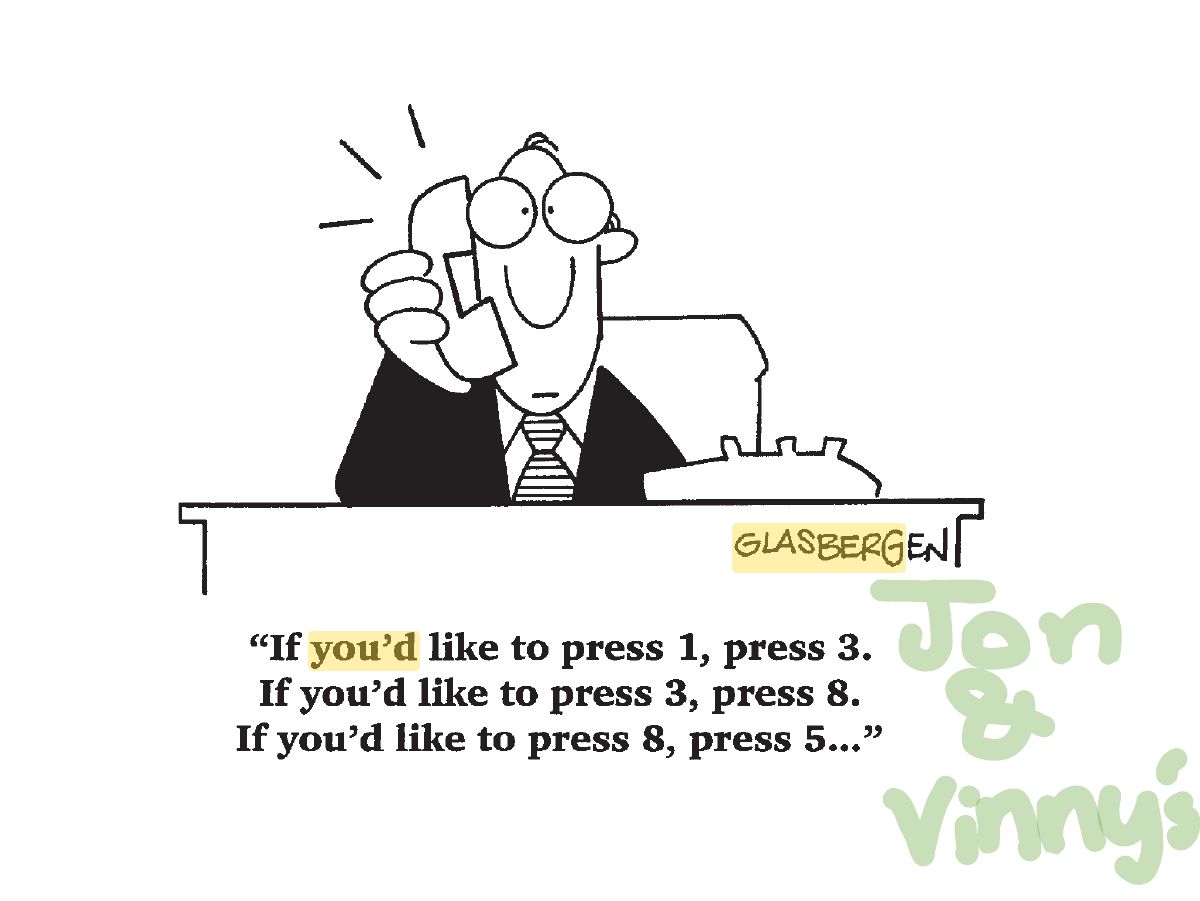
                                                                                                                                      Get me a human operator!

                                                                                                                                      • Most popular use of speech interfaces currently is for call routing
                                                                                                                                      • Caller-led speech where users state their needs in their own words
                                                                                                                                        • e.g. “I’m having problems with my voice mail”
                                                                                                                                      • Idea is they are automatically forwarded to the appropriate service
                                                                                                                                      • What is your experience of speech systems?
                                                                                                                                      Get me a human operator!
                                                                                                                                      78
                                                                                                                                      Exam weight Low

                                                                                                                                        Format

                                                                                                                                        • Directed dialogs are where the system is in control of the conversation
                                                                                                                                        • Ask specific questions and require specific responses
                                                                                                                                        • More flexible systems allow the user to take the initiative:
                                                                                                                                          • e.g. “I’d like to go to Paris next Monday for two weeks.”
                                                                                                                                        • More chance of error, since caller might assume that the system is like a human
                                                                                                                                        • Guided prompts can help callers back on track
                                                                                                                                          • e.g. “Sorry I did not get all that. Did you say you wanted to fly next Monday?”
                                                                                                                                        79
                                                                                                                                        Exam weight Low

                                                                                                                                          Research & design issues

                                                                                                                                          • How to design systems that can keep conversation on track
                                                                                                                                            • help people navigate efficiently through a menu system
                                                                                                                                            • enable them to easily recover from errors
                                                                                                                                            • guide those who are vague or ambiguous in their requests for information or services
                                                                                                                                          • Type of voice actor (e.g. male, female, neutral, or dialect)
                                                                                                                                            • do people prefer to listen to and are more patient with a female or male voice, a northern or southern accent?
                                                                                                                                          80
                                                                                                                                          Exam weight Low
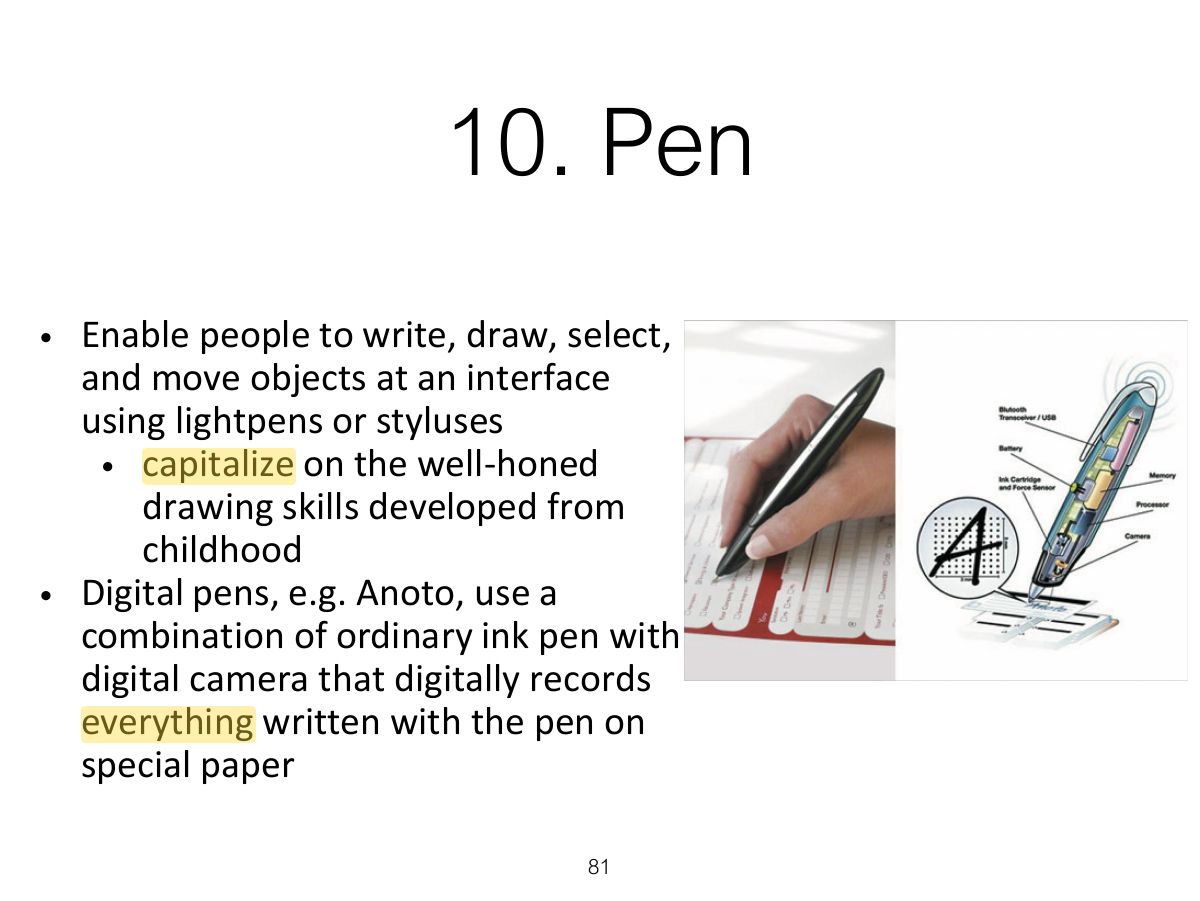
                                                                                                                                            Slide 81: 10. Pen
                                                                                                                                            Exam weight Low

                                                                                                                                              10. Pen (cont)

                                                                                                                                              • Pros and cons
                                                                                                                                                • Allows users to quickly and easily annotate existing documents
                                                                                                                                                • Can be difficult to see options on the screen because a user’s hand can occlude part of it when writing
                                                                                                                                                • Can have lag and feel clunky
                                                                                                                                              82
                                                                                                                                              Exam weight Low
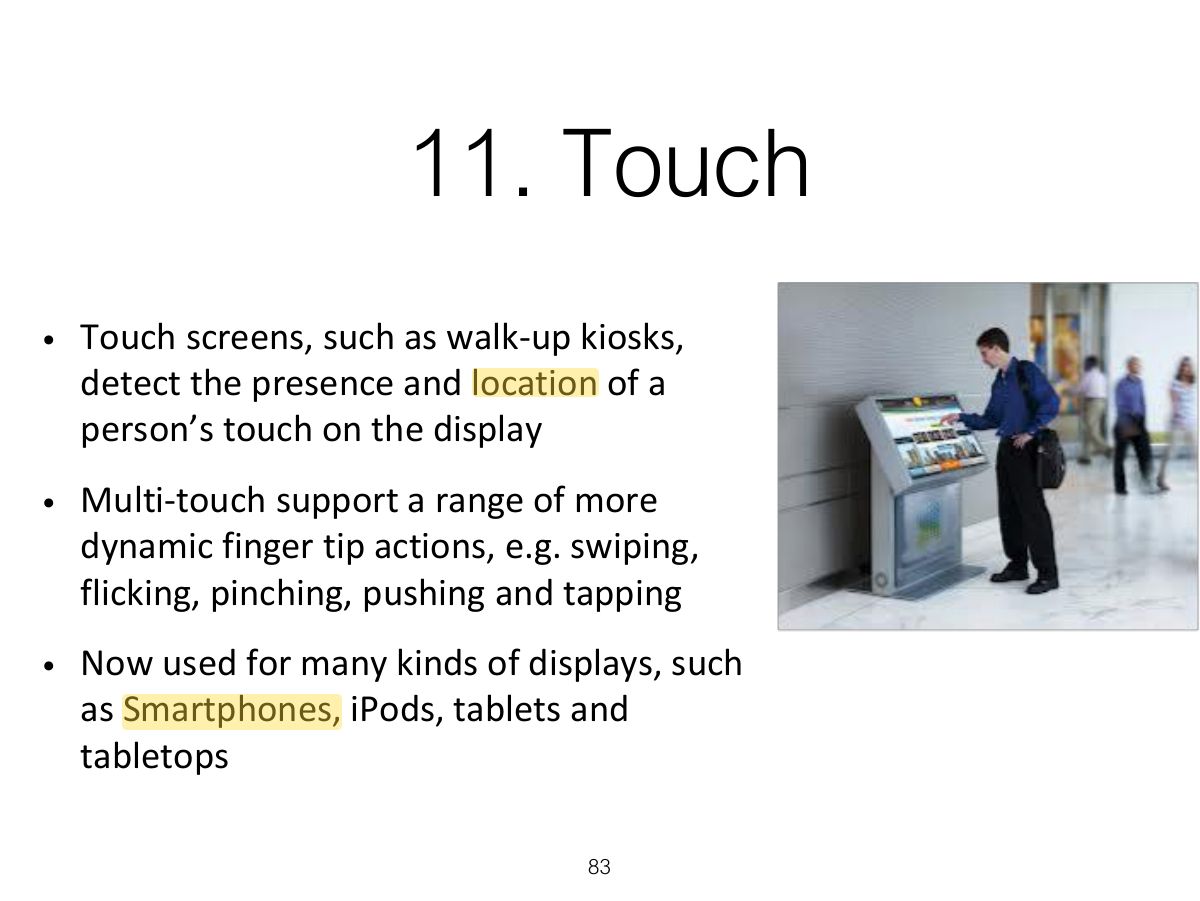
                                                                                                                                                Slide 83: 11. Touch
                                                                                                                                                Exam weight Low
                                                                                                                                                1. Touch: single and multi-touch gestures (swipe, pinch).

                                                                                                                                                Research & design issues

                                                                                                                                                • More fluid and direct styles of interaction involving freehand and pen-based gestures
                                                                                                                                                • Core design concerns include whether size, orientation, and shape of touch displays effect collaboration
                                                                                                                                                • Much faster to scroll through wheels, carousels and bars of thumbnail images or lists of options by finger flicking
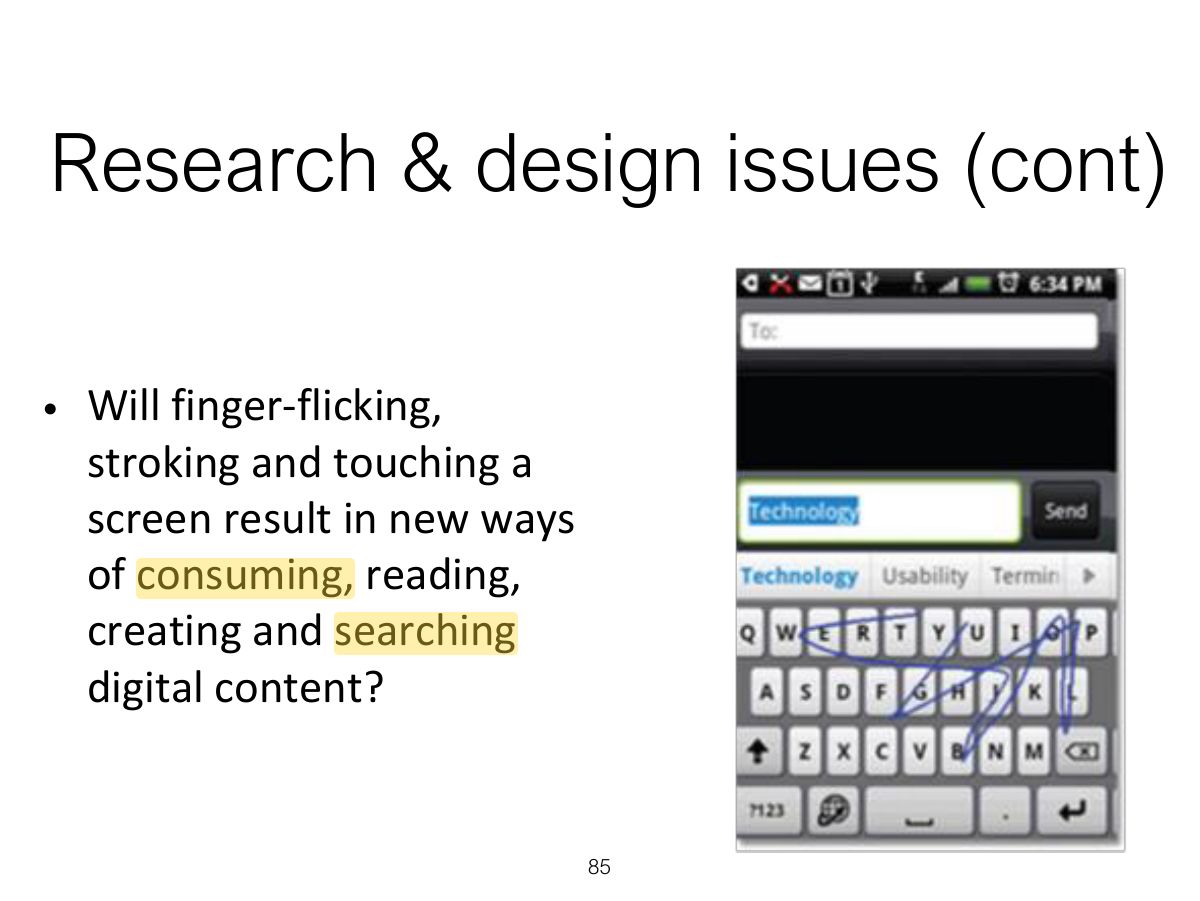
                                                                                                                                                • More cumbersome, error-prone and slower to type using a virtual keyboard on a touch display than using a physical keyboard
                                                                                                                                                84
                                                                                                                                                Exam weight Low
                                                                                                                                                  Slide 85: Slide 85
                                                                                                                                                  Exam weight Low
                                                                                                                                                    Slide 86: 12. Air-based Gestures
                                                                                                                                                    Exam weight Low
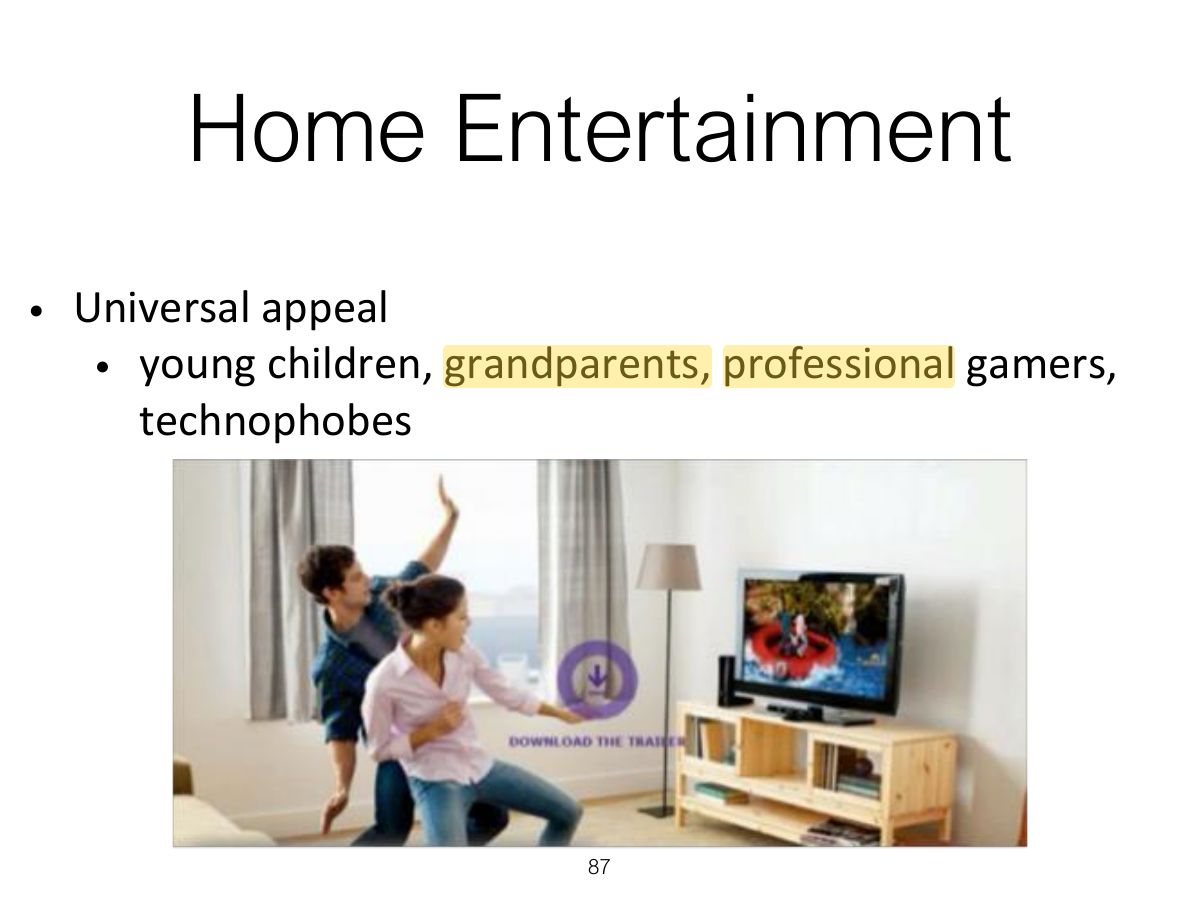
                                                                                                                                                      Slide 87: Home Entertainment
                                                                                                                                                      Exam weight Low

                                                                                                                                                        Research & design issues

                                                                                                                                                        • How does computer recognize and delineate players’ gestures?
                                                                                                                                                          • Deictic and hand waving
                                                                                                                                                        • Does holding a control device feel more intuitive than controller free gestures?
                                                                                                                                                          • For gaming, exercising, dancing
                                                                                                                                                        88
                                                                                                                                                        Exam weight Low
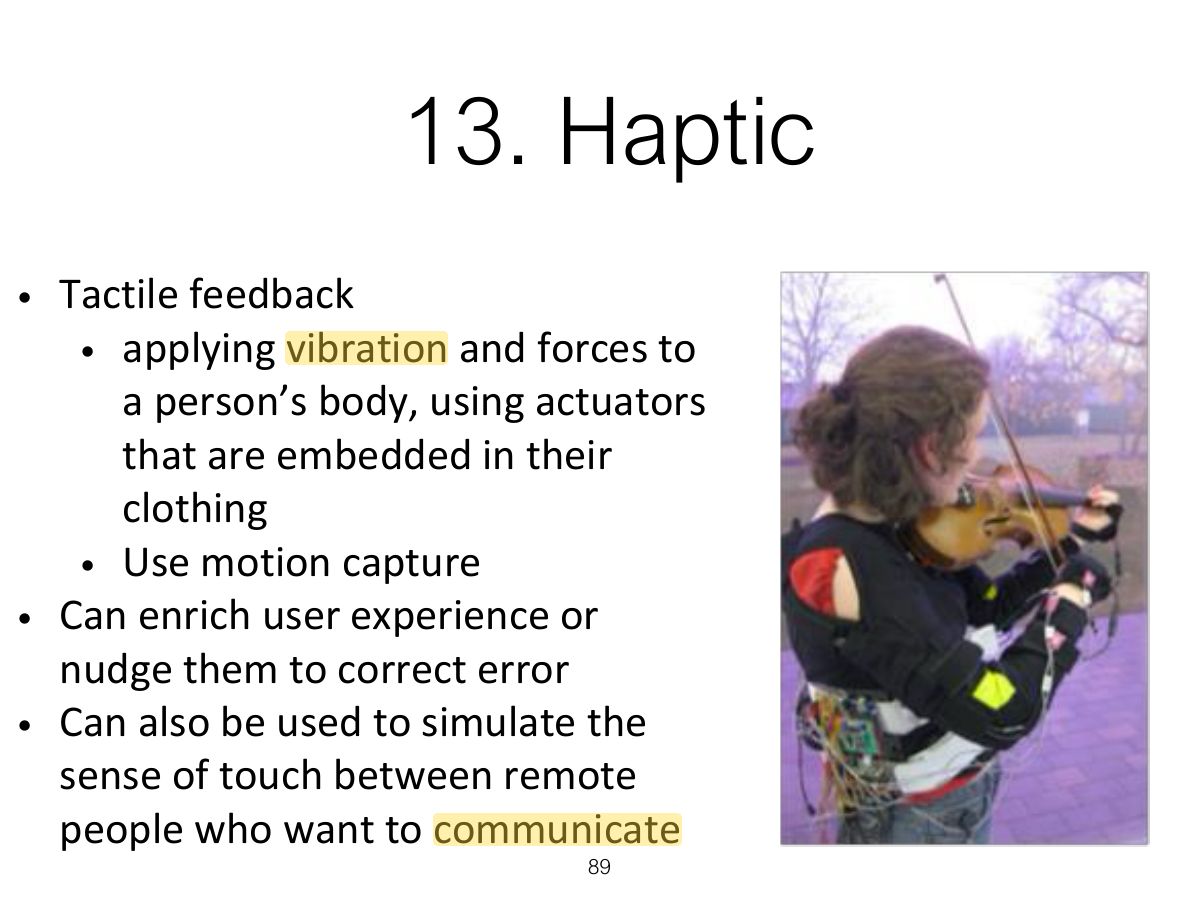
                                                                                                                                                          Slide 89: 13. Haptic
                                                                                                                                                          Exam weight Low

                                                                                                                                                            Research & design issues

                                                                                                                                                            • Where best to place actuators on body
                                                                                                                                                            • Whether to use single or sequence of ‘touches’
                                                                                                                                                            • When to buzz and how intense
                                                                                                                                                            • How does the wearer feel it in different contexts?
                                                                                                                                                            90
                                                                                                                                                            Exam weight Low

                                                                                                                                                              14. Multi-modal

                                                                                                                                                              • Multi-modal
                                                                                                                                                              • Meant to provide enriched and complex user experiences
                                                                                                                                                                • multiplying how information is experienced using different modalities, i.e. touch, sight, sound, speech
                                                                                                                                                                • support more flexible, efficient, and expressive means of human – computer interaction
                                                                                                                                                                • most common is speech and vision
                                                                                                                                                              91
                                                                                                                                                              Exam weight Low
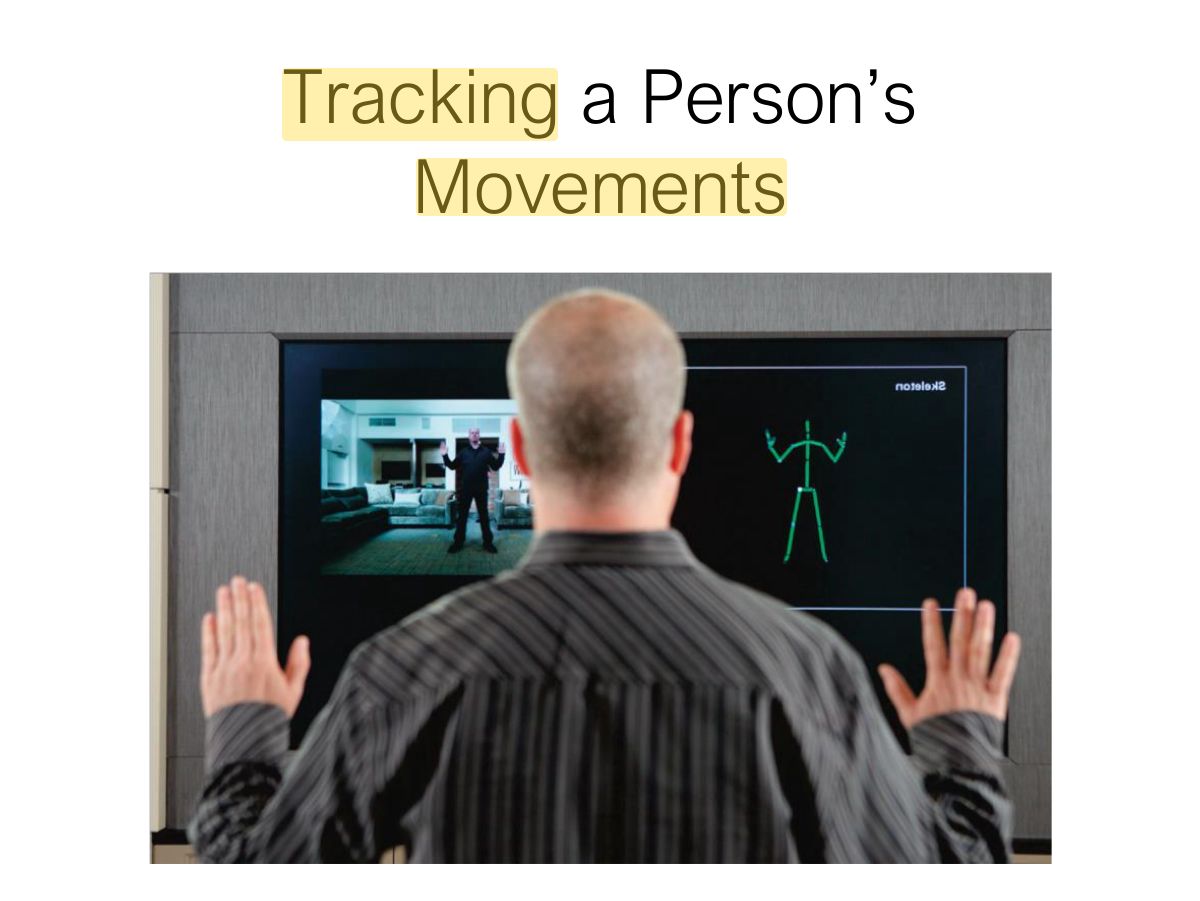
                                                                                                                                                                Slide 92: Tracking a Person’s Movements
                                                                                                                                                                Exam weight Low

                                                                                                                                                                  Research & design issues

                                                                                                                                                                  • Need to recognize and analyse speech, gesture, and eye gaze
                                                                                                                                                                  • What is gained from combining different input and outputs
                                                                                                                                                                  • Is talking and gesturing, as humans do with other humans, a natural way of interacting with a computer?
                                                                                                                                                                  93
                                                                                                                                                                  Exam weight Low

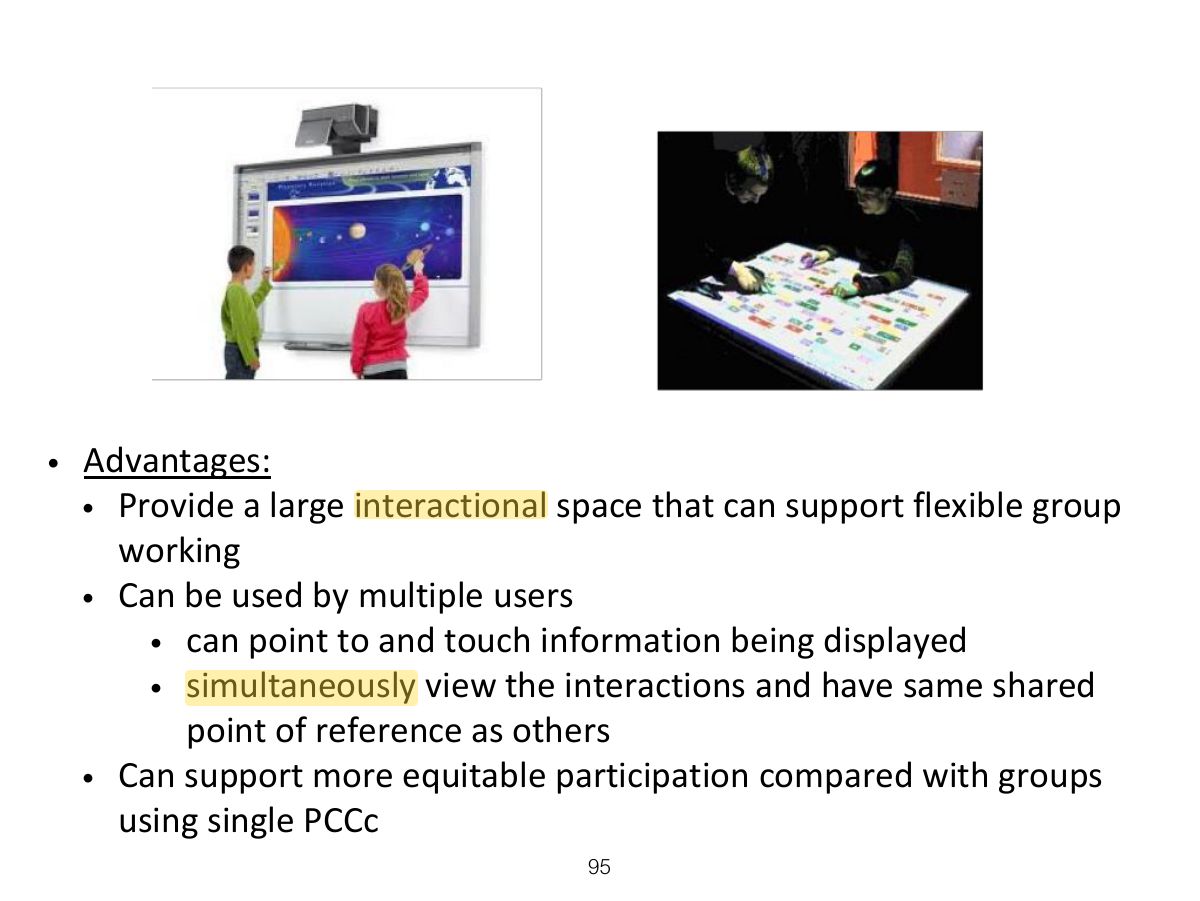
                                                                                                                                                                    15. Shareable

                                                                                                                                                                    • Shareable interfaces are designed for more than one person to use
                                                                                                                                                                      • provide multiple inputs and sometimes allow simultaneous input by co-located groups
                                                                                                                                                                      • large wall displays where people use their own pens or gestures
                                                                                                                                                                      • interactive tabletops where small groups interact with information using their fingertips
                                                                                                                                                                      • e.g. DiamondTouch, Smart Table and Surface
                                                                                                                                                                    94
                                                                                                                                                                    Exam weight Low
                                                                                                                                                                      Slide 95: Slide 95
                                                                                                                                                                      Exam weight Low

                                                                                                                                                                        Research & design issues

                                                                                                                                                                        • More fluid and direct styles of interaction involving freehand and pen-based gestures
                                                                                                                                                                        • Core design concerns include whether size, orientation, and shape of the display have an effect on collaboration
                                                                                                                                                                        • Horizontal surfaces compared with vertical ones support more turn-taking and collaborative working in co-located groups
                                                                                                                                                                        • Providing larger-sized tabletops does not improve group working but encourages more division of labor
                                                                                                                                                                        96
                                                                                                                                                                        Exam weight Low

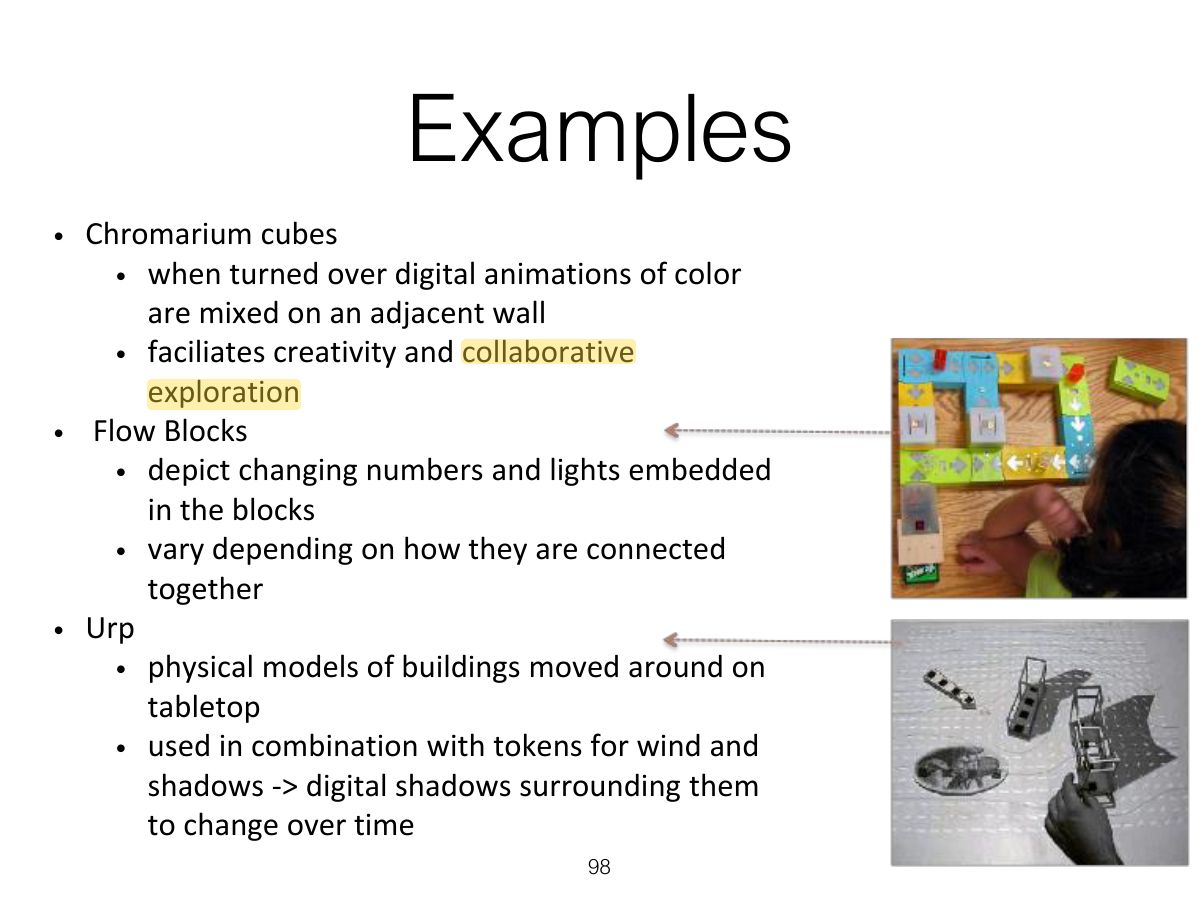
                                                                                                                                                                          16. Tangible

                                                                                                                                                                          • Type of sensor-based interaction, where physical objects, e.g., bricks, are coupled with digital representations
                                                                                                                                                                          • When a person manipulates the physical object/s it causes a digital effect to occur, e.g. an animation
                                                                                                                                                                          • Digital effects can take place in a number of media and places or can be embedded in the physical object
                                                                                                                                                                          97
                                                                                                                                                                          Exam weight Low
                                                                                                                                                                          1. Tangible interfaces: physical objects coupled with digital representations.
                                                                                                                                                                          Slide 98: Examples
                                                                                                                                                                          Exam weight Low

                                                                                                                                                                            Benefits

                                                                                                                                                                            • Can be held in both hands and combined and manipulated in ways not possible using other interfaces
                                                                                                                                                                              • allows for more than one person to explore the interface together
                                                                                                                                                                              • objects can be placed on top of each other, beside each other, and inside each other
                                                                                                                                                                              • encourages different ways of representing and exploring a problem space
                                                                                                                                                                            • People are able to see and understand situations differently
                                                                                                                                                                              • can lead to greater insight, learning, and problem-solving than with other kinds of interfaces
                                                                                                                                                                              • can facilitate creativity and reflection
                                                                                                                                                                            99
                                                                                                                                                                            Exam weight Low

                                                                                                                                                                              Research & design issues

                                                                                                                                                                              • Develop new conceptual frameworks that identify novel and specific features
                                                                                                                                                                              • The kind of coupling to use between the physical action and digital effect
                                                                                                                                                                                • If it is to support learning then an explicit mapping between action and effect is critical
                                                                                                                                                                                • If it is for entertainment then can be better to design it to be more implicit and unexpected
                                                                                                                                                                              • What kind of physical artefact to use
                                                                                                                                                                                • Bricks, cubes, and other component sets are most commonly used because of flexibility and simplicity
                                                                                                                                                                                • Stickies and cardboard tokens can also be used for placing material onto a surface
                                                                                                                                                                              100
                                                                                                                                                                              Exam weight Low
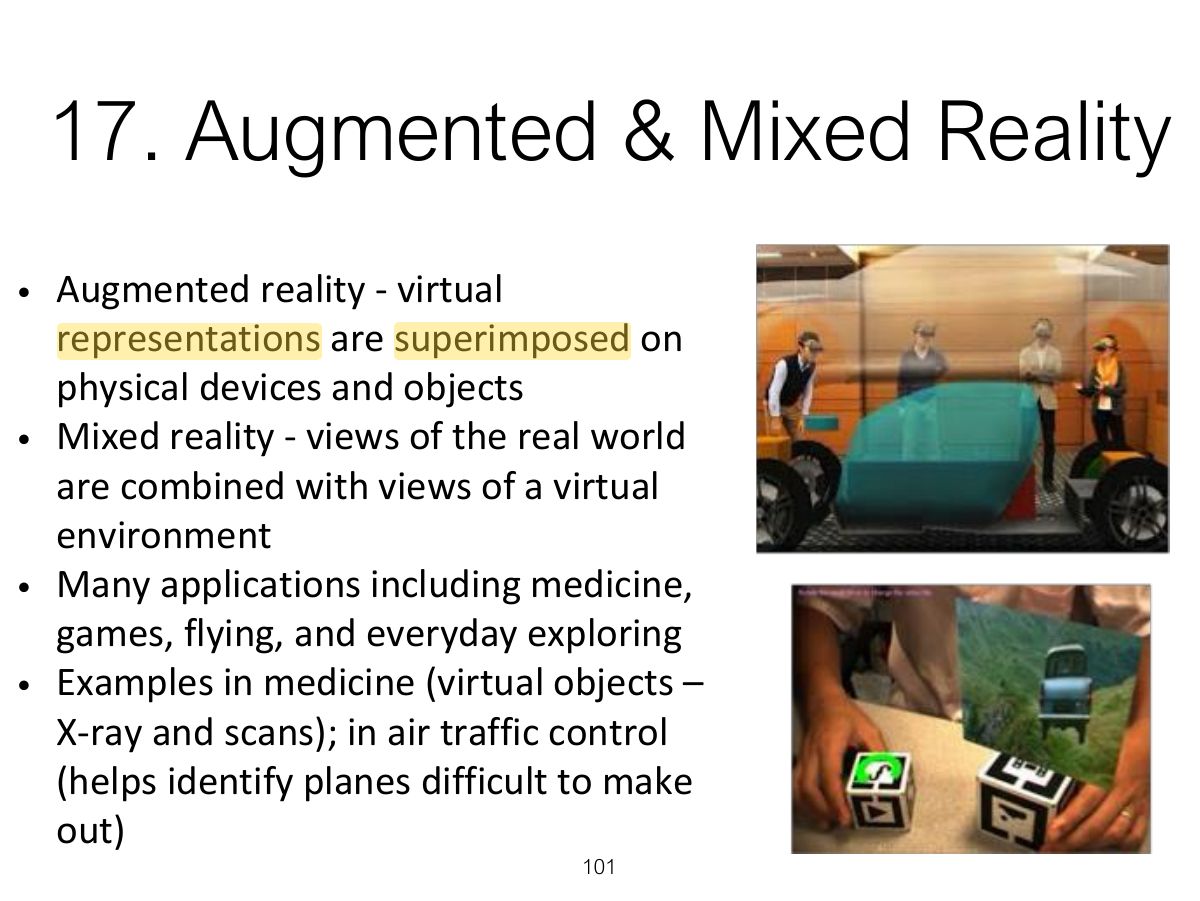
                                                                                                                                                                                Slide 101: 17. Augmented & Mixed Reality
                                                                                                                                                                                Exam weight High
                                                                                                                                                                                1. AR overlays digital information on the real world; mixed reality blends both.
                                                                                                                                                                                🎯 How this can come up · 1 question
                                                                                                                                                                                MCQ

                                                                                                                                                                                Overlaying directions on a live camera view of the street is:

                                                                                                                                                                                Research & design issues

                                                                                                                                                                                • What kind of digital augmentation?
                                                                                                                                                                                  • When and where in physical environent?
                                                                                                                                                                                  • Needs to stand out but not distract from ongoing task
                                                                                                                                                                                  • Need to be able to align with real world objects
                                                                                                                                                                                • What kind of device?
                                                                                                                                                                                  • Smartphone, head up display or other?
                                                                                                                                                                                102
                                                                                                                                                                                Exam weight Low

                                                                                                                                                                                  18. Wearable

                                                                                                                                                                                  • First developments were head- and eyewear-mounted cameras that enabled user to record what was seen and to access digital information
                                                                                                                                                                                  • Since, jewellery, head-mounted caps, smart fabrics, glasses, shoes, and jackets have all been used
                                                                                                                                                                                    • provide the user with a means of interacting with digital information while on the move
                                                                                                                                                                                  • Applications include automatic diaries, tour guides, cycle indicators and fashion clothing
                                                                                                                                                                                  103
                                                                                                                                                                                  Exam weight Low
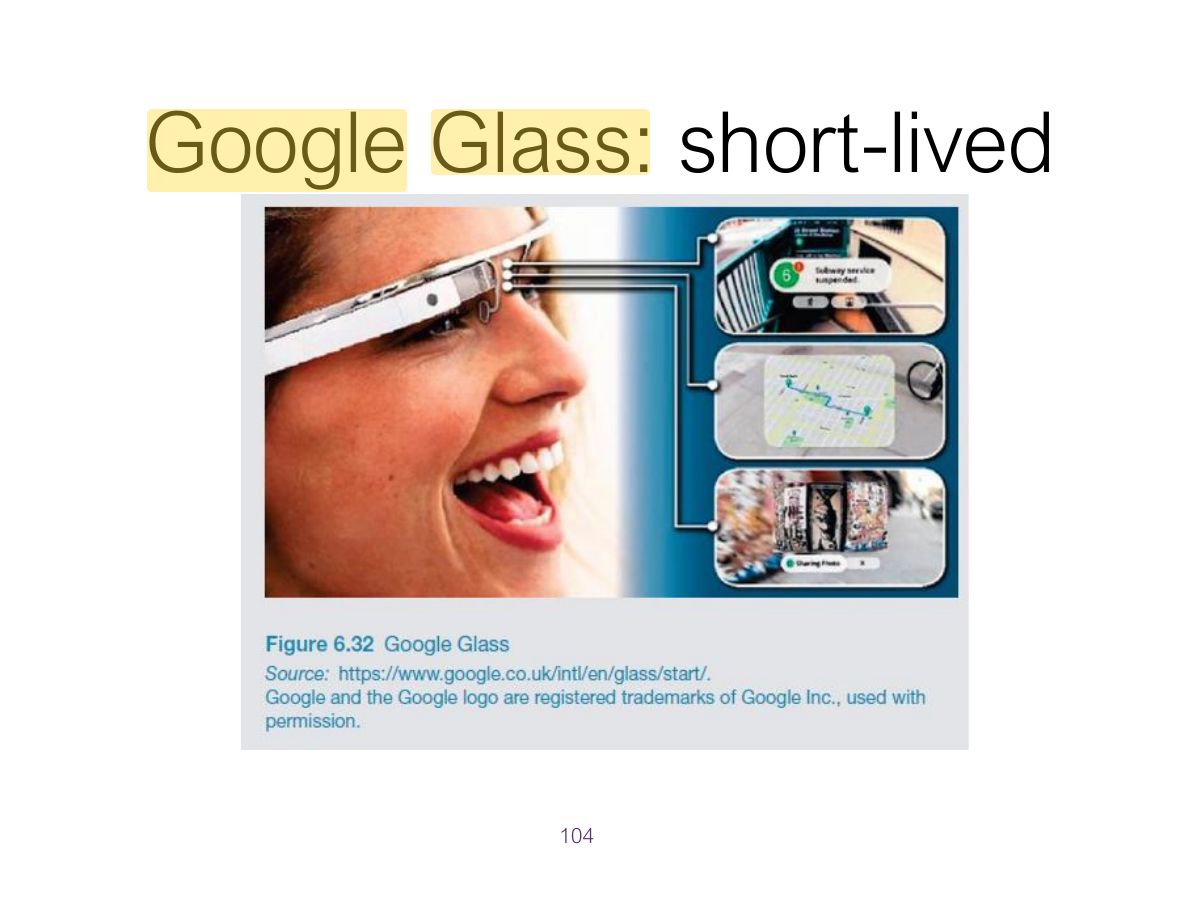
                                                                                                                                                                                    Slide 104: Google Glass: short-lived
                                                                                                                                                                                    Exam weight Low

                                                                                                                                                                                      Research & design issues

                                                                                                                                                                                      • Comfort
                                                                                                                                                                                        • needs to be light, small, not get in the way, fashionable, and preferably hidden in the clothing
                                                                                                                                                                                      • Hygiene
                                                                                                                                                                                        • is it possible to wash or clean the clothing once worn?
                                                                                                                                                                                      • Ease of wear
                                                                                                                                                                                        • how easy is it to remove the electronic gadgetry and replace it?
                                                                                                                                                                                      • Usability
                                                                                                                                                                                        • how does the user control the devices that are embedded in the clothing?
                                                                                                                                                                                      105
                                                                                                                                                                                      Exam weight Low
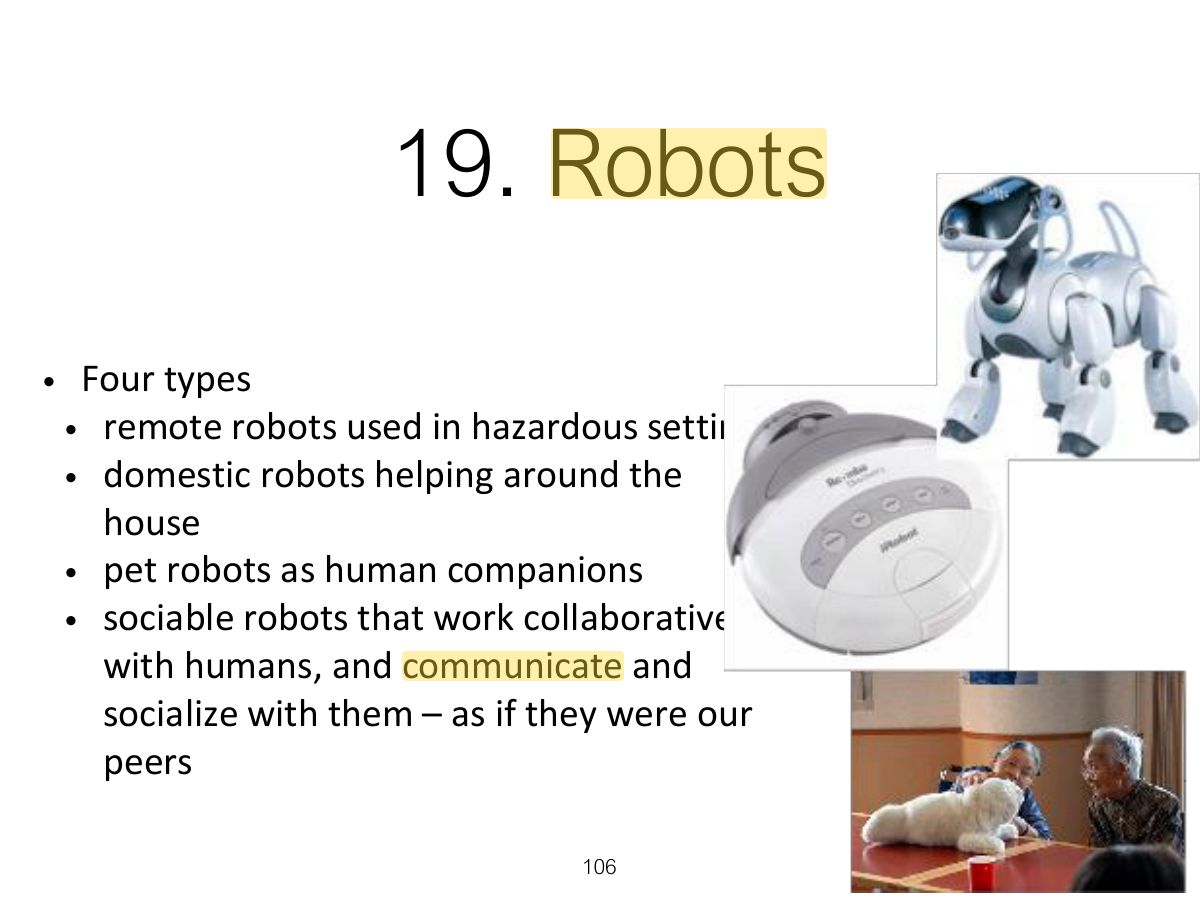
                                                                                                                                                                                        Slide 106: 19. Robots
                                                                                                                                                                                        Exam weight Low

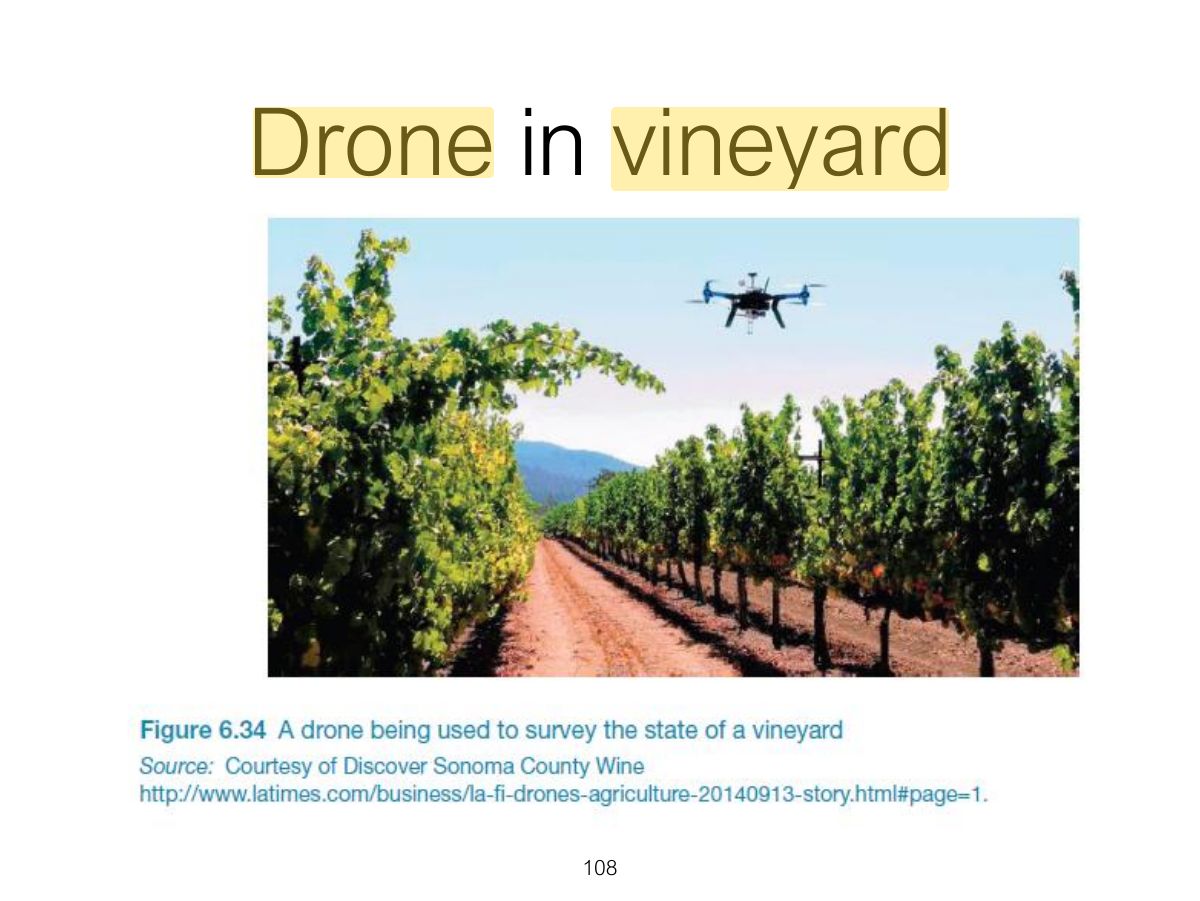
                                                                                                                                                                                          Drones

                                                                                                                                                                                          • Unmanned aircraft that are controlled remotely and used in a number of contexts
                                                                                                                                                                                            • e.g. entertainment, such as carrying drinks and food to people at festivals and parties;
                                                                                                                                                                                            • agricultural applications, such as flying them over vineyards and fields to collect data that is useful to farmers
                                                                                                                                                                                            • helping to track poachers in wildlife parks in Africa
                                                                                                                                                                                          • Can fly low and and stream photos to a ground station, where images can be stitched together into maps
                                                                                                                                                                                          • Can be used to determine the health of a crop or when it is the best time to harvest the crop
                                                                                                                                                                                          107
                                                                                                                                                                                          Exam weight Low
                                                                                                                                                                                            Slide 108: Drone in vineyard
                                                                                                                                                                                            Exam weight Low

                                                                                                                                                                                              Research & design issues

                                                                                                                                                                                              • How do humans react to physical robots designed to exhibit behaviors (e.g. making facial expressions) compared with virtual ones?
                                                                                                                                                                                              • Should robots be designed to be human-like or look like and behave like robots that serve a clearly defined purpose?
                                                                                                                                                                                              • Should the interaction be designed to enable people to interact with the robot as if it was another human being or more human-computer-like (e.g. pressing buttons to issue commands)?
                                                                                                                                                                                              109
                                                                                                                                                                                              Exam weight Low
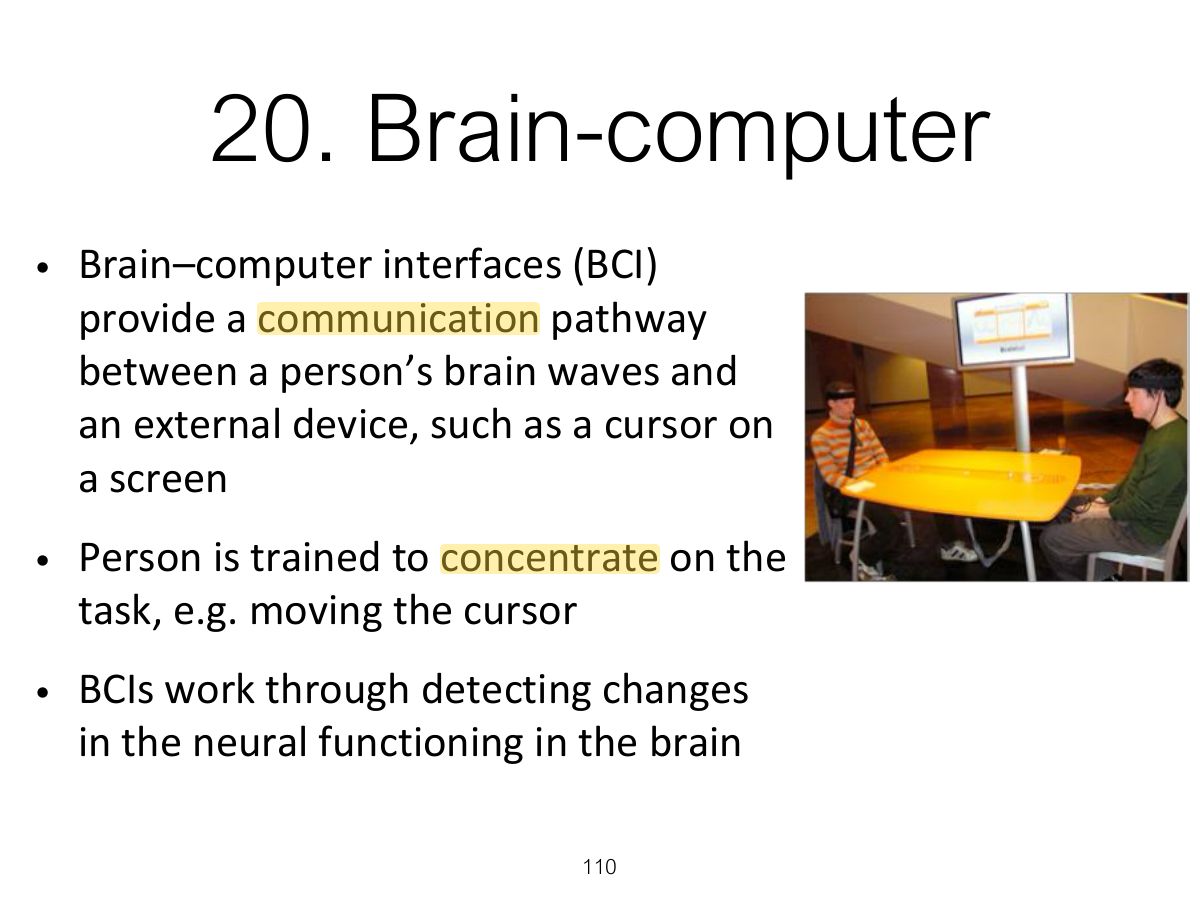
                                                                                                                                                                                                Slide 110: 20. Brain-computer
                                                                                                                                                                                                Exam weight Low
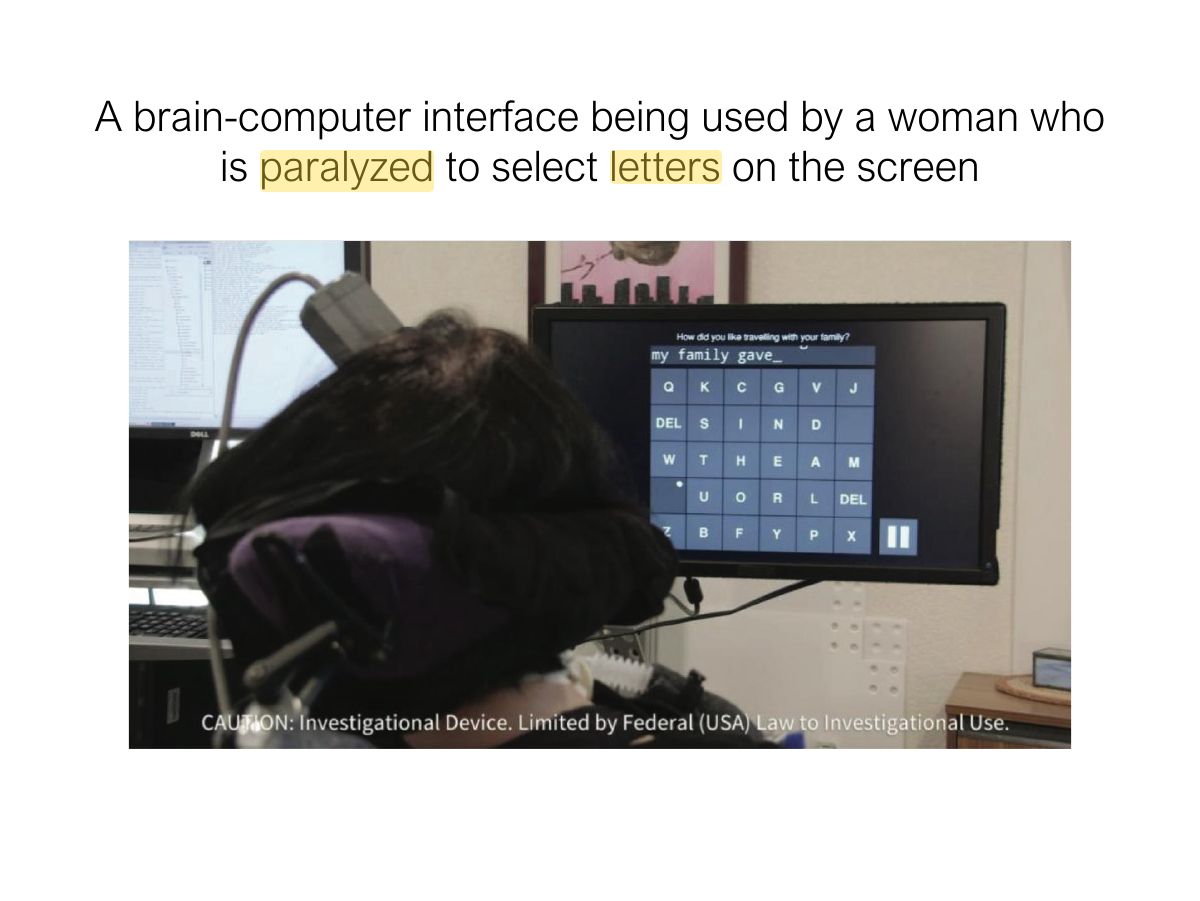
                                                                                                                                                                                                  Slide 111: A brain-computer interface being used by a woman who is paralyzed to select letters on the screen
                                                                                                                                                                                                  Exam weight Low

                                                                                                                                                                                                    Natural User Interfaces (NUIs)

                                                                                                                                                                                                    • A NUI is one that enables user to interact with a computer in the same ways they interact with the physical world through using voice, hands & bodies
                                                                                                                                                                                                    • E.g. instead using a keyboard..
                                                                                                                                                                                                      • speak to machines
                                                                                                                                                                                                      • stroke their surfaces
                                                                                                                                                                                                      • gesture at them in the air
                                                                                                                                                                                                      • dance on mats that detect feet movements
                                                                                                                                                                                                      • Smile to get reaction
                                                                                                                                                                                                      • Etc..
                                                                                                                                                                                                    • But, how natural are NUIs?
                                                                                                                                                                                                    112
                                                                                                                                                                                                    Exam weight Low
                                                                                                                                                                                                    1. Natural user interfaces (NUIs): interact with speech, gestures, touch as we do with the physical world.

                                                                                                                                                                                                    Which Interface?

                                                                                                                                                                                                    • Is multimedia better than tangible interfaces for learning?
                                                                                                                                                                                                    • Is speech as effective as a command-based interface?
                                                                                                                                                                                                    • Is a multimodal interface more effective than a monomodal interface?
                                                                                                                                                                                                    • Will wearable interfaces be better than mobile interfaces for helping people find information in foreign cities?
                                                                                                                                                                                                    • Are virtual environments the ultimate interface for playing games?
                                                                                                                                                                                                    • Will shareable interfaces be better at supporting communication and collaboration compared with using networked desktop PCs?
                                                                                                                                                                                                    113
                                                                                                                                                                                                    Exam weight Low
                                                                                                                                                                                                    1. Choose the interface by the users, their tasks, context and the product’s goals, not by novelty.

                                                                                                                                                                                                    Which Interface? (cont)

                                                                                                                                                                                                    • Will depend on task, users, context, cost, robustness, etc
                                                                                                                                                                                                    • Mobile platforms taking over from PCs
                                                                                                                                                                                                    • Speech interfaces also being used much more for a variety of commercial services
                                                                                                                                                                                                    • Appliance and vehicle interfaces becoming more important
                                                                                                                                                                                                    • Shareable and tangible interfaces entering our homes, schools, public places, and workplaces
                                                                                                                                                                                                    114
                                                                                                                                                                                                    Exam weight Low

                                                                                                                                                                                                      Summary

                                                                                                                                                                                                      • Important to have a good understanding of the problem space
                                                                                                                                                                                                      • Fundamental aspect of interaction design is to develop a conceptual model
                                                                                                                                                                                                      • Interaction modes and interface metaphors provide a structure for thinking about which kind of conceptual model to develop
                                                                                                                                                                                                      • Interaction styles are specific kinds of interfaces that are instantiated as part of the conceptual model
                                                                                                                                                                                                      • Many innovative interfaces have emerged post the WIMP/GUI era, including speech, wearable, mobile, brain and tangible
                                                                                                                                                                                                      • An important concern that underlies the design of any kind of interface is how information is represented to the user so they can carry out on-going activity or task
                                                                                                                                                                                                      115
                                                                                                                                                                                                      Exam weight Low