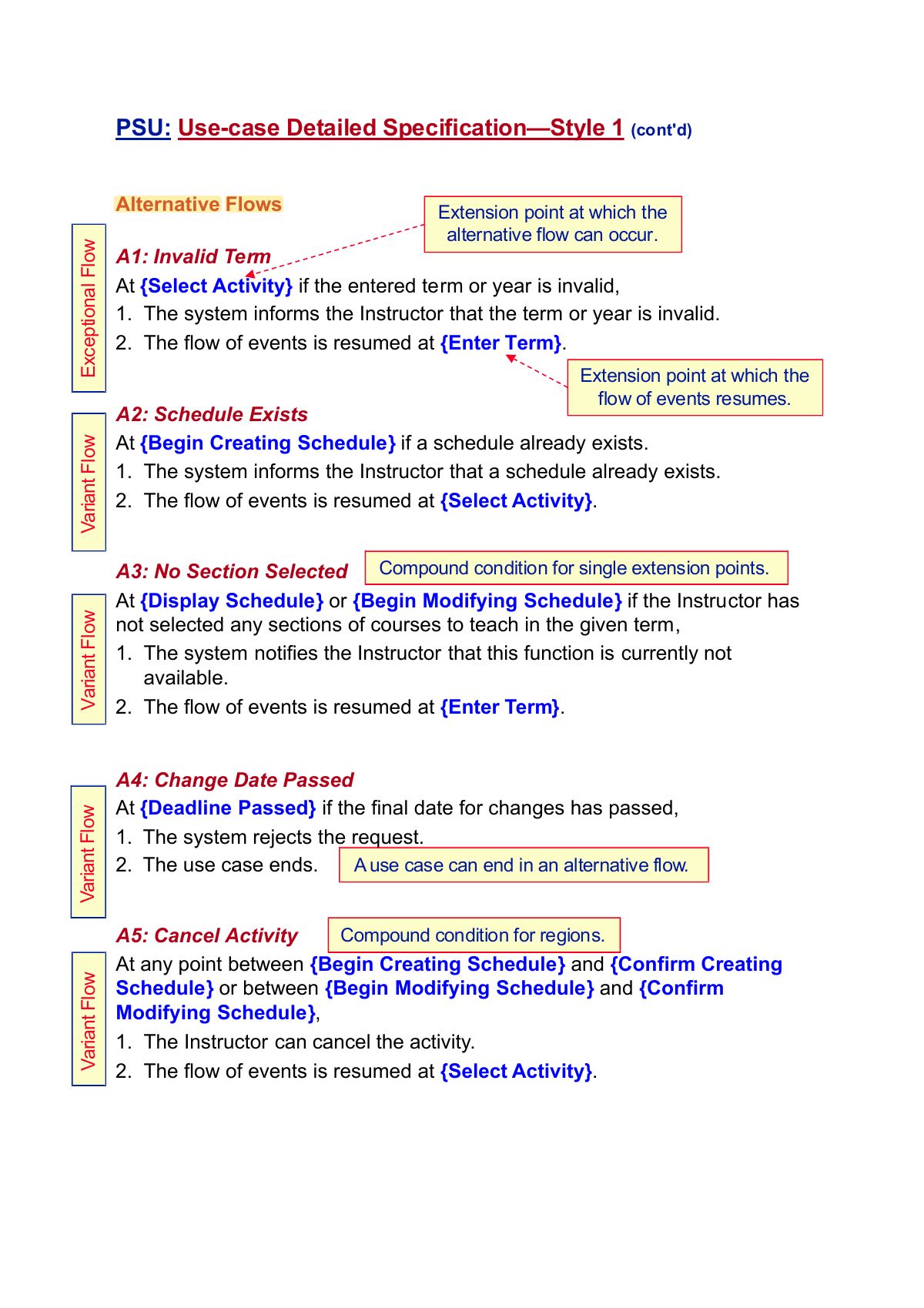
Alternative Flows A1: Invalid Term At
{Select Activity} if the entered term
or year is invalid,
-
The system informs the Instructor that the term or
year is invalid.
-
The flow of events is resumed at
{Enter Term}.
A2: Schedule Exists At
{Begin Creating Schedule} if a schedule
already exists.
-
The system informs the Instructor that a schedule
already exists.
-
The flow of events is resumed at
{Select Activity}.
A3: No Section Selected At
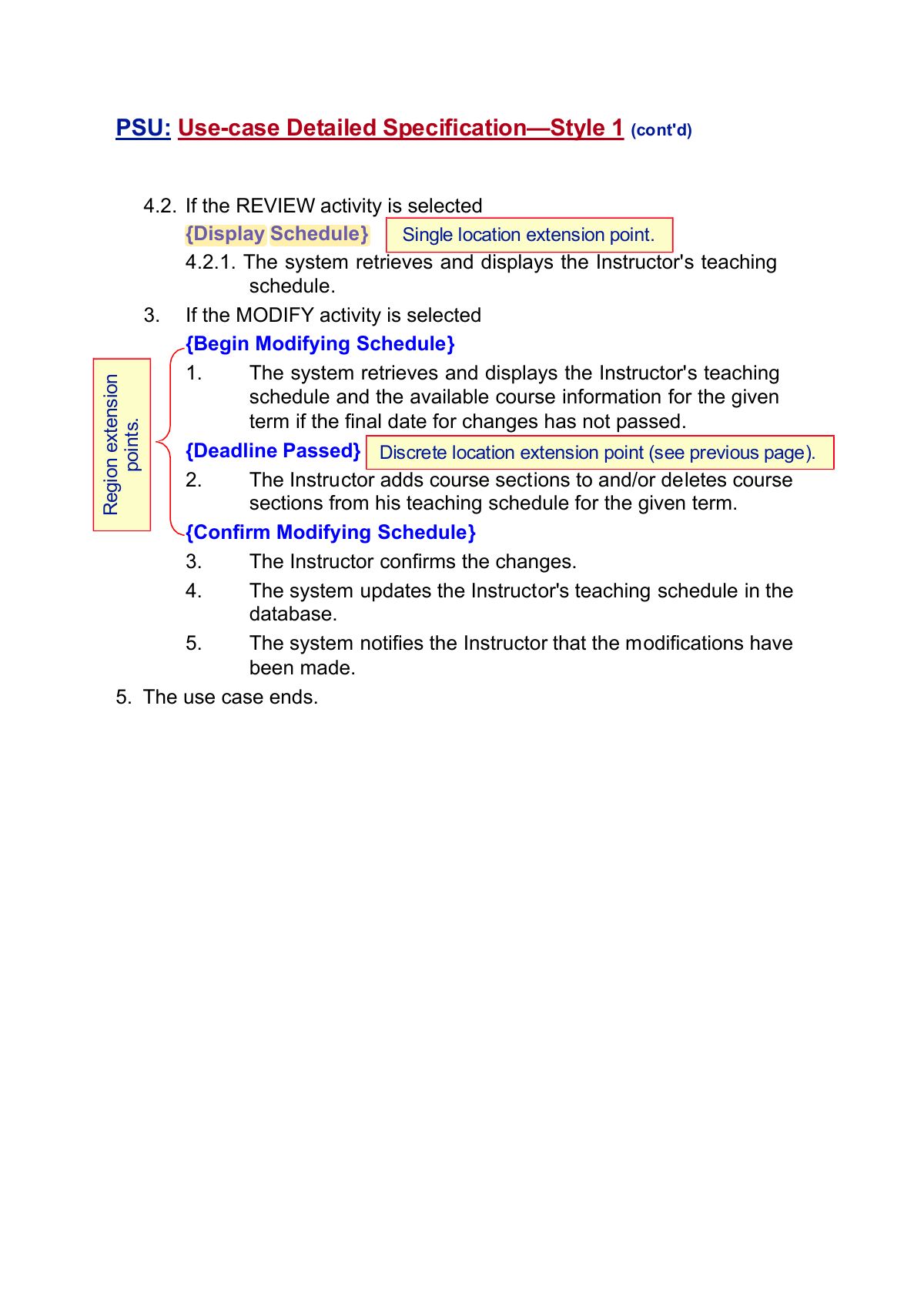
{Display Schedule} or
{Begin Modifying Schedule} if the
Instructor has not selected any sections of courses to
teach in the given term,
-
The system notifies the Instructor that this function
is currently not available.
-
The flow of events is resumed at
{Enter Term}.
A4: Change Date Passed At
{Deadline Passed} if the final date for
changes has passed,
- The system rejects the request.
- The use case ends.
A5: Cancel Activity At any point
between {Begin Creating Schedule} and
{Confirm Creating Schedule} or between
{Begin Modifying Schedule} and
{Confirm Modifying Schedule},
- The Instructor can cancel the activity.
-
The flow of events is resumed at
{Select Activity}.
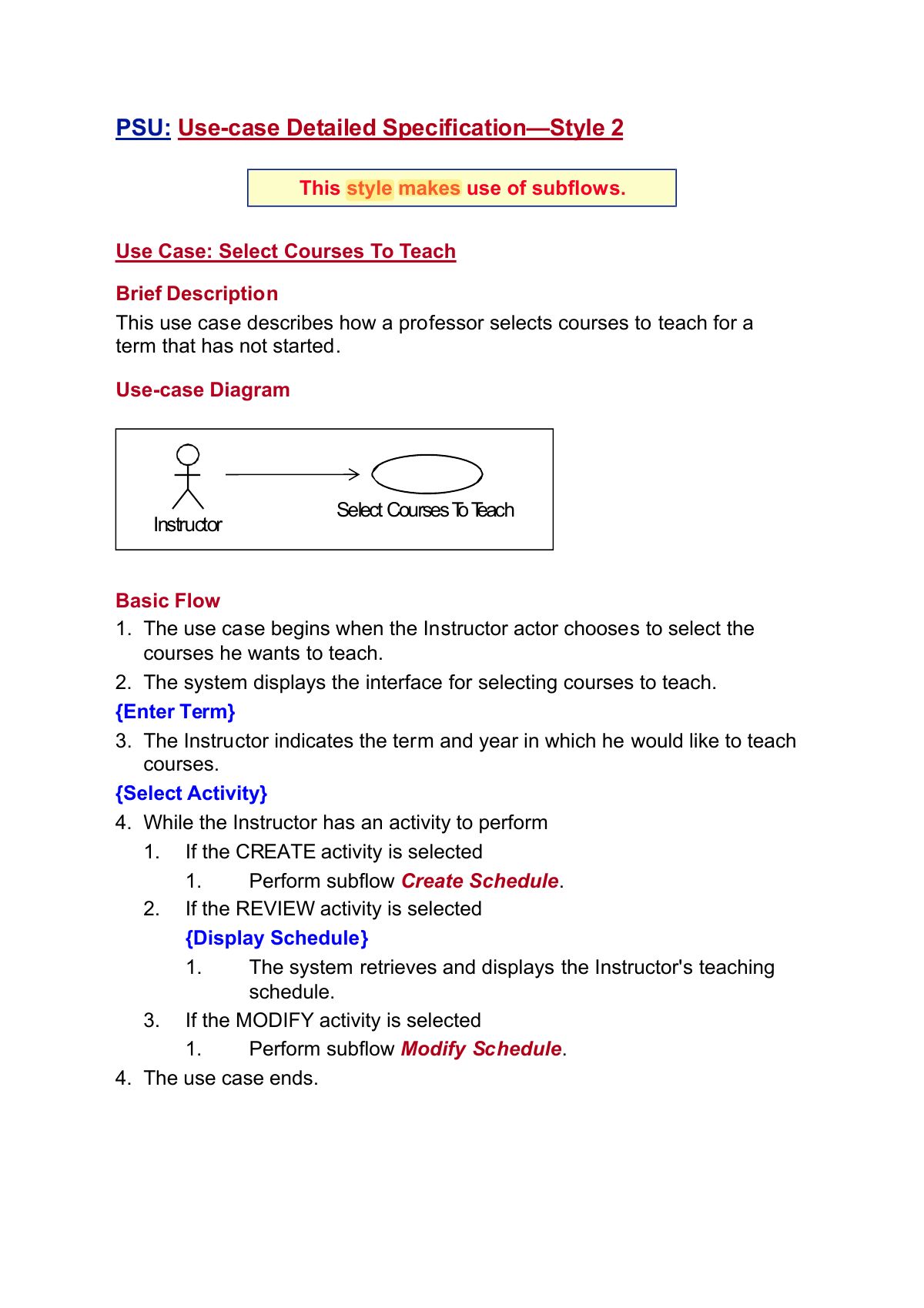
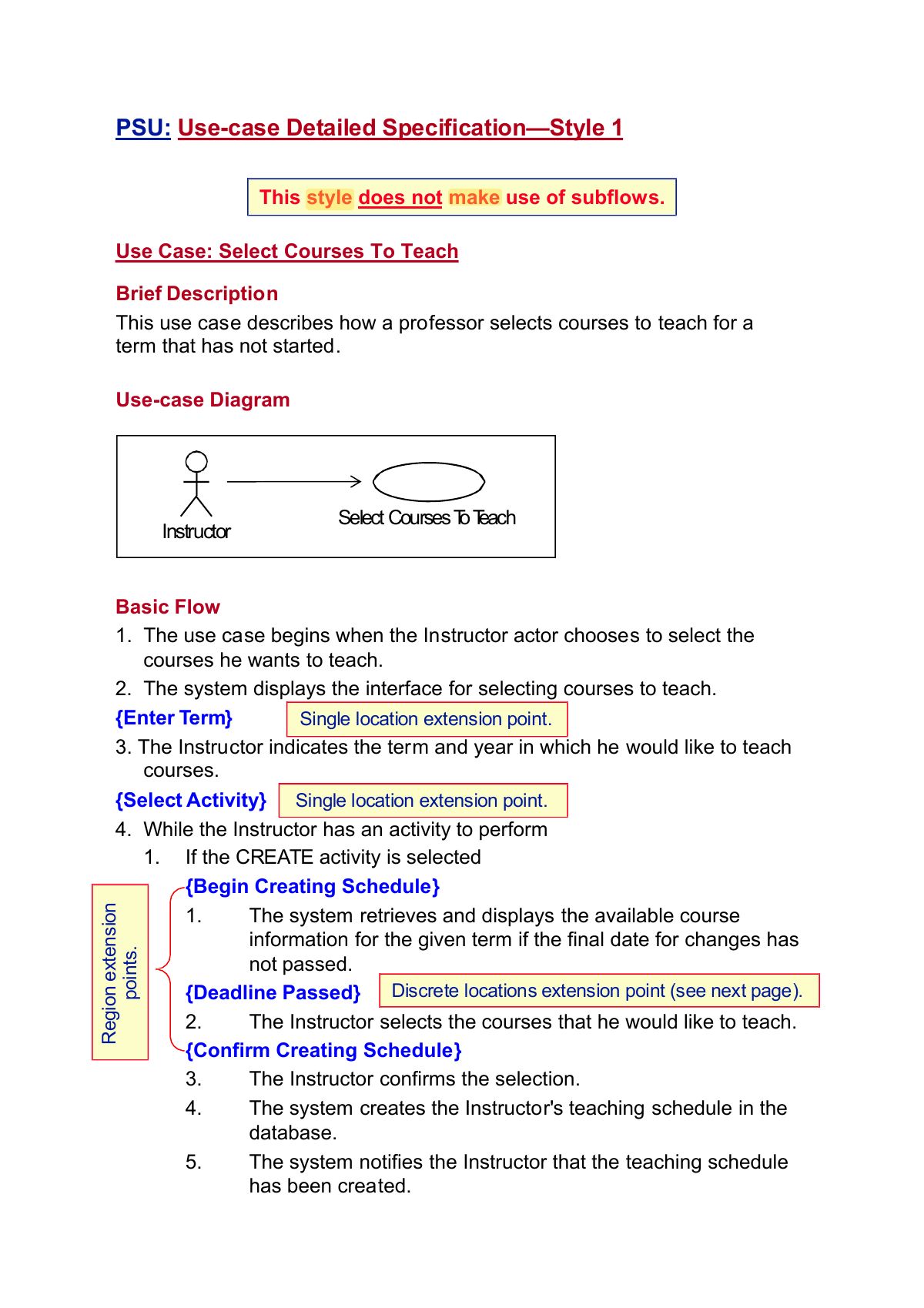
We note that the preceding two styles are only
examples . There are many different ways to write
use-case descriptions. A project should select a
style and use it consistently.