CYS405 · Annotated SlidesChapter 7 — Malware
Chapter 7 · Annotated slides

Malware

Malware types (spyware, adware, scareware, ransomware), viruses and how they spread, worms, Trojans and how they get onto systems, infection symptoms and detection, netstat, wrappers, construction kits, backdoors, keyloggers, port redirection and pen testing for Trojans.
Slide text Study notes Highlight: key words Tips, tricks & traps Seen again elsewhere How it can come up
Slide 1: Slide 1
Exam weight Low

    Learning Objective

    • Identify common types of malware and the threats they pose.
    2
    Exam weight Low

      Key Concepts

      • Types of malware
      • Malware removal and mitigation
      • Trojan behavior, detection, and creation
      • Backdoors and covert channels
      • Ransomware
      3
      Exam weight Low

        Malware Introduction

        • Any software that is hostile, intrusive, or annoying in its operation and performs any action or activity without the knowledge or consent of the system’s owner.
        • Has been adopted by criminals for a wide array of purposes to capture information about the victim or commit other acts.
        • Includes viruses, worms, Trojans, spyware, adware, scareware, ransomware, and more.
        • Has evolved to steal or destroy information, such as keystroke loggers.
        4
        Exam weight Low
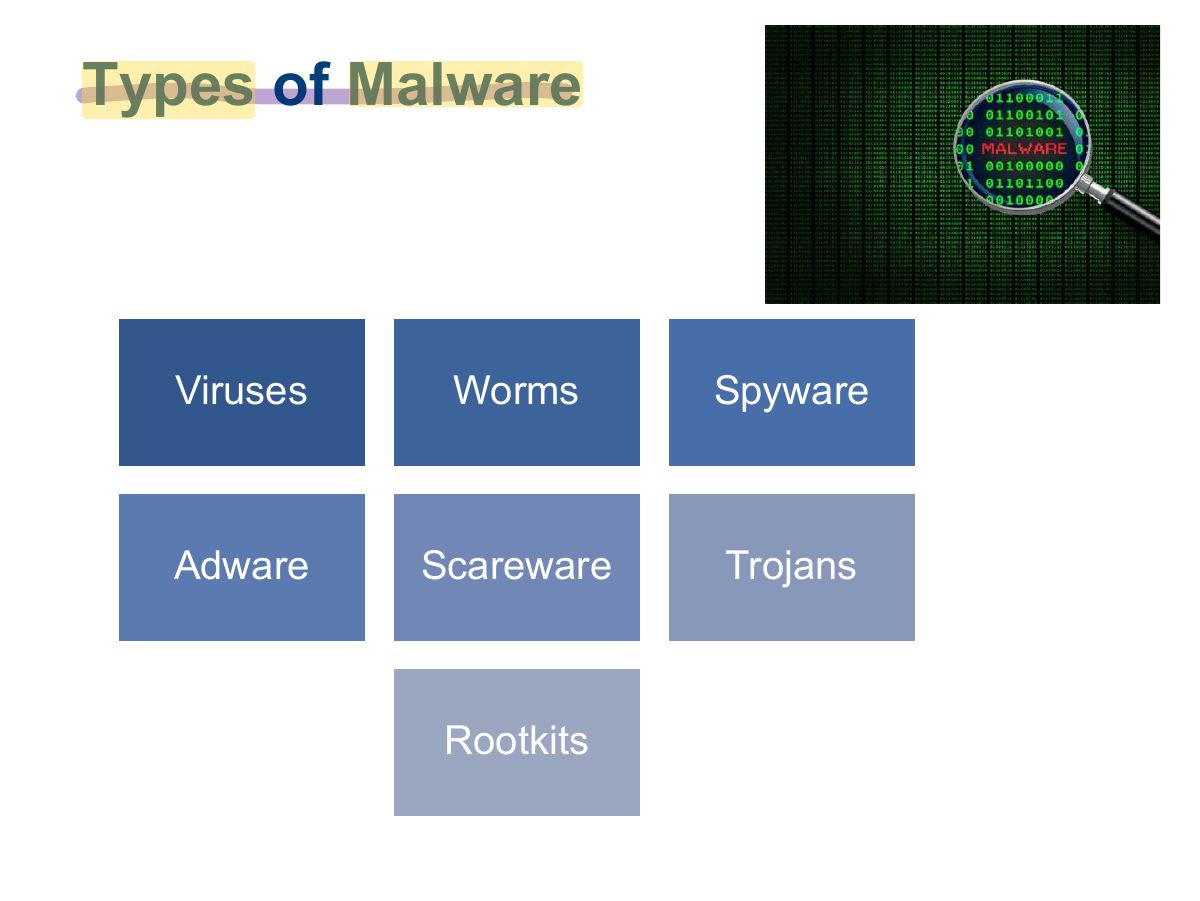
          Slide 5: Types of Malware
          Exam weight Low
          1. Malware = software designed to harm or abuse a system: viruses, worms, Trojans, spyware, adware, ransomware, rootkits.
          Slide 6: Spyware
          Exam weight Low
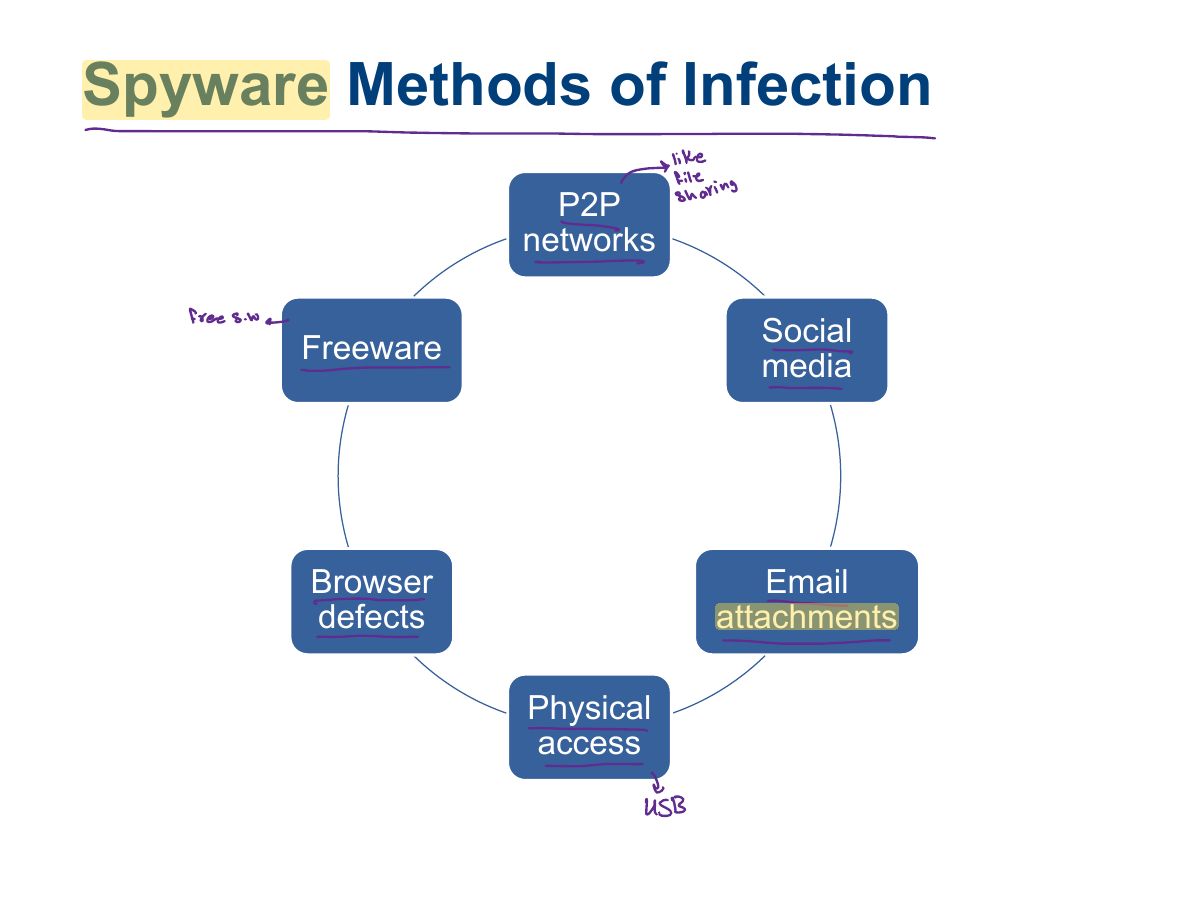
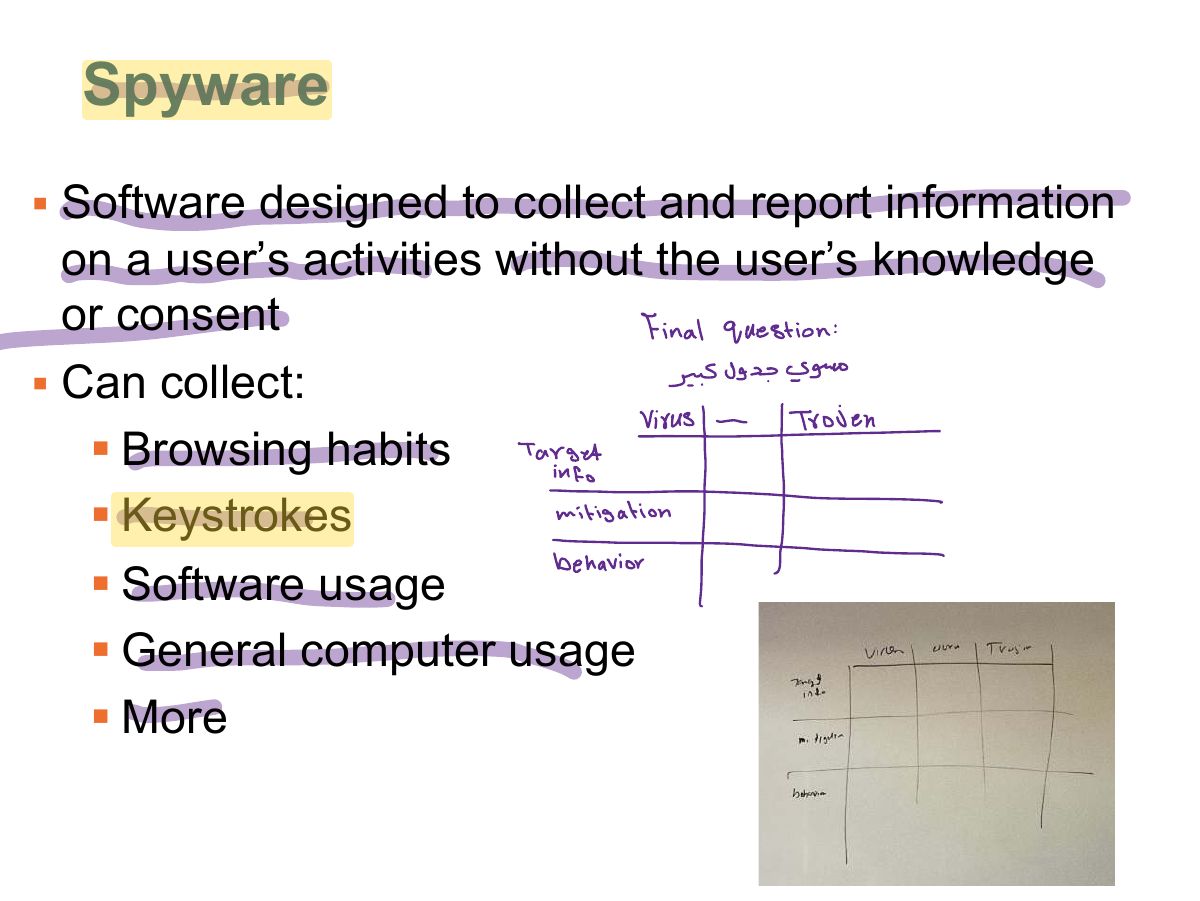
          1. Spyware: secretly gathers information about the user and sends it out.
          Slide 7: Spyware Methods of Infection
          Exam weight Low
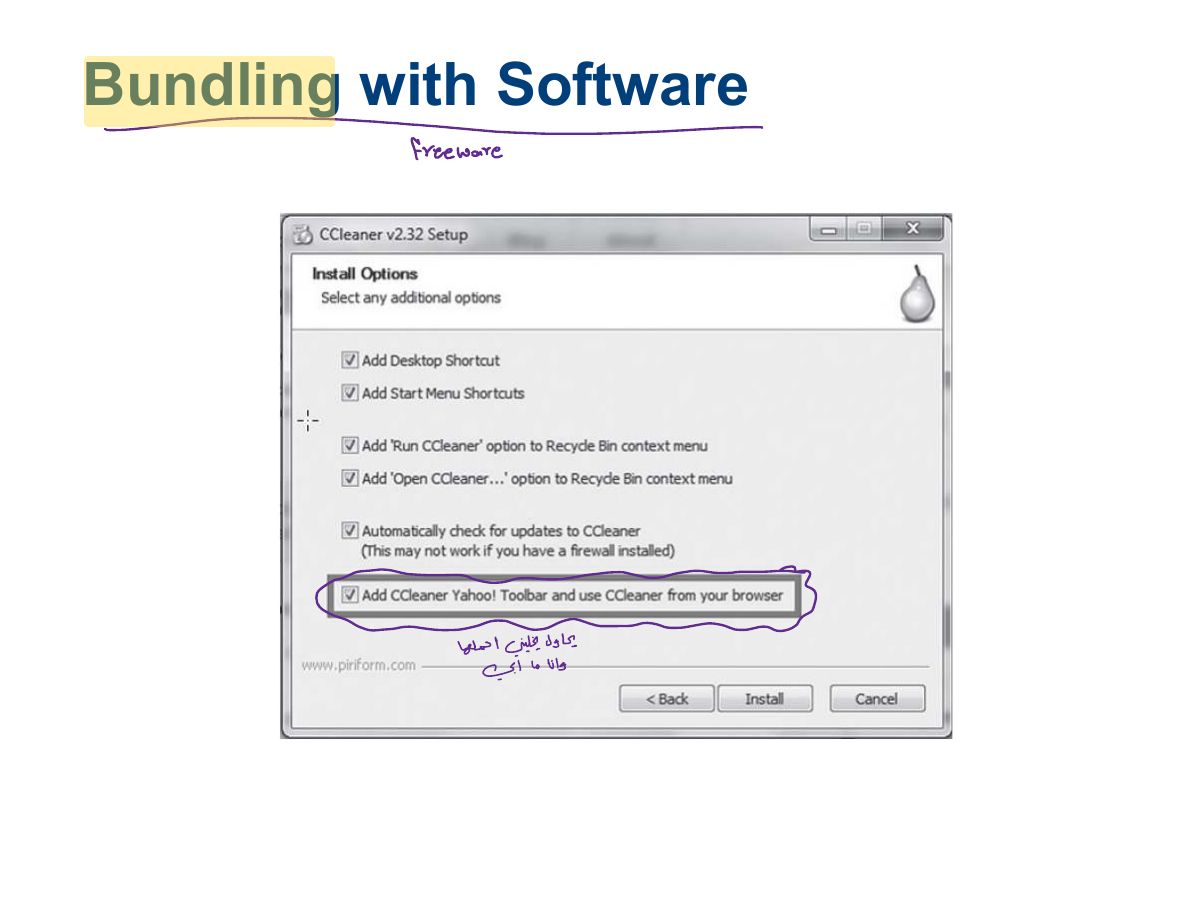
            Slide 8: Bundling with Software
            Exam weight Low
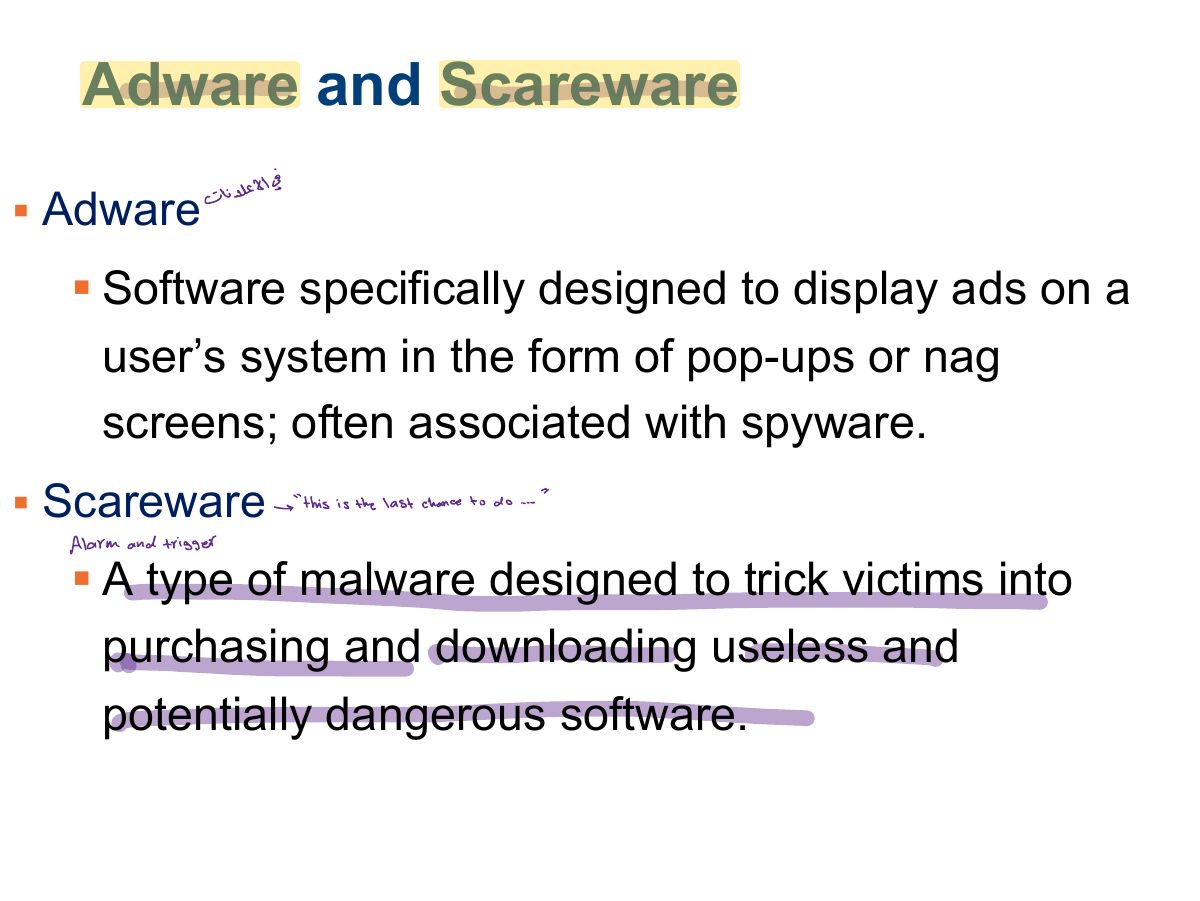
              Slide 9: Adware and Scareware
              Exam weight Low
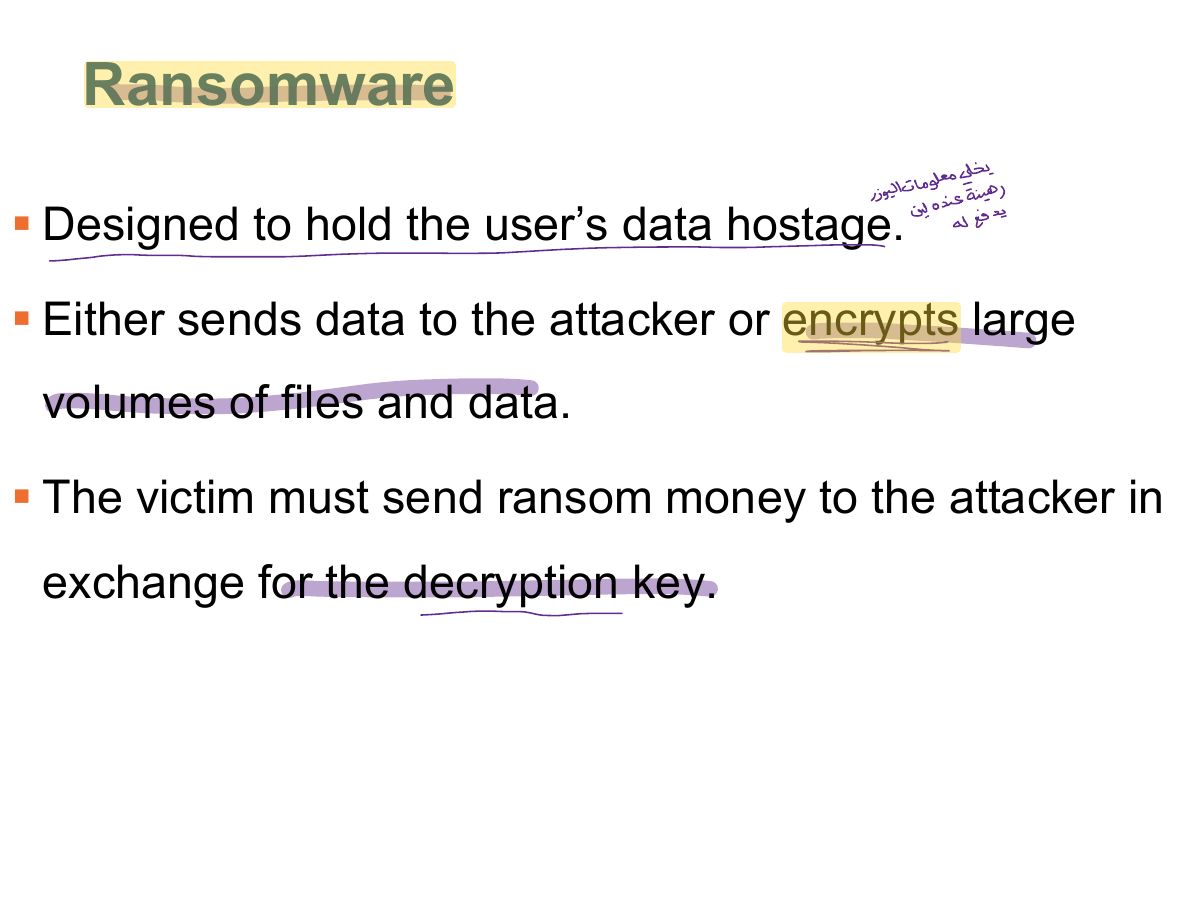
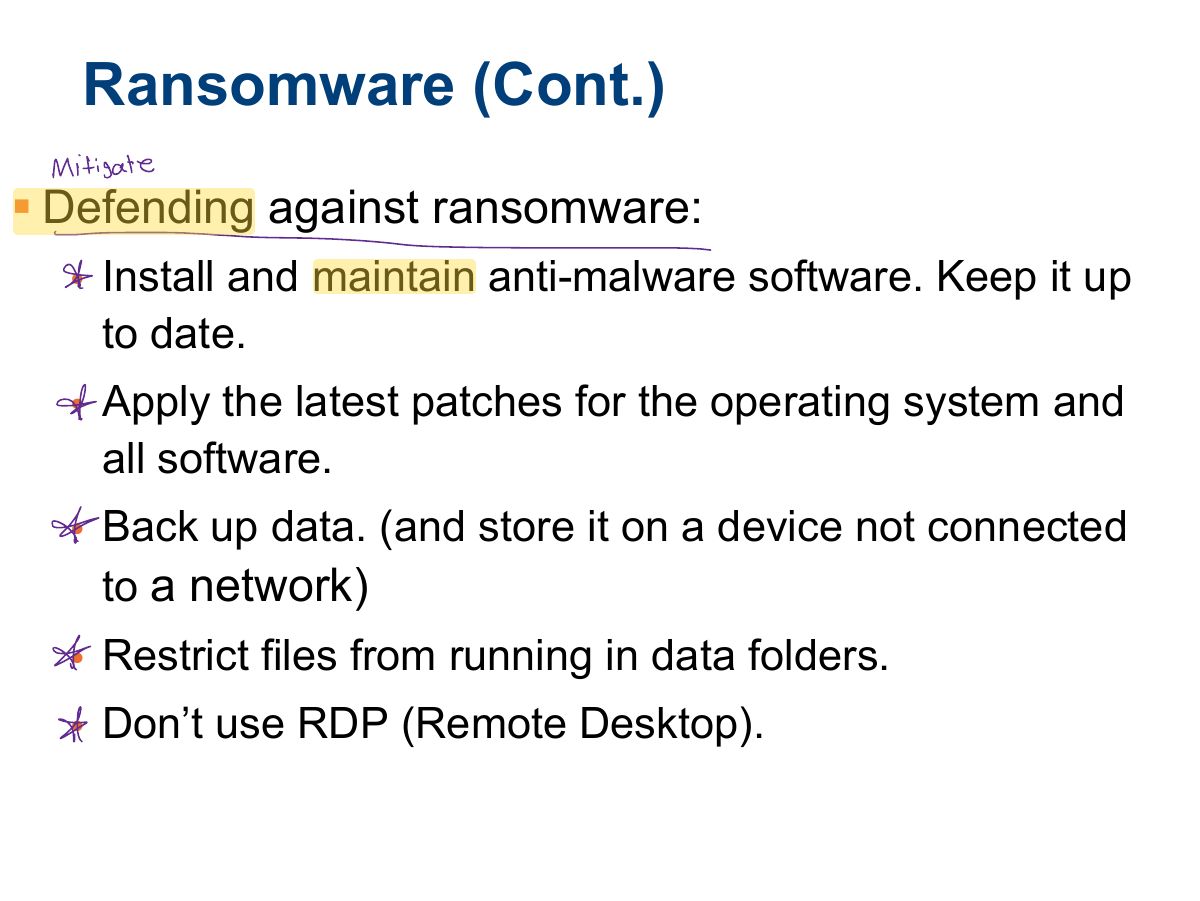
                Slide 10: Ransomware
                Exam weight High
                1. Ransomware: encrypts the victim’s files and demands payment for the key.
                🎯 How this can come up · 1 question
                MCQ

                Malware that encrypts files and demands payment is:

                Slide 11: Ransomware (Cont.)
                Exam weight Low
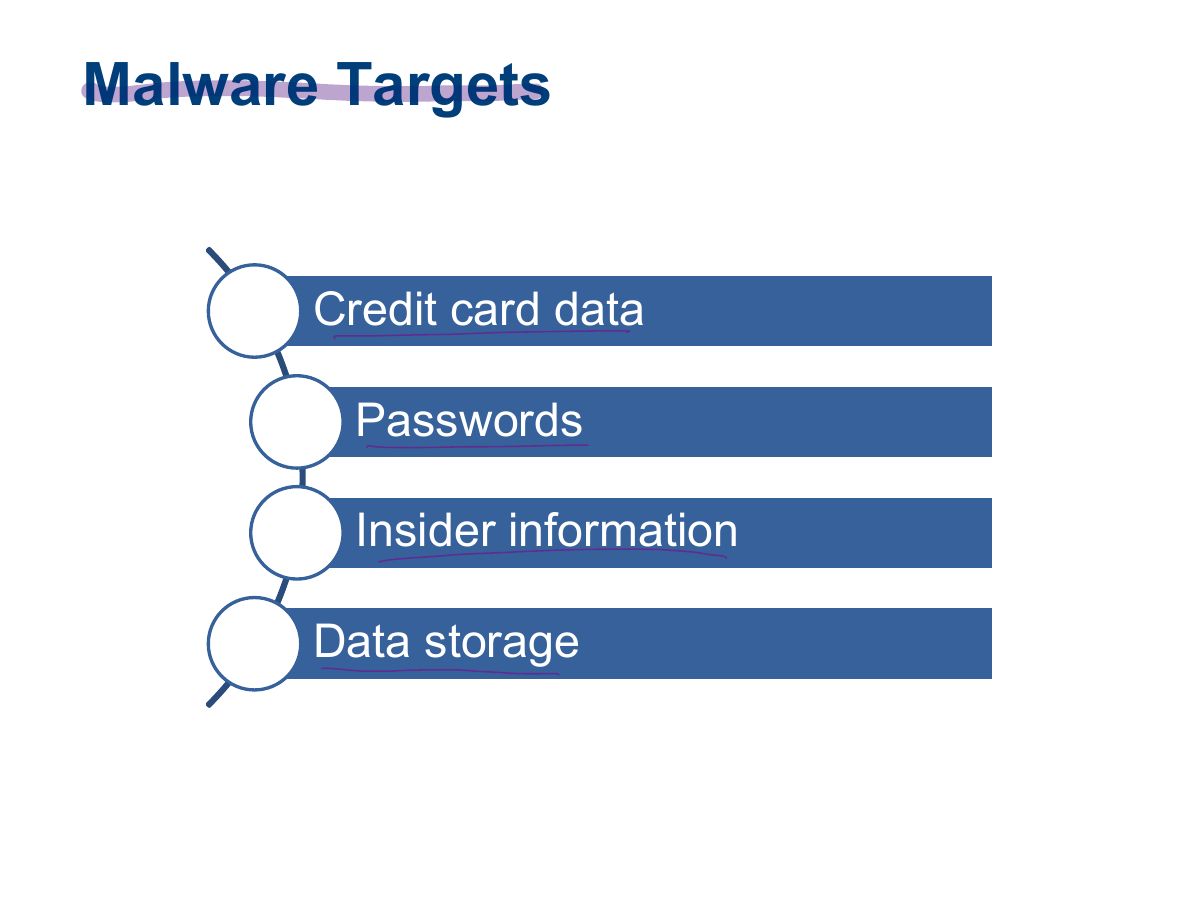
                  Slide 12: Malware Targets
                  Exam weight Low

                    Viruses and How They Function

                    Virus

                    • Oldest piece of malware software
                    • Term is frequently used to refer to all types of malware
                    • A piece of code or software that spreads from system to system by attaching itself to other files
                    • Virus activates when the file is accessed
                    • Upon activation, the code carries out the attack or other action the author wishes to execute (destroying or corrupting data, for example)
                    13
                    Exam weight Low
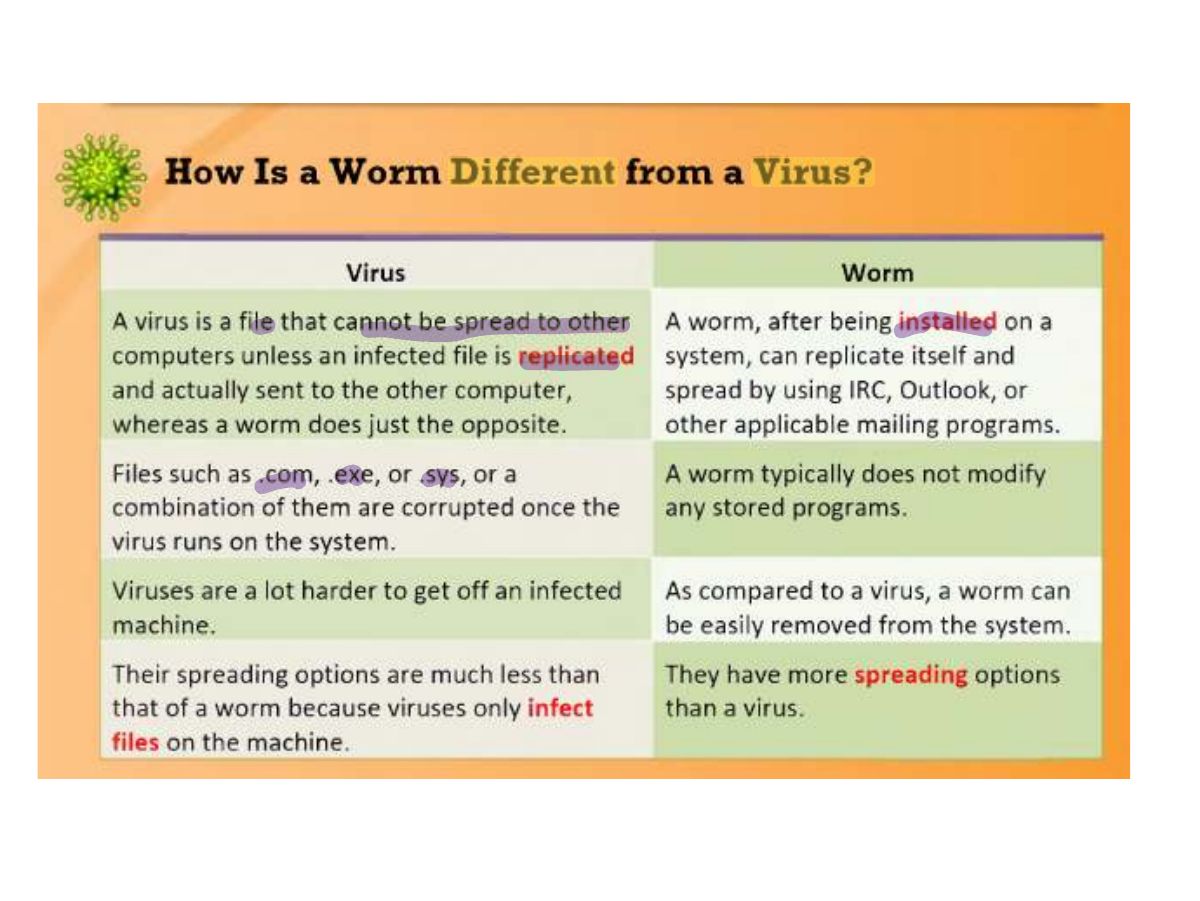
                    1. A virus attaches to a host file and needs USER ACTION to spread.

                    Types of Viruses

                    • Logic bombs
                      • Designed to go off on a specific date or when specific event happens
                    • Polymorphic viruses
                      • Can change its shape to avoid antivirus programs and detection
                    • Multipartite viruses
                      • Infects using multiple attack vectors, including the boot sector and executable files on the hard drive
                    • Macro viruses
                      • Infects and operates using macro language
                    • Hoaxes
                      • Not a true virus but are designed to get the user to take an action even though no infection or threat exists
                    14
                    Exam weight Low
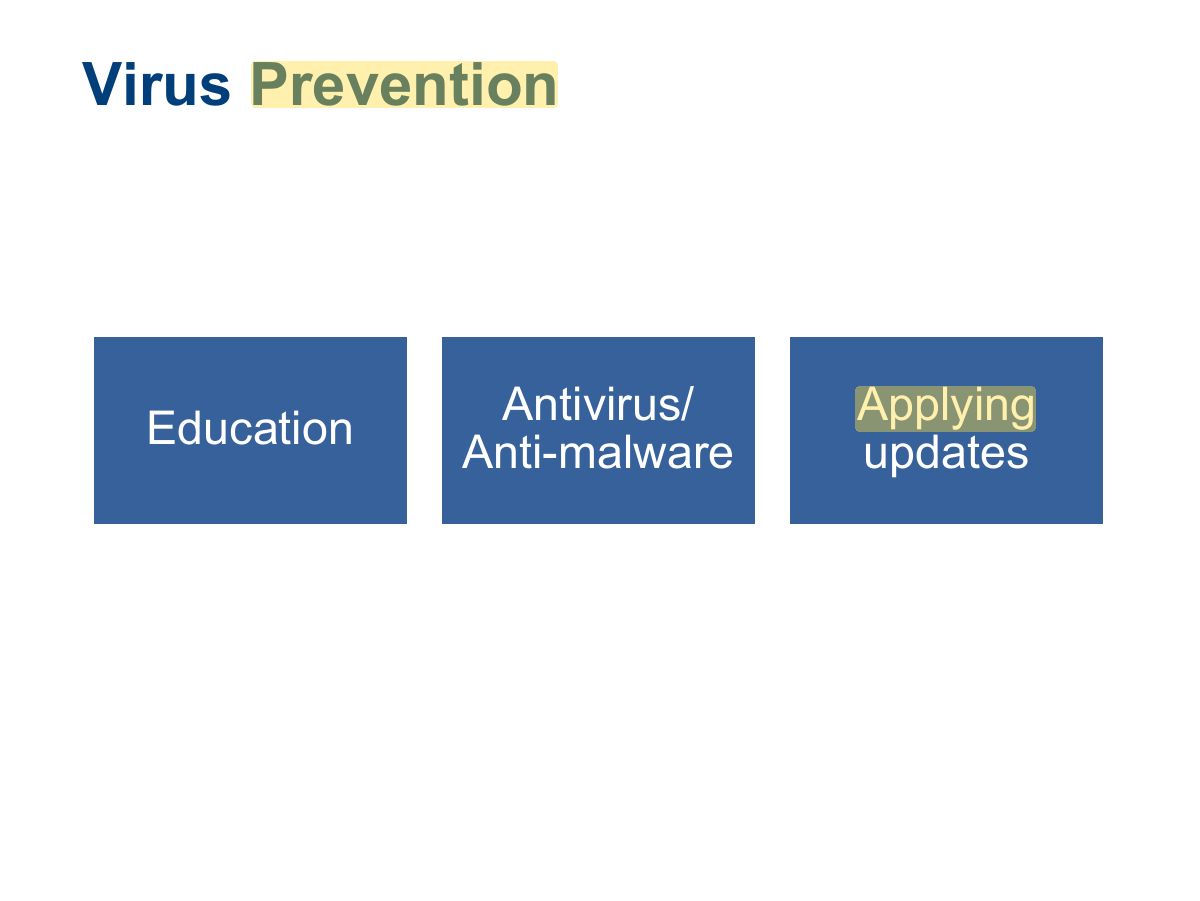
                      Slide 15: Virus Prevention
                      Exam weight Low

                        Worms and How They Function

                        • Self-replicating piece of software that combines the convenience of computer networks with the power of malware.
                        • Does not require a host program; is self-contained
                        • Does not require user intervention
                        • Replicates rapidly
                        • Consumes bandwidth and resources
                        • Can transmit information from a victim system.
                        • Can carry a payload such as a virus.
                        16
                        Exam weight High
                        1. A worm self-replicates across networks WITHOUT user action.
                        Memory trickVirus needs a host and a user; worm spreads by itself; Trojan pretends to be useful.
                        🎯 How this can come up · 1 question
                        MCQ

                        Which spreads on its own without attaching to a file or needing user action?

                        Stopping Worms

                        • Patch operating systems
                          • Doesn’t protect from a zero-day exploit, in which a hole can be exploited immediately
                        • Education
                          • How to open email safely
                          • Don’t respond to phishing messages
                        • Antivirus
                        • Firewalls
                        17
                        Exam weight Low
                          Slide 18: Slide 18
                          Exam weight High
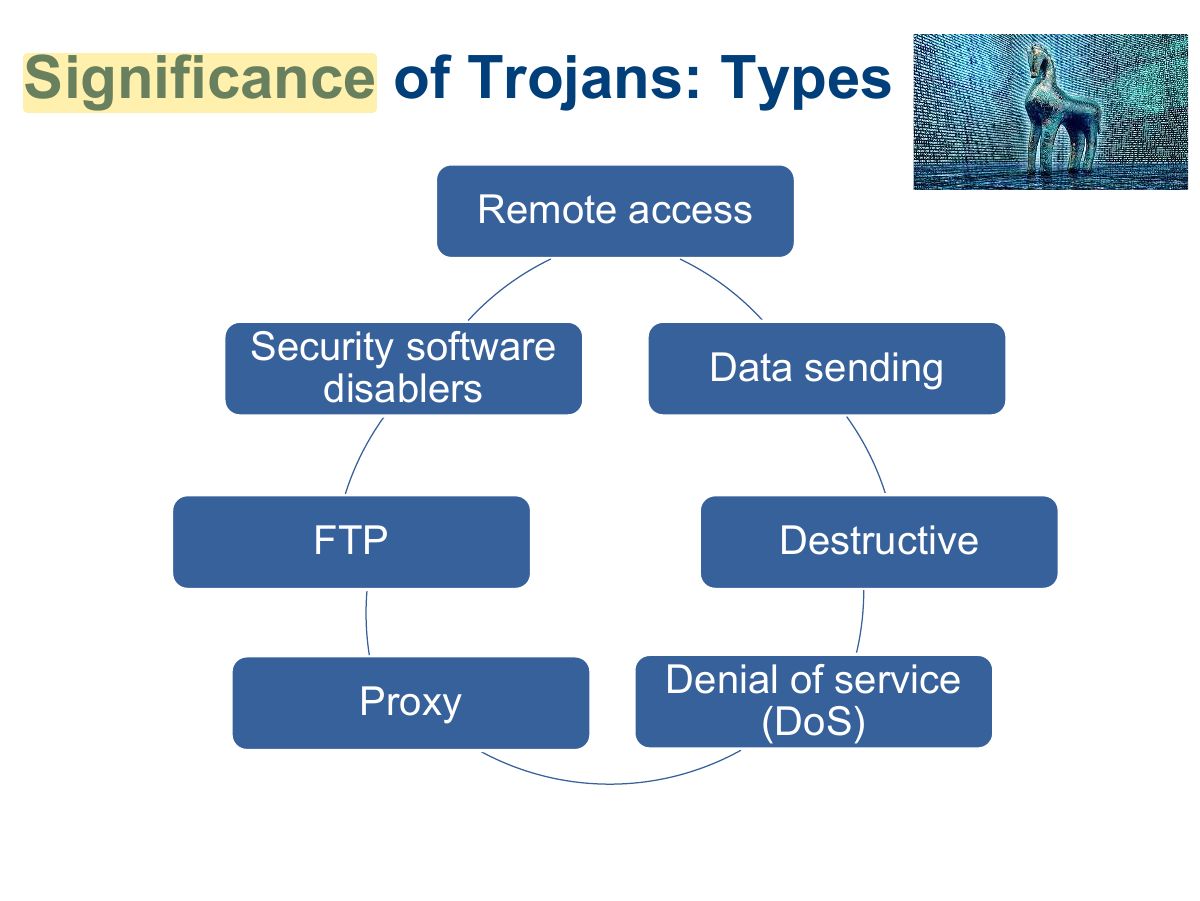
                          1. Trojan: looks legitimate but hides a malicious payload (often a remote-access backdoor).
                          🎯 How this can come up · 1 question
                          MCQ

                          A "free game" that secretly opens a backdoor is a:

                          Slide 19: Significance of Trojans: Types
                          Exam weight Low

                            Methods to Get Trojans onto a System

                            1. A Trojan attaches to another file.
                            2. The file is retrieved and executed by an unsuspecting victim.
                            3. The Trojan then typically grants access to the attacker or can do some other action on the attacker’s behalf.
                            20
                            Exam weight Low

                              Methods to Get Trojans onto a System (Cont.)

                              • Functions of Trojans:
                                • Data theft
                                • Installation of software
                                • Downloading or uploading of files
                                • Modification or deletion of files
                                • Installing keystroke loggers
                                • Viewing the system user’s screen
                                • Consuming computer storage space
                                • Crashing the victim’s system
                              21
                              Exam weight Low
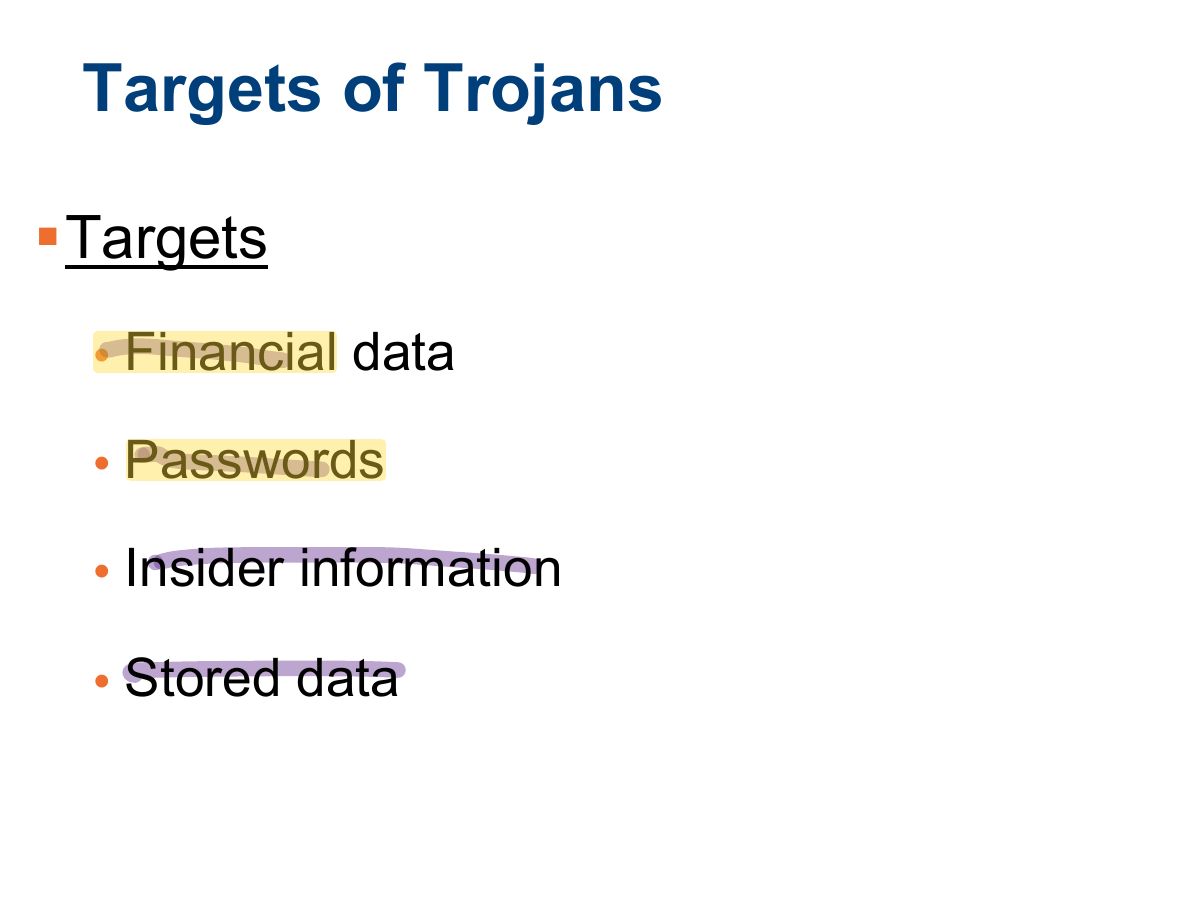
                                Slide 22: Targets of Trojans
                                Exam weight Low

                                  Known Symptoms of an Infection

                                  • The CD/DVD drawer of a computer opens and closes.
                                  • The computer screen changes, such as flips or inverts.
                                  • Screen settings change by themselves.
                                  • Documents print with no explanation.
                                  • A browser is redirected to a strange or unknown webpage.
                                  • Windows color settings change.
                                  • Screen saver settings change.
                                  • Right and left mouse buttons reverse their functions.
                                  • The mouse pointer disappears.
                                  • The mouse pointer moves in unexplained ways.
                                  23
                                  Exam weight Low
                                  1. Symptoms: slow system, strange pop-ups, disabled antivirus, unknown processes, unexpected network traffic.

                                  Known Symptoms of an Infection (Cont.)

                                  • The start button disappears.
                                  • Chat boxes appear on the infected system.
                                  • The Internet service provider (ISP) reports that the victim’s computer is running port scans.
                                  • People chatting appear to know detailed personal information.
                                  • The system shuts down by itself.
                                  • The taskbar disappears.
                                  • The account passwords are changed.
                                  • Legitimate accounts are accessed without authorization.
                                  24
                                  Exam weight Low

                                    Known Symptoms of an Infection (Cont.)

                                    • Unknown purchase statements appear in credit card bills.
                                    • The Ctrl+Alt+Del command stops working.
                                    • Although the computer is rebooted, a message states that there are other users still connected.
                                    25
                                    Exam weight Low
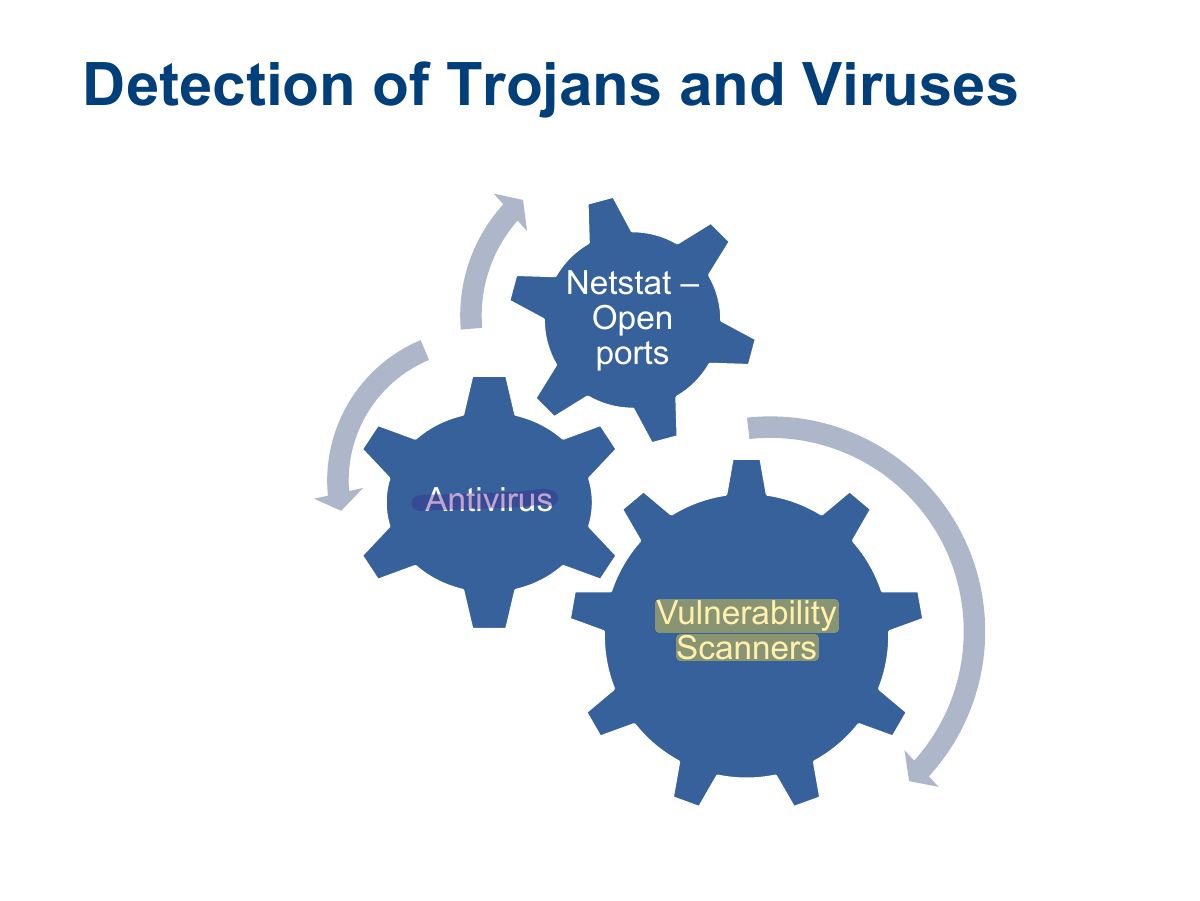
                                      Slide 26: Detection of Trojans and Viruses
                                      Exam weight Low
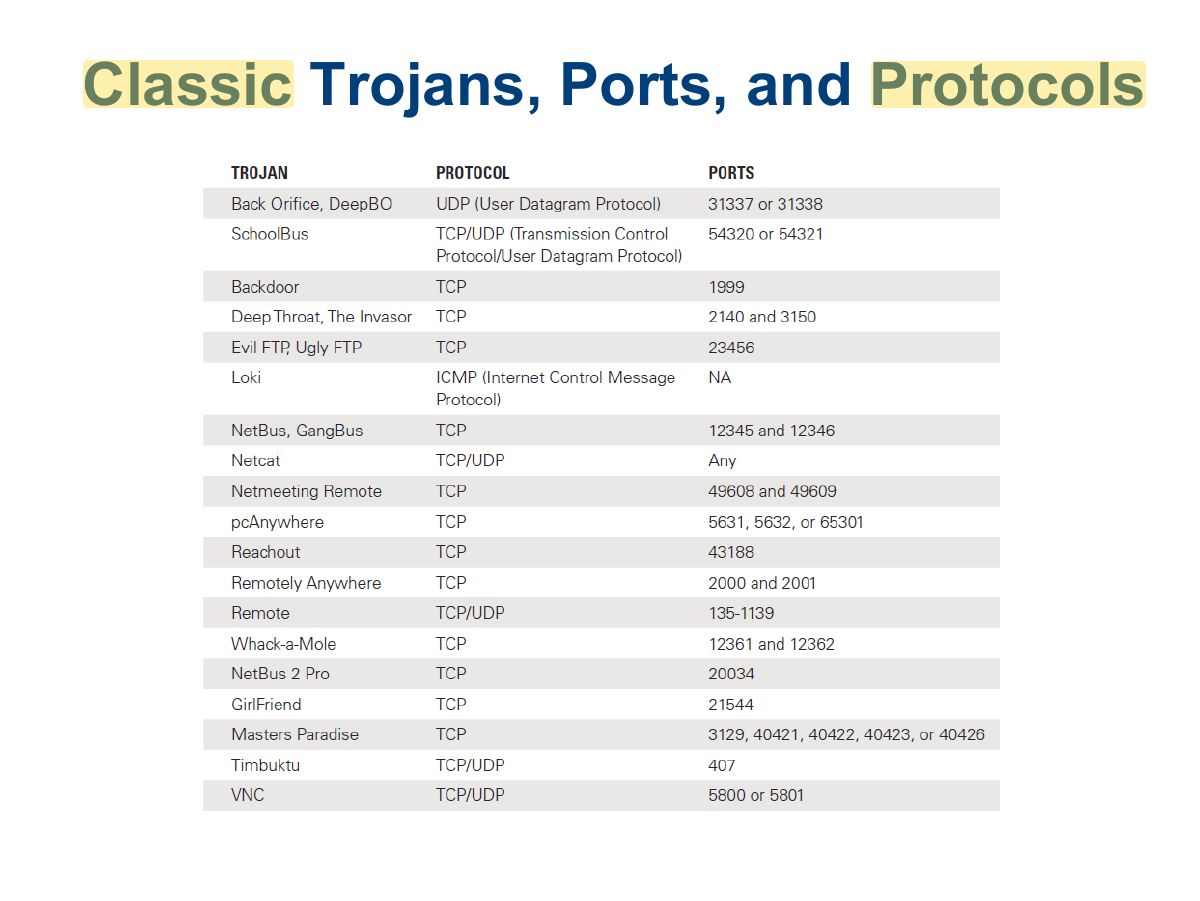
                                        Slide 27: Classic Trojans, Ports, and Protocols
                                        Exam weight Low
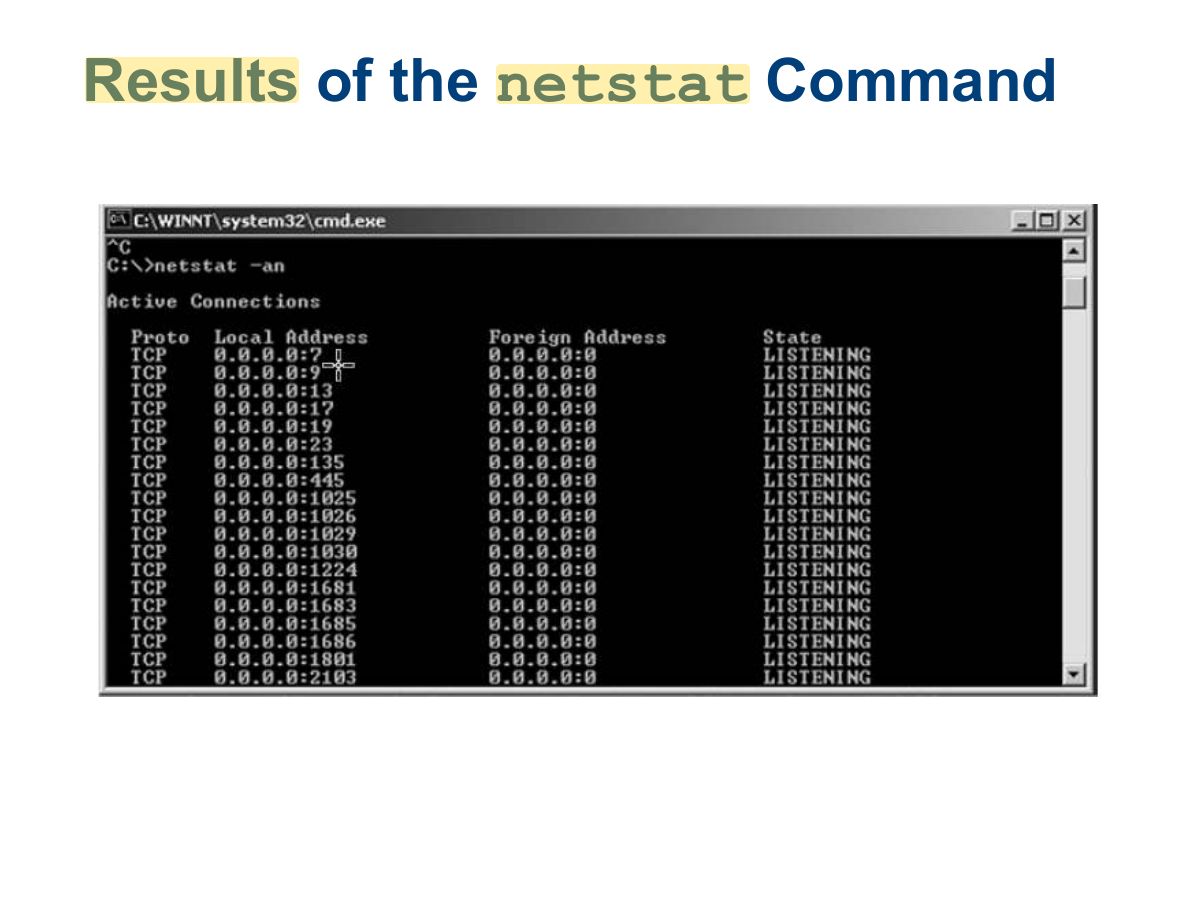
                                          Slide 28: netstat Results of the Command
                                          Exam weight Low
                                          1. netstat -an lists open ports and connections: look for unknown listening ports.

                                          Trojan Distribution Method: Wrappers

                                          • The attackers merge intended payload with a harmless executable to create a single executable.
                                          • New executable is posted in some location where it is likely to be downloaded.
                                          29
                                          Exam weight Low
                                          1. Wrappers bind a Trojan to a legitimate program so both run together.

                                          Wrappers

                                          30
                                          Exam weight Low

                                            Different ways a Trojan can get into a System

                                            31
                                            Exam weight Low
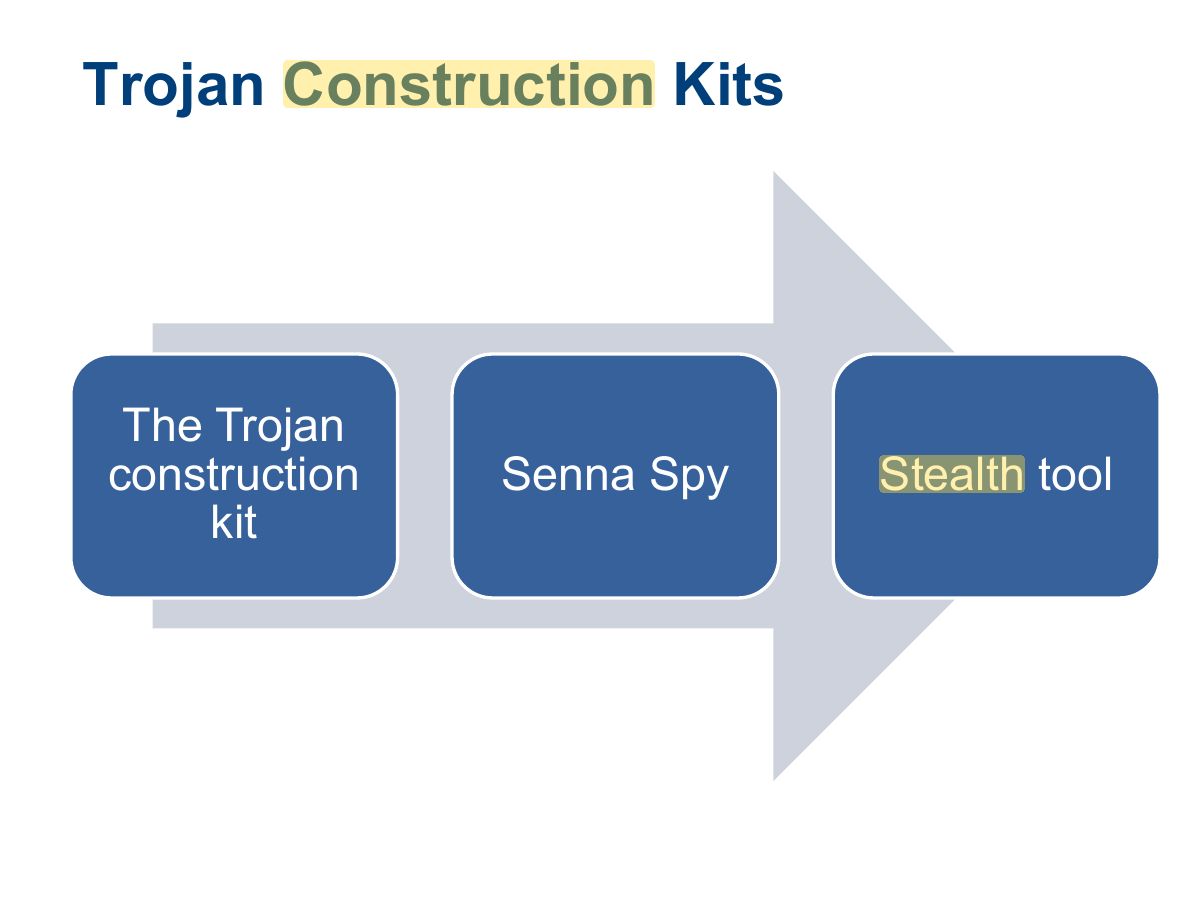
                                              Slide 32: Trojan Construction Kits
                                              Exam weight Low
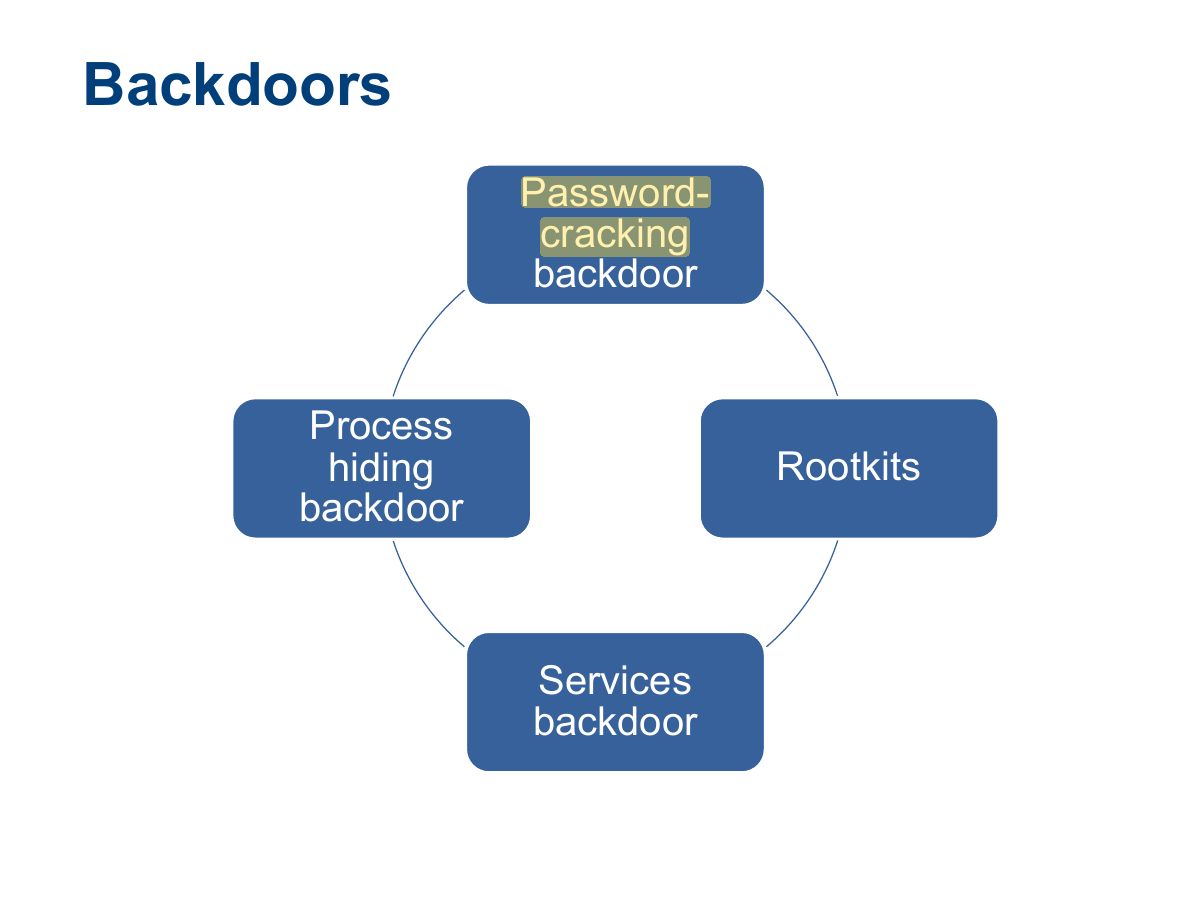
                                                Slide 33: Backdoors
                                                Exam weight Low
                                                1. Backdoor: a hidden way to bypass normal authentication and return later.

                                                Keystroke Loggers

                                                • Are typically implemented as hardware or software
                                                • Software is installed just like any other Trojan
                                                  • Examples: IKS Software Keylogger and Ghost Keylogger
                                                • Hardware-based keystroke loggers are plugged into a universal serial bus (USB) or PS2 port
                                                34
                                                Exam weight Low

                                                  Port Redirection

                                                  • Communications are redirected to ports other than their original destination.
                                                  • Done by setting up a piece of software to listen on specified ports.
                                                  • When packets are received, the traffic is sent on to another system.
                                                  35
                                                  Exam weight Low
                                                  1. Port redirection (e.g. netcat, fpipe) forwards traffic from an allowed port to another host/port to bypass firewalls.

                                                  Port Redirection (Cont.)

                                                  • Netcat
                                                    • A simple command-line utility available for Linux, UNIX, and Windows
                                                    • Designed to function by reading information from connections using Transmission Control Protocol (TCP) or User Datagram Protocol (UDP) and doing simple port redirection on them as configured.
                                                  36
                                                  Exam weight Low

                                                    Pen Testing for Trojans and Backdoors

                                                    37
                                                    Exam weight Low

                                                      Pen Testing for Trojans and Backdoors

                                                      (Cont’d)

                                                      38
                                                      Exam weight Low

                                                        Pen Testing for Trojans and Backdoors

                                                        (Cont’d)

                                                        39
                                                        Exam weight Low

                                                          Summary

                                                          • Types of malware
                                                          • Malware removal and mitigation
                                                          • Trojan behavior, detection, and creation
                                                          • Backdoors and covert channels
                                                          • Ransomware
                                                          40
                                                          Exam weight Low