CYS405 · Annotated SlidesChapter 6 — System Hacking
Chapter 6 · Annotated slides

System Hacking

Windows authentication (SAM, NTLM, Kerberos), the CEH system-hacking goals, password cracking (non-electronic, active online, passive online, offline rainbow-table attacks, defaults), defenses, privilege escalation, executing applications and keyloggers, and covering tracks.
Slide text Study notes Highlight: key words Tips, tricks & traps Seen again elsewhere How it can come up
Slide 1: Slide 1
Exam weight Low

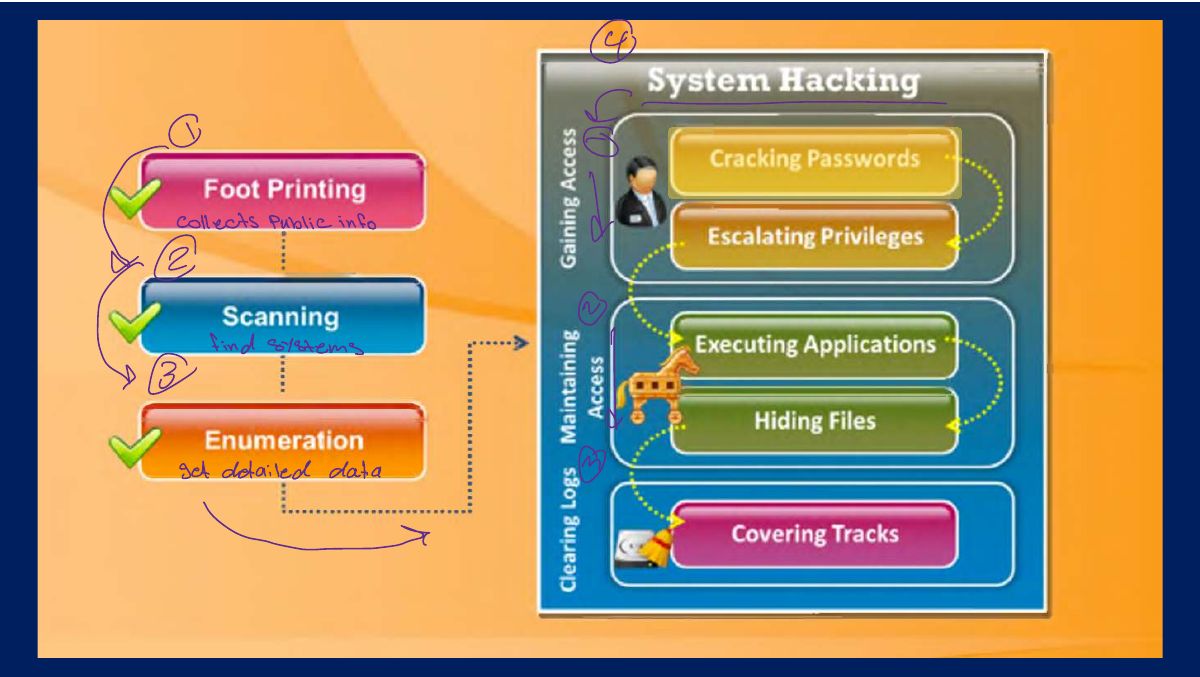
    Information at Hand Before System Hacking Stage

    2
    Exam weight Low
      Slide 3: Gaining Access
      Exam weight Low
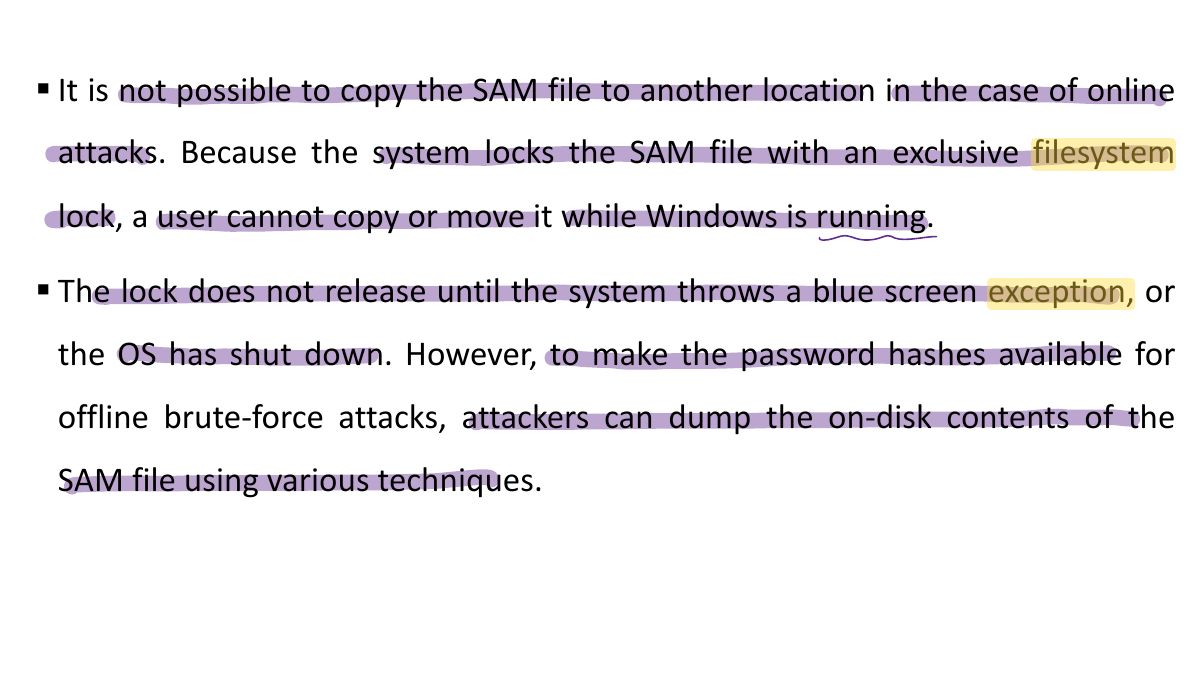
        Slide 4: § It is not possible to copy the SAM file to another location in the case of online
        Exam weight Low
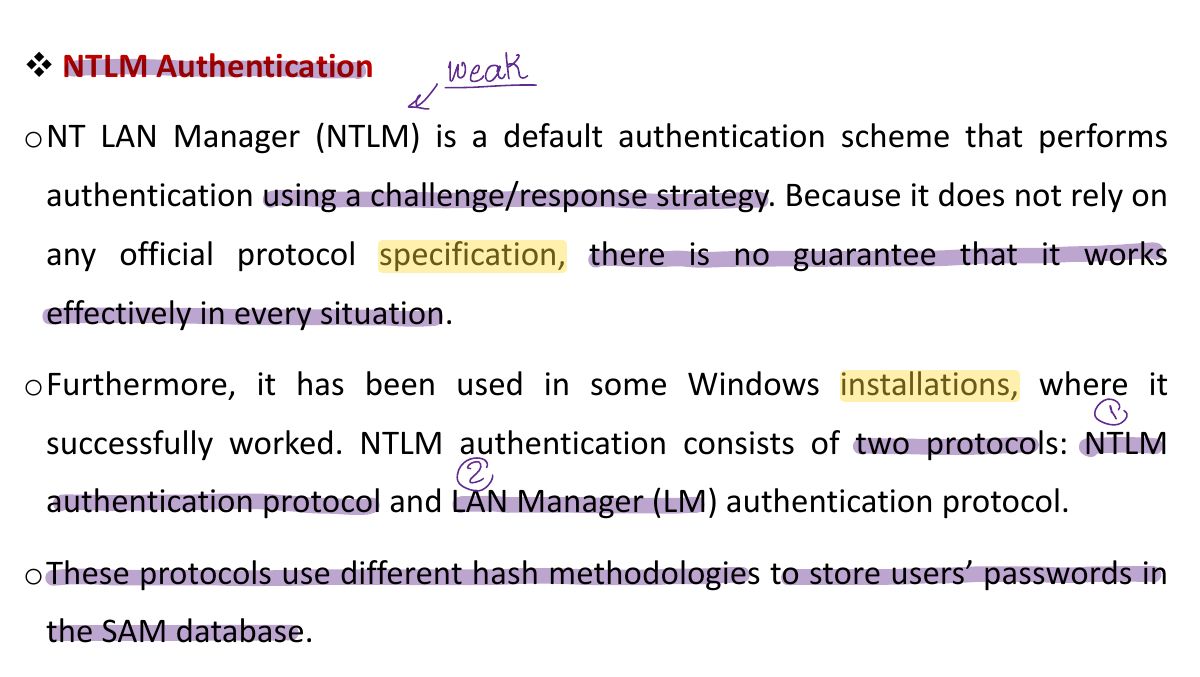
          Slide 5: v NTLM Authentication
          Exam weight Low
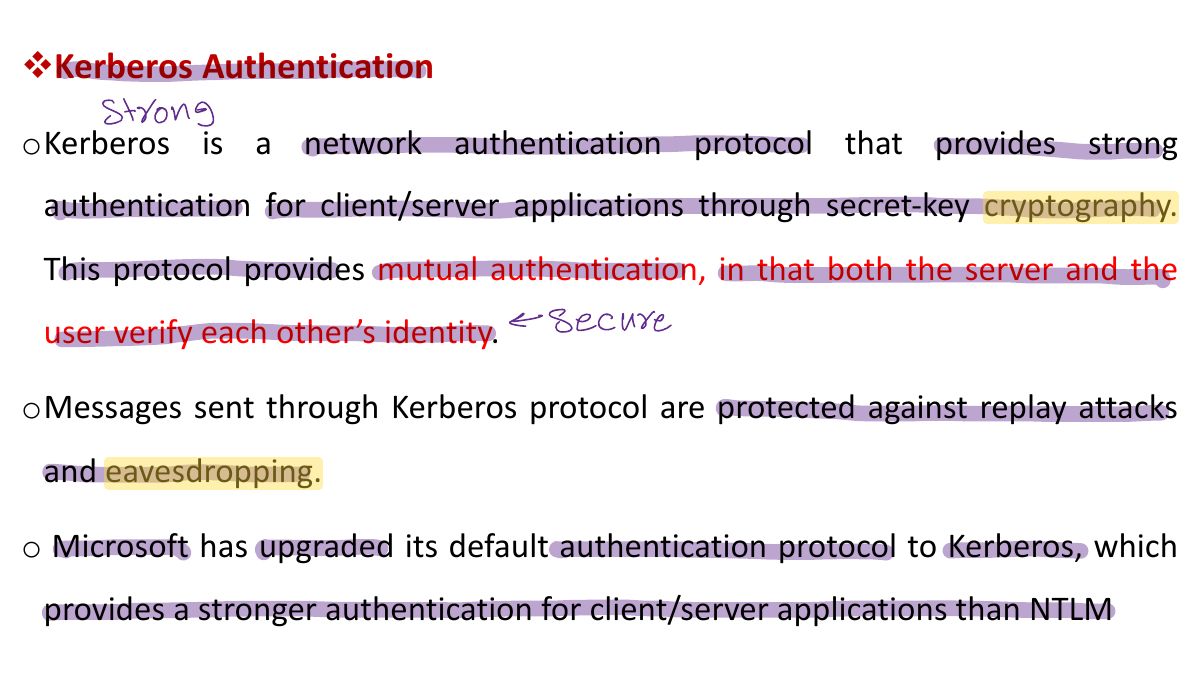
          1. NTLM: challenge–response with the password hash. Kerberos (default in domains): tickets from a KDC.
          Slide 6: v Kerberos Authentication
          Exam weight Low
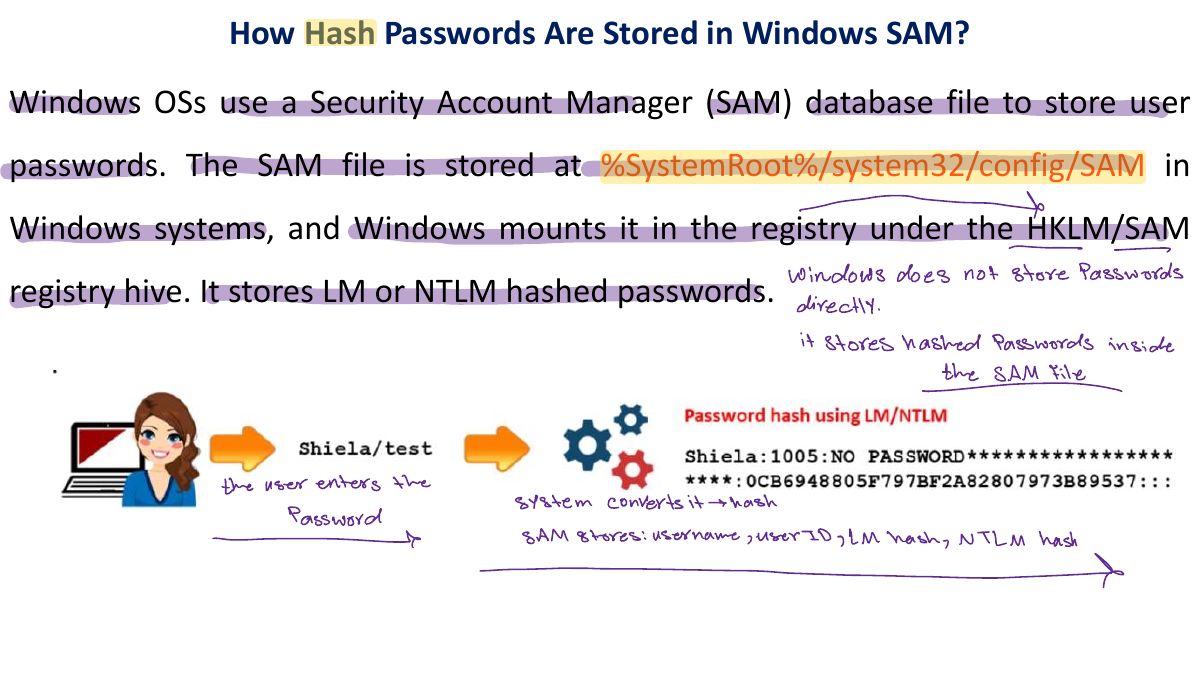
            Slide 7: How Hash Passwords Are Stored in Windows SAM?
            Exam weight Low
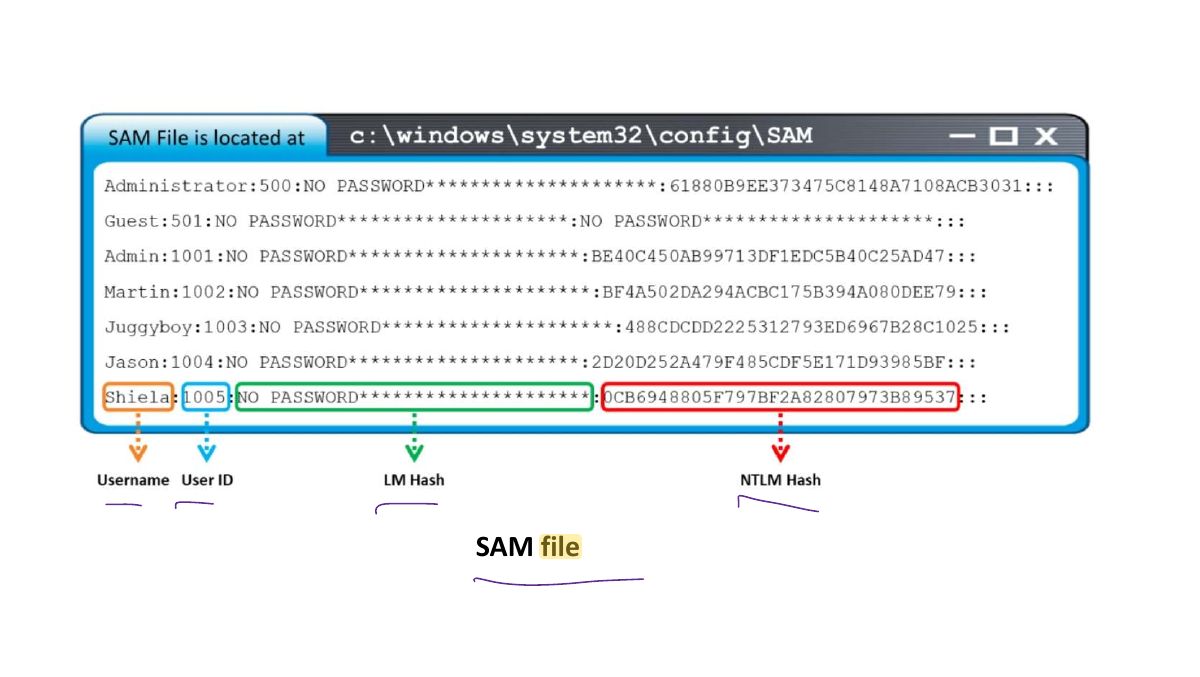
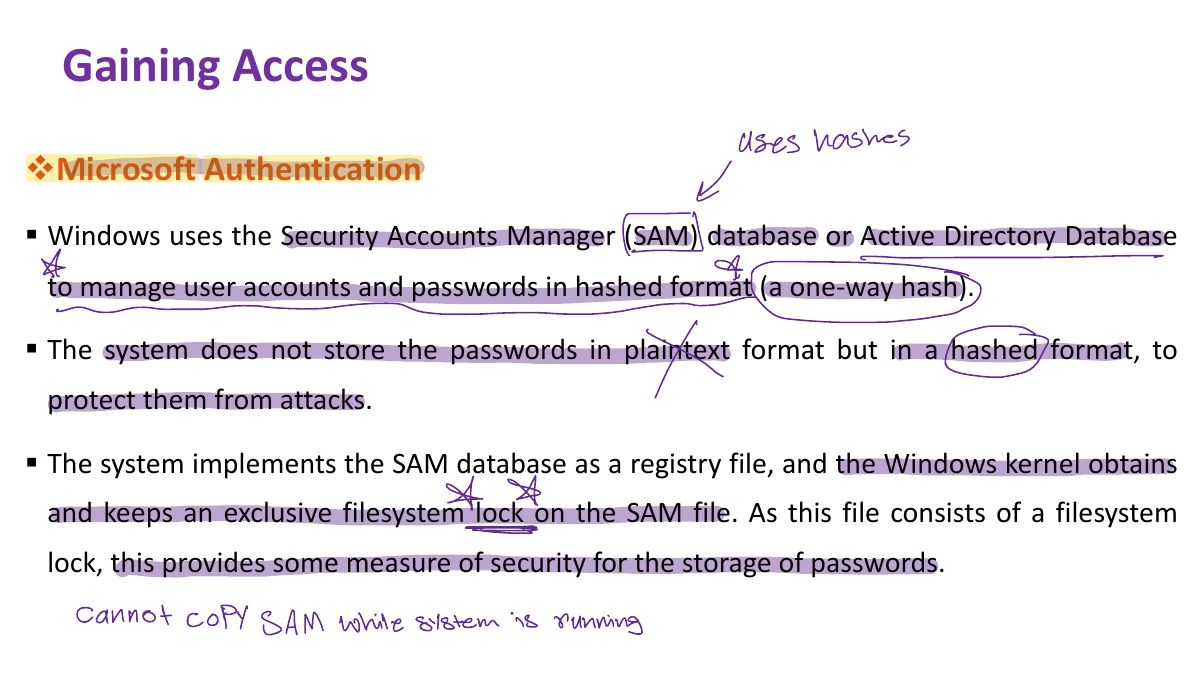
            1. Windows stores password hashes (LM/NTLM) in the SAM file (C:\Windows\System32\config\SAM), locked while Windows runs.
            Slide 8: Slide 8
            Exam weight Low
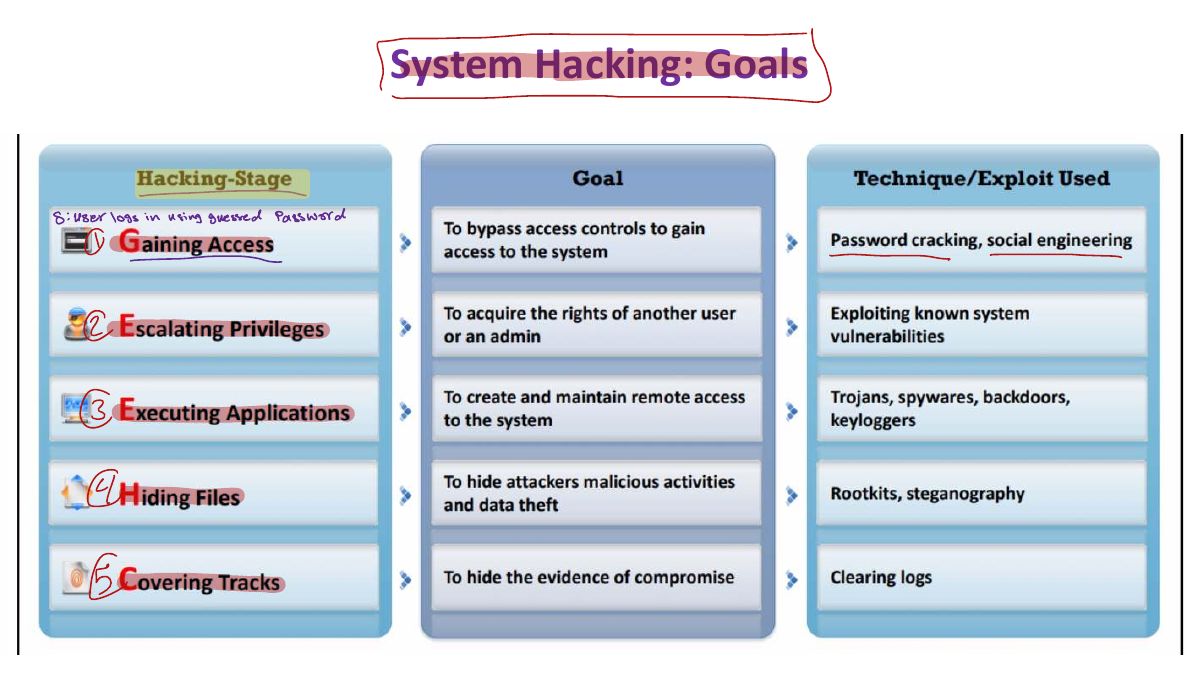
              Slide 9: System Hacking: Goals
              Exam weight Low
              1. Goals: gain access, escalate privileges, execute applications, hide files, cover tracks.
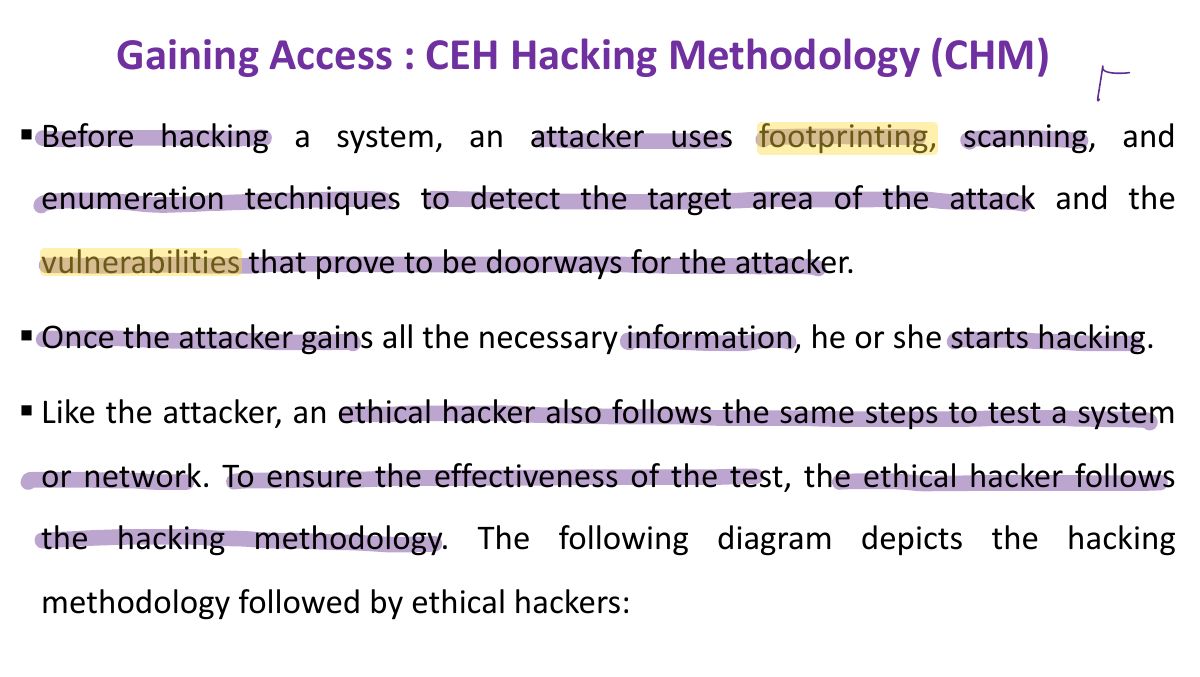
              Slide 10: Gaining Access : CEH Hacking Methodology (CHM)
              Exam weight Low
                Slide 11: Slide 11
                Exam weight Low
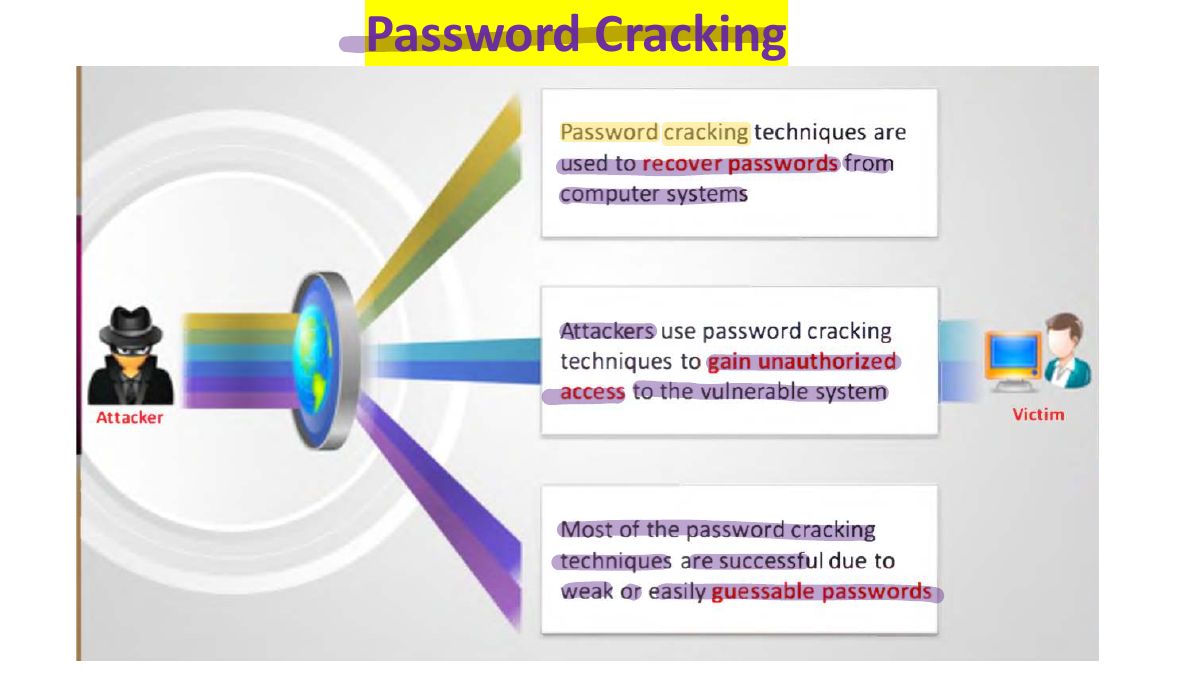
                  Slide 12: Password Cracking
                  Exam weight Low
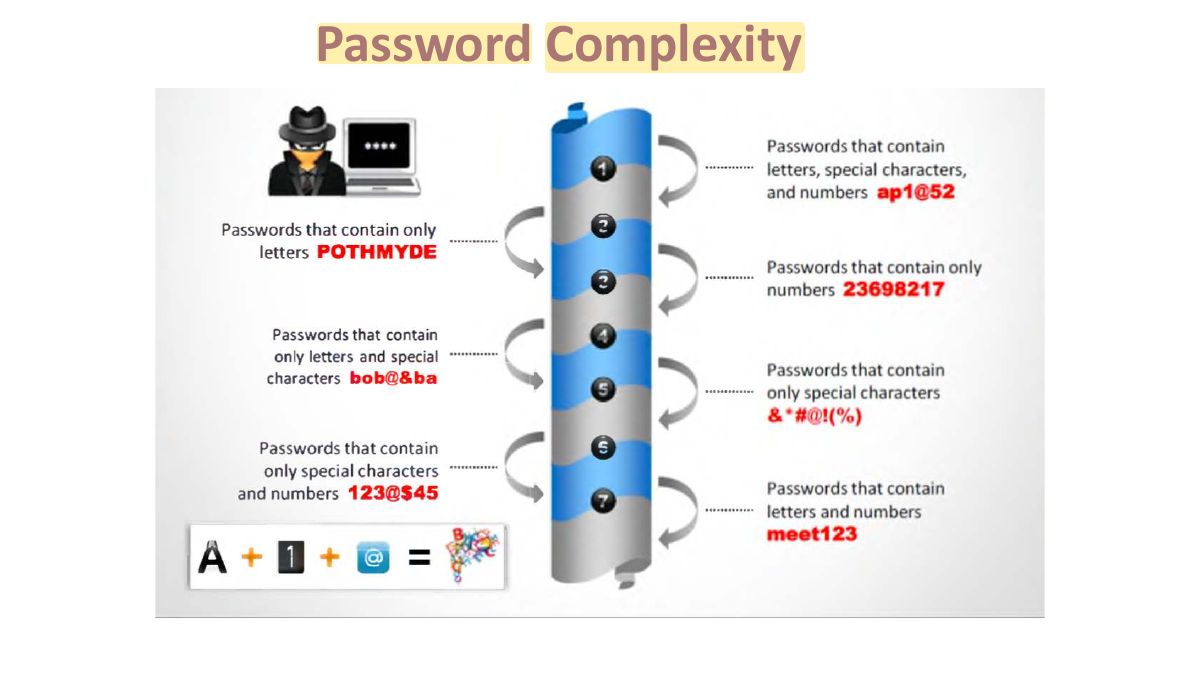
                    Slide 13: Password Complexity
                    Exam weight Low
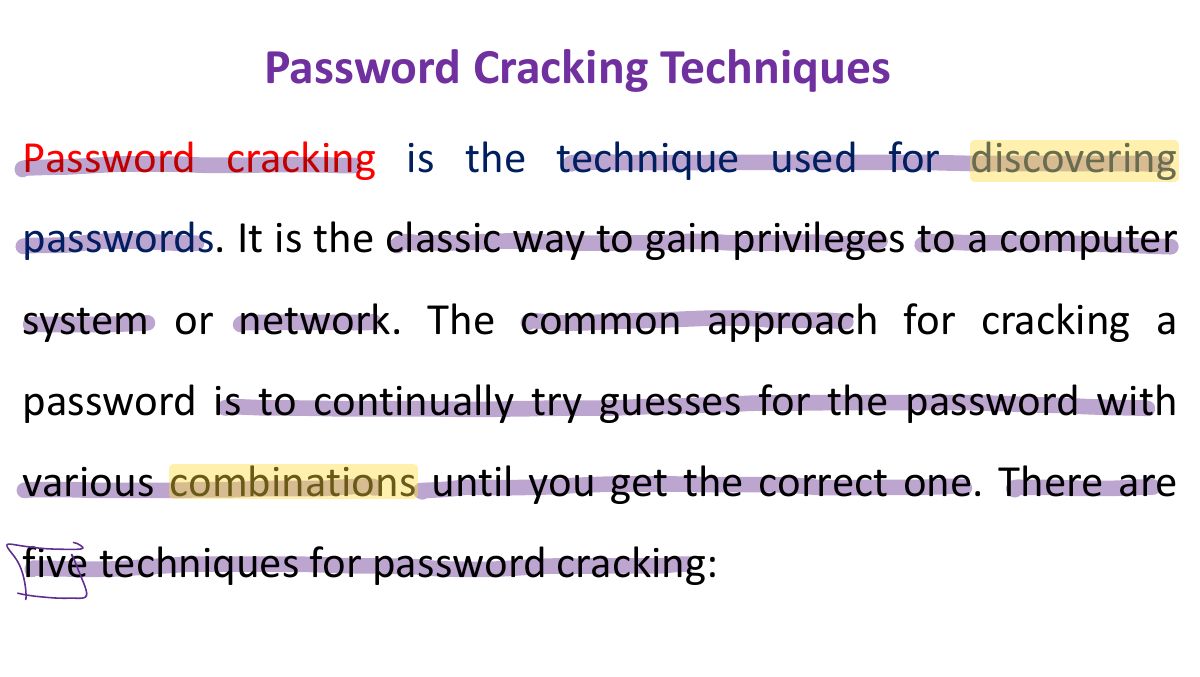
                      Slide 14: Password Cracking Techniques
                      Exam weight Low
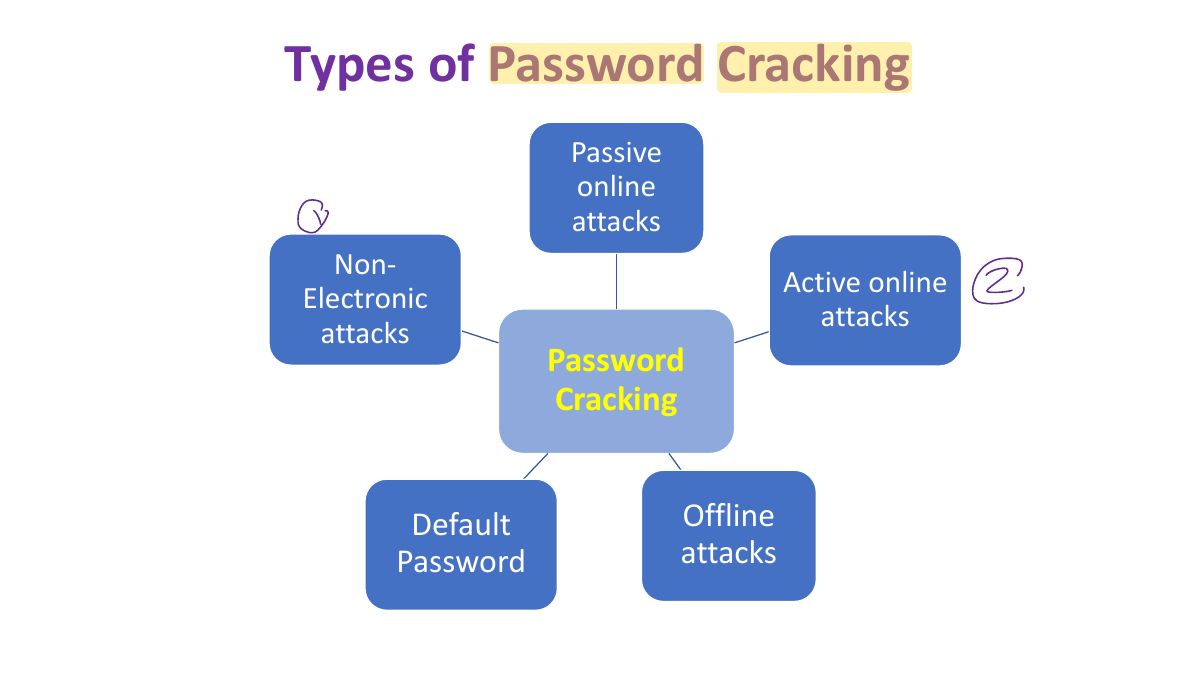
                        Slide 15: Types of Password Cracking
                        Exam weight Low
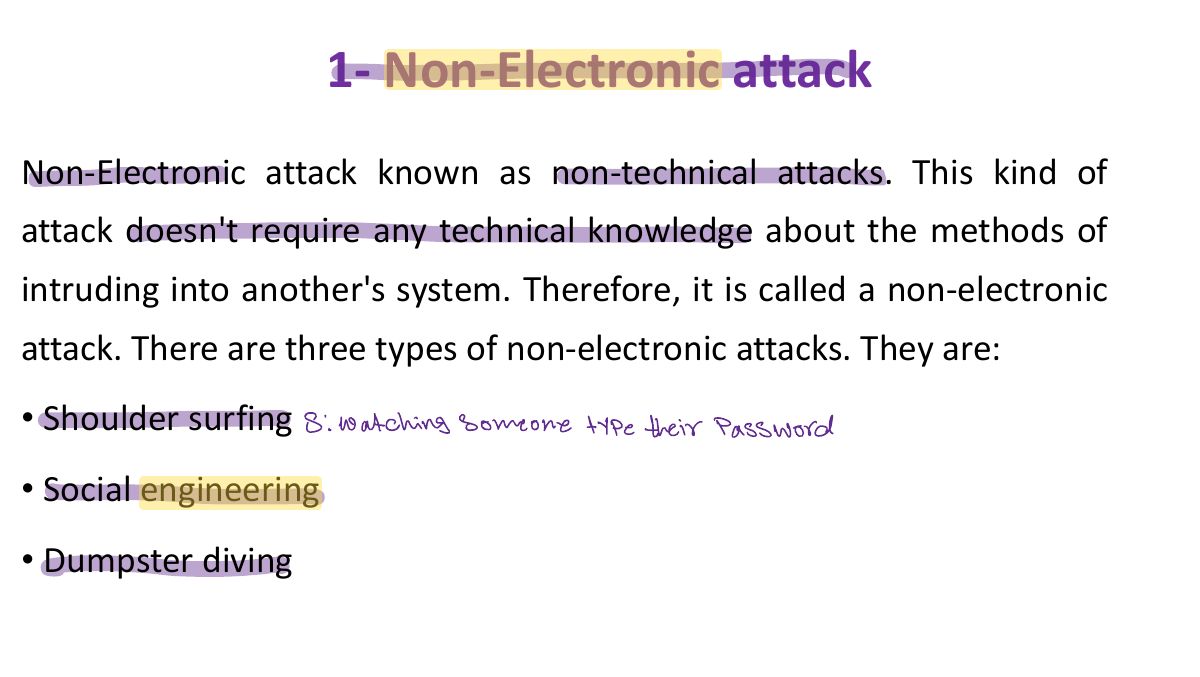
                        1. Password attacks: non-electronic (shoulder surfing, social engineering, dumpster diving), active online, passive online, offline.
                        Slide 16: 1- Non-Electronic attack
                        Exam weight Low
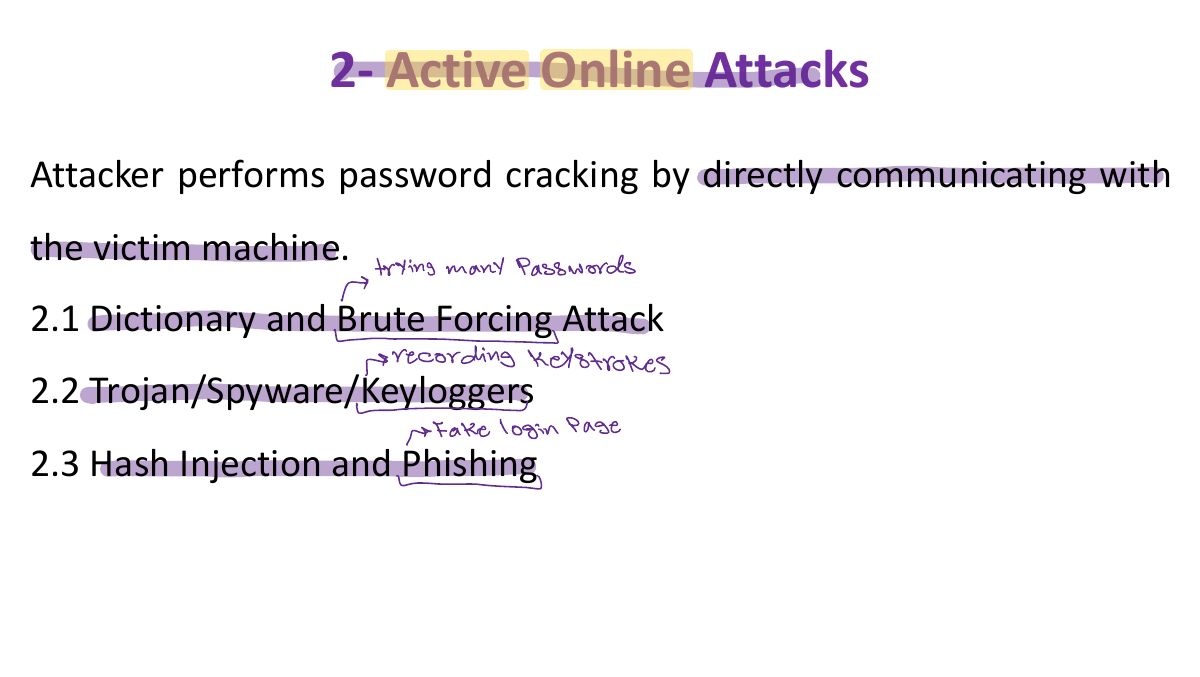
                          Slide 17: 2- Active Online Attacks
                          Exam weight Low
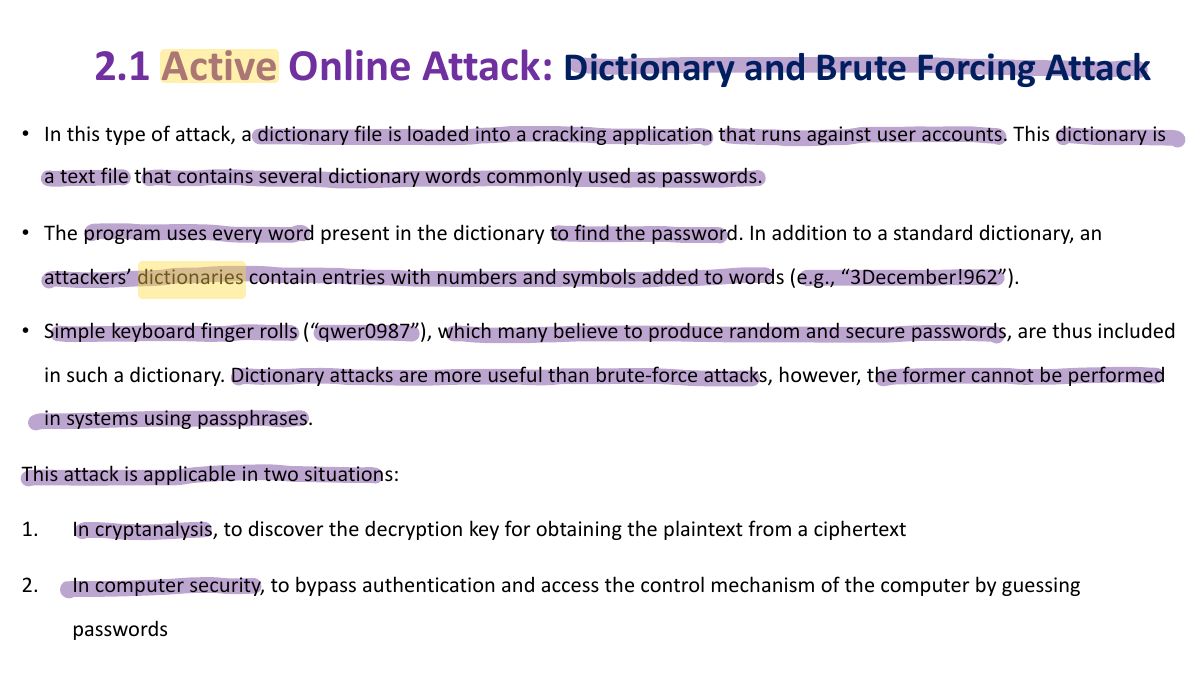
                            Slide 18: 2.1 Active Online Attack: Dictionary and Brute Forcing Attack
                            Exam weight High
                            1. Dictionary attack: try words from a list. Brute force: every combination. Hybrid: words + numbers/symbols.
                            🎯 How this can come up · 1 question
                            MCQ

                            Trying every possible combination of characters is a:

                            19
                            Exam weight Low
                              Slide 20: Methods to improve the success of a dictionary attack:
                              Exam weight Low
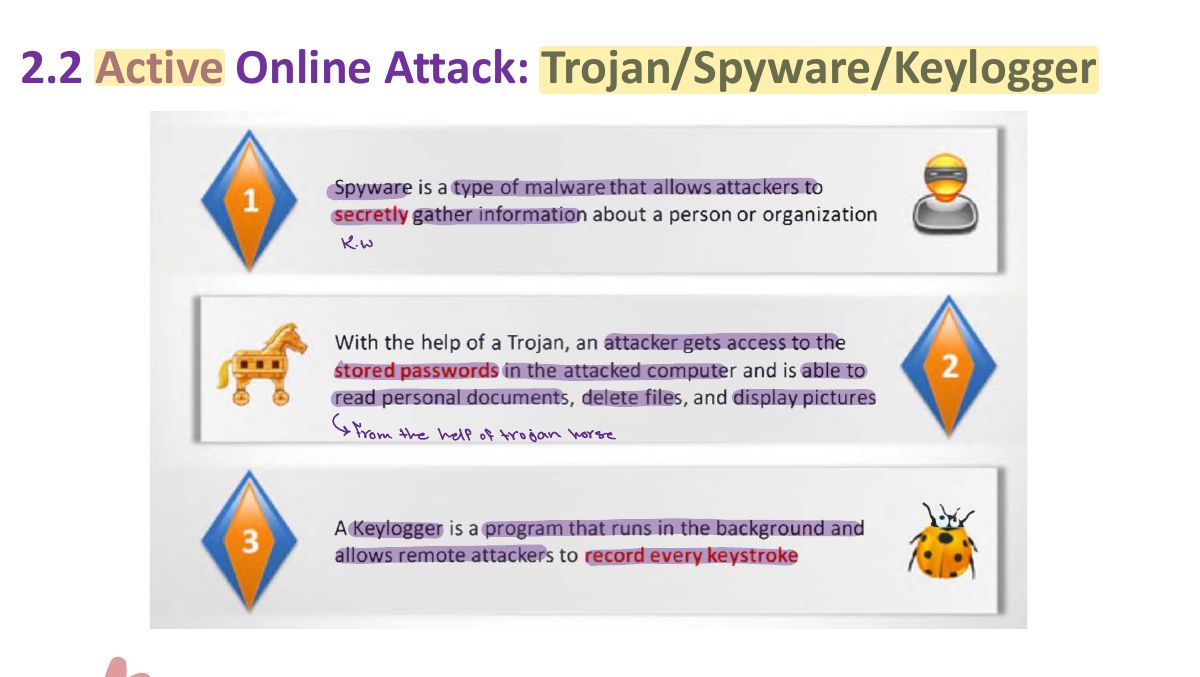
                                Slide 21: 2.2 Active Online Attack: Trojan/Spyware/Keylogger
                                Exam weight Low

                                  2.3 Active Online Attack: Hash Injection Attack

                                  22
                                  Exam weight Low

                                    3- Passive Online Attacks

                                    Attacker performs password cracking without communicating with the authorizing party.

                                    • Wire Sniffing
                                    • Man-in-the-Middle
                                    • Replay
                                    23
                                    Exam weight Low
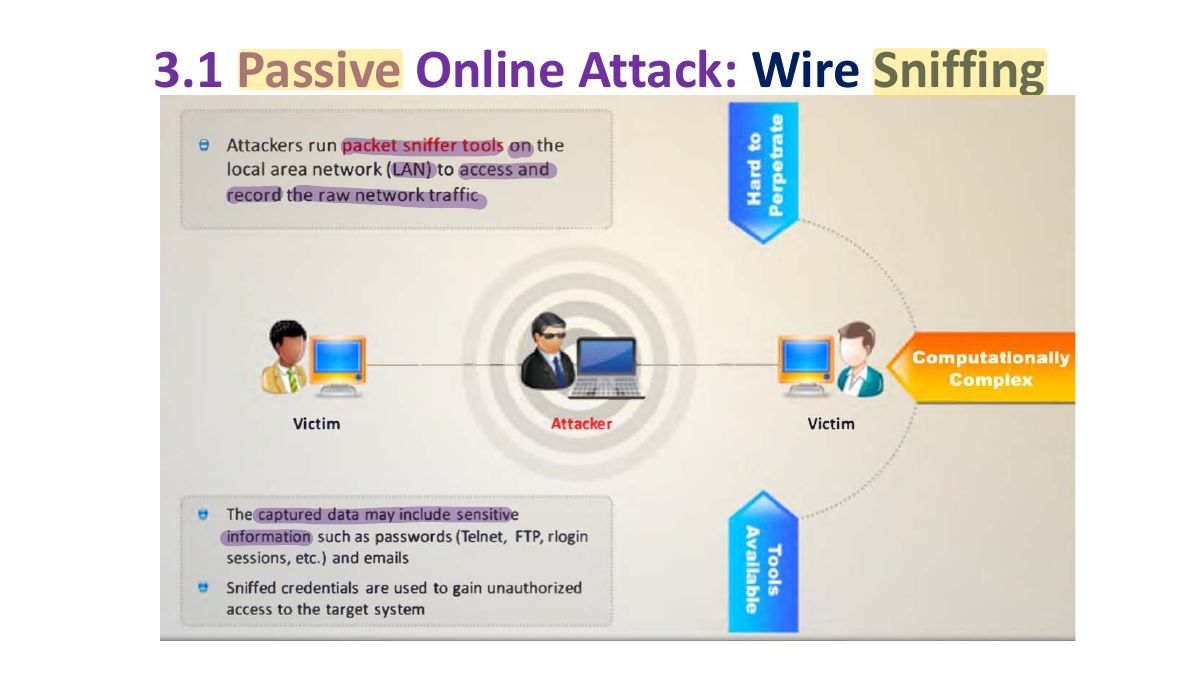
                                    1. Passive online: sniff the wire, man-in-the-middle, replay captured credentials.
                                    Slide 24: 3.1 Passive Online Attack: Wire Sniffing
                                    Exam weight Low

                                      3.2 Passive Online Attack: Man-in-the -Middle and Replay Attack

                                      25
                                      Exam weight Low

                                        4- Offline Attack: Rainbow Attacks

                                        • Offline attacks occur when an attacker checks the validity of passwords. The attacker observes how the password is stored. If the usernames and passwords are stored in a readable file, it is easy for the attacker to gain access to the system. Hence, it is important to protect the list of passwords and keep it in an unreadable form, preferably encrypted.
                                        • Offline attacks are often time-consuming but have a high success rate as the password hashes can be reversed owing to their small keyspace and short length. Notably, different password-cracking techniques are available on the Internet.
                                        26
                                        Exam weight High
                                        1. Rainbow tables: precomputed hash → password tables; fast lookups. Defeated by salting.
                                        Memory trickSalt = a random value added before hashing, so the same password hashes differently and precomputed tables fail.
                                        🎯 How this can come up · 1 question
                                        MCQ

                                        The best defense against rainbow-table attacks is:

                                        4- Offline Attack: Rainbow Attacks

                                        27
                                        Exam weight Low

                                          5- Default Password

                                          Default passwords are those supplied by manufacturers with new equipment (e.g., switches, hubs, routers). Usually, default passwords provided by the manufacturers of password-protected devices allow the user to access the device during the initial setup and then change the password. However, often an administrator will either forget to set the new password or ignore the password-change recommendation and continue using the original password. Attackers can exploit this lapse and find the default password for the target device from manufacturer websites or using online tools that show default passwords to access the target device successfully. Attackers use default passwords in the list of words or dictionary that they use to perform password-guessing attacks.

                                          28
                                          Exam weight Low

                                            The following are some of the online tools to search default passwords:

                                            • https://open-sez.me
                                            • https://www.fortypoundhead.com
                                            • https://cirt.net
                                            • http://www.defaultpassword.us
                                            • https://www.routerpasswords.com
                                            • https://default-password.info
                                            • https://192-168-1-1ip.mobi
                                            29
                                            Exam weight Low
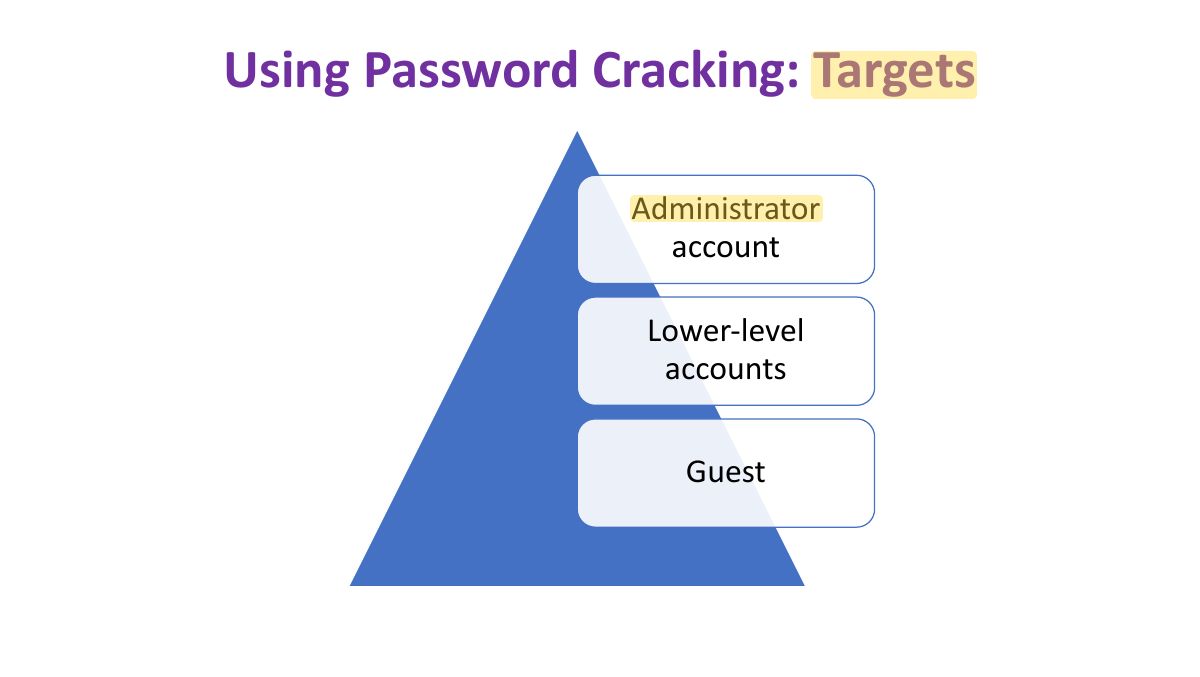
                                              Slide 30: Using Password Cracking: Targets
                                              Exam weight Low
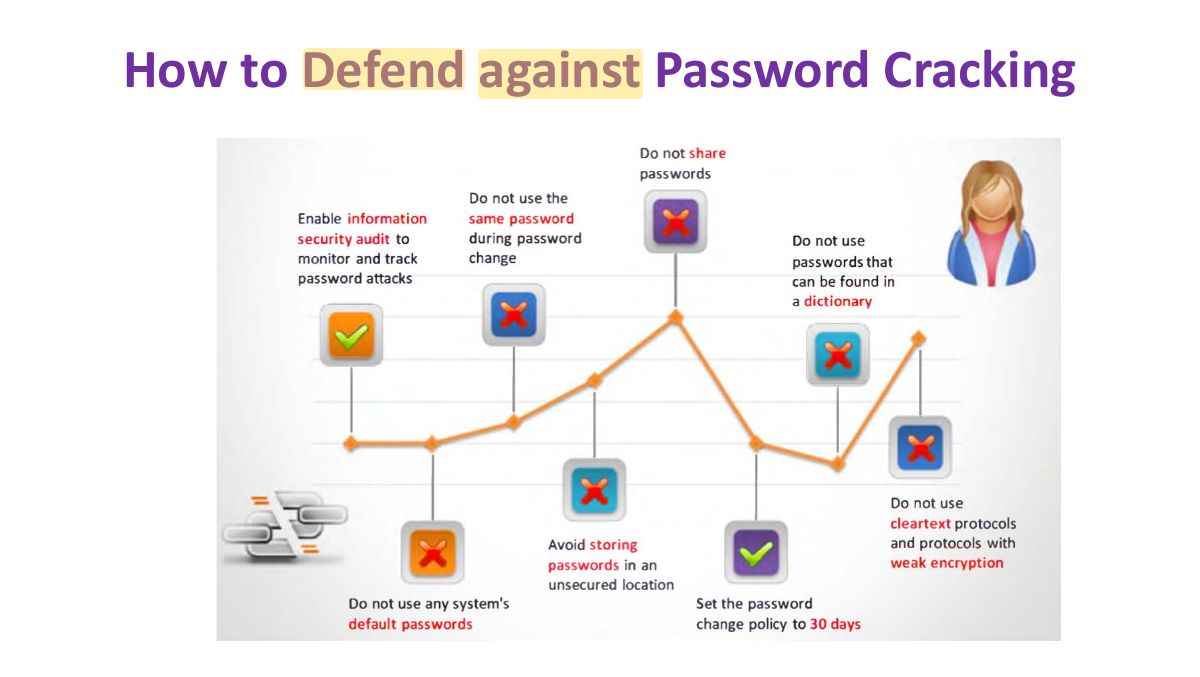
                                                Slide 31: How to Defend against Password Cracking
                                                Exam weight Low
                                                1. Defenses: long complex passwords, lockout policies, MFA, salted hashes, no defaults, monitoring.

                                                Privilege Escalation

                                                • Escalating privileges is the second stage of system hacking. Attackers use passwords obtained in the first step to gain access to the target system and then try to attain higher-level privileges in the system.
                                                • An attacker can gain access to the network using a non-admin user account, and the next step would be to gain administrative privileges.
                                                • Attacker performs privilege escalation attack which takes advantages of design flaws, programming errors, bugs, and configuration oversights in the OS and software application to gain administrative access to the network and its associated applications.
                                                • These privileges allow attacker to view critical/sensitive information, delete files, or install malicious programs such as viruses, Trojans, worms, etc.
                                                Privilege Escalation
                                                32
                                                Exam weight High
                                                1. Privilege escalation: vertical (user → admin) or horizontal (access another user’s resources at the same level).
                                                🎯 How this can come up · 1 question
                                                MCQ

                                                A normal user gaining administrator rights is:

                                                Types of Privilege Escalation :

                                                1Vertical Privilege Escalation

                                                • Refers to gaining higher privileges than the existing

                                                2 Horizontal Privilege Escalation:

                                                • The unauthorized user tries to access the resources, functions, and other privileges that belong to an authorized user who has similar access permissions. For instance, online banking user A can easily access user B’s bank account.
                                                33
                                                Exam weight Low
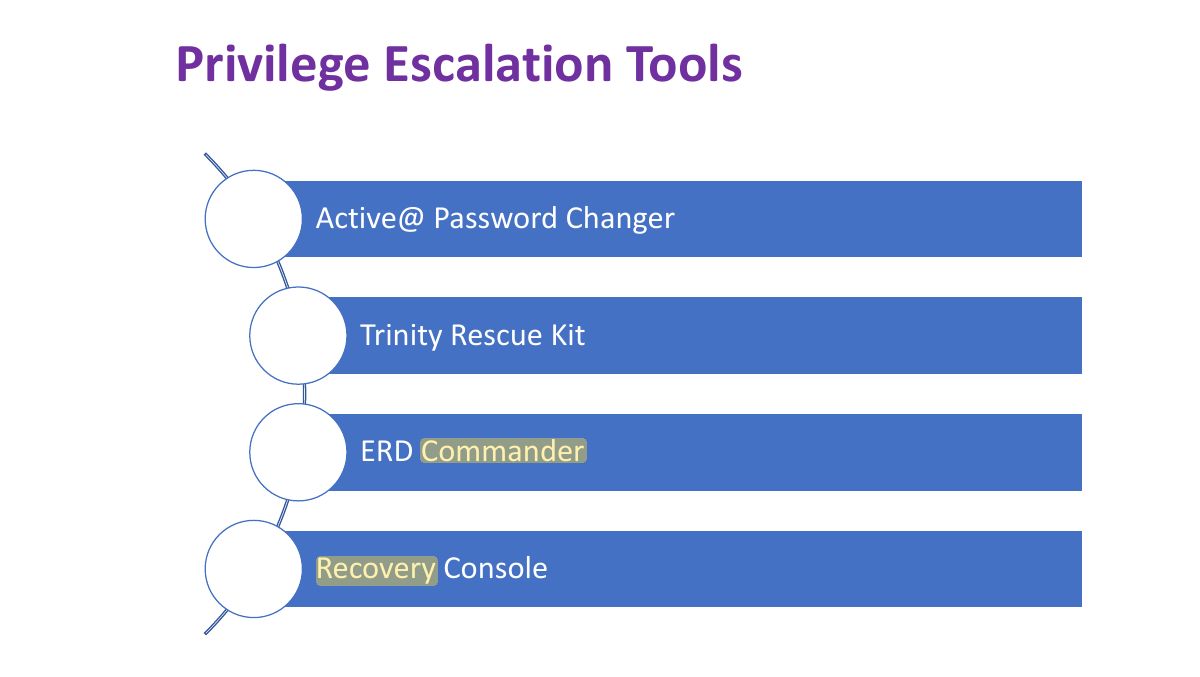
                                                  Slide 34: Privilege Escalation Tools
                                                  Exam weight Low

                                                    Maintaining Access

                                                    v After gaining access and escalating privileges on the target system, now attackers try

                                                    to maintain their access for further exploitation of the target system or make the compromised system a launchpad from which to attack other systems in the network.

                                                    v Attackers remotely execute malicious applications such as keyloggers, spyware, and

                                                    other malicious programs to maintain their access to the target system and steal critical information such as usernames and passwords.

                                                    v Attackers hide their malicious programs or files using rootkits, steganography, NTFS

                                                    data streams, etc. to maintain their access to the target system.

                                                    35
                                                    Exam weight Low

                                                      Executing Applications

                                                      v Once attackers gain higher privileges in the target system by trying various privilege

                                                      escalation attempts, they may attempt to execute a malicious application by exploiting a vulnerability to execute arbitrary code. By executing malicious applications, the attacker can steal personal information, gain unauthorized access to system resources, crack passwords, capture screenshots, install a backdoor for maintaining easy access, etc.

                                                      v Attackers execute malicious applications at this stage in a process called “owning” the

                                                      system. Once they acquire administrative privileges, they will execute applications.

                                                      Attackers may even try to do so remotely on the victim’s machine to gather the same information as above.

                                                      36
                                                      Exam weight Low

                                                        The malicious programs attackers execute on target systems can be:

                                                        • Backdoors: Program designed to deny or disrupt the operation, gather information that leads to exploitation or loss of privacy, or gain unauthorized access to system resources.
                                                        • Crackers: Components of software or programs designed for cracking a code or passwords.
                                                        • Keyloggers: These can be hardware or software. In either case, the objective is to record each keystroke made on the computer keyboard.
                                                        • Spyware: Spy software may capture screenshots and send them to a specified location defined by the hacker. For this purpose, attackers have to maintain access to victims’ computers. After deriving all the requisite information from the victim’s computer, the attacker installs several backdoors to maintain easy access to it in the future.
                                                        37
                                                        Exam weight Low
                                                        1. Keyloggers (hardware or software) record keystrokes; spyware hides and reports activity.

                                                        Different types of Hardware Keyloggers

                                                        38
                                                        Exam weight Low

                                                          Covering Tracks

                                                          v Covering tracks is one of the main stages during system hacking. In this stage, the attacker tries to

                                                          hide and avoid being detected or “traced out” by covering all “tracks,” or logs, generated while accessing the target network or computer.

                                                          v Erasing evidence is a must for any attacker who would like to remain obscure. It is a method used to

                                                          evade a traceback. It starts with erasing the contaminated logs and possible error messages generated in the attack process.

                                                          v The attacker makes changes to the system configuration such that it does not log the future

                                                          activities. By manipulating and tweaking event logs, the attacker tricks the system administrator into believing that there is no malicious activity in the system and that no intrusion or compromise has taken place.

                                                          39
                                                          Exam weight Low
                                                          1. Covering tracks: clear or edit logs (auditpol, clearing event logs), hide files (ADS, steganography), rootkits.

                                                          Some techniques used for Covering Tracks:

                                                          The main activities that an attacker performs toward removing his/her traces on a computer are as follows:

                                                          • Disabling auditing
                                                            • If auditing is disabled, attacker can deprive system owner of ability to detect activities that have been carried out.
                                                          • Data hiding
                                                            • Hiding files placed on the system
                                                            • Can use file attributes and Alternate Data Streams to hide files
                                                          • Clearing Logs
                                                            • An attacker clears/deletes the system log entries corresponding to his/her activities.
                                                          40
                                                          Exam weight Low

                                                            Defending against Covering Tracks

                                                            The various countermeasures to overcome covered tracks are as follows:

                                                            • Activate the logging functionality on all critical systems. ▪ Conduct periodic audits on IT systems to ensure that the logging functionality is in accordance with the security policy.
                                                            • Ensure that new events do not overwrite old entries in the log files when the storage limit is exceeded.
                                                            • Configure the appropriate and minimal permissions necessary to read and write log files stored in critical systems
                                                            • Maintain a separate logging server in the DMZ so that all critical servers such as DNS server, mail server, and web server forward and store their logs on that server.
                                                            41
                                                            Exam weight Low

                                                              ▪ Regularly update and patch OSes, applications, and firmware.

                                                              • Close all unused open ports and services.
                                                              • Encrypt the log files stored in the system so that they cannot be altered without an appropriate decryption key.
                                                              • Set log files to the “append only” mode to prevent the unauthorized deletion of log entries.
                                                              • Periodically back up the log files to unalterable media. ▪ Use restricted

                                                              ACLs to secure the log files.

                                                              42
                                                              Exam weight Low