CYS405 · Annotated SlidesChapter 2 — Information Gathering, Footprinting and Reconnaissance
Chapter 2 · Annotated slides

Information Gathering, Footprinting and Reconnaissance

What footprinting is and why it matters, the information-gathering process, what a company website leaks, Google hacking and the GHDB, registrar and WHOIS queries, nslookup, network ranges and traceroute, tracking employees and social networks, and countermeasures.
Slide text Study notes Highlight: key words Tips, tricks & traps Seen again elsewhere How it can come up
Slide 1: Slide 1
Exam weight Low

    Learning Objective

    • Identify common information-gathering tools and techniques.
    2
    Exam weight Low
      Slide 3: Key Concepts
      Exam weight Low
        Slide 4: What is Footprinting?
        Exam weight Low
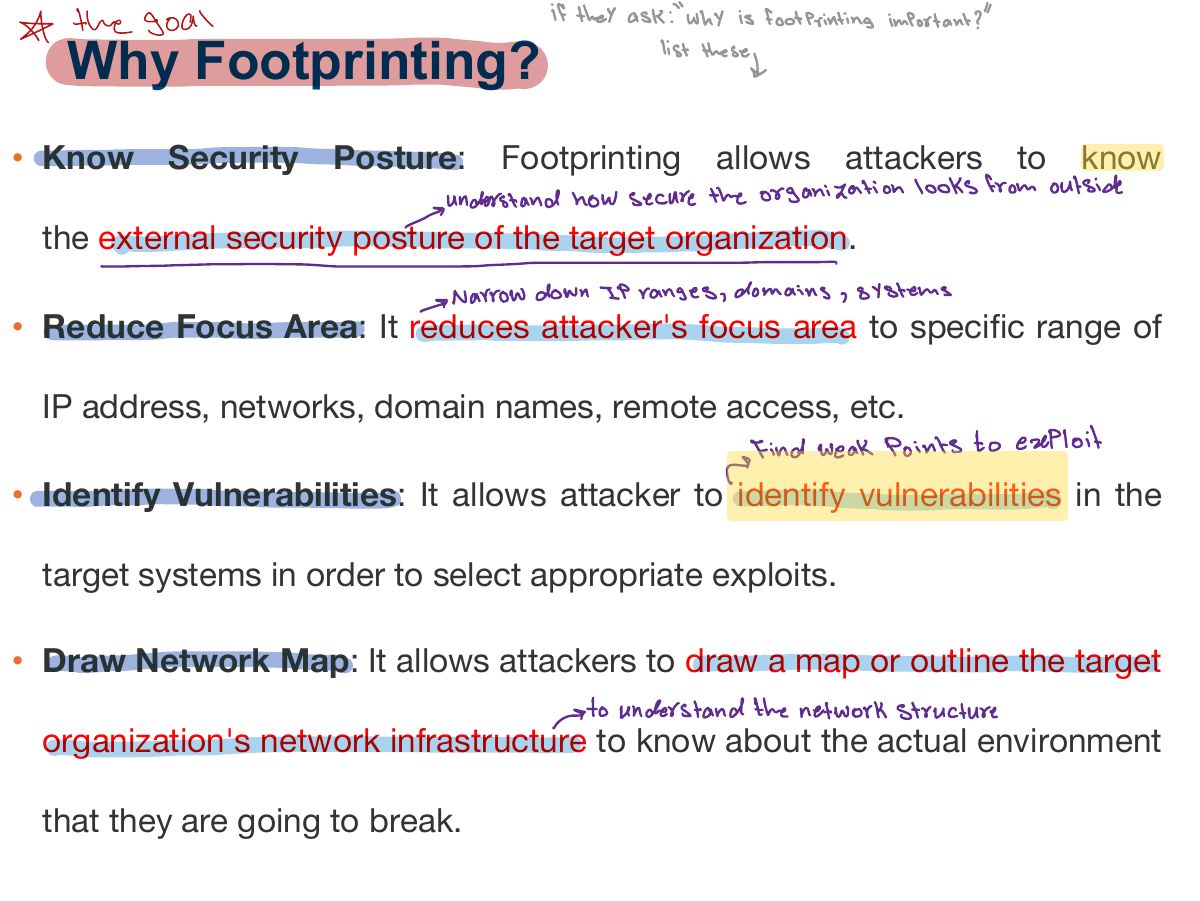
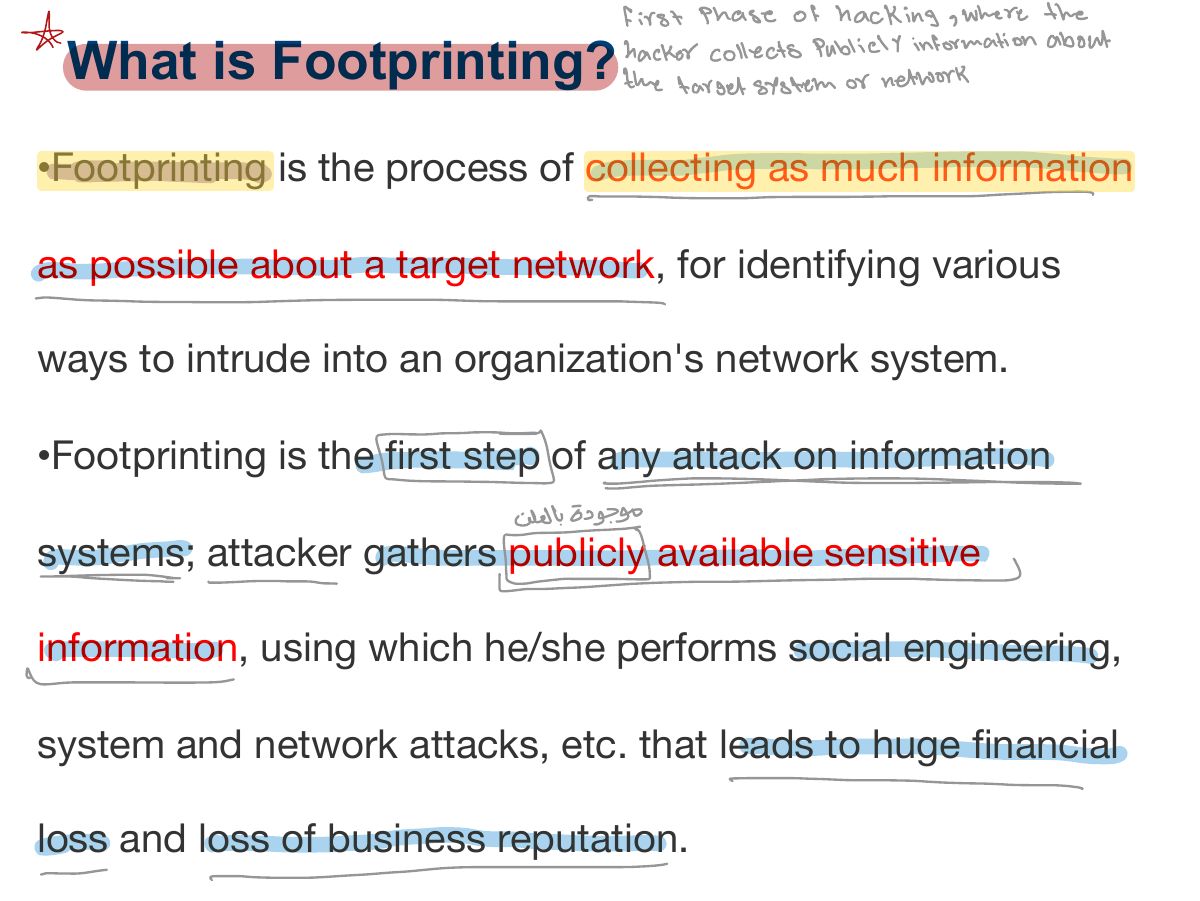
        1. Footprinting: collecting as much information as possible about a target before an attack.
        Slide 5: Why Footprinting?
        Exam weight Low
        1. Why: learn the security posture, reduce the attack area, build a network map, find vulnerabilities.
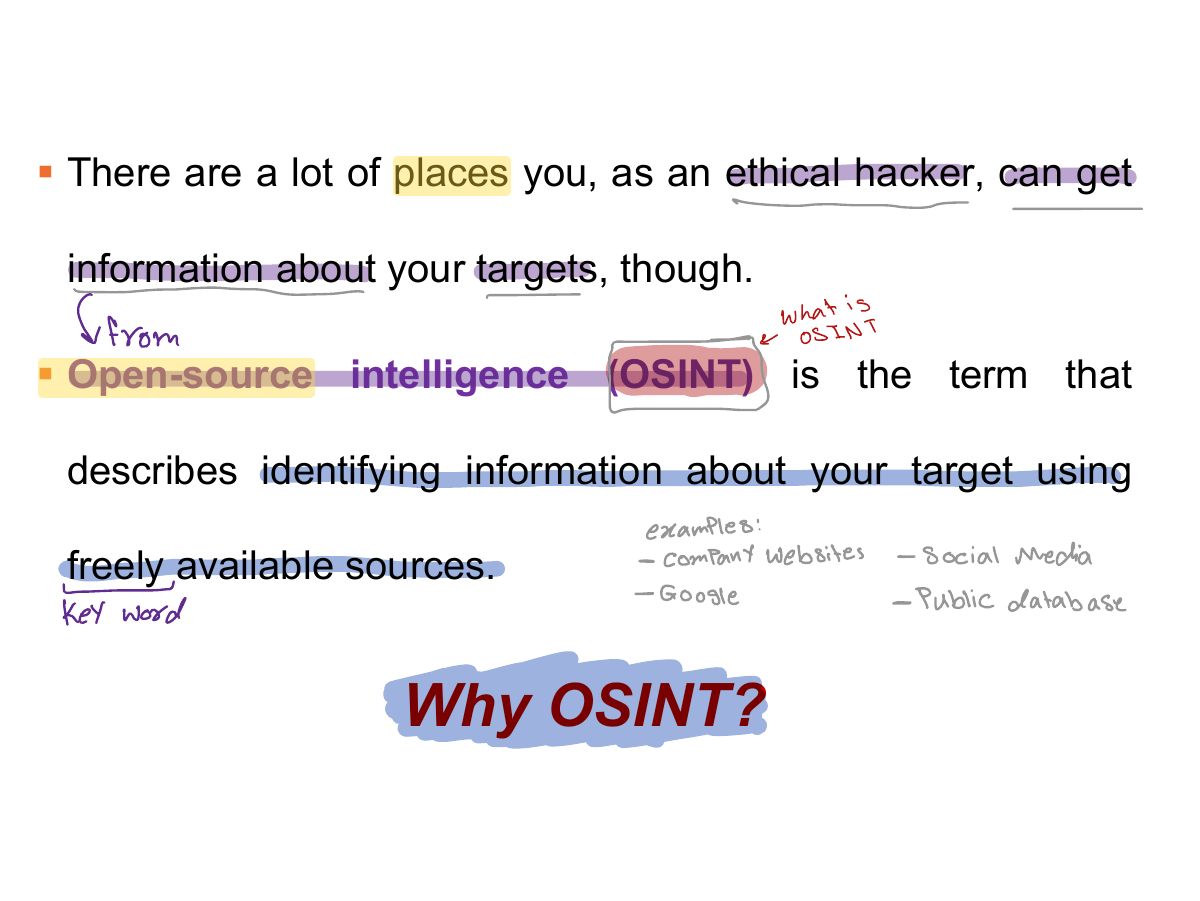
        Slide 6: § There are a lot of places you, as an ethical hacker, can get
        Exam weight Low
          Slide 7: The Information-Gathering Process
          Exam weight Low
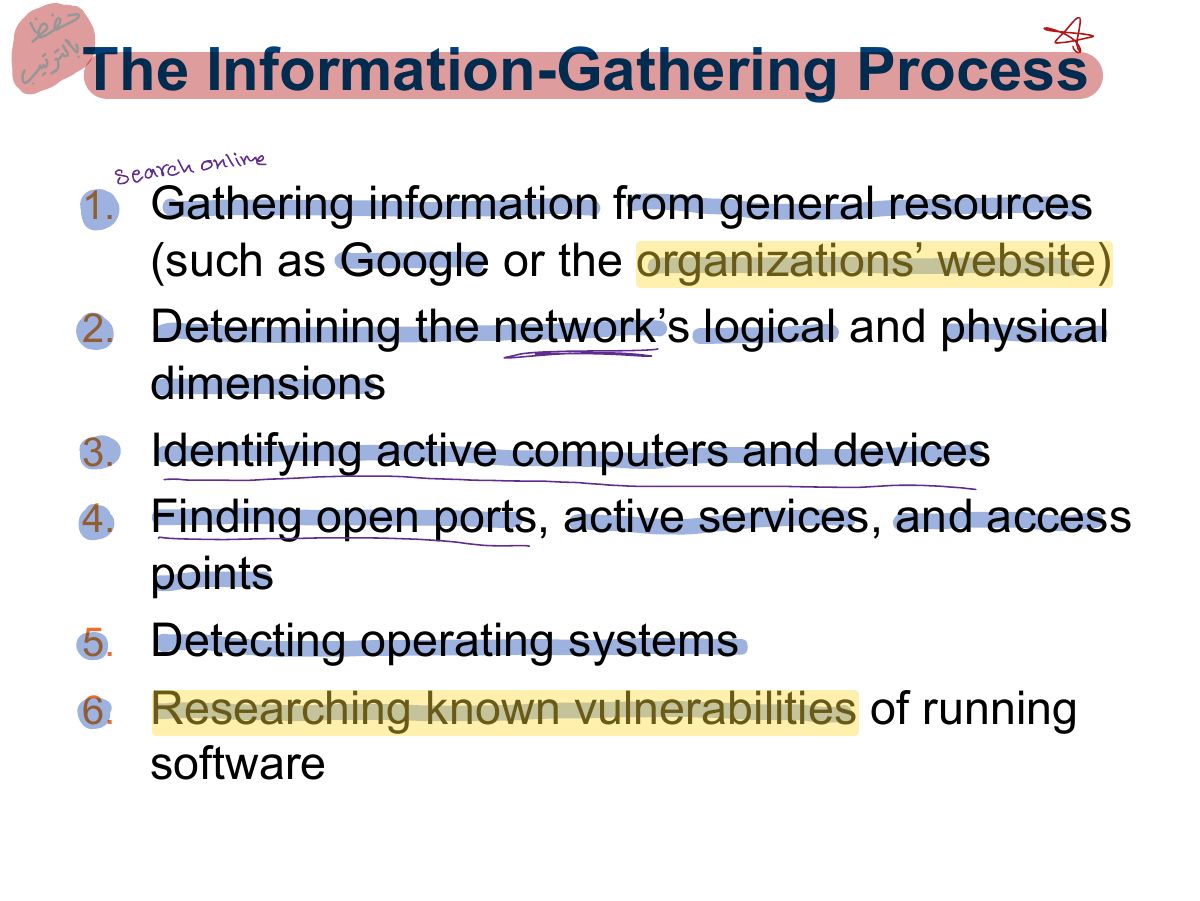
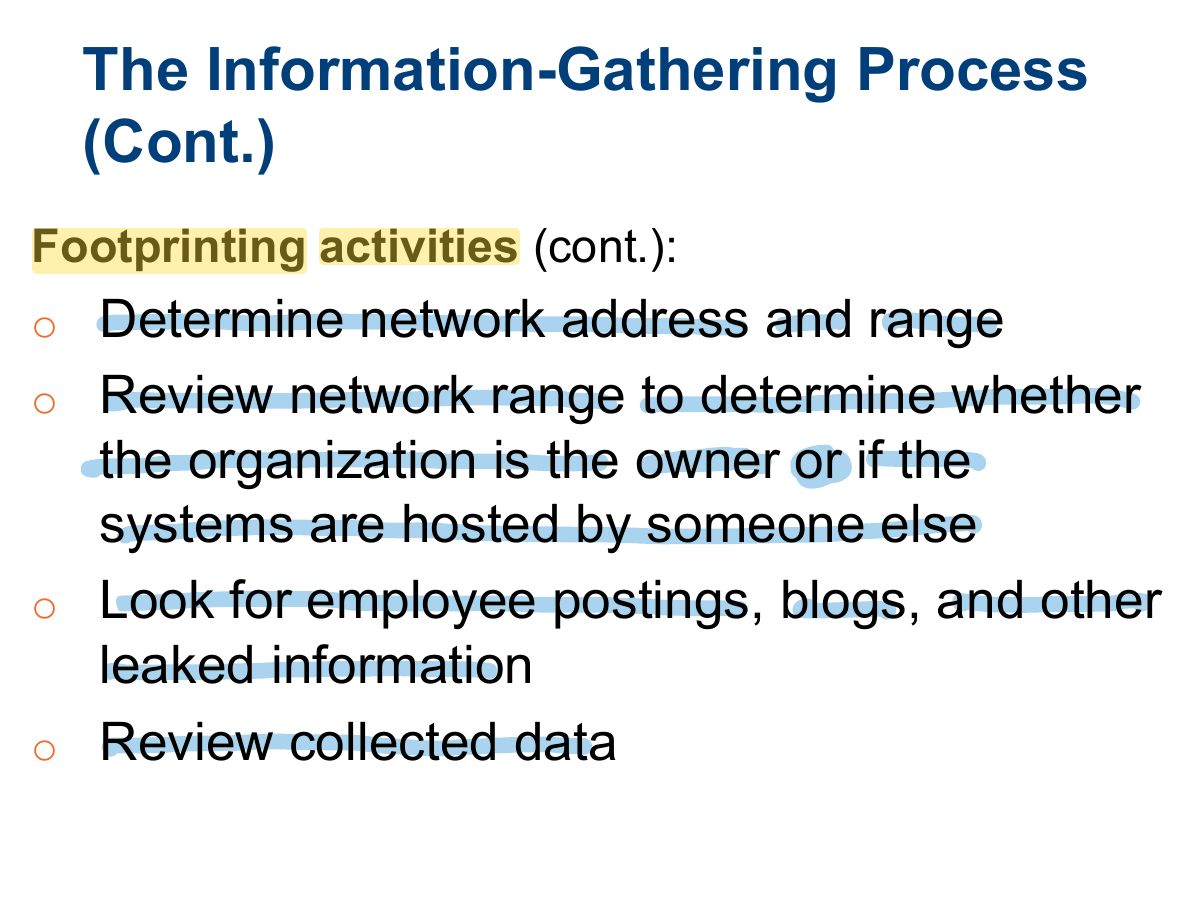
          1. The process: gather initial info → find the network range → find active machines → open ports and access points → OS fingerprinting → map the network.
          Slide 8: The Information-Gathering Process (Cont.)
          Exam weight Low
            Slide 9: The Information-Gathering Process (Cont.)
            Exam weight Low
              Slide 10: The Information on a Company Website
              Exam weight Low
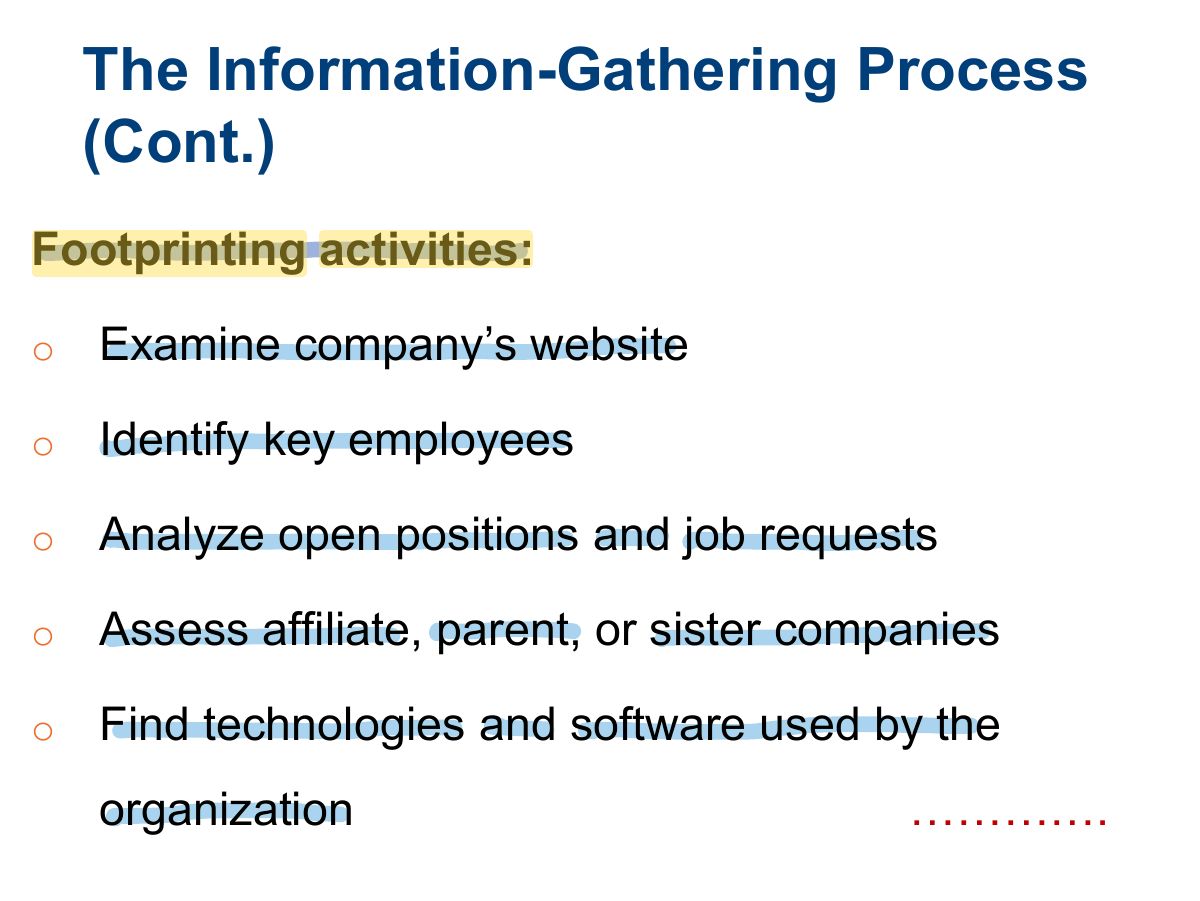
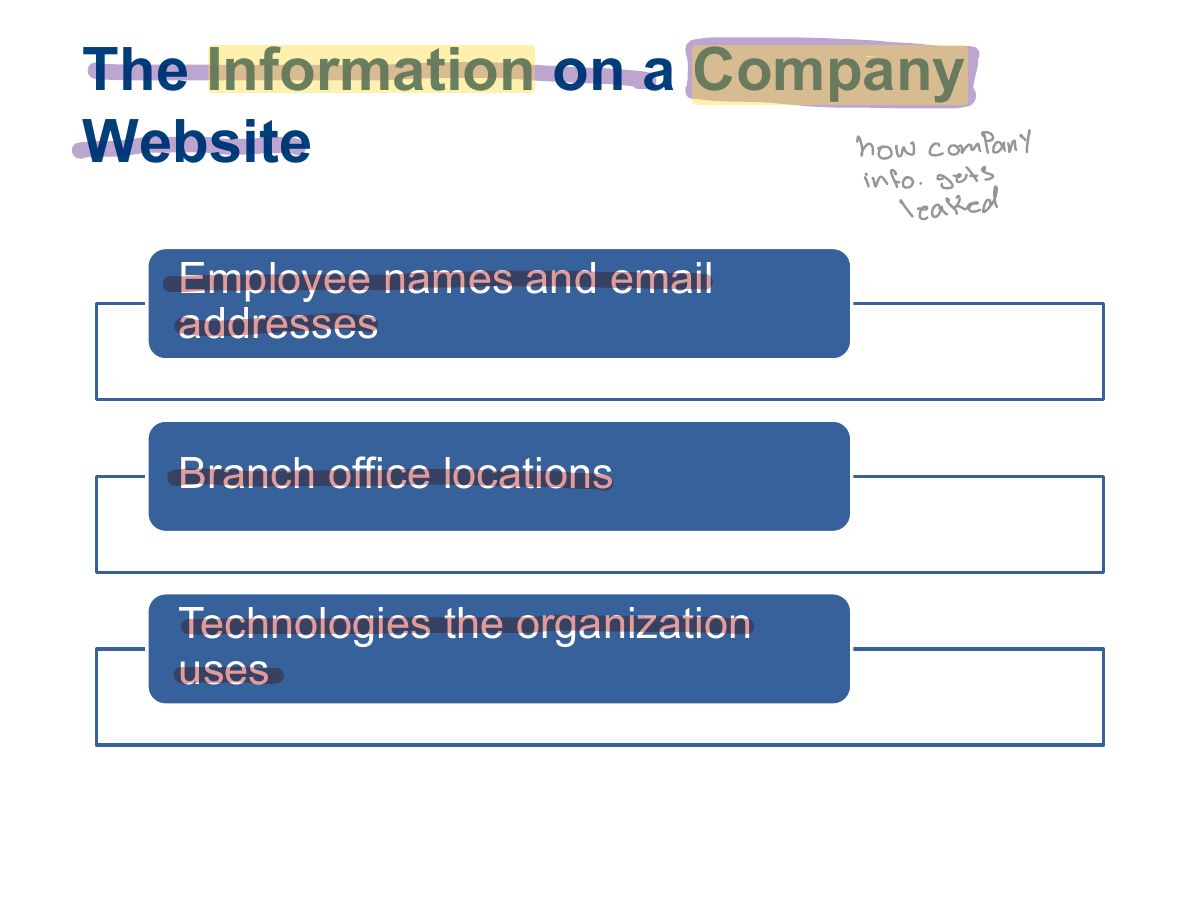
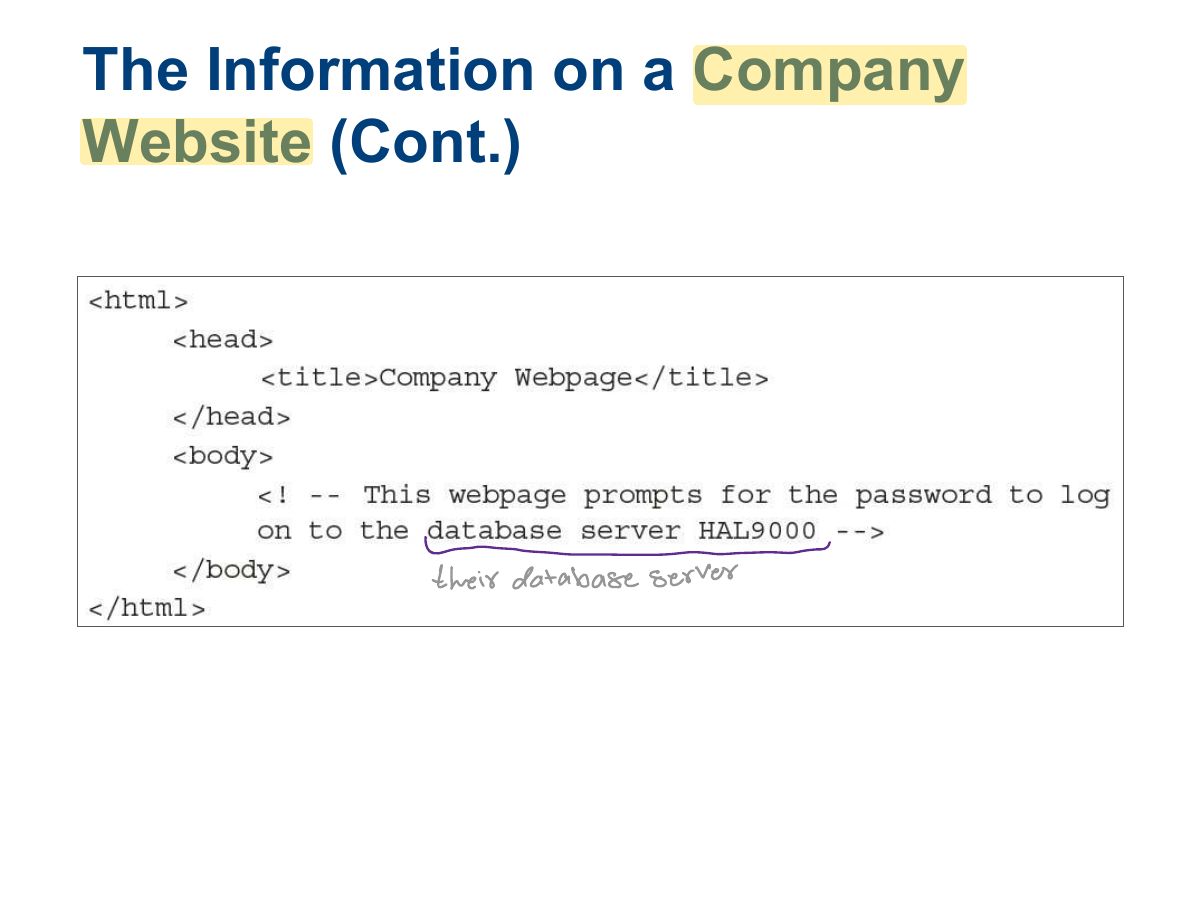
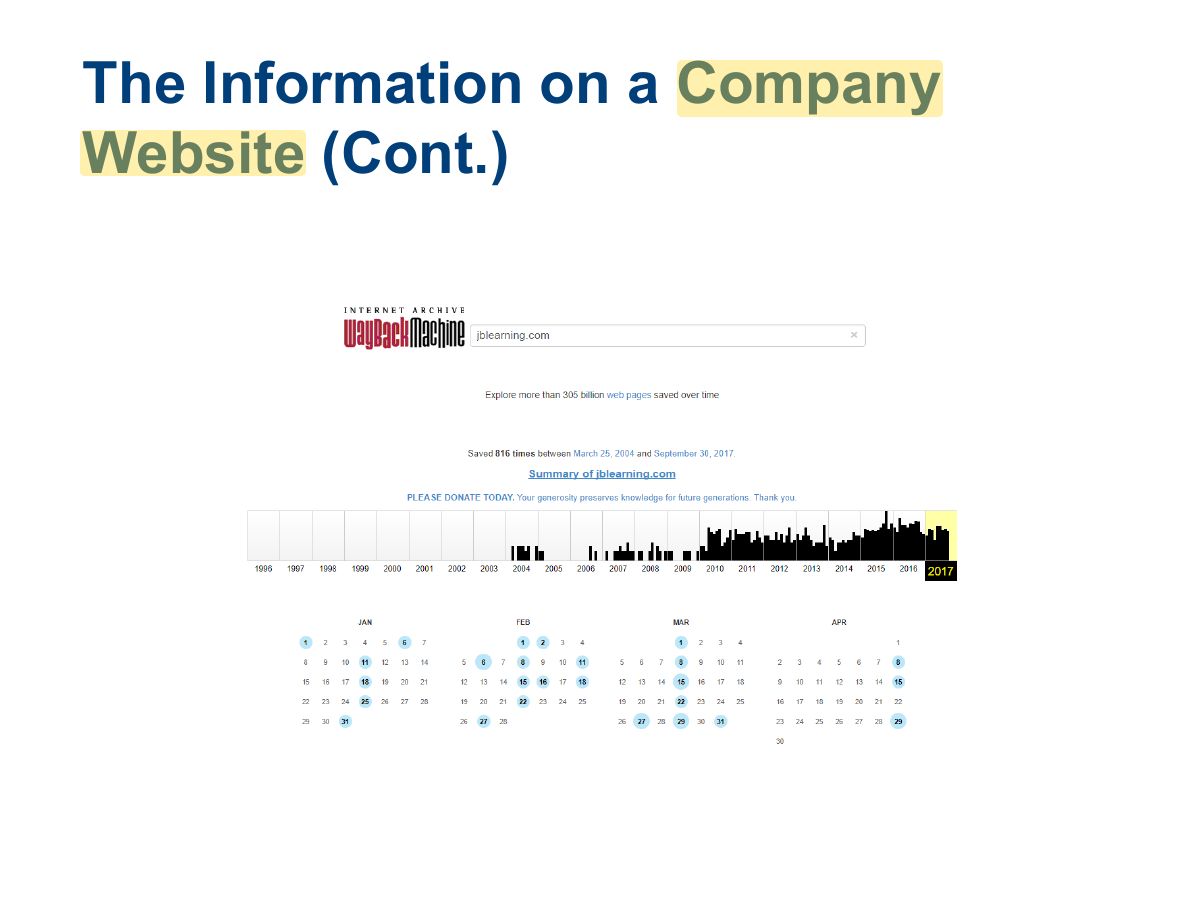
              1. Company websites leak employee names, emails, technologies, locations, job postings that reveal systems.
              Slide 11: The Information on a Company Website (Cont.)
              Exam weight Low
                Slide 12: The Information on a Company Website (Cont.)
                Exam weight Low
                  Slide 13: The Information on a Company Website (Cont.)
                  Exam weight Low

                    The Information on a Company Website (Cont.)

                    • Job postings give valuable clues into how its infrastructure is organized
                    • Example:
                      • Advanced knowledge of Microsoft Windows 8, Windows 10, Server 2008, Server 2012, Server 2016, Microsoft Office 2010, Office 2013, Office 2016, Microsoft SQL Server, Microsoft IIS, Visual Basic
                      • Relevant experience/knowledge: Cisco PIX; Check Point Firewall helpful but not necessary
                      • VMWare, SAP, and other data-gathering systems
                      • Knowledge of Active Directory
                      • Experience with Symantec Security Suite
                    14
                    Exam weight Low

                      Footprinting using using Advanced Google Hacking Techniques

                      • Goal is to locate useful information using techniques already provided by the search engine, in new ways
                        • Can use Yahoo and Bing as well
                      15
                      Exam weight Low
                        Slide 16: Google Advanced Search Operators
                        Exam weight High
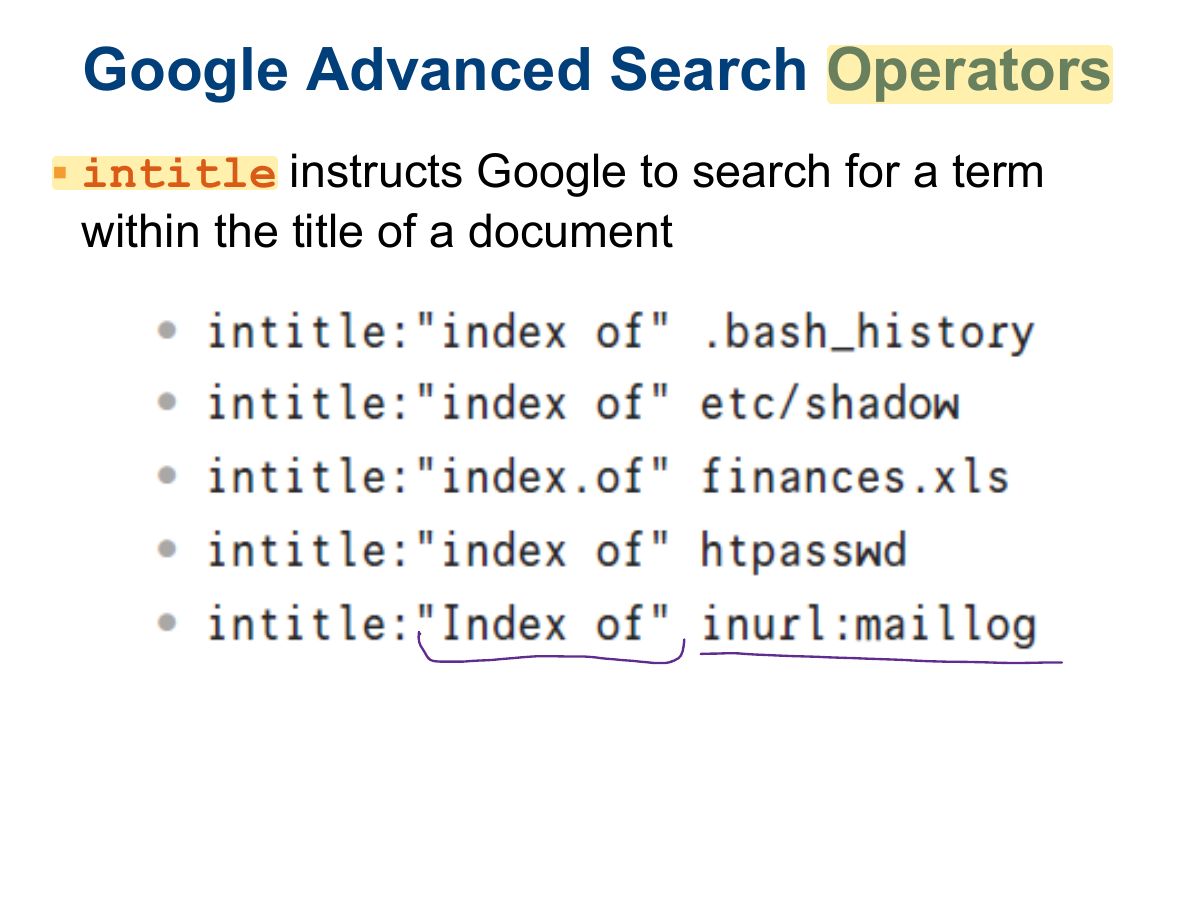
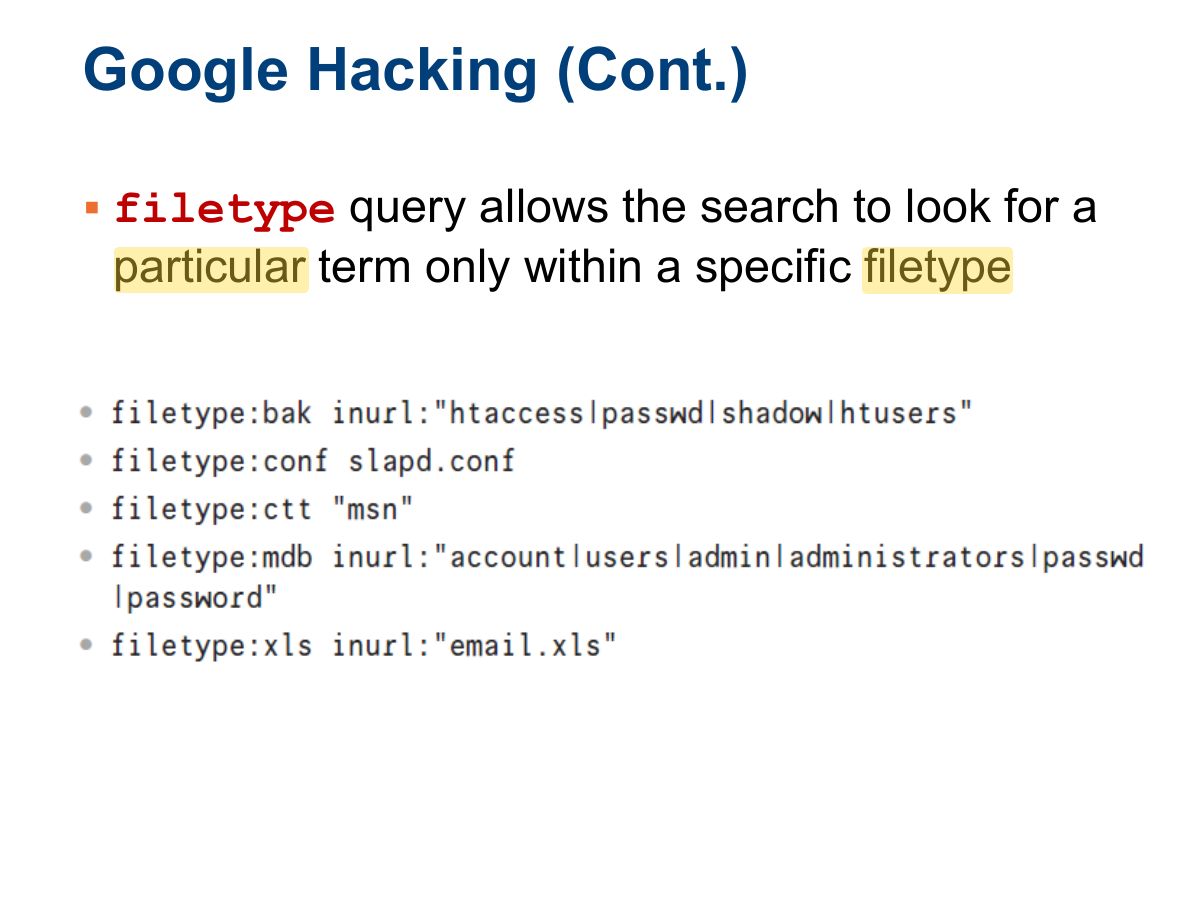
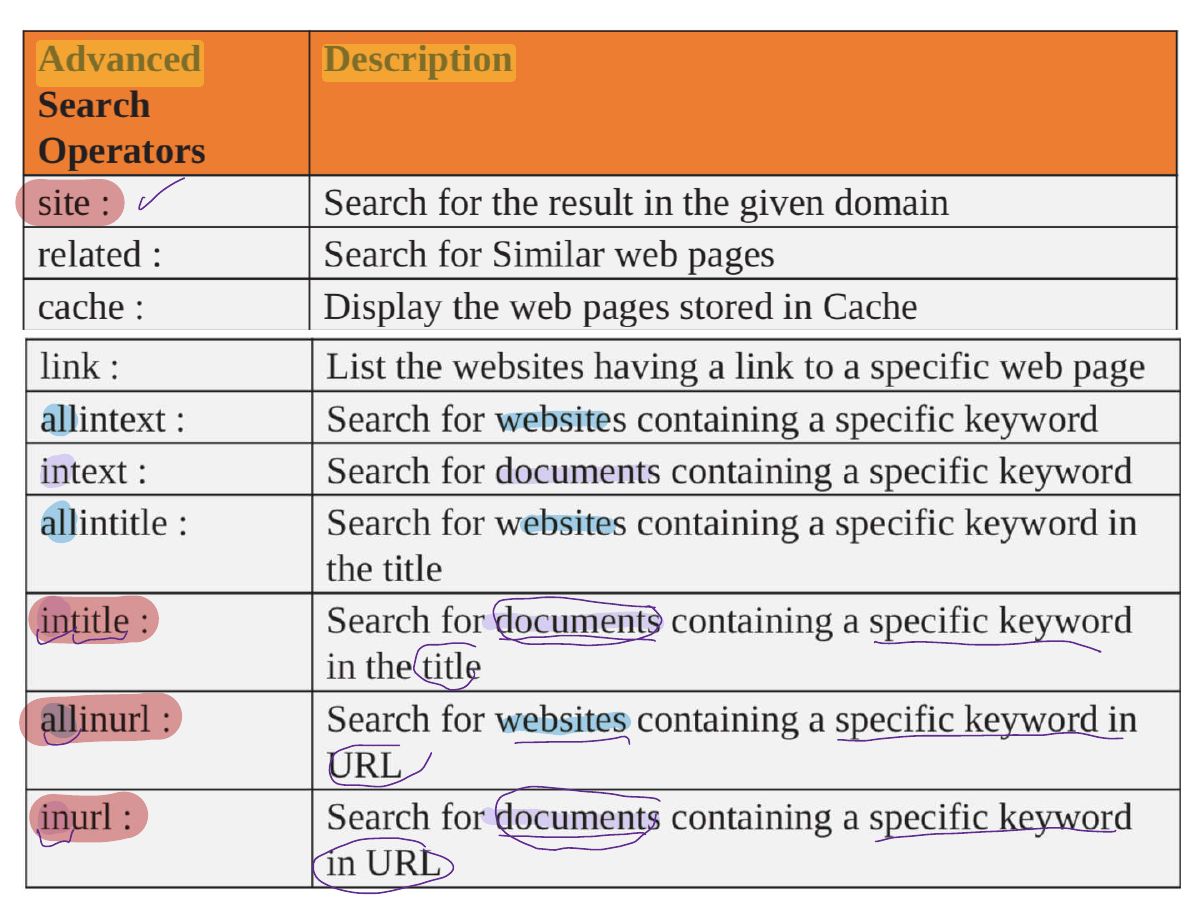
                        1. Google operators: site:, filetype:, inurl:, intitle:, intext:, cache:, link:.
                        🎯 How this can come up · 1 question
                        MCQ

                        Which query finds PDF files only on example.com?

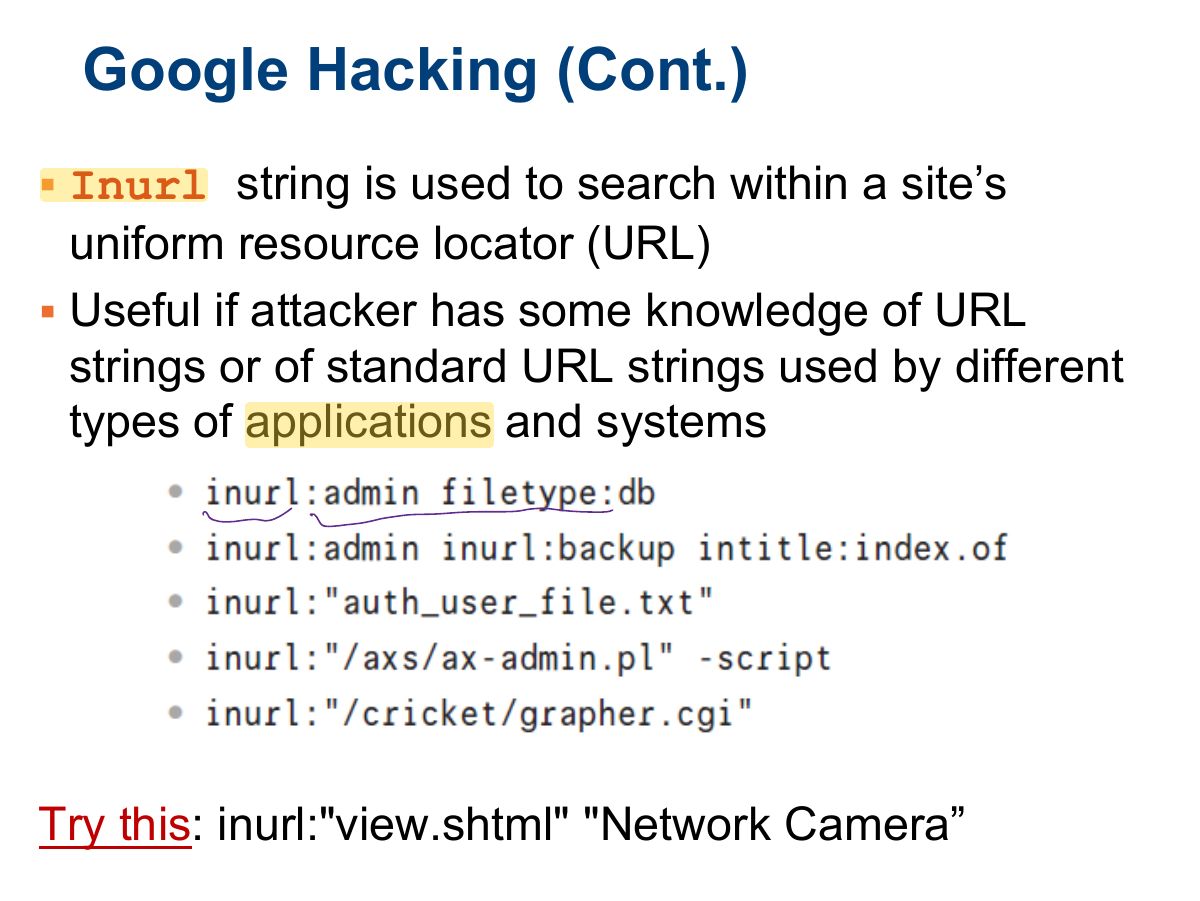
                        Slide 17: Google Hacking (Cont.)
                        Exam weight Low
                          Slide 18: Google Hacking (Cont.)
                          Exam weight Low
                            Slide 19: Google Hacking (Cont.)
                            Exam weight Low

                              20
                              Exam weight Low
                                Slide 21: Slide 21
                                Exam weight Low

                                  Exercises

                                  1. Use the site: operator to search for armchairs on IKEA’s site, www.ikea.com.

                                  2.Use the Advanced Search form to find the page whose title is “Detect Plagiarism.” 3.Find all pages on google.com but not on answers.google.com nor on directory.google.com whose titles include the words “FAQ” or “help.” 4.Use the link: operator to see who links to googleguide.com, your company’s website, or your favorite website.

                                  5.Find pages whose titles include surfing that are not about surfing the World Wide Web.

                                  6.How can you search for [ google help ] on Google Guide, www.googleguide.com, and on the UC Berkeley library website, www.lib.berkeley.edu?

                                  22
                                  Exam weight Low
                                    Slide 23: Slide 23
                                    Exam weight Low
                                      Slide 24: Google Hacking Database
                                      Exam weight Low
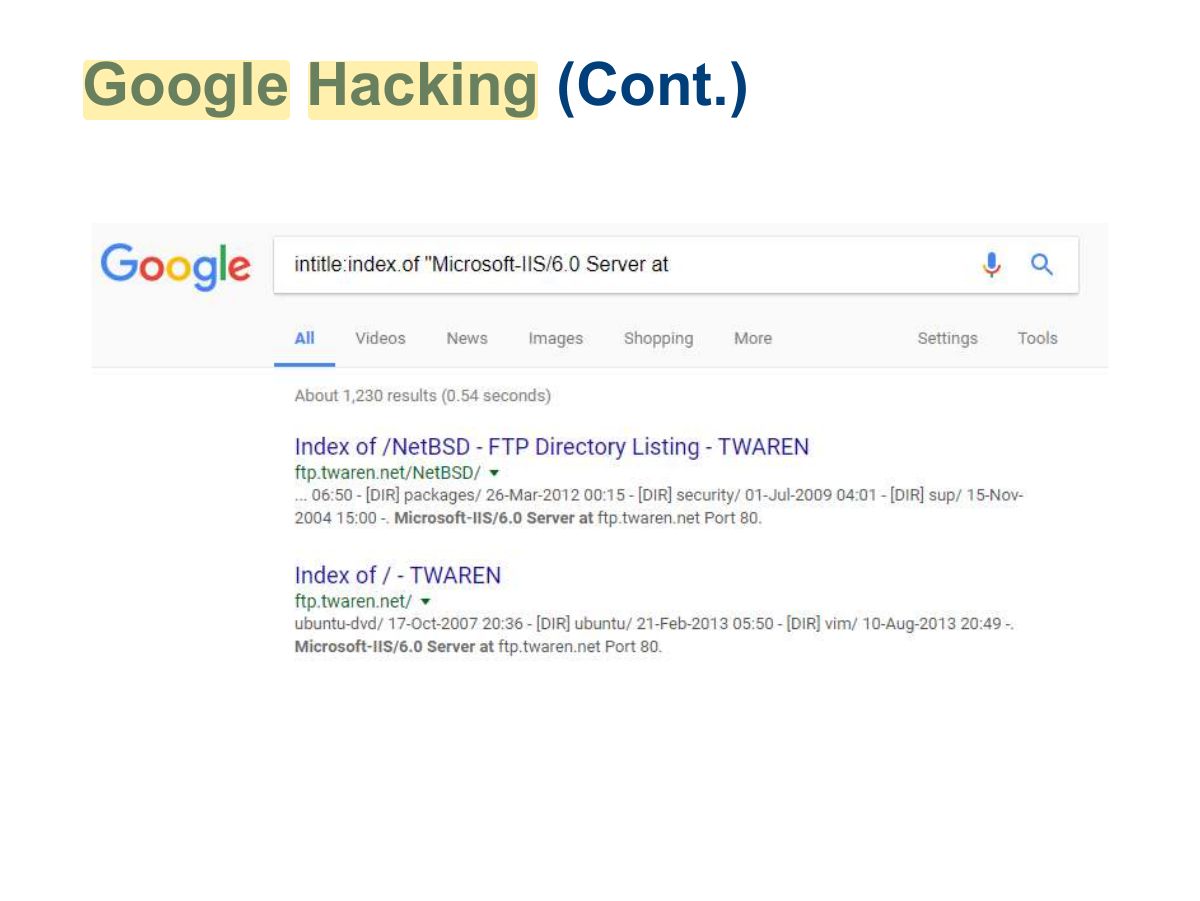
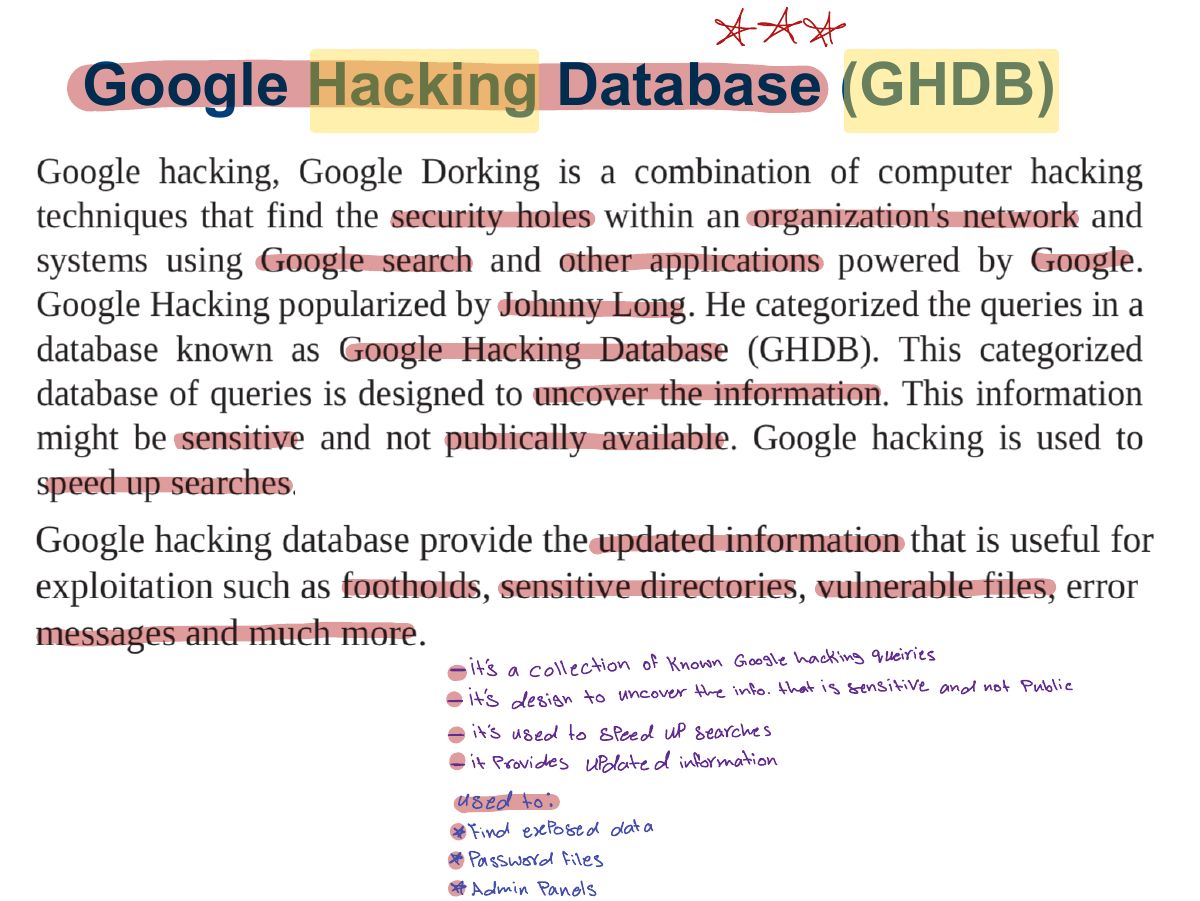
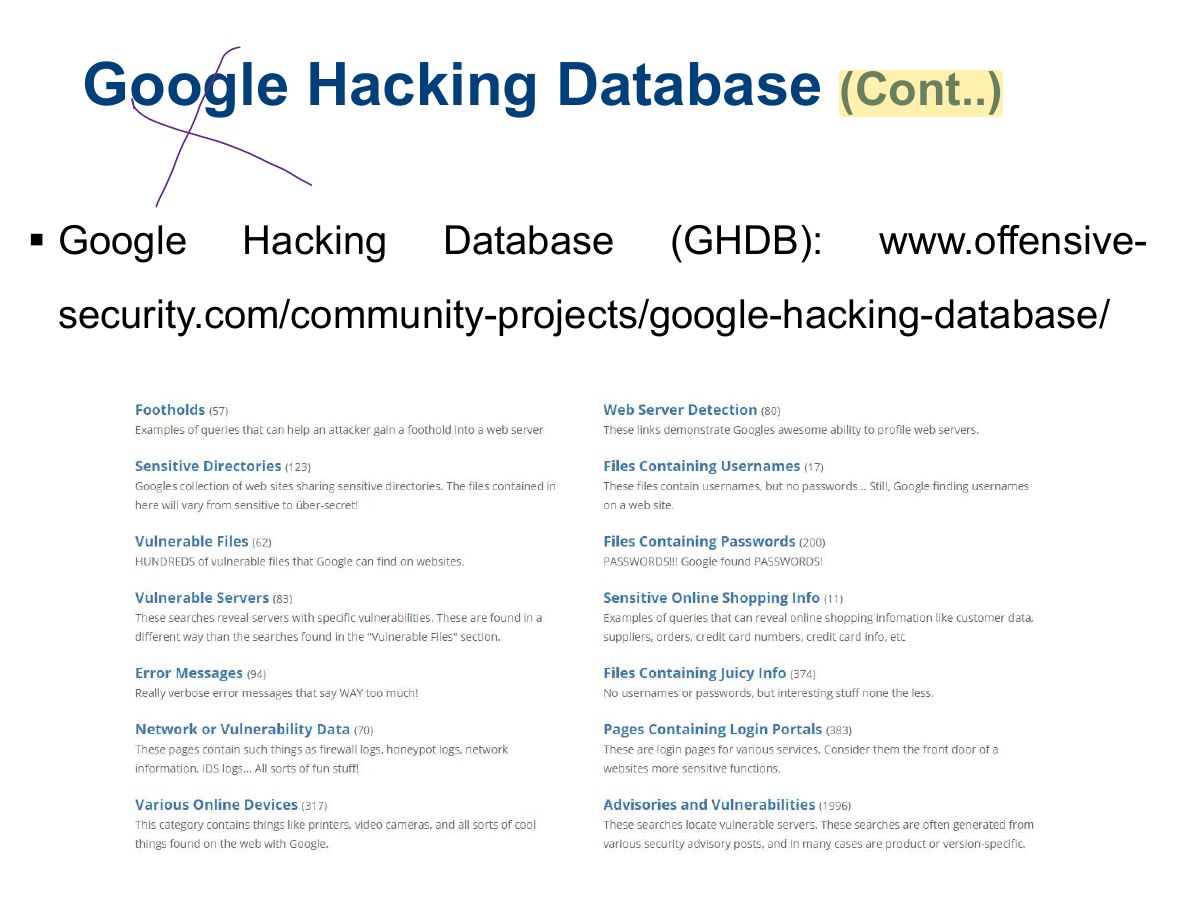
                                      1. Google Hacking Database (GHDB): a catalogue of search queries ("dorks") that find exposed data.
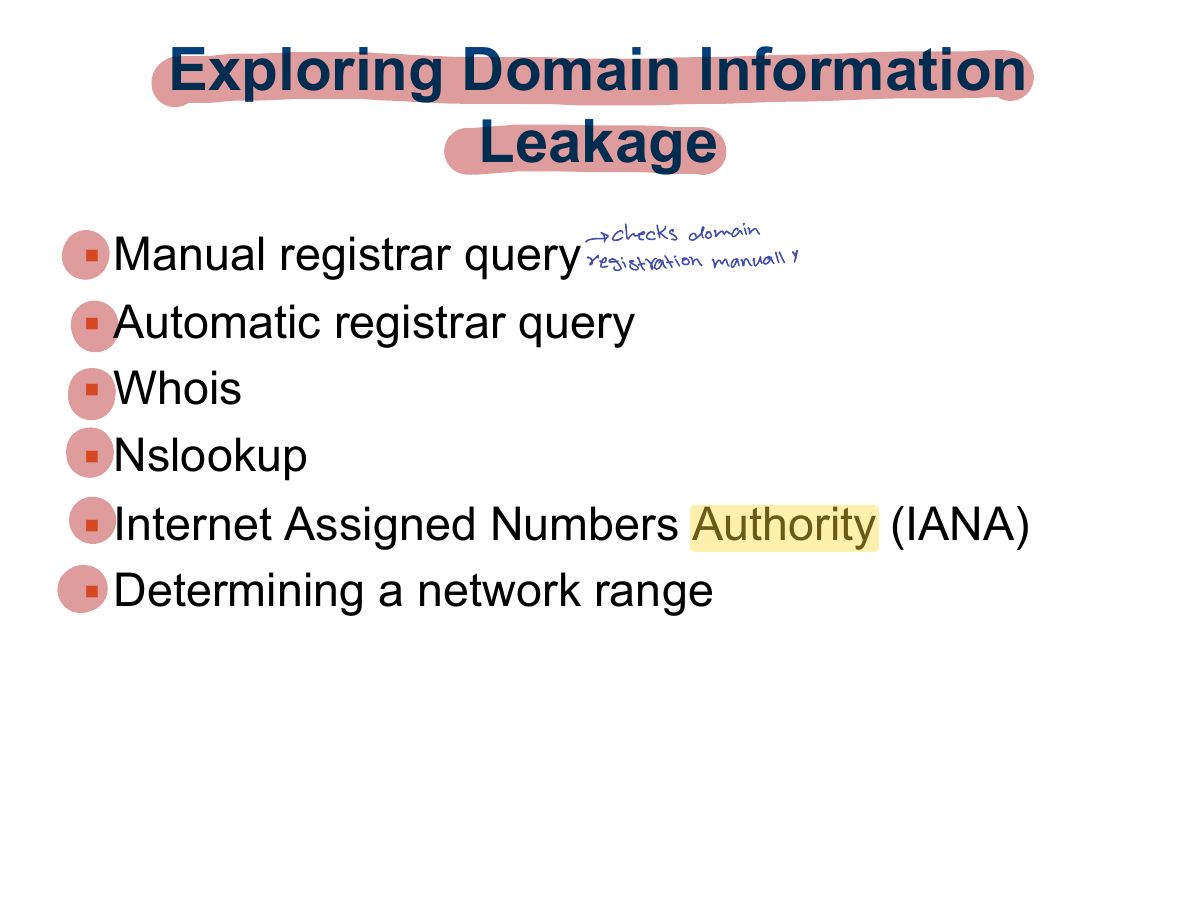
                                      Slide 25: Exploring Domain Information Leakage
                                      Exam weight Low
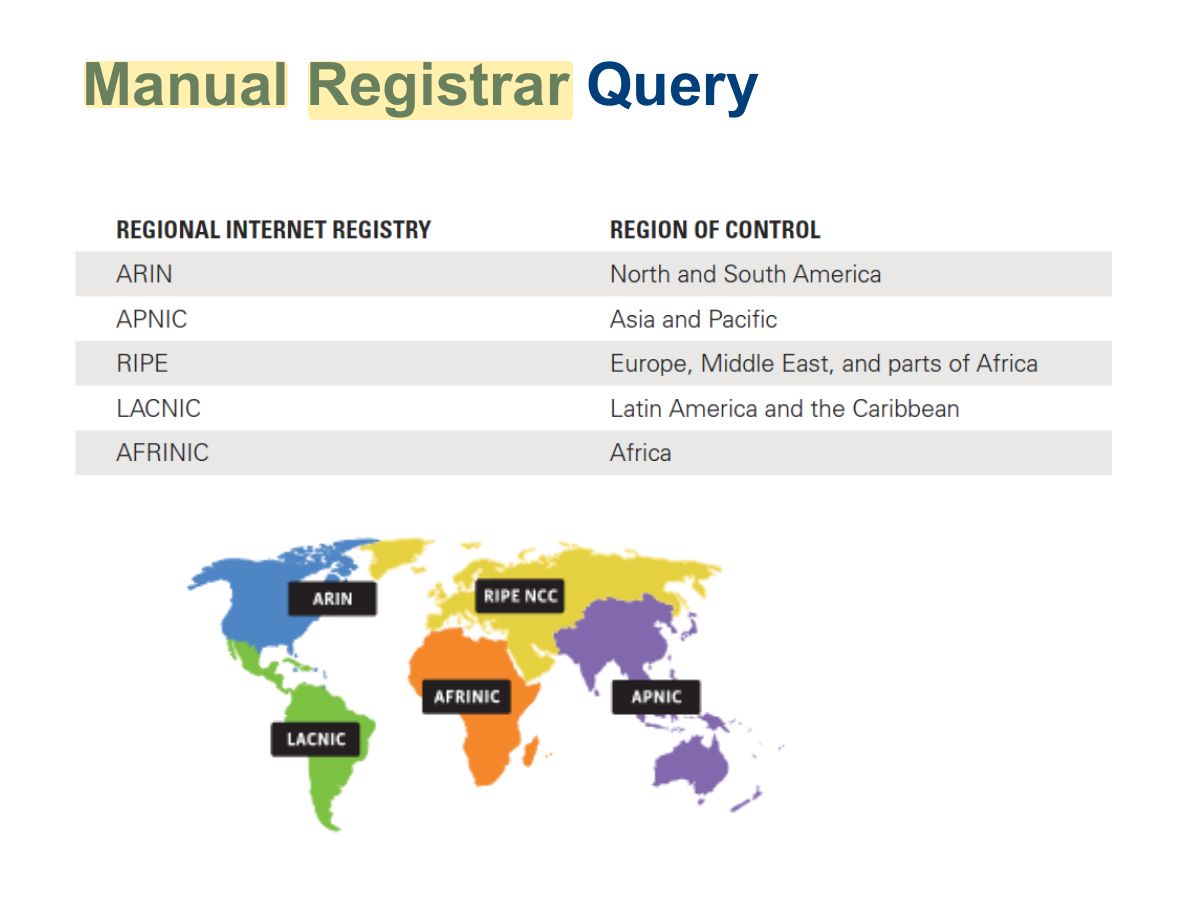
                                        Slide 26: Manual Registrar Query
                                        Exam weight Low

                                          Automatic Registrar Query

                                          http://www.betterwhois.com http://geektools.com www.all-nettools.com www.smartwhois.com www.dnsstuff.com http://whois.domaintools.com

                                          27
                                          Exam weight Low

                                            Whois

                                            Queries databases that hold registration information Designed to interrogate the Internet DNS and return domain ownership, addresses, location, phone number, etc.

                                            Accessibility of tool depends on operating system

                                            28
                                            Exam weight High
                                            1. WHOIS: registrant names, emails, phone numbers, name servers, registration dates.
                                            🎯 How this can come up · 1 question
                                            MCQ

                                            Which tool reveals a domain’s registrant and name servers?

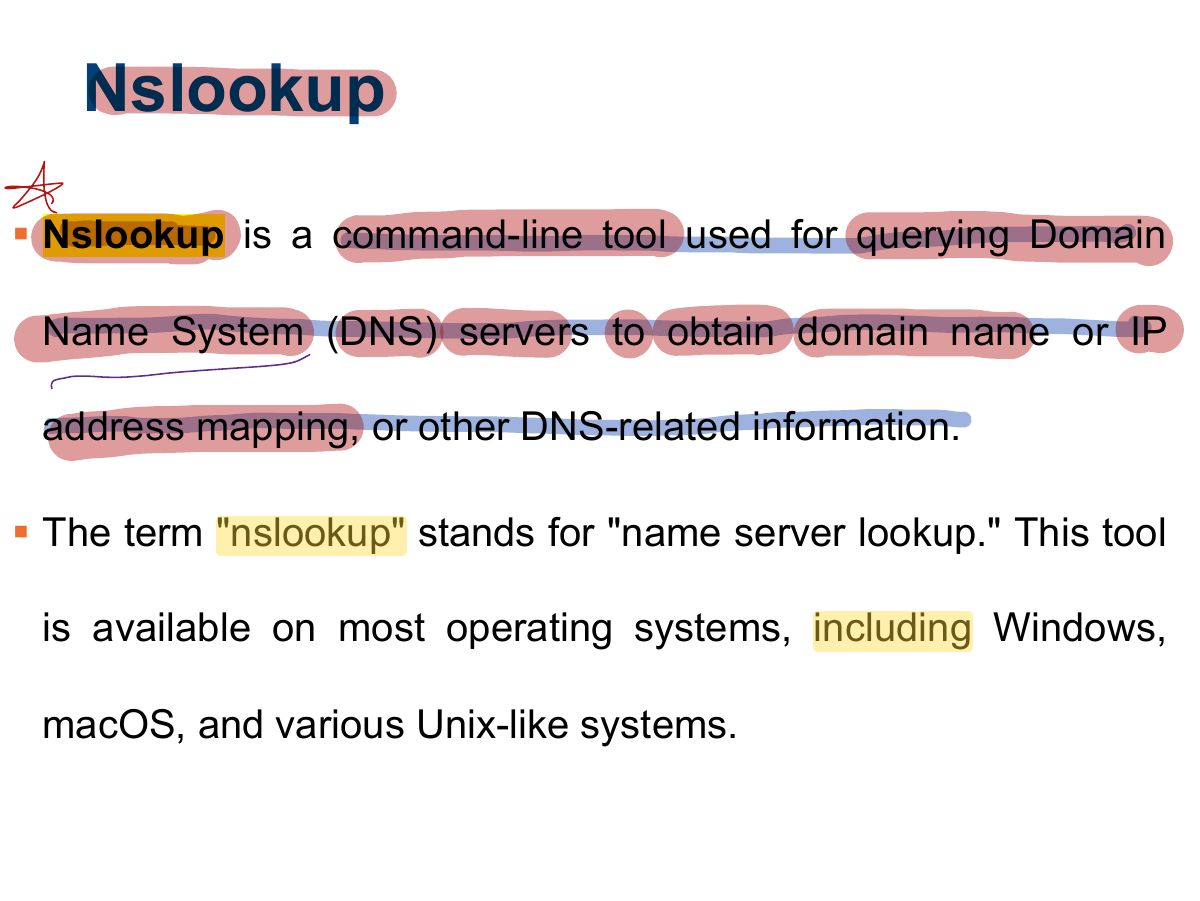
                                            Slide 29: Nslookup
                                            Exam weight High
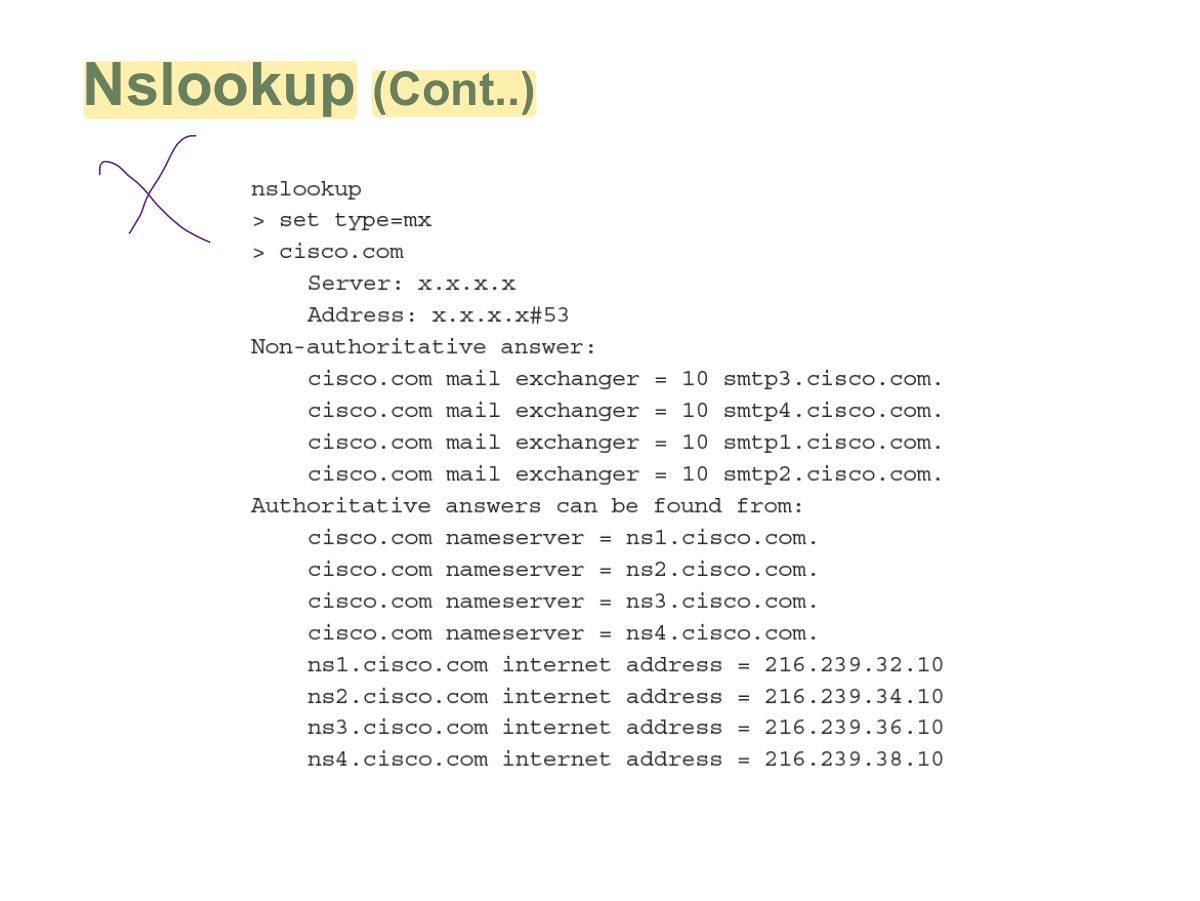
                                            1. nslookup / dig query DNS records: A (IPv4), AAAA, MX (mail), NS (name server), CNAME, SOA, PTR.
                                            🎯 How this can come up · 1 question
                                            MCQ

                                            Which DNS record identifies a domain’s mail servers?

                                            Slide 30: Nslookup
                                            Exam weight Low
                                              Slide 31: Slide 31
                                              Exam weight Low

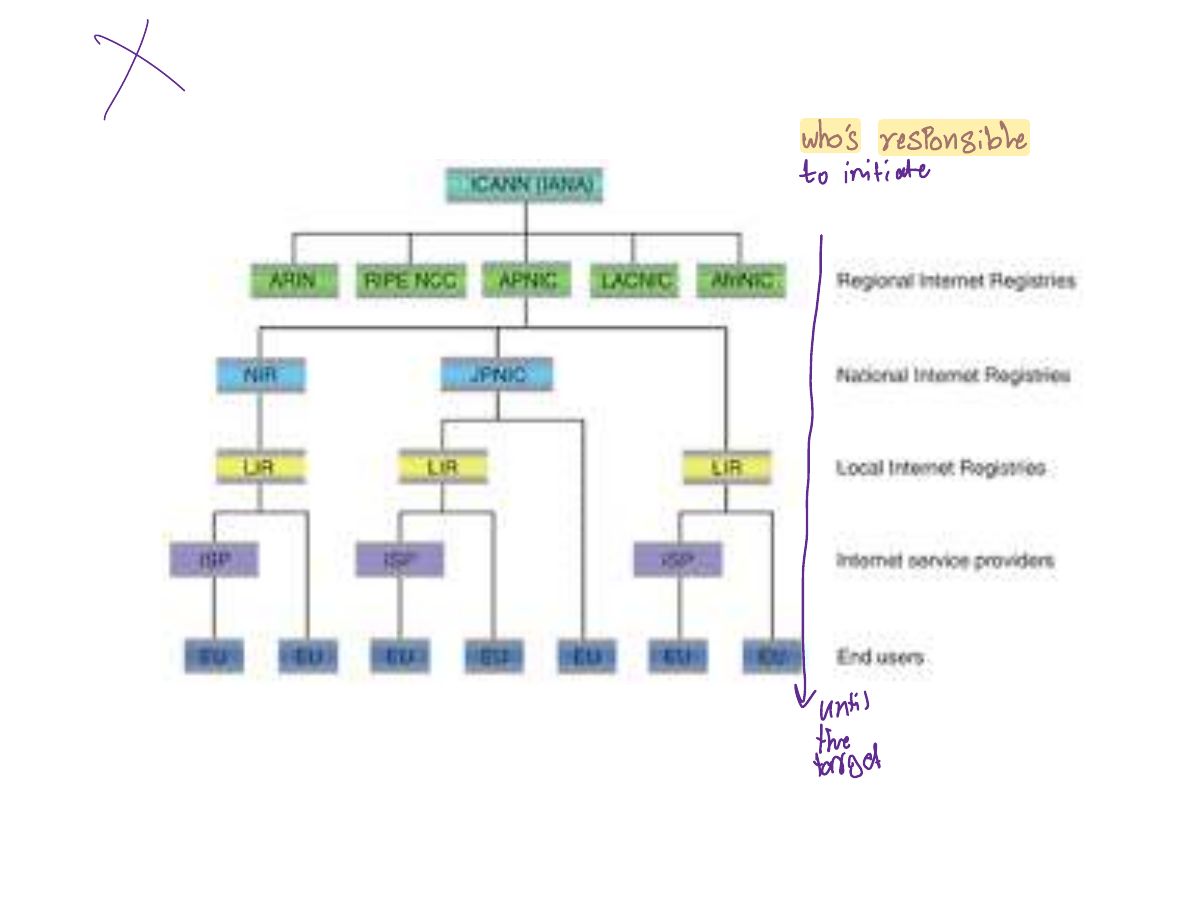
                                                Determining a Network Range

                                                • American Registry for Internet Numbers (ARIN)
                                                  • North America and parts of the Caribbean
                                                • Réseaux IP Européens Network Coordination Centre (RIPE NCC)
                                                  • Europe, the Middle East, and Central Asia
                                                • Asia-Pacific Network Information Centre (APNIC)
                                                  • Asia and the Pacific Rim
                                                • Latin American and Caribbean Internet Addresses Registry (LACNIC)
                                                  • Latin America and parts of the Caribbean region
                                                • African Network Information Centre (AfrNIC)
                                                  • Africa
                                                32
                                                Exam weight Low

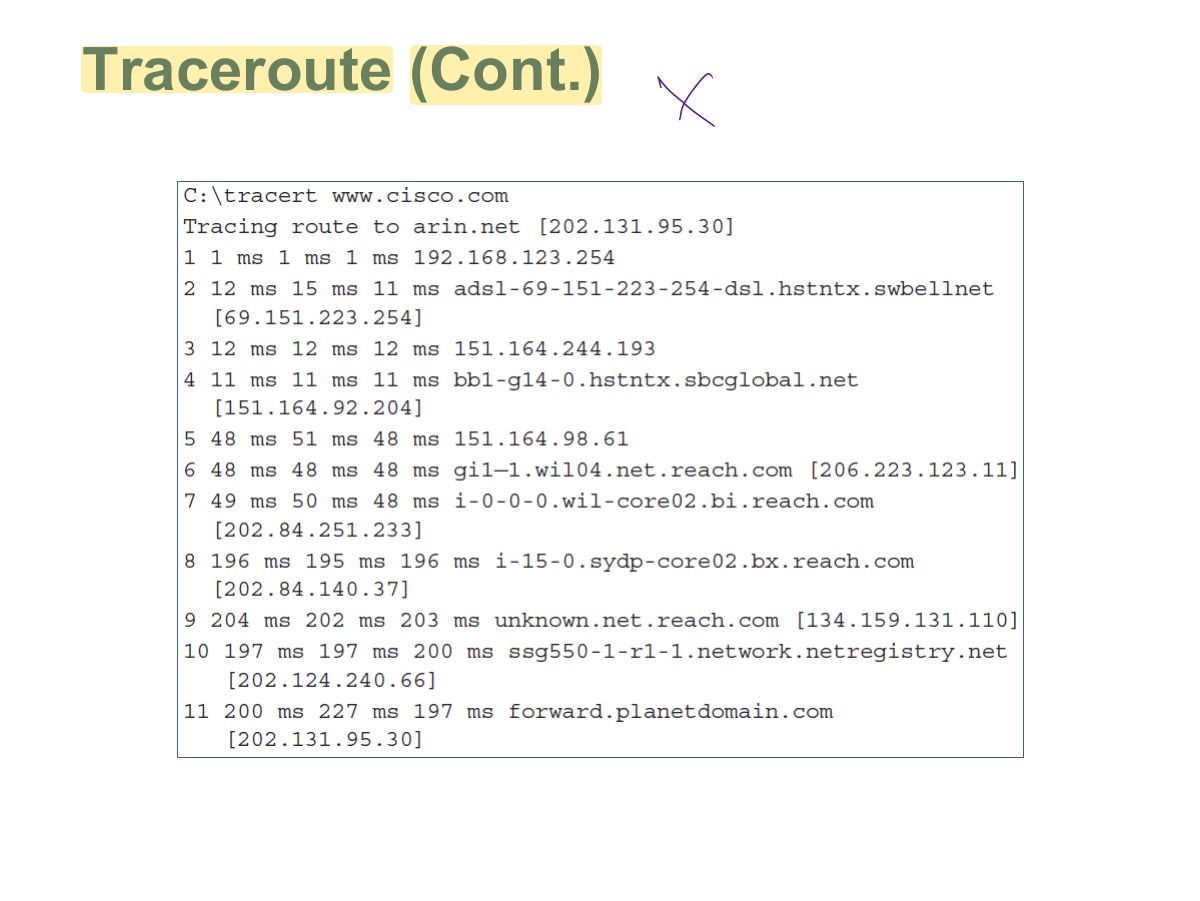
                                                  Traceroute

                                                  • Software program that helps to determine the path a data packet traverses to get to a specific IP address
                                                  • One of the easiest ways to identify the path to a targeted website
                                                  • In Windows operating systems, the command is tracert traceroute
                                                  • In UNIX/Linux, the command is
                                                  • Traceroute displays list of routers on a path to a network destination by using time-to-live (TTL) time-outs and Internet Control Message Protocol (ICMP) error messages
                                                  33
                                                  Exam weight Low
                                                  1. Traceroute lists the routers (hops) to a host using increasing TTL values: reveals network topology.
                                                  Slide 34: Traceroute (Cont.)
                                                  Exam weight Low

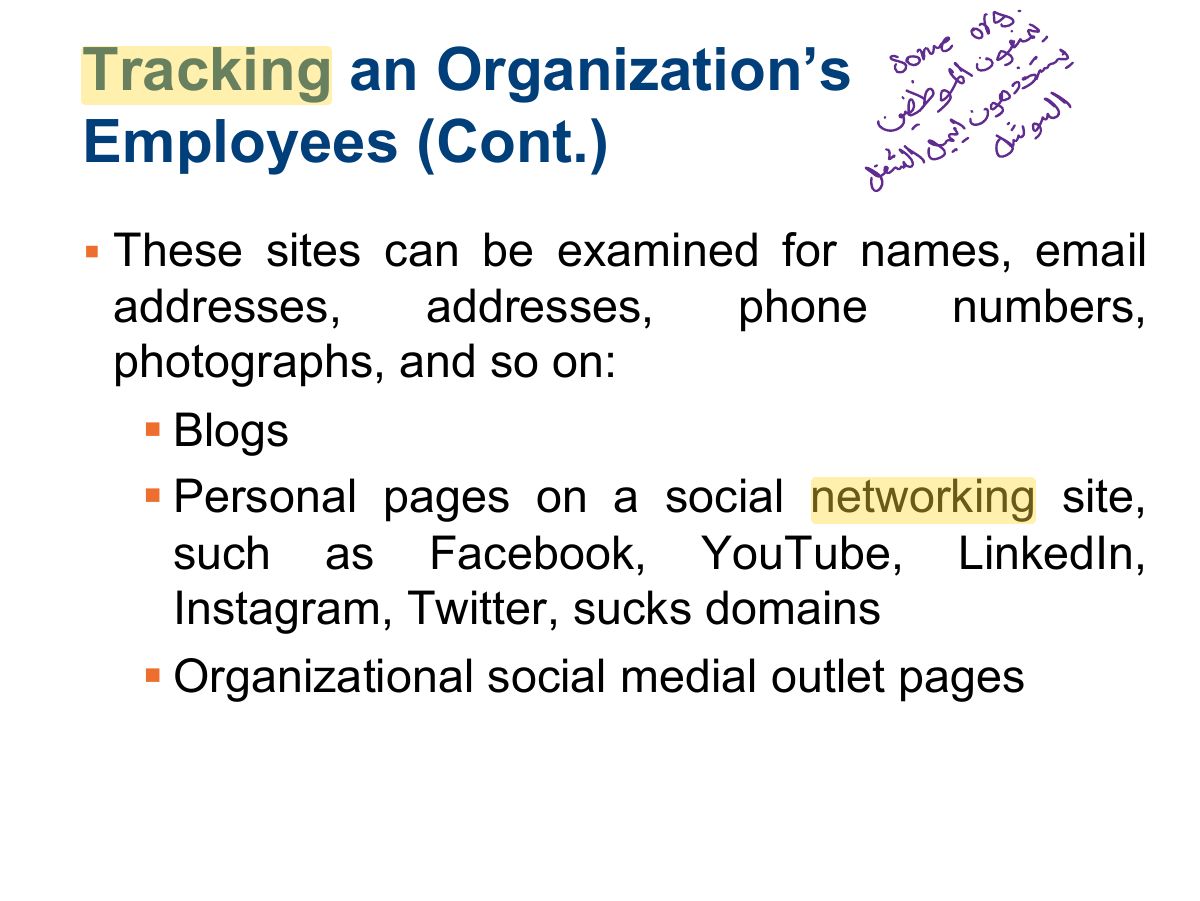
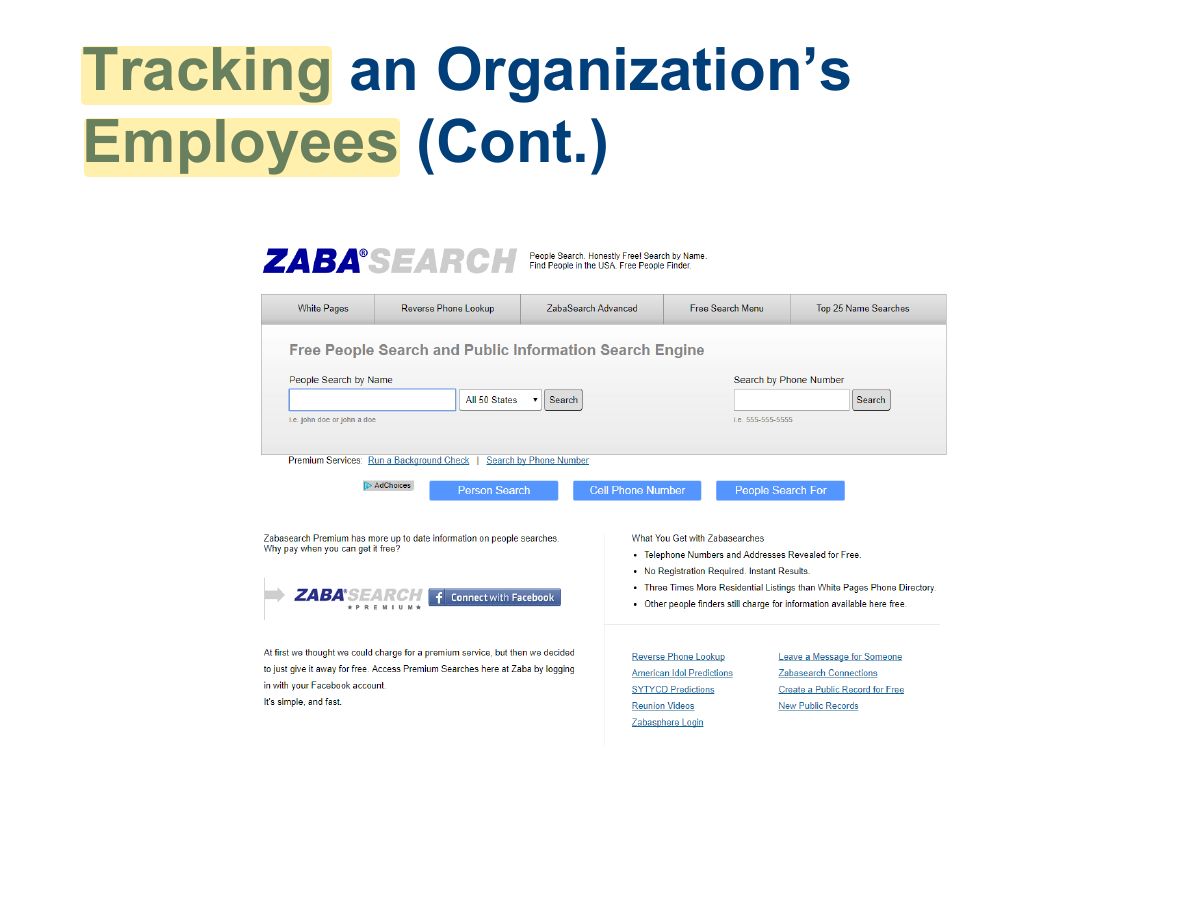
                                                    Tracking an Organization’s Employees

                                                    • Information that can be uncovered online:
                                                      • Posted photographs, videos, or information
                                                      • Posted content about personal activities, political or activist affiliations, and beliefs
                                                      • Posting derogatory information about previous employers, coworkers, or clients
                                                      • Discriminatory comments or fabricated qualifications
                                                    35
                                                    Exam weight Low
                                                      Slide 36: Tracking an Organization’s Employees (Cont.)
                                                      Exam weight Low
                                                        Slide 37: Tracking an Organization’s Employees (Cont.)
                                                        Exam weight Low

                                                          Using Social Networks

                                                          • Facebook, LinkedIn, Twitter, etc.
                                                          • Be aware of potentially malicious URLs
                                                            • Example: Clicking a video can be linked to malicious site that steals victims’ credentials or other information
                                                            • Website could install malicious software onto the user’s system
                                                          • Innocent-looking items (trivia items, fantasy sports, etc.) may distribute or publish user information
                                                          • Profile information valuable to ethical and nonethical hackers
                                                          38
                                                          Exam weight Low
                                                          1. Social networks (LinkedIn, etc.) reveal employees, roles, technologies: material for social engineering.
                                                          Slide 39: Using Basic Countermeasures
                                                          Exam weight Low
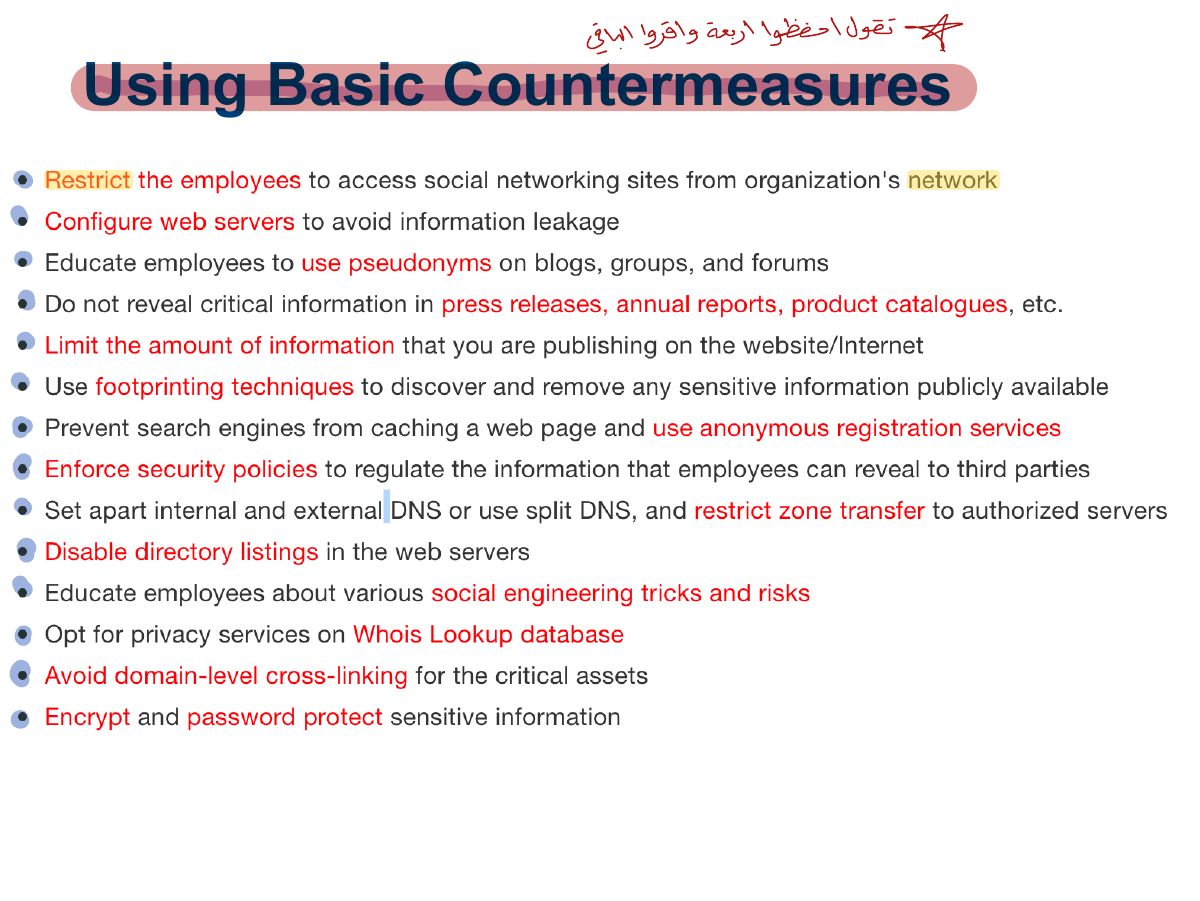
                                                          1. Countermeasures: limit what’s published, private WHOIS, staff awareness, remove sensitive metadata, monitor search engines.

                                                          Summary

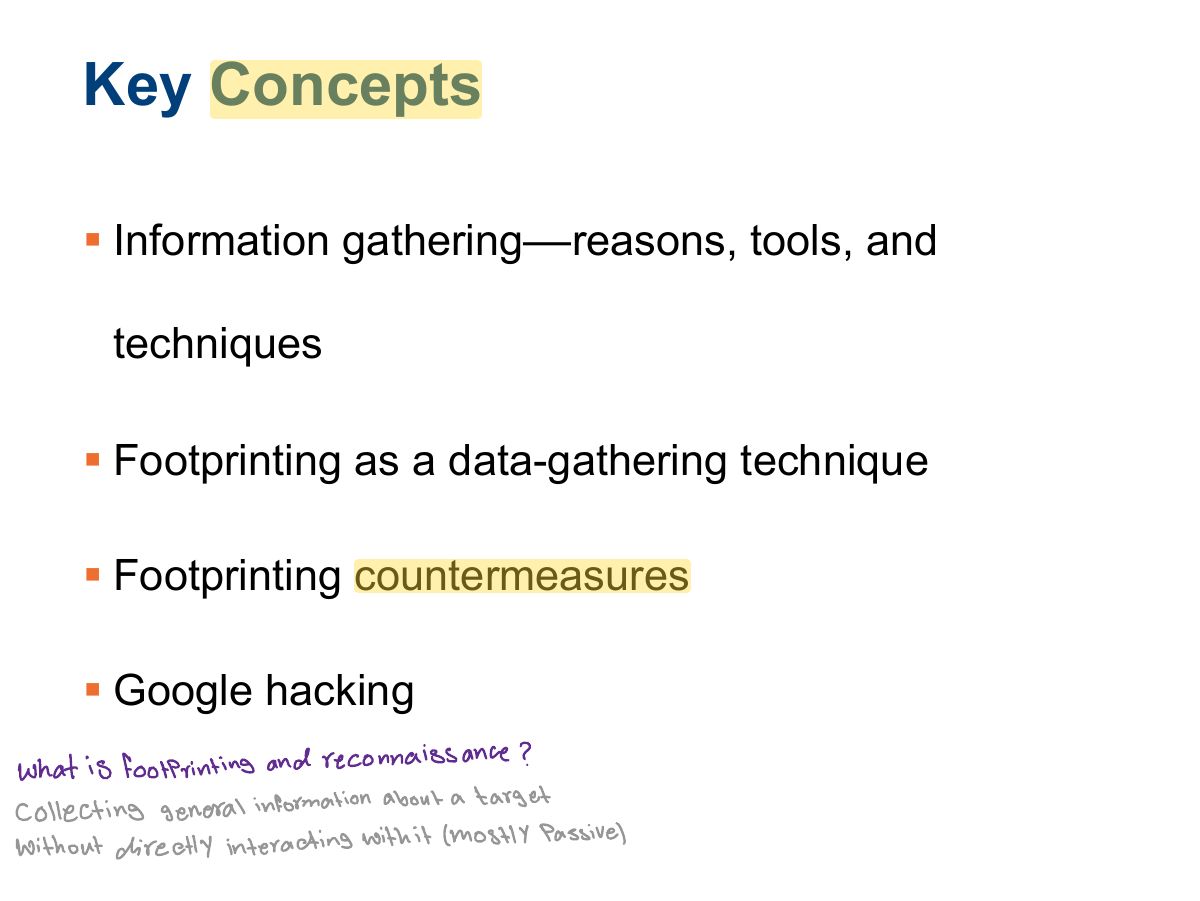
                                                          • Information gathering––reasons, tools, and techniques
                                                          • Footprinting as a data-gathering technique
                                                          • Footprinting countermeasures
                                                          • Google hacking
                                                          40
                                                          Exam weight Low