CS102 · Annotated SlidesInterfaces — Comparable, Comparator and Interfaces
Interfaces · Annotated slides

Comparable, Comparator and Interfaces

The Comparable interface and compareTo (negative / zero / positive), sorting objects with Arrays.sort, the Fruit and Person examples, and the Comparator interface (compare, equals) for sorting by different attributes such as grade or name.
Slide text Study notes Highlight: key words Tips, tricks & traps Seen again elsewhere How it can come up
Slide 1: Slide 1
Exam weight Low
    Slide 2: Slide 2
    Exam weight Low
      Slide 3: Objective
      Exam weight Low
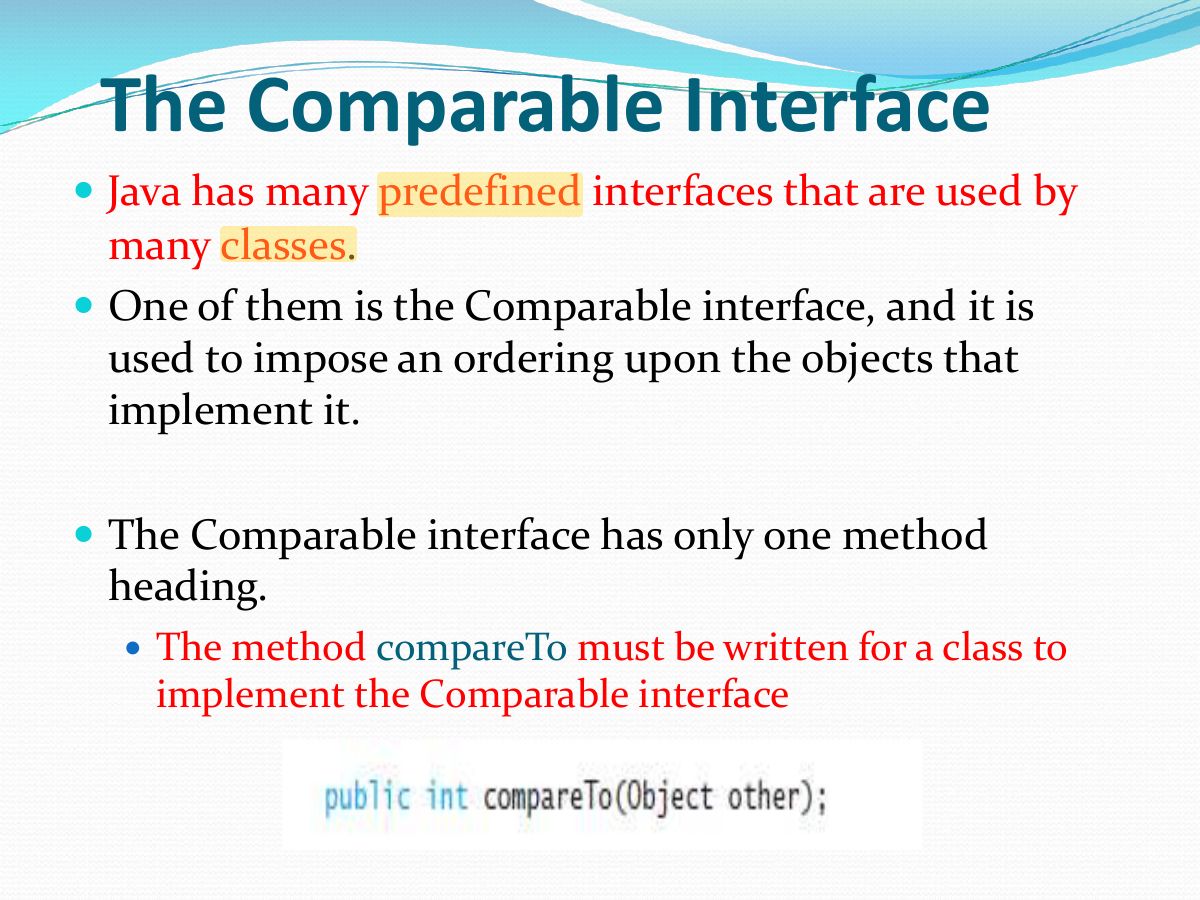
        Slide 4: — Java has many predefined interfaces that are used by
        Exam weight Low
        1. Comparable imposes a natural ordering; it has one method: compareTo.
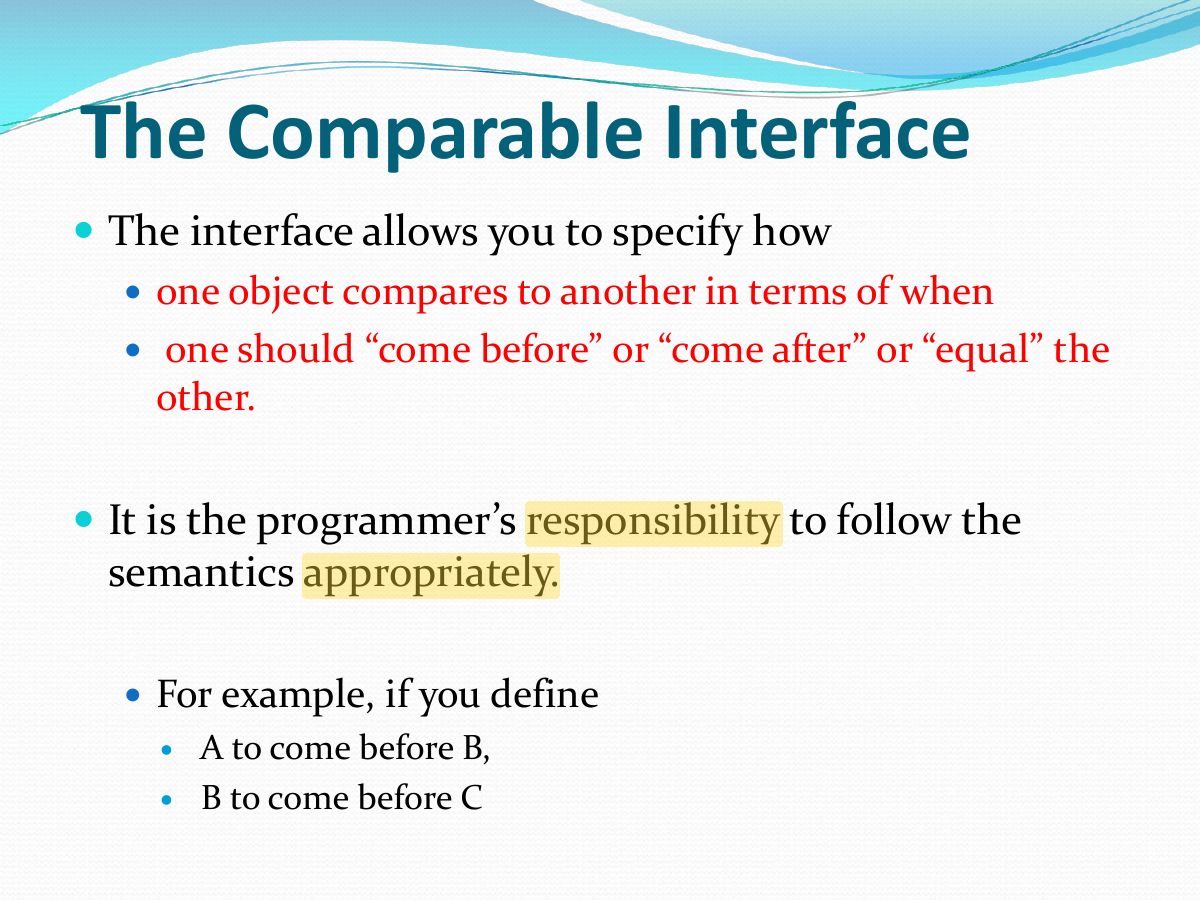
        Slide 5: Slide 5
        Exam weight Low
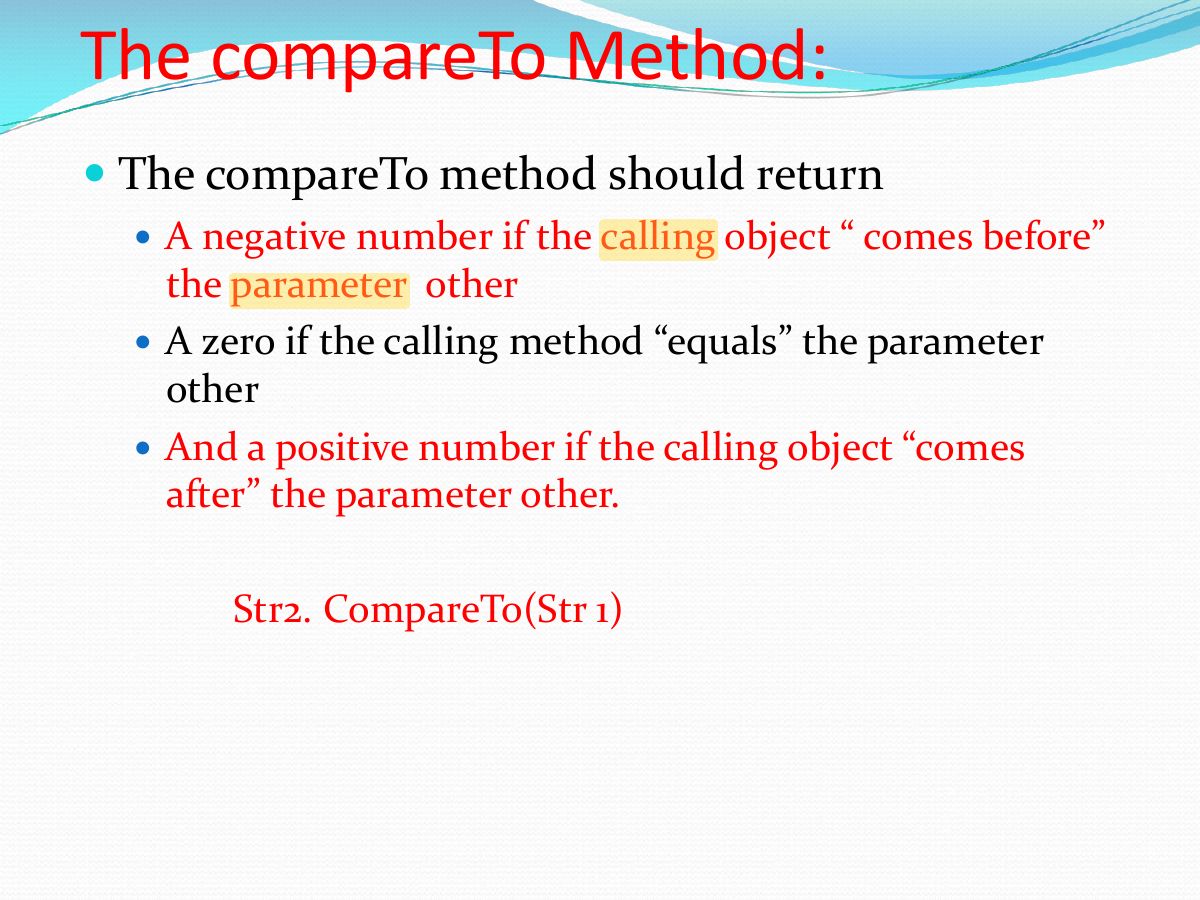
          Slide 6: — The compareTo method should return
          Exam weight High
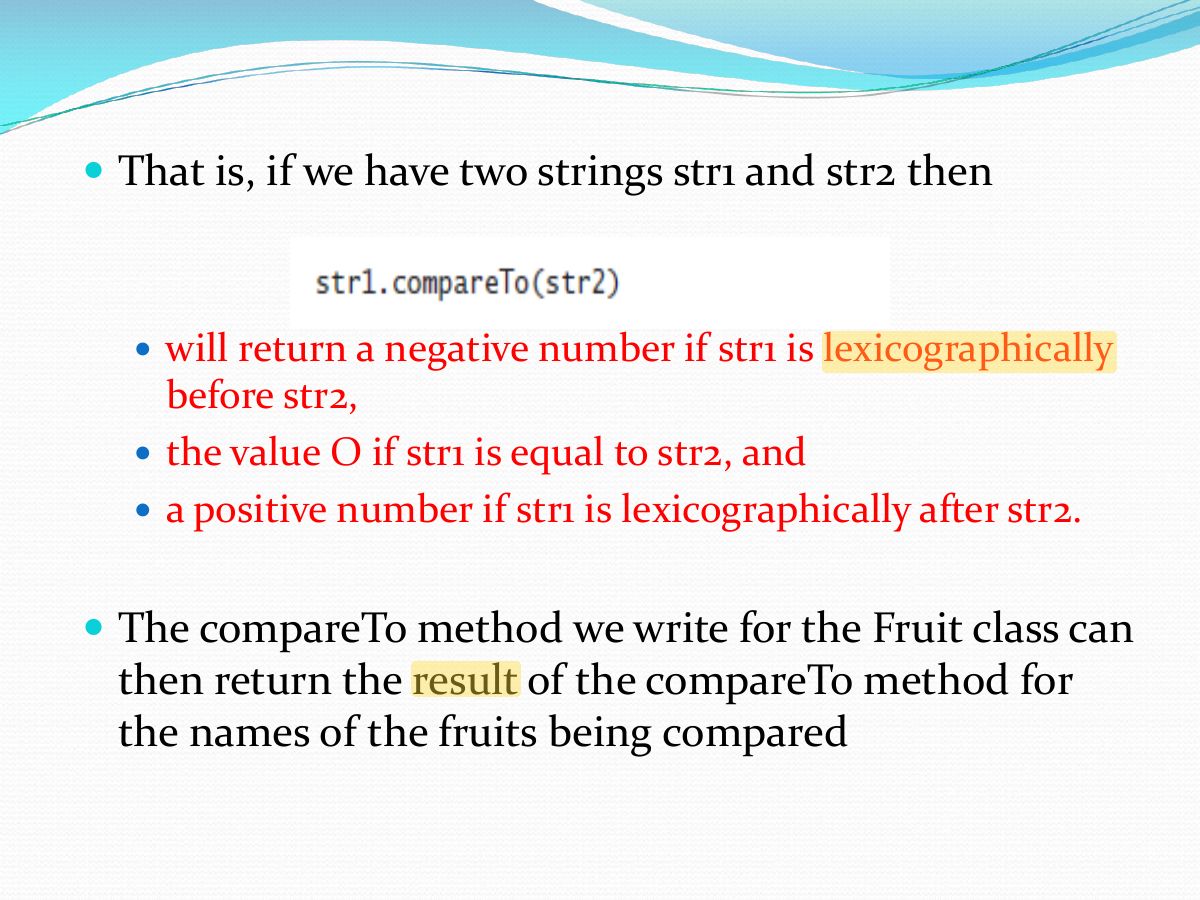
          1. a.compareTo(b) returns NEGATIVE if a comes before b, ZERO if equal, POSITIVE if a comes after b.
          🎯 How this can come up · 1 question
          MCQ

          "apple".compareTo("orange") returns:

          Slide 7: — Class Person has name and age as instance variables — Let class person implement interface Comparable
          Exam weight Low
          1. Person implements Comparable<Person> and compares by age: return this.age - other.age;
          Slide 8: Slide 8
          Exam weight Low
            Slide 9: Slide 9
            Exam weight Low
              Slide 10: Slide 10
              Exam weight High
              1. Arrays.sort calls compareTo on the objects, so they must implement Comparable.
              🎯 How this can come up · 1 question
              True / False

              Arrays.sort can sort an array of your own class even if it doesn’t implement Comparable (and no Comparator is given).

              Slide 11: Slide 11
              Exam weight Low
                Slide 12: Slide 12
                Exam weight Low
                  Slide 13: — That is, if we have two strings str1 and str2 then
                  Exam weight Low
                    Slide 14: Fruit Code
                    Exam weight Low
                      Slide 15: Slide 15
                      Exam weight Low
                      1. Comparator (java.util) defines compare(a, b) and equals; use it for orderings other than the natural one.
                      Slide 16: Slide 16
                      Exam weight Low
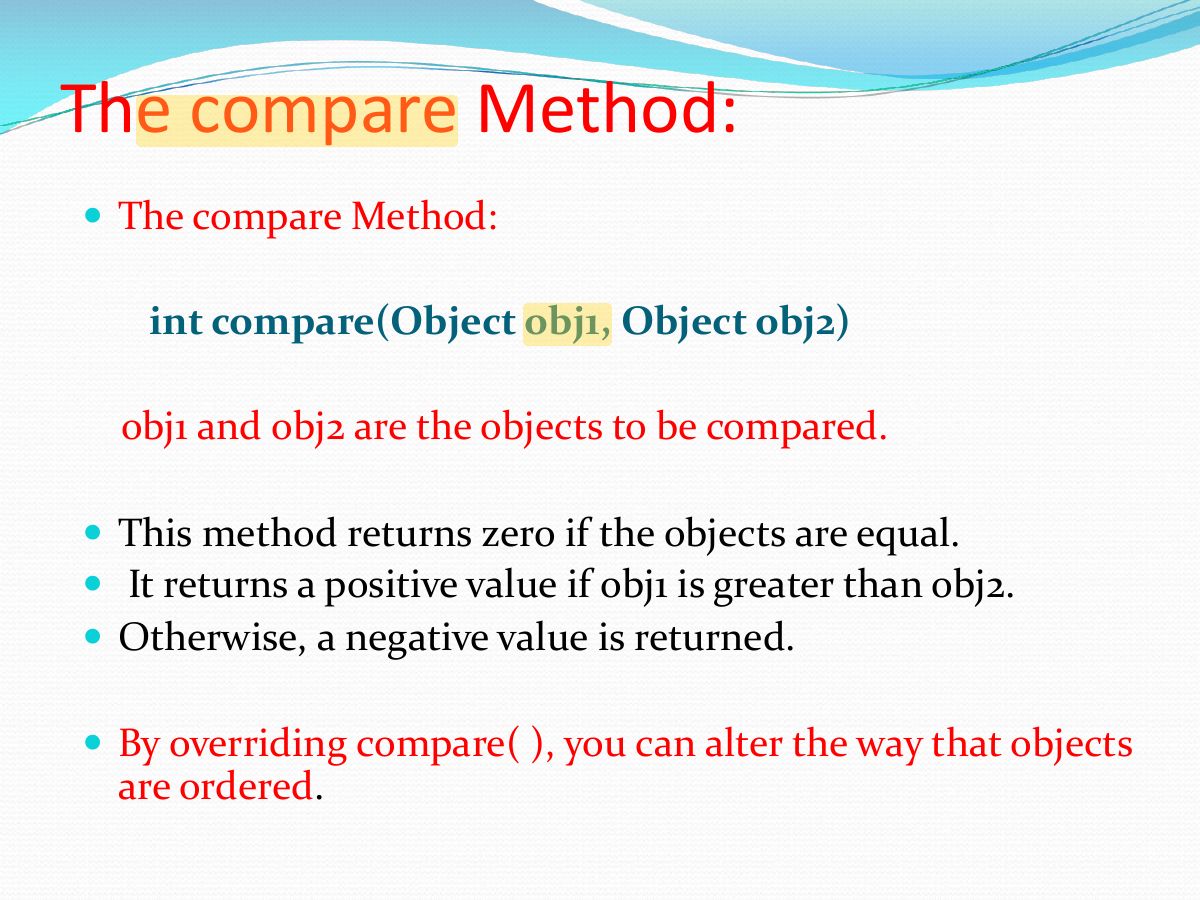
                      1. compare(obj1, obj2): 0 if equal, positive if obj1 > obj2, negative otherwise.
                      Slide 17: Slide 17
                      Exam weight High
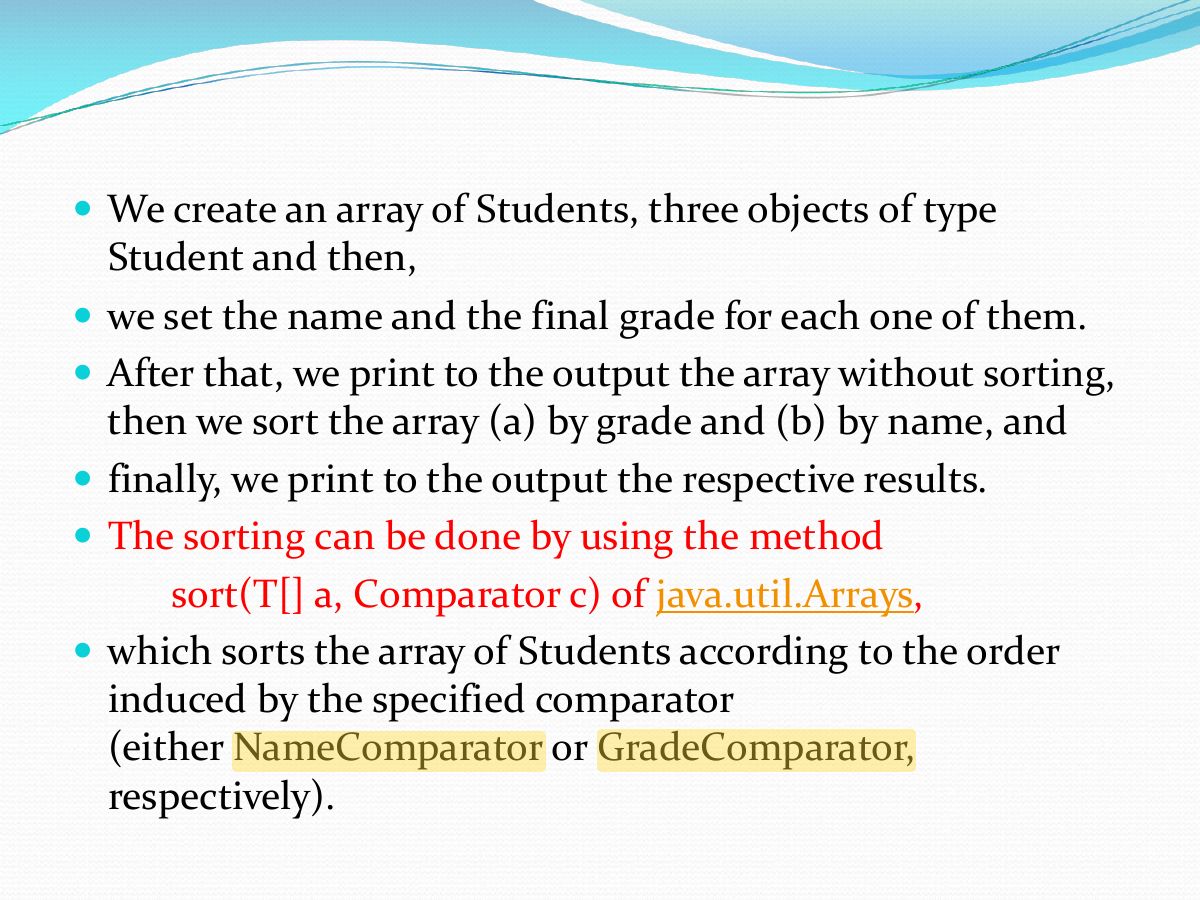
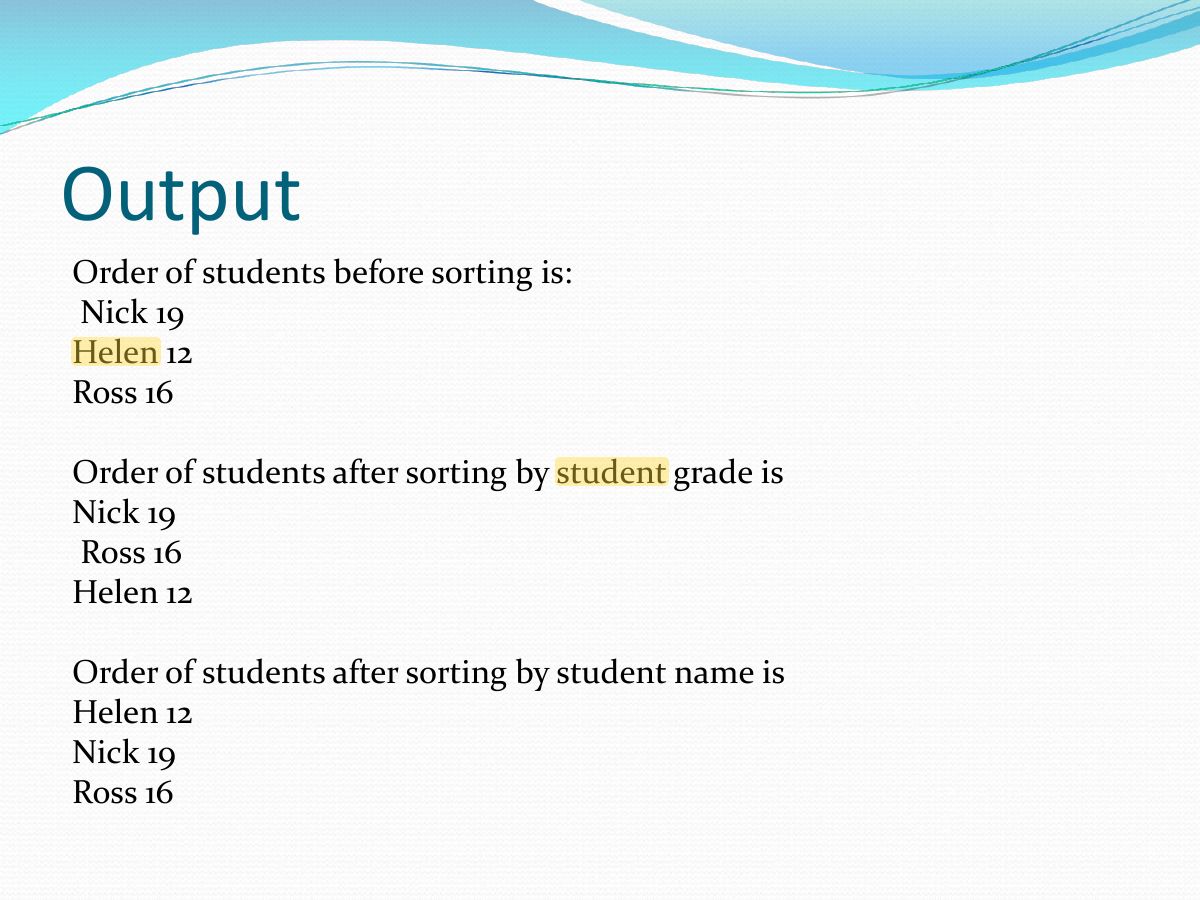
                      1. Use Comparator to sort by different attributes: Arrays.sort(students, new GradeComparator()).
                      Memory trickComparable = ONE built-in order inside the class. Comparator = MANY orders in separate classes.
                      🎯 How this can come up · 1 question
                      MCQ

                      To sort students sometimes by name and sometimes by grade, you should use:

                      Slide 18: Slide 18
                      Exam weight Low
                        Slide 19: Output
                        Exam weight Low
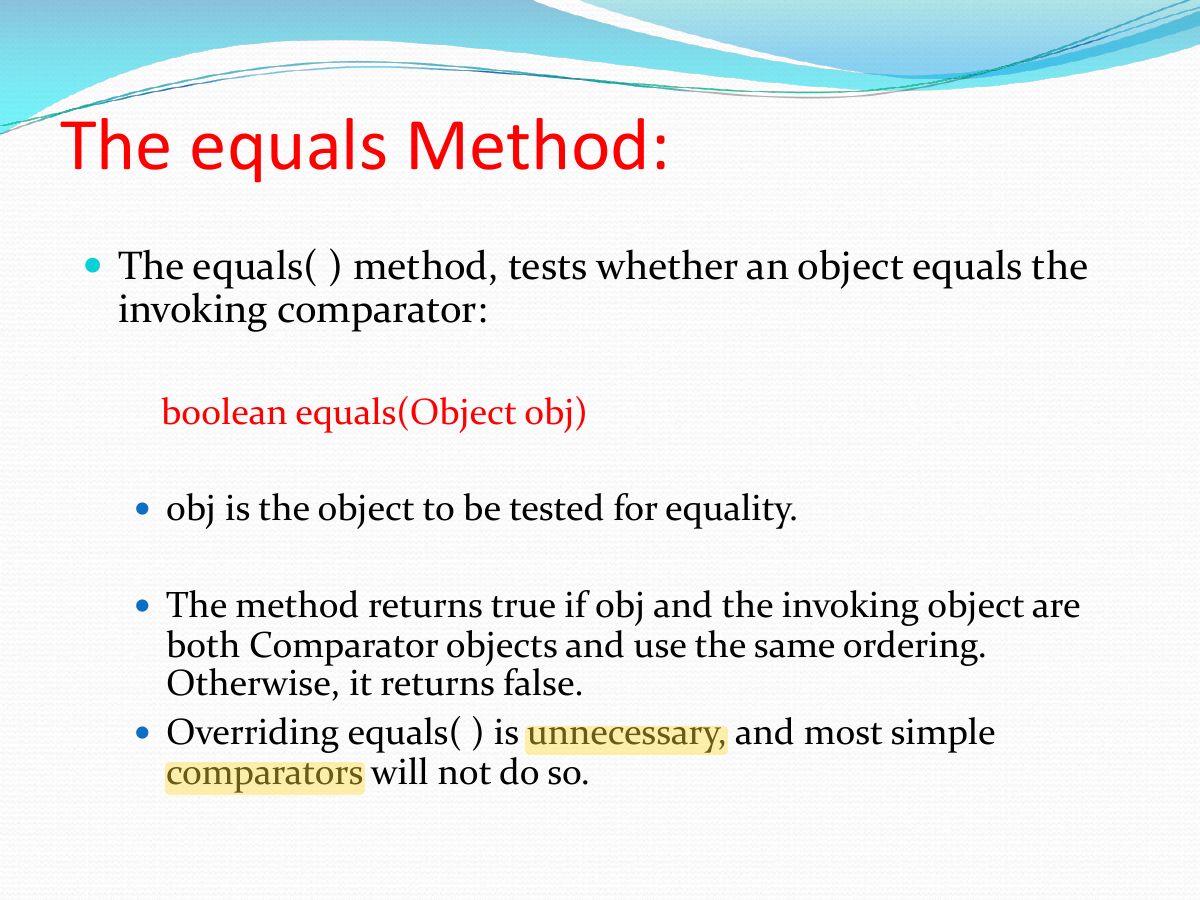
                          Slide 20: The equals Method:
                          Exam weight Low