Exam weight Low
- Read 100 numbers, find the average, count how many are above it → need an array.
Exam weight Low
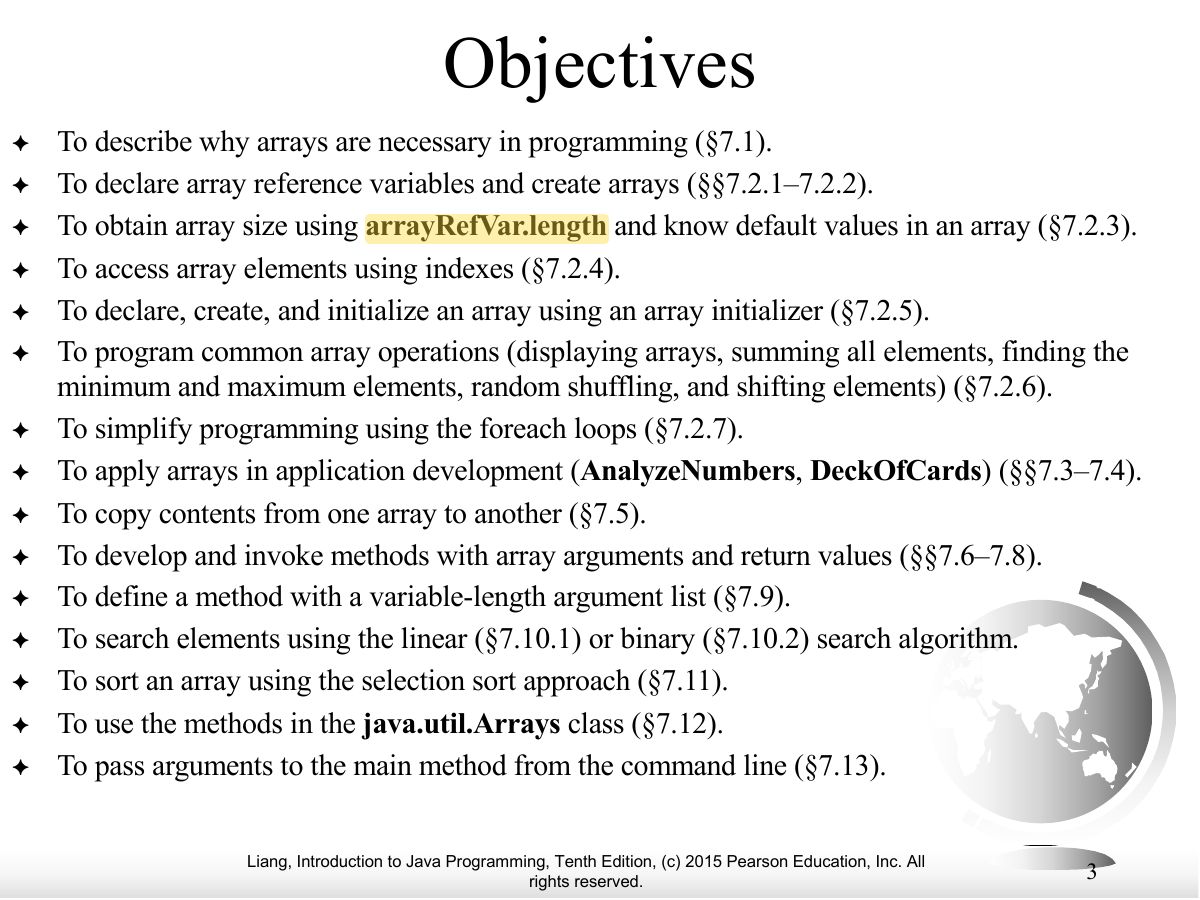
- Objectives.
Exam weight Low
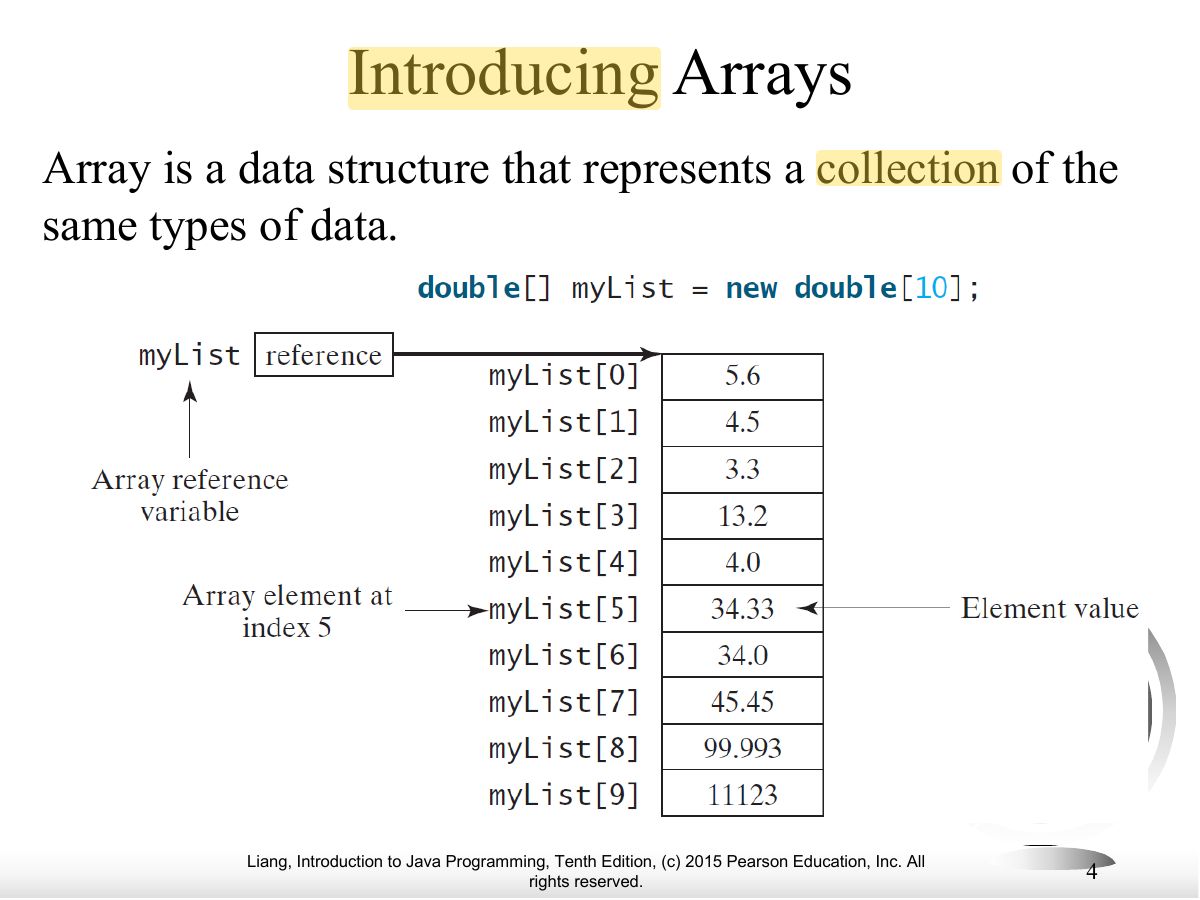
- An array is a fixed-size collection of elements of the same type.
Exam weight Low
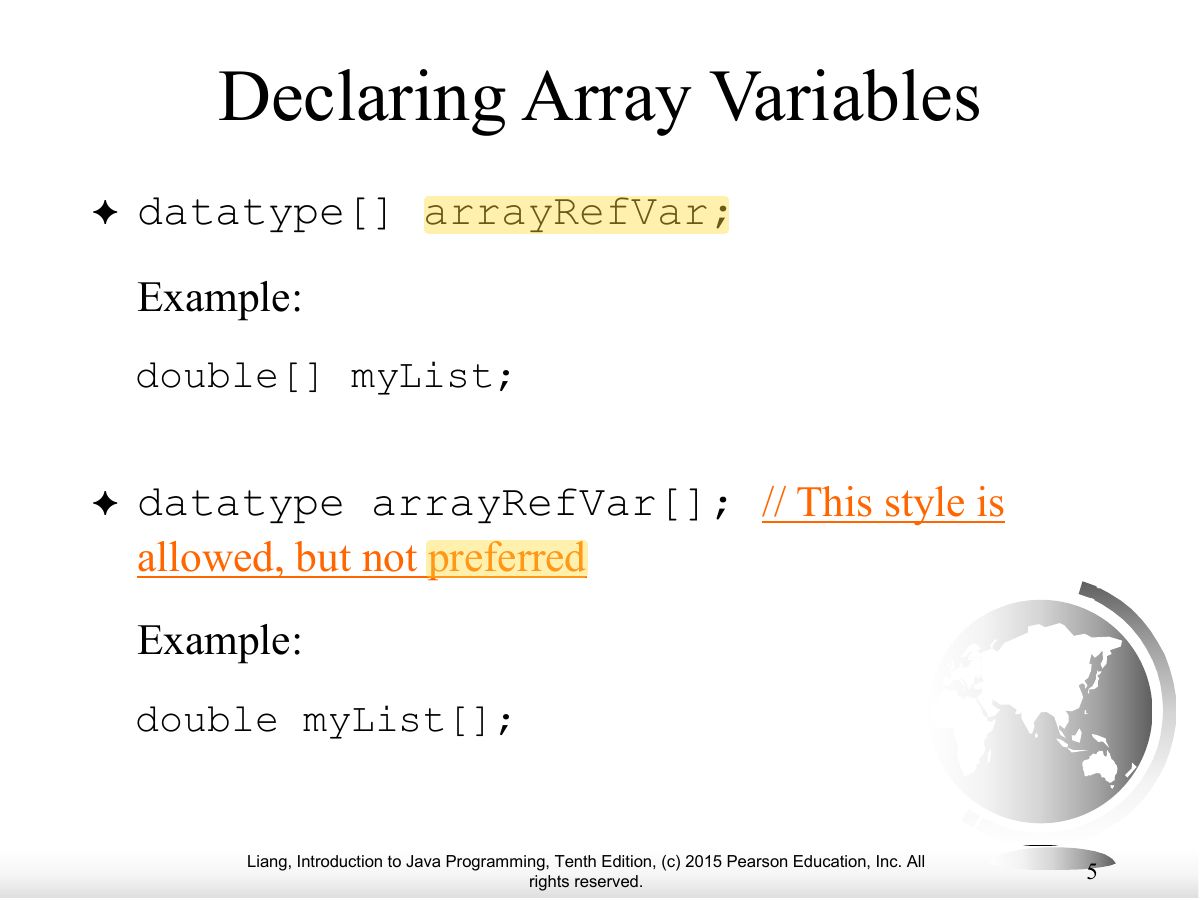
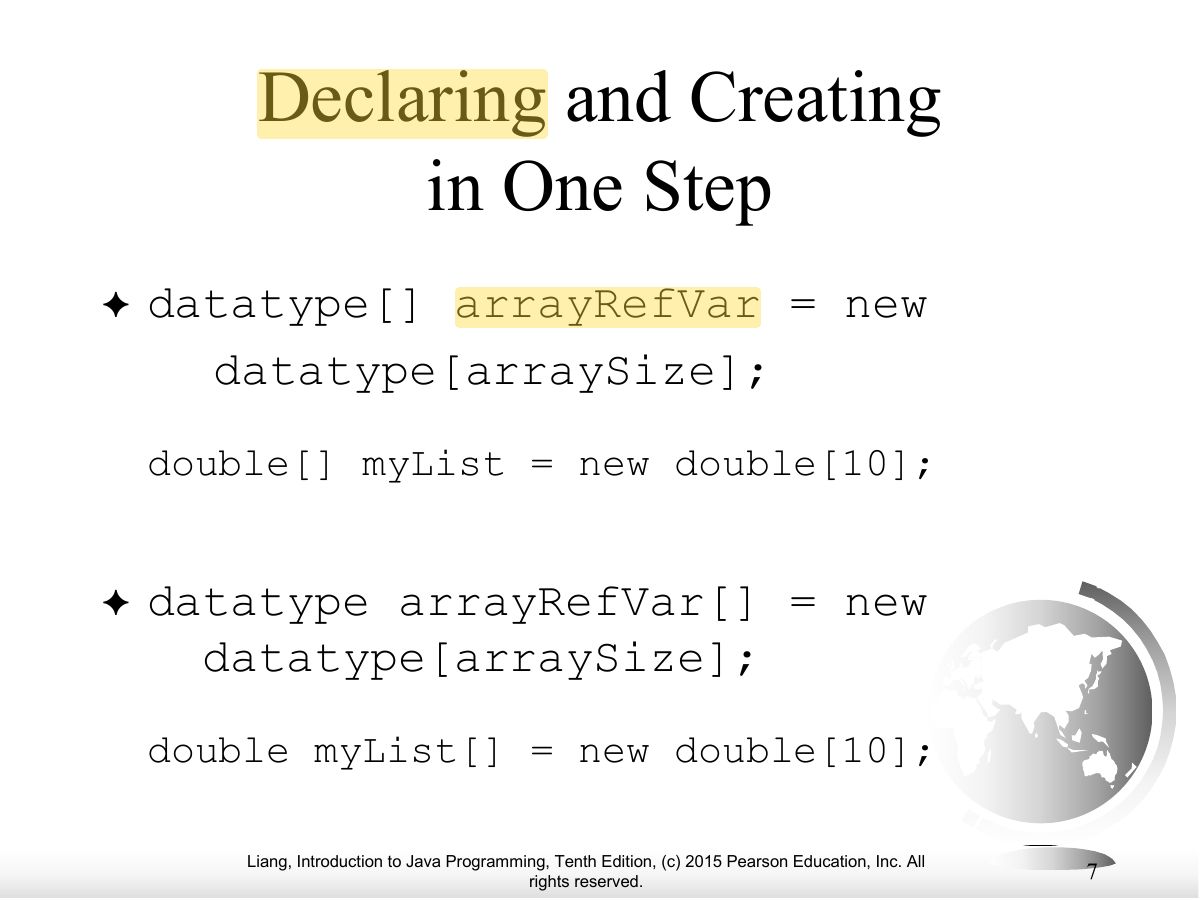
- Declare: double[] myList; (preferred) or double myList[];
Exam weight Low
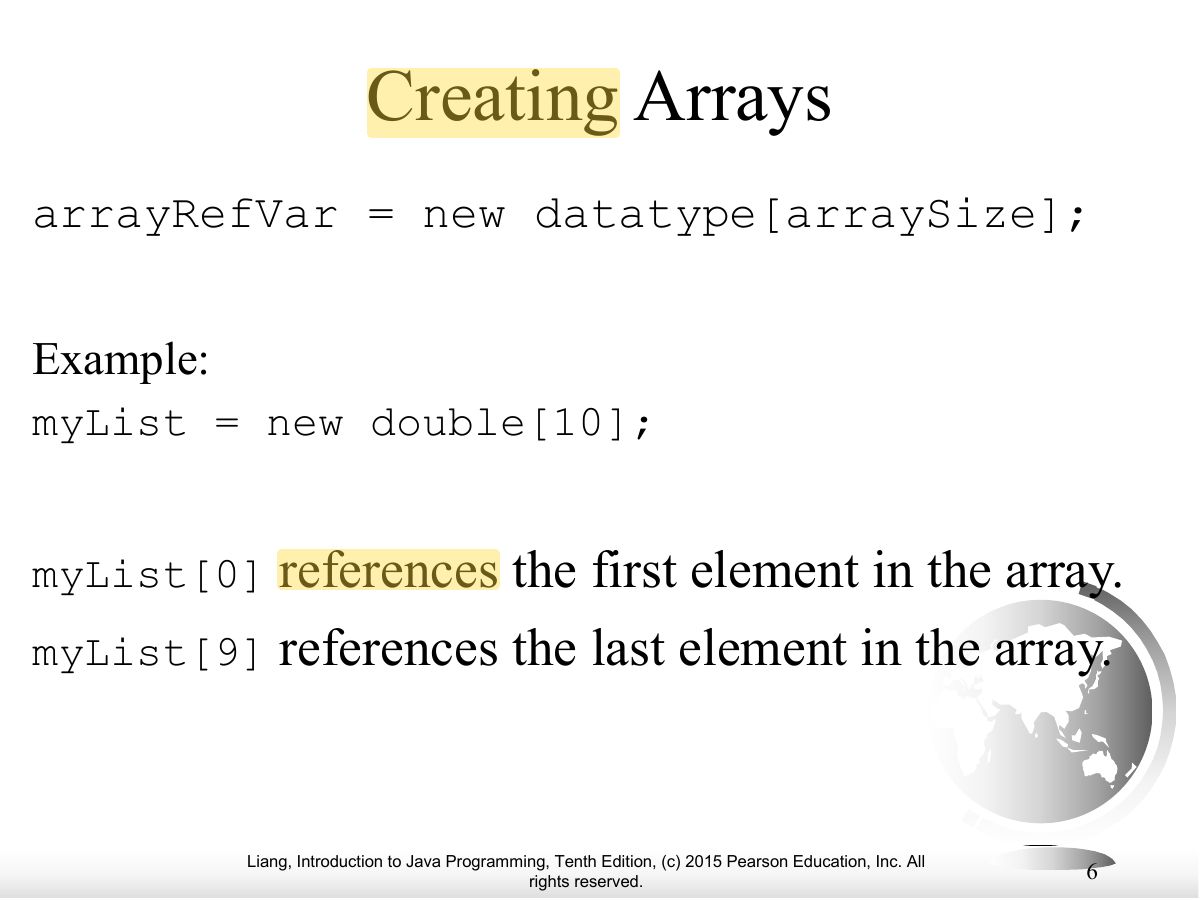
- Create: myList = new double[10];
Exam weight Low
- One step: double[] myList = new double[10];
Exam weight
High
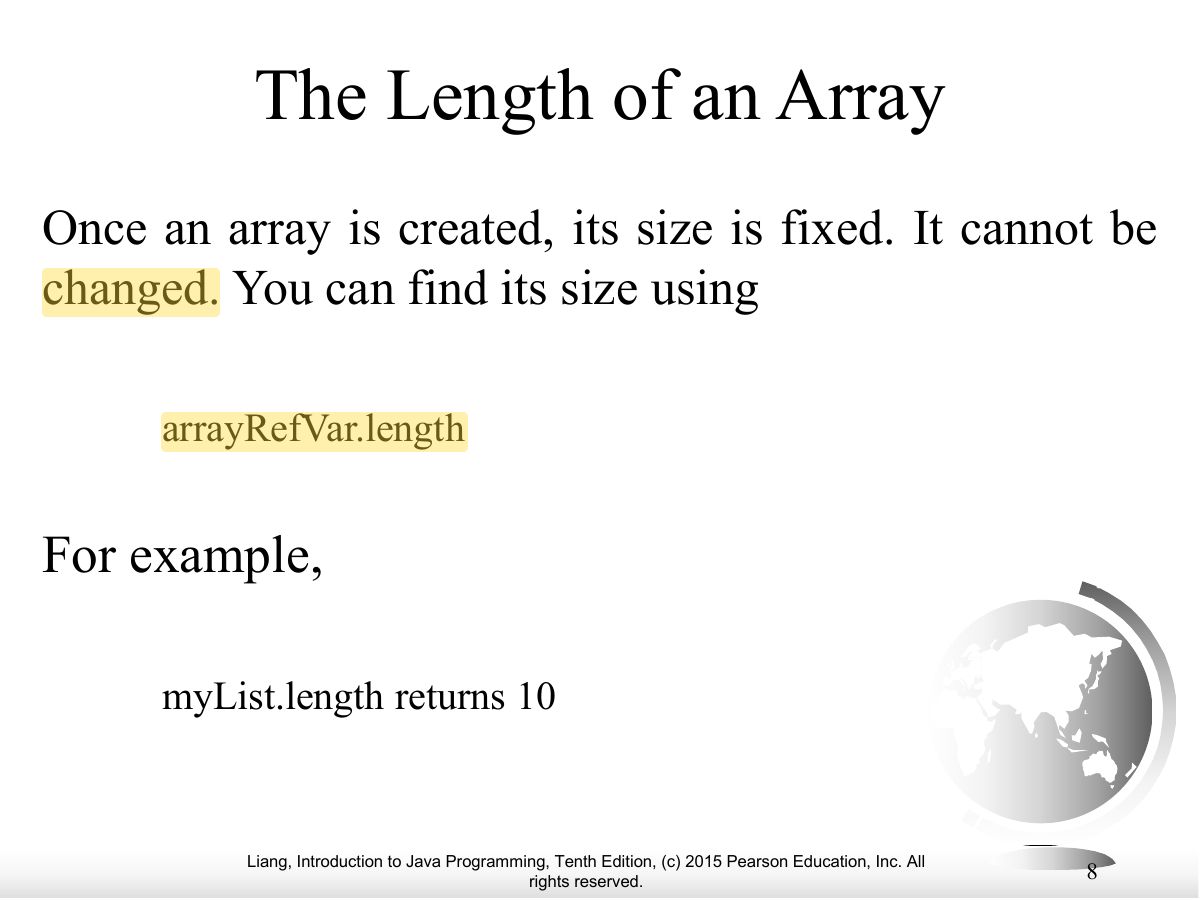
- Size is fixed once created: myList.length (a property, no parentheses).
Exam trapArrays use .length; Strings use .length().
🎯 How this can come up · 1 question
MCQ
For int[] a = new int[8];, a.length is:
Correct: 8.
Exam weight
High
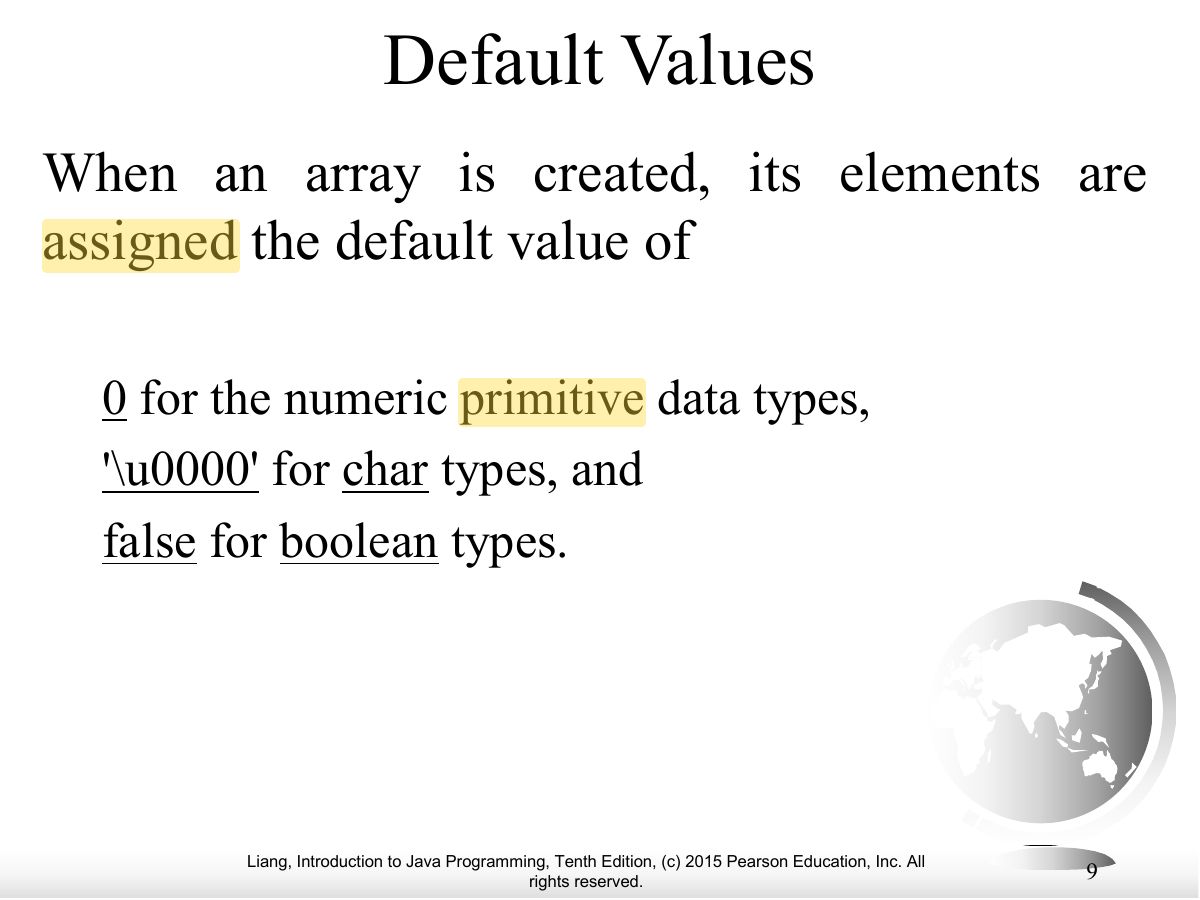
- Default values: 0 for numbers, \u0000 for char, false for boolean, null for references.
🎯 How this can come up · 1 question
MCQ
The default value of an element in new boolean[5] is:
Correct: false.
Exam weight
High
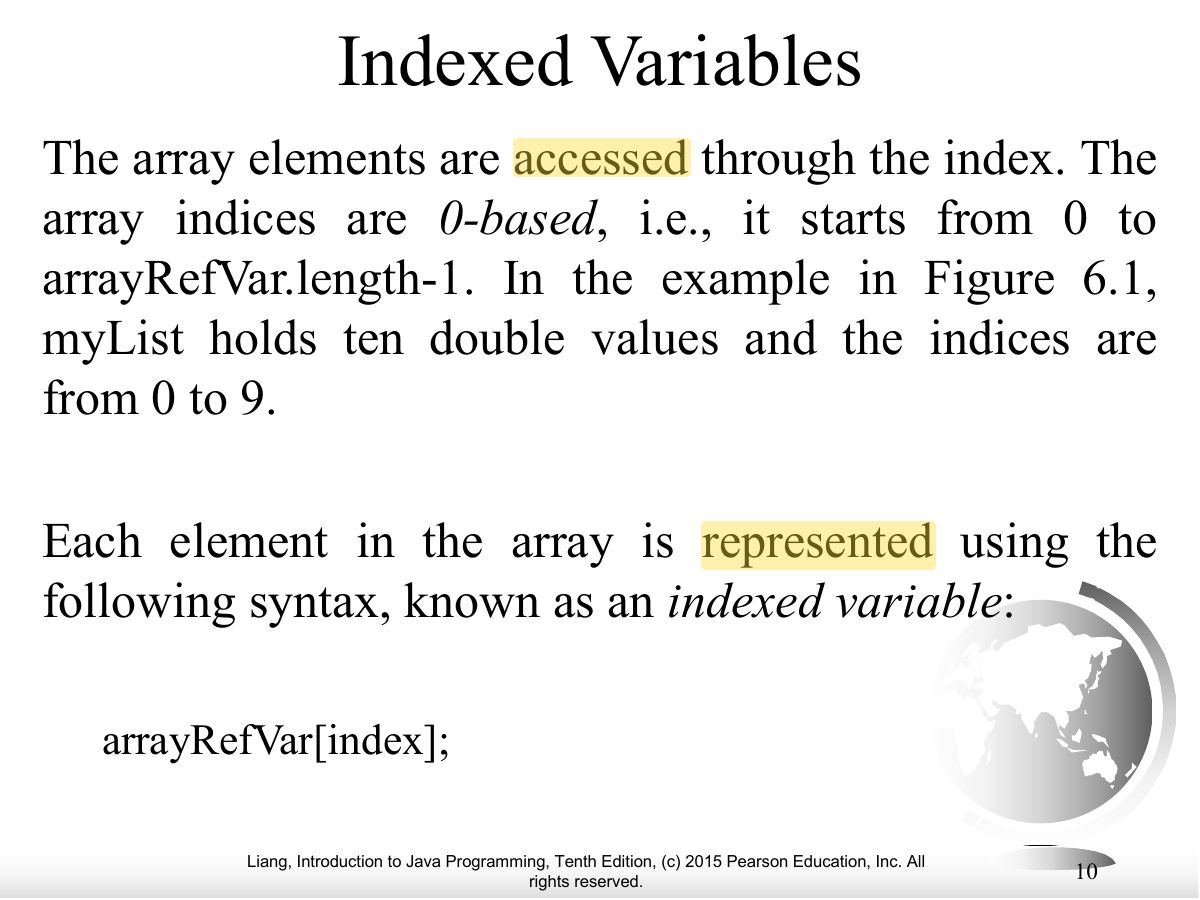
- Indexes run from 0 to length − 1; an index out of range throws ArrayIndexOutOfBoundsException.
🎯 How this can come up · 1 question
MCQ
Accessing a[a.length] throws:
Correct: ArrayIndexOutOfBoundsException.
Exam weight Low
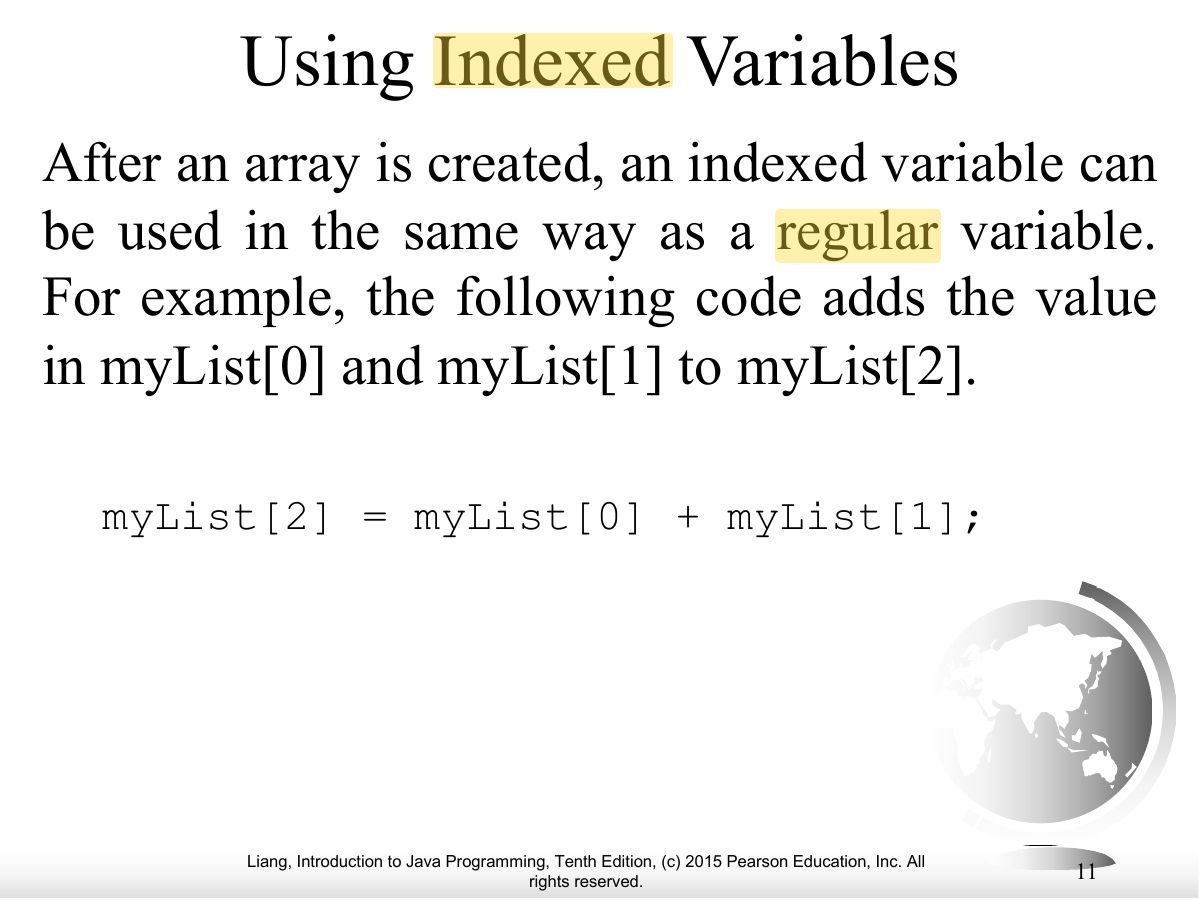
- Indexed variables are used like normal variables: myList[2] = myList[0] + myList[1];
Exam weight Low
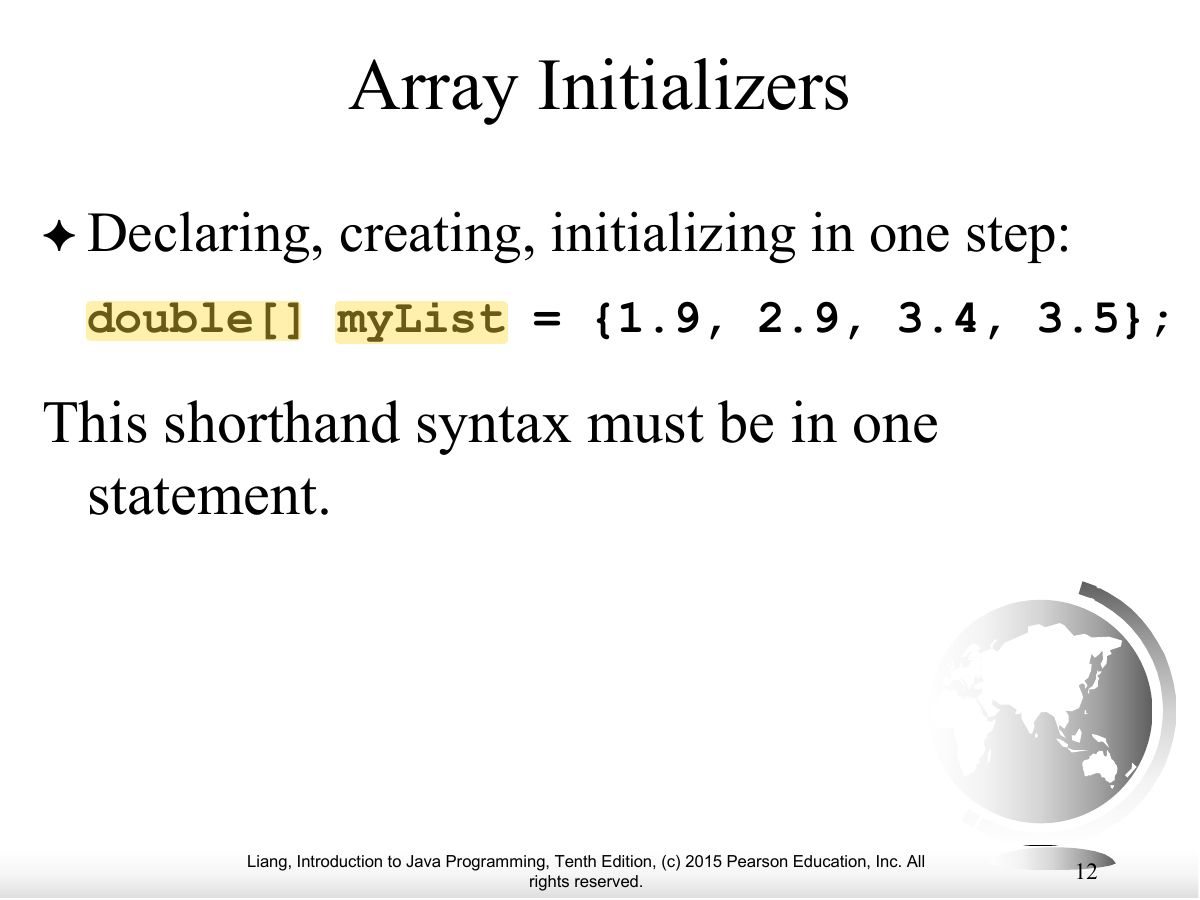
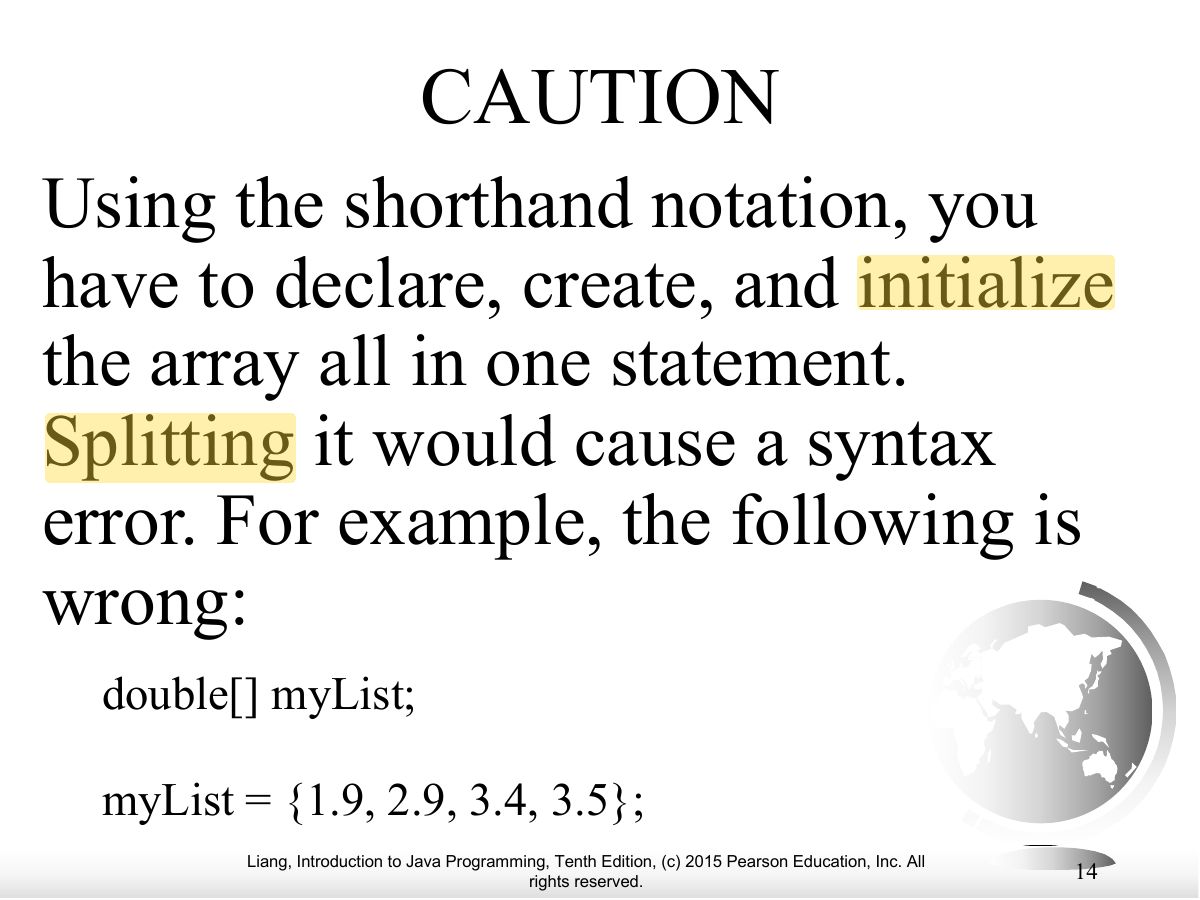
- Initializer: double[] myList = {1.9, 2.9, 3.4, 3.5};
Exam weight Low
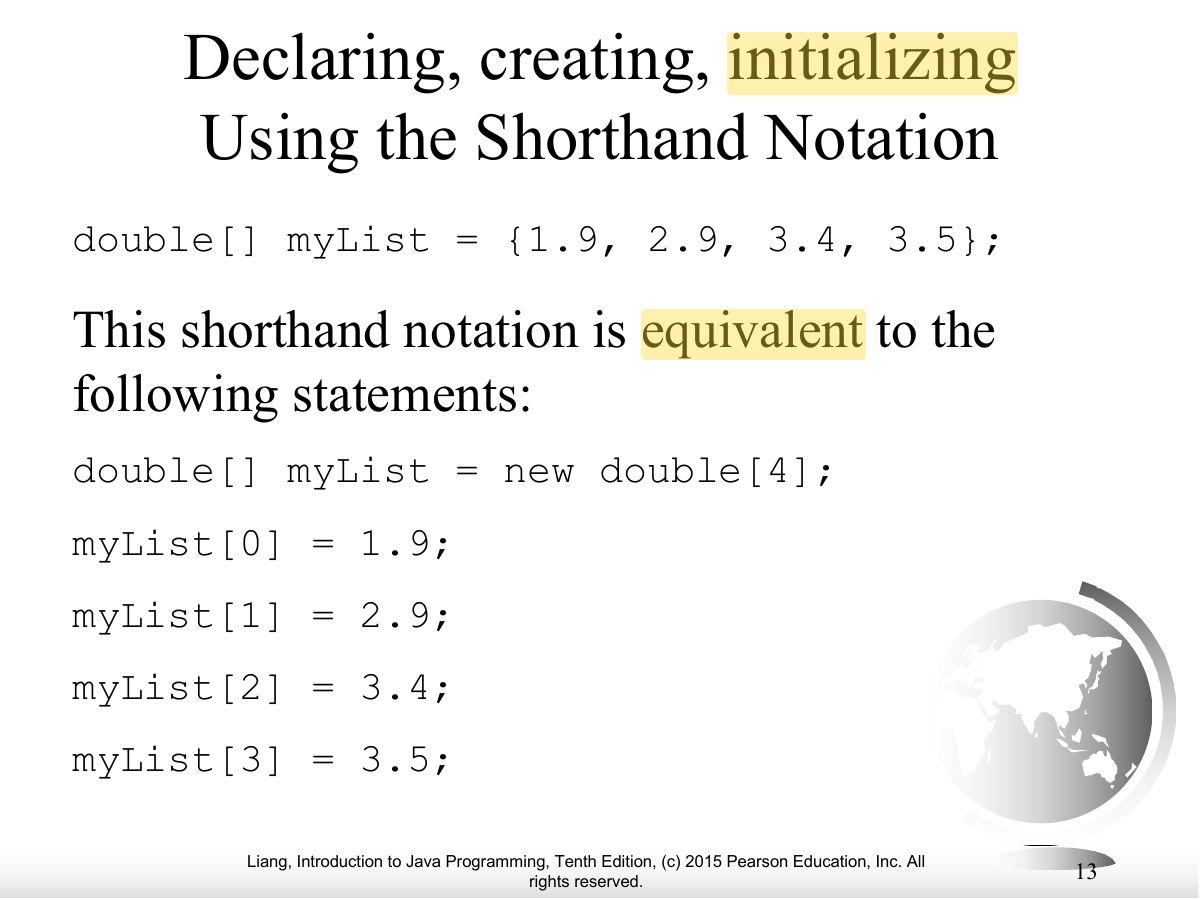
- The shorthand is the same as declaring, creating and assigning each element.
Exam weight Low
- Caution: the initializer must be in the declaration statement.
Exam weight Low
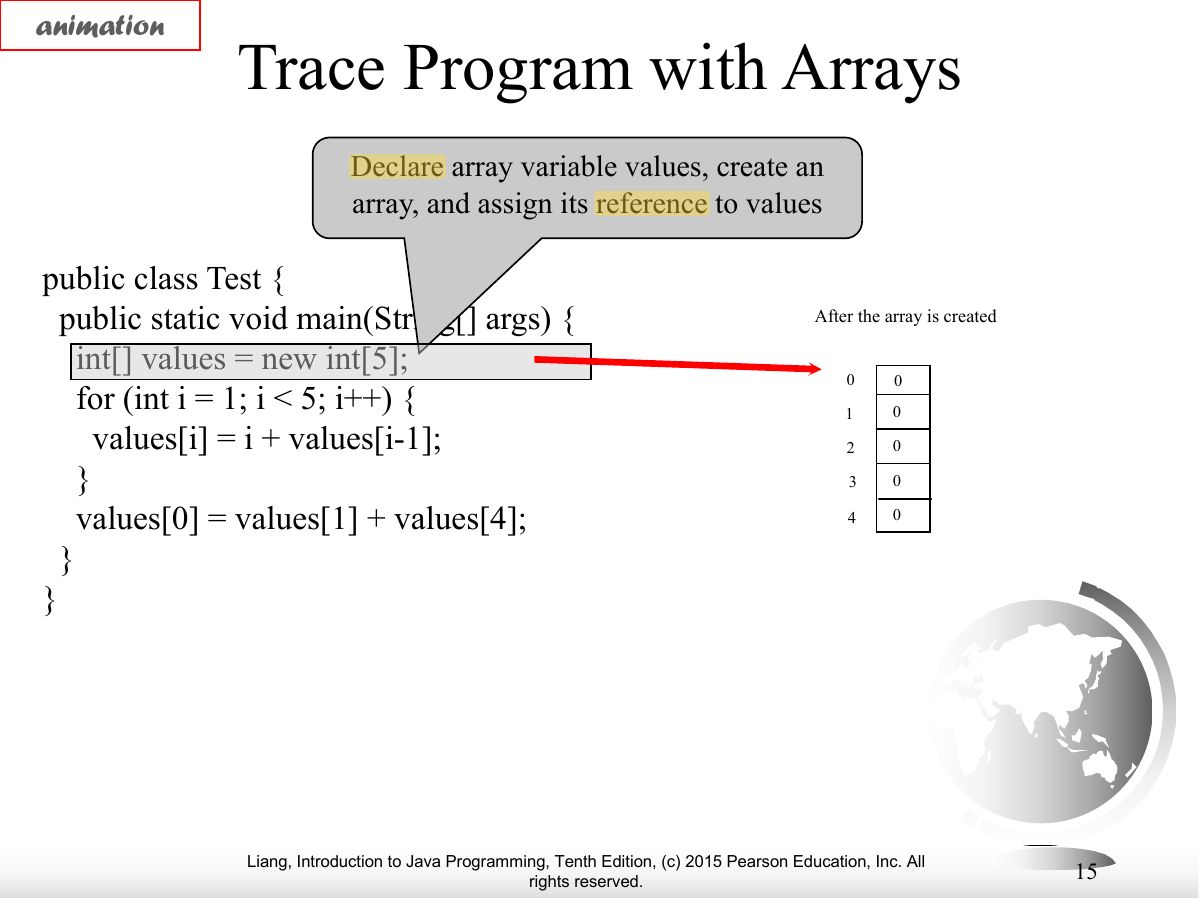
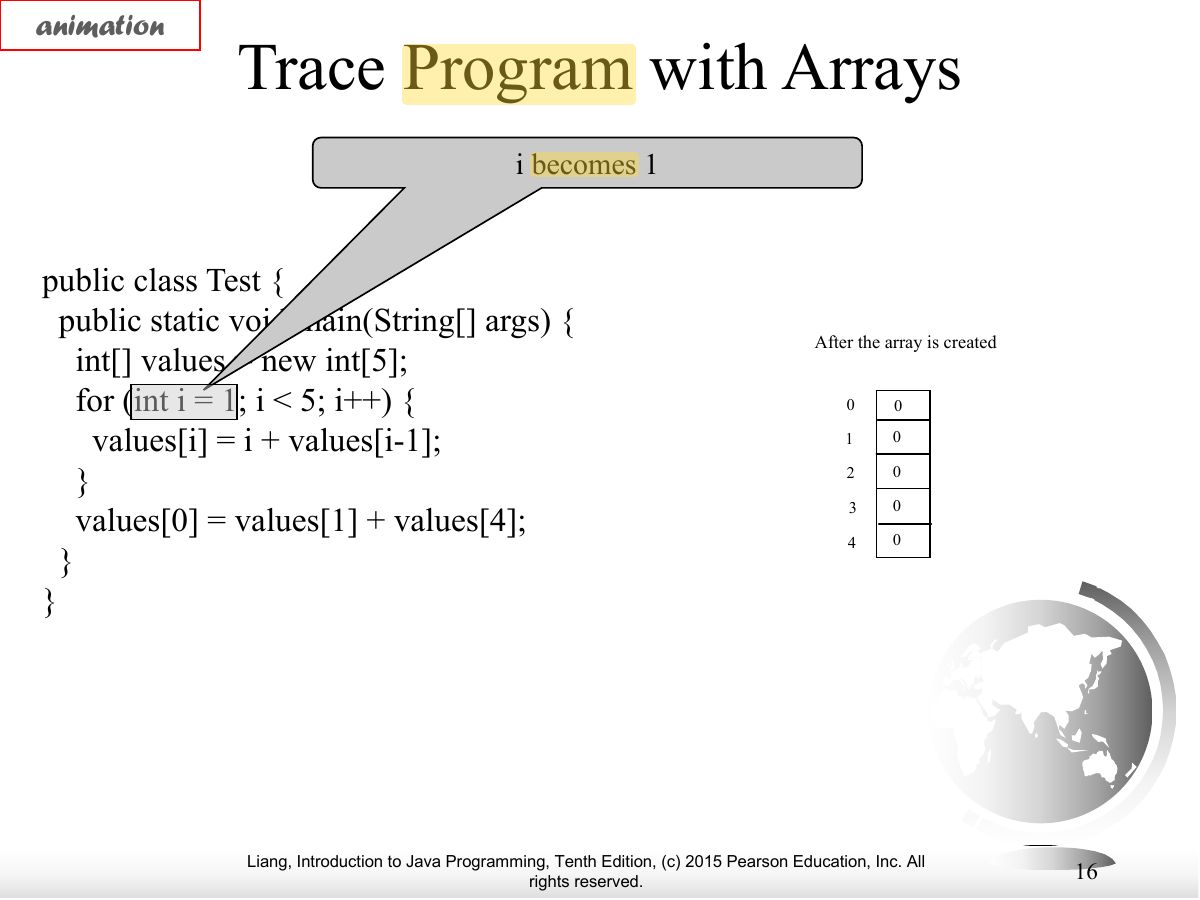
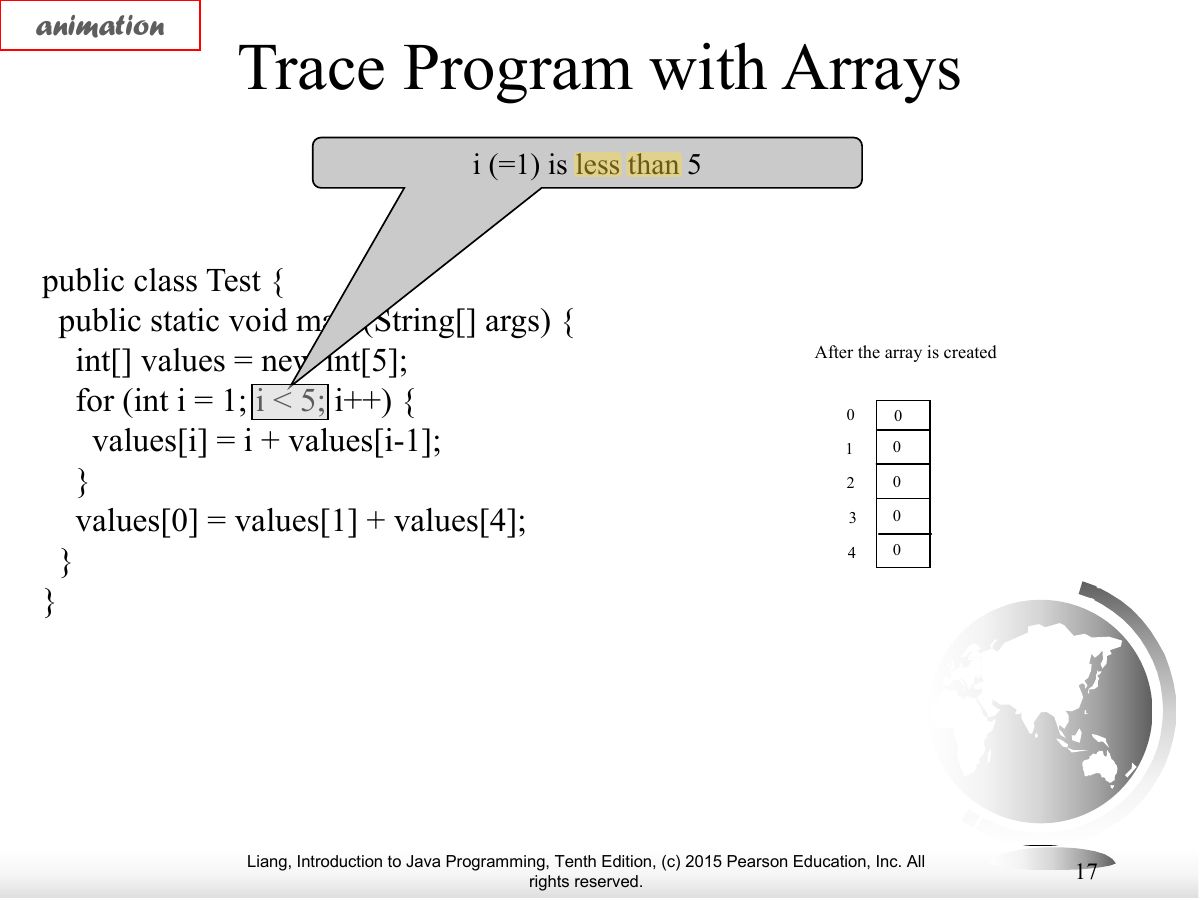
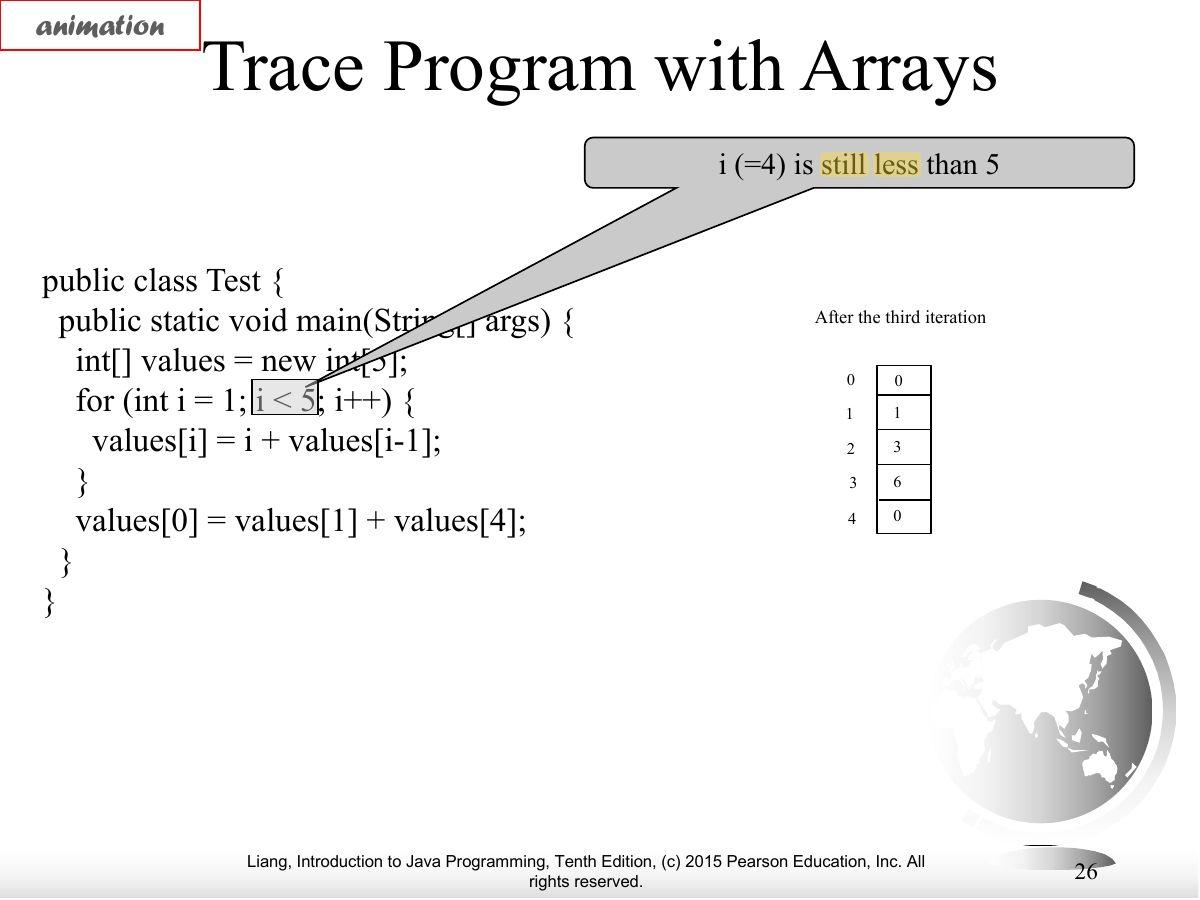
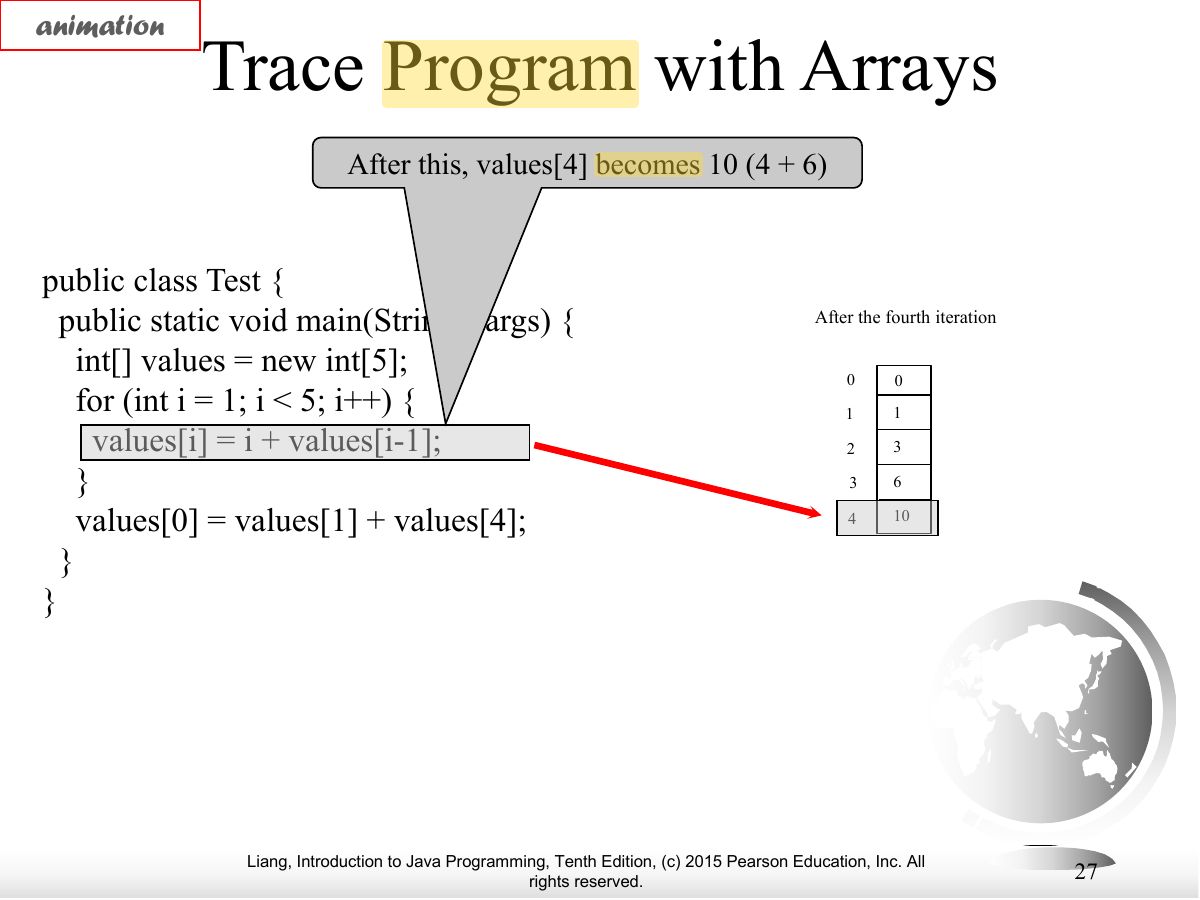
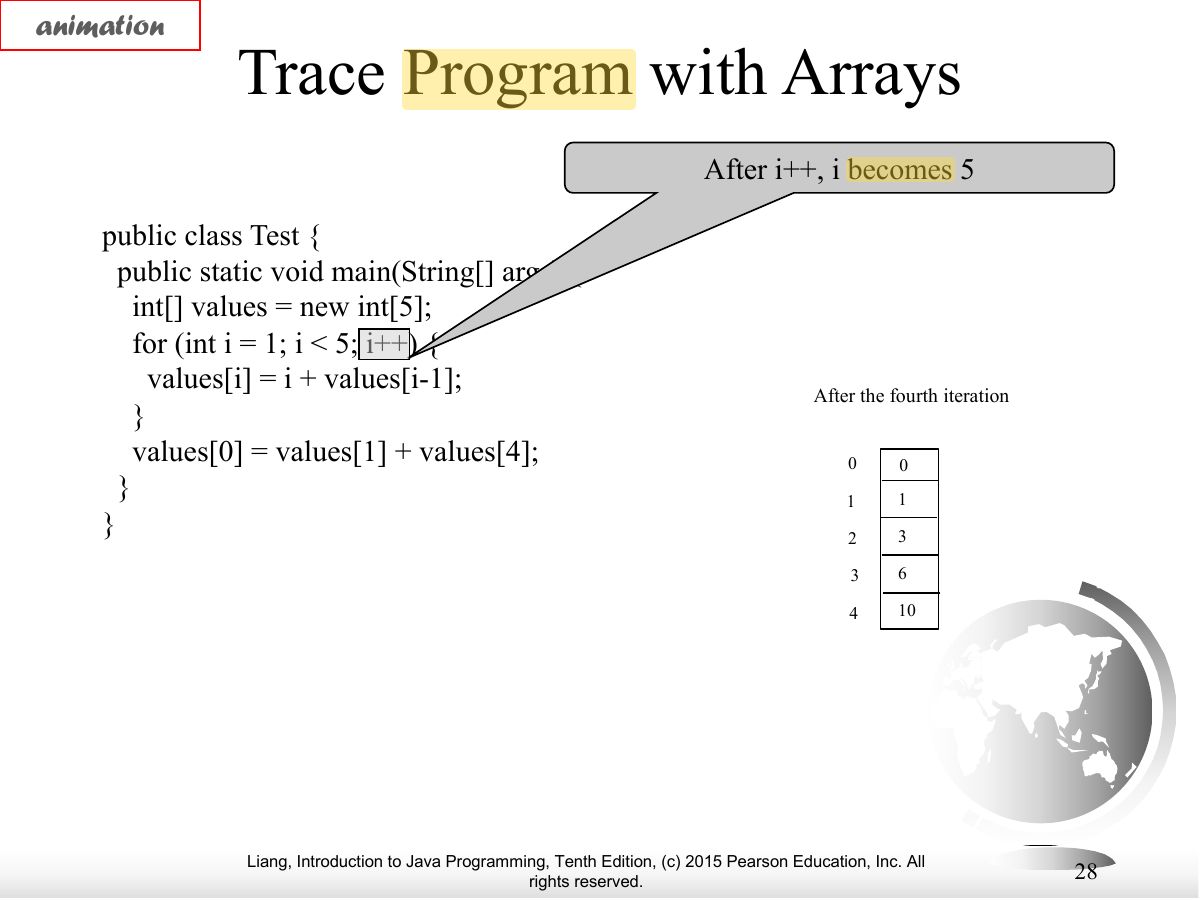
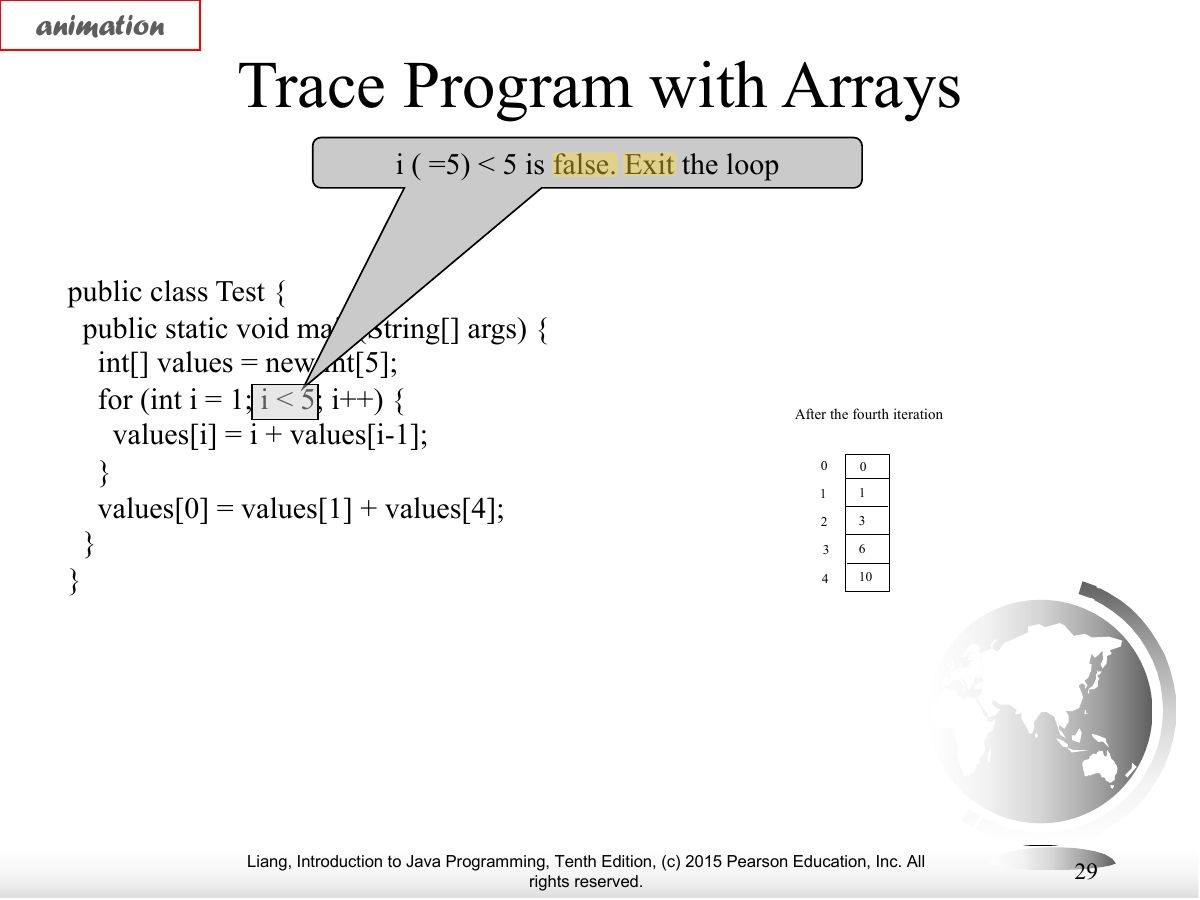
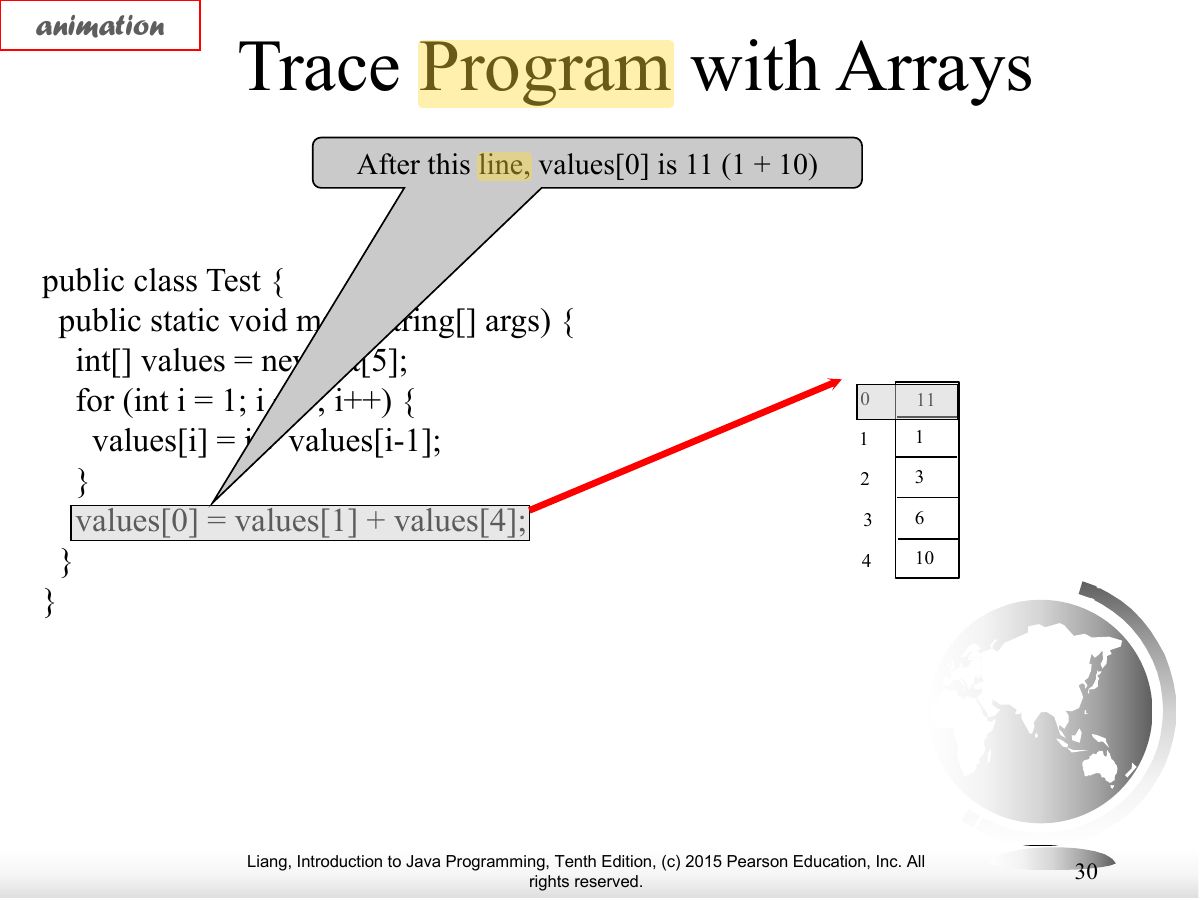
- Trace of an array loop.
Exam weight Low
- Trace.
Exam weight Low
- Trace.
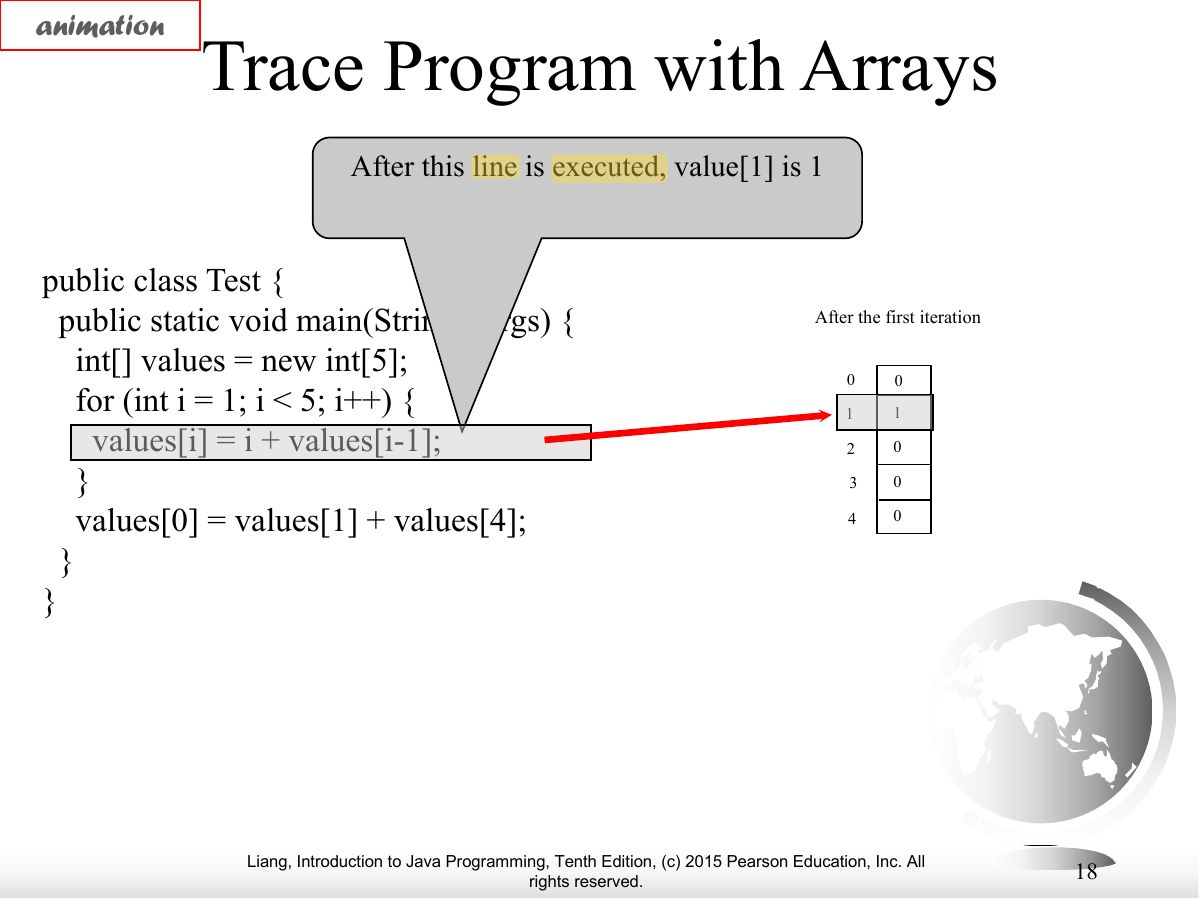
Exam weight Low
- Trace.
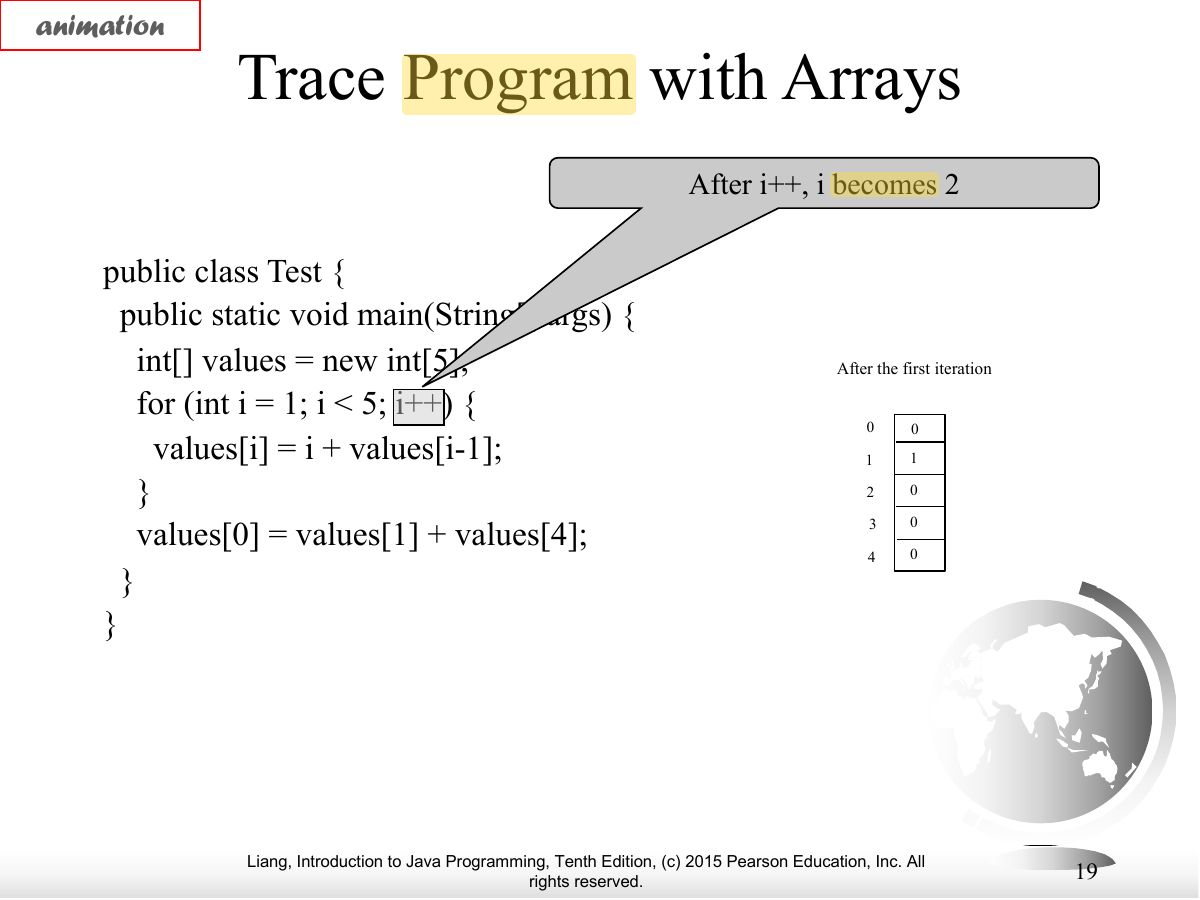
Exam weight Low
- Trace.
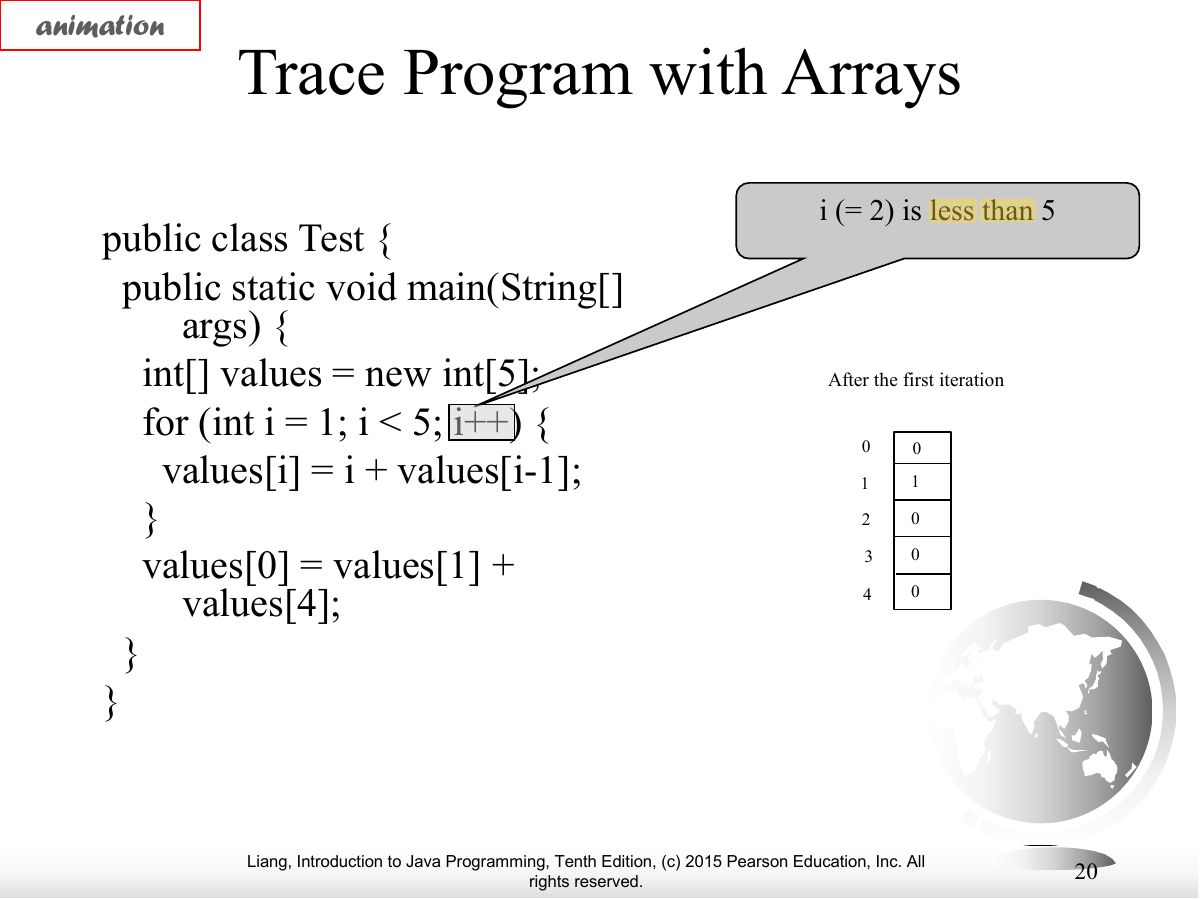
Exam weight Low
- Trace.
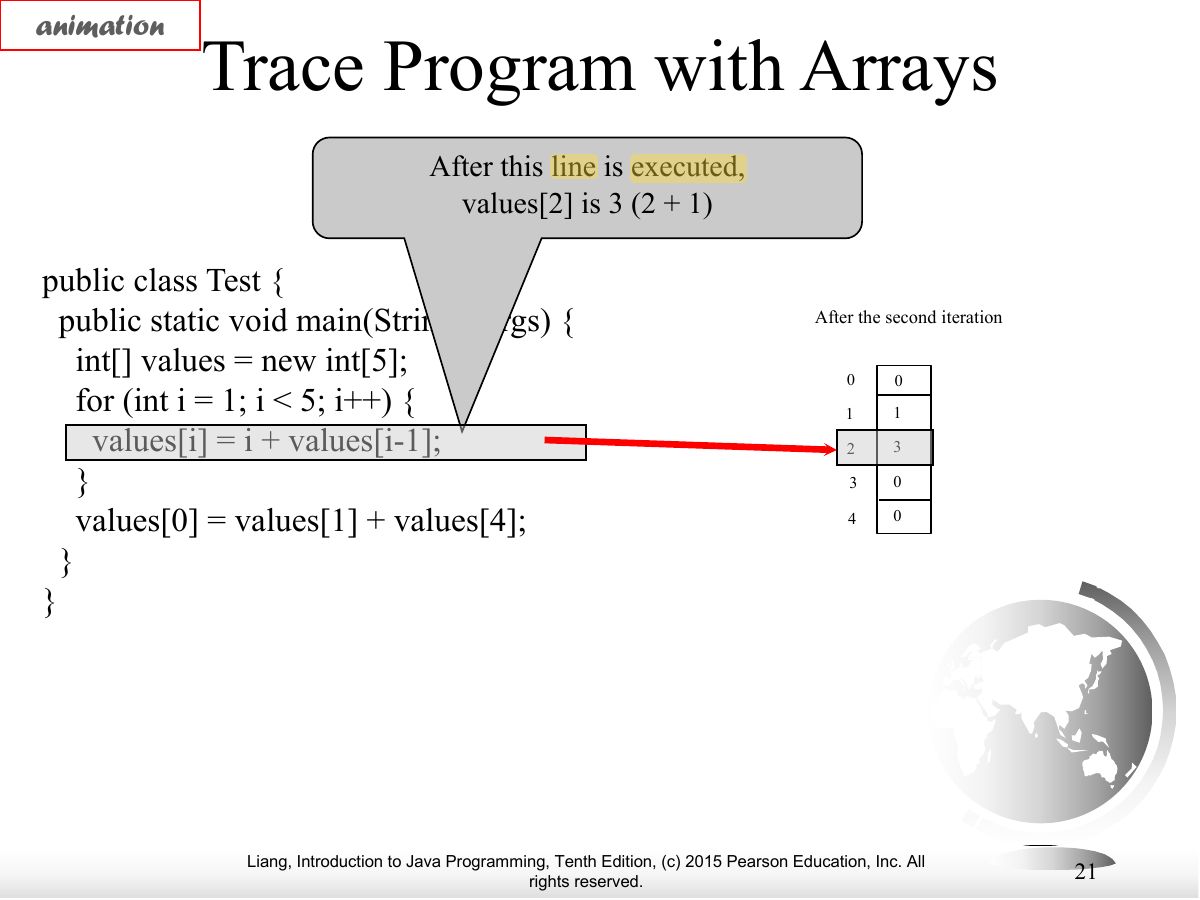
Exam weight Low
- Trace.
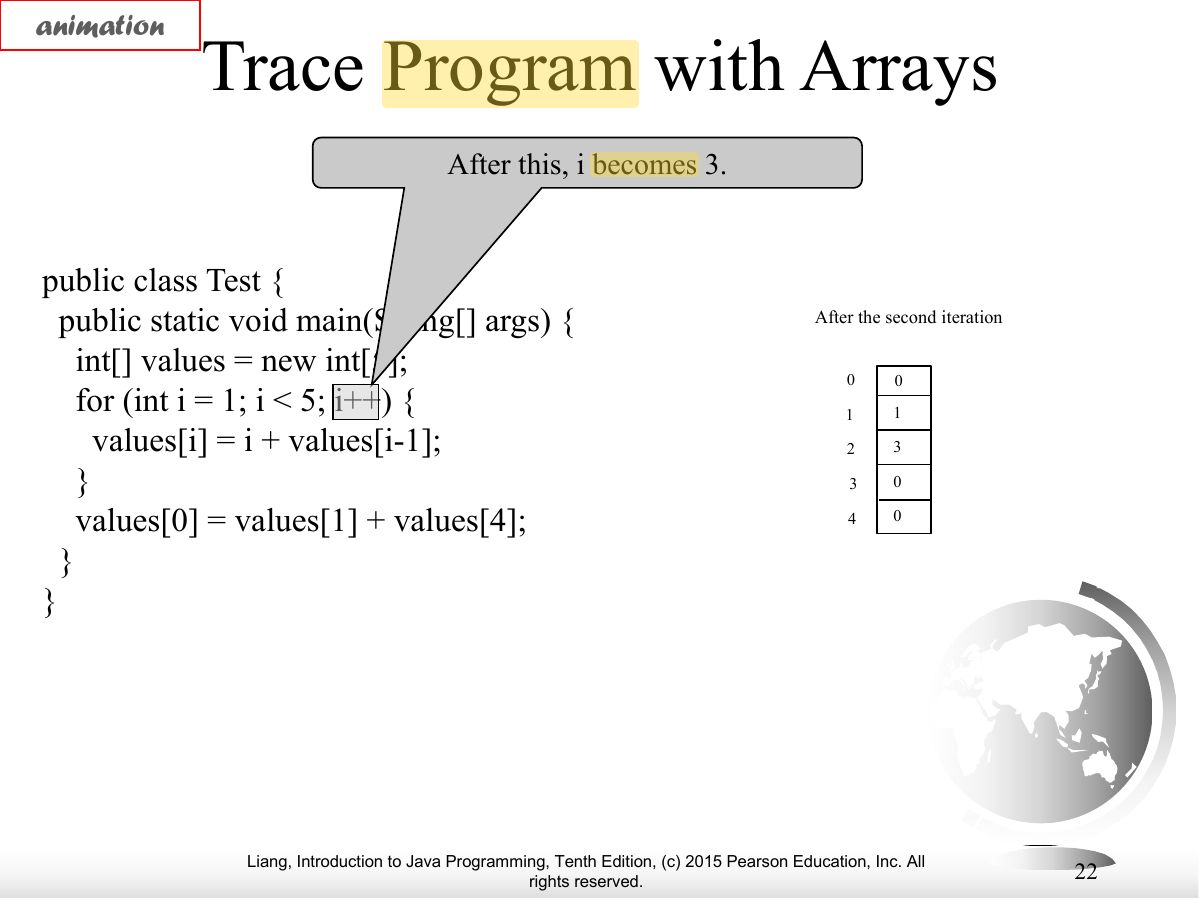
Exam weight Low
- Trace.
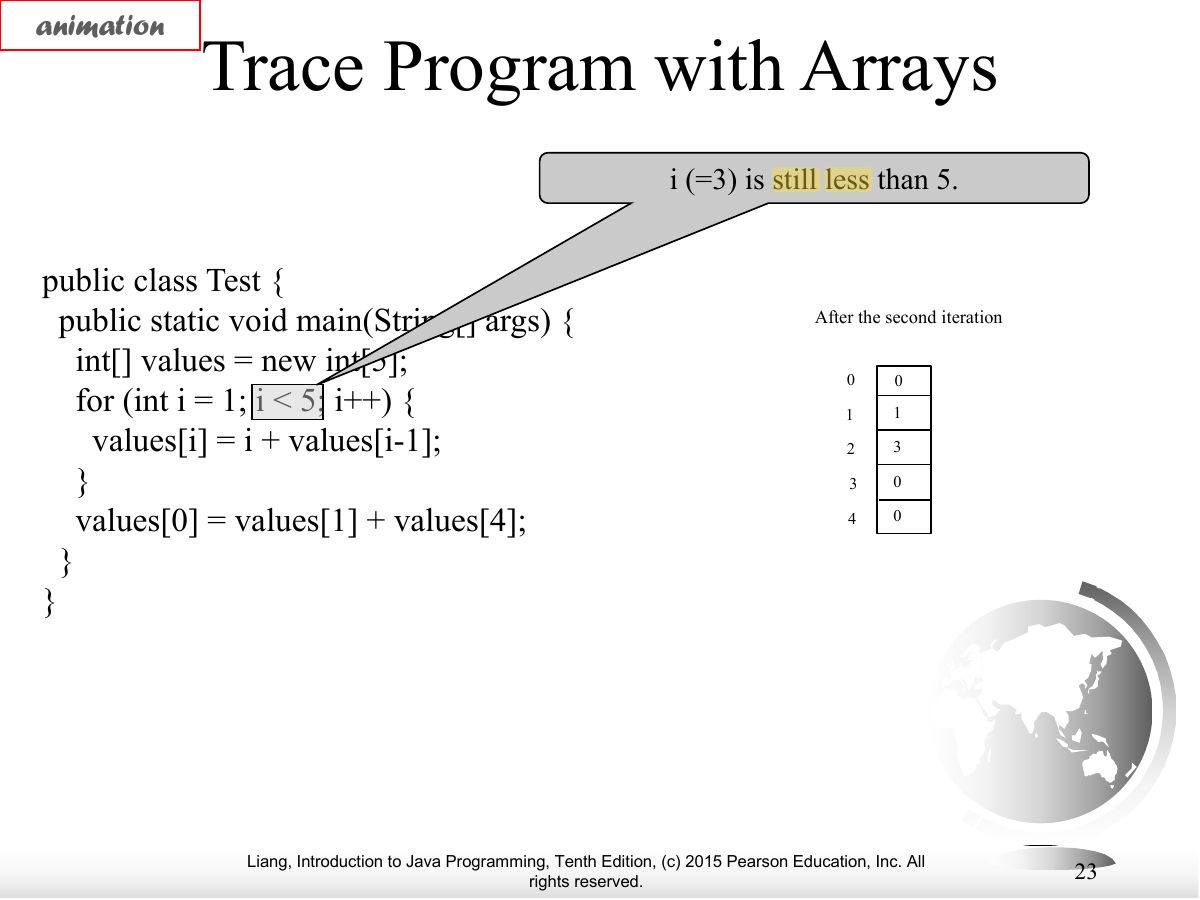
Exam weight Low
- Trace.
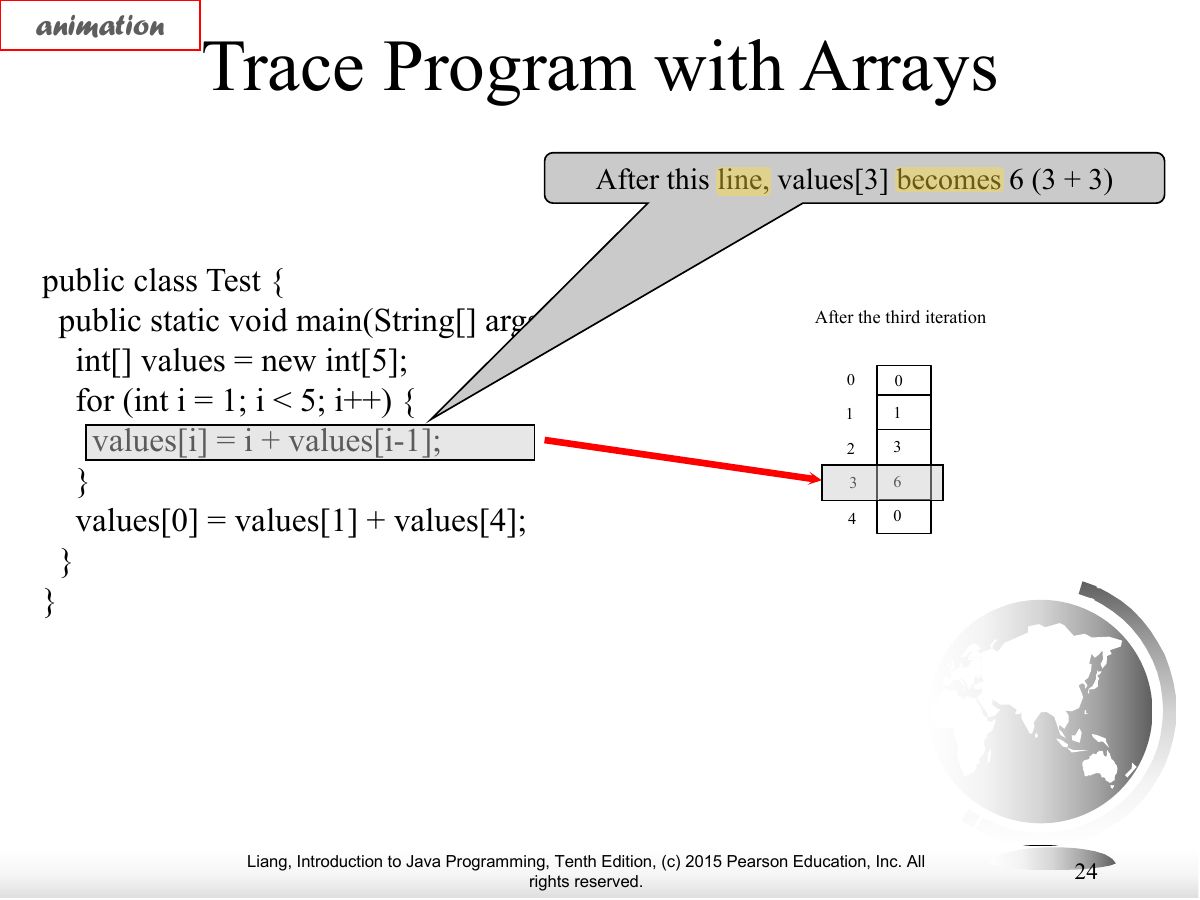
Exam weight Low
- Trace.
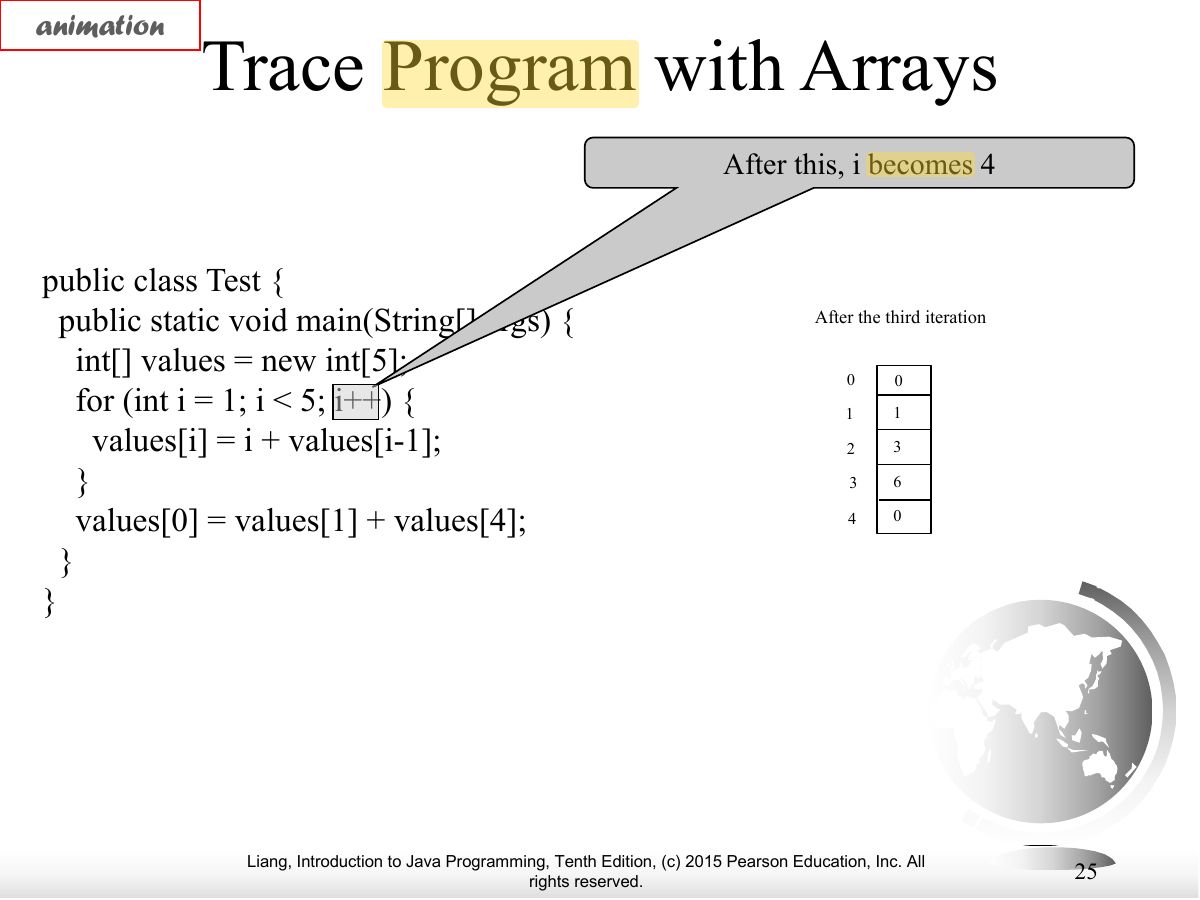
Exam weight Low
- Trace.
Exam weight Low
- Trace.
Exam weight Low
- Trace.
Exam weight Low
- Trace.
Exam weight Low
- Trace.
Exam weight Low
- Trace.
Exam weight Low
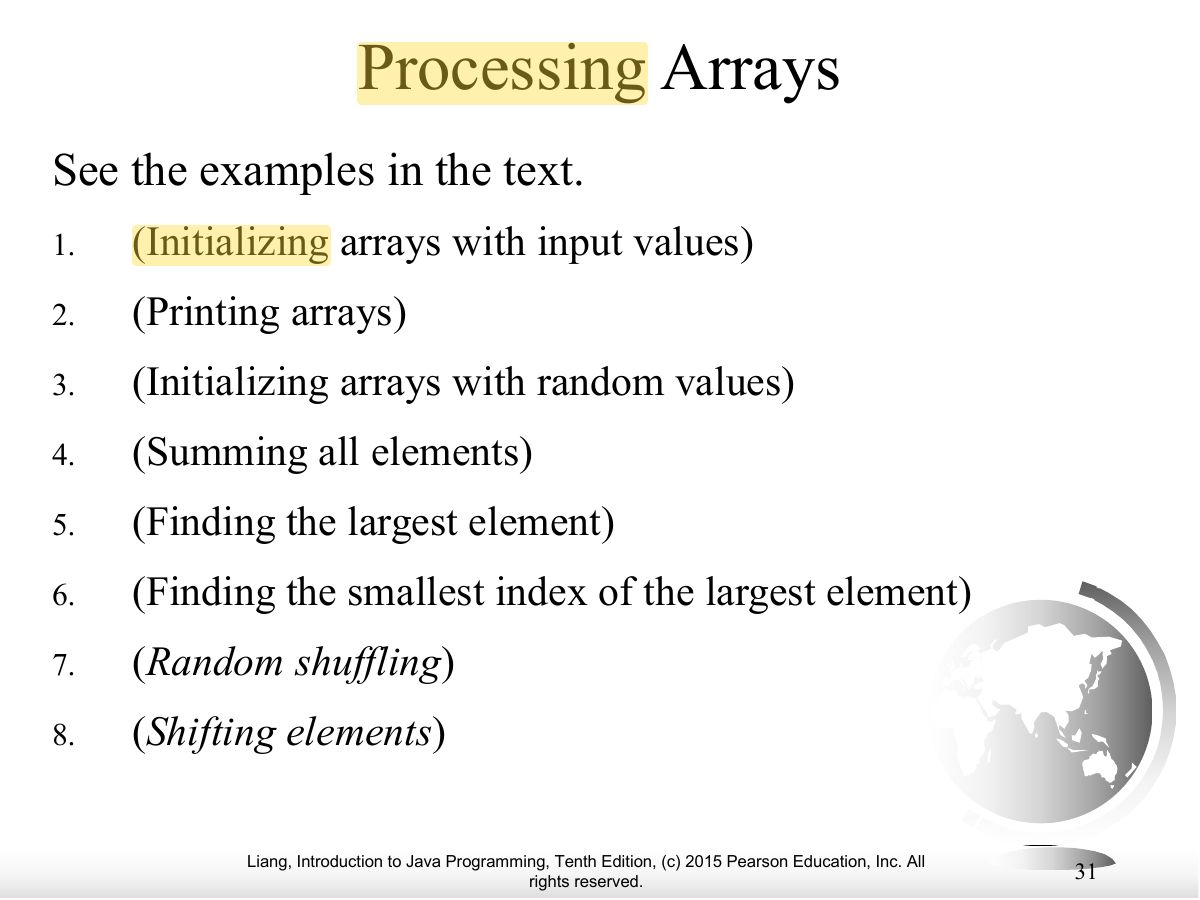
- Processing patterns: fill, print, sum, max, shuffle, shift.
Exam weight Low
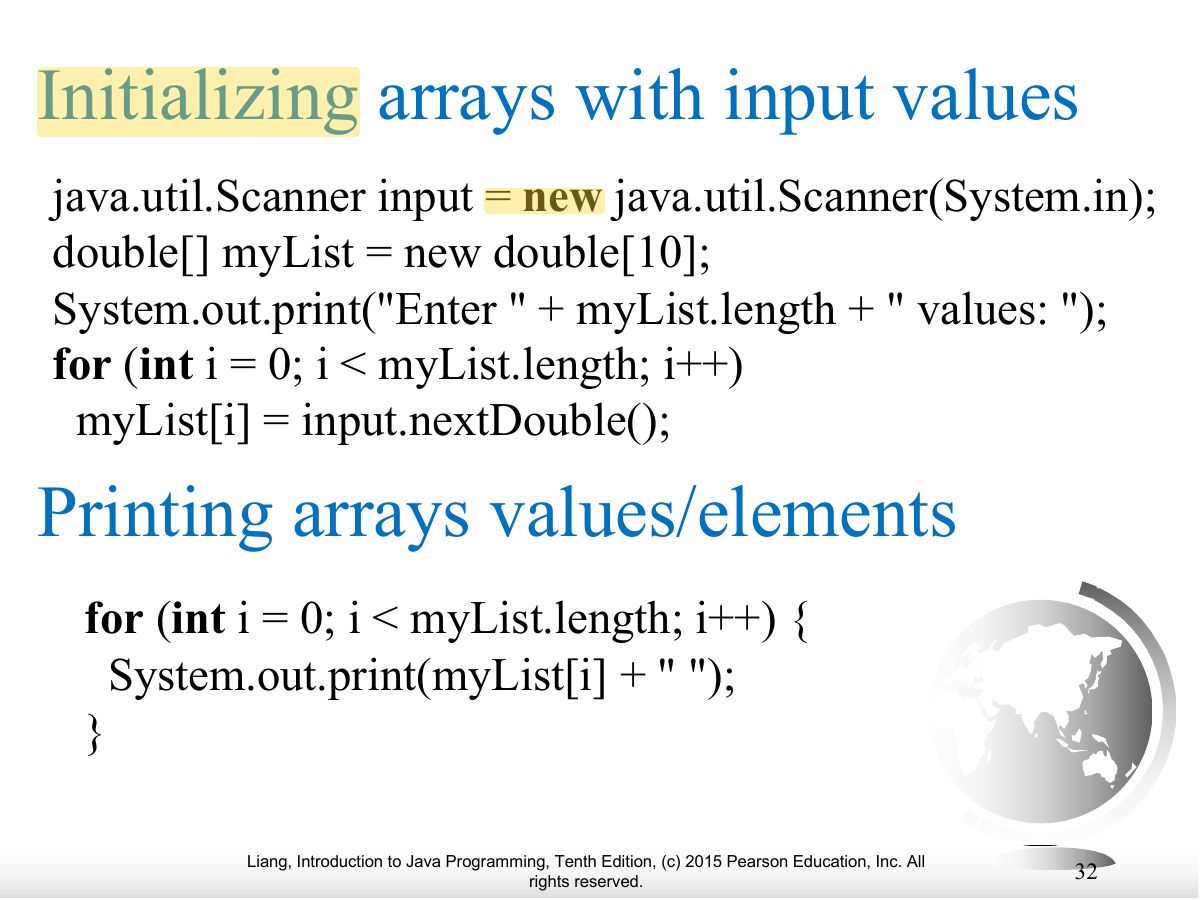
- Initialize from input in a loop.
Exam weight Low
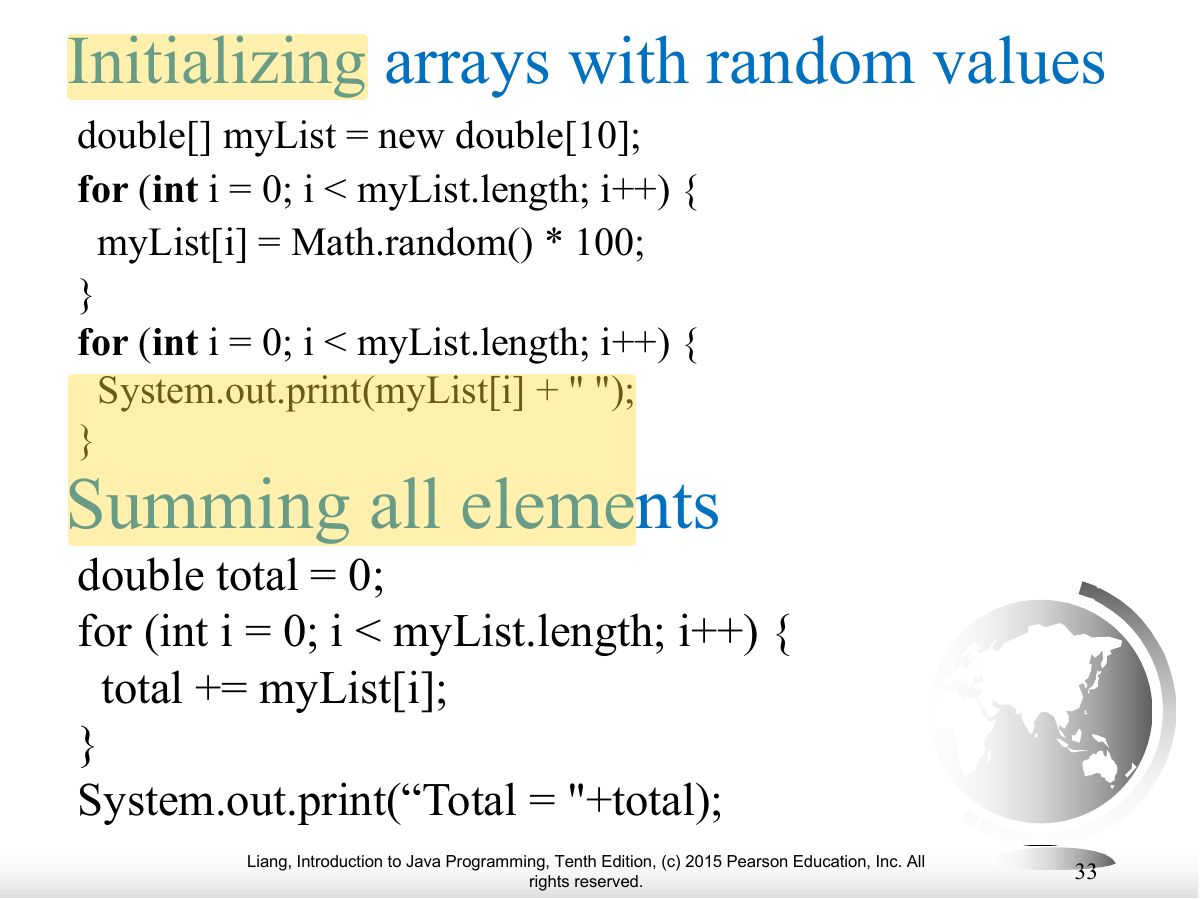
- Initialize with random values.
Exam weight
High
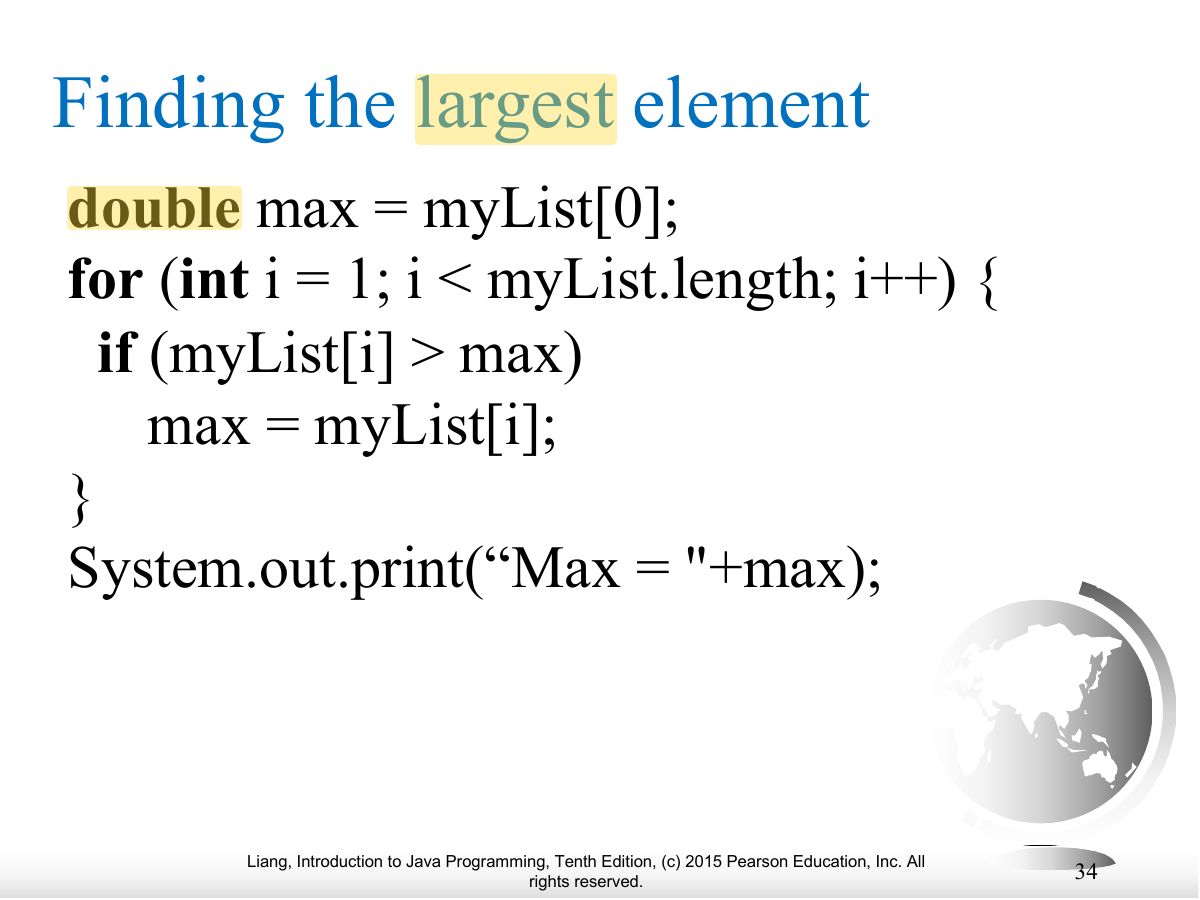
- Find the largest element (and its index).
🎯 How this can come up · 1 question
Written
Write code to find the largest value in double[] list.
double max = list[0]; for (int i = 1; i < list.length; i++) if (list[i] > max) max = list[i];
Exam weight Low
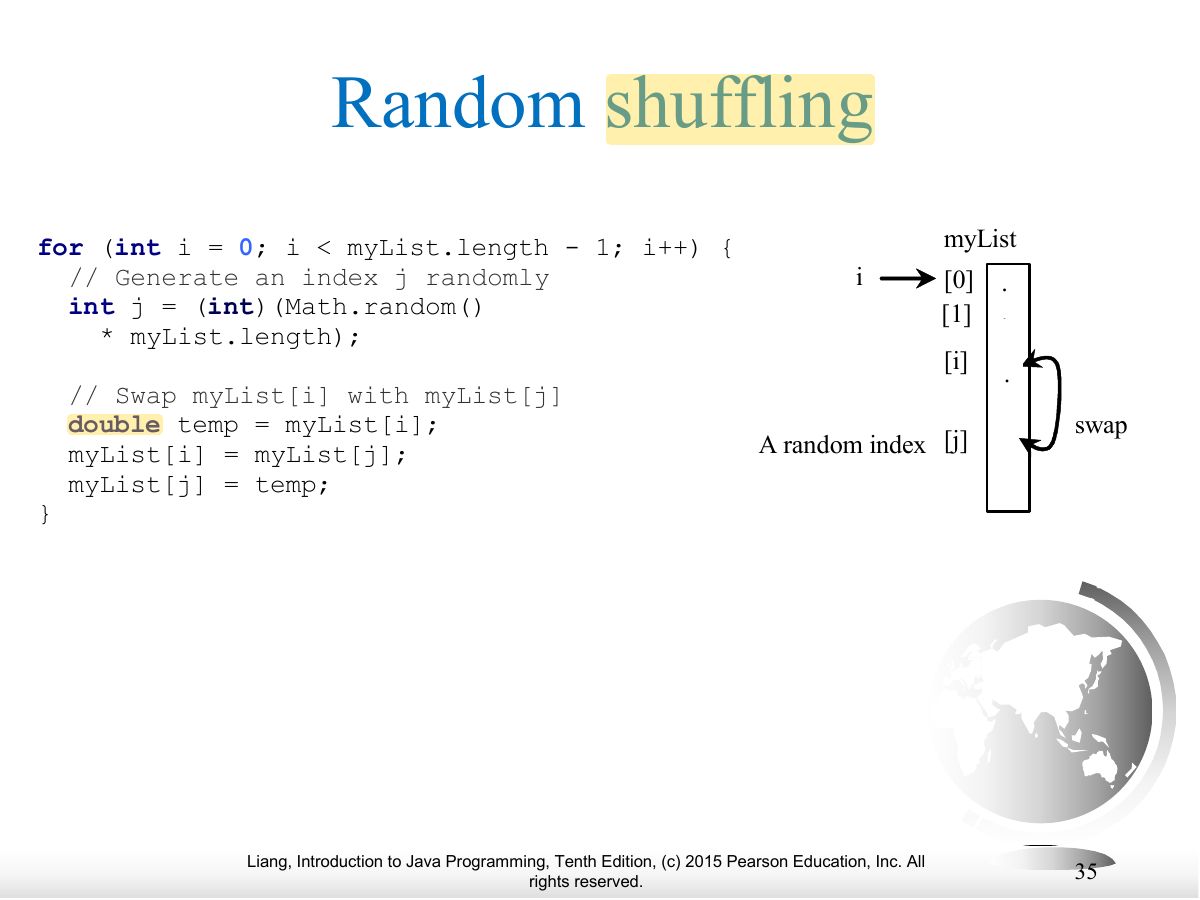
- Random shuffling: swap each element with a random index.
Exam weight Low
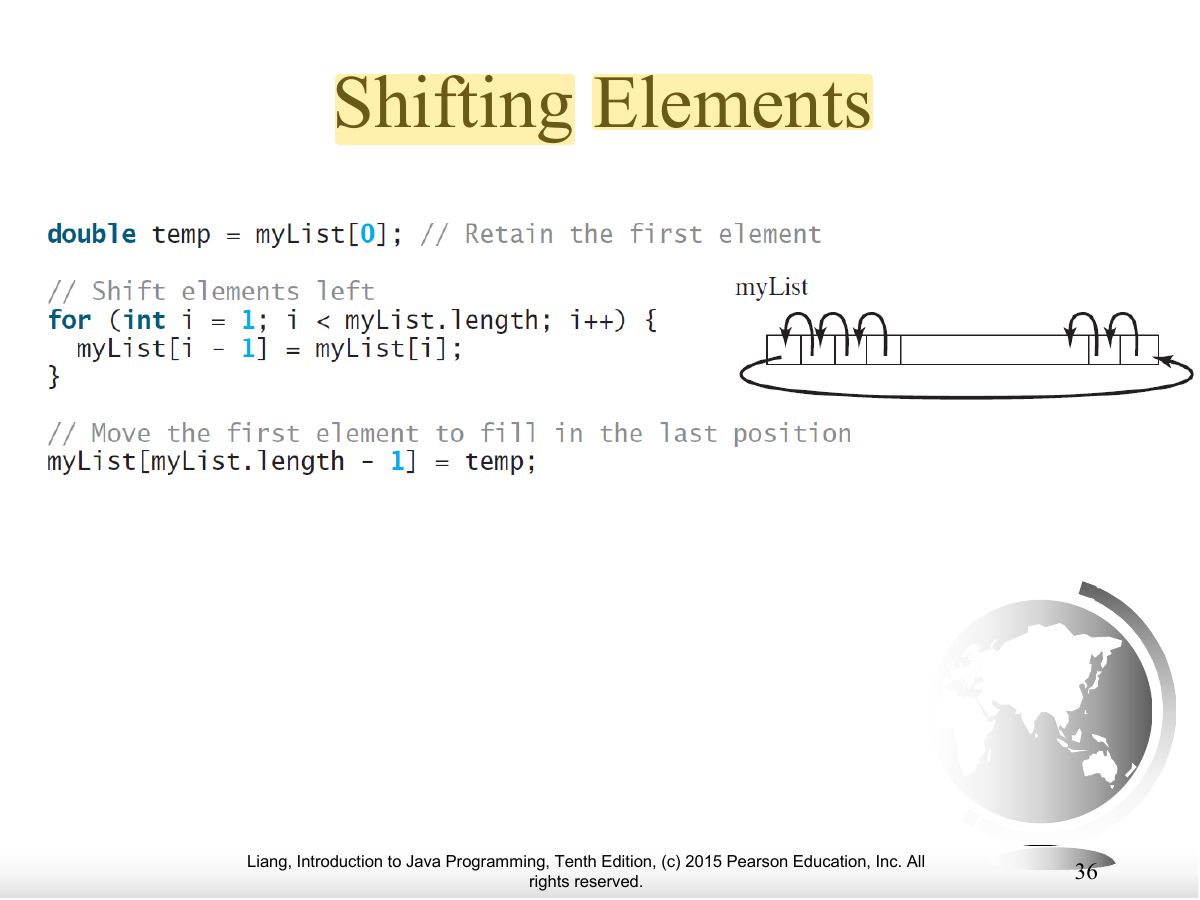
- Shift elements left by one (the first moves to the end).
Exam weight
Medium
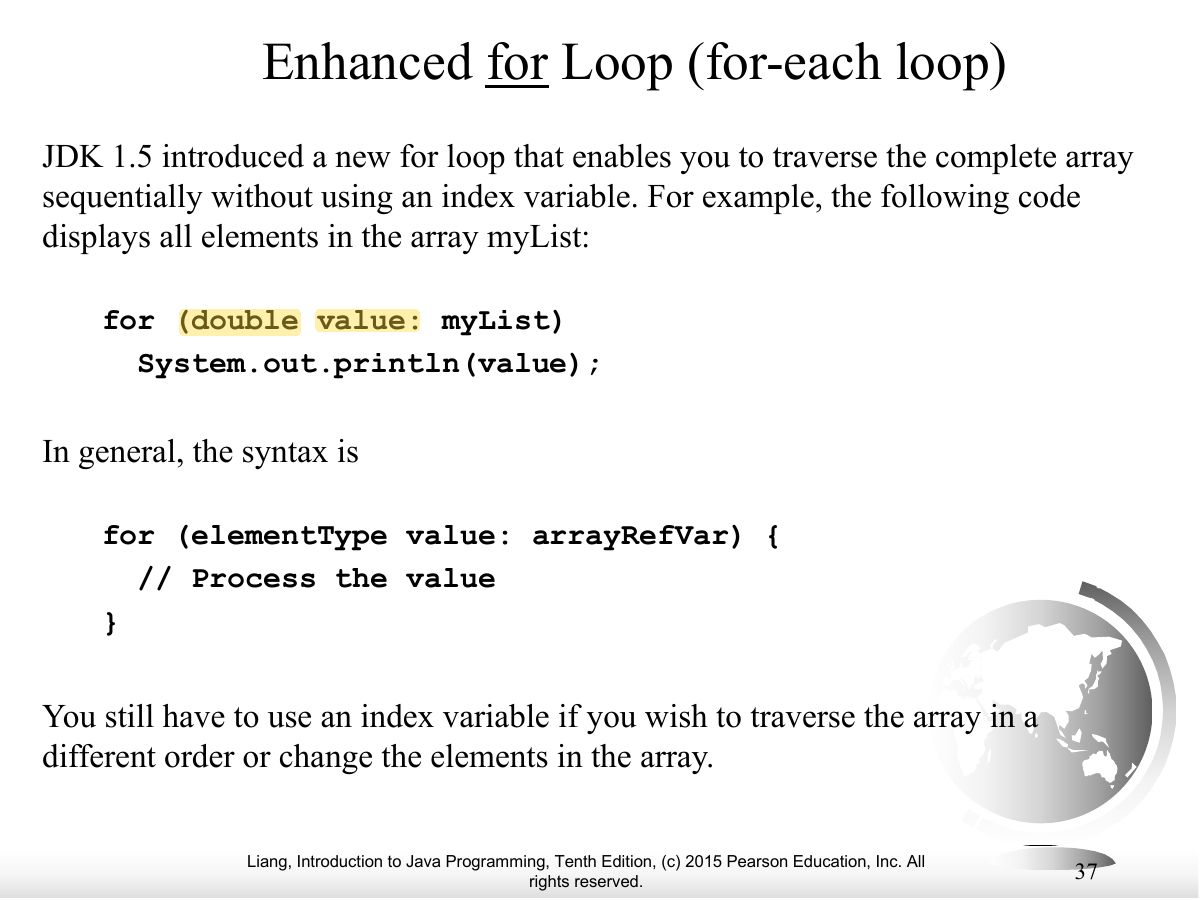
- for-each: for (double e : myList) — reads every element without an index.
🎯 How this can come up · 1 question
True / False
A for-each loop can be used to change which element each index refers to.
False. Use an indexed loop to modify elements by index.
Exam weight Low
- Analyze numbers: average and count above average.
Exam weight
High
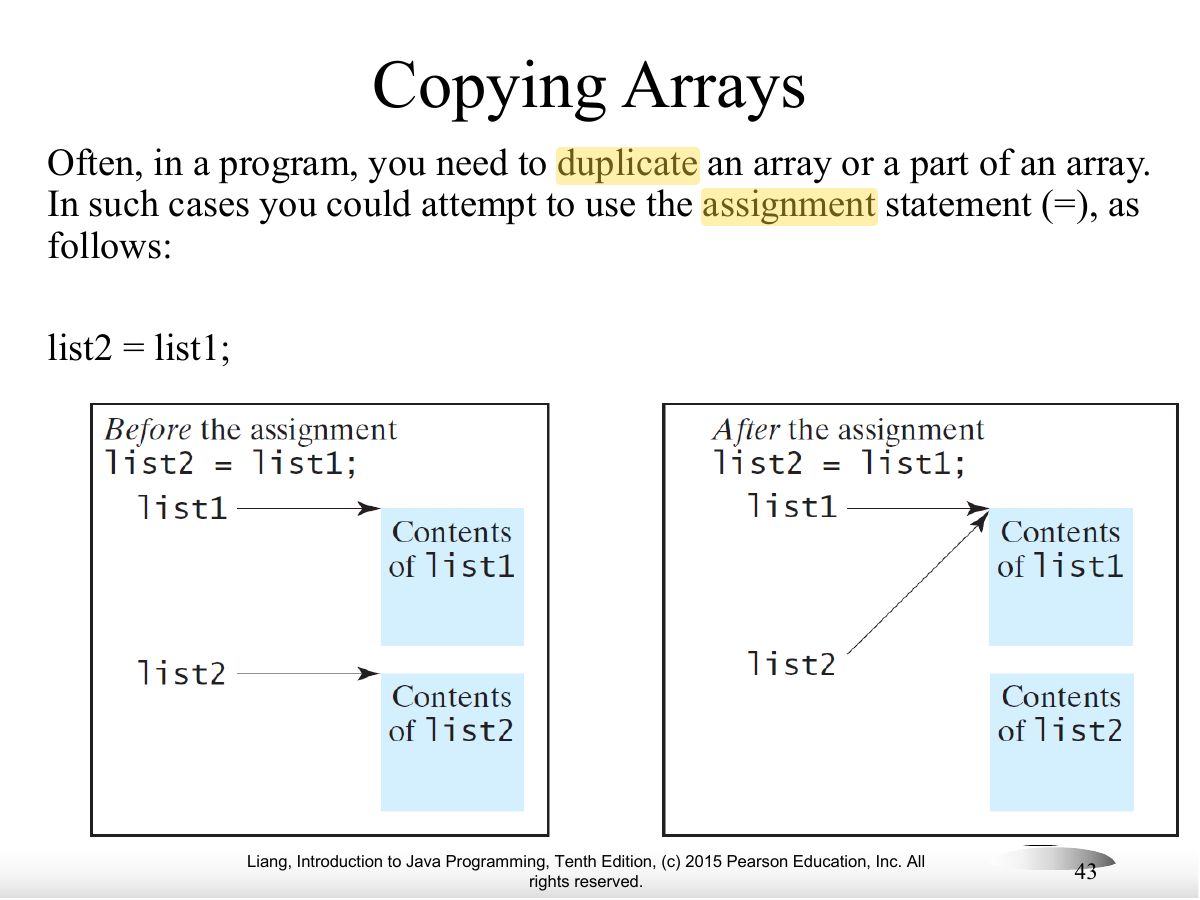
- list2 = list1 copies the REFERENCE: both names point to the same array.
Exam trap= does not copy an array’s contents.
🎯 How this can come up · 1 question
MCQ
After int[] b = a; b[0] = 99;, what is a[0]?
a and b refer to the same array.
Exam weight Low
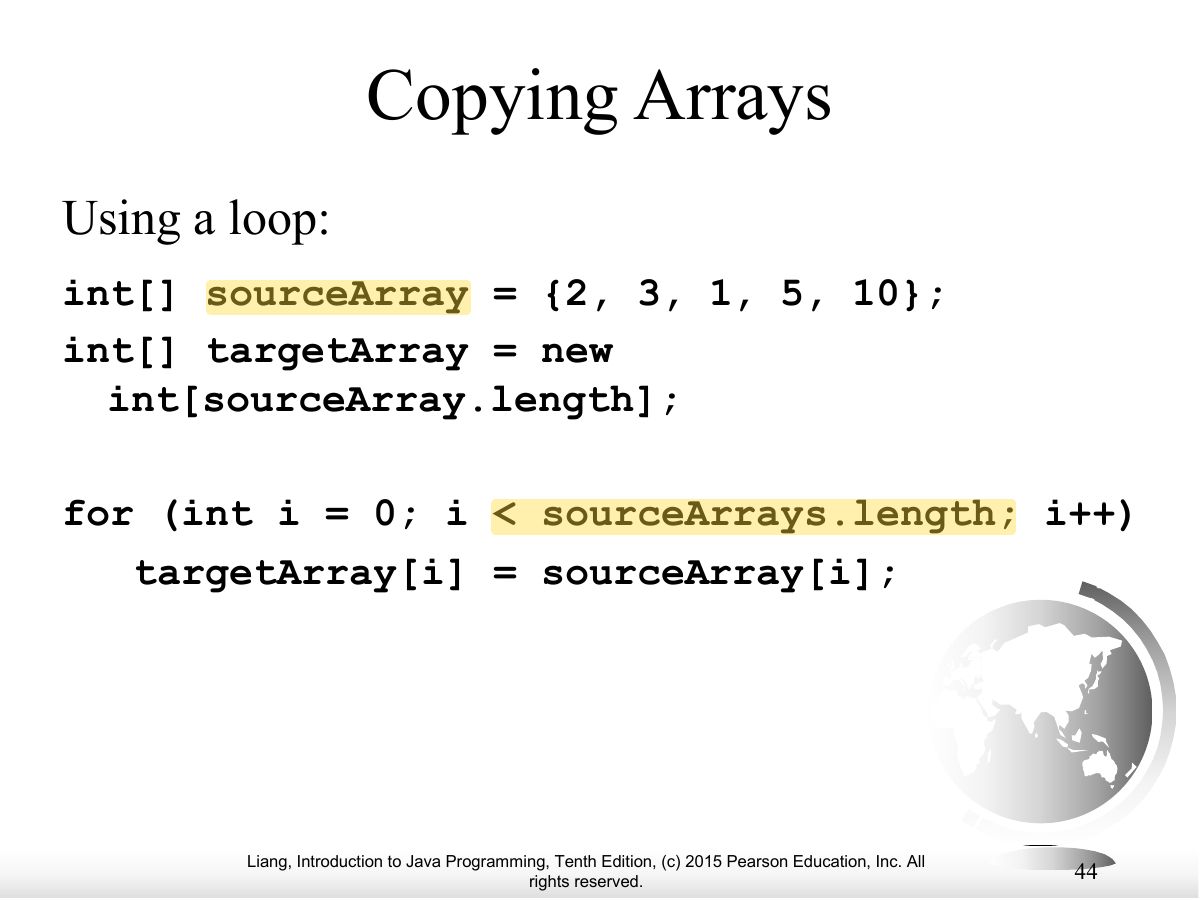
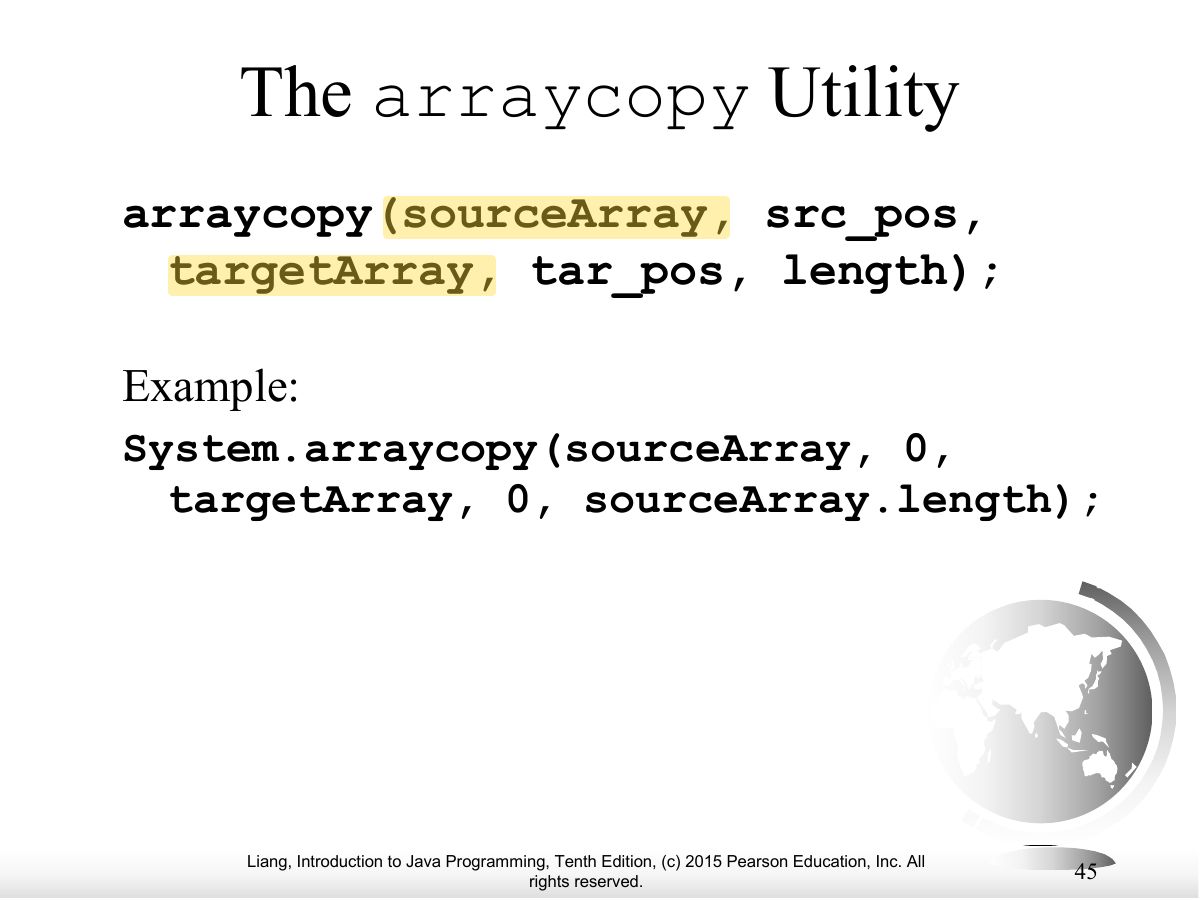
- Copy contents: a loop, System.arraycopy, or clone().
Exam weight Low
- System.arraycopy(src, srcPos, dest, destPos, length).
Exam weight Low
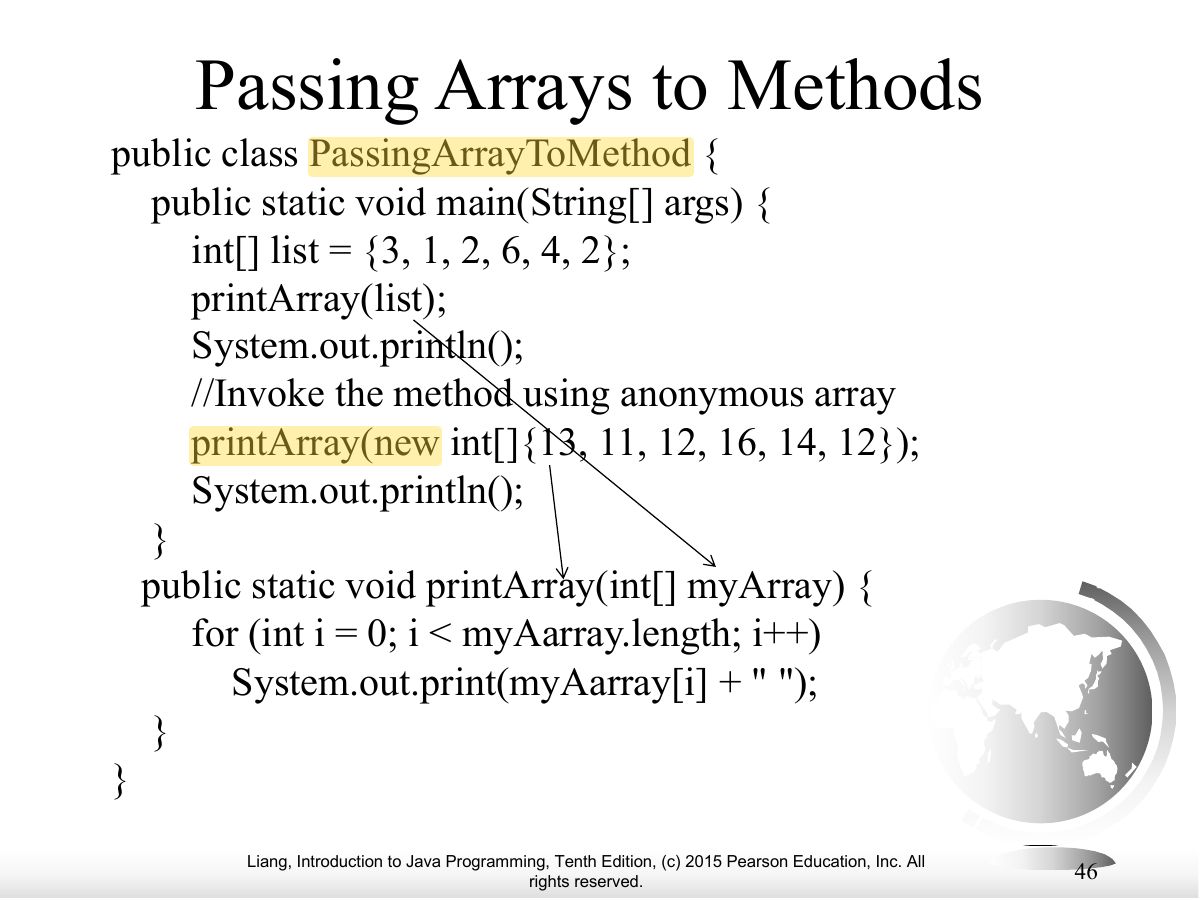
- Pass an array to a method: printArray(new int[]{3, 1, 2});
Exam weight Low
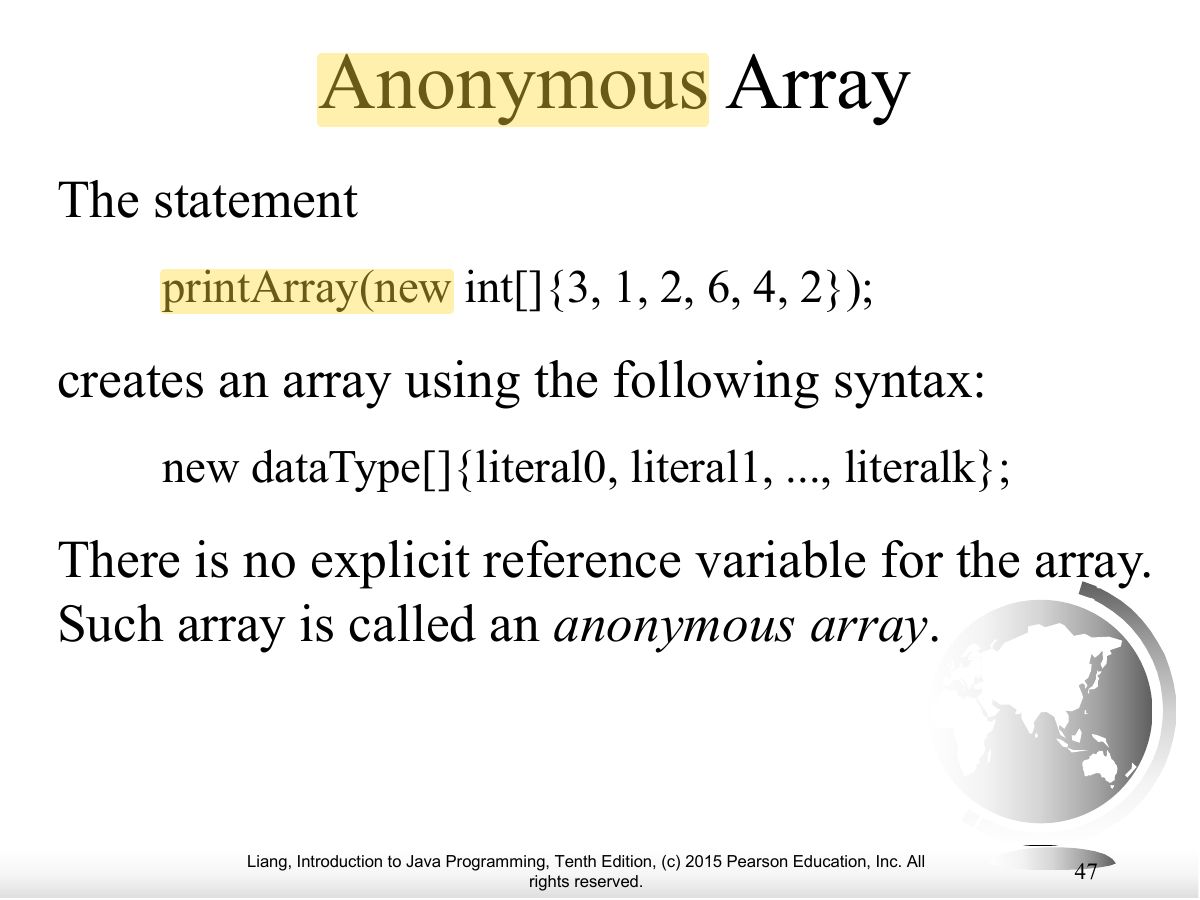
- Anonymous array: new int[]{3, 1, 2} with no variable.
Exam weight
High
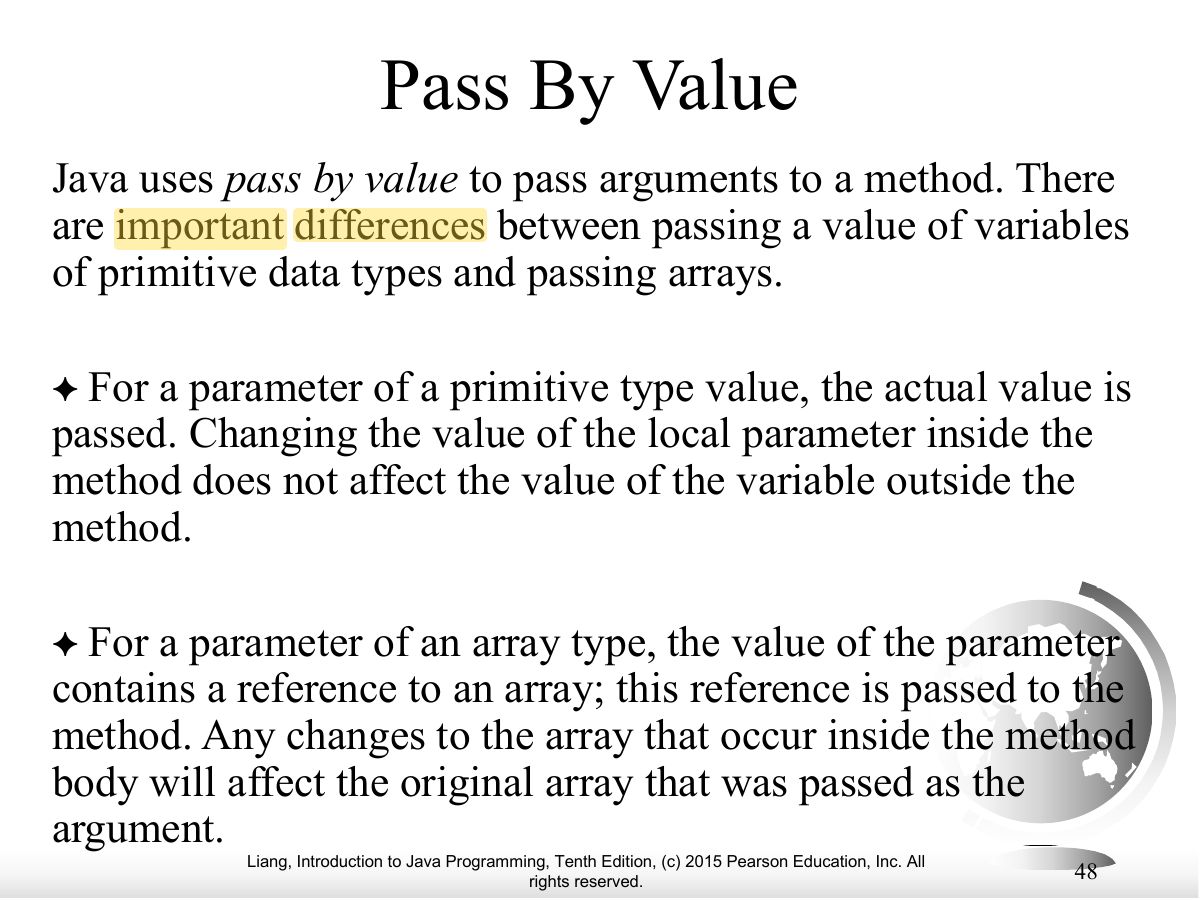
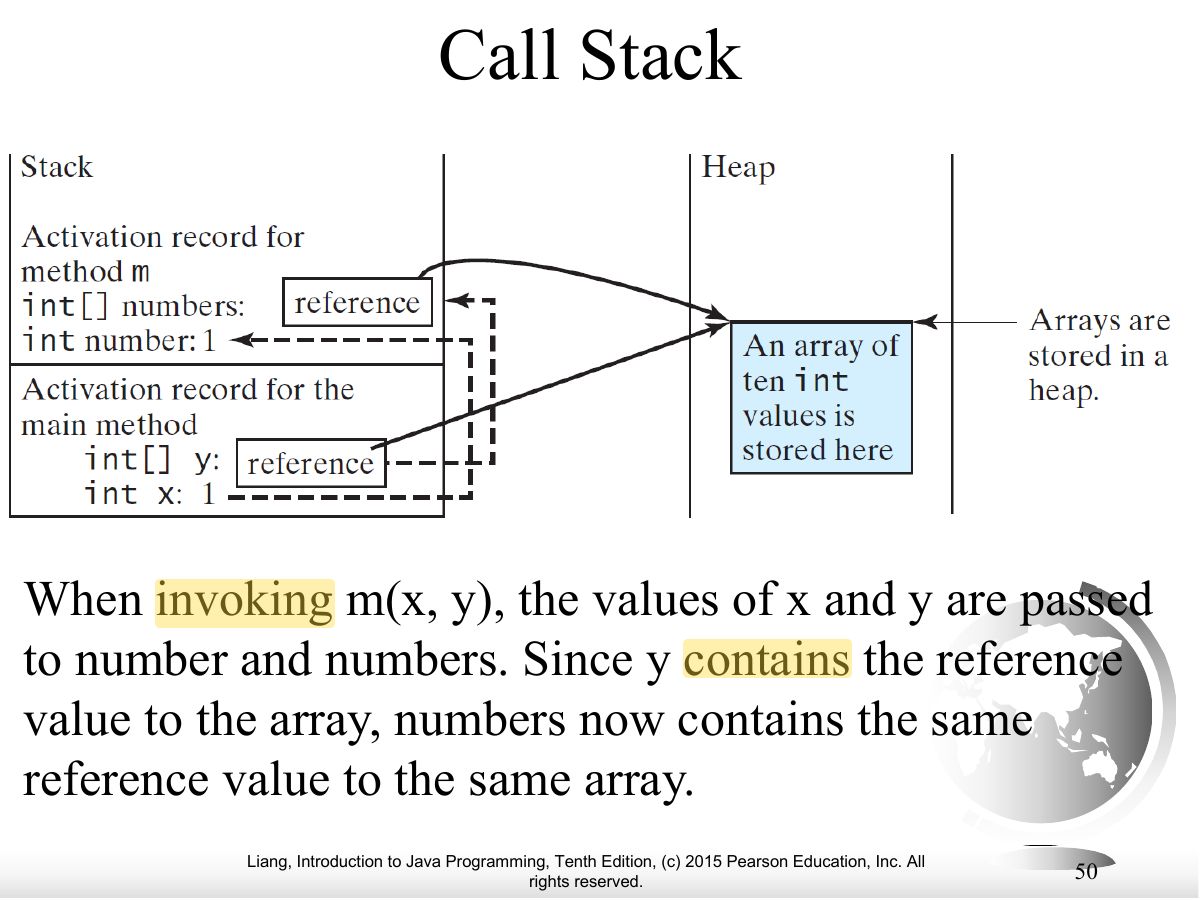
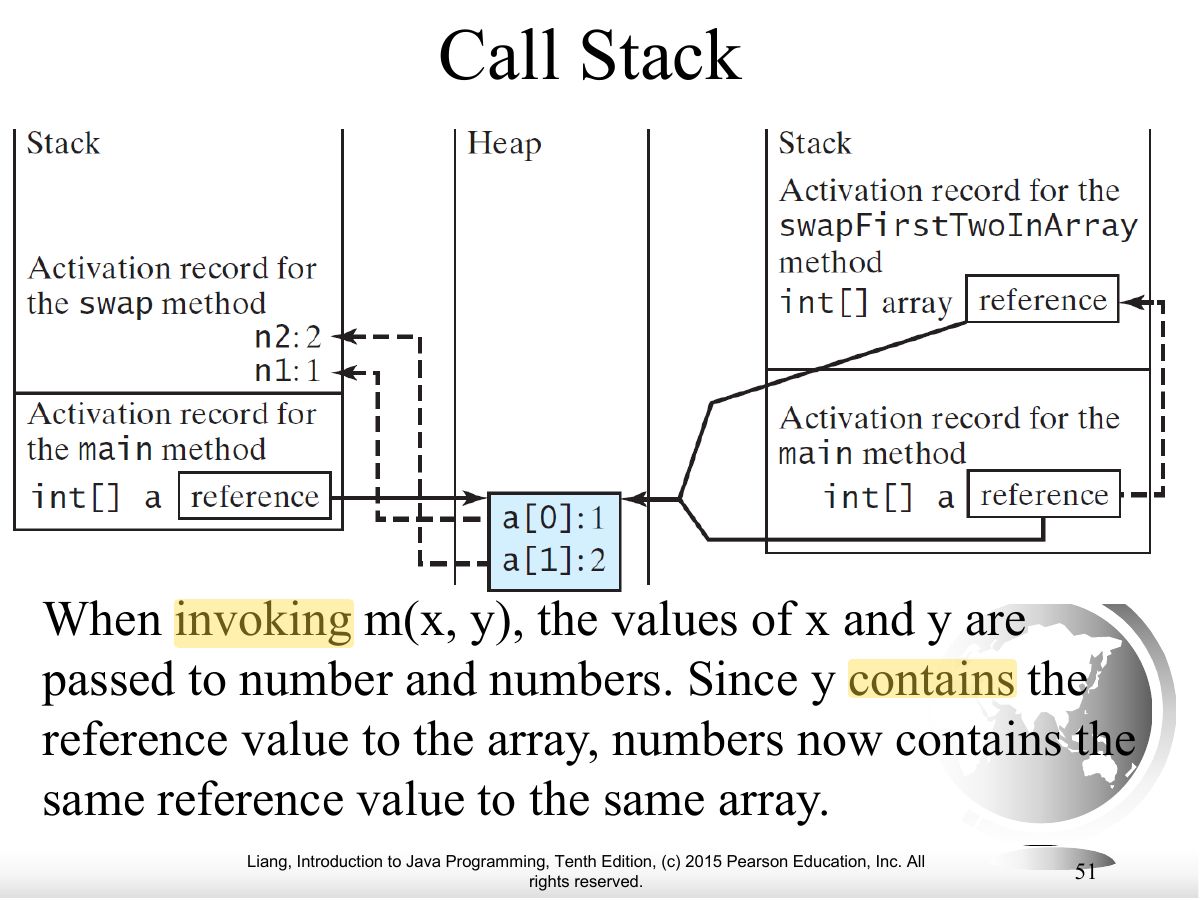
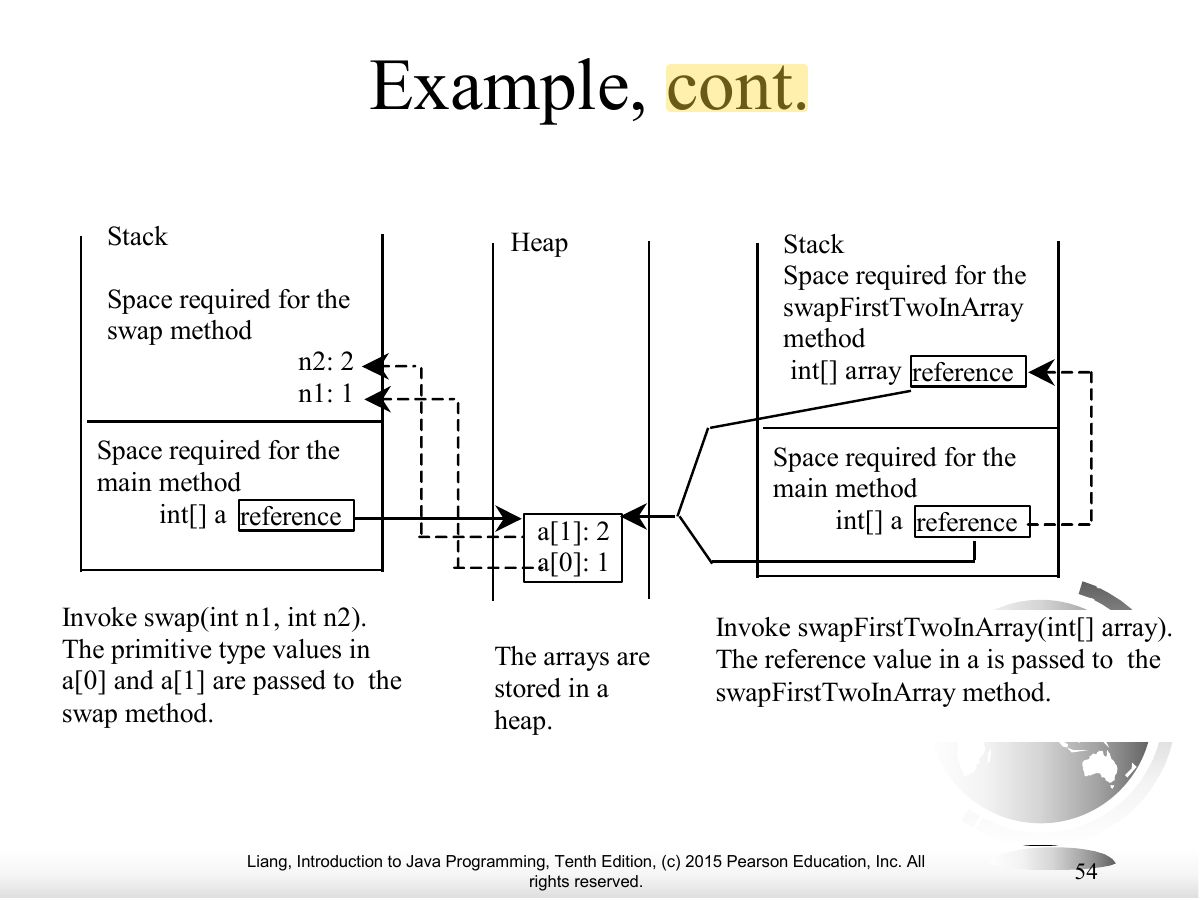
- Java is pass-by-value; for an array the value passed is the REFERENCE, so the method can change the caller’s elements.
🎯 How this can come up · 1 question
Written
Why can a method change the elements of an array passed to it, but not an int passed to it?
Both are passed by value, but for an array the value is a reference to the same array object on the heap; changes to its elements are visible to the caller. For an int the method only gets a copy of the value.
Exam weight Low
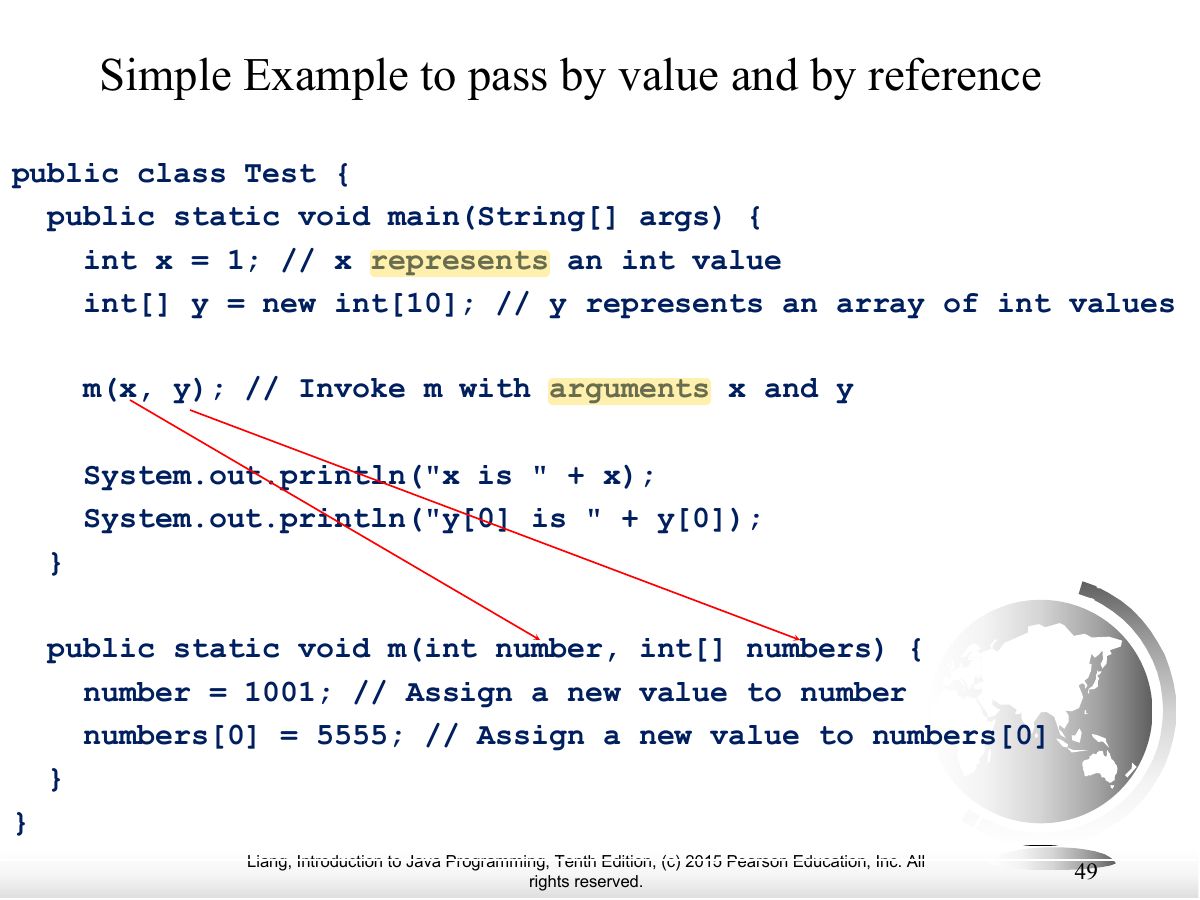
- Example: m(x, y) changes y[0] but not x.
Exam weight Low
- Call stack holds the reference; the array itself lives on the heap.
Exam weight Low
- Call stack, continued.
Exam weight Low
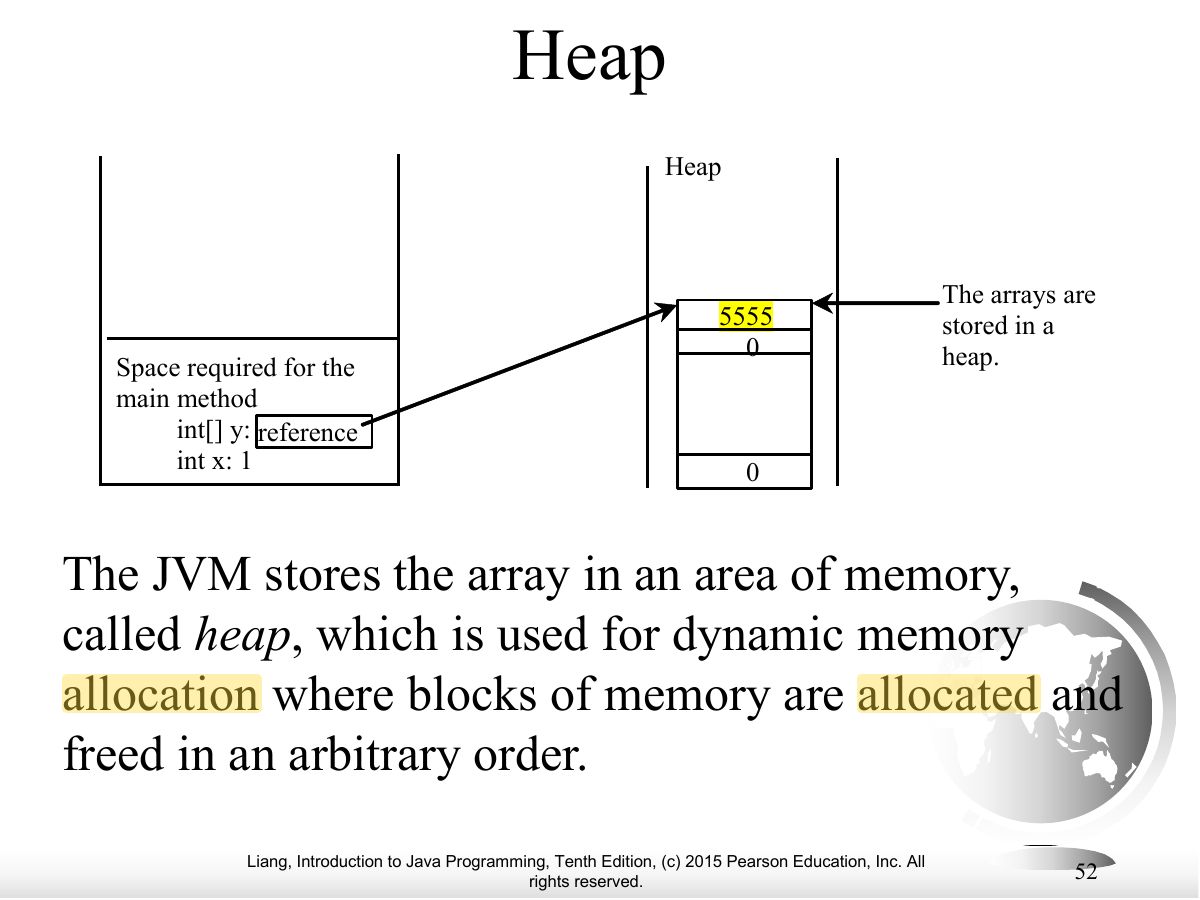
- Arrays are objects stored on the heap.
Exam weight Low
- Swapping elements inside the array works; swapping two array references inside a method doesn’t affect the caller.
Exam weight Low
- Example continued.
Exam weight Low
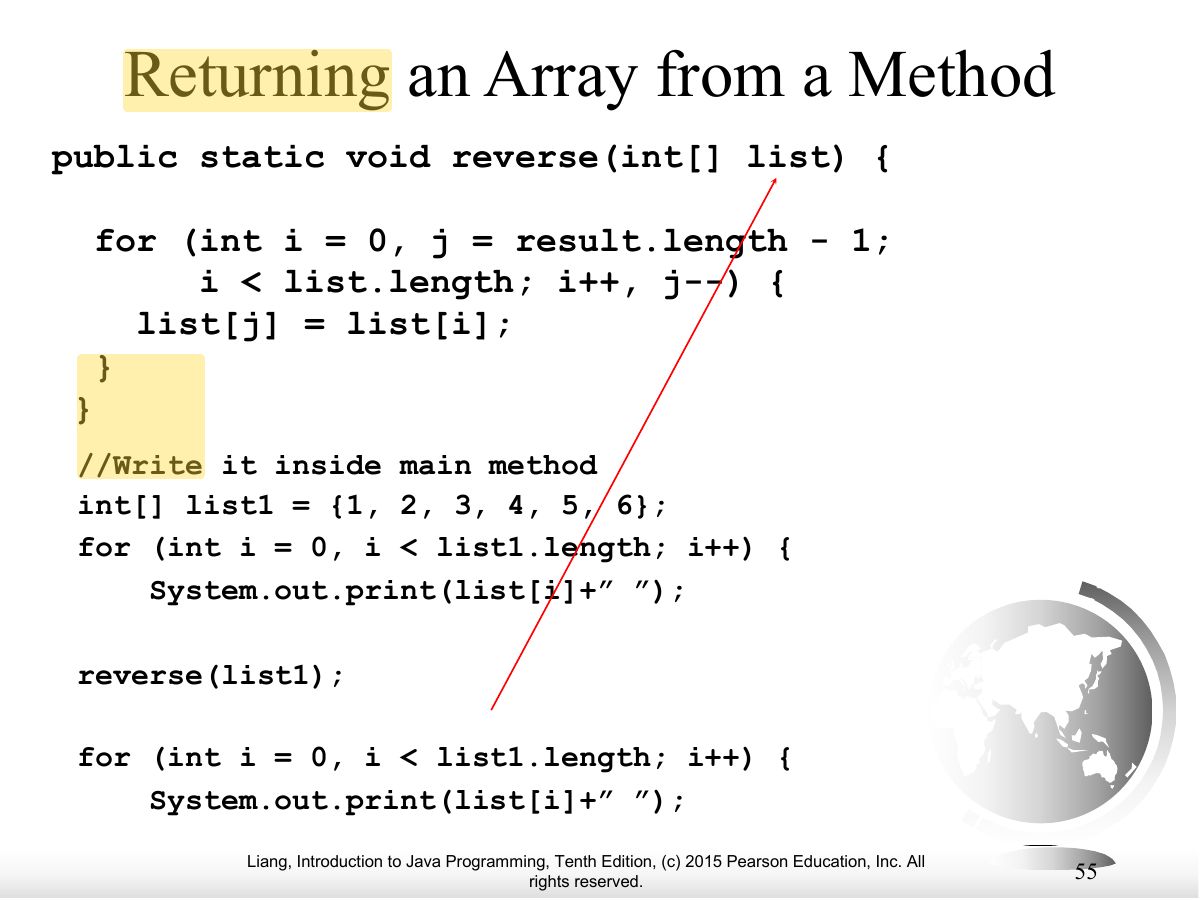
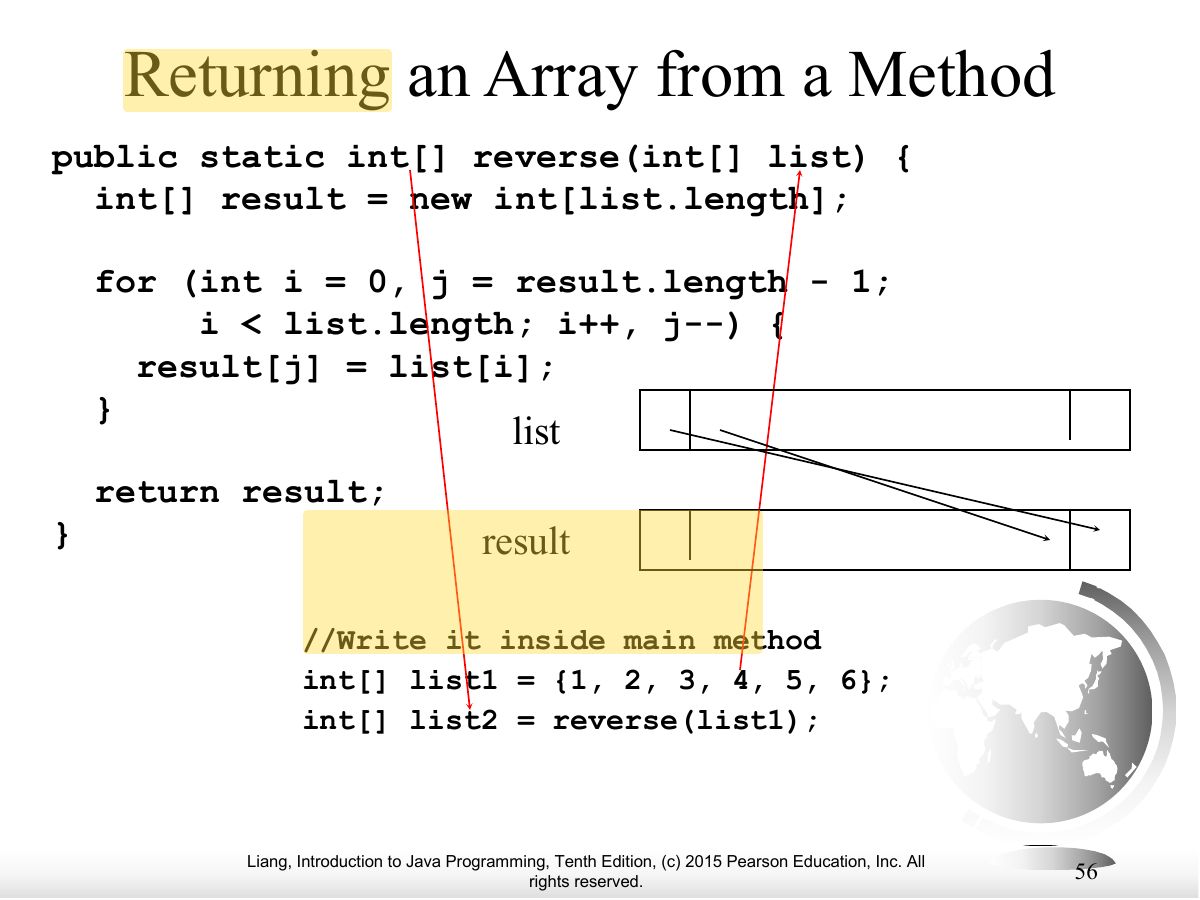
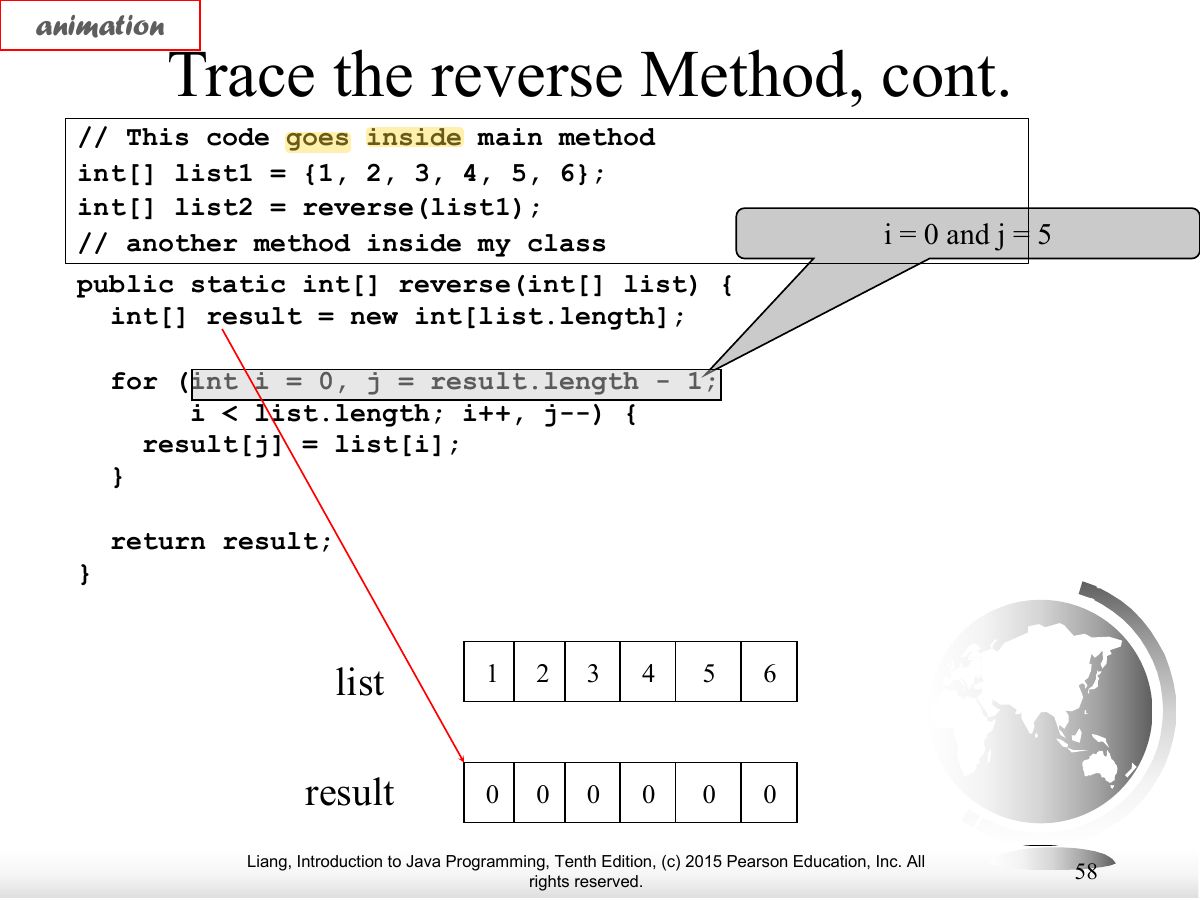
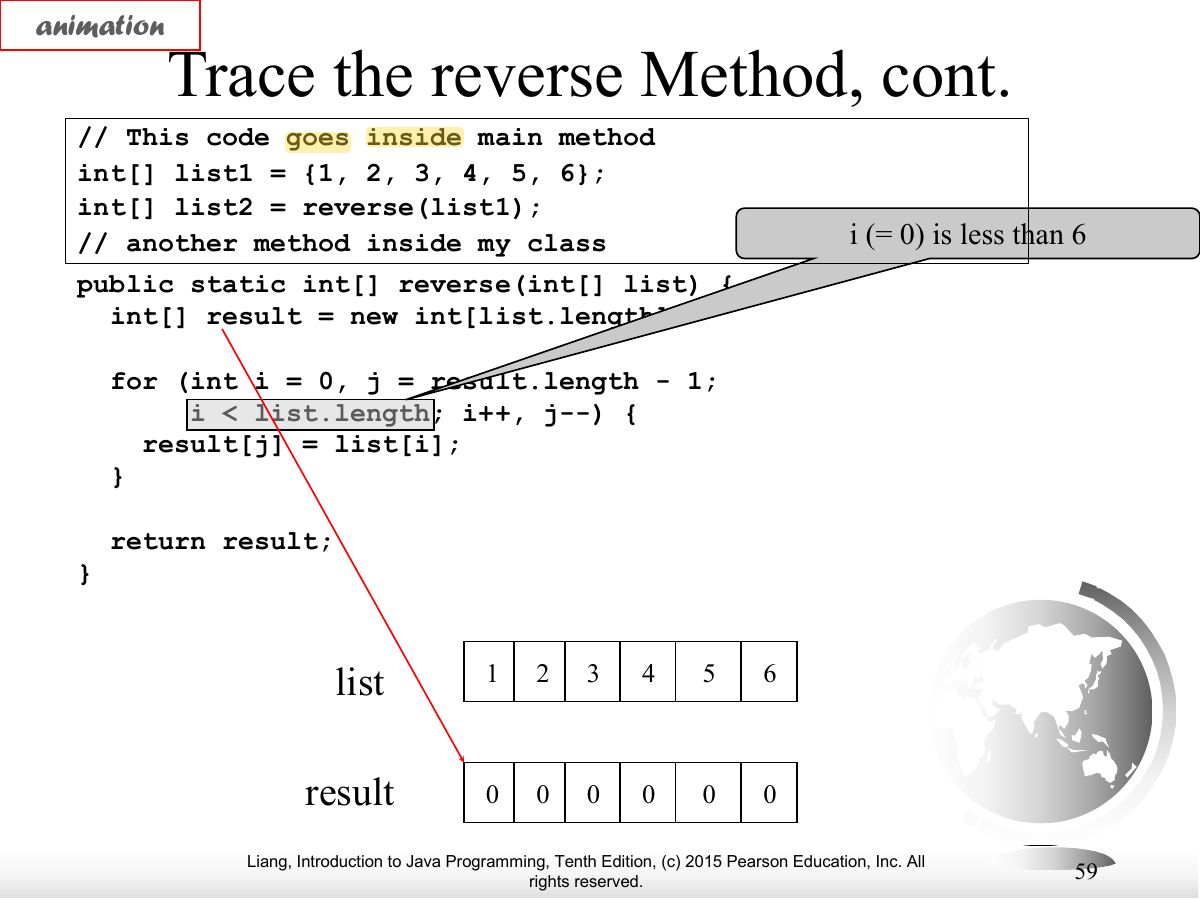
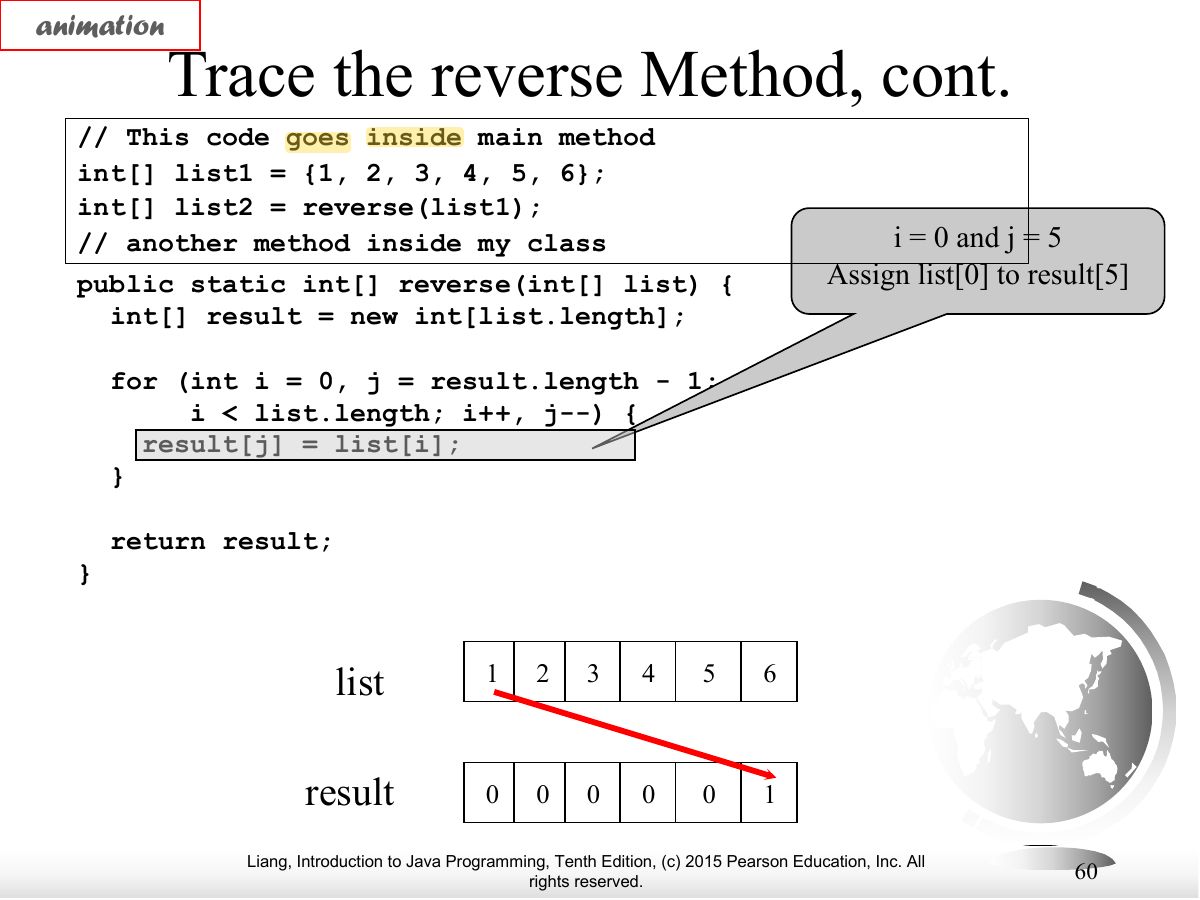
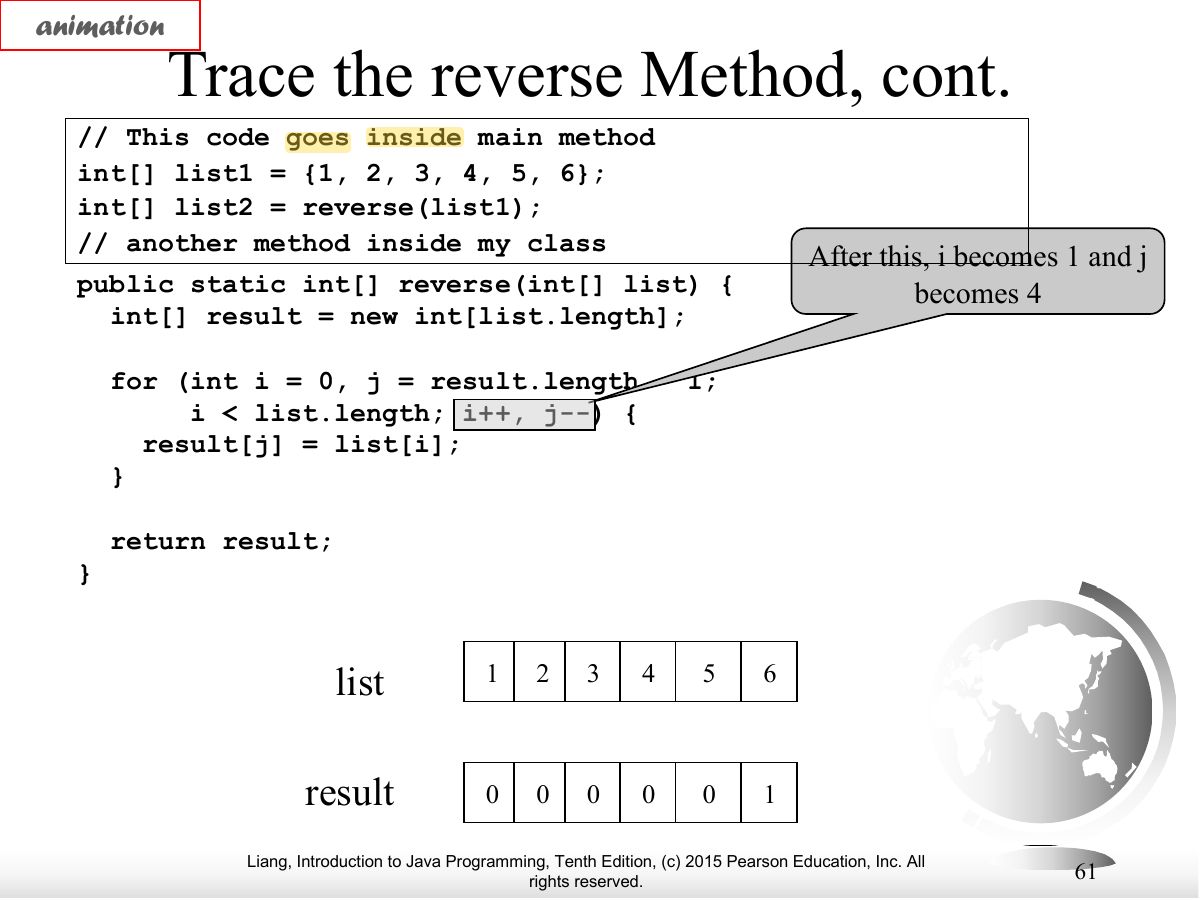
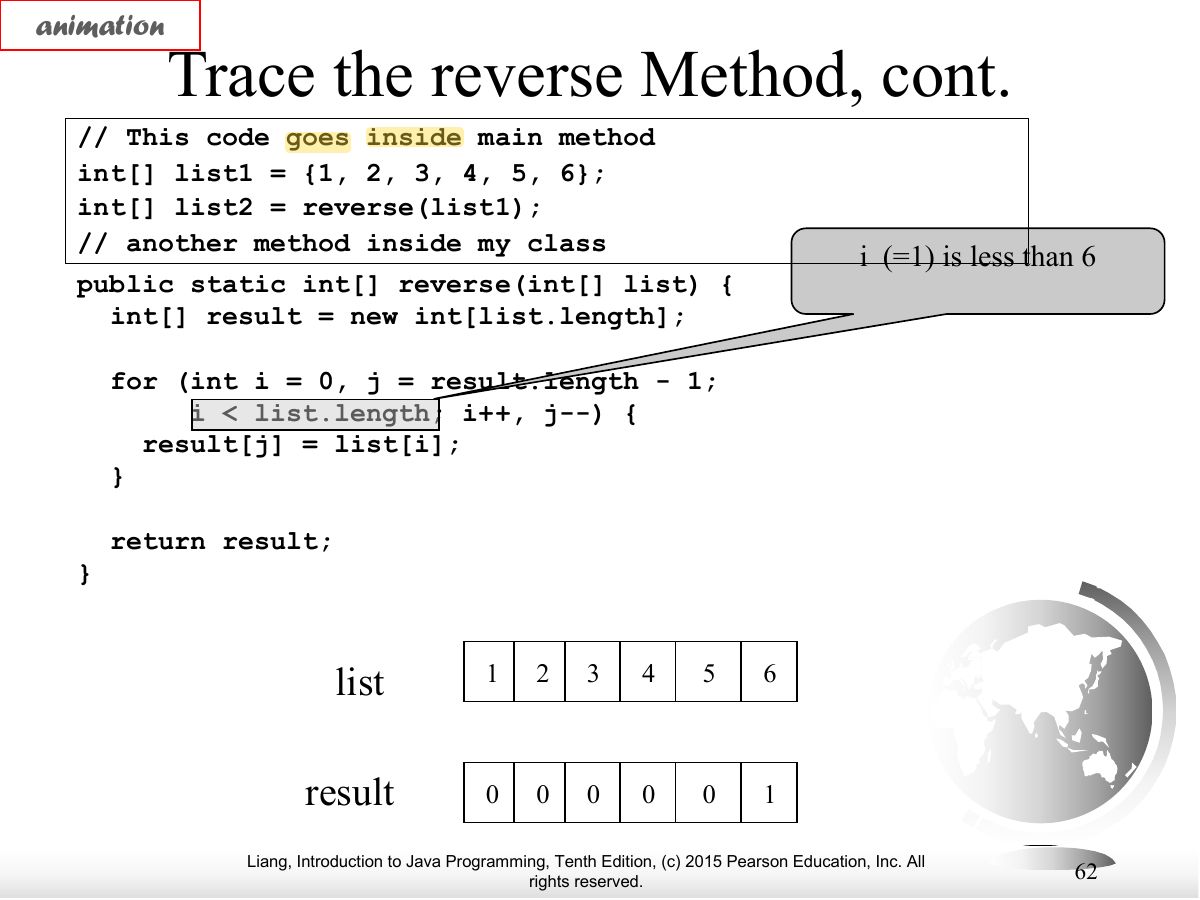
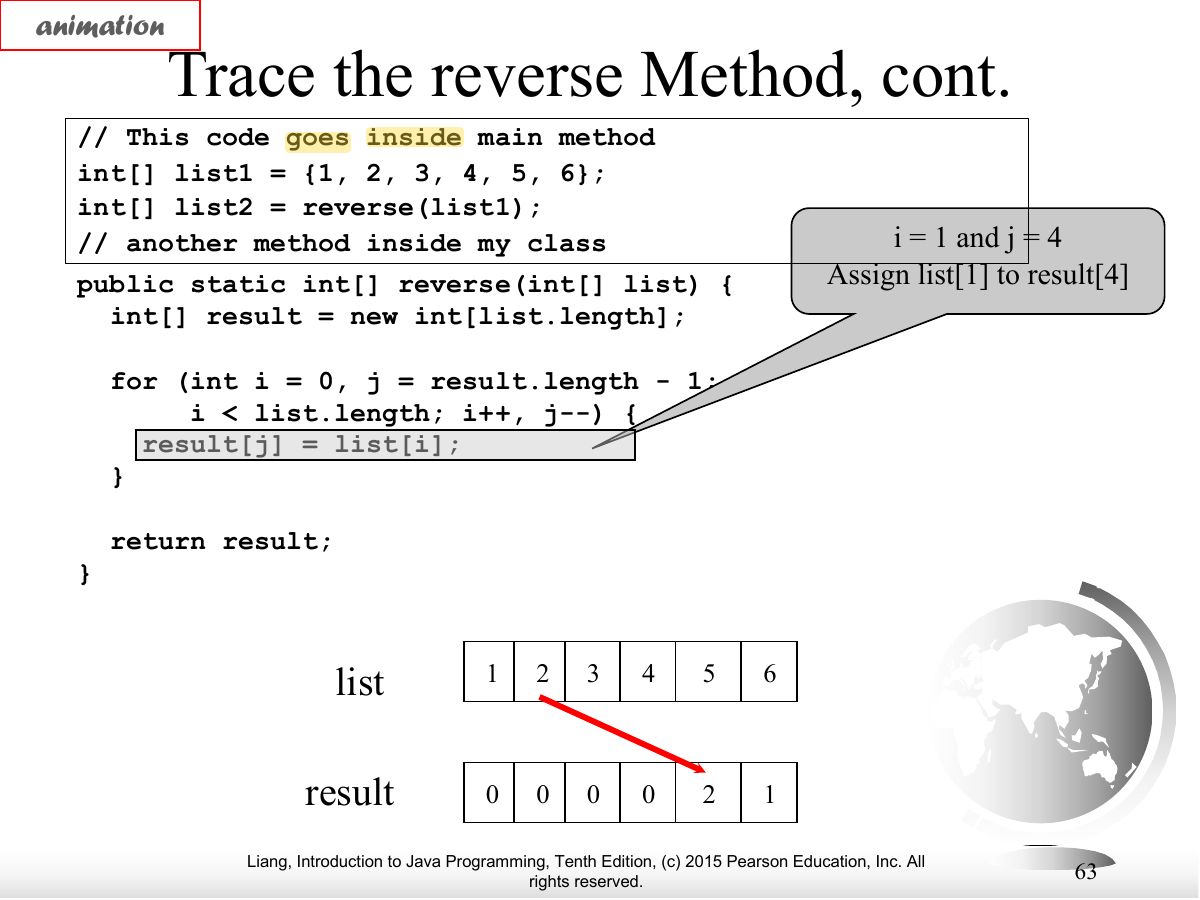
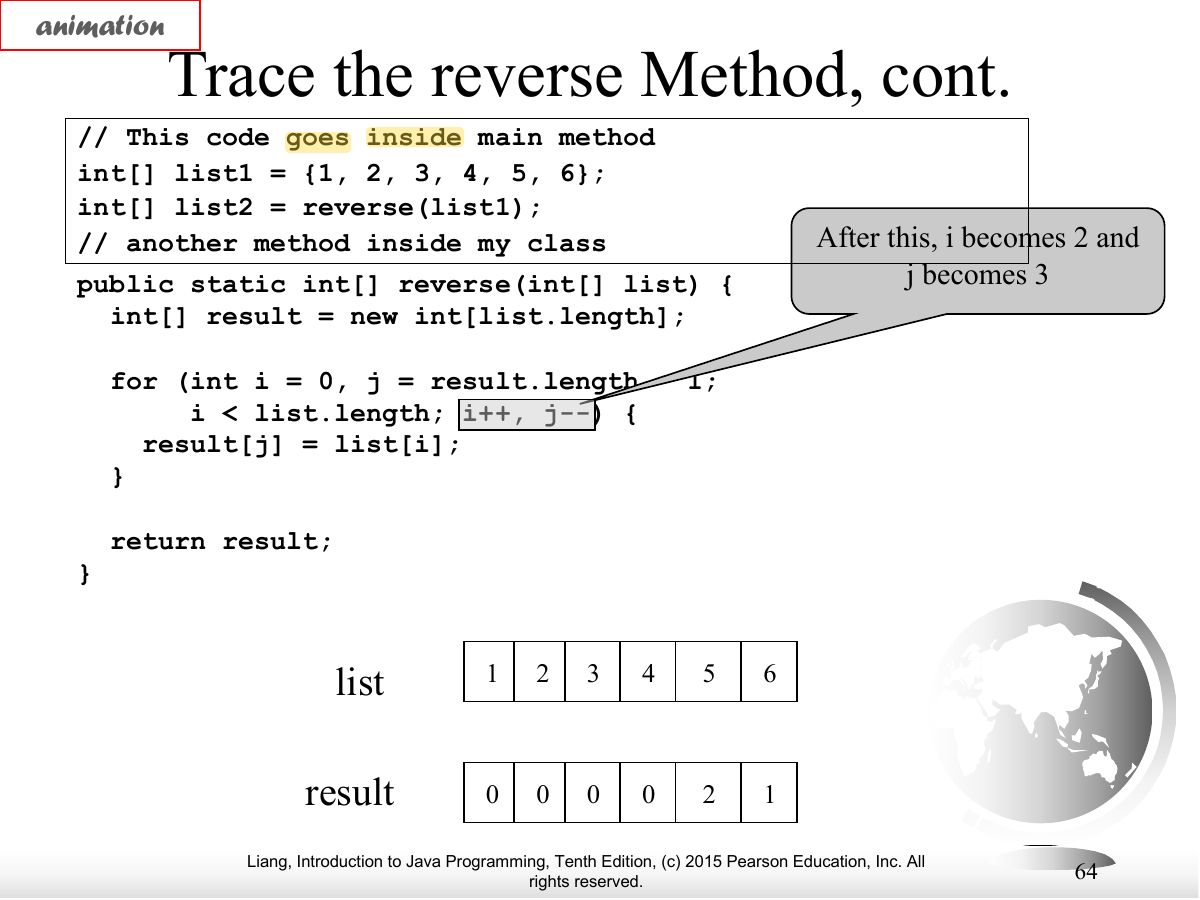
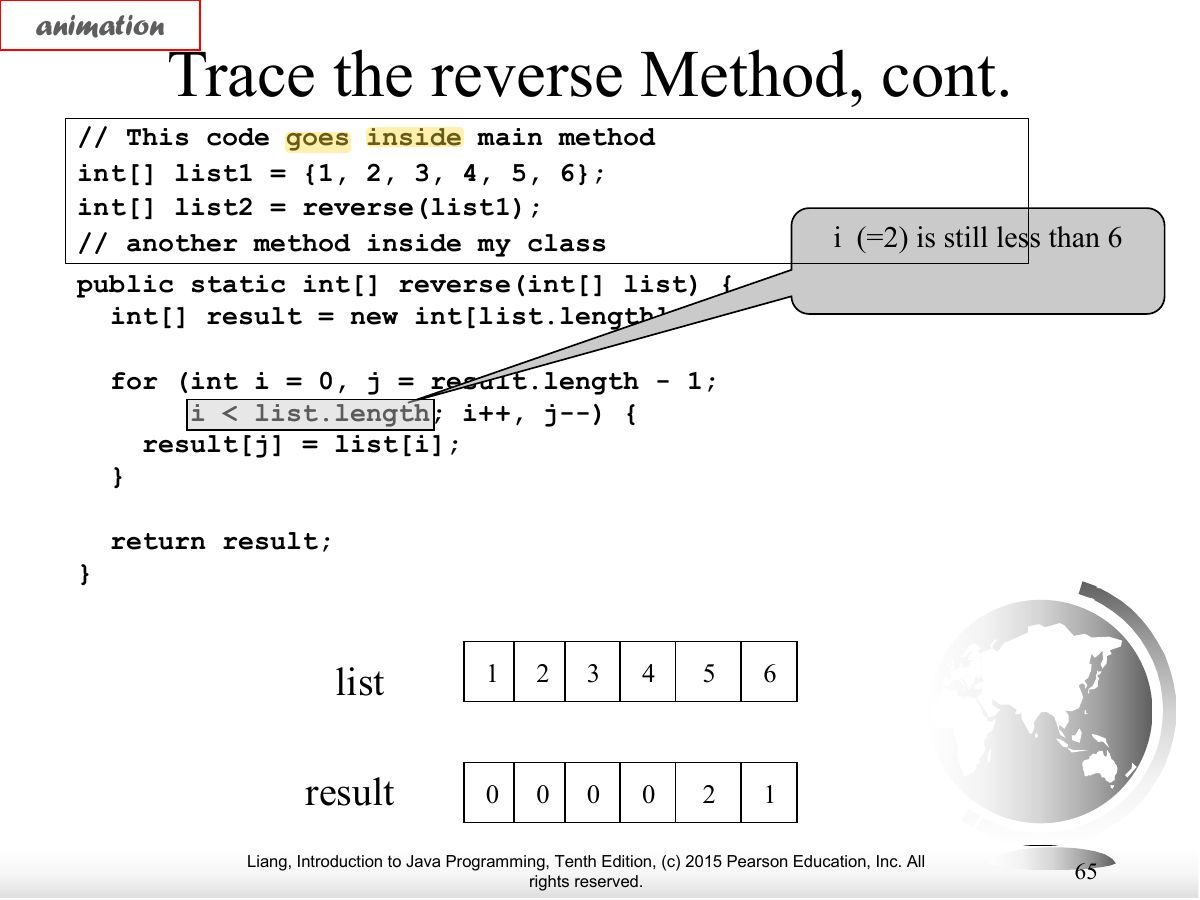
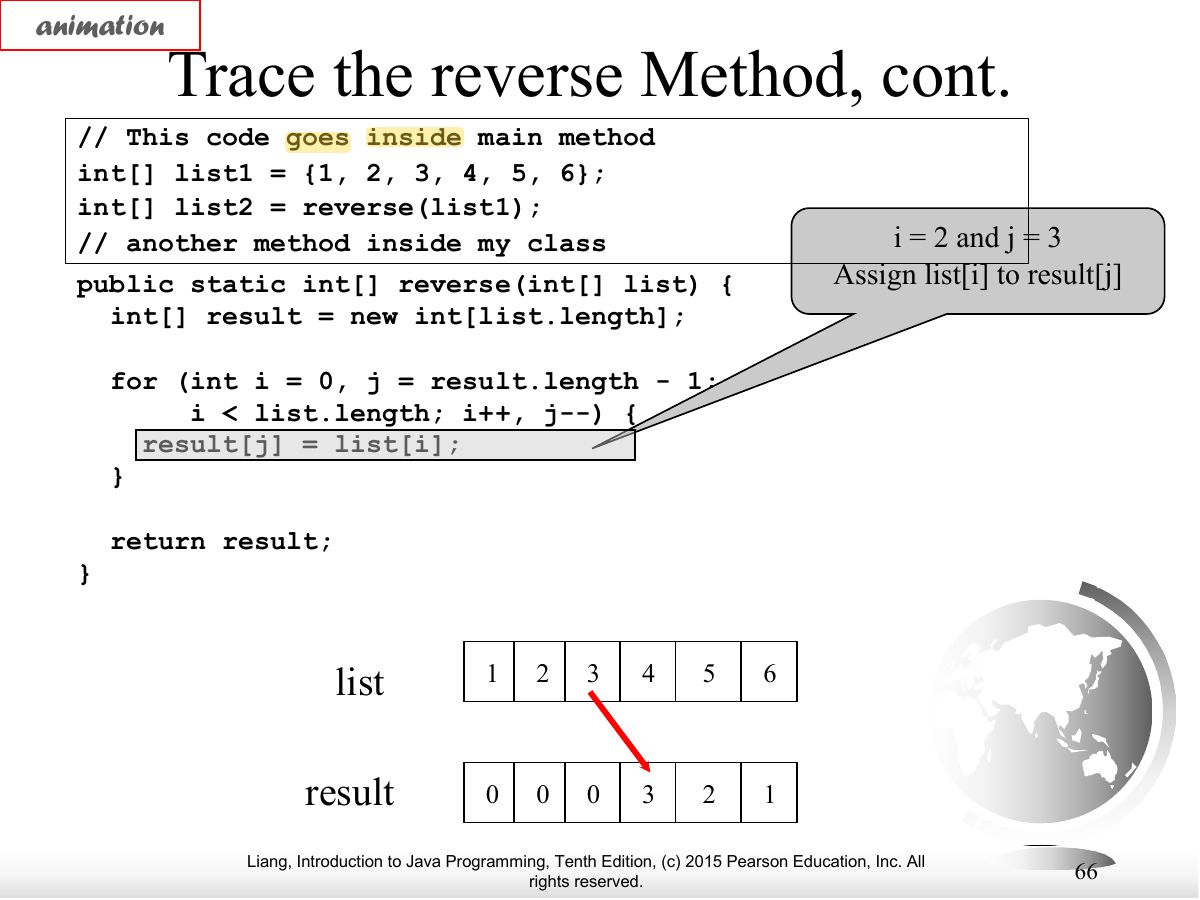
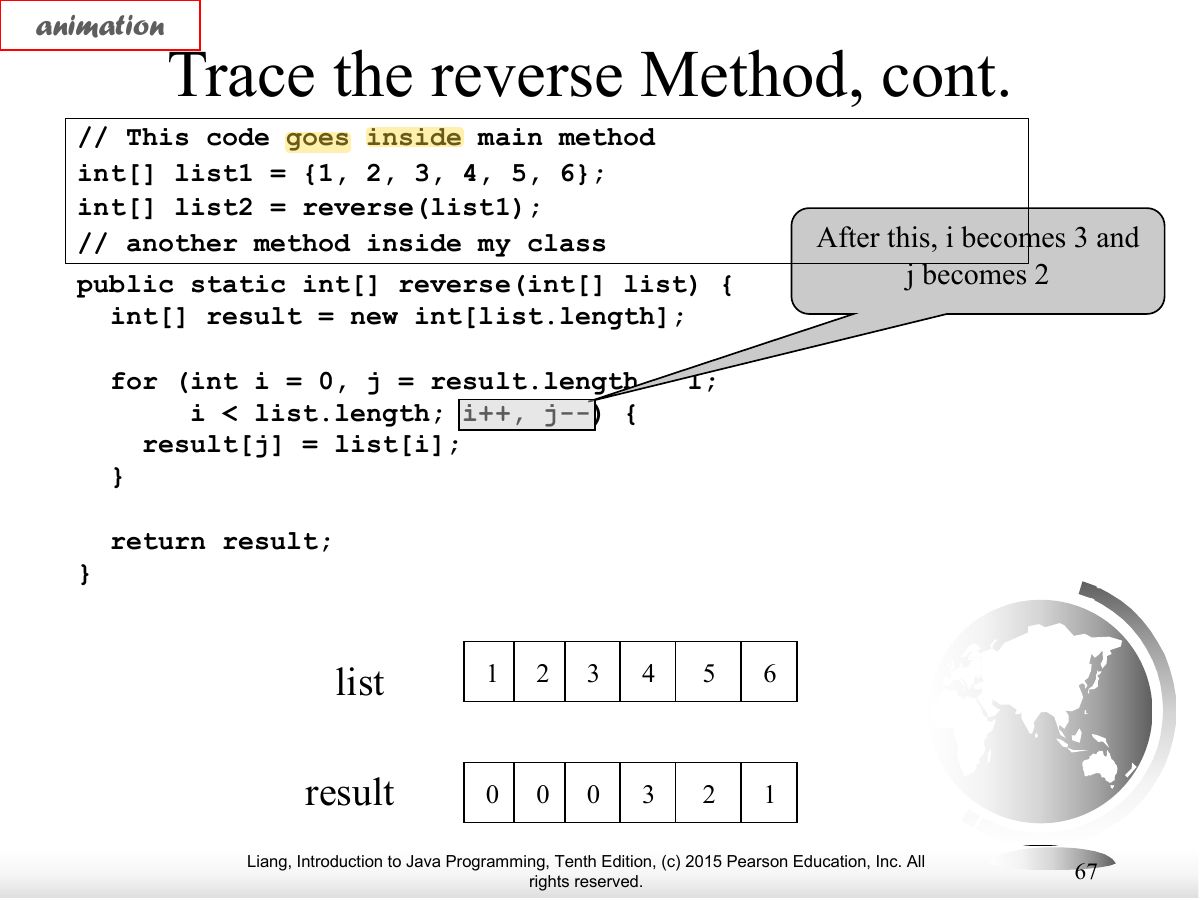
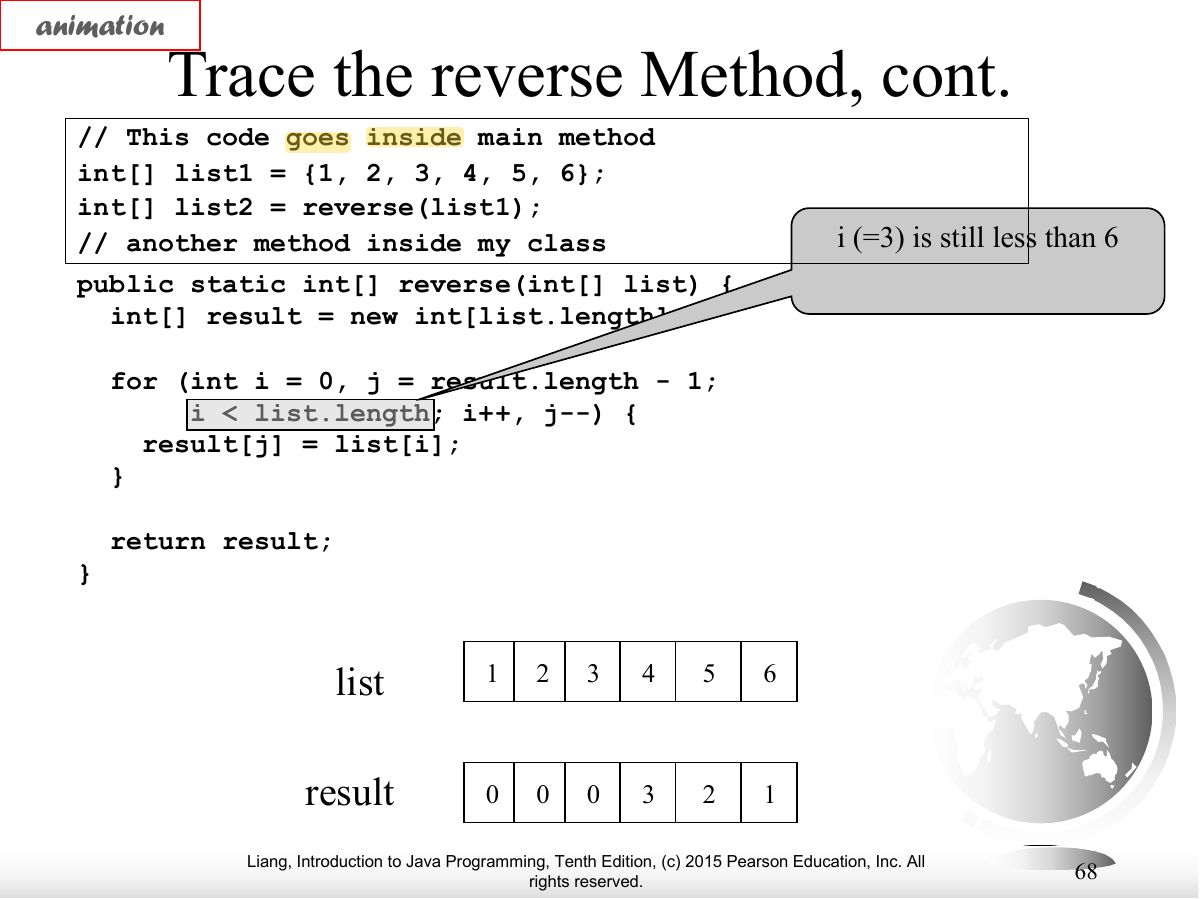
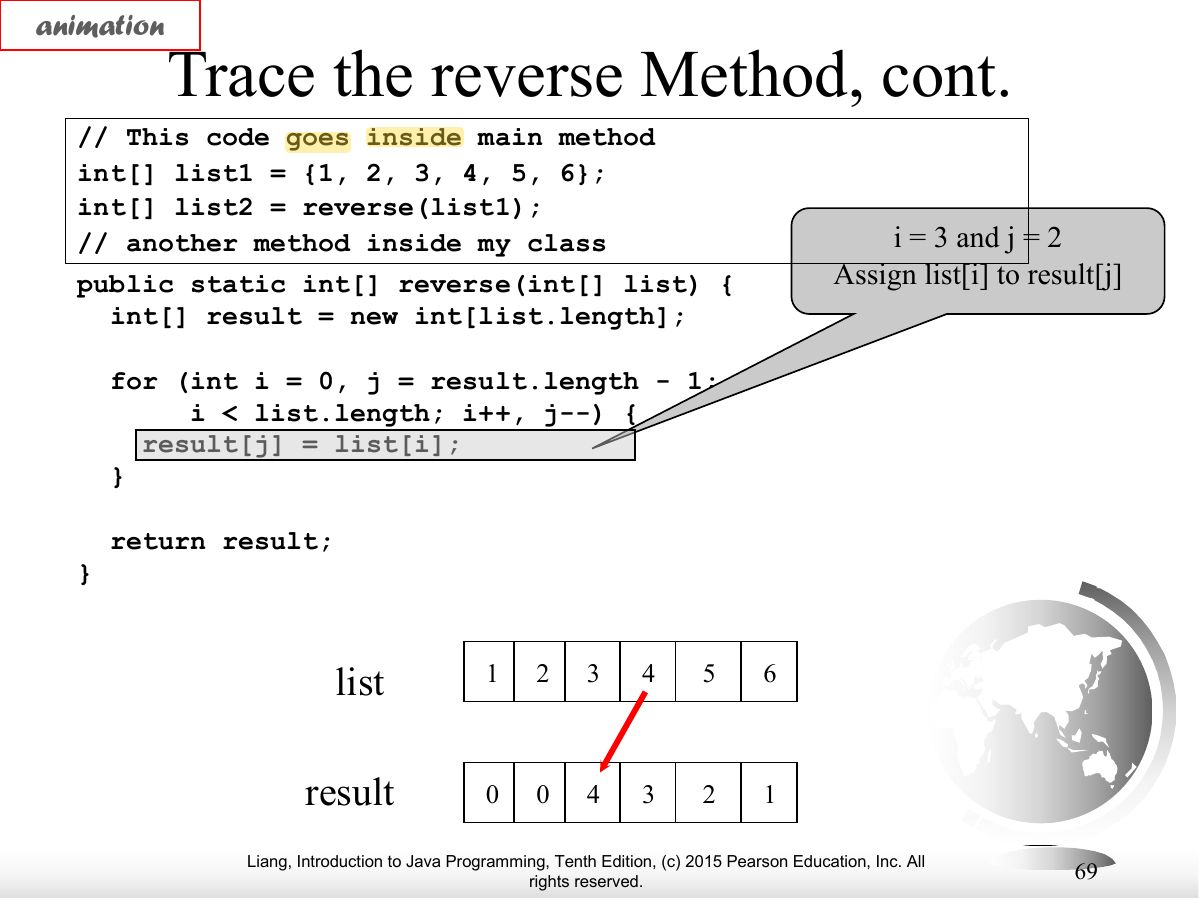
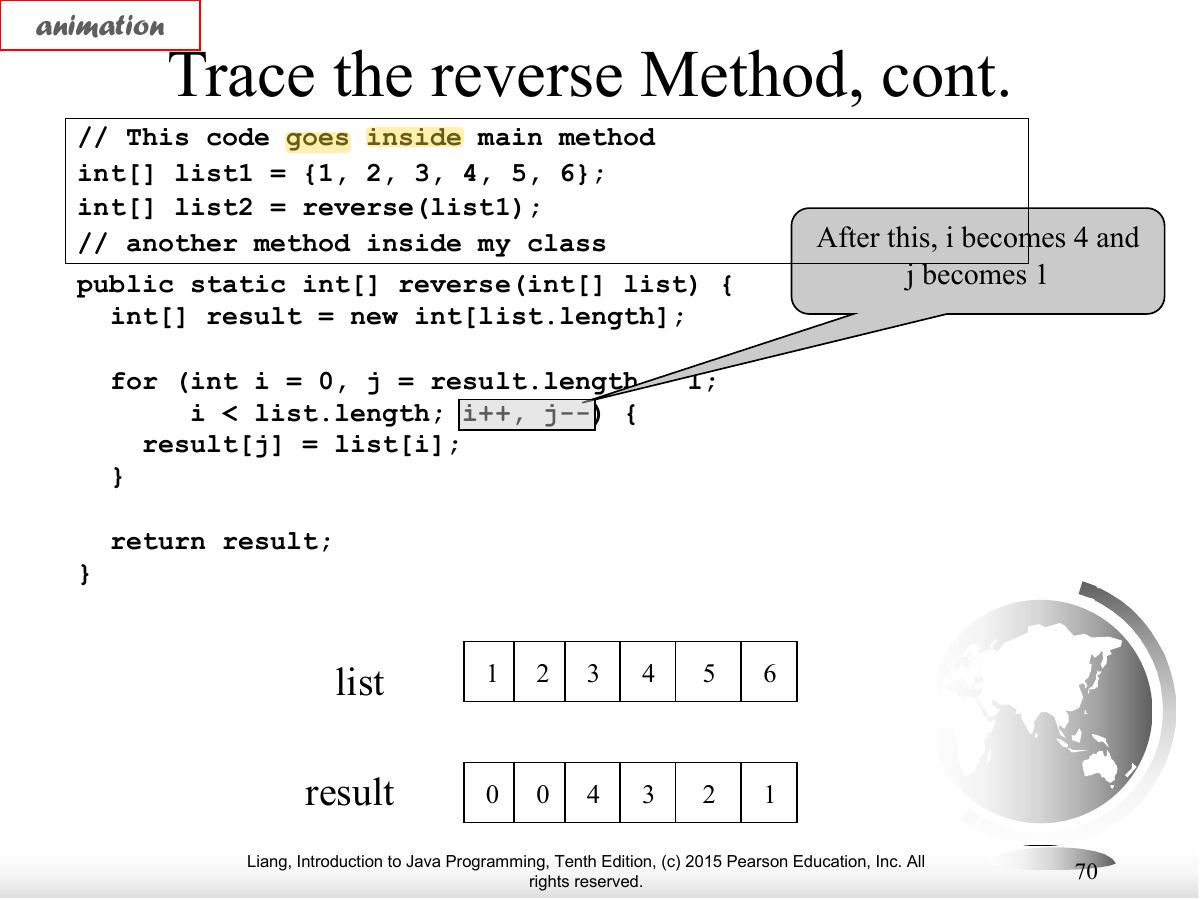
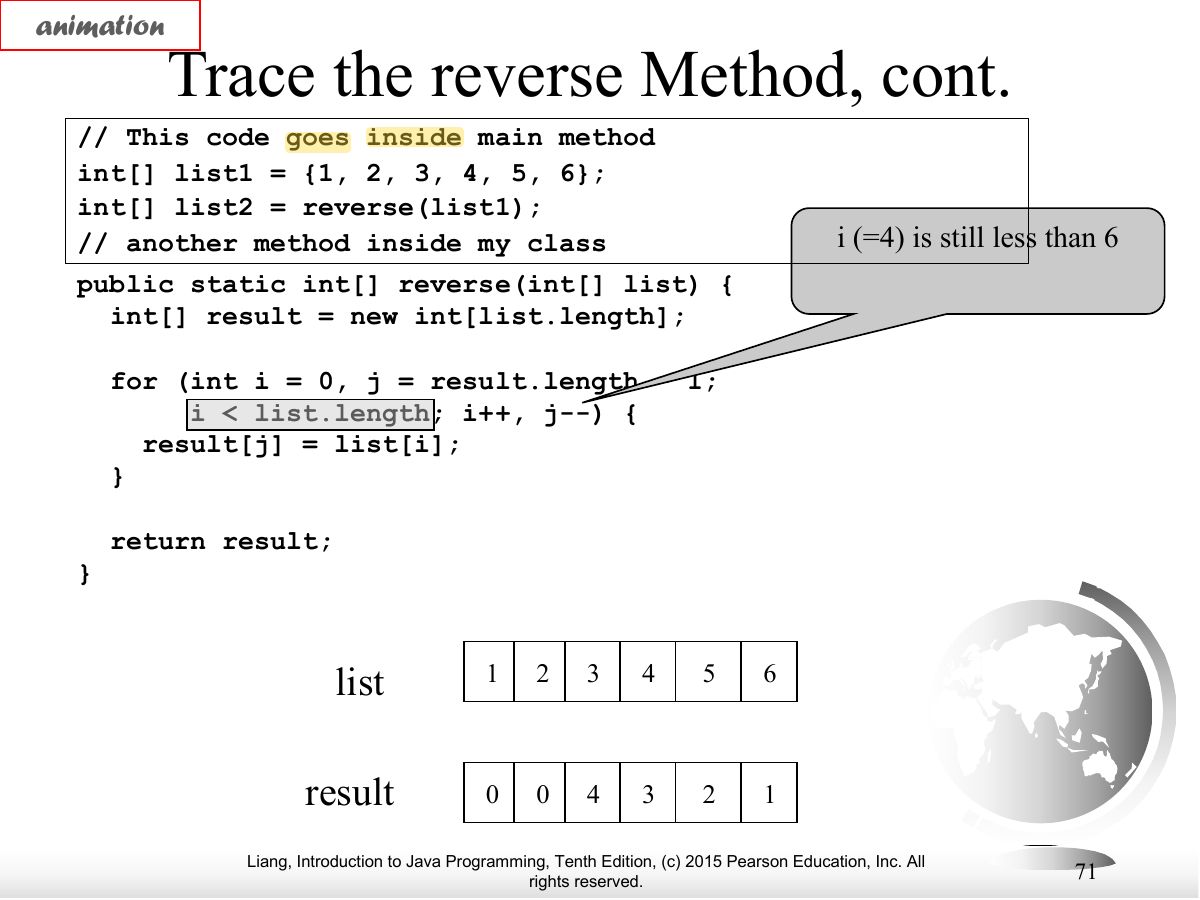
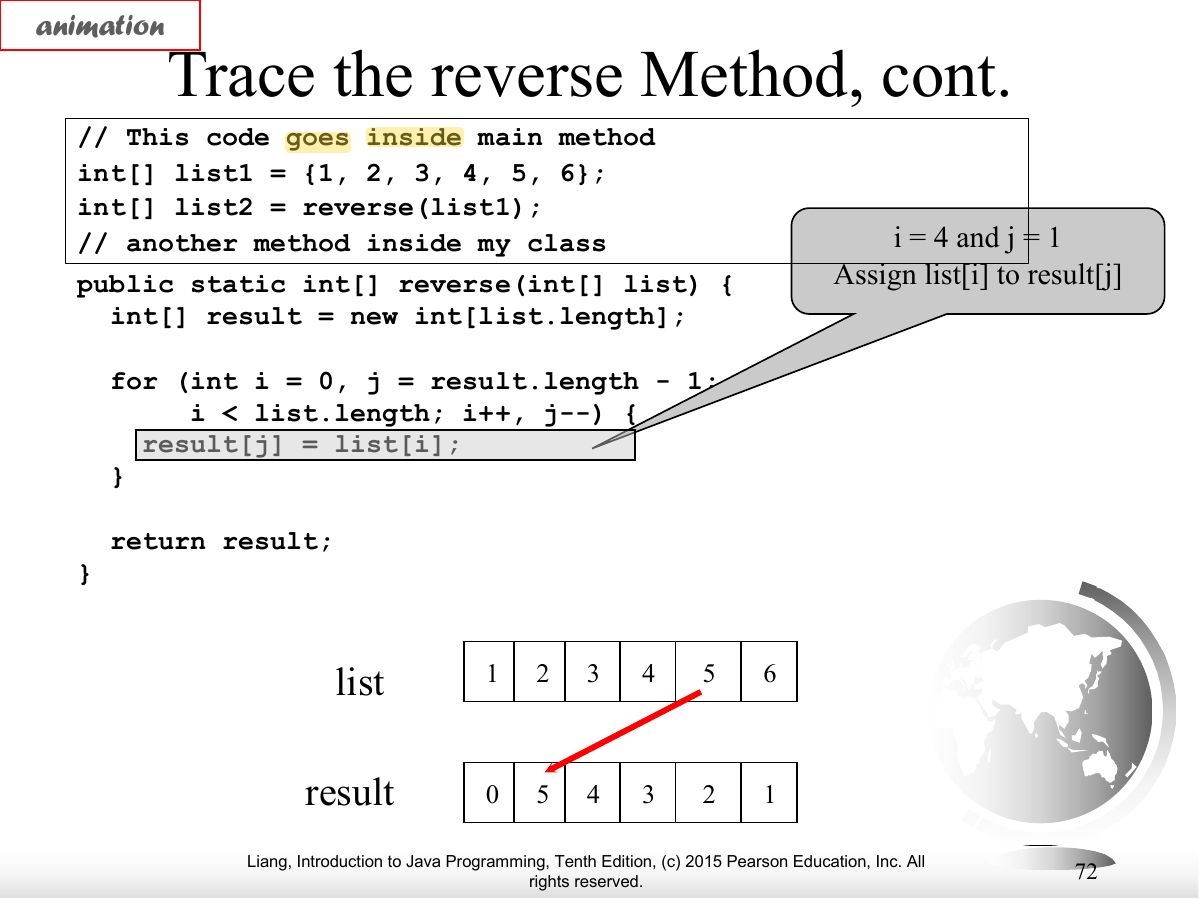
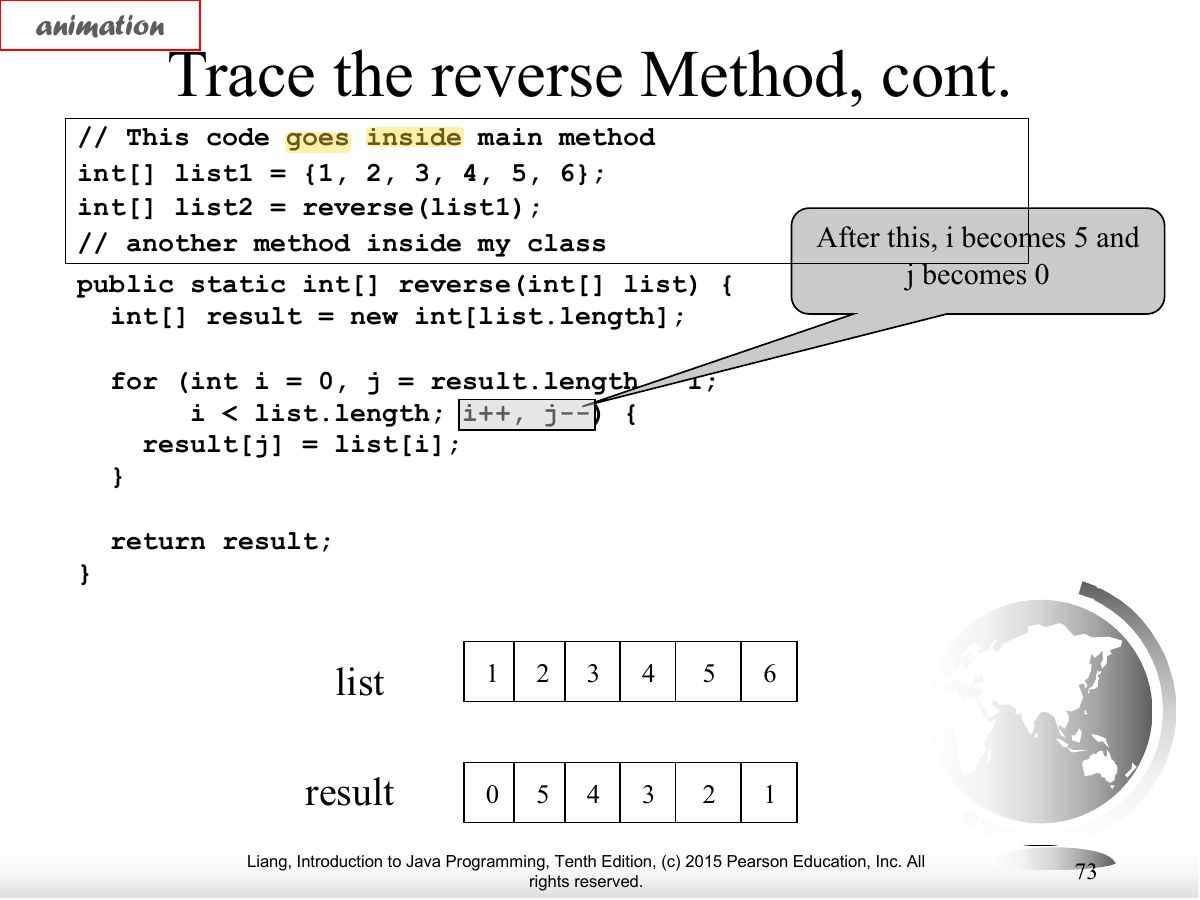
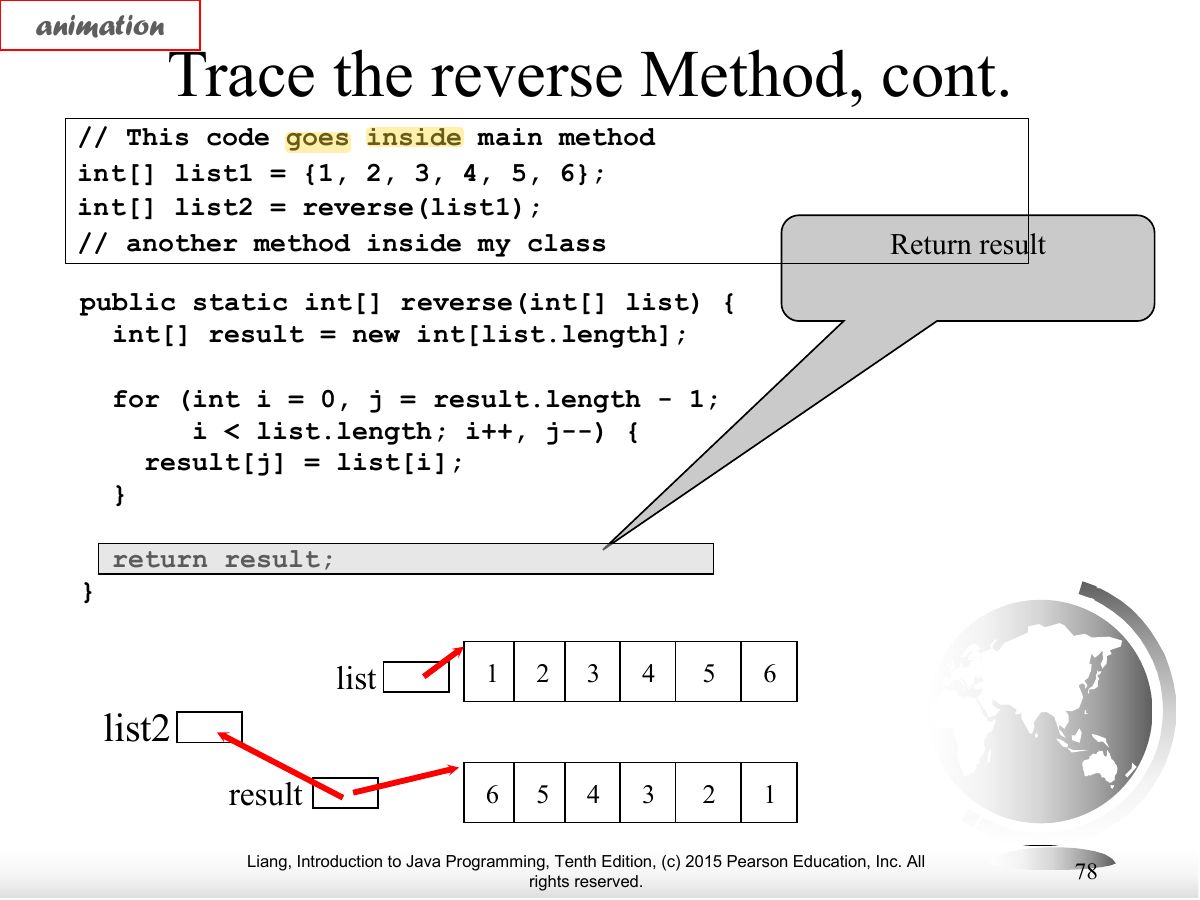
- A method can return an array: int[] reverse(int[] list).
Exam weight Low
- reverse implementation.
Exam weight Low
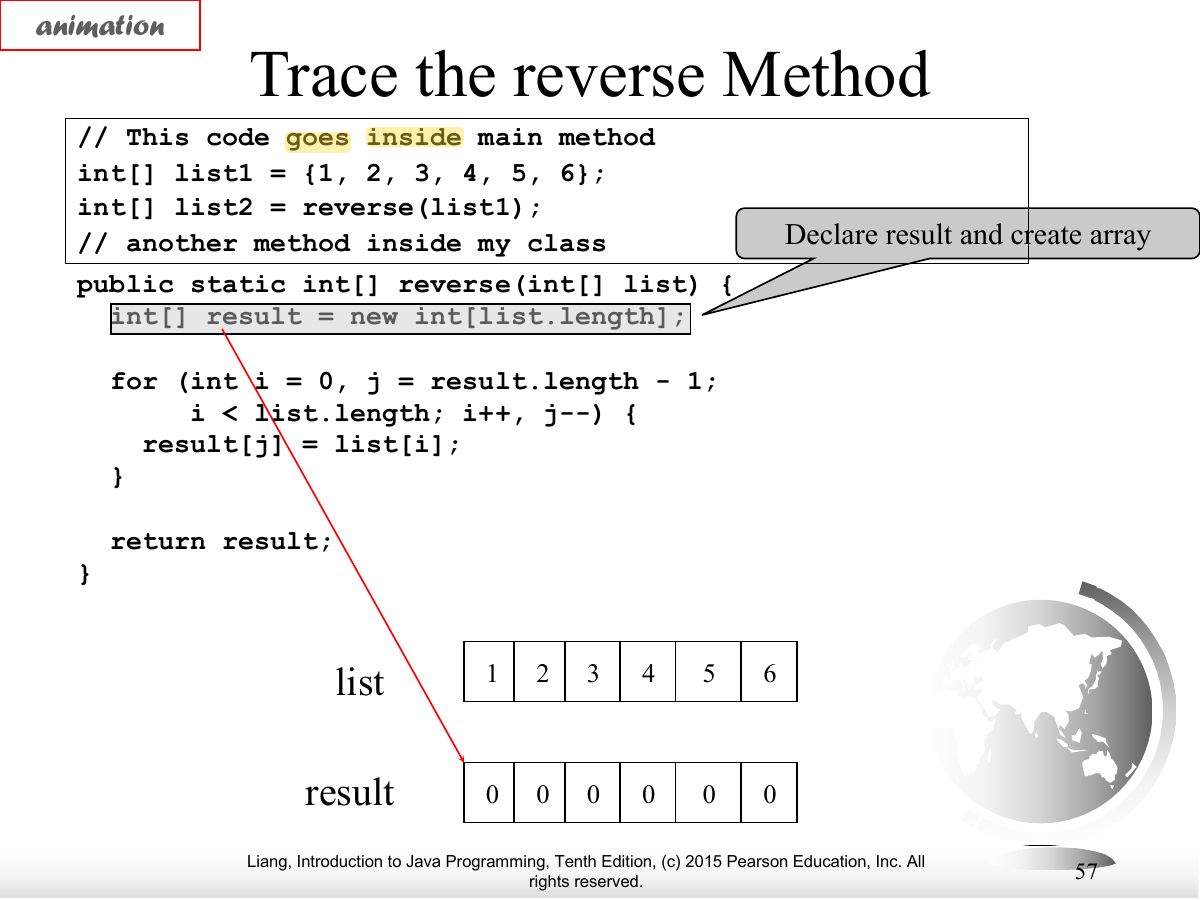
- Trace of reverse.
Exam weight Low
- Trace.
Exam weight Low
- Trace.
Exam weight Low
- Trace.
Exam weight Low
- Trace.
Exam weight Low
- Trace.
Exam weight Low
- Trace.
Exam weight Low
- Trace.
Exam weight Low
- Trace.
Exam weight Low
- Trace.
Exam weight Low
- Trace.
Exam weight Low
- Trace.
Exam weight Low
- Trace.
Exam weight Low
- Trace.
Exam weight Low
- Trace.
Exam weight Low
- Trace.
Exam weight Low
- Trace.
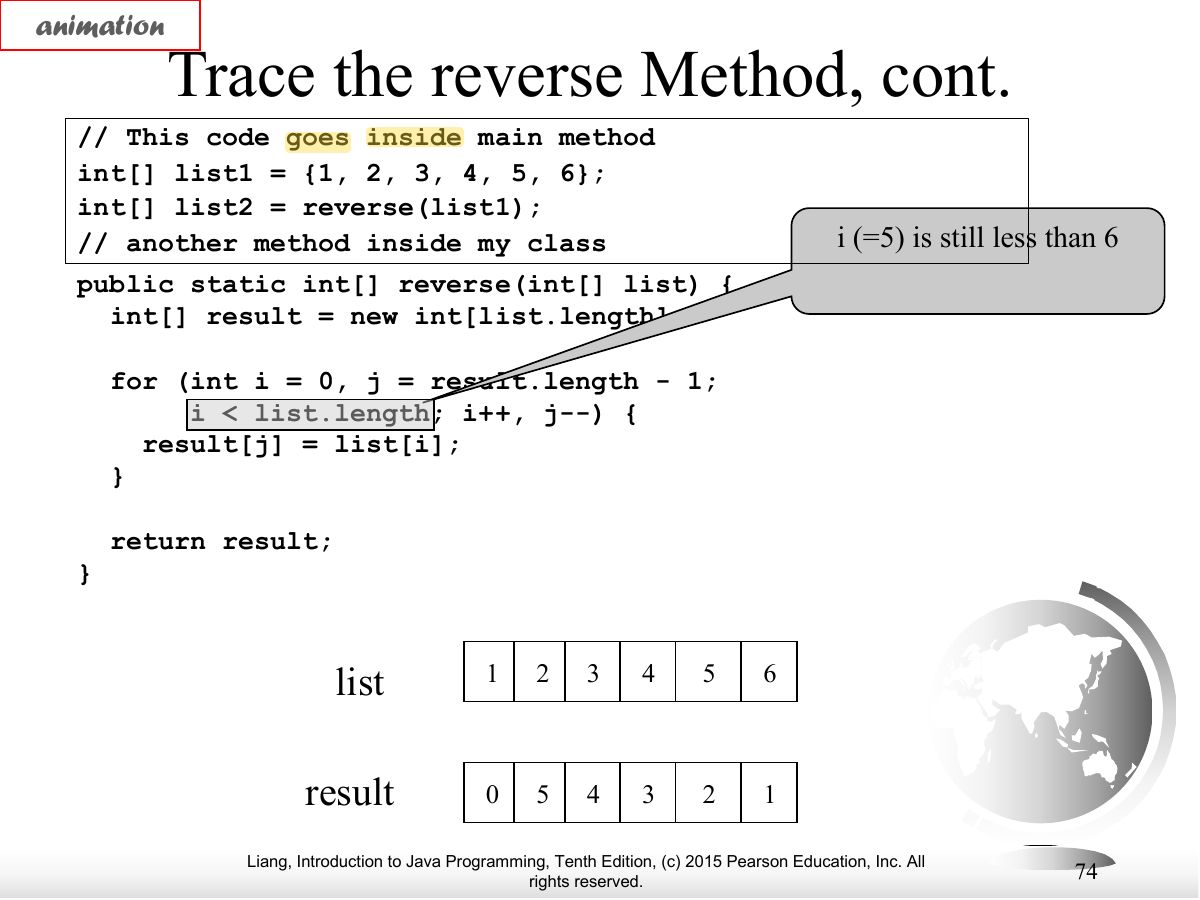
Exam weight Low
- Trace.
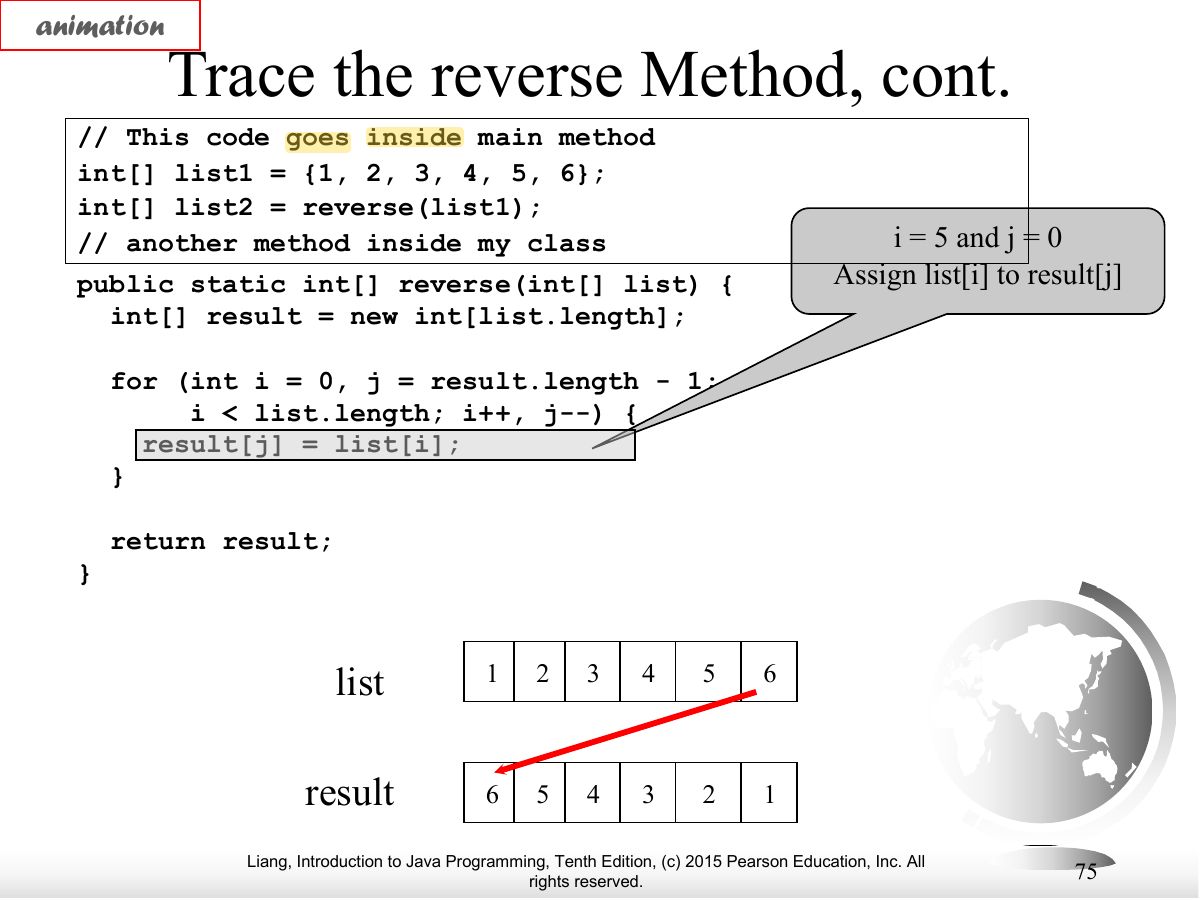
Exam weight Low
- Trace.
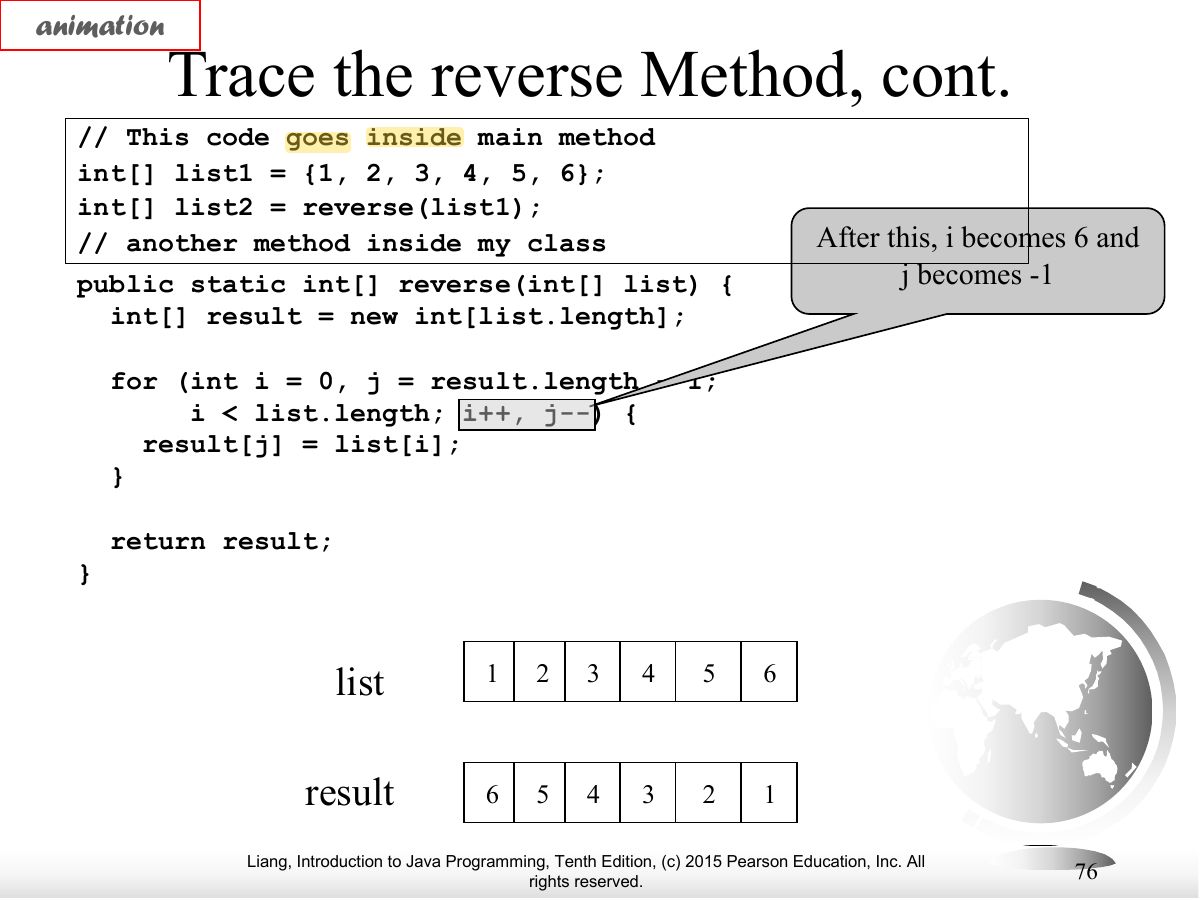
Exam weight Low
- Trace.
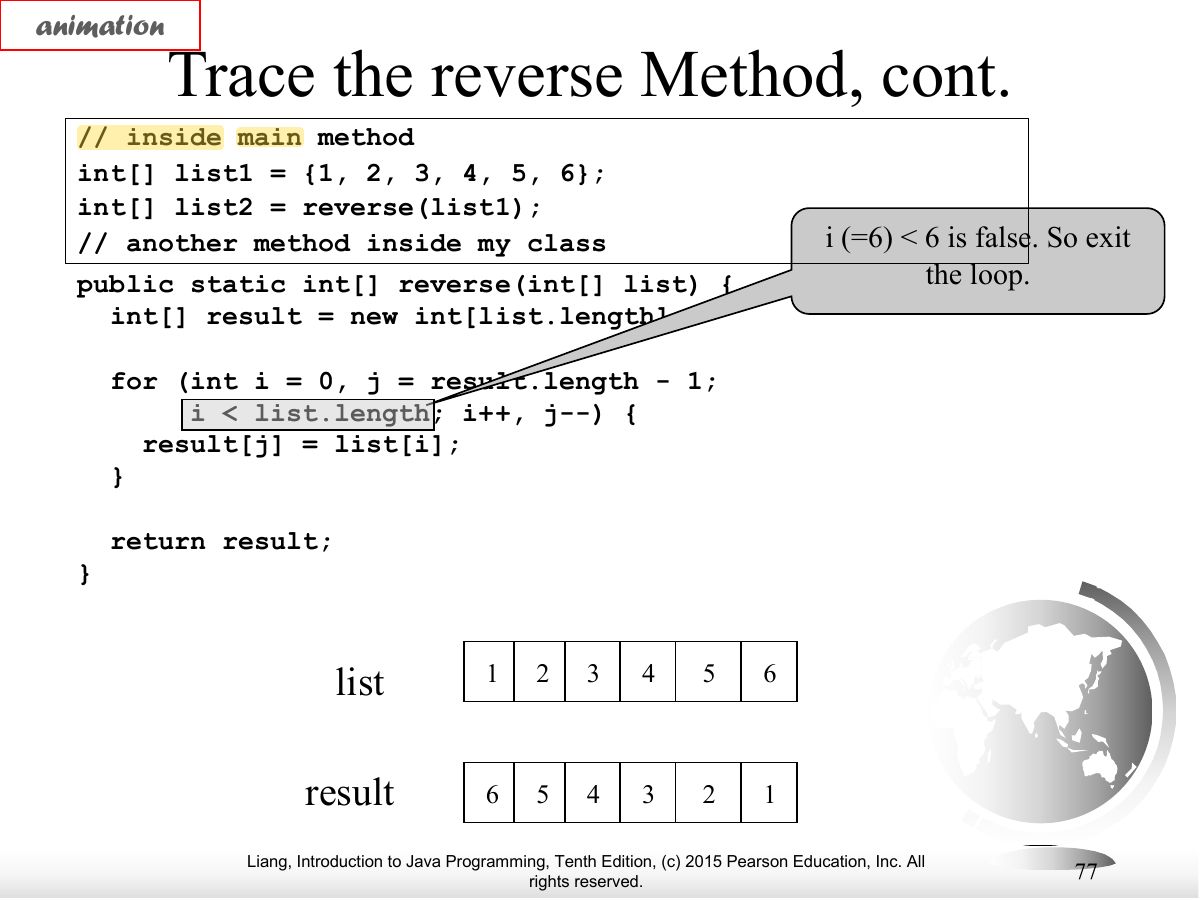
Exam weight Low
- Trace.
Exam weight Low
- Trace.
Exam weight
Medium
- Variable-length arguments: double... numbers is treated as an array; must be the last parameter.
🎯 How this can come up · 1 question
MCQ
Which method header uses variable-length arguments correctly?
Correct: void print(String s, int... nums).
Exam weight Low
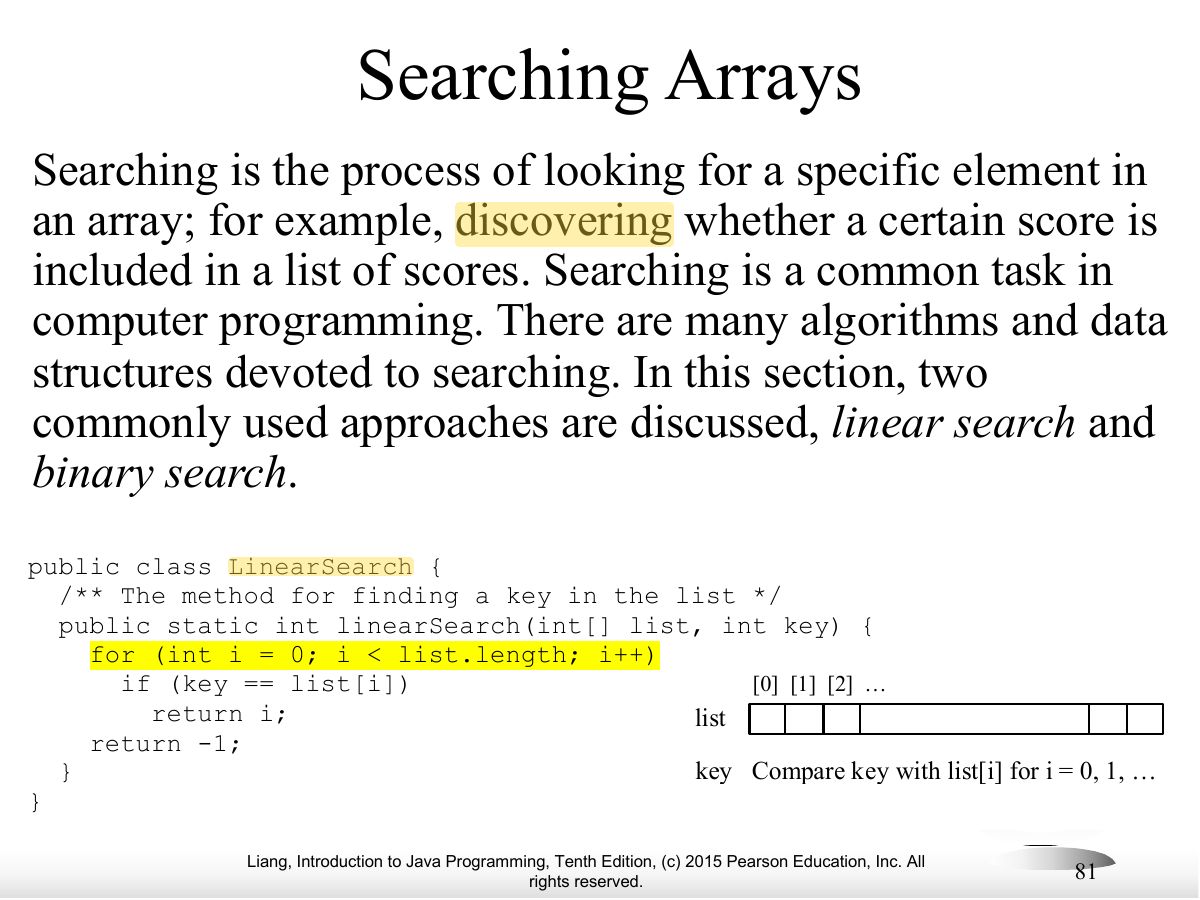
- Searching: linear search and binary search.
Exam weight Low
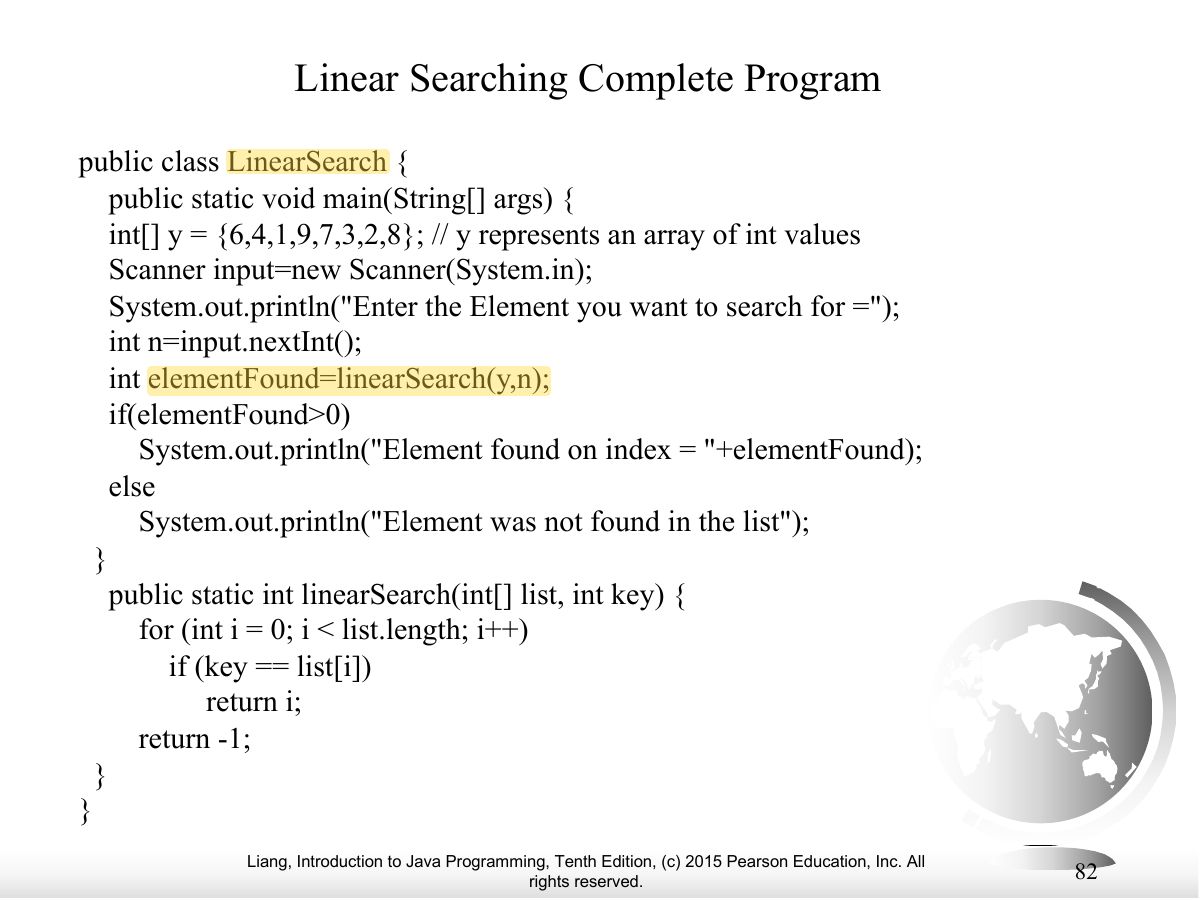
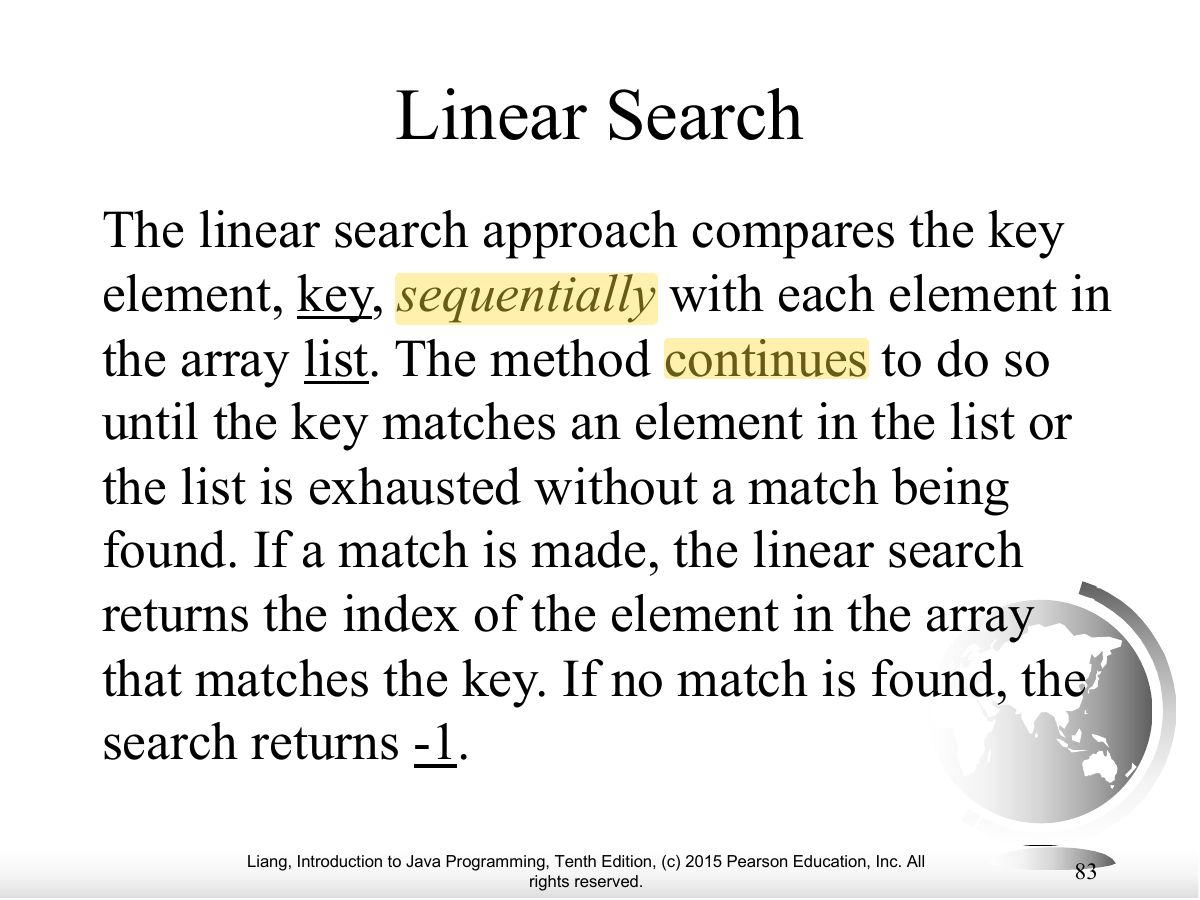
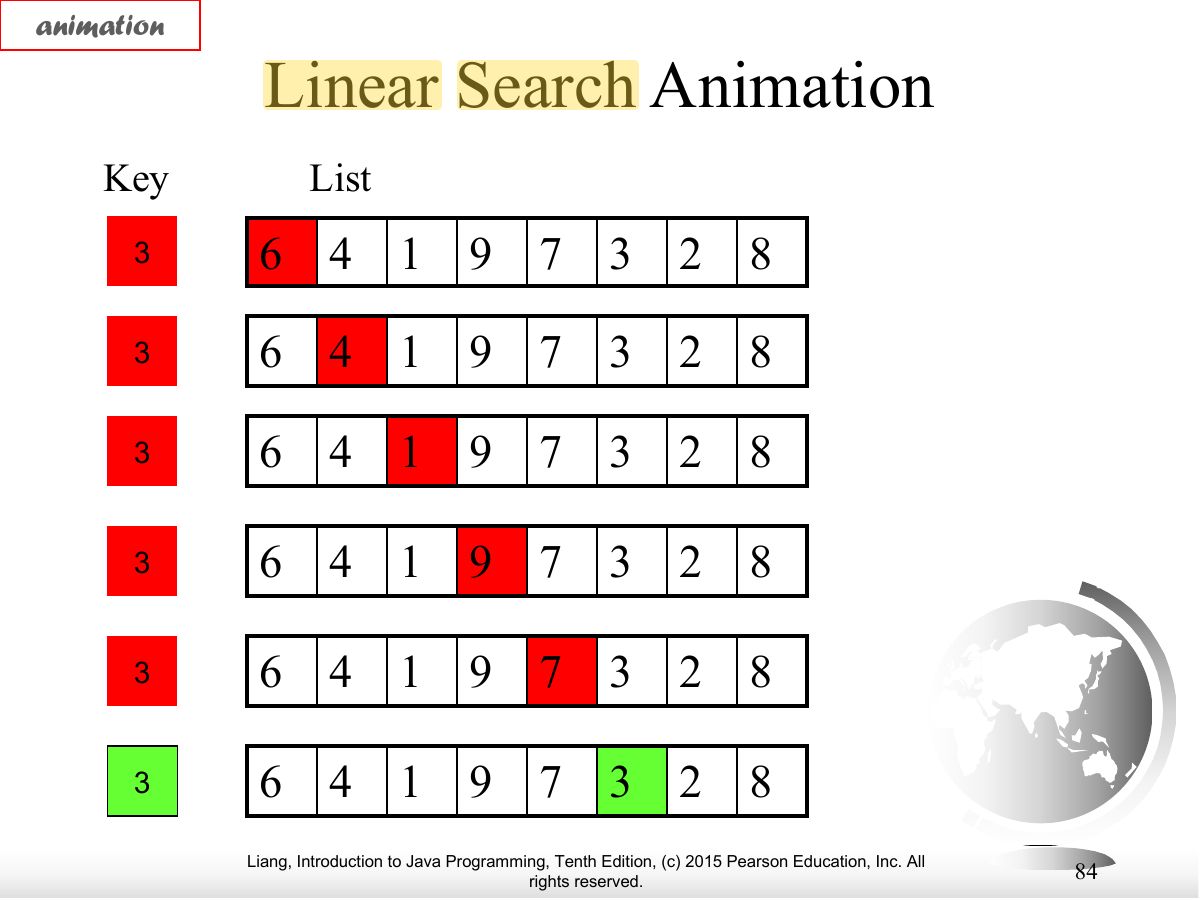
- Linear search compares the key with each element; returns the index or −1.
Exam weight
High
- Linear search code.
🎯 How this can come up · 1 question
MCQ
In the worst case, linear search on n elements makes how many comparisons?
Correct: n.
Exam weight Low
- Trace.
Exam weight Low
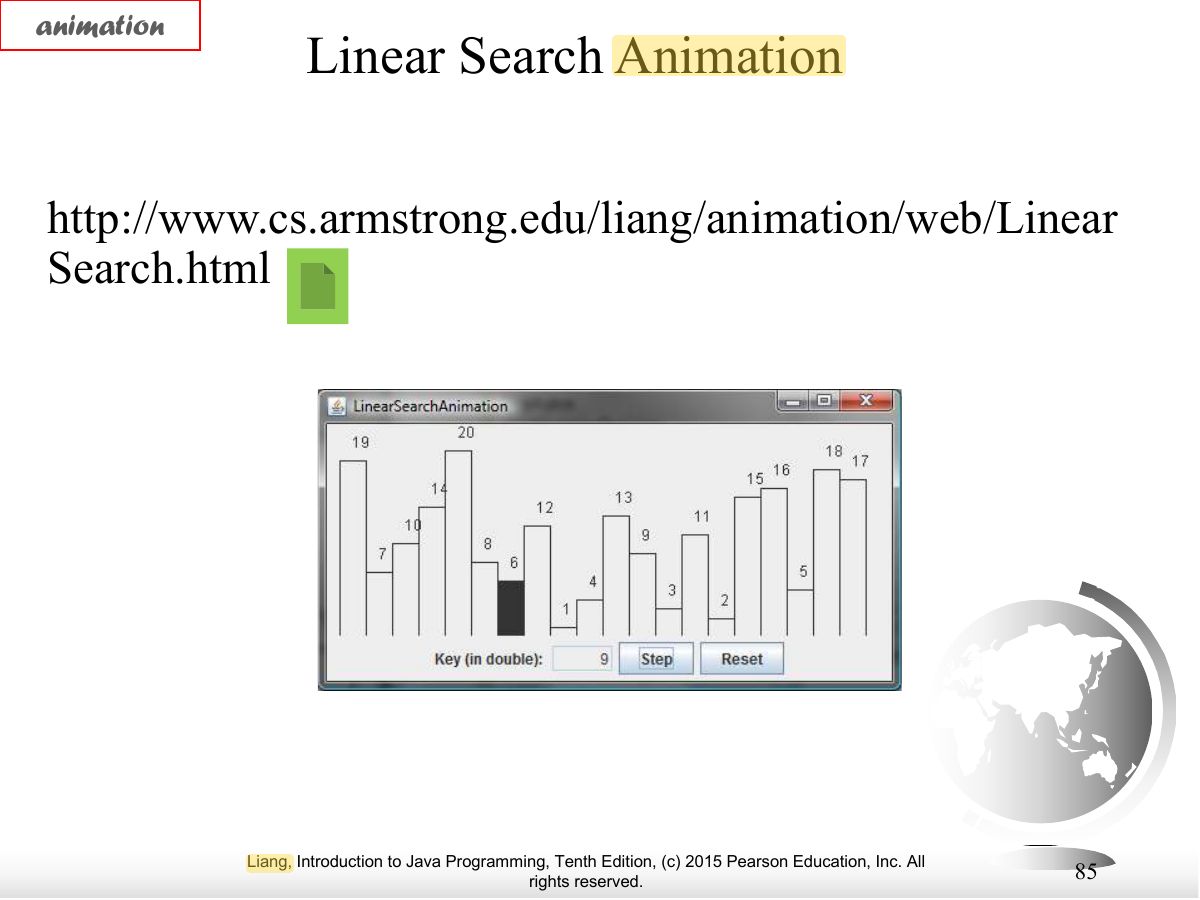
- Trace.
Exam weight Low
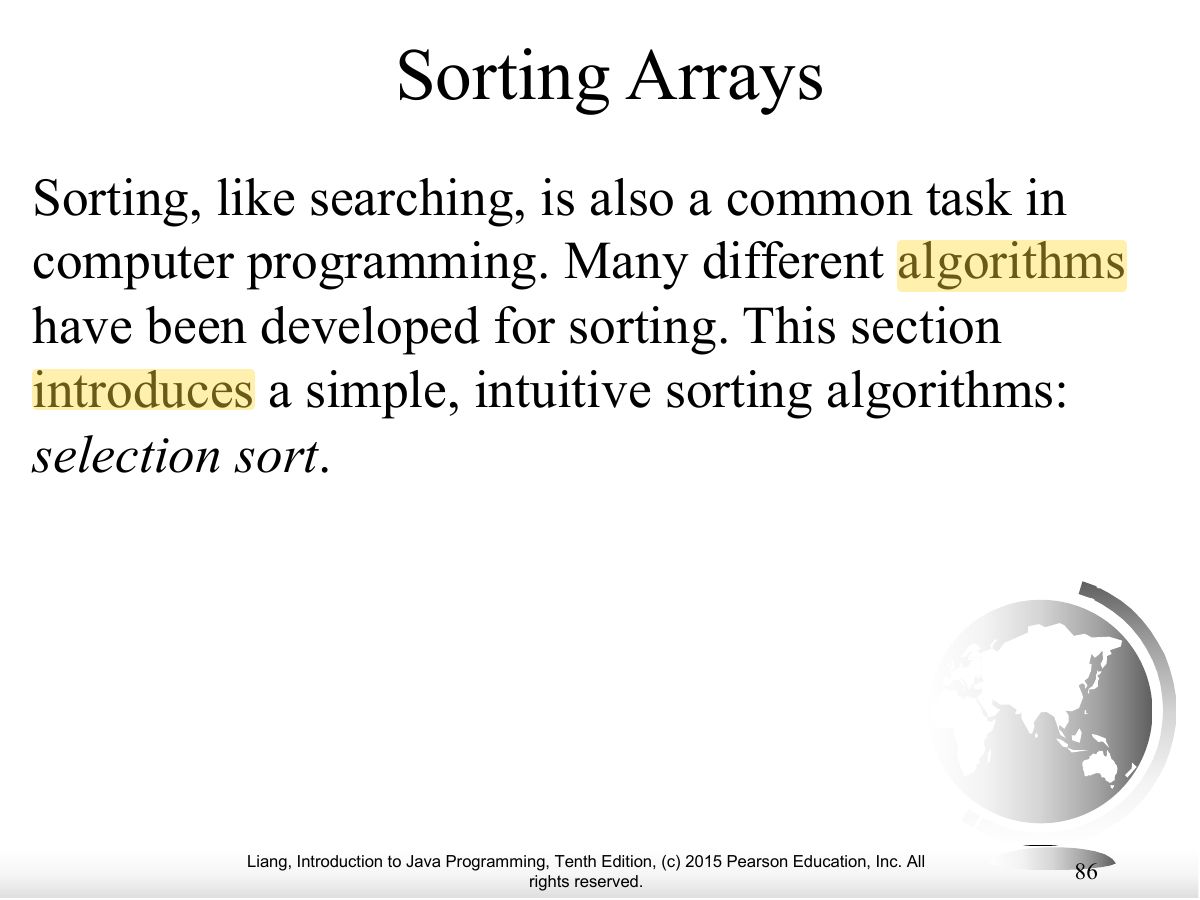
- Sorting arrays.
Exam weight Low
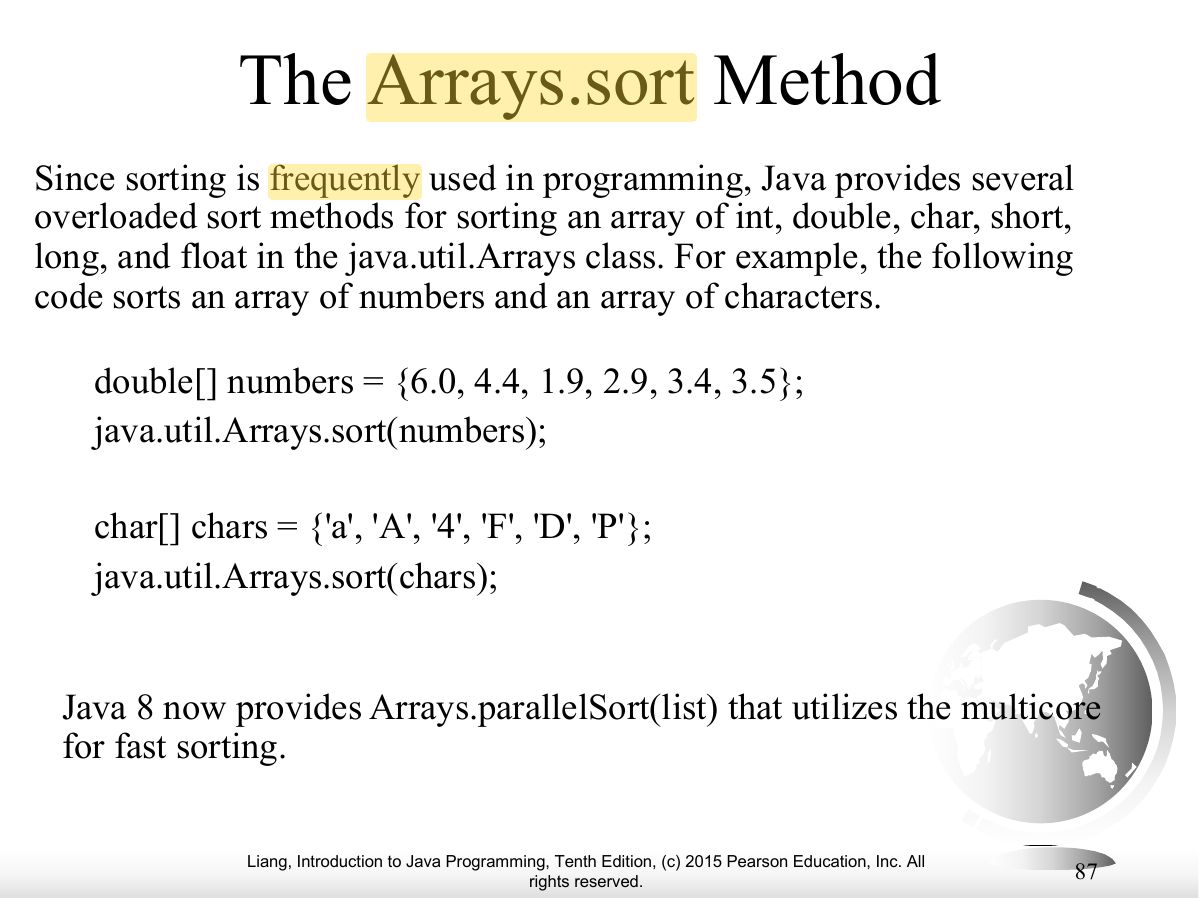
- java.util.Arrays.sort(list) sorts in place.
Exam weight Low
- Arrays.toString(list) returns "[1, 2, 3]".
No slides match this filter.