TipThree error types: SYNTAX (compiler catches it:
missing ;, misspelled keyword) · RUNTIME (program crashes while
running: divide by zero, bad input) · LOGIC (runs but gives the
wrong answer).
Exam weight Low
- Computer basics → programs and languages → Java → first program → errors.
Exam weight Low
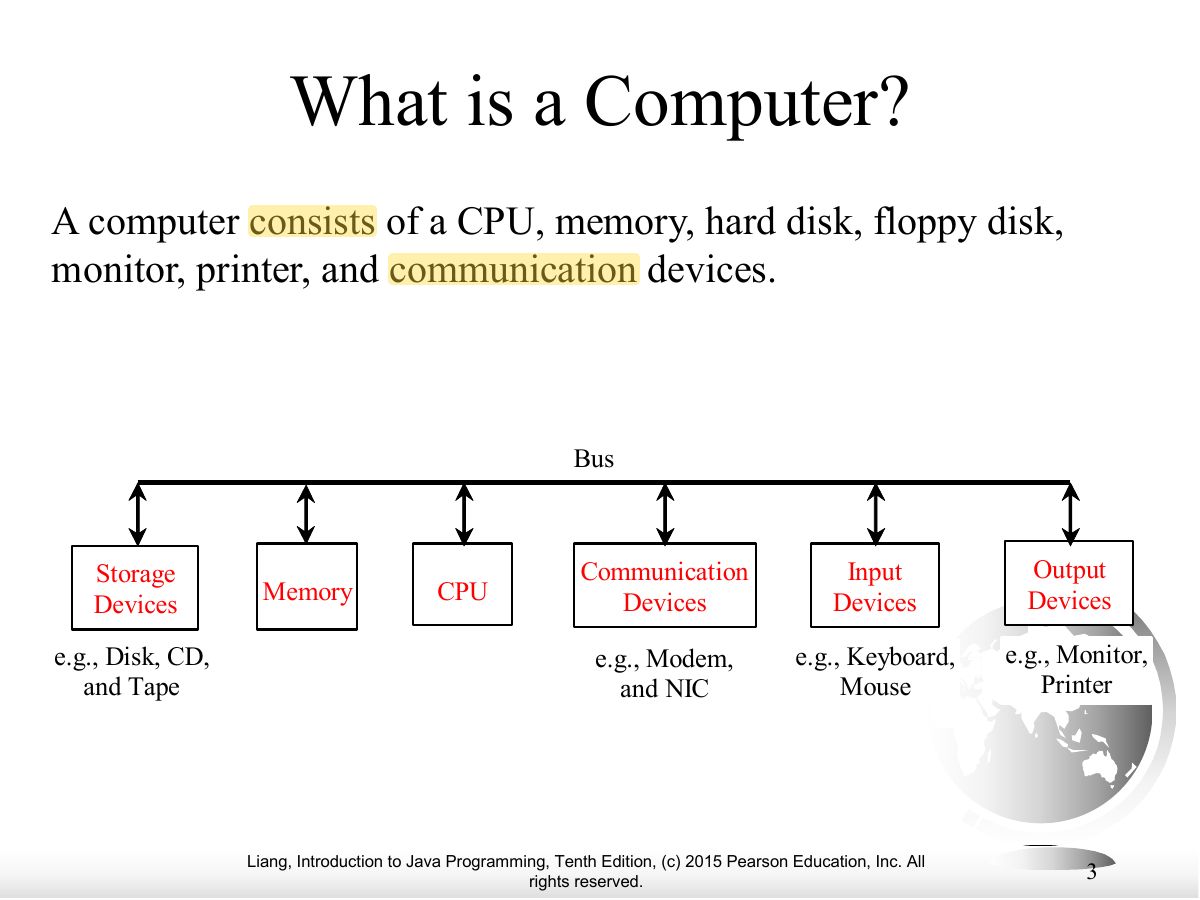
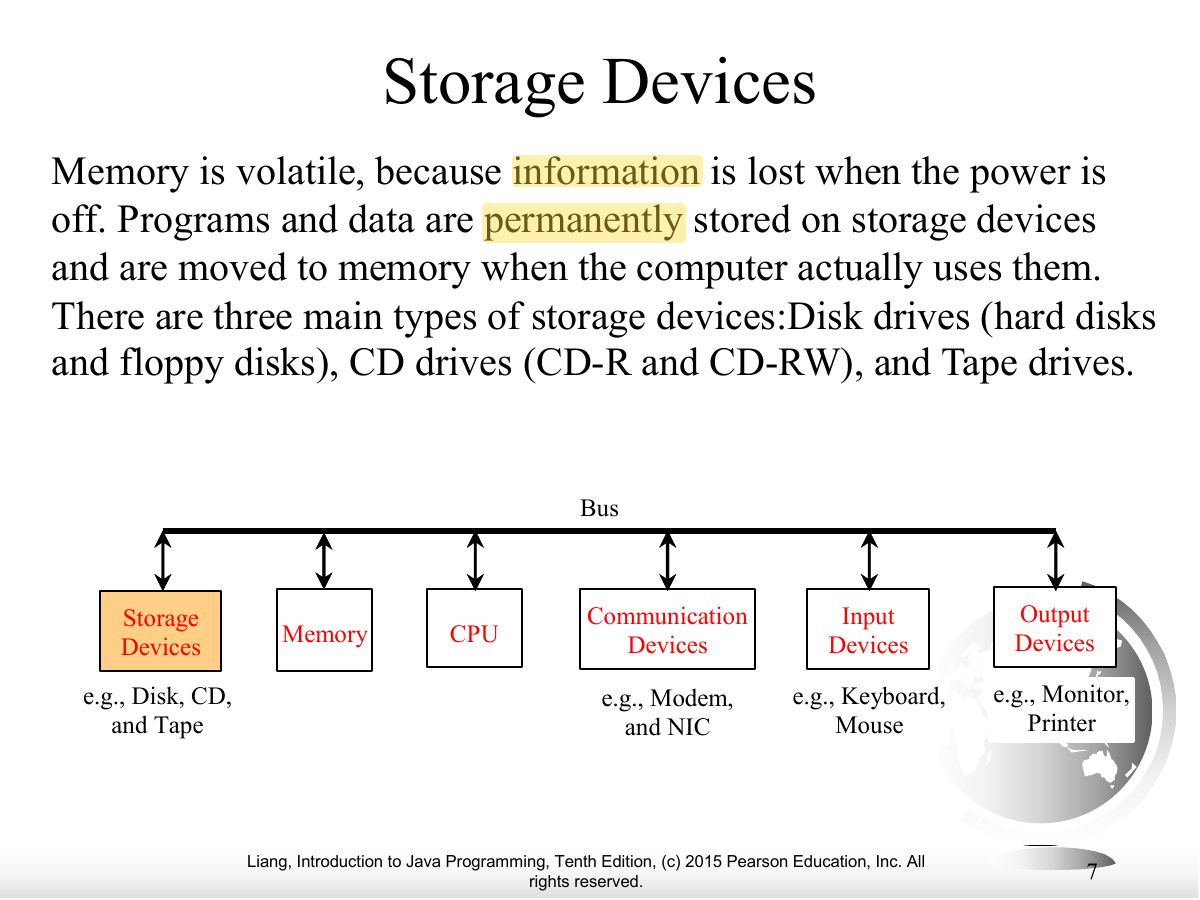
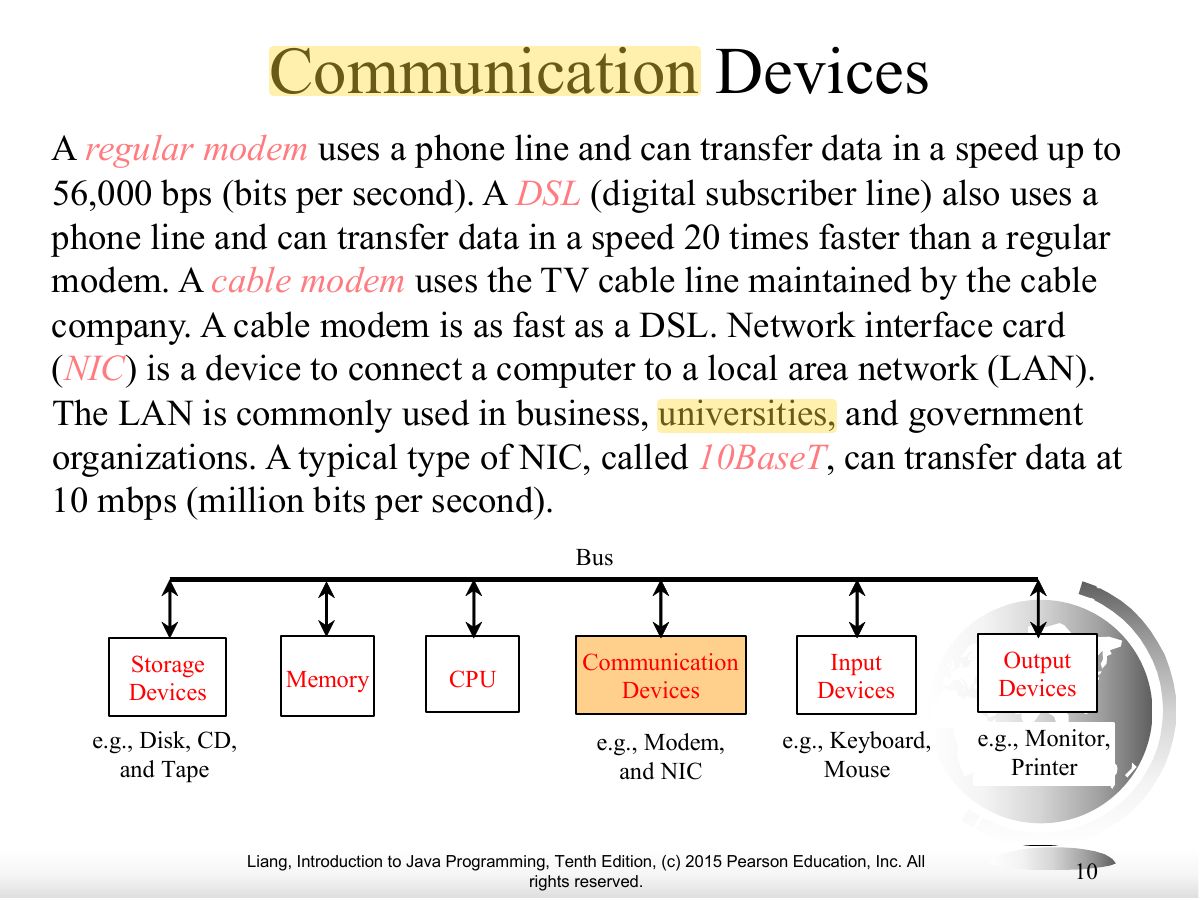
- A computer = CPU, memory, storage devices, input and output devices, communication devices, connected by the bus.
Exam weight
Medium
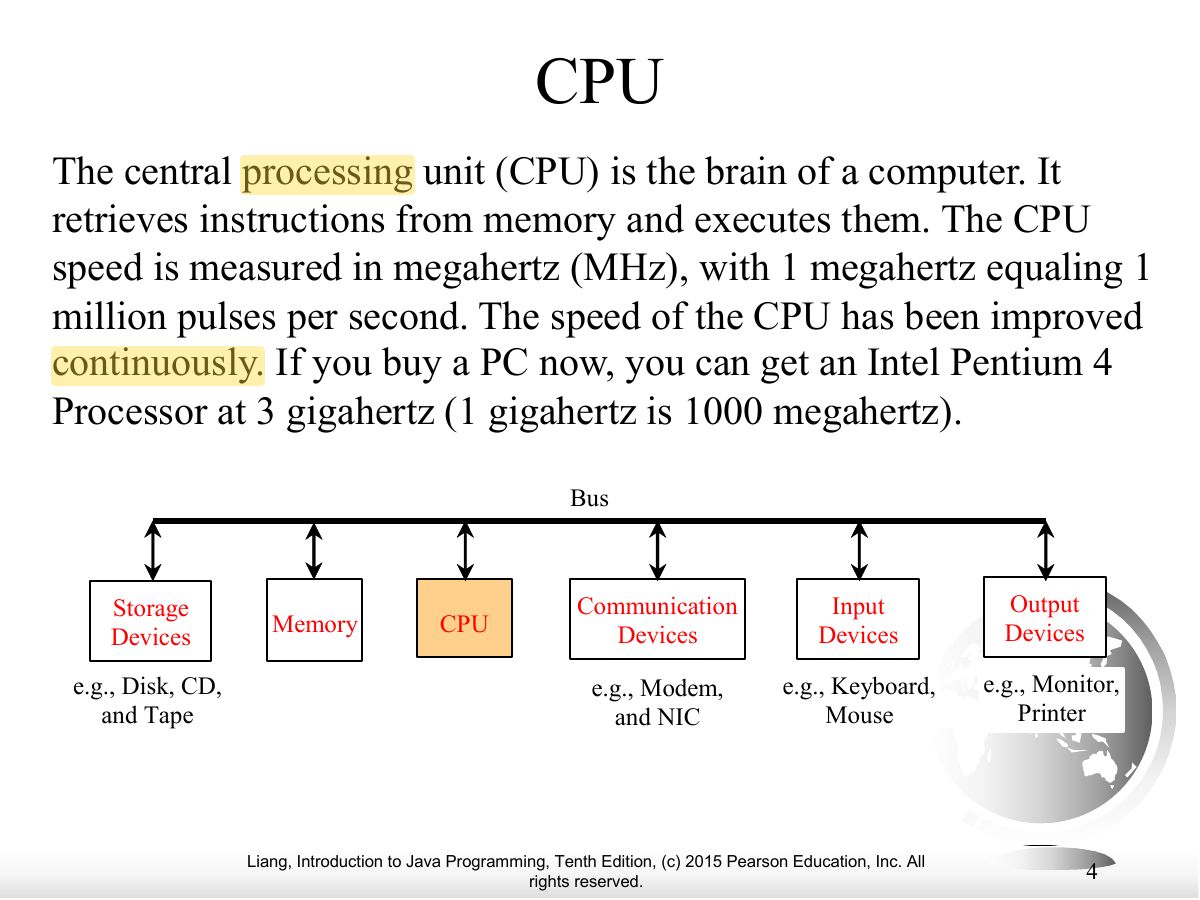
- CPU: fetches instructions from memory and executes them. Two parts: control unit and arithmetic/logic unit. Speed in hertz (GHz).
🎯 How this can come up · 1 question
MCQ
The part of the computer that retrieves and executes instructions is the:
Correct: CPU.
Exam weight
Medium
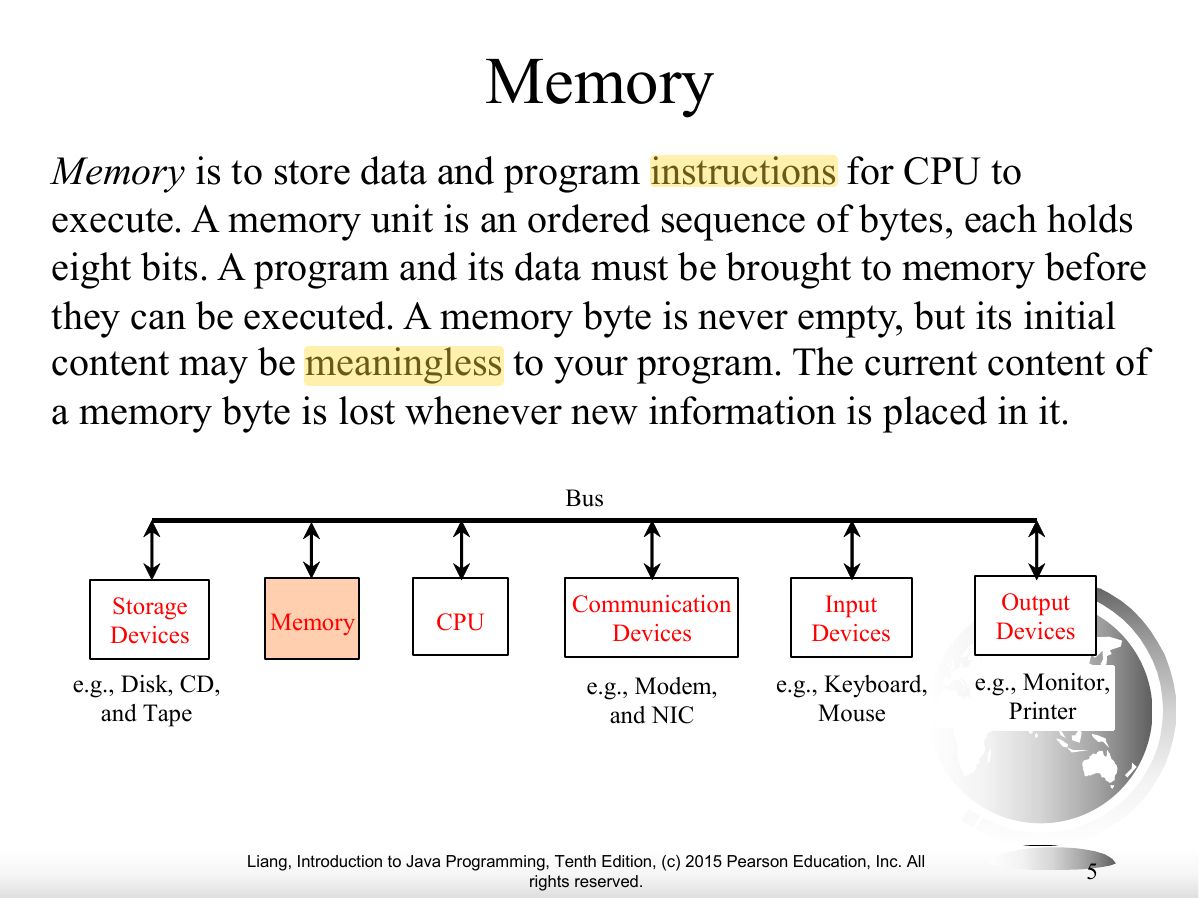
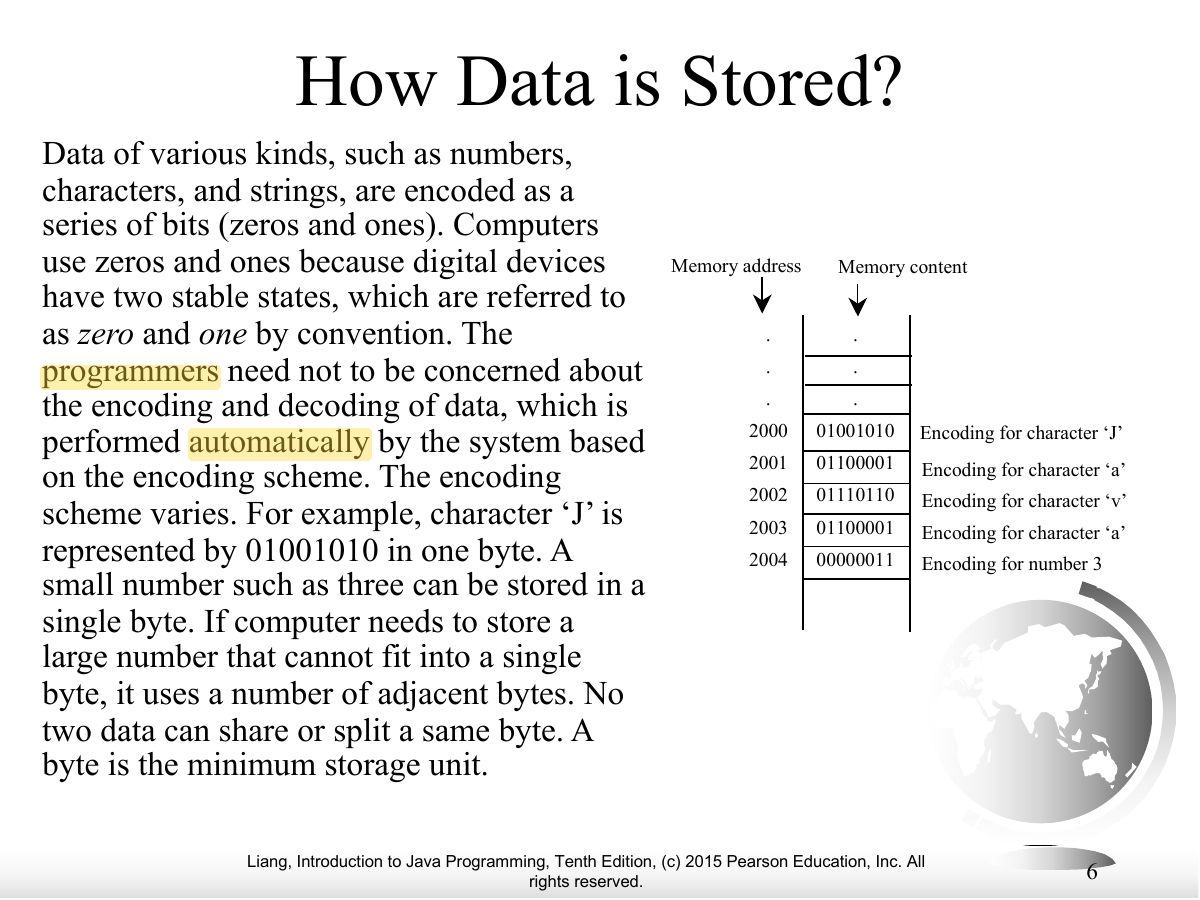
- Memory (RAM): ordered bytes holding data and program instructions; a byte = 8 bits; each byte has an address.
🎯 How this can come up · 1 question
MCQ
One byte is:
Correct: 8 bits.
Exam weight Low
- Everything is stored as bits (0 and 1), because digital devices have two stable states (on/off). Encoding schemes map characters to bits.
Exam weight
Medium
- Memory is VOLATILE (lost when power is off); storage devices (disks, CDs/DVDs, USB flash) keep data permanently. Programs are loaded from storage into memory to run.
🎯 How this can come up · 1 question
True / False
Memory (RAM) keeps its data when the power is turned off.
False. It is volatile.
Exam weight Low
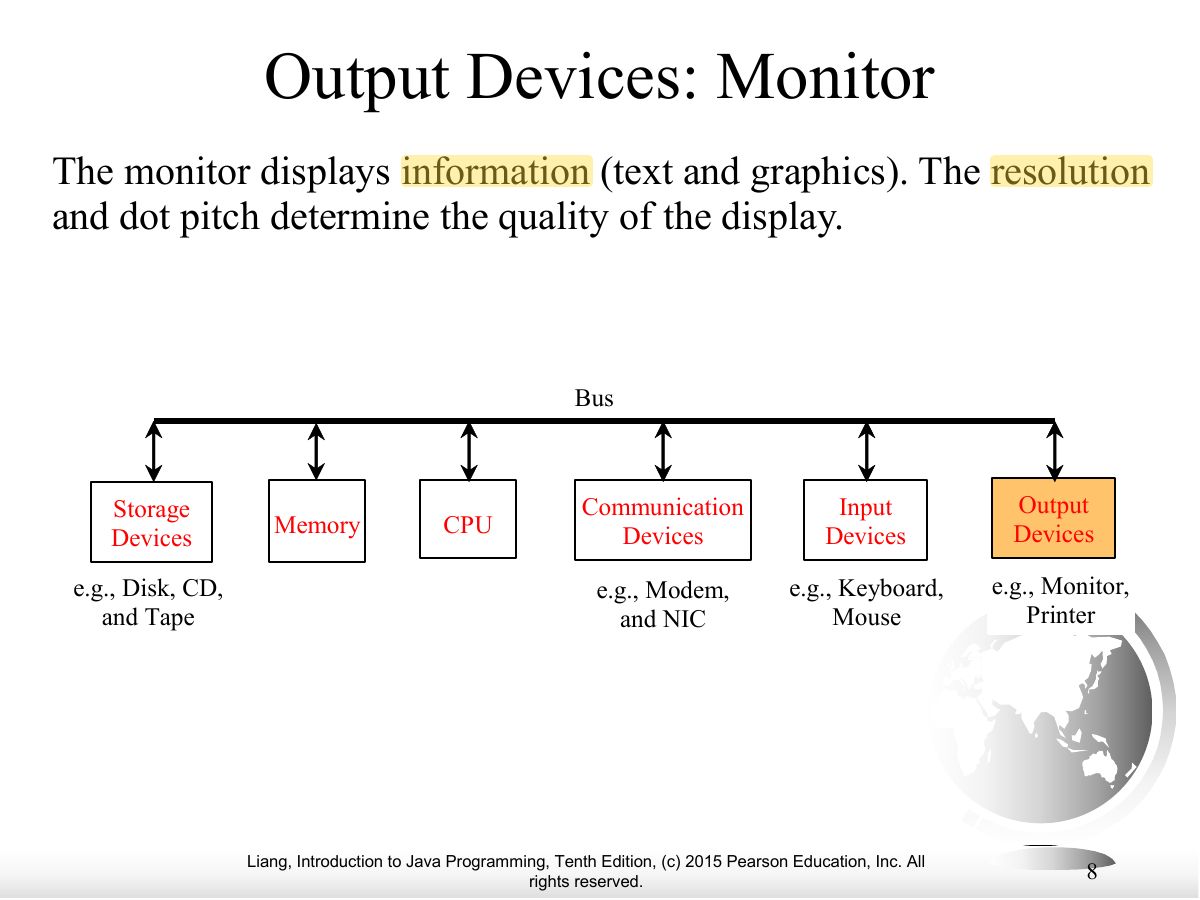
- Monitor quality depends on resolution and dot pitch.
Exam weight Low
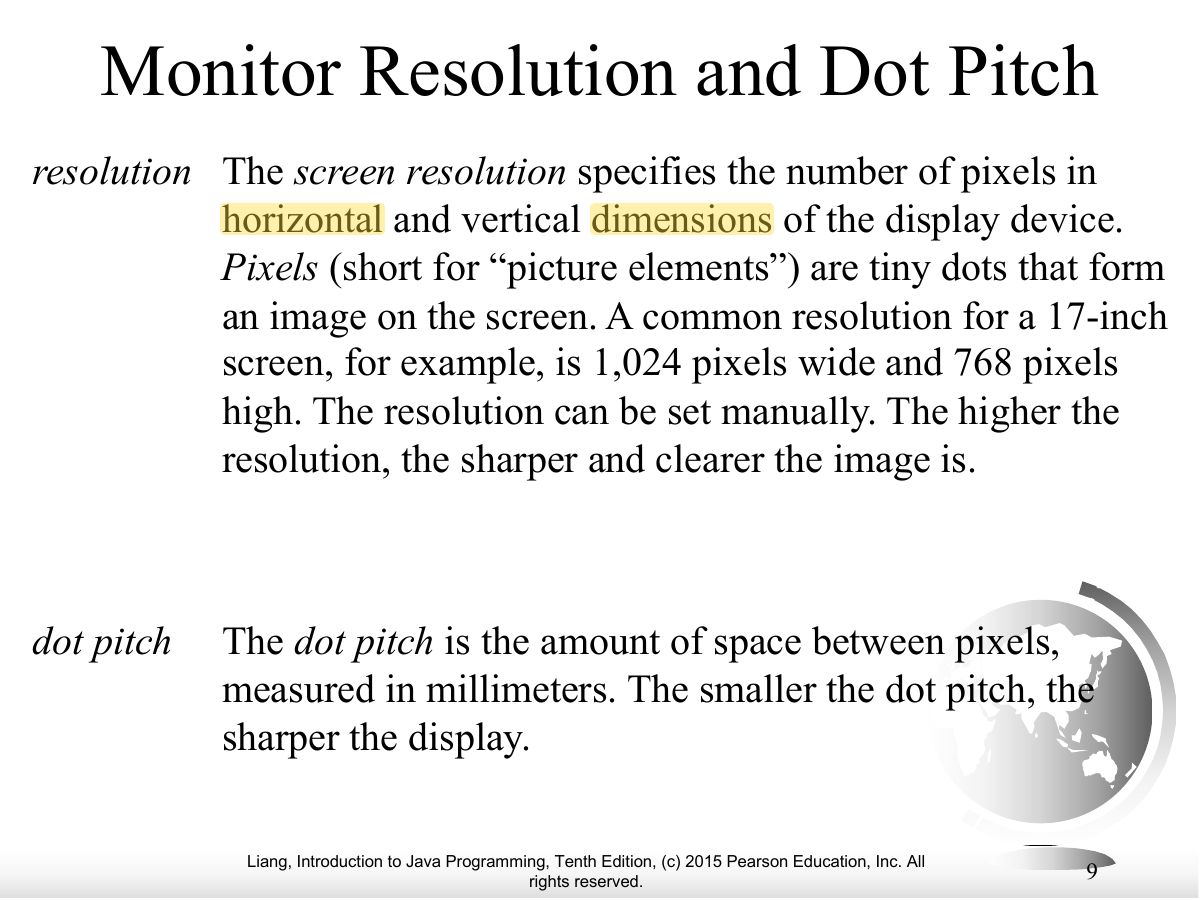
- Resolution = number of pixels; dot pitch = space between pixels (smaller is sharper).
Exam weight Low
- Communication devices: modem, DSL, cable modem, NIC (LAN), wireless.
Exam weight Low
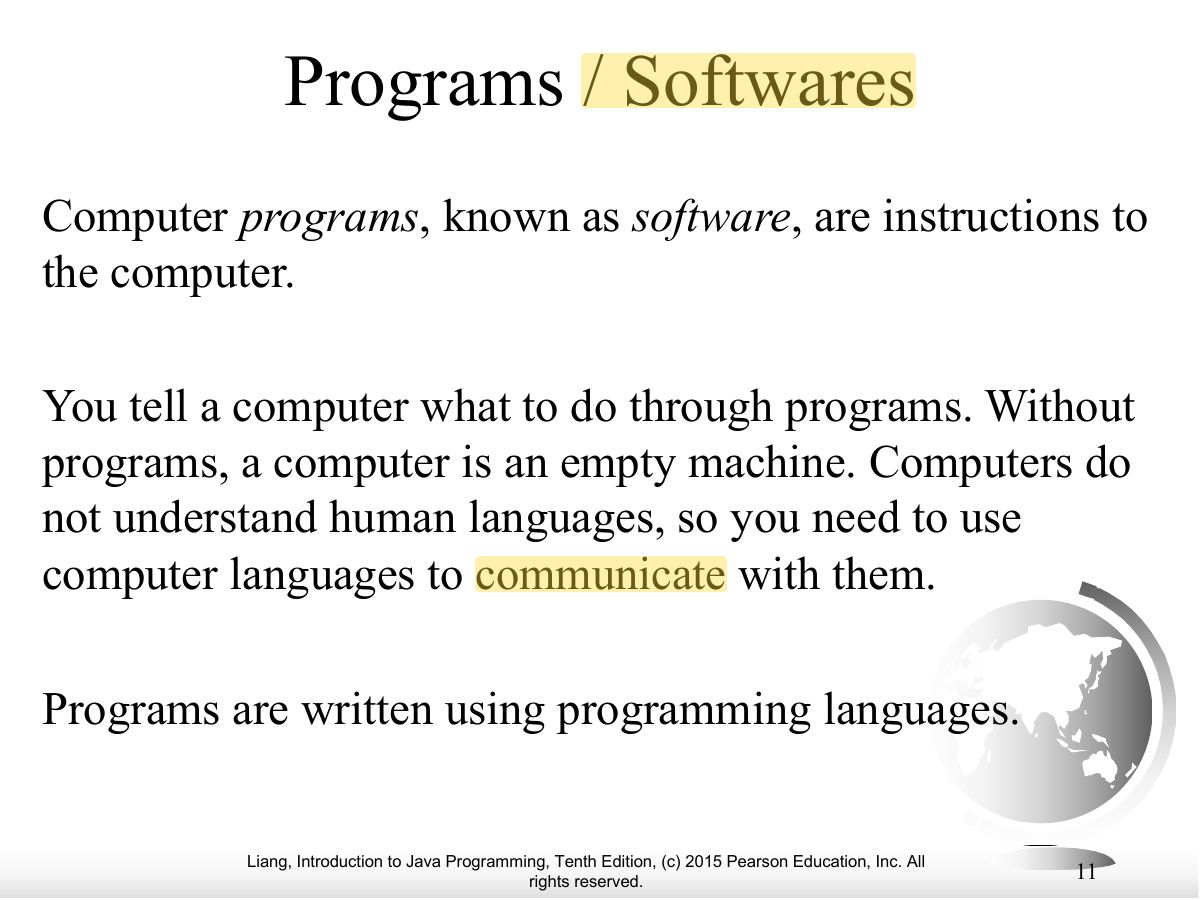
- Software = programs = instructions to the computer, written in programming languages.
Exam weight Low
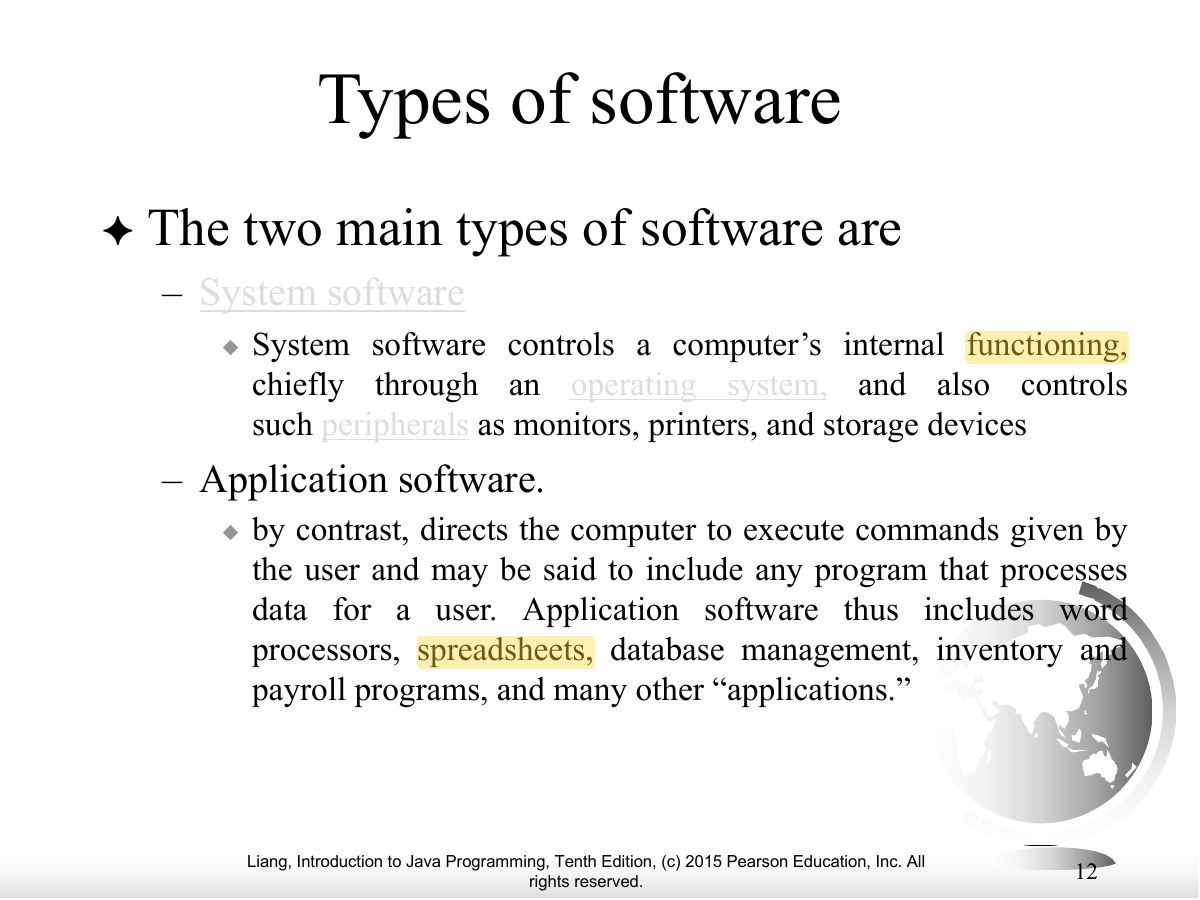
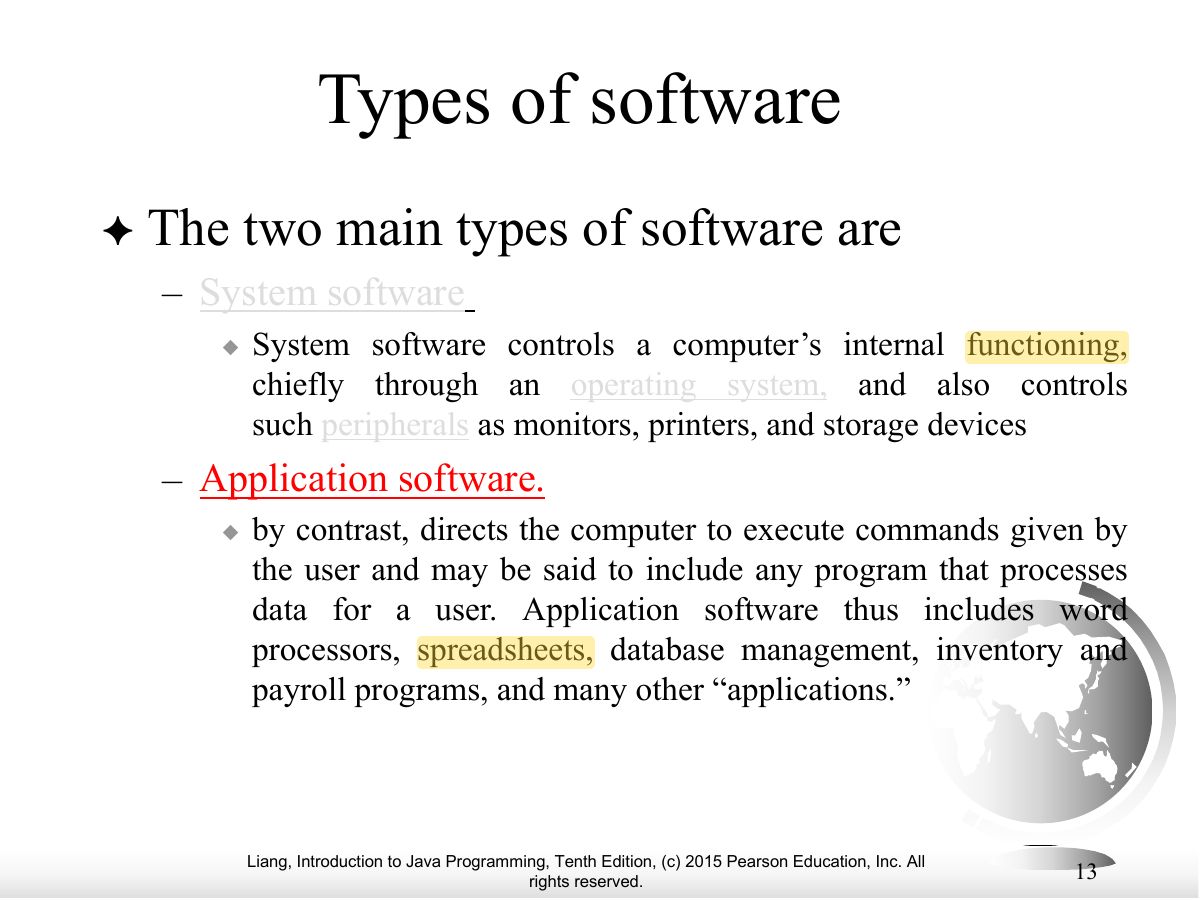
- Two kinds of software: system software (OS, utilities) and application software (word processors, games).
Exam weight Low
- Same slide continued.
Exam weight
Medium
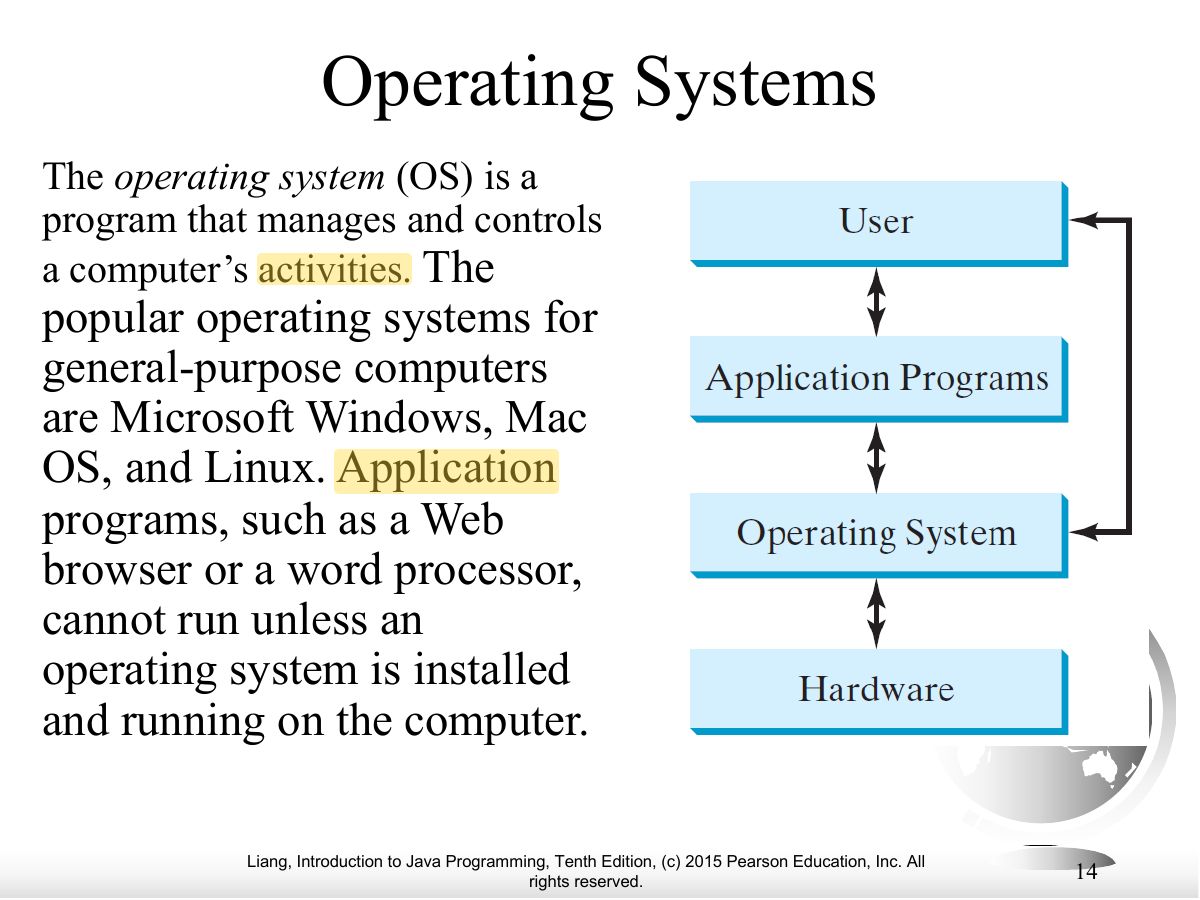
- The OS manages and controls the computer’s activities: allocates resources, schedules operations, controls hardware.
🎯 How this can come up · 1 question
MCQ
Which program manages and controls a computer’s activities?
Correct: The operating system.
Exam weight Low
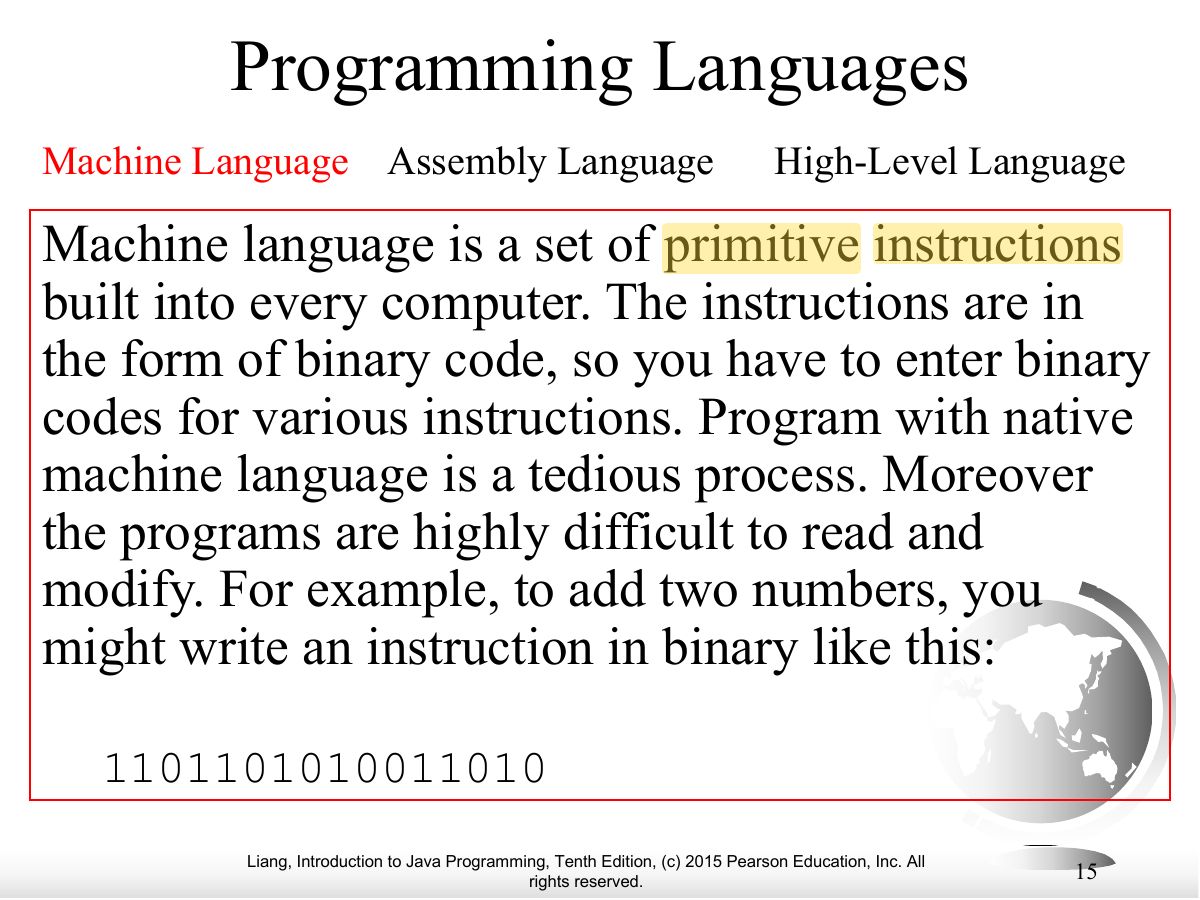
- Machine language: the CPU’s native binary instructions. Hard to read and write.
Exam weight Low
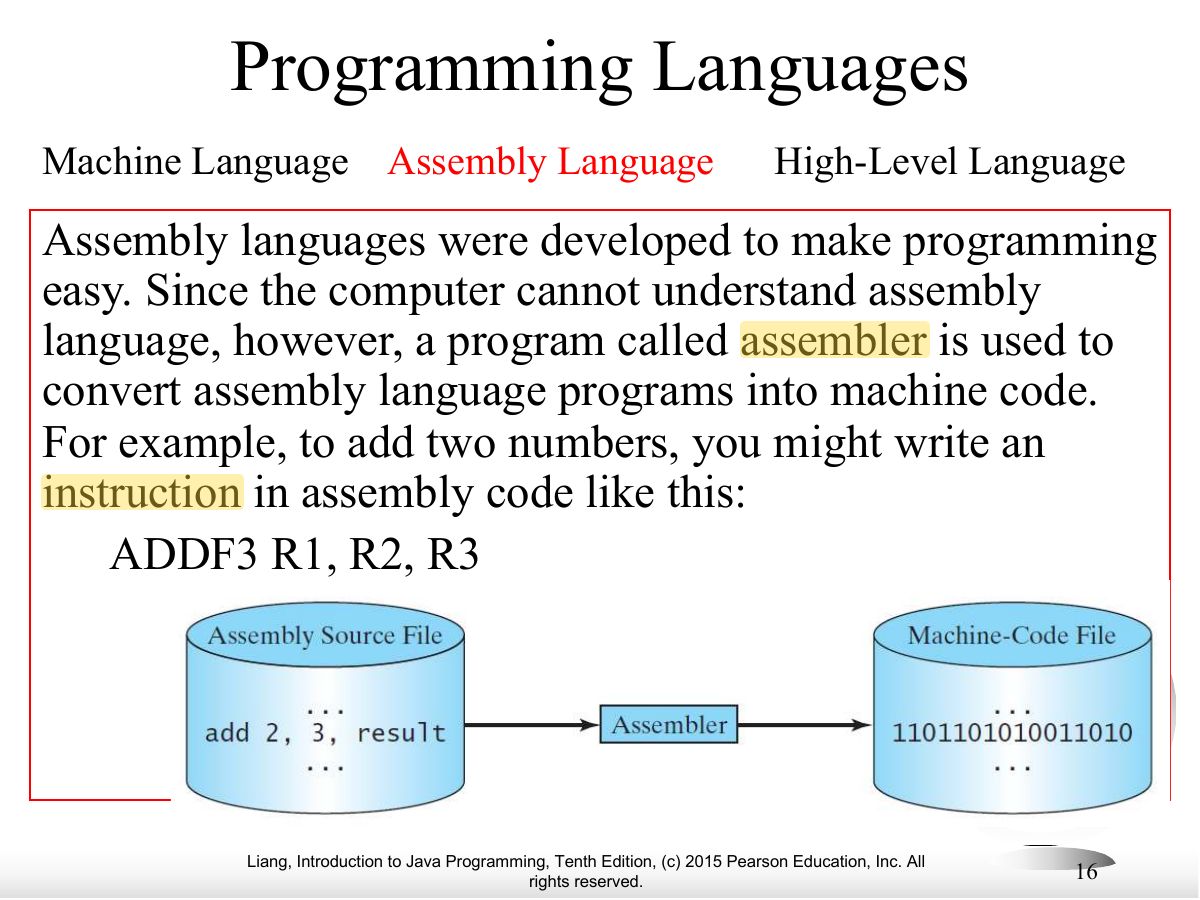
- Assembly language: mnemonics (ADDF3 R1, R2, R3) translated by an ASSEMBLER into machine code; still machine-dependent.
Exam weight
Medium
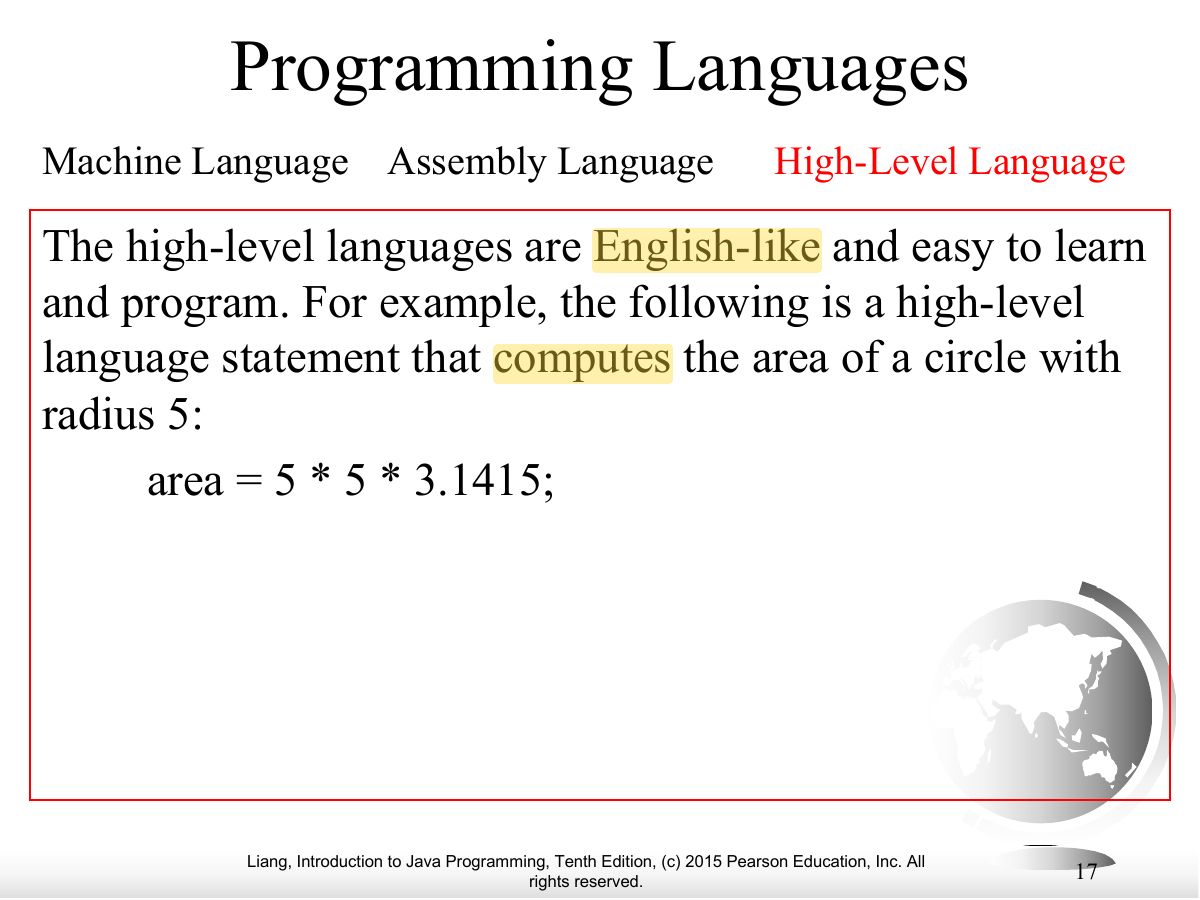
- High-level languages: English-like, portable (area = 5 * 5 * 3.1415;).
🎯 How this can come up · 1 question
MCQ
Which language is machine-independent and English-like?
Correct: High-level language.
Exam weight Low
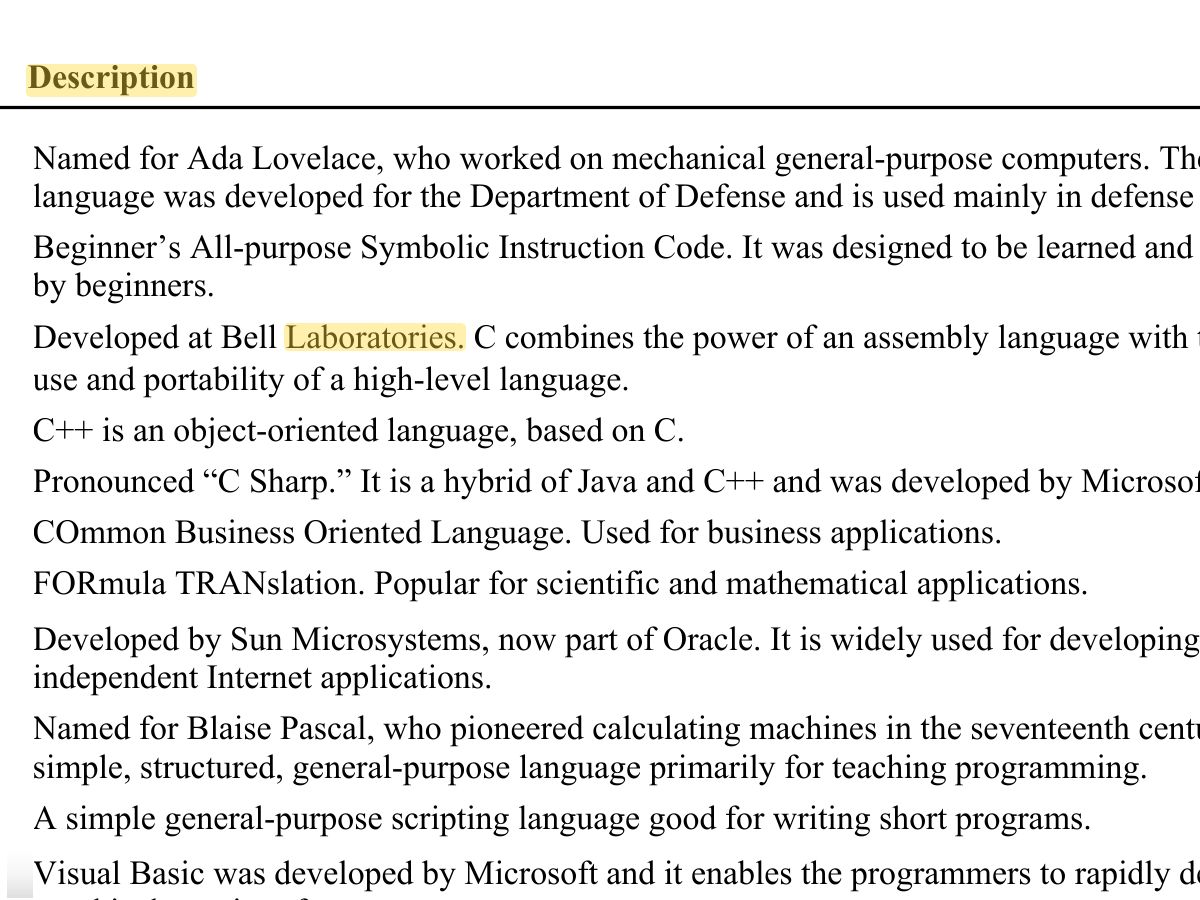
- Popular high-level languages: Ada, BASIC, C, C++, C#, COBOL, Fortran, Java, Pascal, Python, Visual Basic.
Exam weight Low
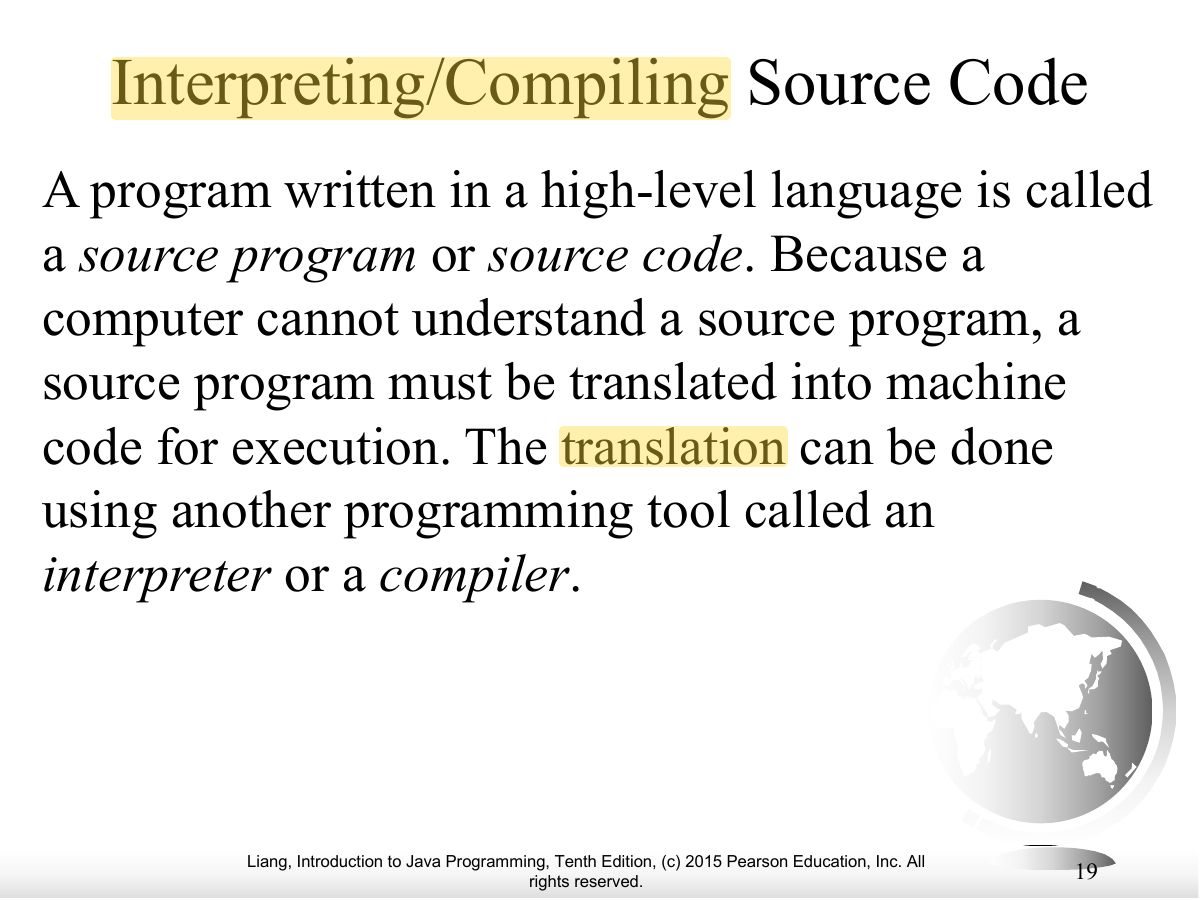
- Source code must be translated: by an INTERPRETER or a COMPILER.
Exam weight Low
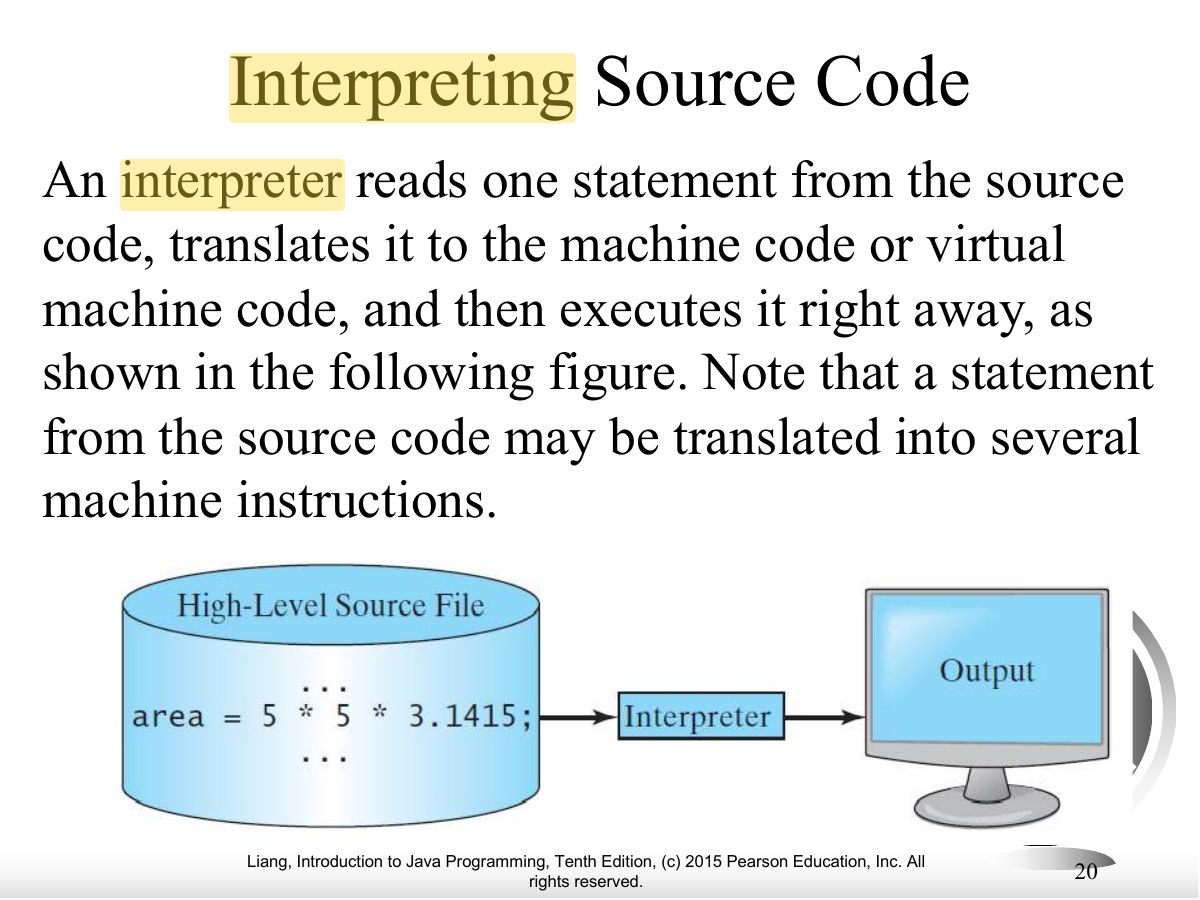
- Interpreter: translates and executes ONE statement at a time.
Exam weight
High
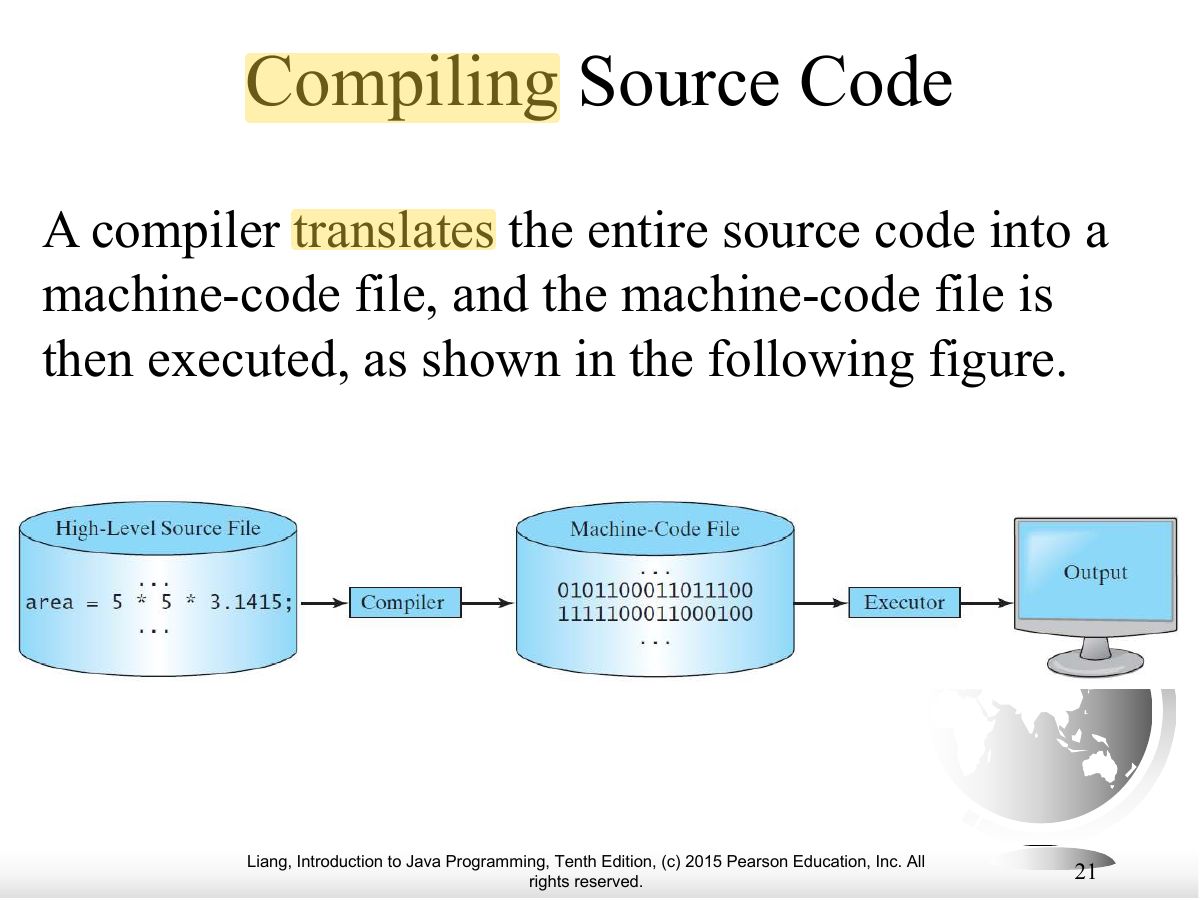
- Compiler: translates the WHOLE program into machine code first, then it runs.
Memory trickInterpreter = live translator, line by line.
Compiler = translates the whole book first.
🎯 How this can come up · 1 question
MCQ
Which translator converts the entire source program into machine code before execution?
Correct: Compiler.
Exam weight Low
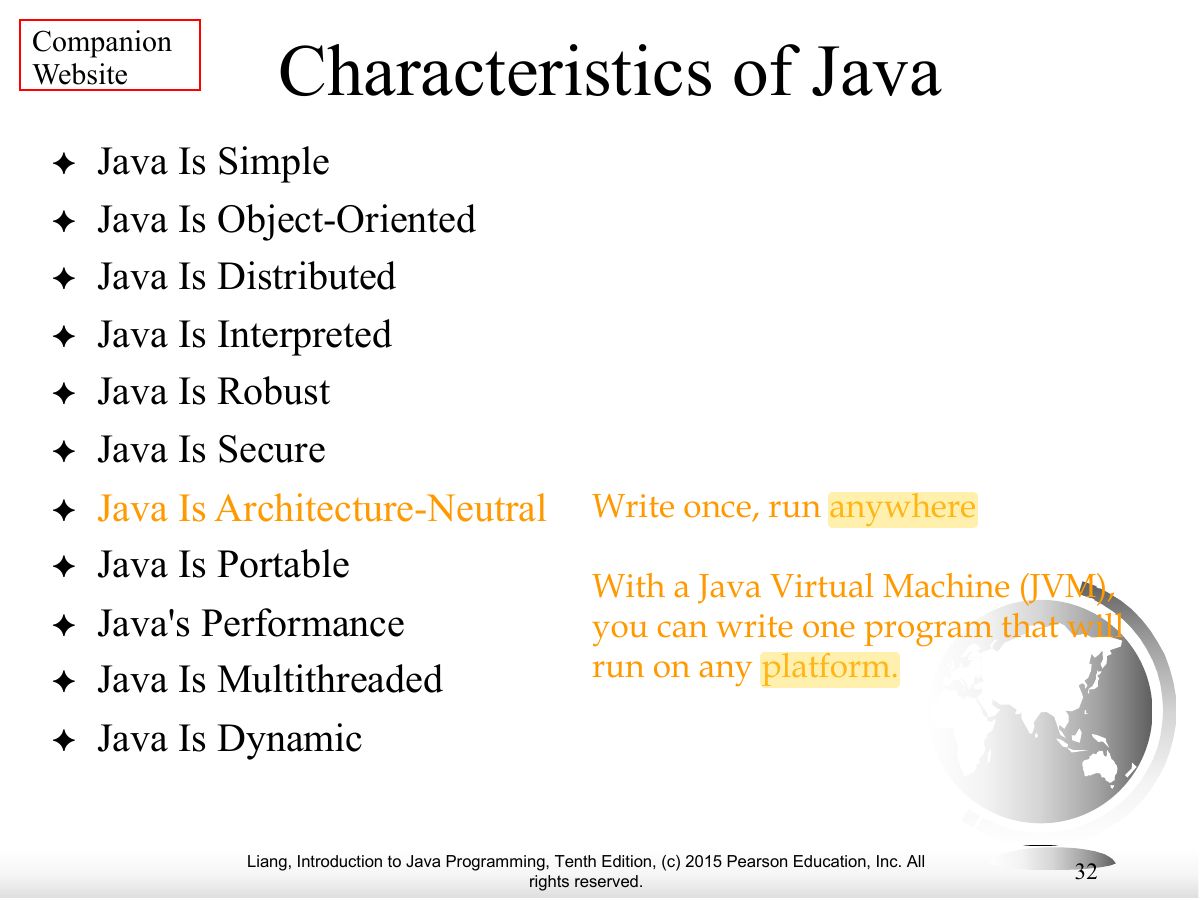
- Java: general-purpose, runs on servers, desktops and mobile; “write once, run anywhere”.
Exam weight Low
- Java can build standalone apps, applets, servlets, Android apps.
Exam weight Low
- James Gosling at Sun Microsystems; originally Oak (1991), renamed Java (1995).
Exam weight Low
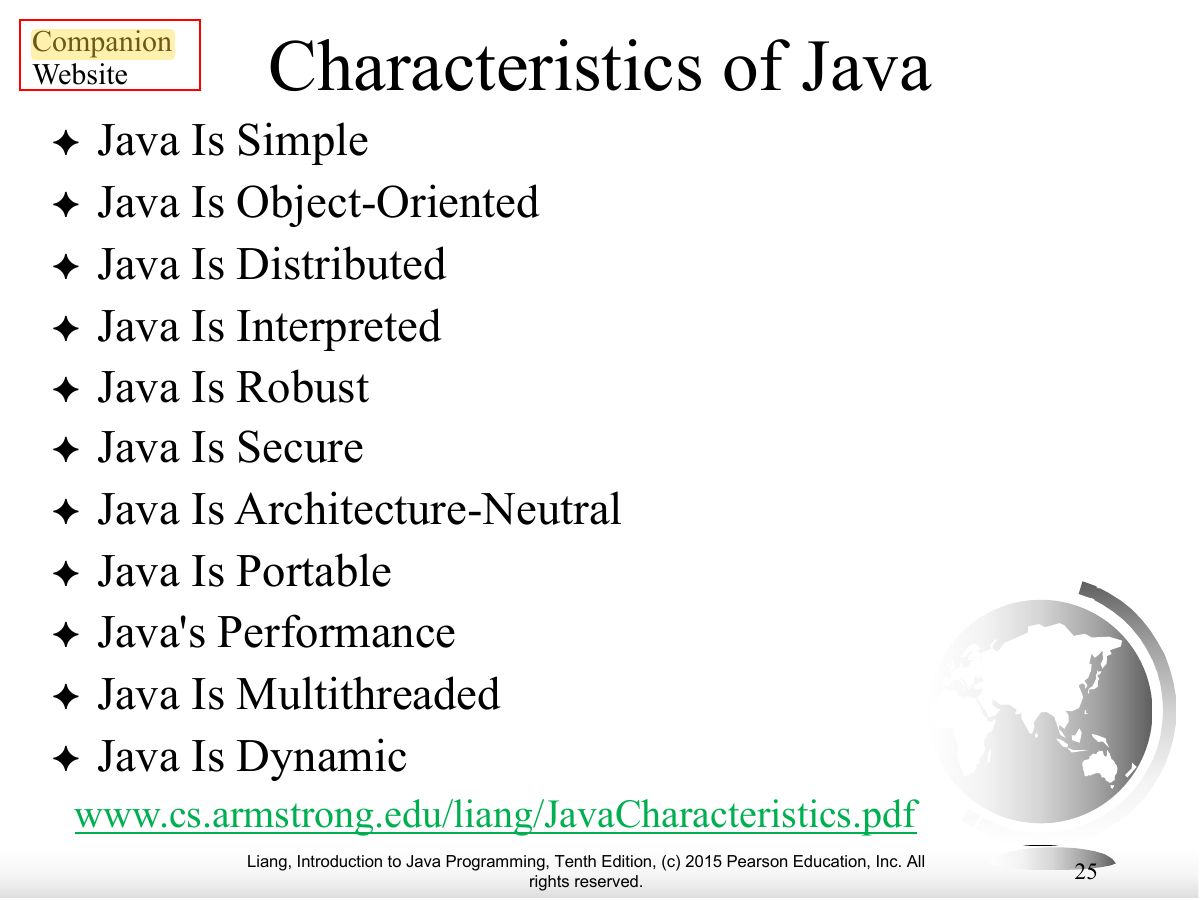
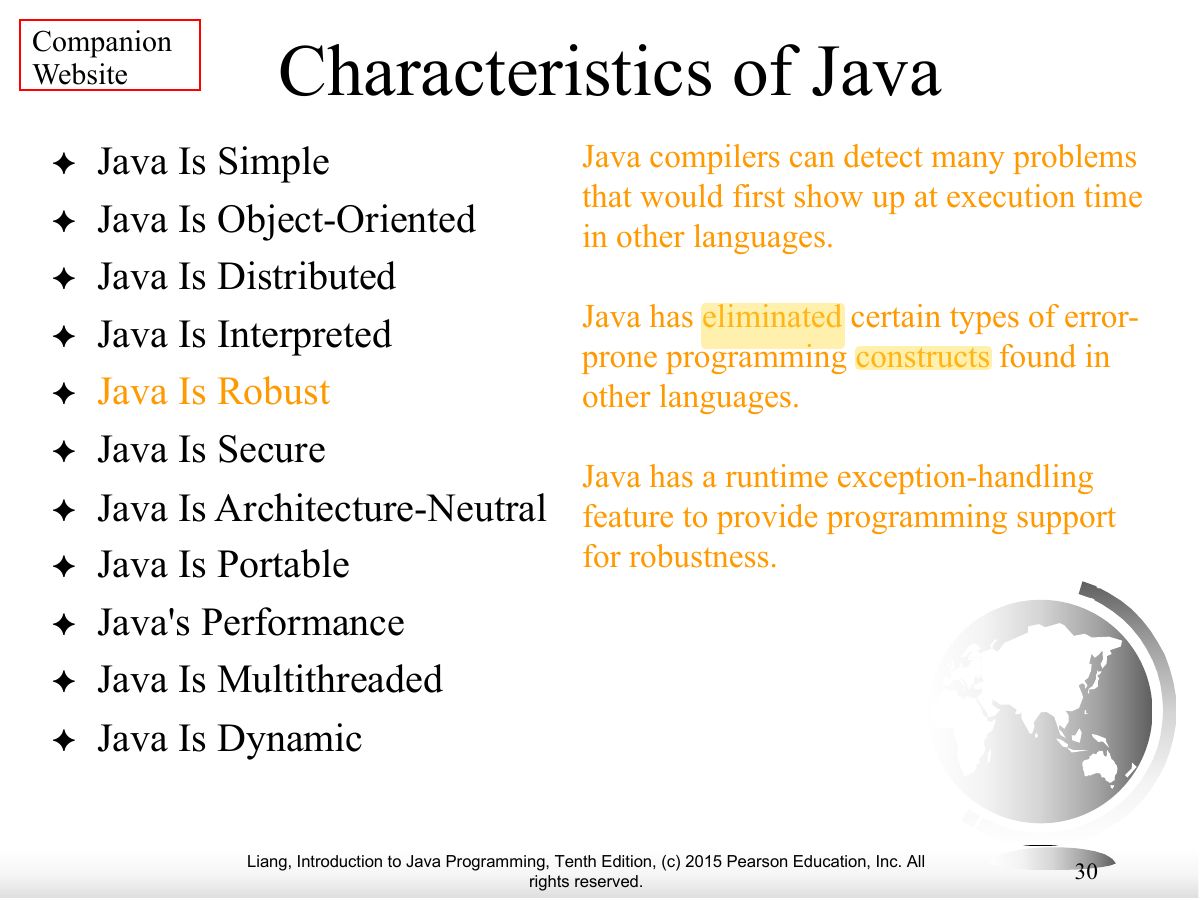
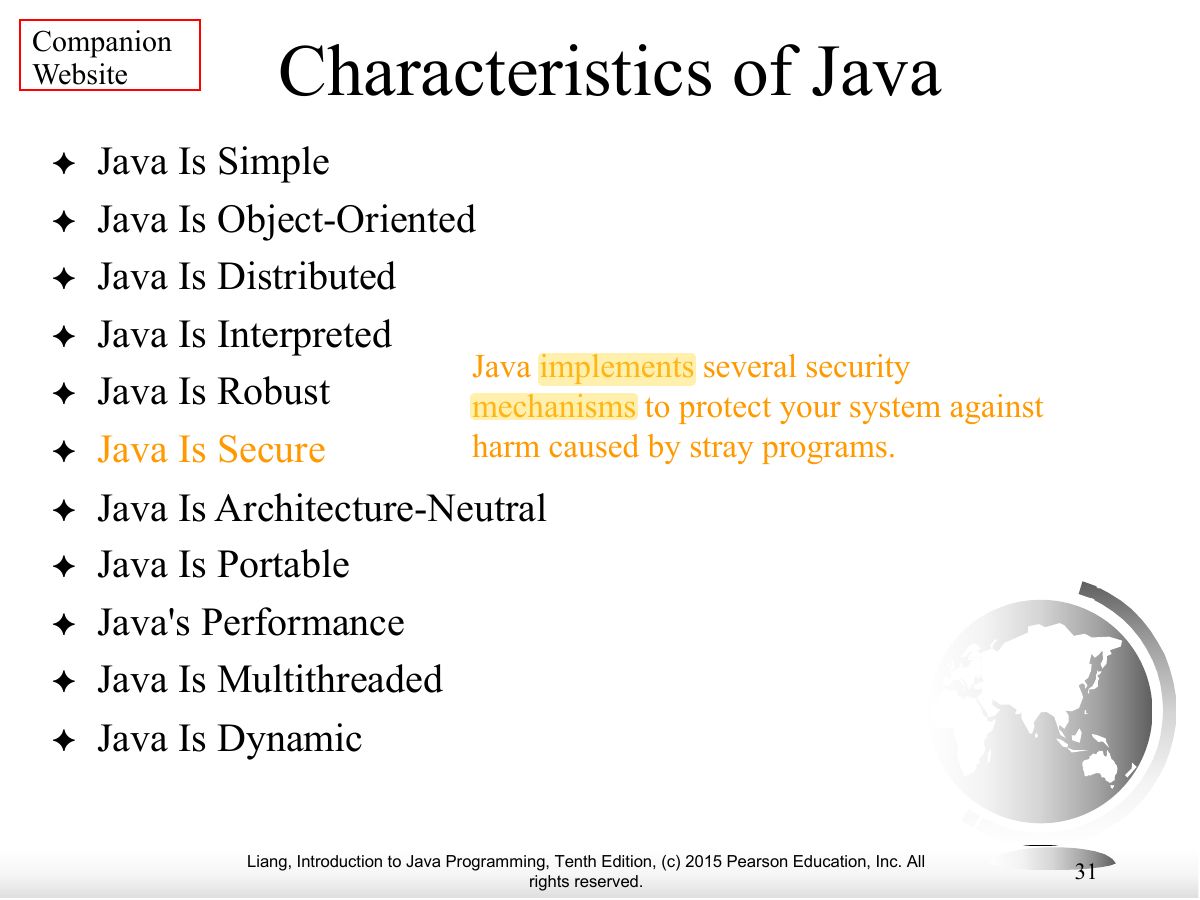
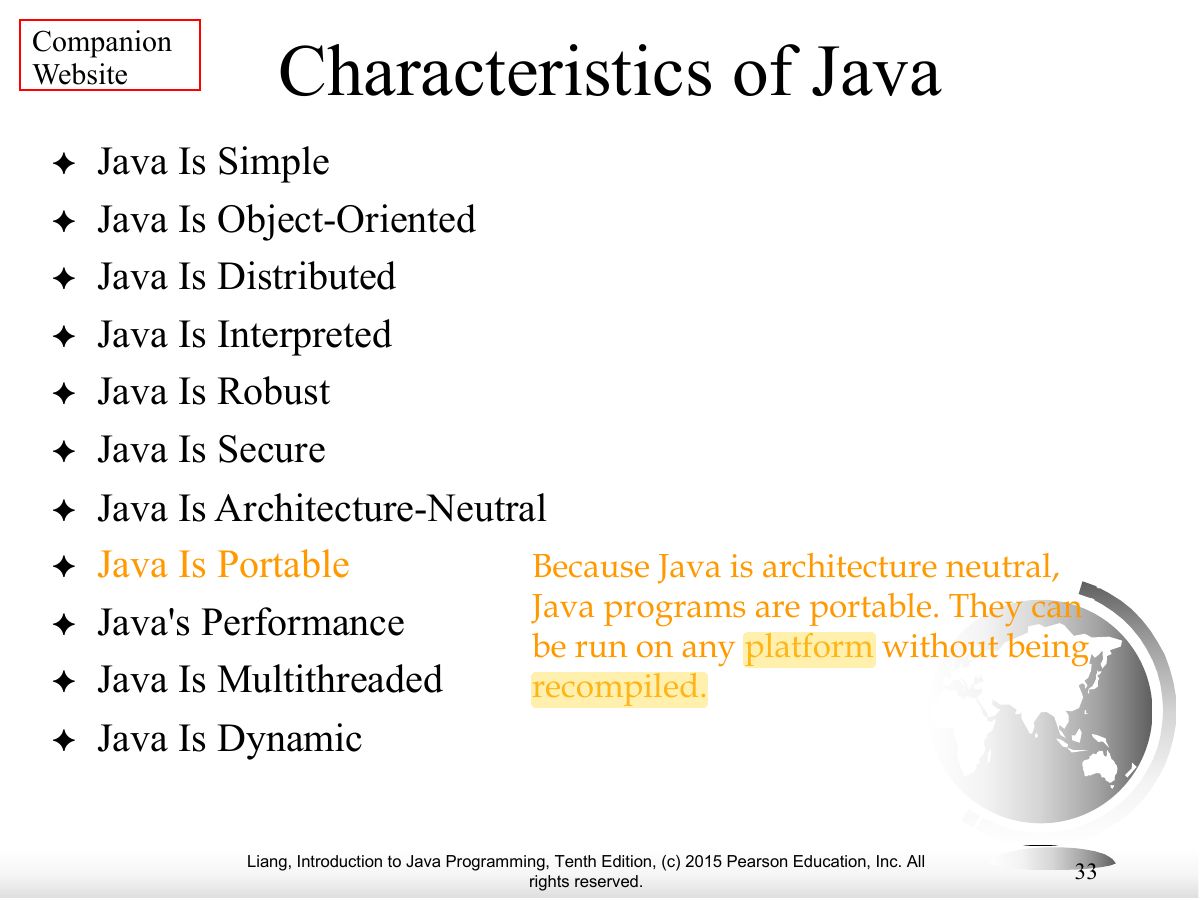
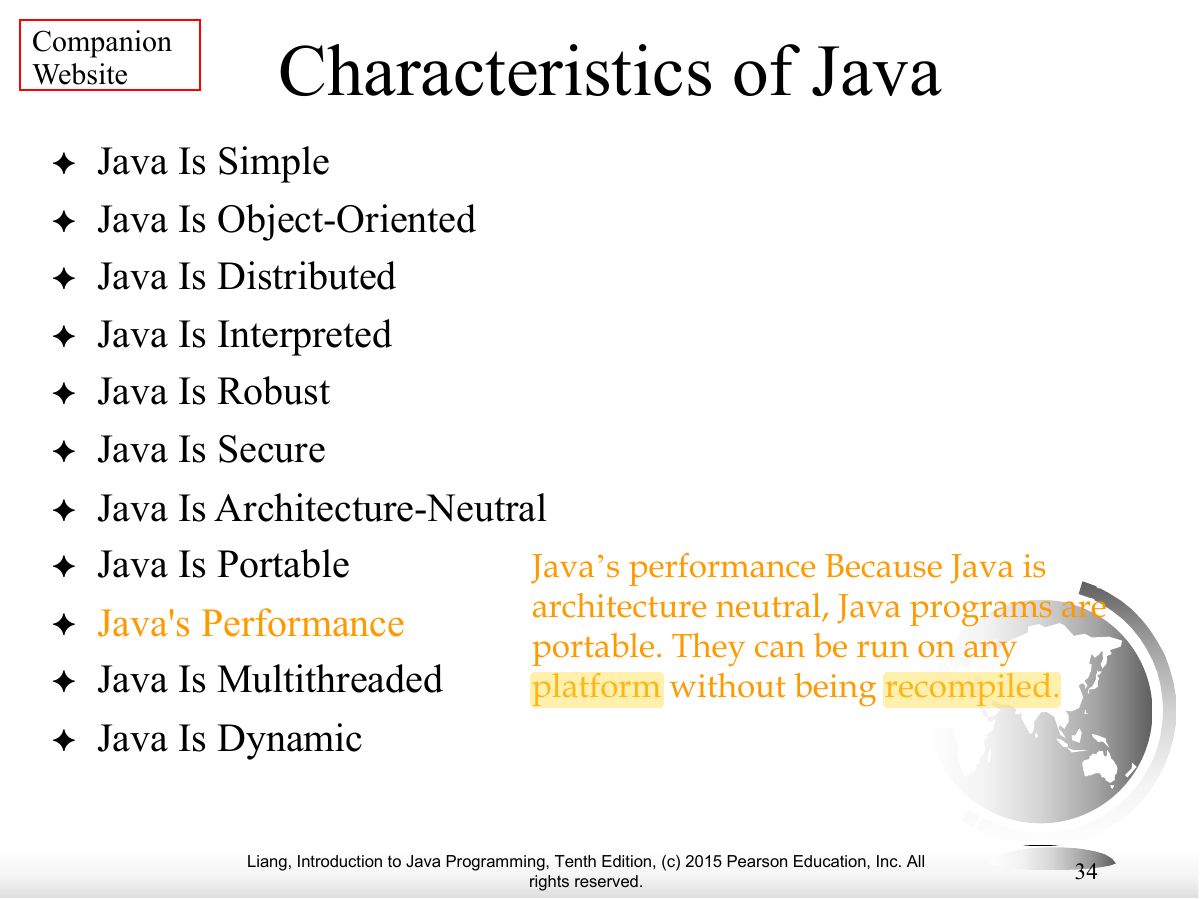
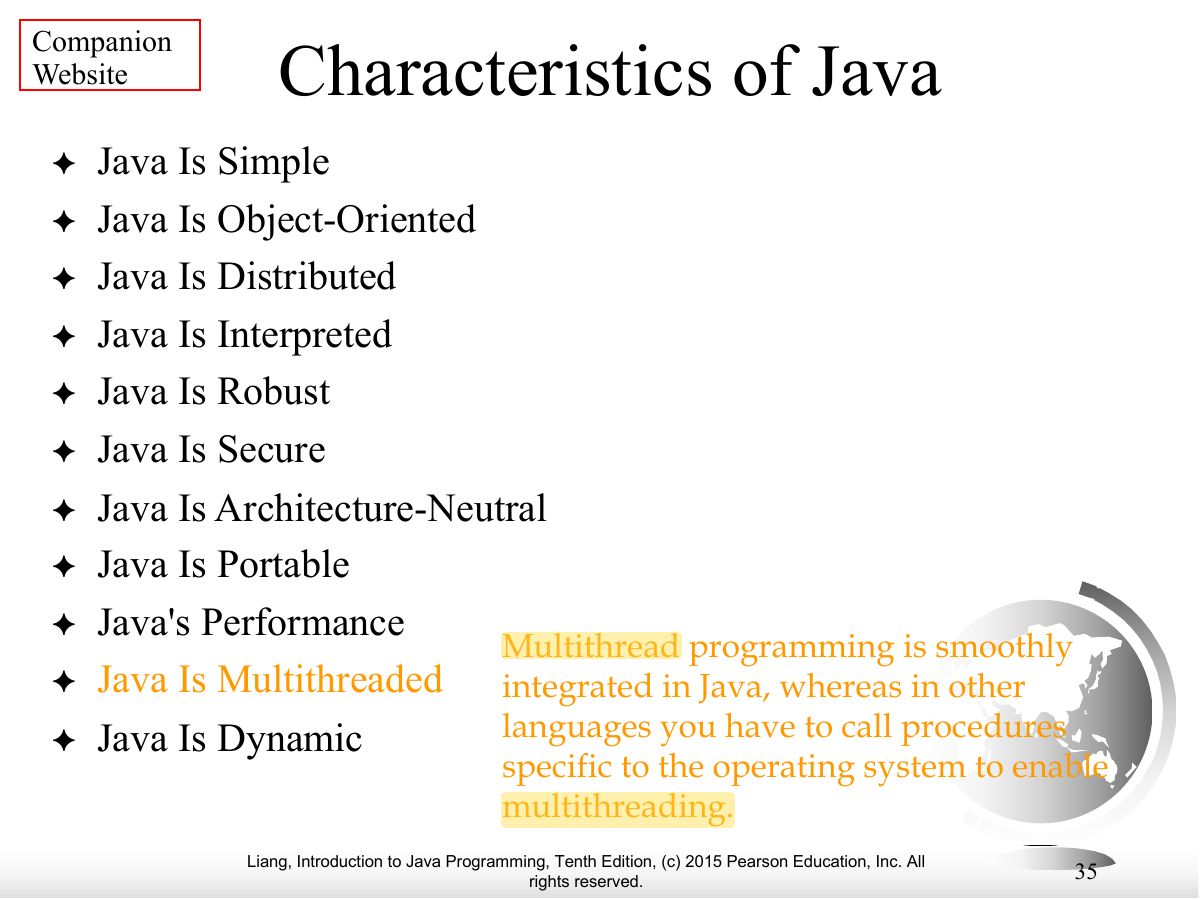
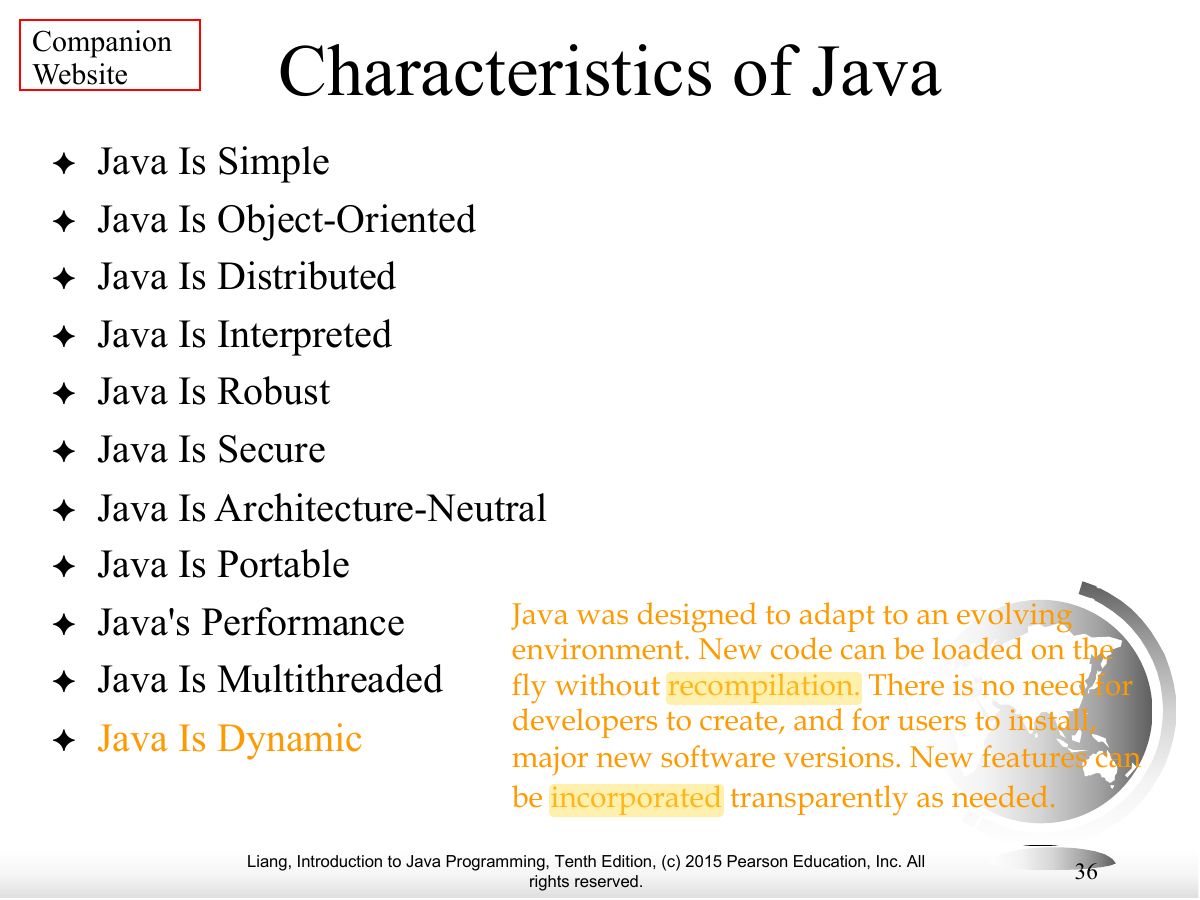
- Java characteristics: simple, object-oriented, distributed, interpreted, robust, secure, architecture-neutral, portable, high-performance, multithreaded, dynamic.
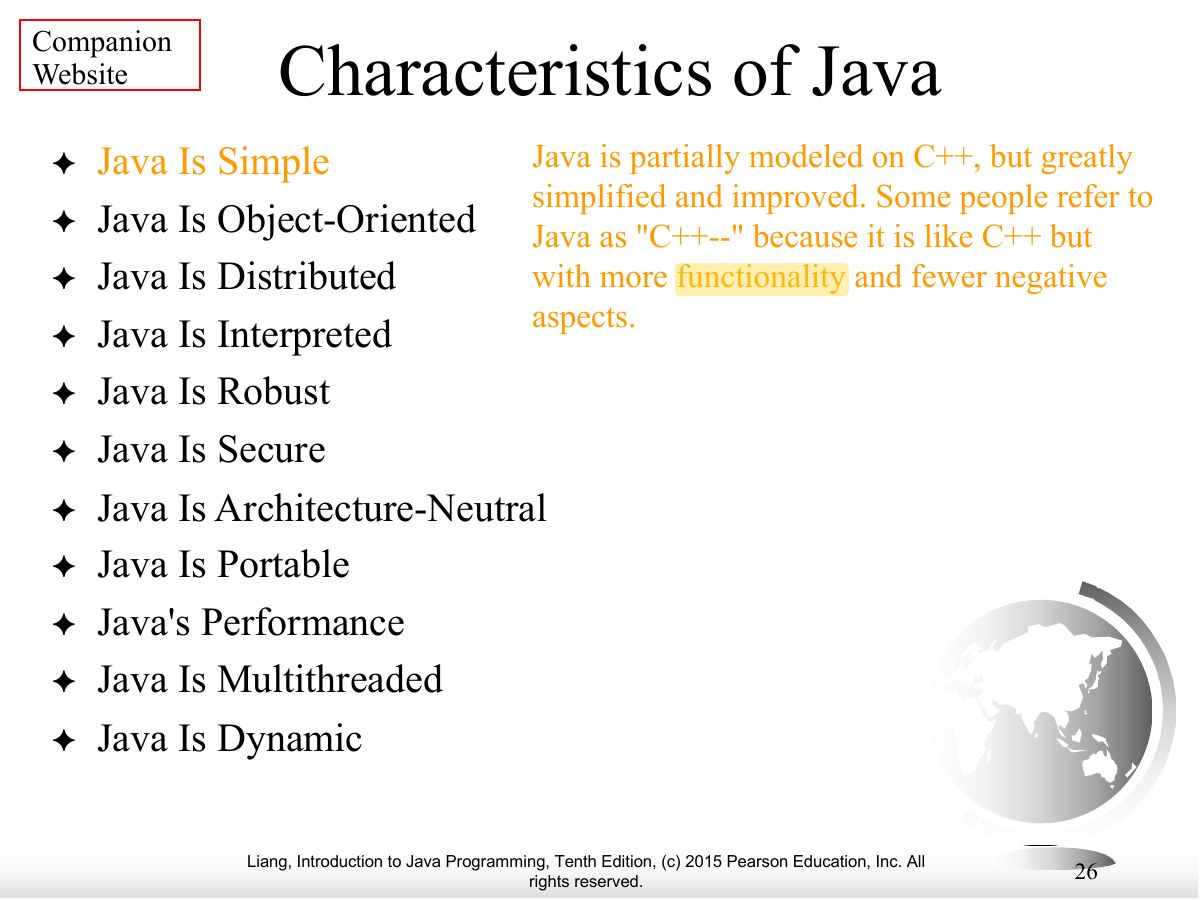
Exam weight Low
- Characteristics, continued.
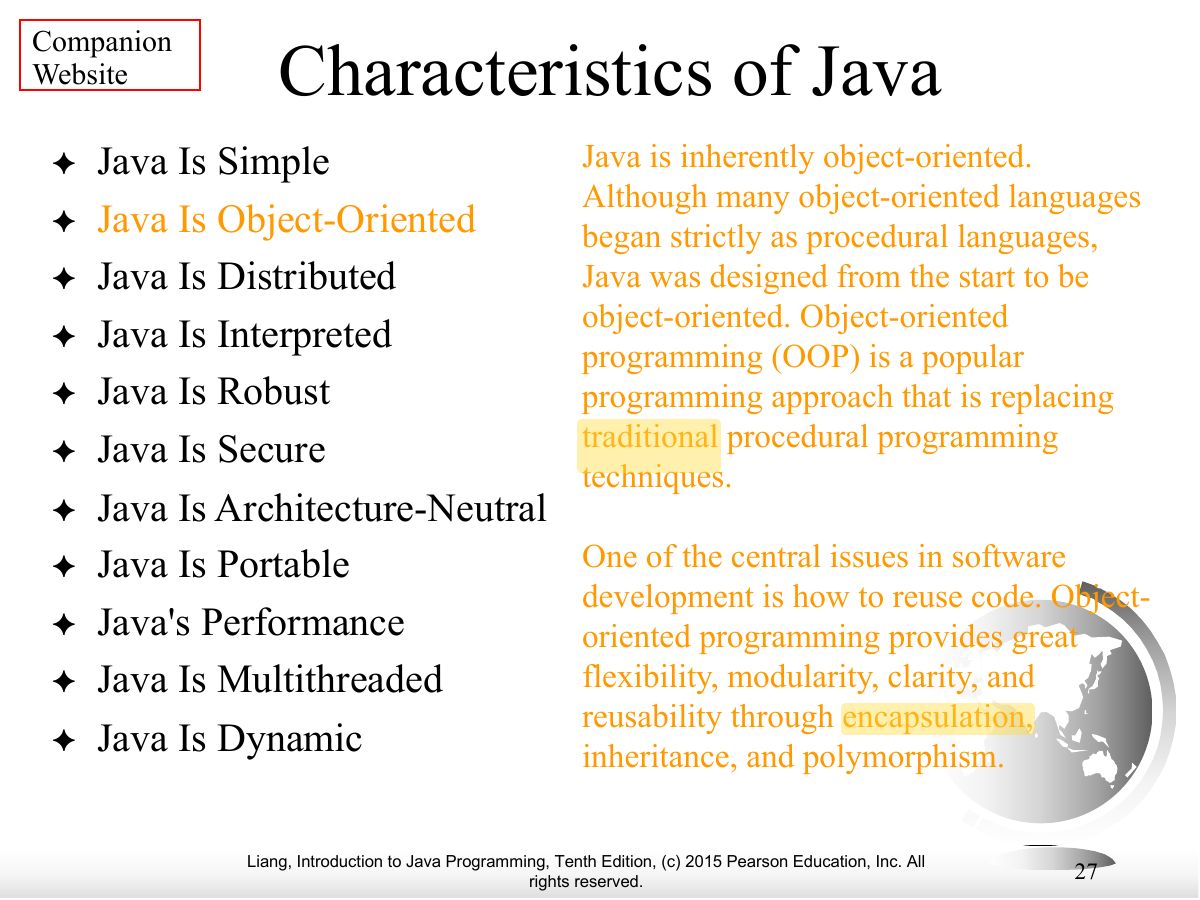
Exam weight Low
- Characteristics, continued.
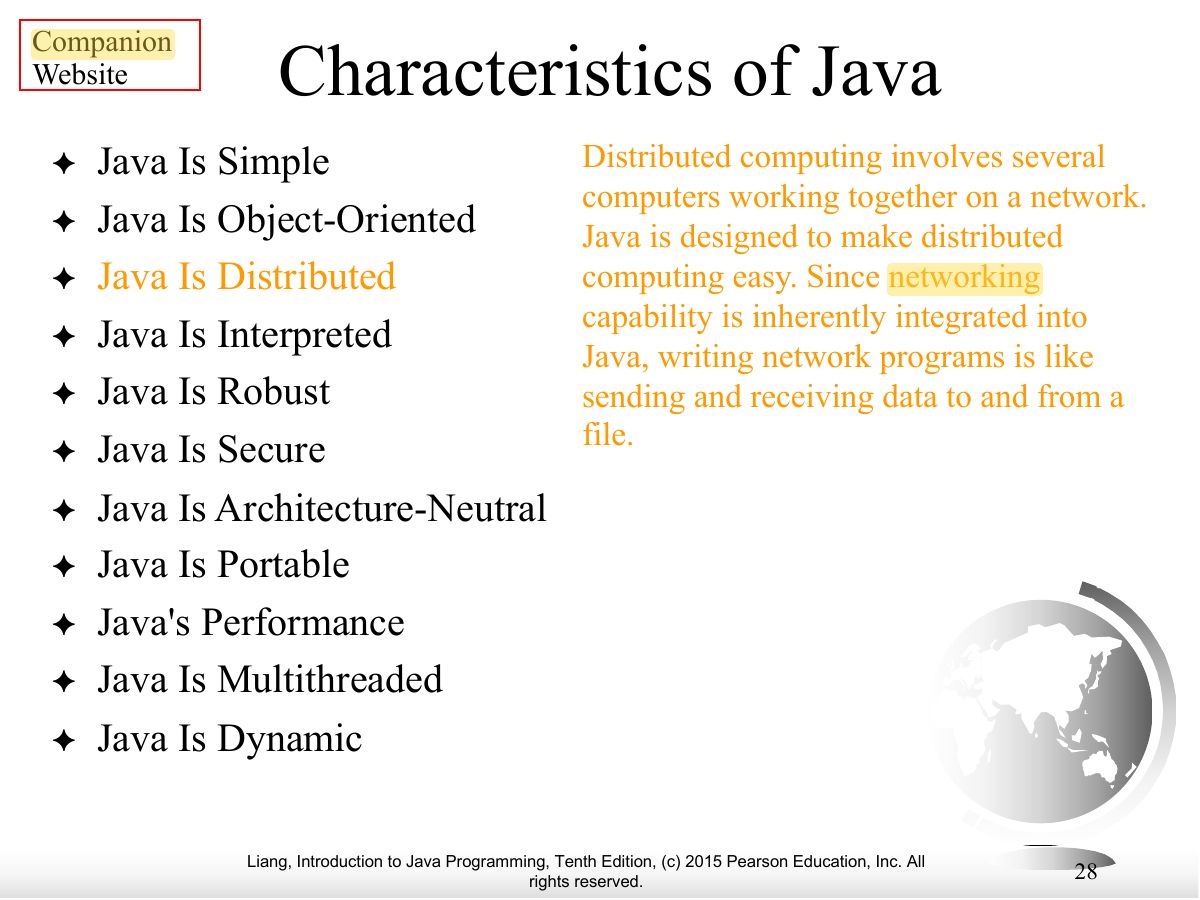
Exam weight Low
- Characteristics, continued.
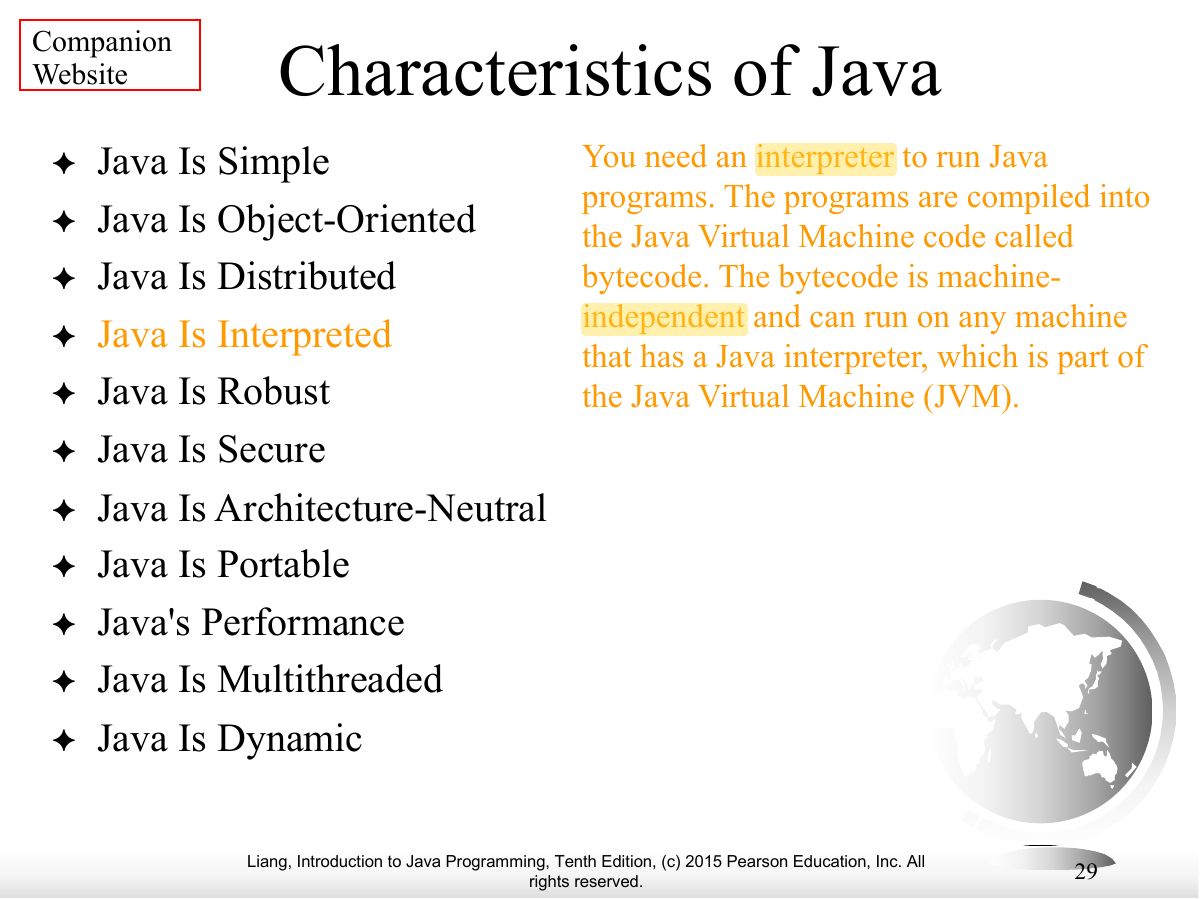
Exam weight Low
- Characteristics, continued.
Exam weight Low
- Characteristics, continued.
Exam weight Low
- Characteristics, continued.
Exam weight Low
- Characteristics, continued.
Exam weight Low
- Characteristics, continued.
Exam weight Low
- Characteristics, continued.
Exam weight Low
- Characteristics, continued.
Exam weight Low
- Characteristics, continued.
Exam weight Low
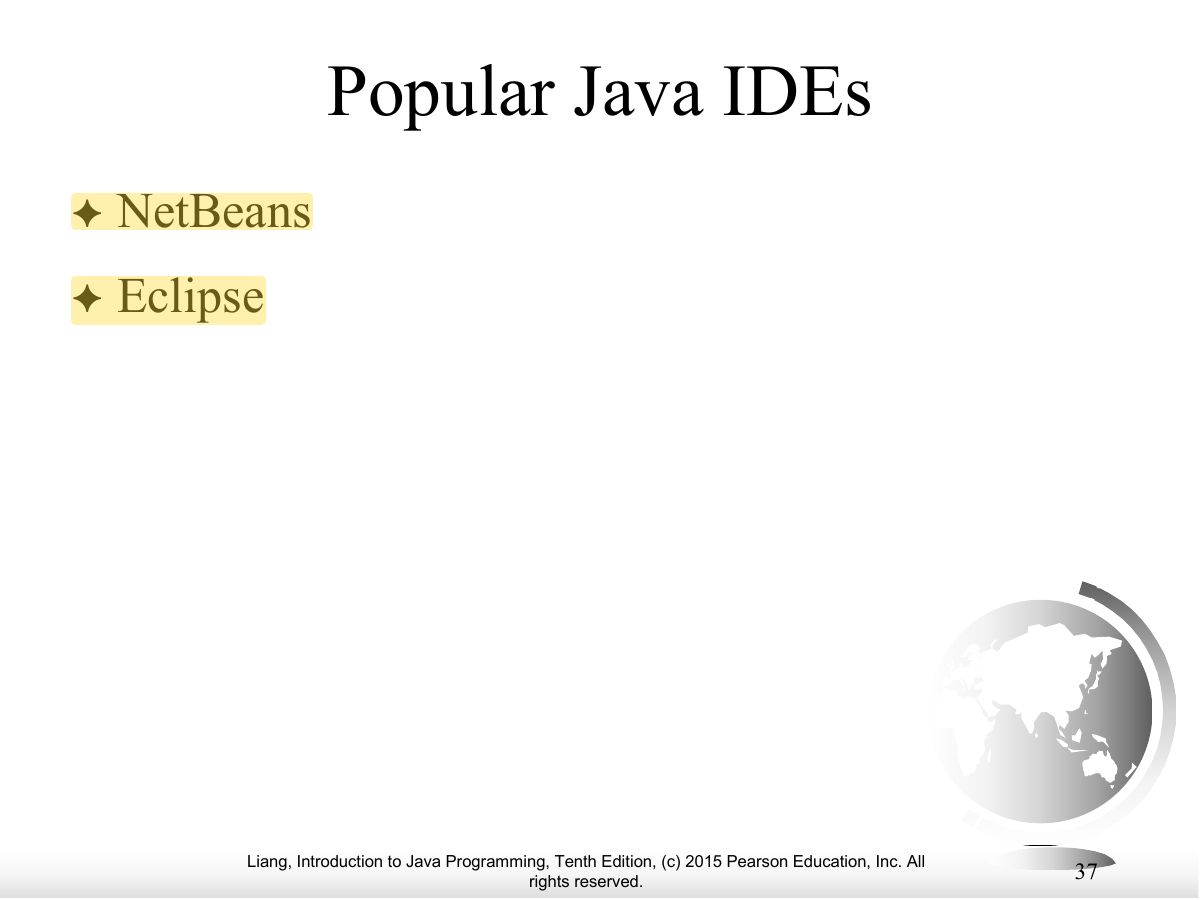
- IDEs: NetBeans, Eclipse, IntelliJ.
Exam weight Low
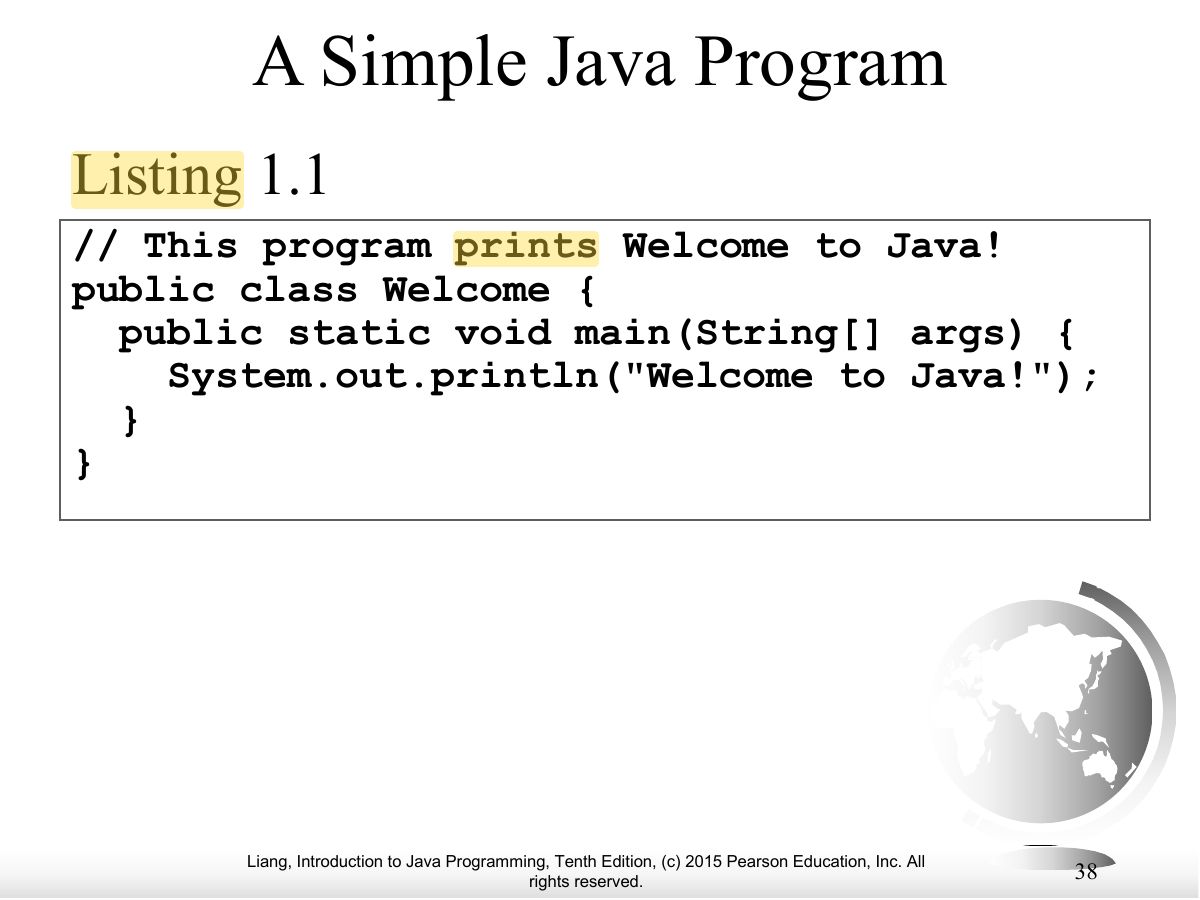
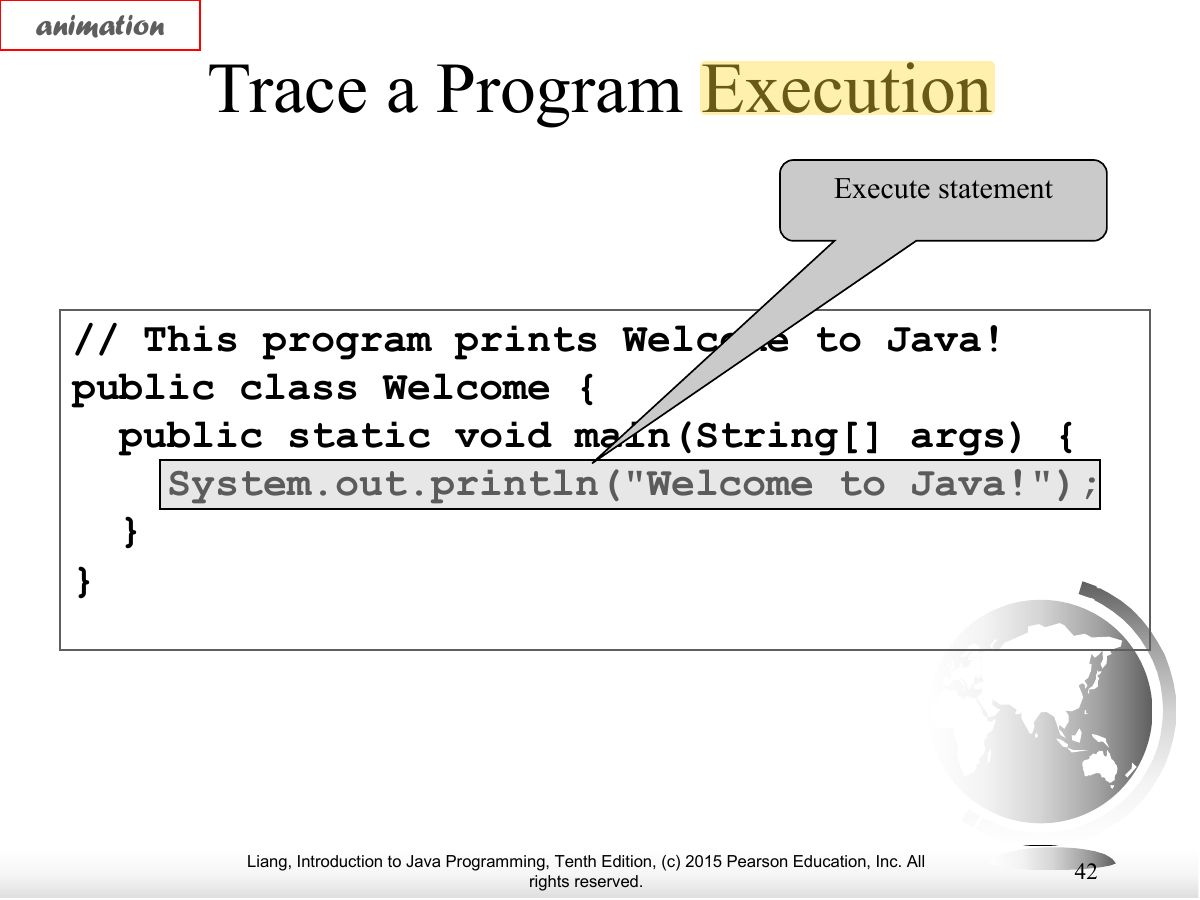
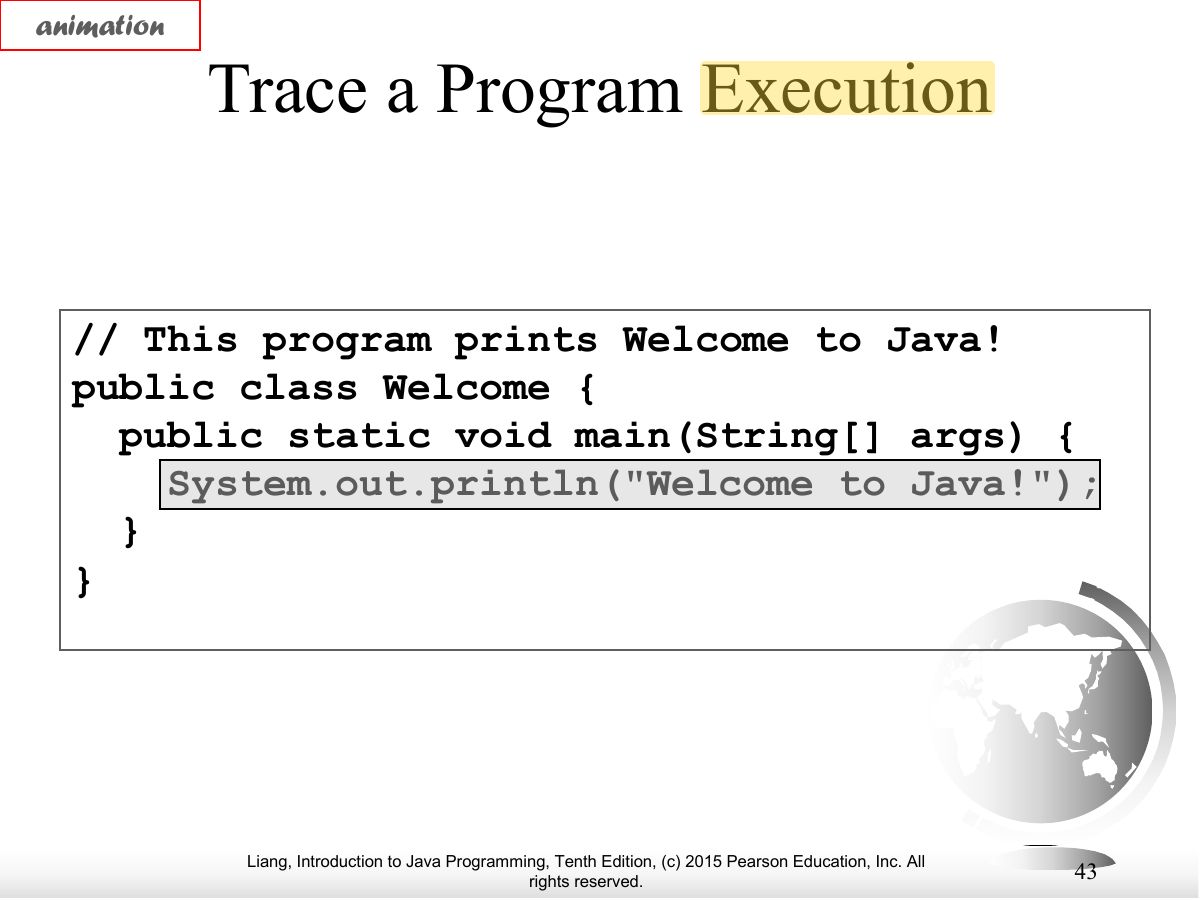
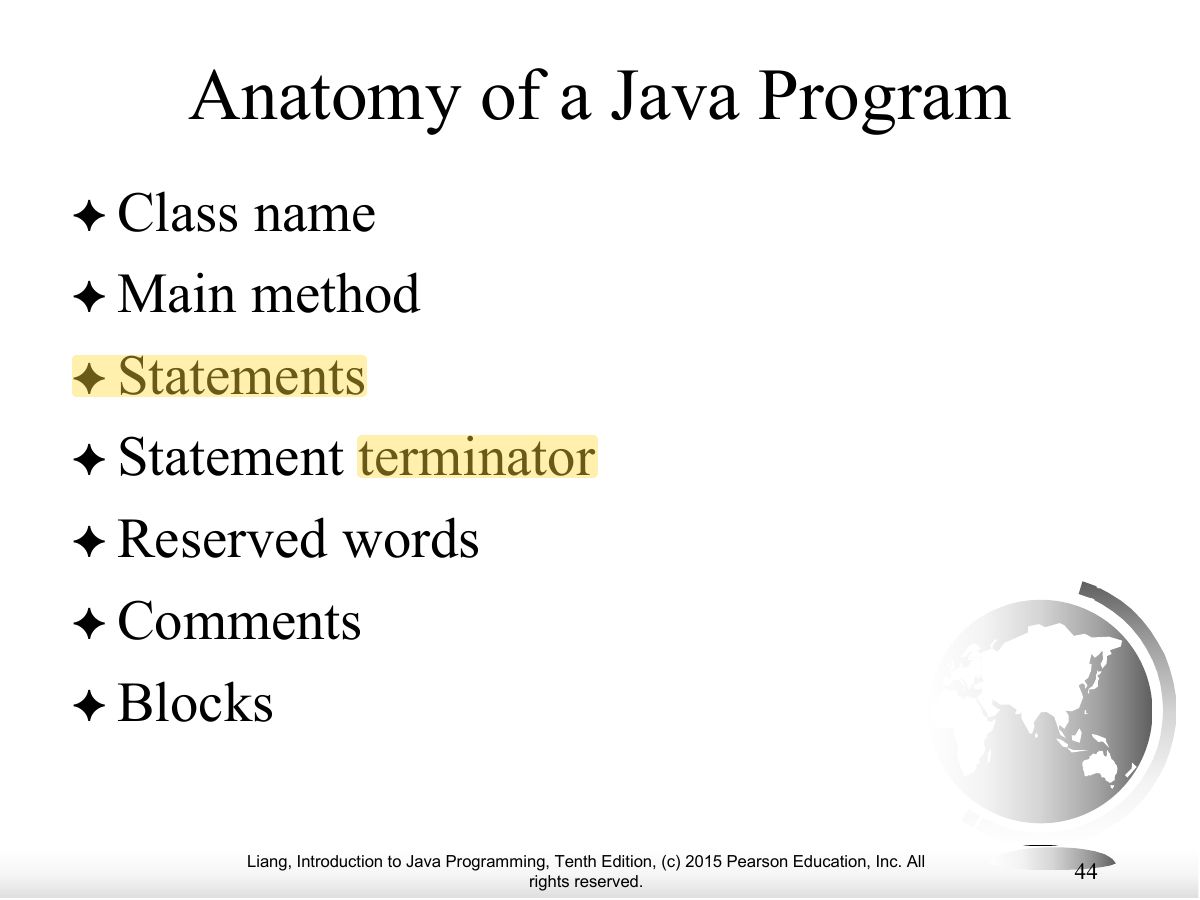
- First program: public class Welcome { public static void main(String[] args) { System.out.println("Welcome to Java!"); } }
Exam weight
High
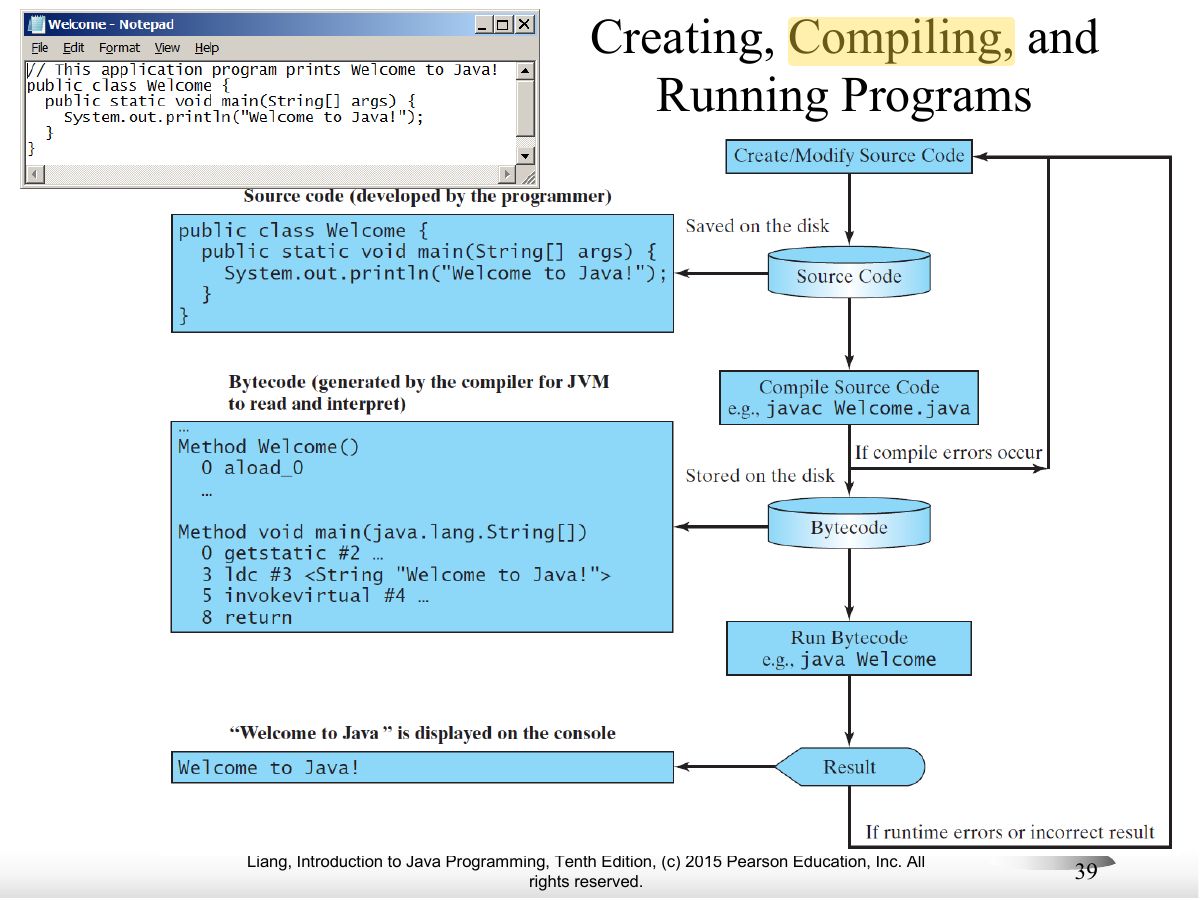
- Create (editor) → compile (javac Welcome.java → Welcome.class bytecode) → run (java Welcome on the JVM).
🎯 How this can come up · 2 questions
MCQ
Compiling Welcome.java produces:
Correct: Welcome.class (bytecode).
MCQ
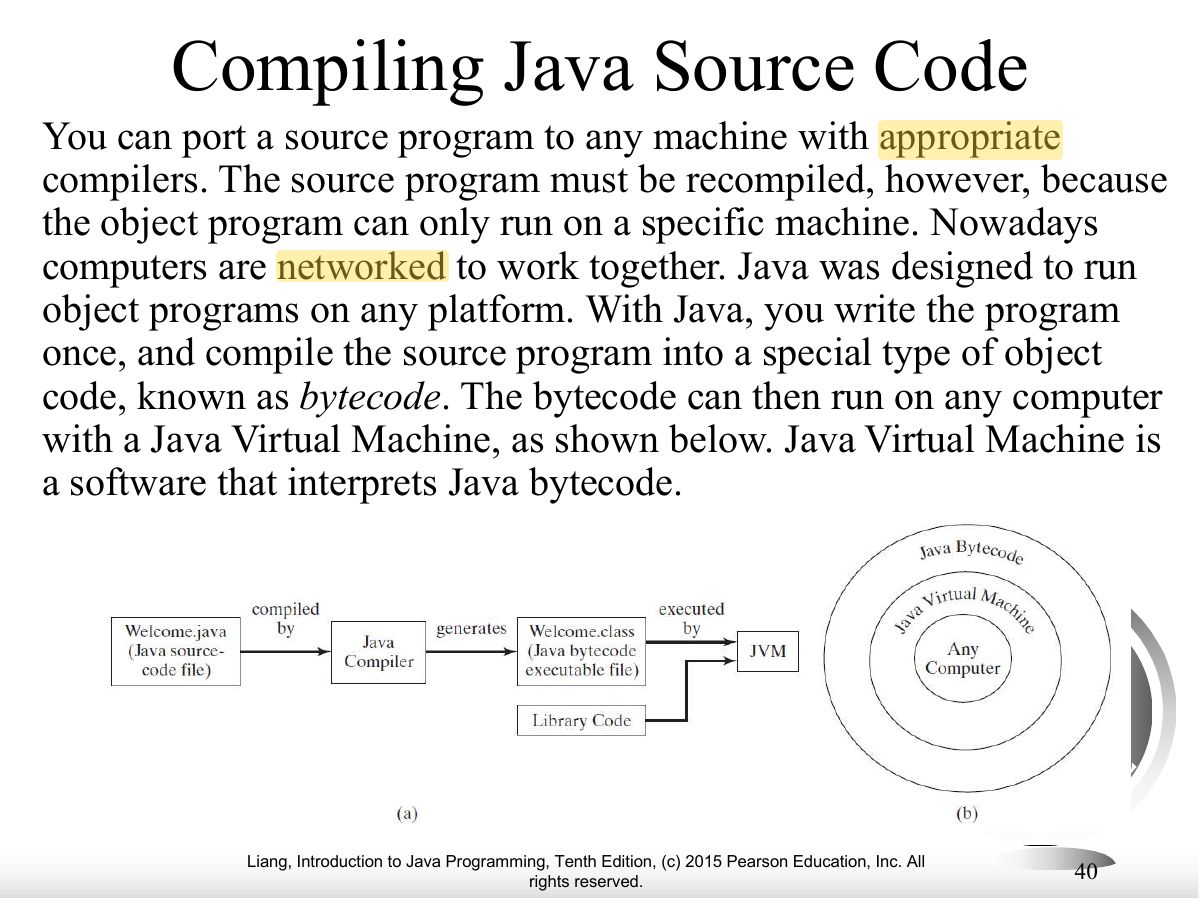
Java bytecode is executed by the:
Correct: Java Virtual Machine (JVM).
Exam weight
Medium
- Bytecode is platform-independent; any machine with a JVM can run it.
Exam weight Low
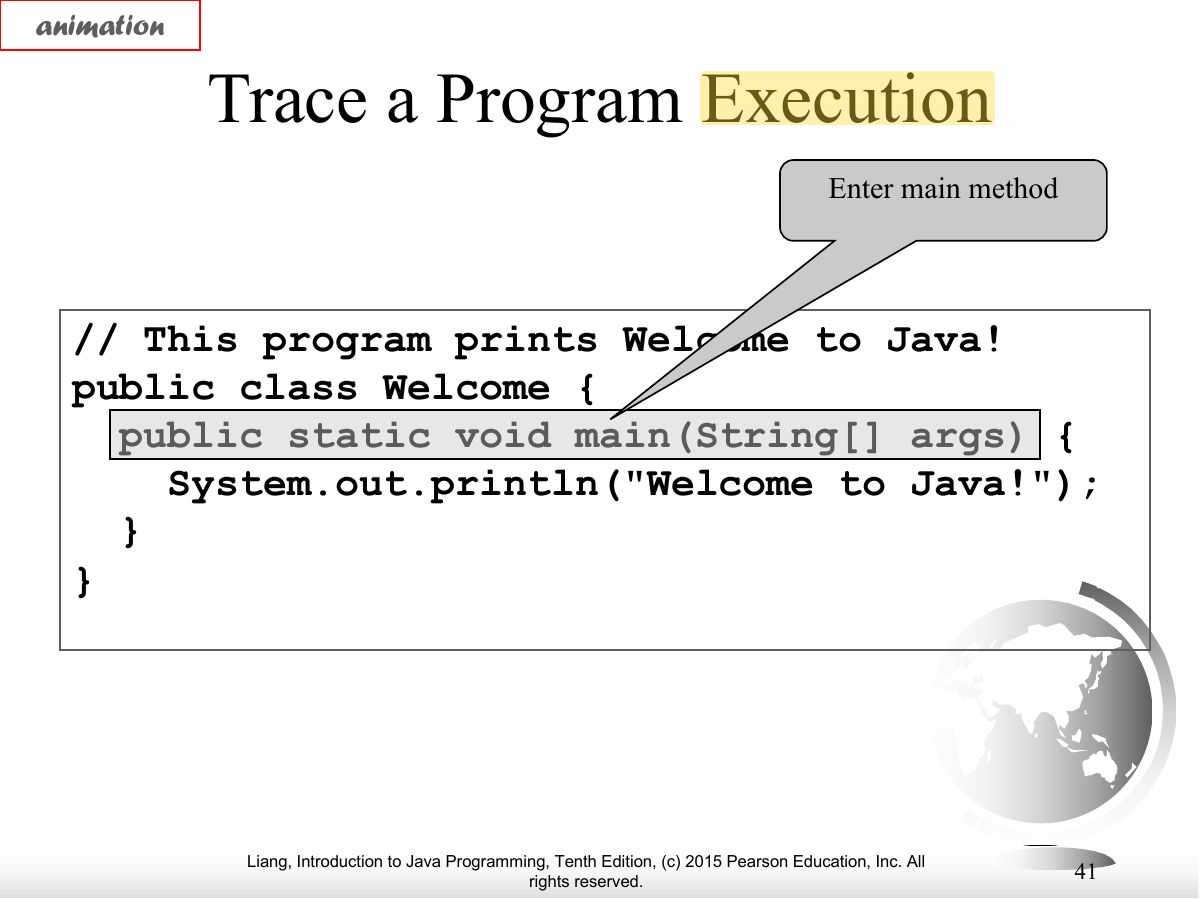
- Trace: the program starts at main.
Exam weight Low
- Trace: println executes.
Exam weight Low
- Trace: output appears.
Exam weight Low
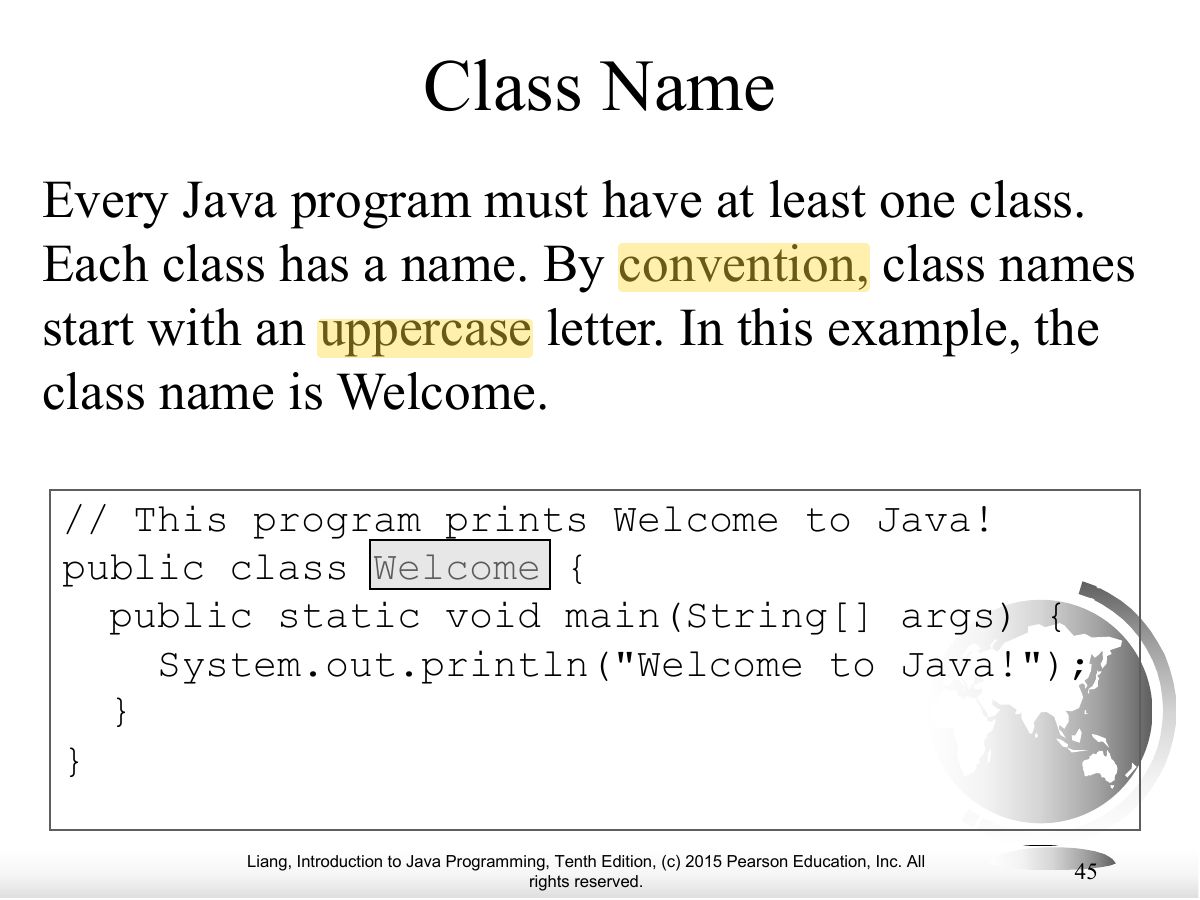
- Anatomy: class name, main method, statements, statement terminator, reserved words, comments, blocks.
Exam weight Low
- Every program has at least one class; class names start with a capital letter (Welcome).
Exam weight Low
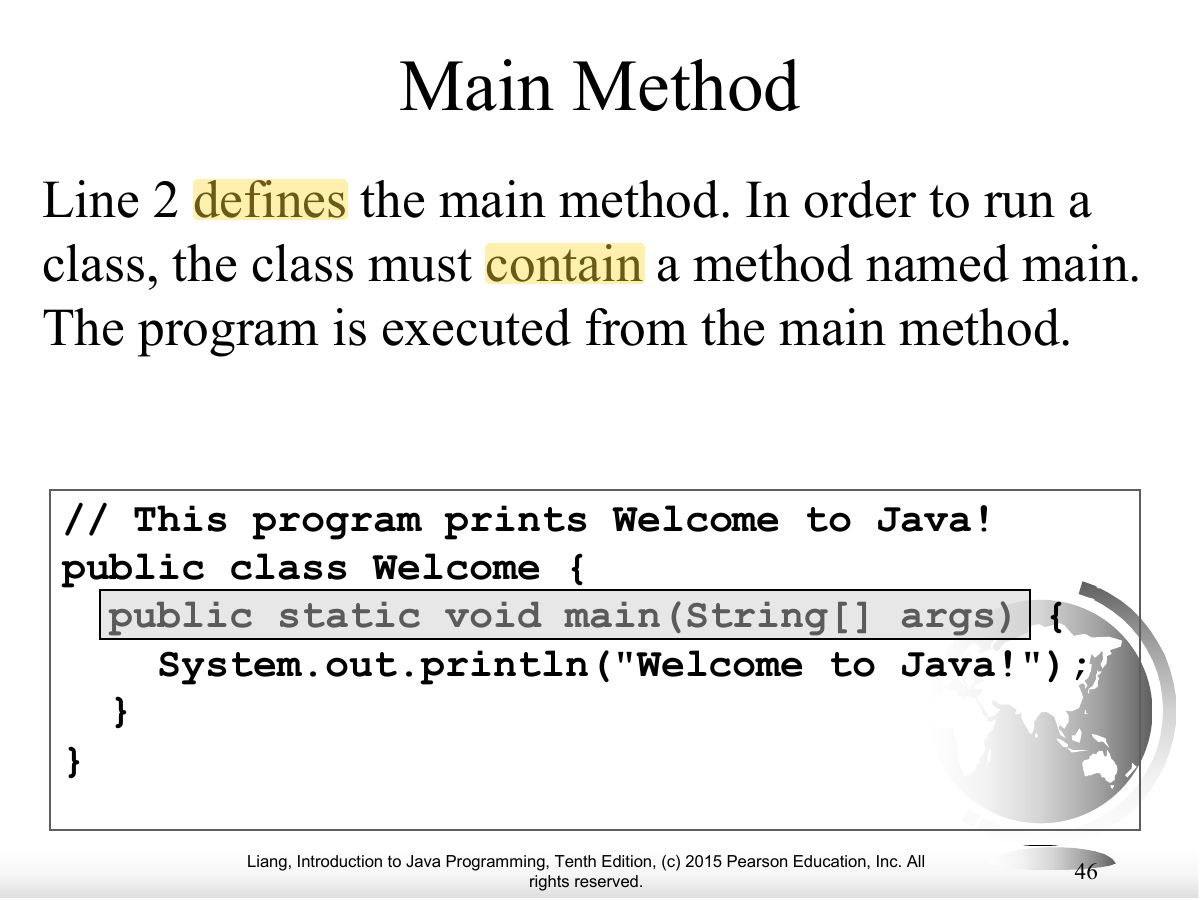
- The program starts executing at main: public static void main(String[] args).
Exam weight Low
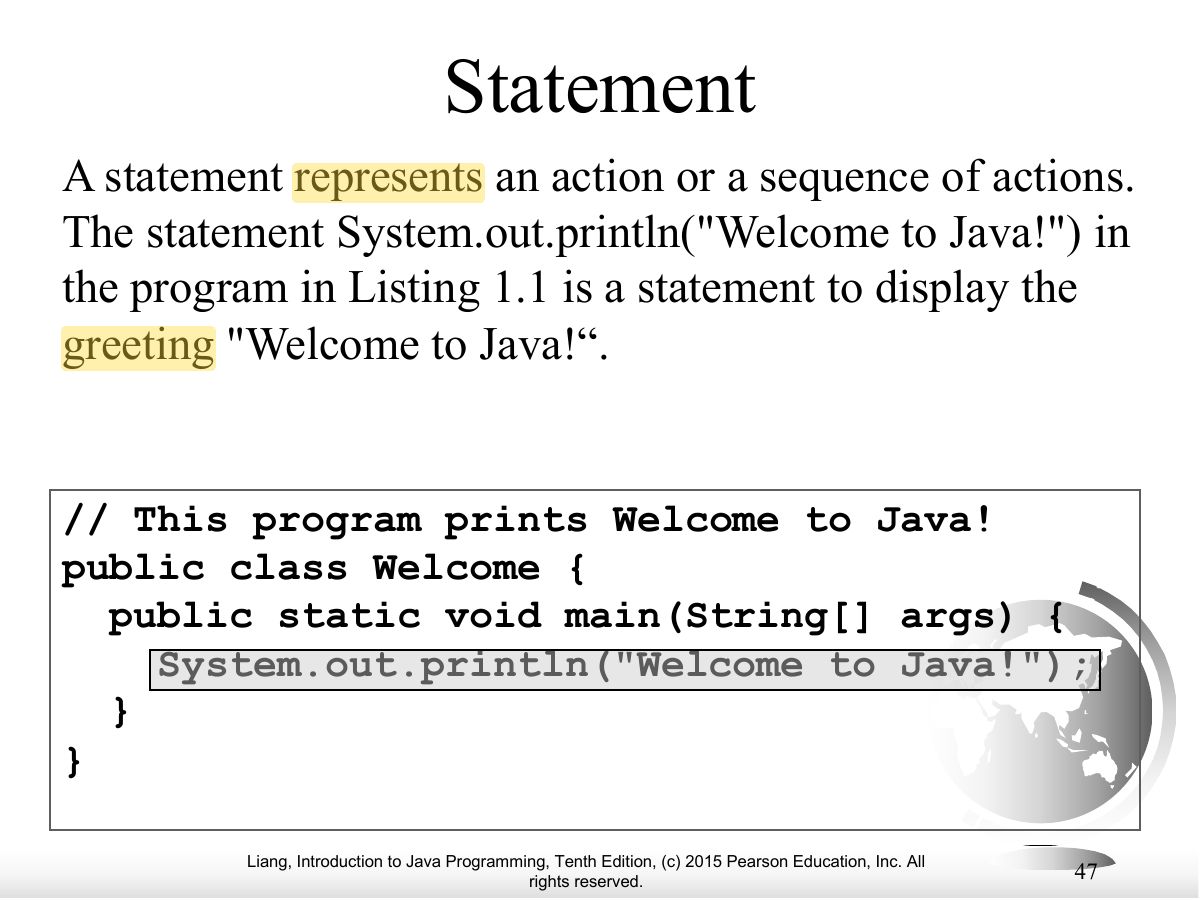
- A statement is an action; System.out.println displays a string.
Exam weight Low
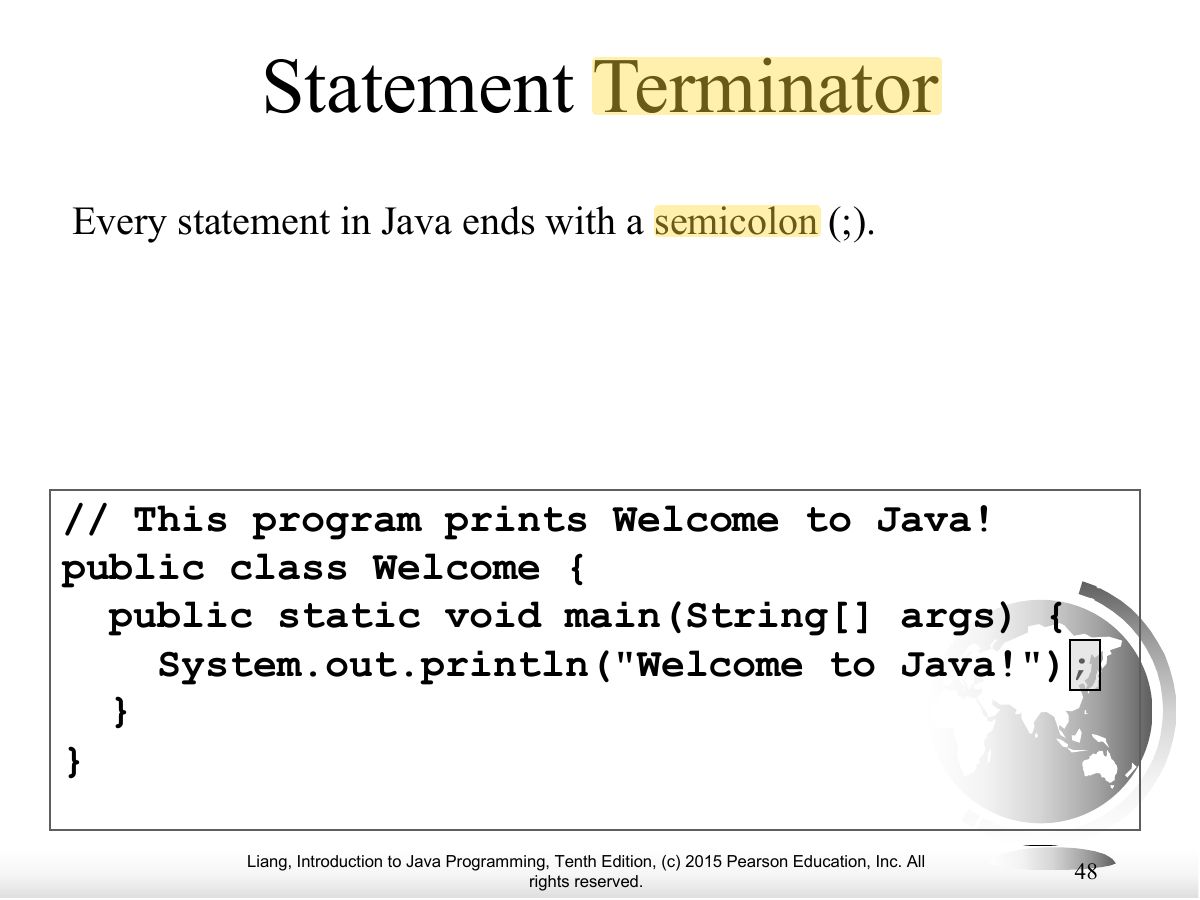
- Every statement ends with a semicolon.
Exam weight
Medium
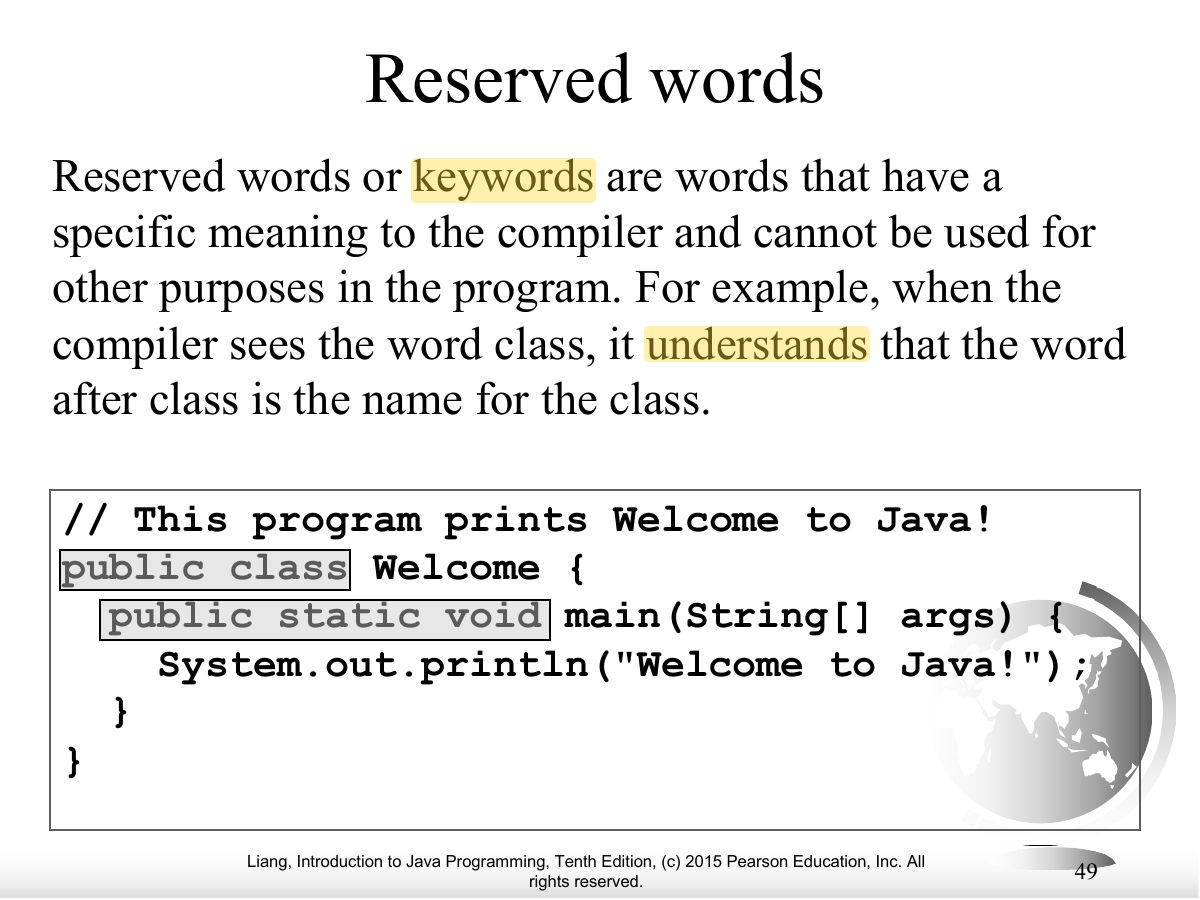
- Reserved words (keywords) have special meaning and can’t be used as identifiers: class, public, static, void.
🎯 How this can come up · 1 question
MCQ
Which is a Java reserved word?
Correct: static.
Exam weight Low
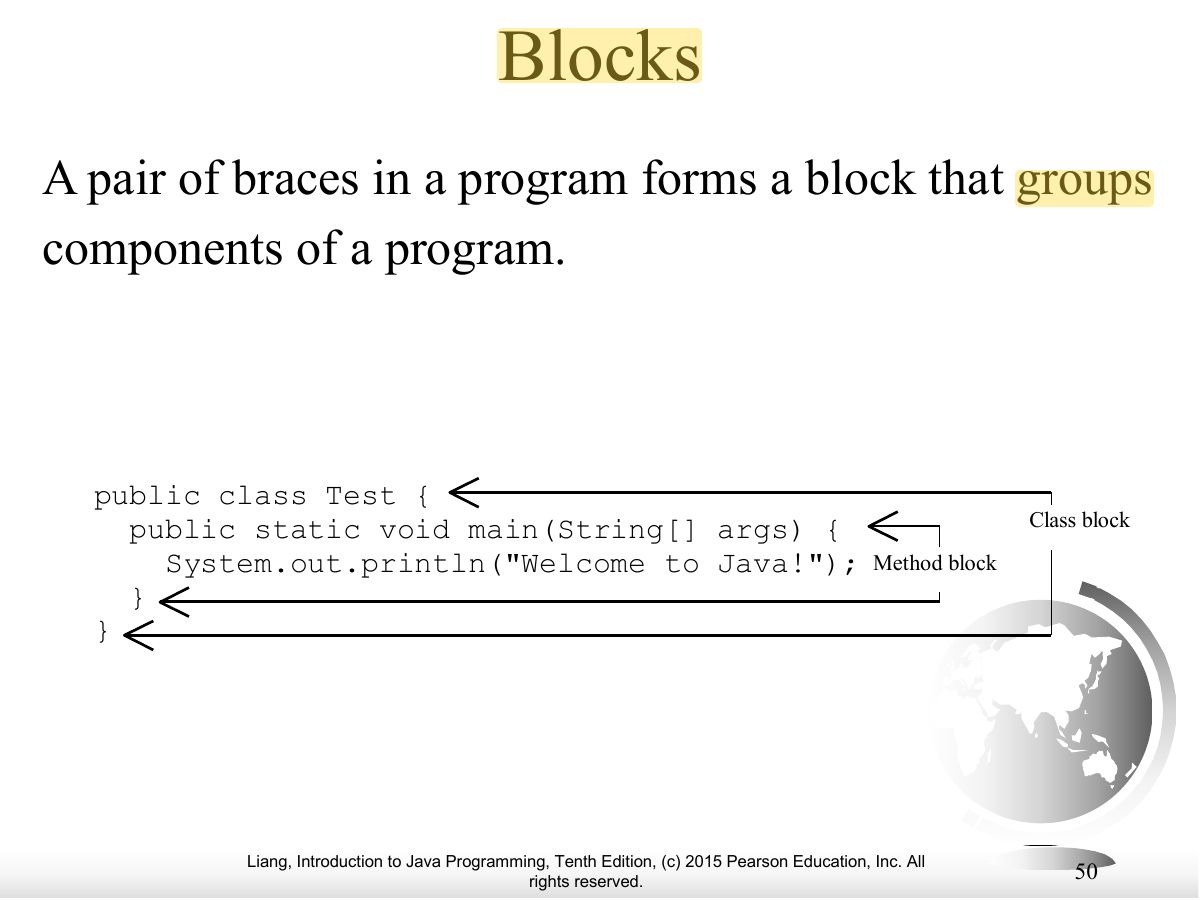
- A pair of braces forms a block (class block, method block).
Exam weight Low
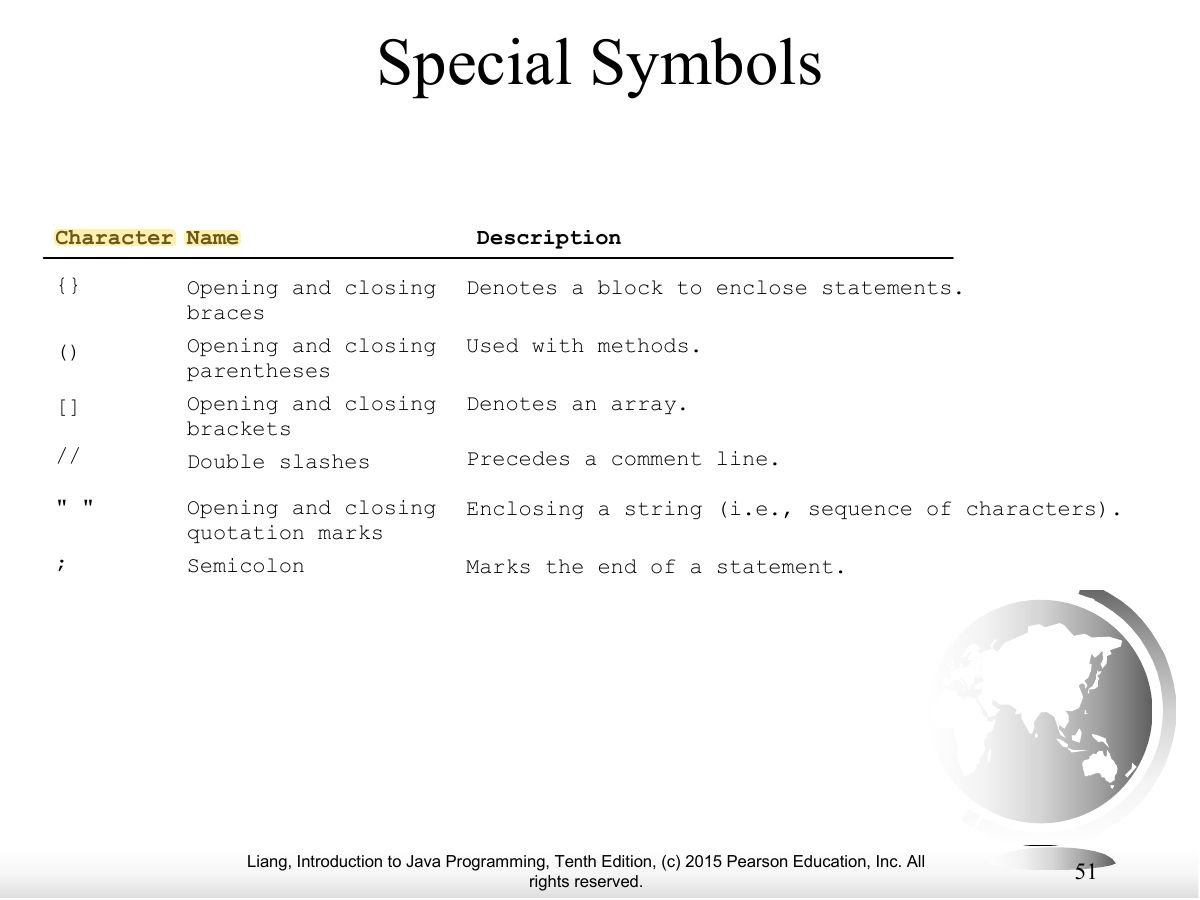
- Special symbols: { } ( ) ; // " ".
Exam weight Low
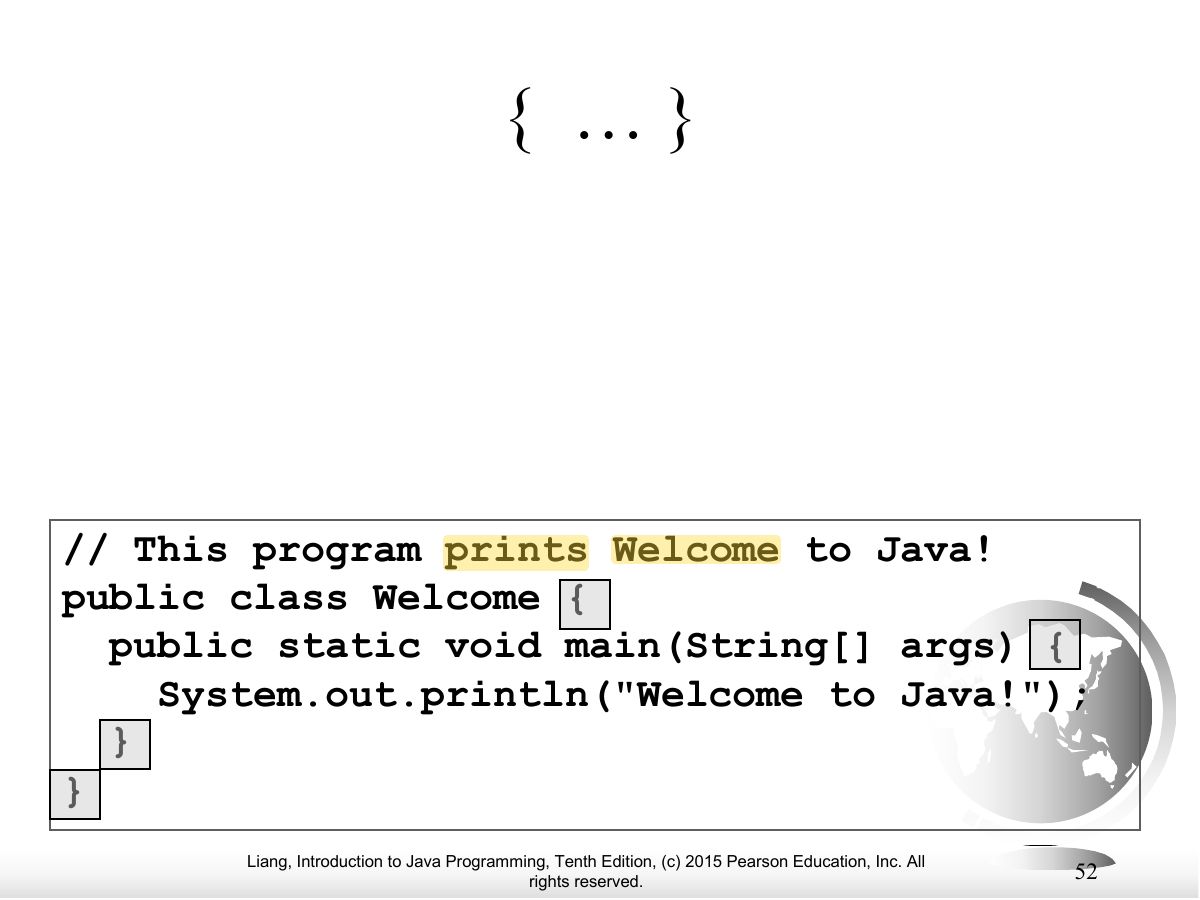
- { } — denotes a block.
Exam weight Low
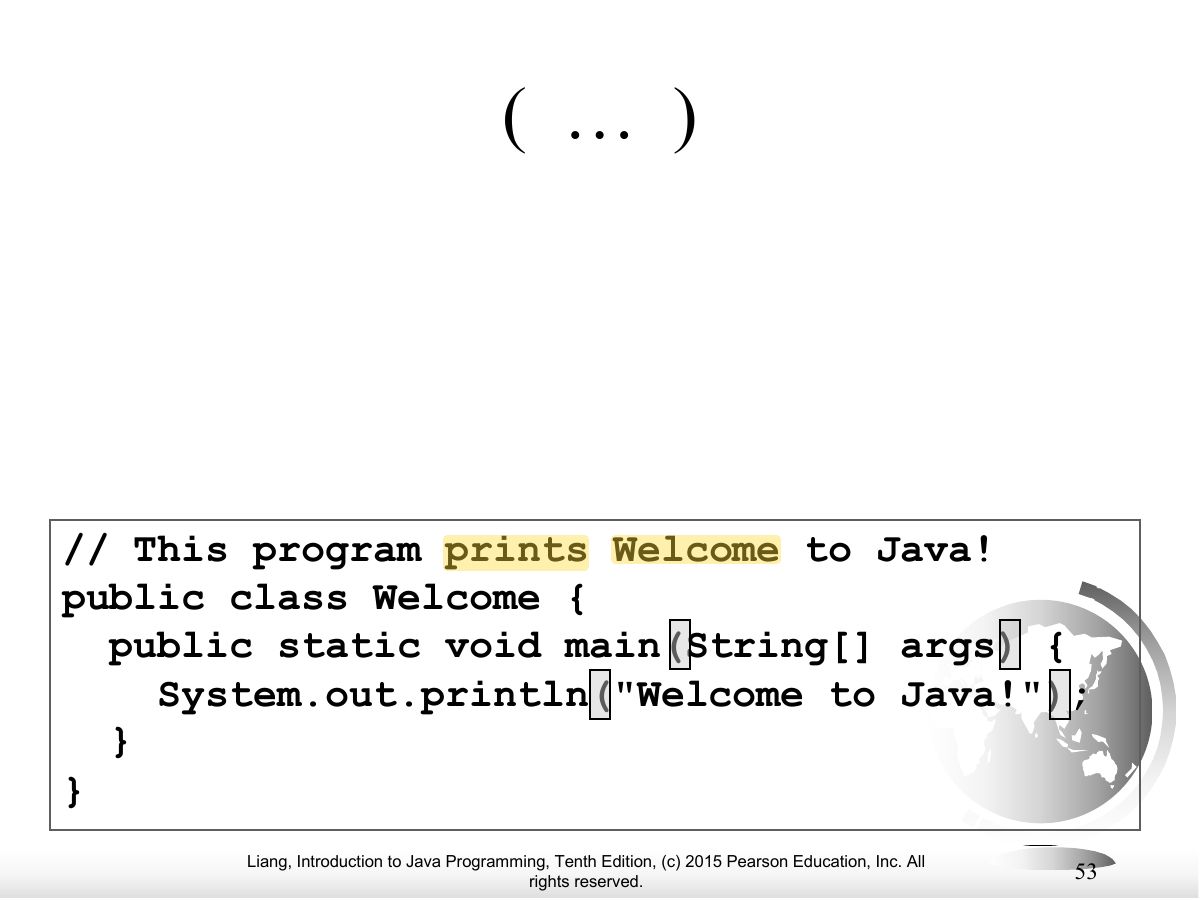
- ( ) — used with methods.
Exam weight Low
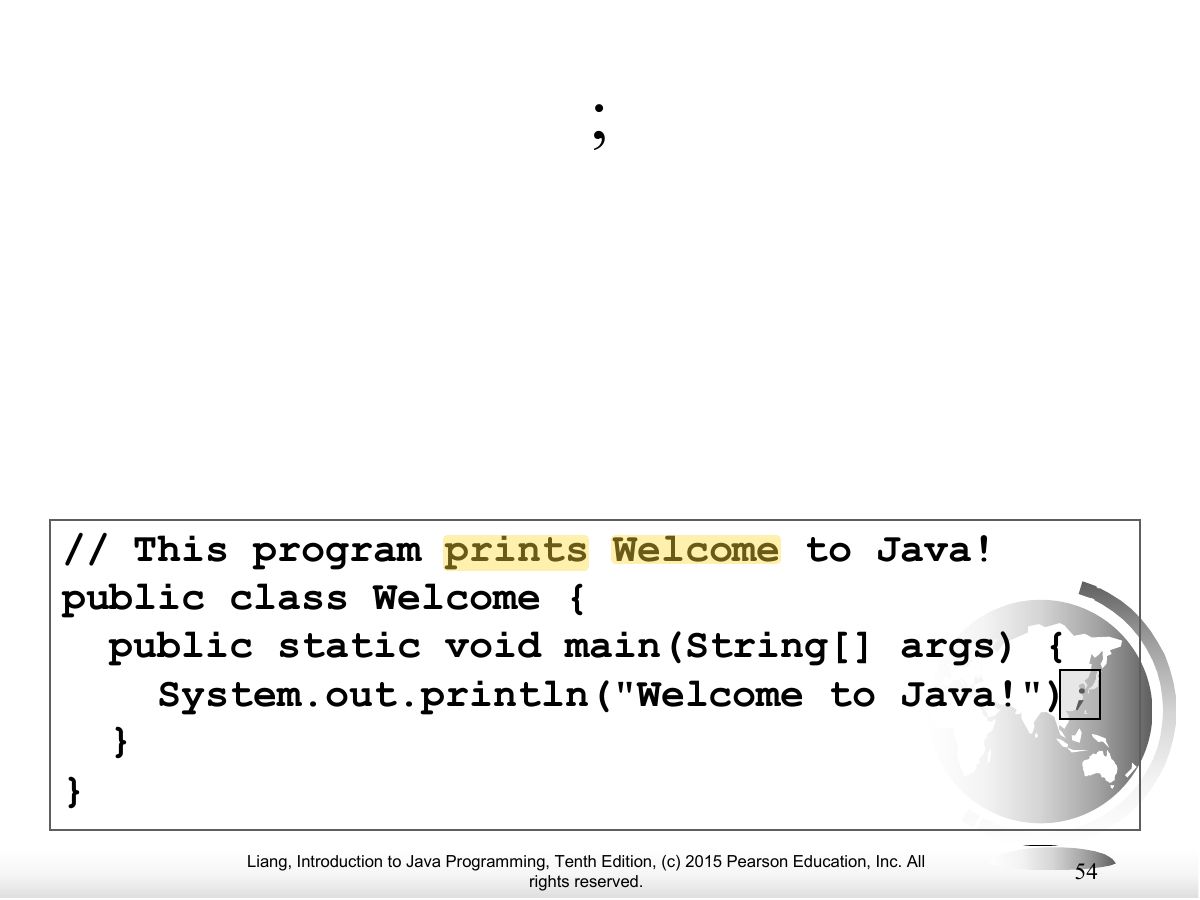
- ; — ends a statement.
Exam weight Low
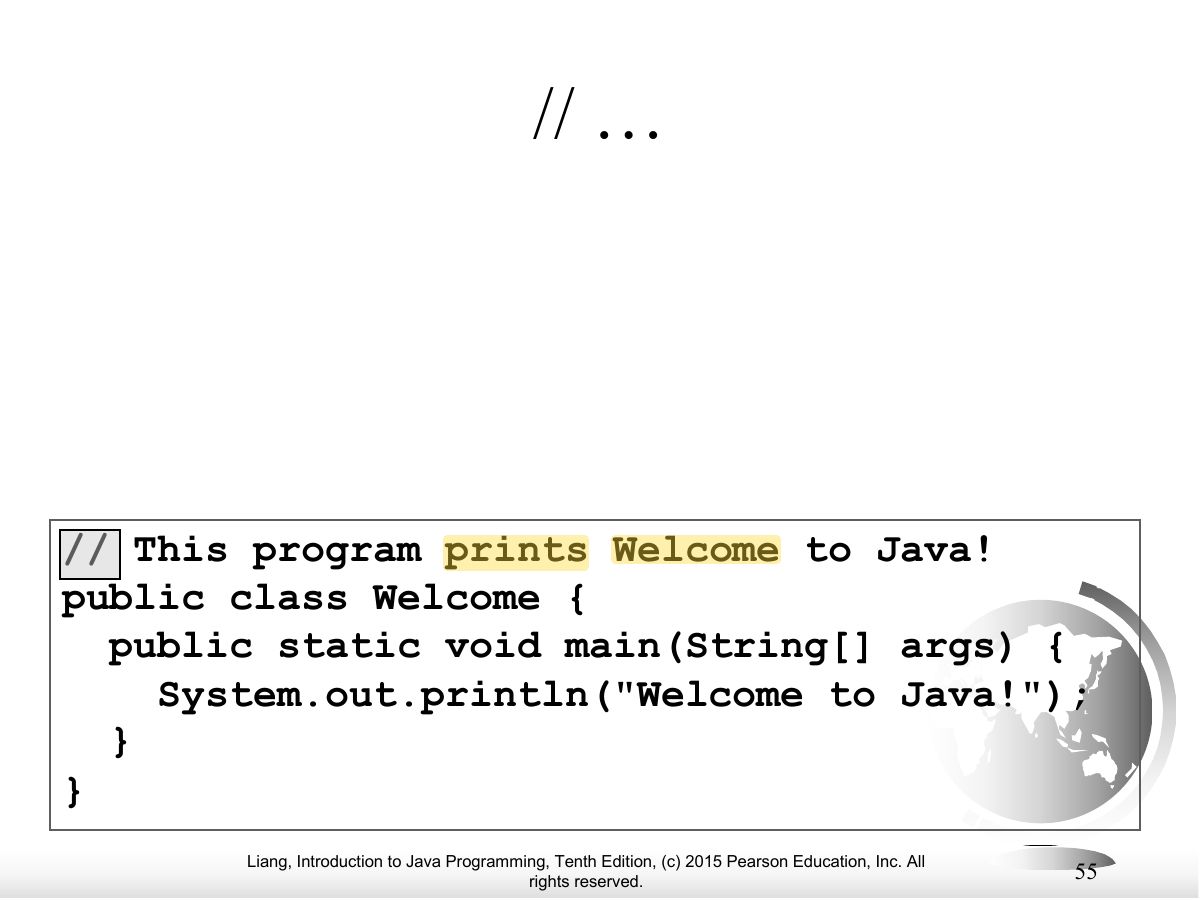
- // — line comment (/* */ block comment).
Exam weight Low
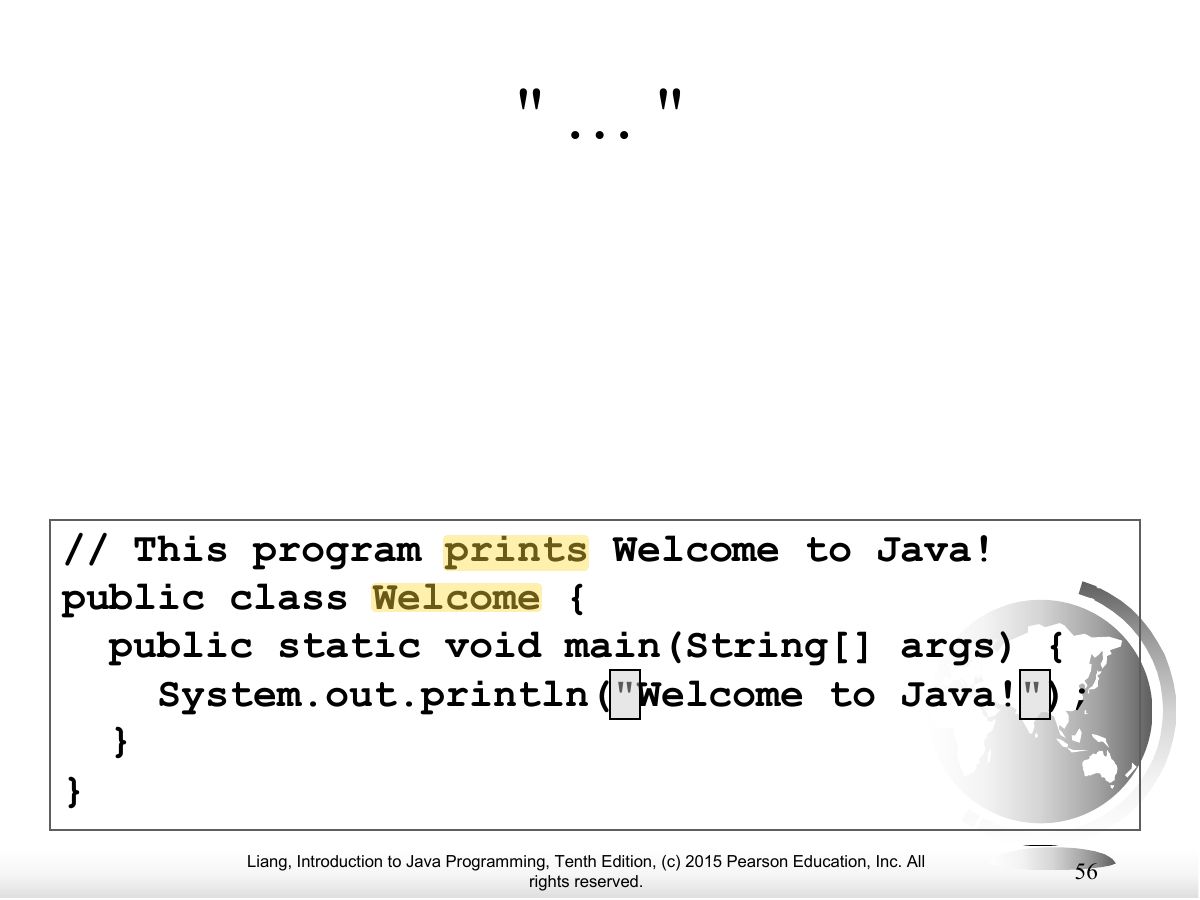
- " " — encloses a string.
Exam weight Low
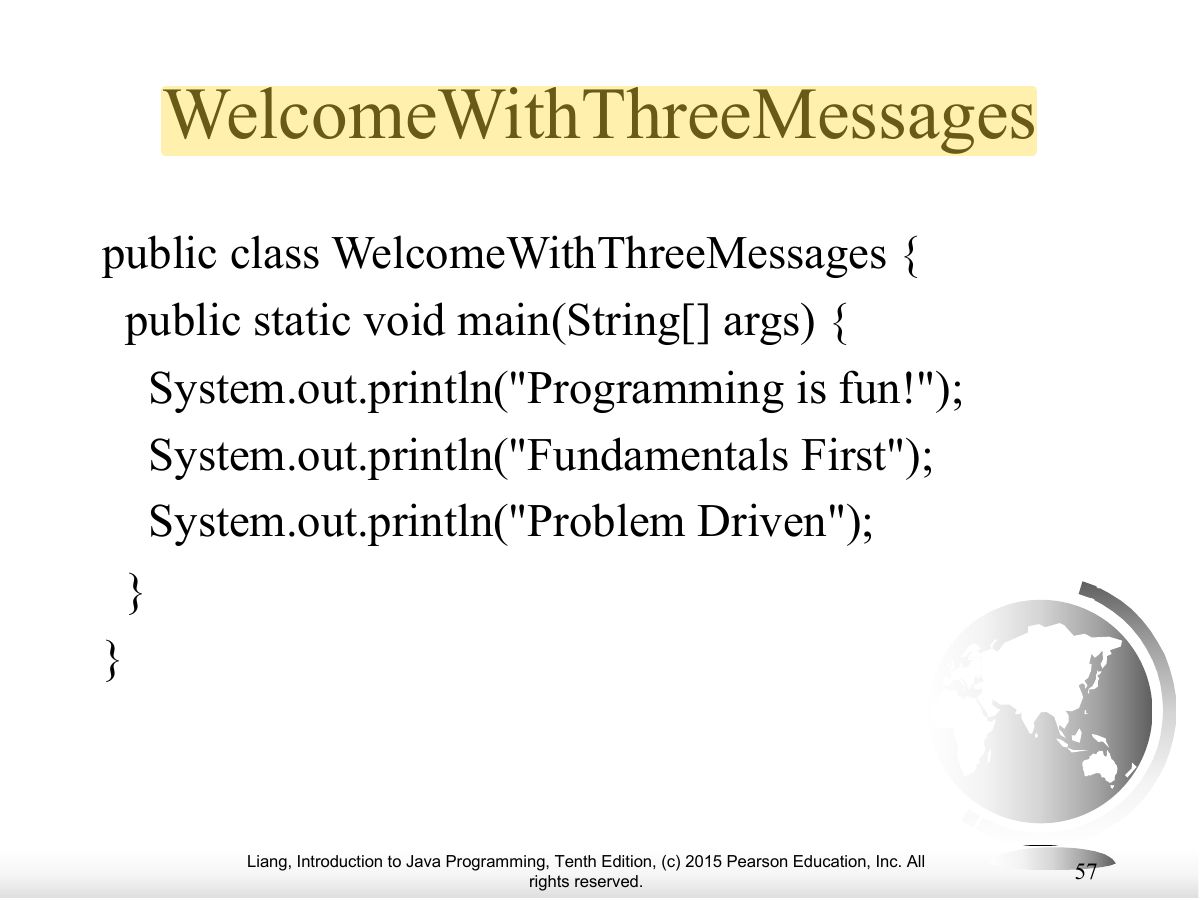
- Program with three println messages.
Exam weight Low
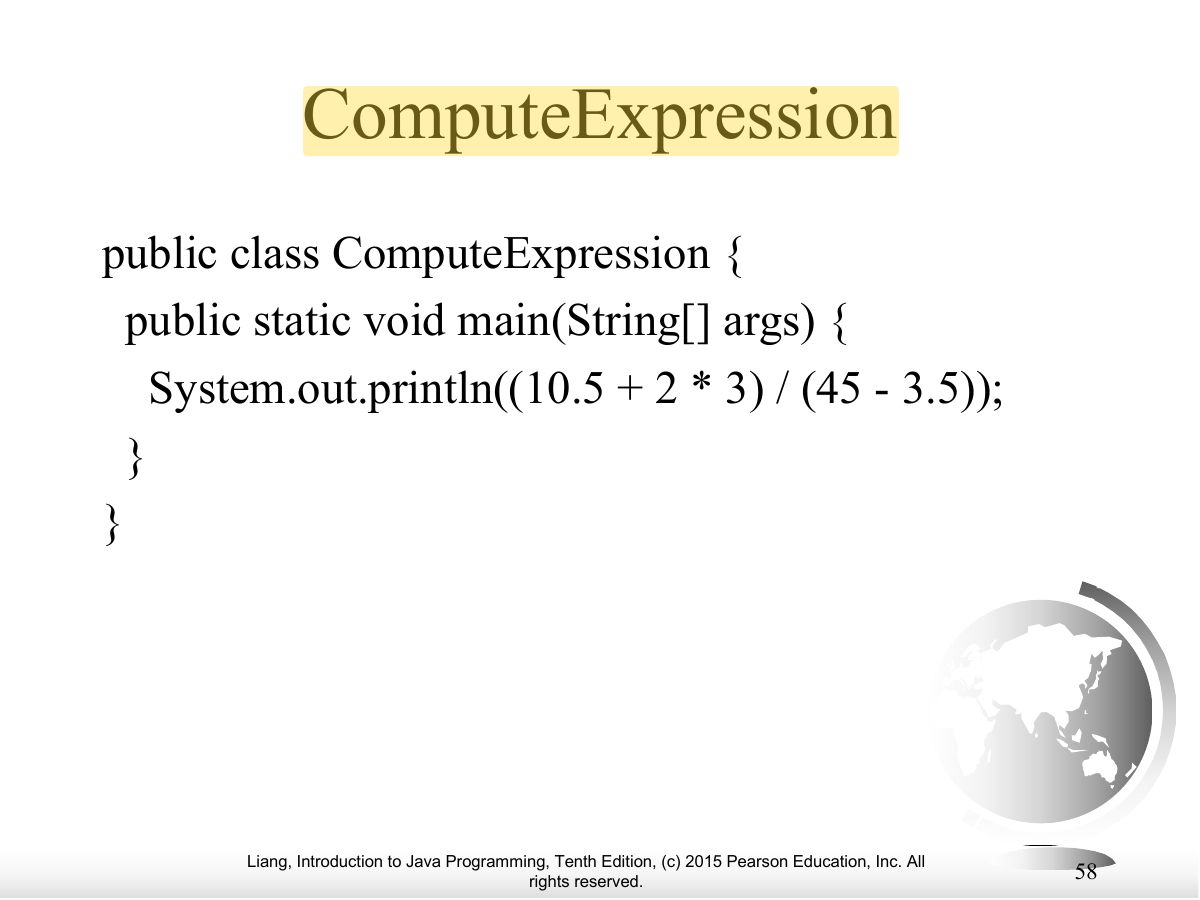
- Printing the result of an expression: (10.5 + 2 * 3) / (45 - 3.5).
Exam weight Low
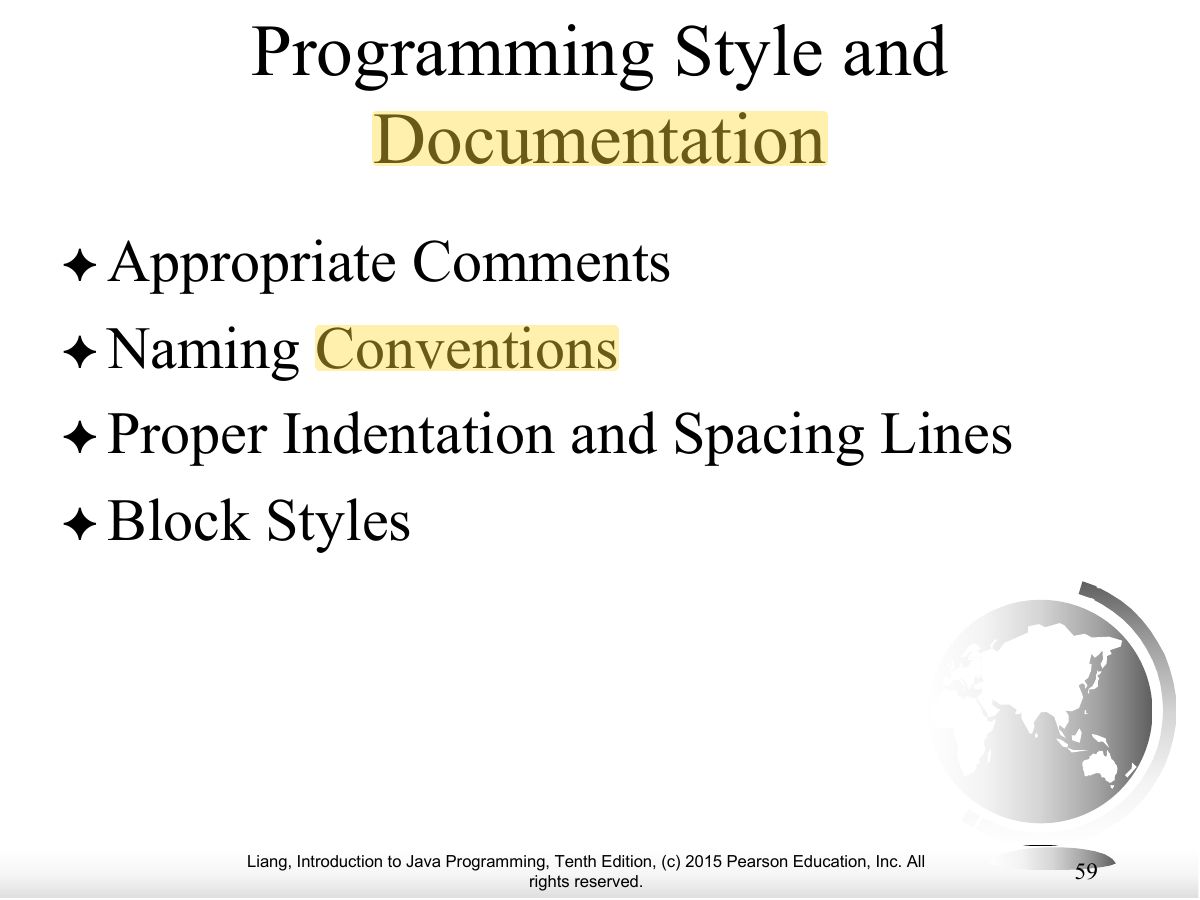
- Style: comments, naming conventions, indentation, block style.
Exam weight Low
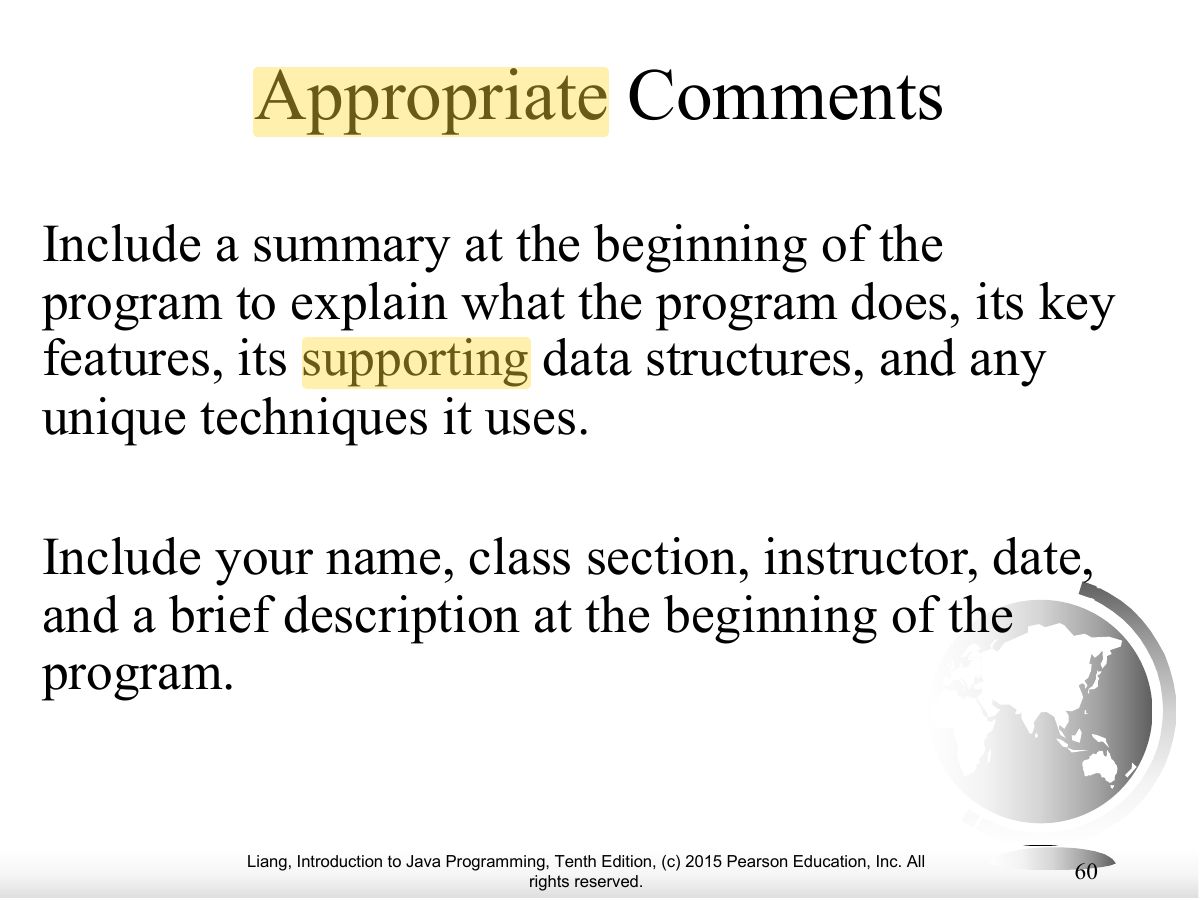
- Comment the program’s purpose and key steps.
Exam weight Low
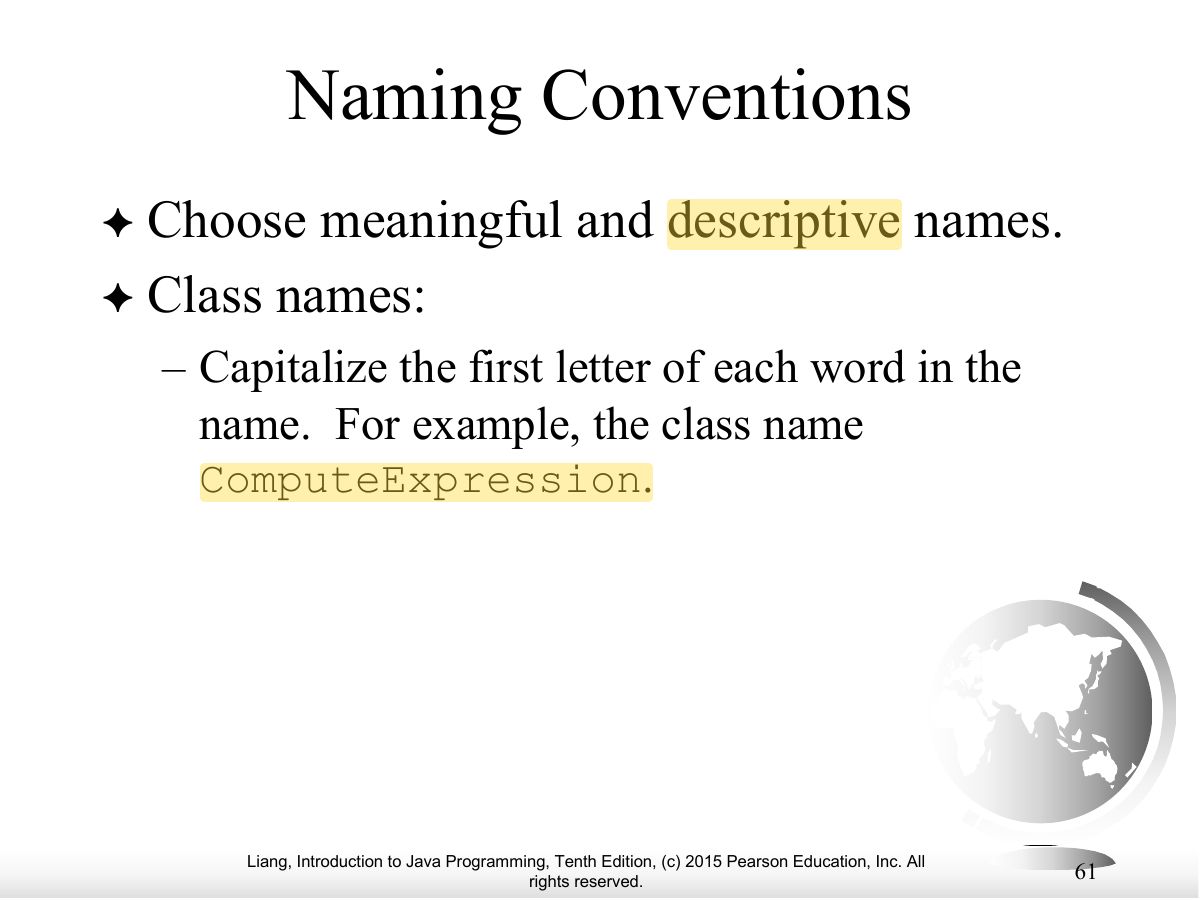
- Naming: meaningful names; classes Capitalized (ComputeArea).
Exam weight Low
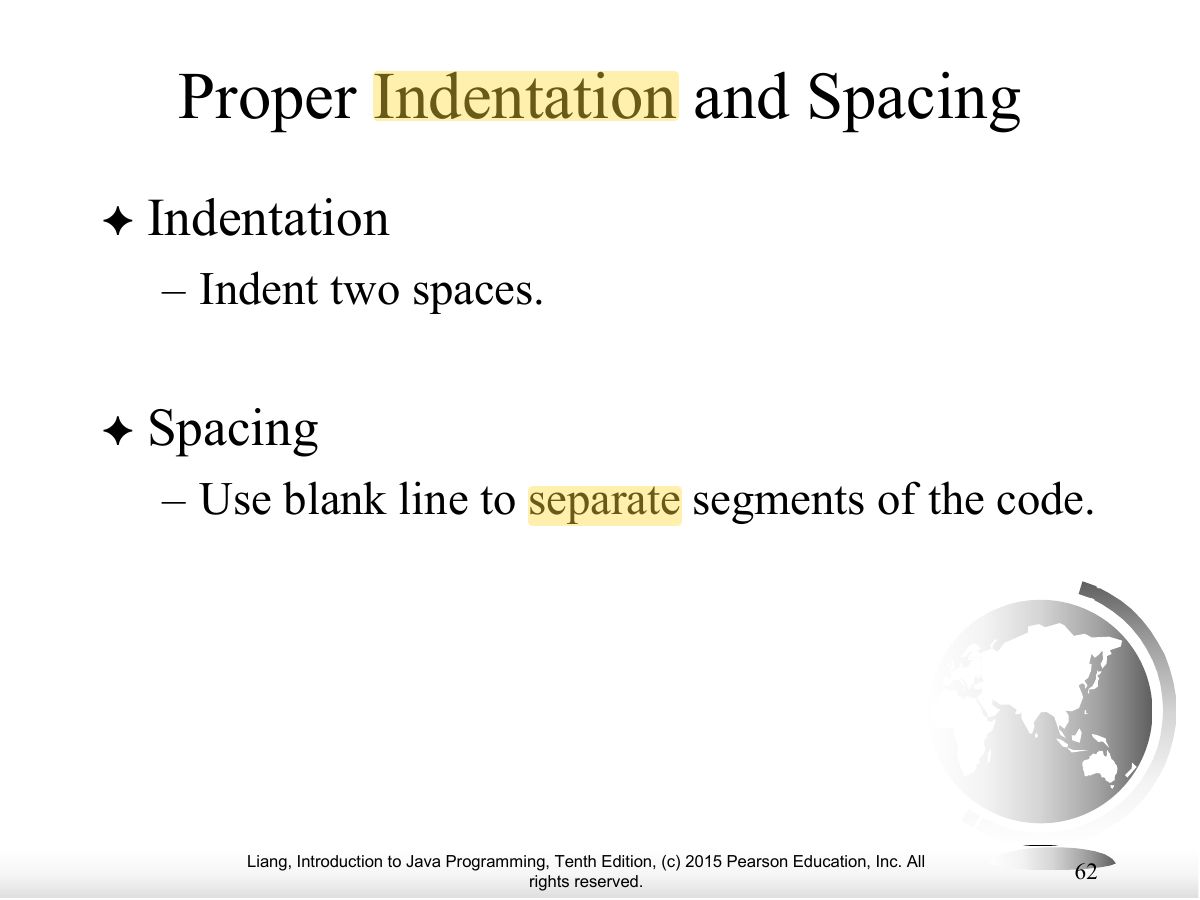
- Indent each nested level (two spaces); spaces around operators.
Exam weight Low
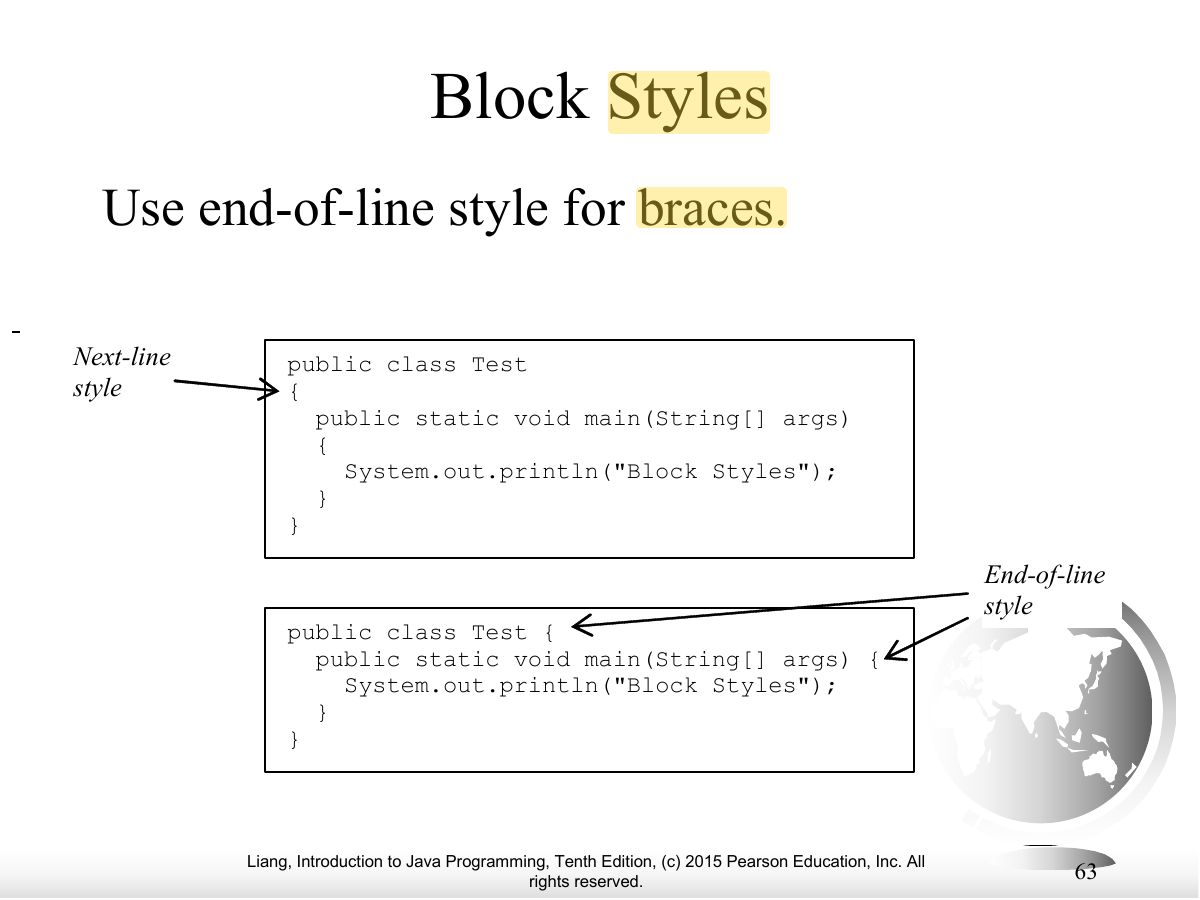
- Block styles: next-line vs. end-of-line braces; be consistent.
Exam weight Low
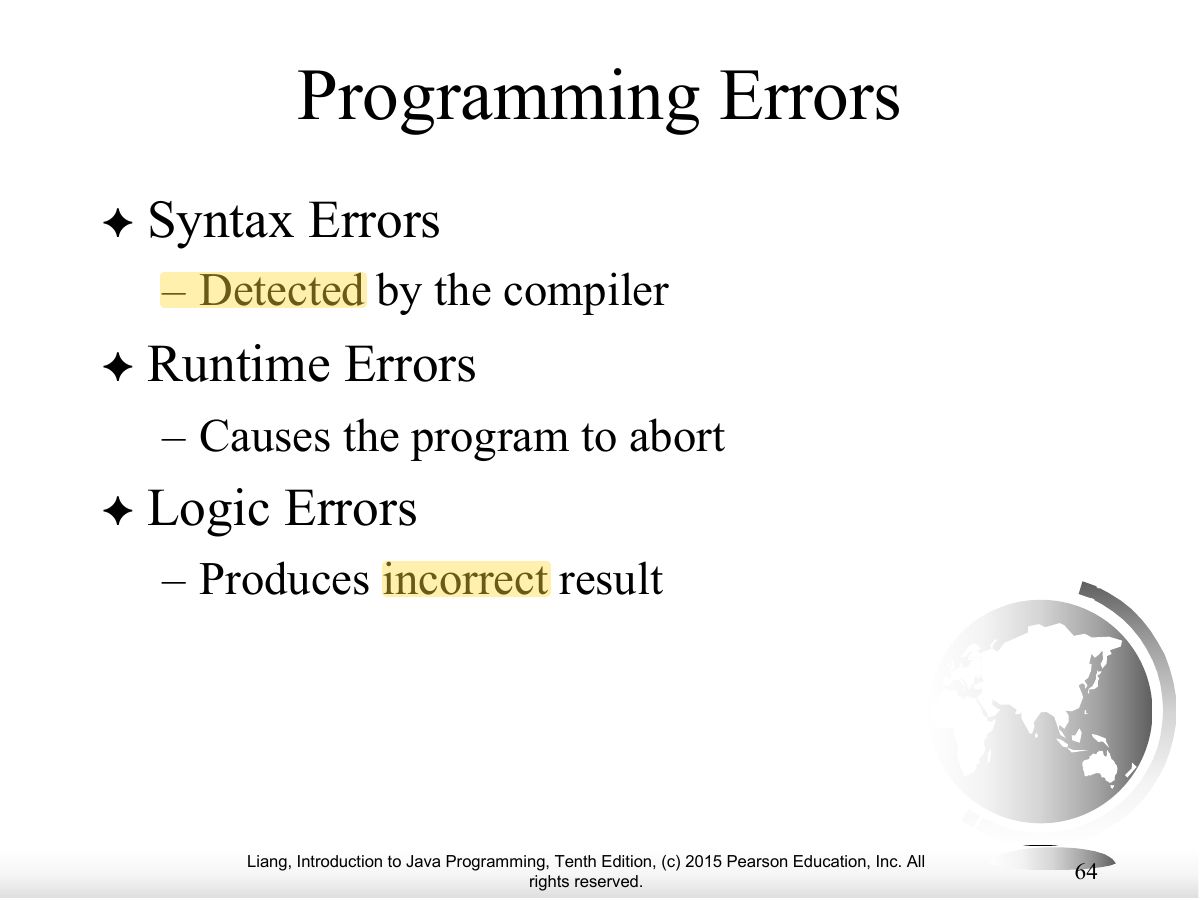
- Three kinds of errors.
TipThree error types: SYNTAX (compiler catches it:
missing ;, misspelled keyword) · RUNTIME (program crashes while
running: divide by zero, bad input) · LOGIC (runs but gives the
wrong answer).
Exam weight
High
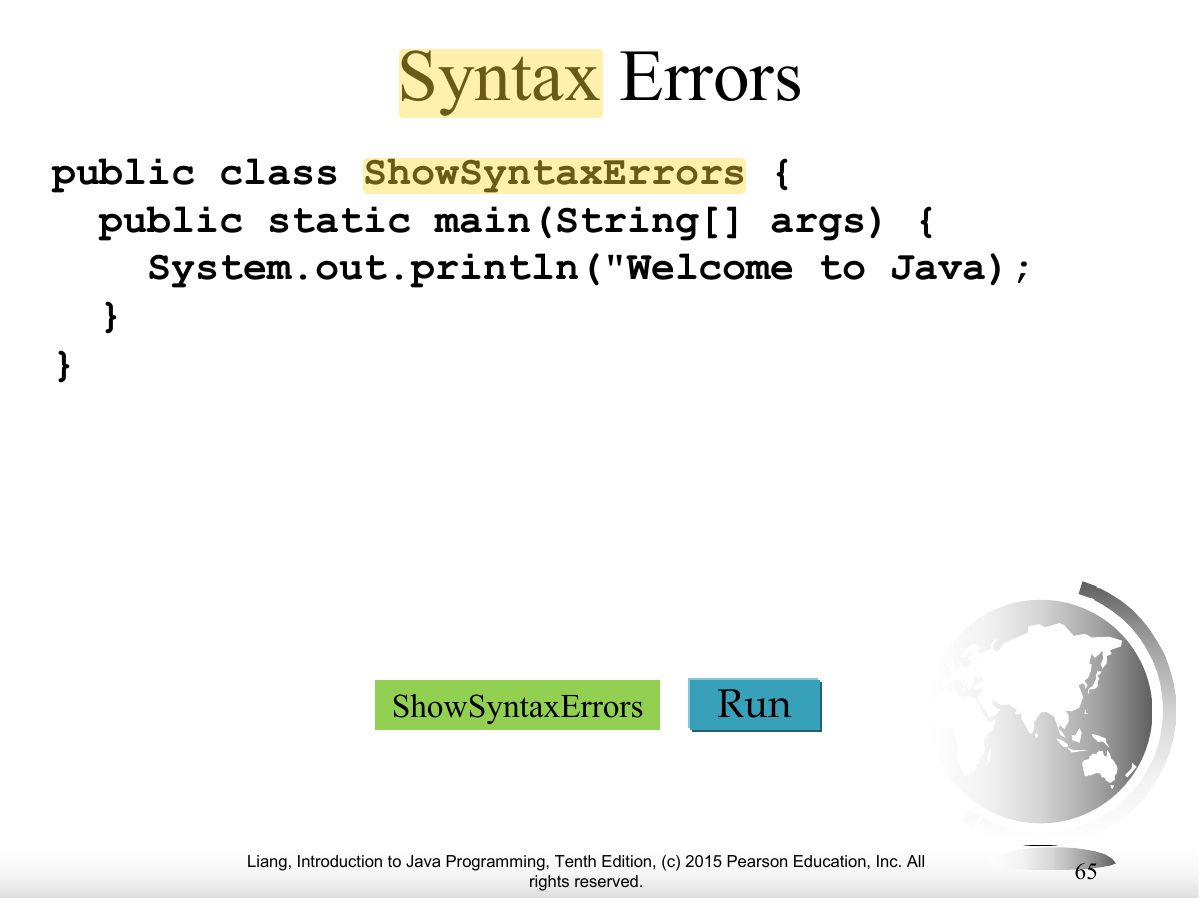
- Syntax (compile) errors: detected by the compiler.
🎯 How this can come up · 1 question
MCQ
A missing semicolon is a:
Correct: Syntax error.
Exam weight
High
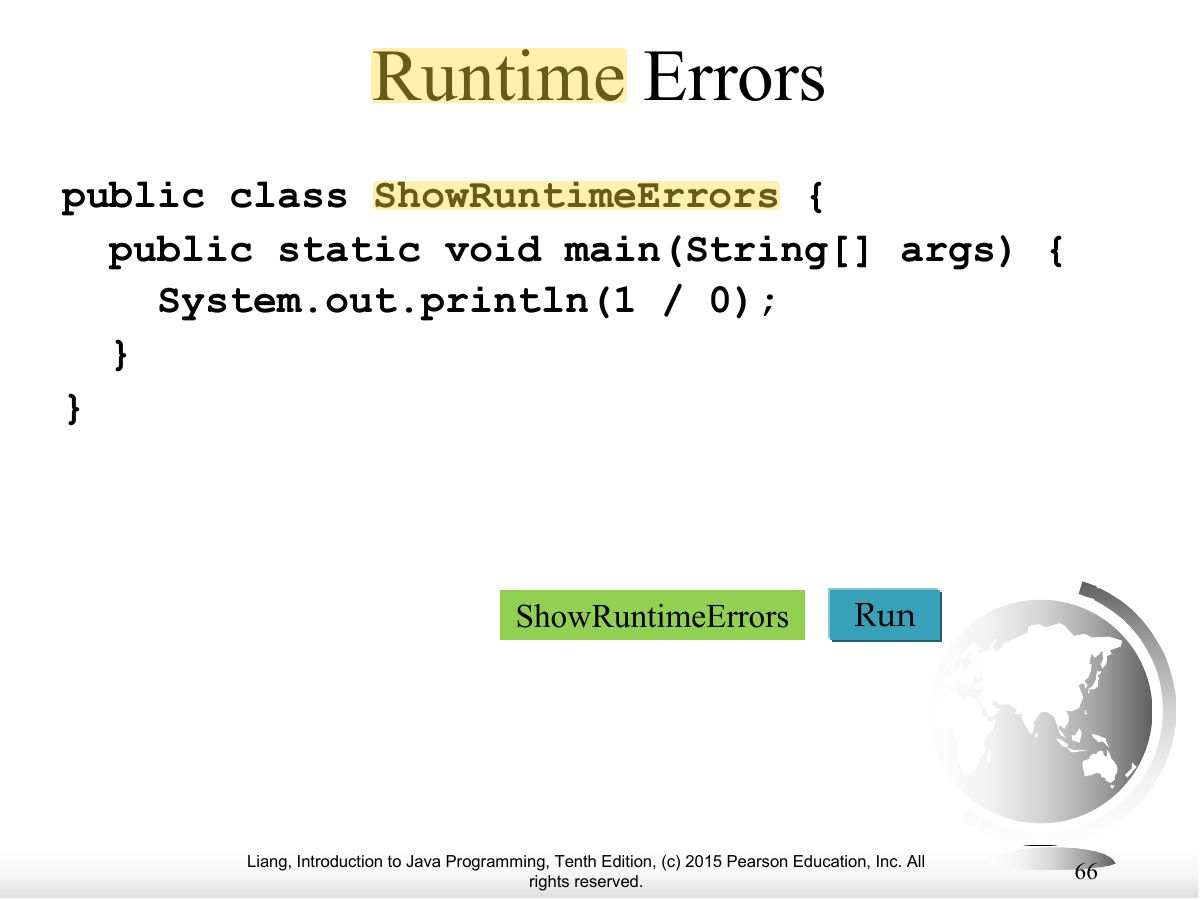
- Runtime errors: the program aborts while running (e.g., dividing an int by zero).
🎯 How this can come up · 1 question
MCQ
int x = 1 / 0; compiles but crashes when run. This is a:
Correct: Runtime error.
Exam weight
High
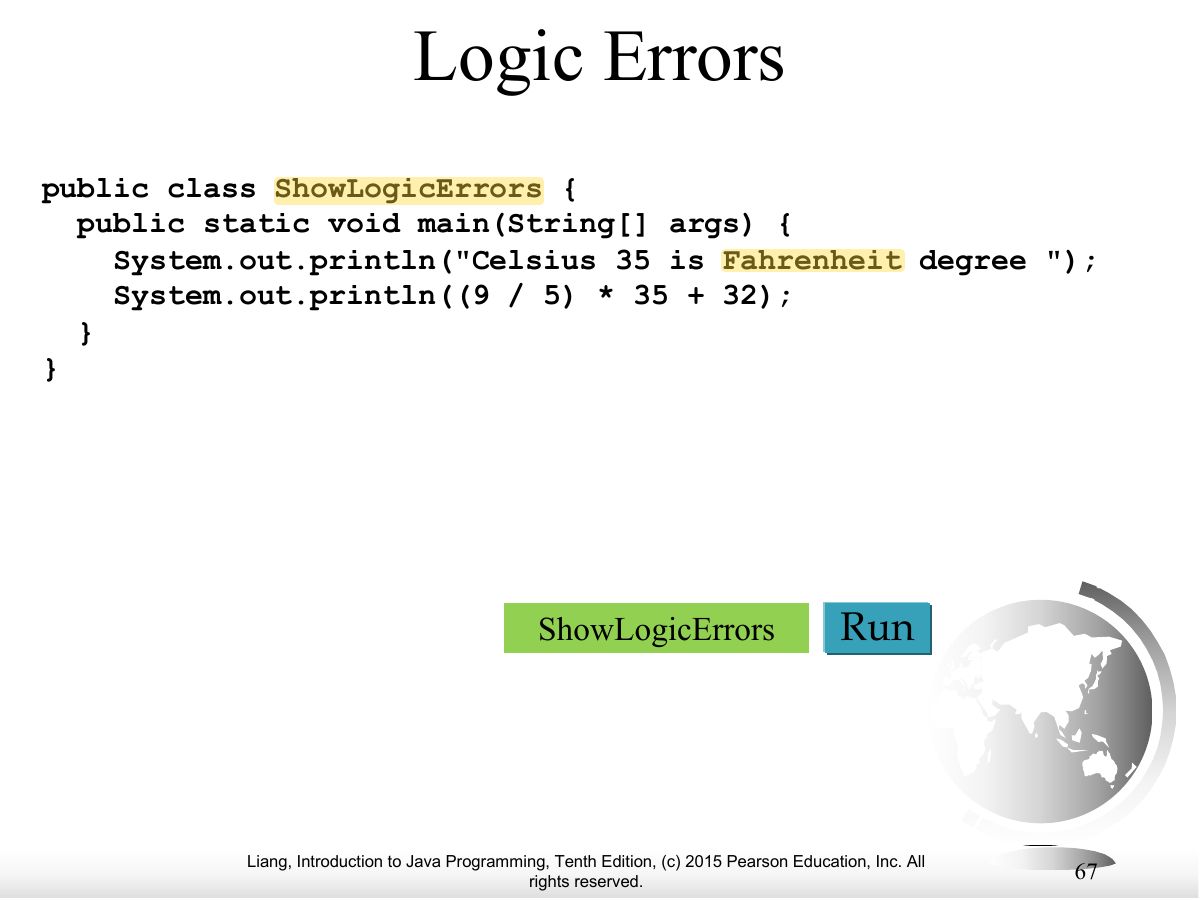
- Logic errors: the program runs but gives wrong results (e.g., Celsius conversion with integer 5 / 9 = 0).
🎯 How this can come up · 1 question
MCQ
A program converting temperatures prints the wrong value but does not crash. This is a:
Correct: Logic error.
No slides match this filter.